
8 Best Google Ads Keyword Filtering Tools in 2026
This guide reviews 8 of the best Google Ads keyword filtering tools in 2026, grouping them by where they fit in the keyword workflow from pre-launch research to in-account search term cleanup. It helps advertisers pick the right tool for their needs instead of guessing between spreadsheets and platforms.


If you manage Google Ads accounts, you know the drill: the Search Terms Report fills up with junk, spreadsheets multiply, and separating high-intent keywords from wasted spend eats a chunk of your week. Some tools filter search terms right inside Google Ads. Others handle keyword research before you launch, or competitive intelligence after. The list below groups tools by where they operate and what stage of the keyword workflow they actually solve, so you can pick based on your workflow instead of guessing.
Quick Comparison
- Keywordme: best for solo advertisers and agencies who want in-interface search term cleanup; $12/month per user; the only tool here that acts on junk search terms and match types directly inside Google Ads with one click.
- Google Ads Keyword Planner: best for building a first keyword list before launch; free; pulls Google's own volume and bid data at no cost.
- Optmyzr: best for agencies needing automation beyond filtering; quote-based; pairs search term mining with a full rule engine for bids and budgets.
- Adalysis: best for continuous account monitoring; quote-based; runs scheduled audits instead of one-off cleanup passes.
- Search Term Insights: best for analysts who want word-level detail; pricing on site; breaks search terms into n-grams that spreadsheets struggle to replicate.
- WordStream Free Keyword Tool: best for free industry-specific keyword ideas; free; no signup needed to get started.
- Semrush Keyword Tools: best for combined SEO and PPC keyword strategy; pricing on site; one shared database for intent, volume, and gap analysis.
- SpyFu: best for studying competitor keyword strategy; pricing on site; historical keyword and ad data going back years.
1. Keywordme
Keywordme is a Chrome extension that drops keyword and search term filtering directly into the Google Ads Search Terms Report. Instead of exporting data to a spreadsheet, sorting it, and re-uploading changes, you act on search terms where they already live: inside your Google Ads account.
What sets it apart on this list is that it's built for the specific, repetitive part of PPC management that eats the most time: reviewing search terms and deciding what becomes a negative, what becomes a new keyword, and what match type to apply. Most of the other tools here either handle research before launch or analysis after export. Keywordme handles the ongoing, in-account cleanup step.
- Removes junk search terms from the report with a single click instead of manual negative list building
- Applies match types to promising search terms instantly, without opening a separate editor
- Builds negative keyword lists on the fly as you review terms, rather than compiling them separately
- Clusters related keywords so you can spot patterns without manually grouping them
- Supports bulk editing and multiple accounts, useful when one person manages several client accounts
Setup is quick: install the Chrome extension, connect it to your Google Ads account, and the filtering controls appear inside the native Search Terms Report. It's designed to be run by whoever already handles search term review, whether that's a freelancer managing one account or an agency account manager juggling several.
It's not a full keyword research suite. It doesn't do competitor lookups, SEO keyword mapping, or pre-launch volume forecasting. If you need those, you'll pair it with something like Keyword Planner or Semrush for the research stage and use Keywordme for the ongoing cleanup stage.
Pricing is a flat $12 per month per user, with a 7-day free trial. There's no tiered pricing based on spend or account count, which keeps budgeting simple for agencies scaling across clients.
Best for: Solo advertisers and agencies who want fast, in-interface search term cleanup without spreadsheets.
2. Google Ads Keyword Planner
Google Ads Keyword Planner is Google's own free tool for generating keyword ideas from a seed term, a URL, or a product category. It's built into every Google Ads account and pulls directly from Google's search volume and bid data.
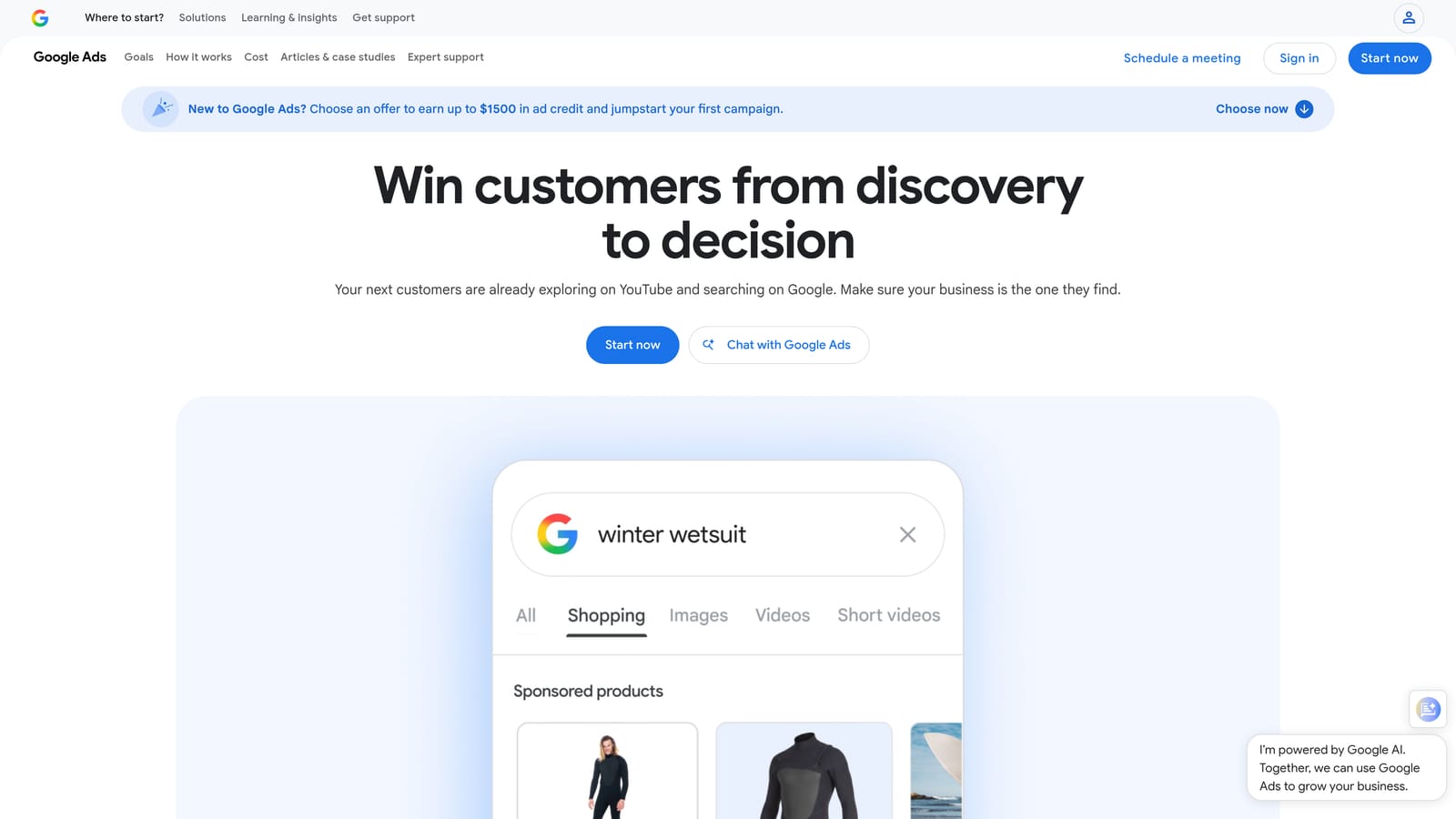
The tool worth understanding here is the distinction between keywords and search terms. Keyword Planner deals in keywords, the terms you choose to bid on. It doesn't touch your live Search Terms Report, which shows what people actually typed before your ad matched. A common mistake is treating Keyword Planner as a way to clean up an existing account. It isn't. It's a pre-launch and expansion tool, not an ongoing filtering tool.
- Generates keyword ideas from seed keywords, landing page URLs, or product categories
- Filters suggestions by search volume, competition level, and suggested bid range
- Forecasts clicks, impressions, and cost for a planned keyword list before you spend a dollar
- Comes free with any Google Ads account, no separate signup required
Anyone with Google Ads access can run it directly from the account dashboard, no separate login or install. It integrates natively since it's part of the platform itself.
Its limitation is scope: it won't flag wasted spend on existing campaigns, won't cluster your Search Terms Report, and its volume data is often given in wide ranges rather than exact numbers, a known limitation Google has maintained for privacy reasons for years.
It's free with any Google Ads account, no separate pricing tier.
Best for: Advertisers building a first-draft keyword list before launching a campaign.
3. Optmyzr
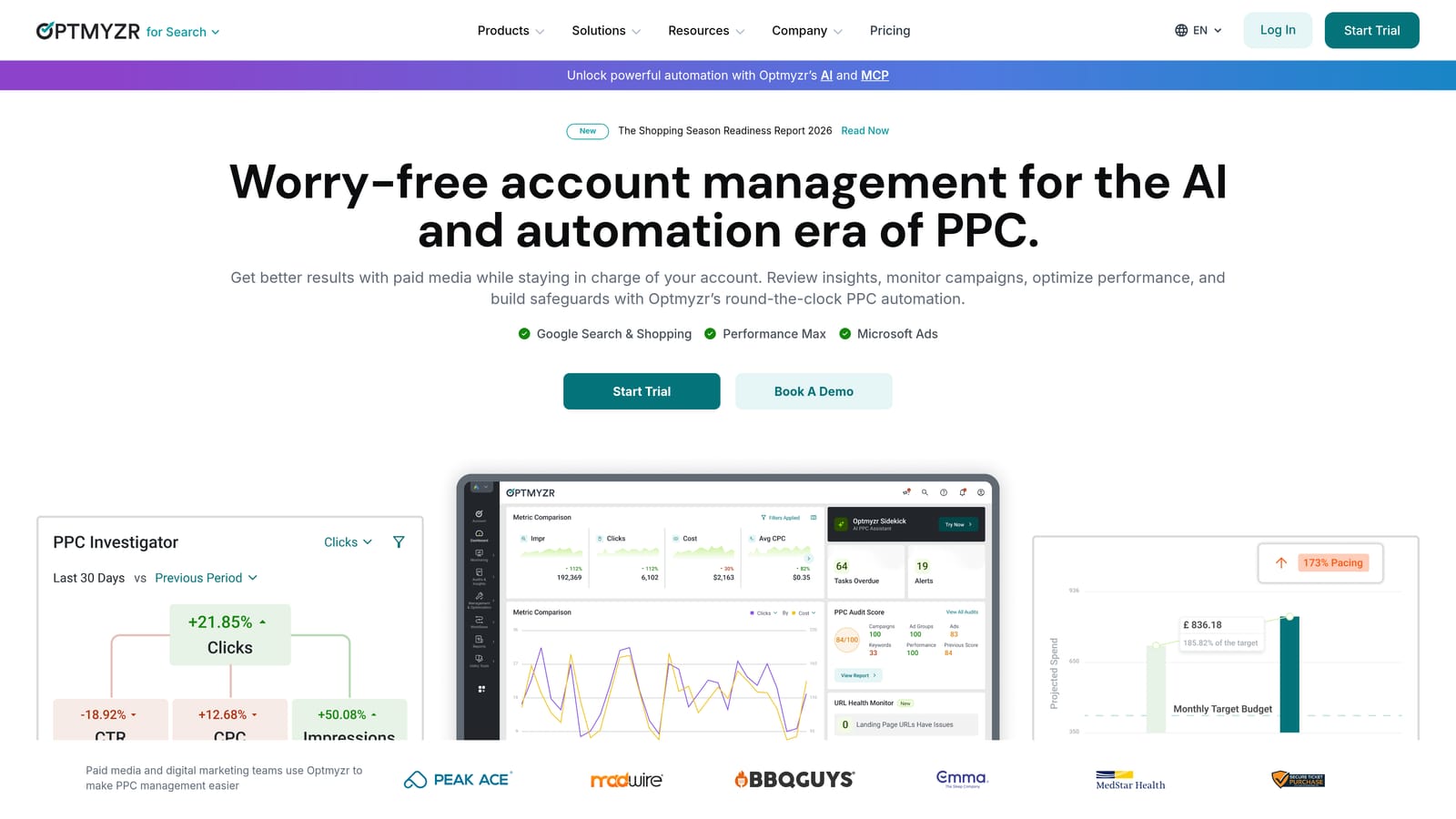
Optmyzr is a PPC management platform that goes well beyond keyword filtering into full account automation, but search term mining and negative keyword suggestions are a core part of what it does.
Where it fits
Optmyzr's search term mining breaks down your report using n-gram analysis (looking at recurring words and phrases rather than full search terms) and suggests negatives automatically. Where it stands out from a single-purpose filtering tool is that it wraps this into a broader rule engine that also handles bid adjustments, budget pacing, and scheduled reporting across accounts.
- Mines search terms and breaks them into word-level patterns to surface wasted spend
- Suggests negative keywords automatically based on account history
- Runs custom rules for bid and budget management beyond just keyword cleanup
- Consolidates reporting across multiple client accounts in one dashboard
Who runs it and who it doesn't suit
Optmyzr is generally run by a PPC manager or agency lead who wants automation rules running in the background, not just a cleanup tool used during a manual review session. Setup takes longer than a single-purpose extension since you're configuring rules, not just clicking through a report. It connects to Google Ads, Microsoft Advertising, and other ad platforms, which matters if you manage cross-platform accounts.
Smaller accounts or solo advertisers who just want quick search term cleanup may find it more platform than they need. Pricing is quote-based; check the vendor site for current tiers since they scale with account size and features used.
Best for: Agencies managing multiple client accounts that need automated rules beyond keyword filtering.
4. Adalysis
Adalysis takes an auditing-first approach. Instead of a one-time filtering pass, it runs recurring, automated checks across your account and flags problems as they appear, including wasted spend on bad search terms and conflicting keywords bidding against each other.
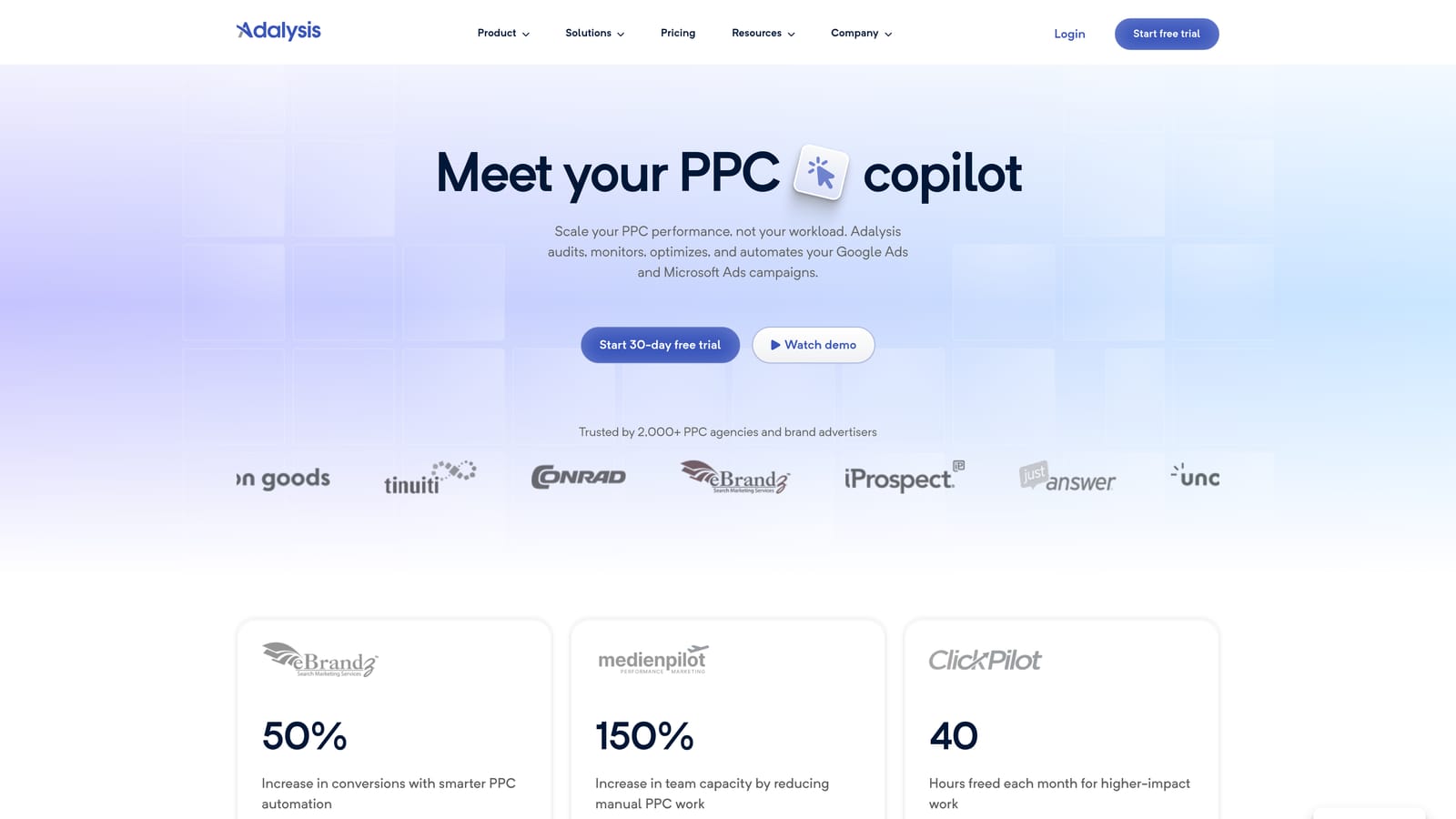
The distinctive angle here is persistence. Most filtering tools are things you open when you decide to review your account. Adalysis runs in the background and surfaces issues on its own schedule, which suits accounts where nobody has time to manually check the Search Terms Report every week.
- Runs automated recurring audits so issues get caught between manual reviews
- Flags problem search terms and keyword conflicts, including keywords competing against each other
- Tracks ad testing performance and Quality Score trends alongside keyword data
- Sends custom alerts when specific account conditions are met
It connects to Google Ads and Microsoft Advertising, and it's typically set up and monitored by whoever owns account performance, an agency account manager or an in-house PPC lead. Initial configuration takes some time since you're defining what counts as an alert-worthy issue.
The tradeoff is interface density. Adalysis surfaces a lot of data across many audit categories, which can feel like more than you need if all you want is a quick search term cleanup pass. It's built for ongoing account health monitoring, not a five-minute fix. Pricing is subscription-based; check the site for current rates.
Best for: Accounts that need continuous, automated monitoring rather than manual periodic review.
5. Search Term Insights
Search Term Insights is a dedicated n-gram analysis tool. You export your Search Terms Report from Google Ads or Google Ads Editor, import it, and the tool breaks every search term into individual words and phrases, then shows which ones correlate with wasted spend or strong conversions.
This is a purpose-built version of something a lot of advertisers try to do manually in a spreadsheet with pivot tables and formulas. The n-gram breakdown surfaces patterns, like a single word showing up across dozens of low-converting search terms, that are tedious to spot by eye.
- Breaks search term data into n-grams to expose recurring word-level patterns
- Imports directly from Google Ads exports or Google Ads Editor files
- Highlights words tied to wasted spend across large volumes of search terms
- Works offline on exported data, useful for reviewing without an active internet session
The catch is that it doesn't take action inside Google Ads. Once you've found the patterns, you still have to manually add negatives or adjust match types back in your account. There's no live connection that pushes changes through. That extra export-analyze-reapply loop is the tradeoff for its depth.
It's best run by someone comfortable working with exported data files rather than needing everything inside one interface. Pricing details are listed on the site.
Best for: Analysts who want deep word-level pattern analysis and don't mind a manual export/import step.
6. WordStream Free Keyword Tool
WordStream's Free Keyword Tool, built by LocaliQ, generates keyword suggestions filtered by industry vertical and location, with no signup required to get a first list.
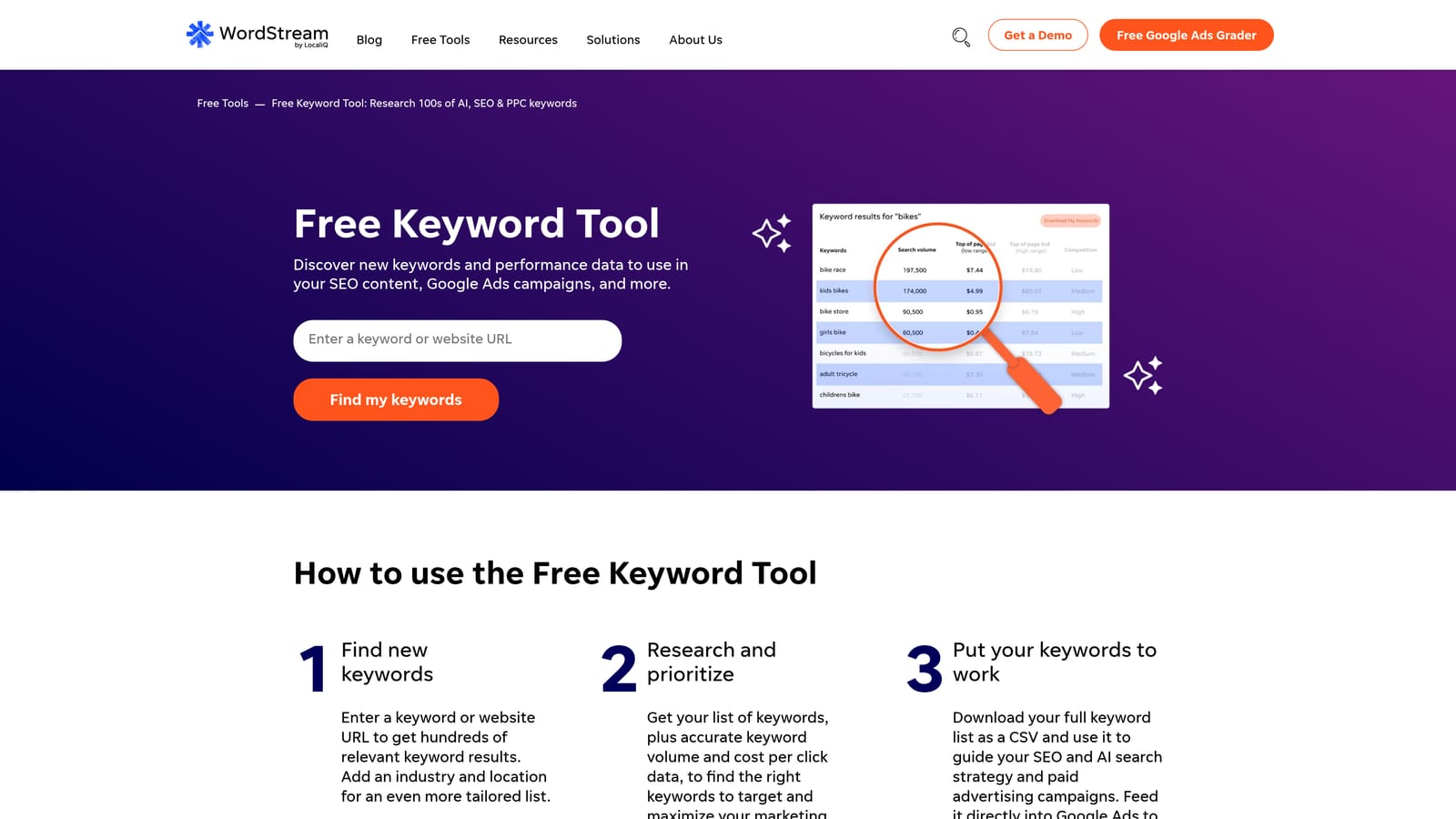
Compared to Keyword Planner, its edge is speed and specificity for local or vertical-specific campaigns. You pick an industry, enter a location, and get a filtered keyword list back quickly, useful if you're building a first draft for a local service business or a specific niche without setting up a full Google Ads account first.
- Generates free keyword suggestions filtered by industry vertical
- Filters results by geographic location for local campaign planning
- Lets you export keyword lists for use in campaign building
- Connects to WordStream's paid Advisor platform for ongoing account management
It requires essentially no setup, you use it directly in a browser, which makes it accessible to freelancers or small business owners without technical setup time. It's not built for cleaning an existing Search Terms Report; like Keyword Planner, it's strictly a pre-launch research tool.
The free tool has no cost. The Advisor platform, which adds ongoing management features, is quote-based.
Best for: Marketers who want free industry-specific keyword ideas before building campaigns.
7. Semrush Keyword Tools
Semrush's Keyword Magic Tool and PPC Keyword Tool filter large keyword lists by search intent, topic cluster, and competition level, drawing from Semrush's broader SEO and PPC keyword database.

What makes Semrush different from the more PPC-specific tools on this list is that it's built for teams running both SEO and paid search from the same keyword strategy. You can filter a keyword list for informational versus transactional intent, then use the same underlying data to build PPC ad groups.
- Filters massive keyword lists by intent and topic cluster with the Keyword Magic Tool
- Builds structured ad group keyword lists with the PPC Keyword Tool
- Runs competitive keyword gap analysis to find terms competitors rank or bid on that you don't
- Shares one keyword database across SEO and PPC use cases instead of two separate tools
It integrates with Google Ads for export and import, along with Google Analytics and Search Console for organic performance context. Setup is straightforward for anyone already using Semrush for SEO; PPC-only teams will need to learn a broader platform than they might otherwise use.
The tradeoff is cost and scope. You're paying for a full marketing suite, not a single-purpose PPC filtering tool, so if your only need is search term cleanup, Semrush is more platform than necessary. Pricing is subscription-based across several tiers; check the site for current rates.
Best for: Teams running combined SEO and PPC keyword strategy who want one shared keyword database.
8. SpyFu
SpyFu takes a competitive angle: rather than filtering your own account data, it shows which keywords competitors bid on, how their ad copy has changed, and how their strategy has shifted over time.
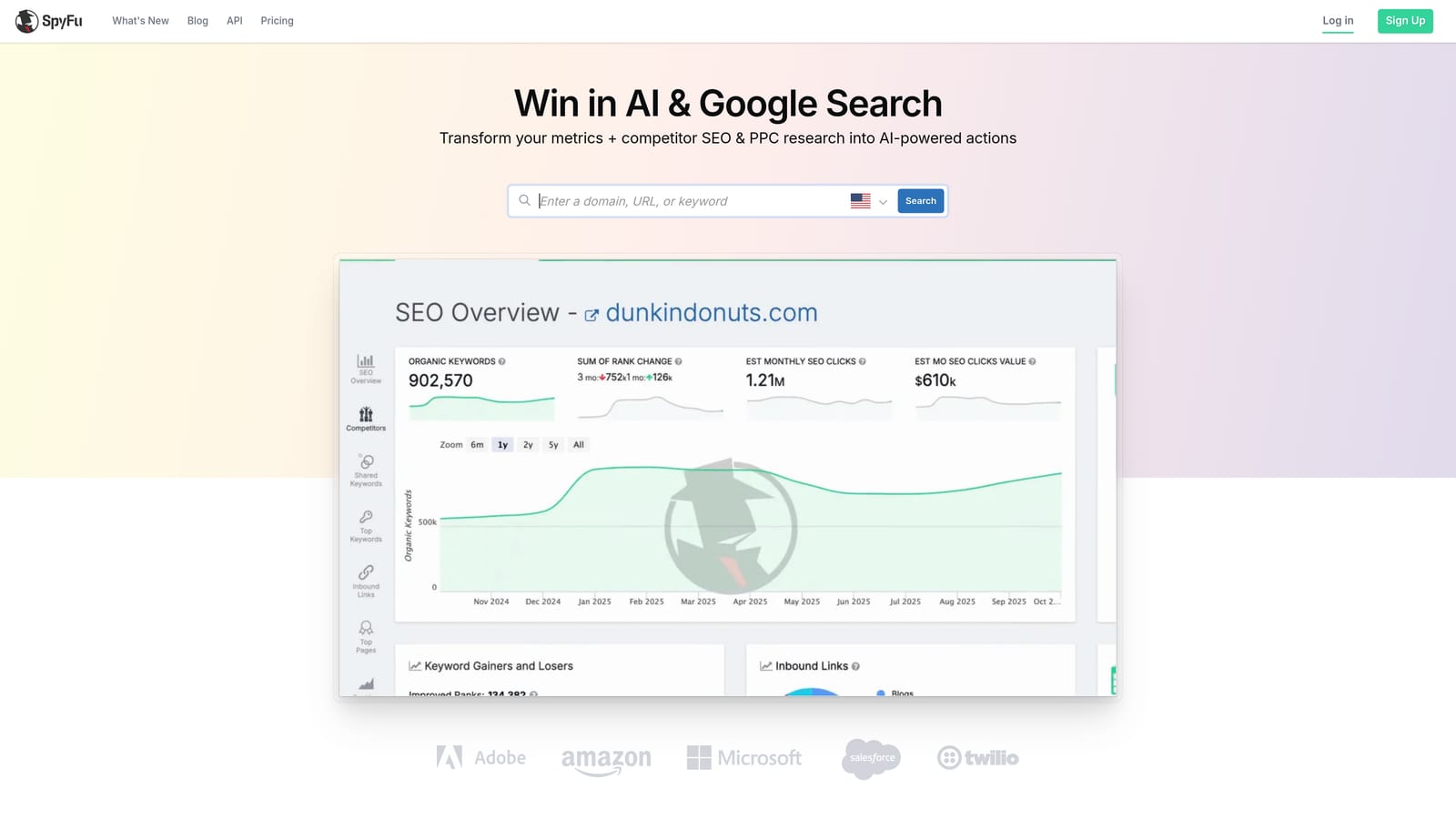
Its standout feature is historical depth. SpyFu maintains keyword and ad history data spanning multiple years, letting you see how a competitor's PPC strategy evolved rather than just a current snapshot.
- Looks up competitor keyword and ad history by domain
- Filters results by CPC, ranking position, and keyword overlap with your own domain
- Maintains historical keyword data going back several years for trend tracking
- Compares PPC and SEO keyword strategies side by side
It exports to spreadsheets and can feed keyword ideas into Google Ads, but it doesn't connect to your live account or touch your Search Terms Report. It's a research and intelligence tool, not an account management tool.
This makes it a poor fit if your immediate need is cleaning up an existing account's wasted spend. It answers a different question: what are competitors doing, not what's happening in my own search terms right now. Pricing is subscription-based; check the site for current tiers.
Best for: Advertisers who want to filter and study competitor keyword strategies before adjusting their own lists.
Matching the Tool to Your Workflow Stage
The right pick depends on which stage of the keyword workflow is actually costing you time. If it's the daily grind of sorting search terms into negatives, new keywords, and match type decisions, Keywordme is built for exactly that, working inside the Google Ads interface you're already in. If you're starting from scratch and need a first keyword list, Google Ads Keyword Planner or WordStream's free tool cost nothing and get you a workable draft fast.
For agencies running several accounts and needing automation beyond keyword cleanup, Optmyzr or Adalysis add rule-based monitoring that a single-purpose tool won't. If you like getting hands-on with word-level data, Search Term Insights offers n-gram detail that's hard to replicate in a spreadsheet, provided you don't mind the export-import step. And when the question shifts to what competitors are doing, Semrush and SpyFu bring the competitive intelligence angle that none of the account-side tools cover.
If your biggest time sink is the Search Terms Report itself, that's the workflow Keywordme was built to fix. Start your free 7-day trial (then just $12/month) and see how much faster search term cleanup gets when you're not leaving Google Ads to do it.
.svg)