
9 Best Google Ads Keyword Cleanup Tools in 2026
Discover the top Google Ads keyword cleanup tools in 2026 that automate the tedious process of removing irrelevant search terms, building negative keyword lists, and organizing match types to reduce wasted ad spend. This comprehensive guide covers solutions ranging from Chrome extensions to enterprise PPC platforms, helping freelancers and agencies find the right google ads keyword cleanup tool for their workflow and budget without the manual spreadsheet hassle.


TL;DR: Cleaning up your Google Ads keywords—removing junk search terms, building negative keyword lists, and organizing match types—can dramatically reduce wasted ad spend and improve campaign performance. But doing it manually in spreadsheets is a time sink. This guide covers the best Google Ads keyword cleanup tools available in 2026, from Chrome extensions that work directly inside Google Ads to full-scale PPC management platforms. Whether you're a solo freelancer or an agency managing dozens of accounts, you'll find a tool here that fits your workflow and budget.
If you've ever spent an hour downloading search term reports, color-coding spreadsheets, and manually adding negatives across five campaigns, you know the pain. Keyword cleanup is critical work—it's how you stop hemorrhaging budget on irrelevant clicks—but the manual process feels like it should've been automated a decade ago.
The good news? In 2026, there are tools that actually make this faster. Some work right inside Google Ads. Others use AI to surface patterns you'd miss manually. A few specialize exclusively in negative keyword mining.
Here are the top Google Ads keyword cleanup tools worth considering.
1. Keywordme
Best for: Advertisers who want one-click keyword cleanup without leaving Google Ads
Keywordme is a Chrome extension that integrates directly into the Google Ads Search Terms Report, letting you clean up keywords with single clicks instead of spreadsheet exports.

Where This Tool Shines
What usually happens in most Google Ads accounts is this: you pull the search terms report, export to CSV, spend 20 minutes sorting and highlighting, then manually add negatives and new keywords back in Google Ads. Keywordme eliminates that entire workflow by adding action buttons directly inside the report interface.
You see a junk search term? Click to remove it. Want to add it as a negative across all campaigns? One click. Need to build a new keyword group with exact match? Done in seconds. The tool works where you're already working, which means no context switching and no data export delays.
Key Features
One-Click Junk Removal: Remove irrelevant search terms directly from the Search Terms Report without spreadsheets.
Instant Negative Keyword Lists: Build and apply negative keyword lists across campaigns in seconds.
Bulk Match Type Application: Apply exact, phrase, or broad match modifiers to multiple keywords at once.
Keyword Clustering: Automatically group related search terms for easier campaign organization.
Multi-Account Support: Manage keyword cleanup across multiple client accounts with team access controls.
Best For
Solo advertisers and agencies who want to optimize faster without learning a new dashboard. If you're already comfortable in Google Ads and just want the manual work to disappear, this is your tool. Especially valuable for agencies managing 5+ client accounts where consistency matters.
Pricing
$12/month per user with a 7-day free trial. Flat-rate pricing makes it predictable for agencies adding team members.
2. Optmyzr
Best for: Enterprise teams running complex automation rules across large account portfolios
Optmyzr is a comprehensive PPC management platform built for advertisers who need advanced automation, custom workflows, and deep optimization capabilities beyond basic keyword cleanup.

Where This Tool Shines
Optmyzr goes beyond simple keyword removal by letting you build conditional automation rules. Think: "If a search term has spent more than $50 with zero conversions across any campaign, automatically add it as a negative and alert me." That level of logic is where Optmyzr separates itself from lighter-weight tools.
The n-gram analysis feature is particularly useful. It surfaces patterns in your search terms—like seeing that every query containing "free" or "cheap" converts poorly—so you can proactively build negative keyword themes instead of playing whack-a-mole with individual terms.
Key Features
Rule-Based Automation: Create custom if-then rules for automatic keyword management based on performance thresholds.
N-Gram Analysis: Identify word patterns across search terms to spot negative keyword opportunities at scale.
Cross-Campaign Negatives: Apply negative keywords across multiple campaigns simultaneously with centralized list management.
Custom Workflows: Build repeatable optimization processes tailored to your account structure and goals.
Multi-Account Dashboards: Manage keyword cleanup across dozens of accounts from a single interface.
Best For
Enterprise advertisers and agencies managing $100K+ monthly ad spend who need sophisticated automation and can justify the higher price point. If you're running 20+ campaigns and need consistent optimization logic applied everywhere, Optmyzr delivers.
Pricing
Starts around $208/month for core features. Pricing scales with account size and feature access.
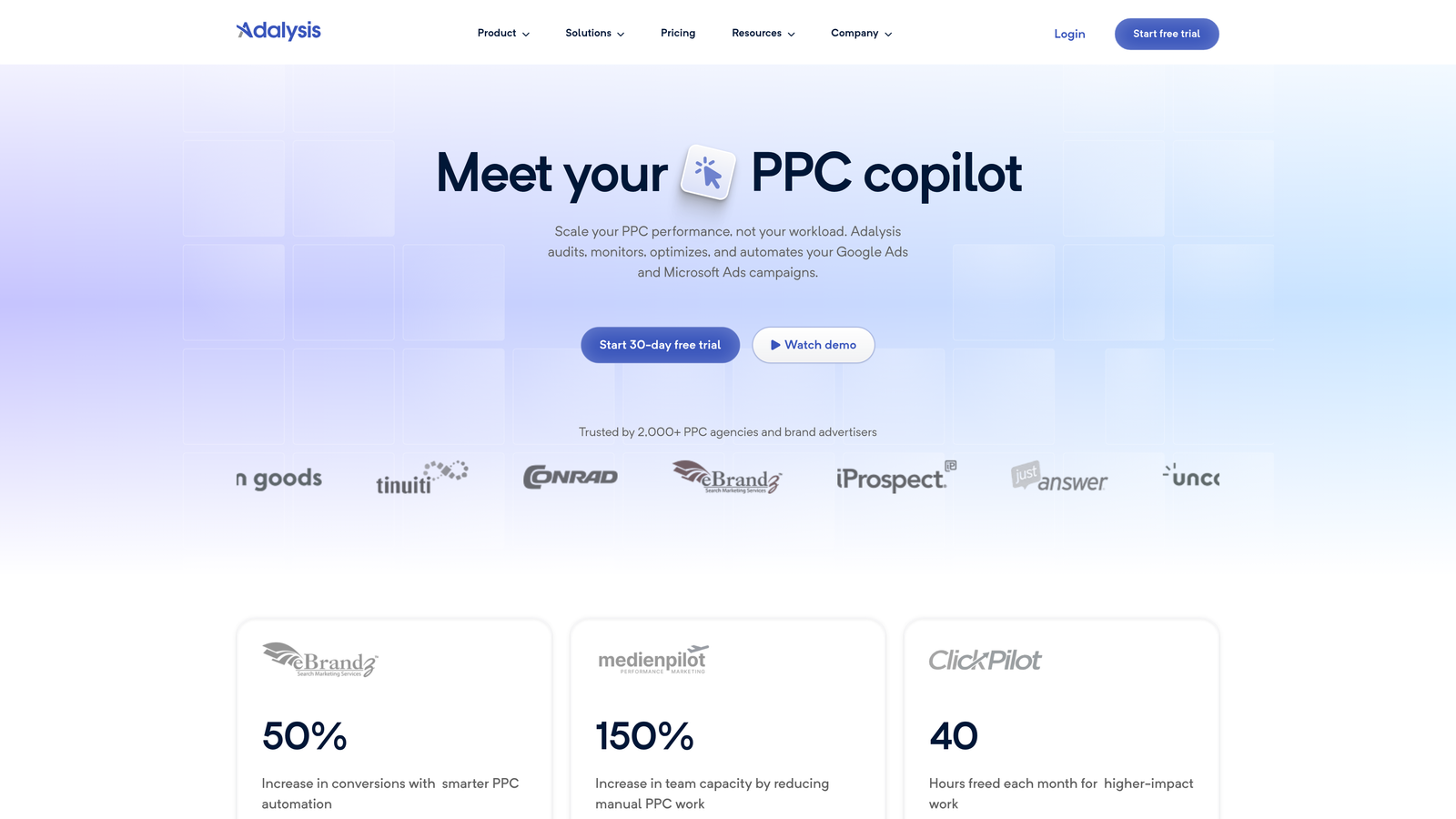
3. Adalysis
Best for: Data-driven advertisers who want statistical backing for keyword decisions
Adalysis brings a scientific approach to PPC optimization, using statistical significance testing to recommend which keywords to pause, which search terms to add, and where your negative keyword gaps exist.
Where This Tool Shines
The mistake most advertisers make is pausing keywords too early or keeping poor performers too long because they're guessing about statistical significance. Adalysis removes the guesswork by calculating whether performance differences are real or just noise from small sample sizes.
When you're reviewing search terms, Adalysis highlights which ones have statistically significant poor performance versus which just had a bad week. This prevents you from adding negatives that might've actually converted with more time, and it catches genuinely bad terms faster.
Key Features
Statistical Significance Testing: Know which keyword decisions are backed by real data versus random variance.
Automated Search Query Analysis: Get daily alerts about new search terms that meet your negative keyword criteria.
Performance-Based Recommendations: Receive specific suggestions for which keywords to add, pause, or negative out based on your conversion goals.
Quality Score Monitoring: Track Quality Score changes alongside keyword performance for deeper optimization insights.
Integrated Ad Testing: Optimize ad copy and keywords together since they impact each other's performance.
Best For
Analytically-minded advertisers who want to make optimization decisions based on statistical rigor rather than gut feel. Ideal for accounts where you're constantly testing and need confidence in what's actually working.
Pricing
Starts around $99/month. Mid-market pricing that fits solo consultants and small agencies.
4. Negative Keywords Pro (Karooya)
Best for: Finding wasted spend through dedicated negative keyword mining
Negative Keywords Pro does one thing exceptionally well: it finds the search terms bleeding your budget and helps you block them systematically across your entire account.

Where This Tool Shines
In most accounts I audit, there's usually $500-2000/month in completely wasted spend sitting in the search terms report that nobody's noticed. Negative Keywords Pro surfaces this automatically by analyzing your search query data and flagging terms with high spend and zero conversions.
The keyword conflict detection is particularly valuable. It shows you when your negative keywords are accidentally blocking good traffic or when your positive keywords are competing against each other. These conflicts are invisible in Google Ads but can tank campaign performance.
Key Features
Dedicated Negative Keyword Mining: Specialized algorithms focused exclusively on finding wasted spend in search terms.
Keyword Conflict Detection: Identifies when negatives block good traffic or when keywords cannibalize each other.
Wasted Spend Identification: Automatically calculates how much budget you're losing to irrelevant clicks.
Cross-Campaign Analysis: See how negative keywords should be applied across your entire account structure.
Free Tier Available: Smaller accounts can use core features at no cost.
Best For
Advertisers focused specifically on reducing wasted spend rather than full campaign management. Perfect if you already have other tools but need better negative keyword coverage.
Pricing
Free for accounts under $10K/month spend. Paid plans start at $49/month for larger accounts.
5. WordStream
Best for: Guided optimization across Google, Facebook, and Bing with streamlined workflows
WordStream is an all-in-one PPC platform that packages keyword cleanup into their signature "20-Minute Work Week" workflow, making optimization feel less overwhelming for busy advertisers.

Where This Tool Shines
What WordStream does well is turn the chaos of PPC optimization into a structured weekly routine. Instead of facing a blank search terms report and wondering where to start, you get a guided workflow that prioritizes your highest-impact cleanup opportunities first.
The platform grades your keyword performance and surfaces the specific search terms costing you the most money. You work through recommendations in order of potential savings, which means you're always tackling the biggest wins first rather than getting lost in minor optimizations.
Key Features
20-Minute Work Week: Guided optimization workflow that prioritizes highest-impact keyword cleanup tasks.
Keyword Performance Grading: Automatic scoring of keyword health with specific improvement recommendations.
Negative Keyword Suggestions: AI-powered recommendations for which search terms to block based on your conversion data.
Cross-Platform Management: Manage Google Ads, Facebook, and Bing keywords from one dashboard.
Performance Benchmarking: Compare your keyword performance against industry averages to spot underperformers.
Best For
Small business owners and marketers who manage PPC alongside other responsibilities and need a structured, time-efficient optimization process. Also useful for agencies who want consistent optimization standards across client accounts.
Pricing
Custom pricing based on ad spend, typically starting around $300+/month. Includes full platform access beyond just keyword tools.
6. Google Ads Editor
Best for: Budget-conscious advertisers who need bulk editing capabilities without monthly fees
Google Ads Editor is Google's free desktop application for offline campaign management, including powerful bulk keyword editing and negative keyword list management.

Where This Tool Shines
The beauty of Google Ads Editor is that it's completely free and handles bulk operations that would take hours in the web interface. Need to add 500 negative keywords across 20 campaigns? Editor makes it a five-minute task with copy-paste and bulk upload.
The find-and-replace functionality is underrated for keyword cleanup. You can search for all keywords containing specific terms, review them in one view, and make bulk changes or removals instantly. It's not as automated as paid tools, but for advertisers comfortable with manual control, it's incredibly powerful.
Key Features
Bulk Keyword Editing: Add, remove, or modify hundreds of keywords simultaneously across multiple campaigns.
Offline Campaign Management: Download account data, make changes offline, and upload when ready.
Find and Replace: Search across all keywords to find patterns and make systematic changes.
Copy Between Campaigns: Duplicate keyword structures and negative lists across campaigns efficiently.
Free with No Limits: Full functionality at zero cost regardless of account size.
Best For
DIY advertisers who prefer manual control and don't mind the learning curve. Excellent for bootstrapped startups or freelancers who need robust functionality without software costs eating into margins.
Pricing
Completely free. No usage limits or account restrictions.
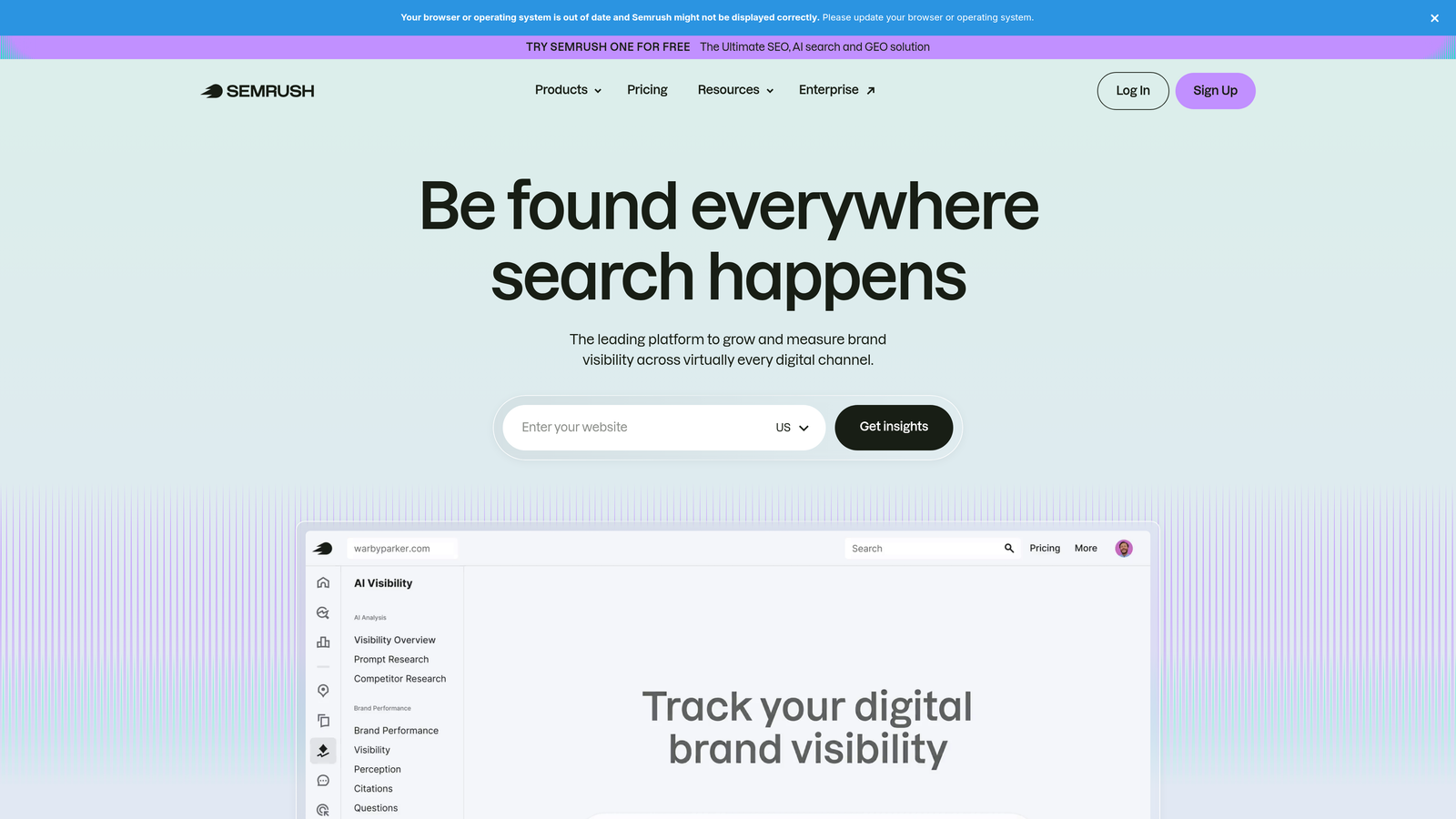
7. SEMrush PPC Toolkit
Best for: Combining keyword cleanup with competitive intelligence and broader marketing data
SEMrush PPC Toolkit integrates keyword cleanup recommendations with competitive research, letting you see which keywords competitors are bidding on and which they're avoiding.
Where This Tool Shines
SEMrush brings a competitive dimension to keyword cleanup that most tools miss. You can see which keywords your competitors stopped bidding on—often a signal that those terms don't convert in your industry—and add them as negatives preemptively.
The historical keyword data is particularly useful for seasonal businesses. You can analyze which search terms performed poorly last year during your peak season and proactively negative them out before they waste budget this year. This forward-looking approach beats reactive cleanup.
Key Features
PPC Keyword Research: Find new keyword opportunities with CPC data and search volume estimates.
Competitive Keyword Gap Analysis: Discover which keywords competitors bid on that you're missing or should avoid.
Negative Keyword Recommendations: AI-powered suggestions based on your account performance and competitor patterns.
Cross-Channel Intelligence: See keyword performance across organic, paid, and competitor campaigns.
Historical Keyword Data: Analyze multi-year trends to predict which keywords to negative out seasonally.
Best For
Marketers who need PPC tools integrated with broader SEO and competitive research. Makes sense if you're already using SEMrush for organic work and want to consolidate tools.
Pricing
Starts at $139.95/month for the full SEMrush suite, which includes PPC tools alongside SEO, content, and social features.
8. SpyFu
Best for: Competitive keyword intelligence to inform cleanup and expansion strategies
SpyFu specializes in revealing competitor PPC strategies, showing you their keyword history, ad copy, and budget allocation to inform your own keyword decisions.
Where This Tool Shines
SpyFu's historical PPC data goes back years, which means you can see which keywords competitors tested and abandoned. This is gold for negative keyword research—if three competitors tried a keyword and all stopped bidding on it, that's a strong signal it doesn't convert in your space.
The tool also shows you keyword groupings competitors use, which helps with organizing your own keyword structure after cleanup. You can spot patterns in how successful competitors segment their campaigns and apply those insights to your account architecture.
Key Features
Competitor Keyword Research: See every keyword your competitors have bid on, currently or historically.
Historical PPC Data: Analyze years of competitor bidding behavior to spot trends and avoid their mistakes.
Negative Keyword Insights: Identify keywords competitors stopped bidding on as potential negatives for your account.
Ad Copy Intelligence: View competitor ad variations to understand which keywords they're emphasizing.
Keyword Grouping Recommendations: Learn from competitor campaign structures to organize your cleaned-up keywords effectively.
Best For
Competitive markets where understanding rival strategies gives you an edge. Particularly valuable in crowded industries where everyone's bidding on similar terms and differentiation comes from smarter negative keyword usage.
Pricing
Starts at $39/month for basic plans. Mid-tier pricing makes it accessible for solo advertisers and small agencies.
9. PPC Entourage
Best for: E-commerce advertisers running Google Ads and Amazon campaigns simultaneously
PPC Entourage is built specifically for e-commerce, with keyword cleanup automation focused on ACOS and ROAS optimization across both Google and Amazon advertising platforms.
Where This Tool Shines
What usually happens in e-commerce accounts is that product-level keyword cleanup becomes overwhelming fast. You're managing hundreds or thousands of SKUs, each with its own search term data. PPC Entourage automates the harvesting of negative keywords based on profitability metrics specific to e-commerce.
The tool understands that an e-commerce search term isn't just about clicks and conversions—it's about whether the conversion was profitable after product costs and ad spend. It surfaces search terms that technically convert but kill your margins, which traditional PPC tools miss.
Key Features
Automated Negative Harvesting: Automatically identify and add negative keywords based on ACOS and profit thresholds.
E-Commerce Search Term Analysis: Analyze search queries with product-level profitability context, not just conversion data.
Bulk Keyword Actions: Apply keyword changes across hundreds of product campaigns simultaneously.
Cross-Platform Management: Manage Google Ads and Amazon PPC keyword cleanup from one interface.
ACOS/ROAS Focus: Optimization recommendations prioritize profitability metrics over vanity metrics like CTR.
Best For
E-commerce businesses running product-heavy campaigns on Google Shopping, Search, and Amazon. Essential if you're managing 50+ products and need automation that understands margin-based optimization.
Pricing
Starts around $47/month. Affordable entry point for growing e-commerce brands testing PPC automation.
Choosing the Right Tool for Your Workflow
The right keyword cleanup tool depends on where you're working and what you're optimizing for. If you want the fastest path from messy search terms to clean campaigns without leaving Google Ads, Keywordme delivers one-click cleanup right where you're already working. For enterprise teams needing sophisticated automation rules across massive account portfolios, Optmyzr or Adalysis provide the depth and statistical rigor to justify their higher price points.
Budget-conscious advertisers get surprising power from Google Ads Editor—it's free, handles bulk operations well, and works offline. The learning curve is steeper, but the cost savings are real. If competitive intelligence matters in your market, SEMrush or SpyFu add a strategic dimension by showing you which keywords competitors avoid, helping you build smarter negative lists proactively.
E-commerce advertisers managing product catalogs across Google and Amazon need tools that understand profitability, not just conversions. PPC Entourage speaks that language natively. And if you're specifically hunting wasted spend, Negative Keywords Pro focuses exclusively on that problem with a free tier for smaller accounts.
Here's the reality: keyword cleanup isn't optional. Every week you delay is budget hemorrhaging to irrelevant clicks. The tool you choose matters less than actually implementing a consistent cleanup process. Pick the one that fits your workflow, start using it this week, and you'll see wasted spend drop within the first billing cycle.
Start your free 7-day trial of Keywordme and optimize your Google Ads campaigns 10x faster without leaving your account. Remove junk search terms, build high-intent keyword lists, and apply match types instantly—right inside Google Ads. No spreadsheets, no switching tabs, just quick, seamless optimization for only $12/month after your trial.
.svg)