
8 Best Google Ads Keyword Categorization Tools in 2026
A practical guide to google ads keyword categorization tool.


Search term reports and keyword lists get messy fast. A few weeks into a campaign you have hundreds of rows, a mix of buyers, researchers, and people who clicked by accident, and sorting them by hand eats hours. This list is for solo advertisers, freelancers, and agency teams who want that sorting to go faster. We judged each tool on how well it groups or labels keywords and search terms, how directly it connects to Google Ads, how transparent its pricing is, and whether it suits one person or a whole agency.
One distinction matters before you shop. Search terms are what people actually typed before seeing your ad. Keywords are what you bid on. Some tools here sort live search terms, others cluster keyword lists to plan ad groups, and few do both well.
Quick Comparison of the Tools
- Keywordme: advertisers and agencies sorting search terms inside Google Ads; $12/month per user; works directly in the native Search Terms Report with no exports.
- Google Ads Editor: budget-conscious advertisers organizing big accounts by hand; free; first-party bulk editing with offline drafts.
- Google Ads Scripts: technical advertisers; free; fully custom rule-based categorization logic.
- Optmyzr: agencies managing many accounts; see website for pricing; a broad optimization suite with rule engines.
- Adalysis: teams wanting ongoing account health checks; see website for pricing; automated audits and alerts.
- Google Sheets: small accounts and one-off audits; free; unlimited flexibility for custom category schemes.
- Semrush: marketers planning keywords before launch; subscription, see website; topic clustering tied to a large keyword database.
- Keyword Insights: building ad group structure from big seed lists; see website for pricing; SERP-based clustering with intent labels.
1. Keywordme
Keywordme is our own product, so weigh this section with that in mind. It is a Chrome extension that adds one-click actions to the Search Terms Report in Google Ads. You review the terms where you already work, then add them as keywords, mark them as negatives, or choose a match type without exporting anything.
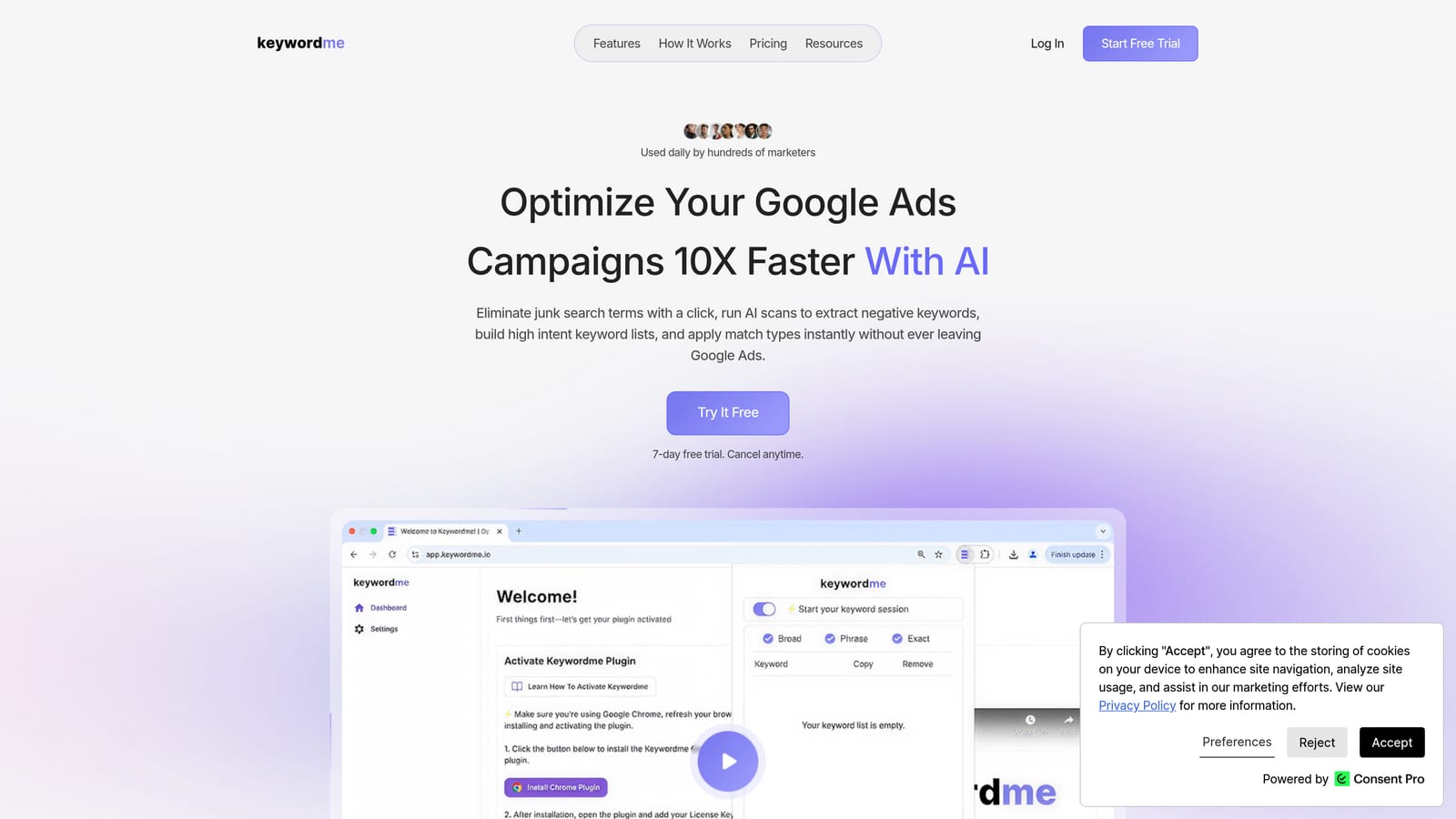
Its distinct strength on this list is location. Most tools below ask you to leave Google Ads, move data around, and push changes back later. Keywordme skips that loop, which matters most when you sort search terms weekly across several accounts. You still make every decision yourself; nothing is changed on its own.
- One-click negative keywords from the Search Terms Report, so junk queries get excluded as you spot them.
- Add search terms as keywords with the match type you choose, instead of retyping them into a list.
- Keyword clustering to group related terms (see keywordme.io for how it currently works).
- Bulk editing, so you can act on many rows at once rather than one by one.
- Multi-account and team support, which helps agencies keep a shared workflow across clients.
Setup is light: install the extension and use it inside Google Ads. Whoever reviews search terms runs it day to day, whether that is a freelancer or an account manager.
The limits are plain. It is a workflow layer in Chrome, not a standalone keyword research or rank tracking platform. It will not plan a keyword universe from scratch or pull SEO data, so pair it with another tool if you need that. Pricing is $12/month per user, with a 7-day free trial (verify as of publication). Cost scales with the number of users.
Best for: Advertisers and agencies who want to sort search terms without leaving Google Ads.
2. Google Ads Editor
Google Ads Editor is Google's free desktop app for managing campaigns in bulk. For categorization, its useful tool is labels: you tag campaigns, ad groups, ads, and keywords, then filter by those tags later. It is organization, not analysis.
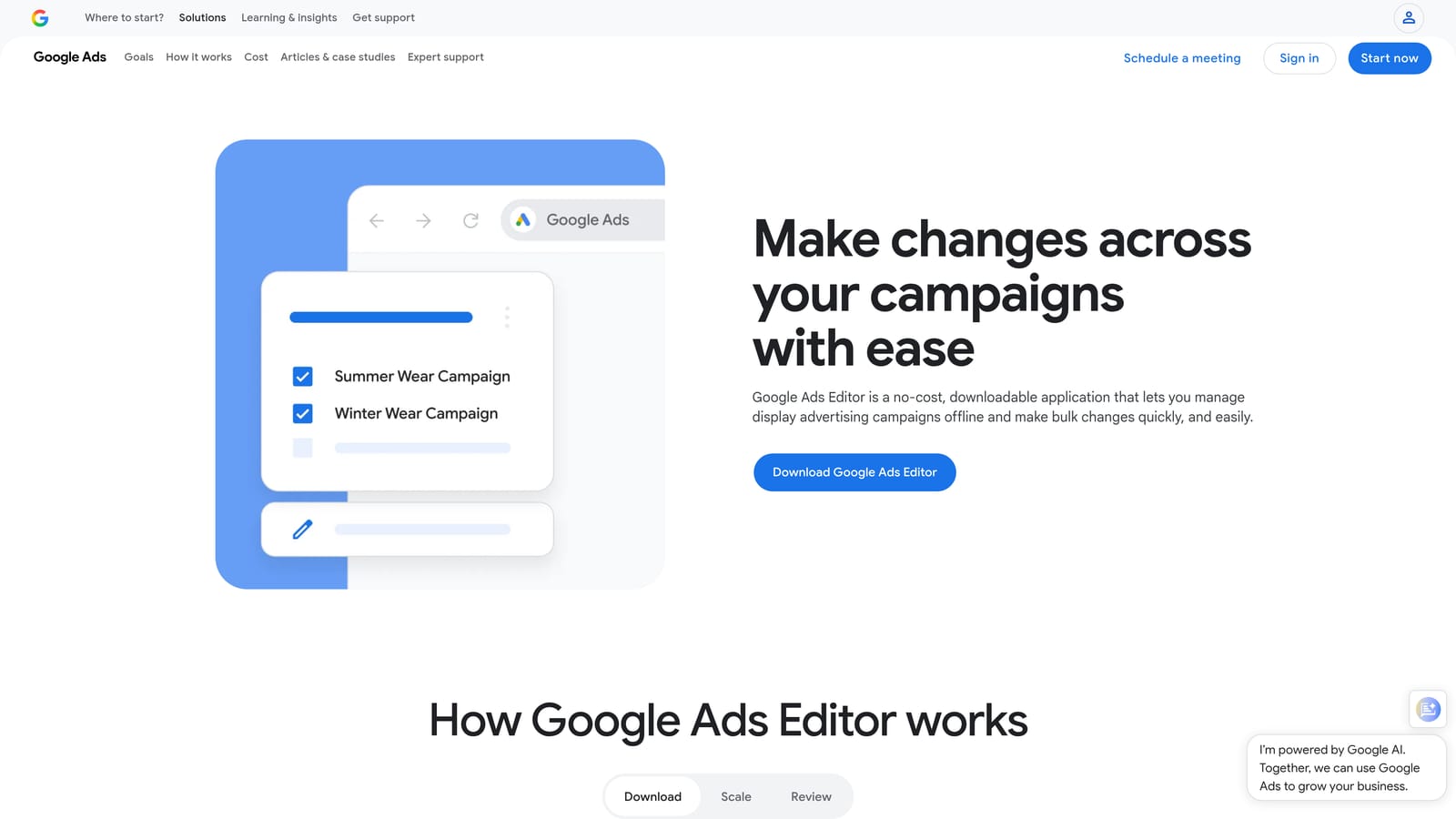
That is the catch. It has no automatic grouping and no intent analysis, so every category is something you decide and apply yourself. If you want a tool to read your search terms and suggest themes, this is not it.
Where it shines is scale and safety. You can download accounts, edit offline, review drafts, and post changes when ready, which suits large restructures.
- Bulk edits and paste/import, so you can reorganize hundreds of keywords in one pass.
- Labels for organizing entities, giving you your own taxonomy to filter by.
- Offline editing, so you can draft changes and review them before they go live.
- Multi-account management, handy for freelancers and agencies switching between clients.
It connects only to Google Ads, and setup means installing the app and downloading your accounts. Whoever owns the account structure usually runs it. It has a learning curve if you are used to the web interface, and it works on keywords and structure rather than surfacing which search terms deserve attention.
It is free.
Best for: Budget-conscious advertisers organizing large account structures by hand.
3. Google Ads Scripts
Google Ads Scripts lets you write JavaScript that runs inside your account. For categorization, that means you define the rules: if a search term contains certain words, apply a label or log it to a report. Nothing else on this list gives you that much control over the logic at no software cost.
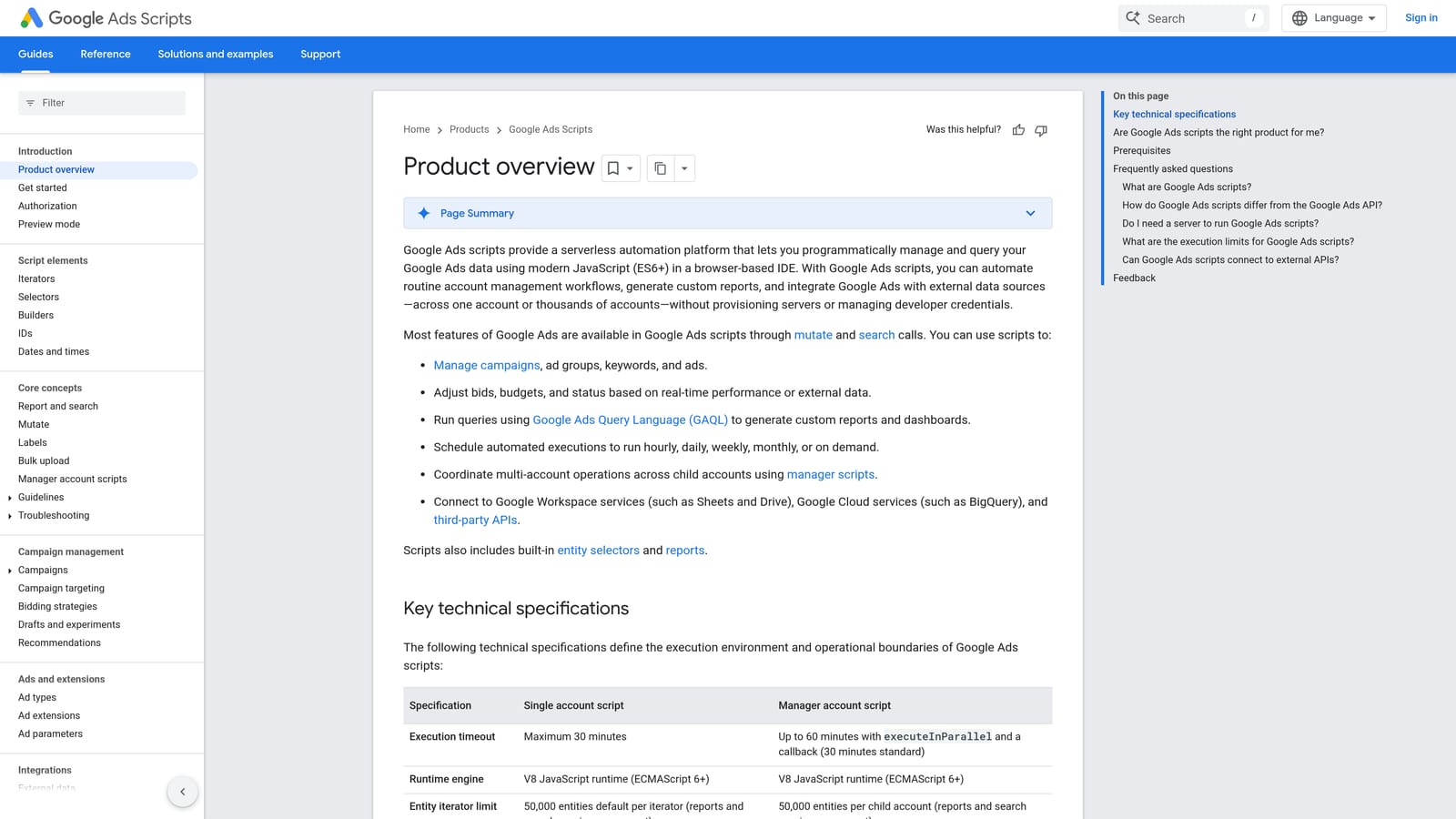
The price of that control is skill. You need someone who can write and debug code, and scripts need upkeep as your accounts, naming conventions, and Google's own platform change. A script that worked last year can quietly stop being right.
What you can automate
- Custom JavaScript rules, so categories follow your own definitions (brand, competitor, location, product line).
- Automated labeling, which saves manually tagging items one at a time.
- Scheduled runs, so categorization happens regularly without you opening the account.
- Custom reports, useful when you want a categorized view of performance.
Who it does not suit
If nobody on your team codes, skip it. It also fits rule-based sorting best. Fuzzy judgments, like deciding whether a query shows real buying intent, are hard to encode in simple rules.
It works with Google Ads and Google Sheets, which is handy for outputting reports. It is free.
Best for: Technical advertisers who want rule-based categorization.
4. Optmyzr
Optmyzr is a PPC management platform aimed at agencies and in-house teams. Search term categorization is one piece of a much larger toolkit built around optimization, reporting, and rule-driven automation.
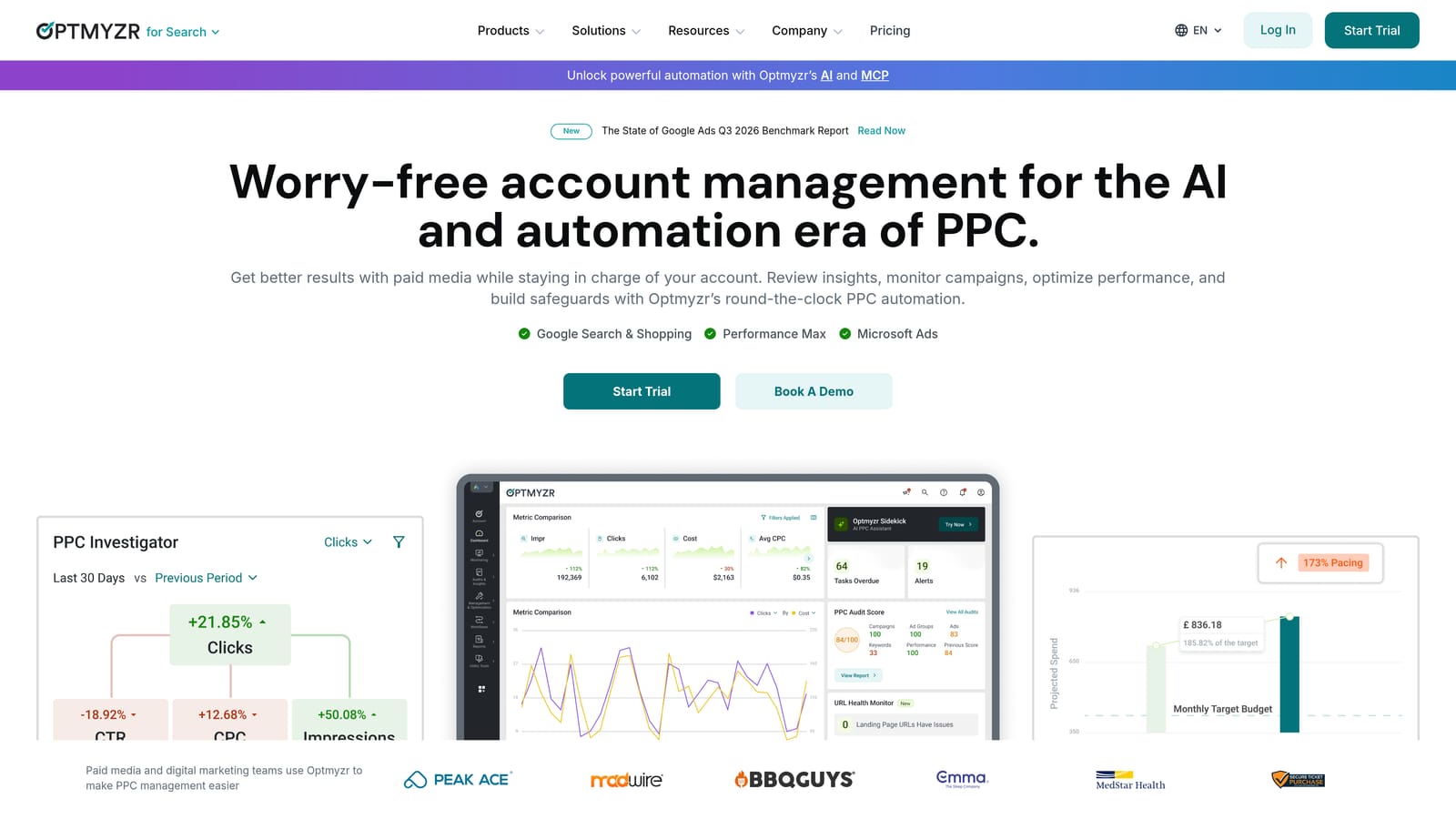
What sets it apart here is breadth. If you are managing many accounts and want search term analysis, reporting, and bulk management under one roof, it covers a lot of ground. The trade-off is size: it is bigger and costlier than you need if all you want is to sort keywords and search terms.
- Search term analysis, to surface queries worth adding or excluding.
- Rule-based optimization, so recurring checks run on your criteria.
- Reporting, useful for client-facing agency work.
- Bulk management tools, for making changes across many items or accounts.
It connects to Google Ads and Microsoft Advertising, so it also helps if you run both. Expect onboarding time to connect accounts and set up rules, and expect a team member, often a senior account manager, to own it.
It is a weak fit for a freelancer with a few small accounts, where the platform would be mostly unused. Pricing is listed on its website; check there for current plans, since what you pay typically depends on how your accounts are set up.
Best for: Agencies managing many accounts who need a full optimization platform.
5. Adalysis
Adalysis is a Google Ads audit and testing platform. It watches your accounts for problems and opportunities, and keyword and search term insights are part of that picture.
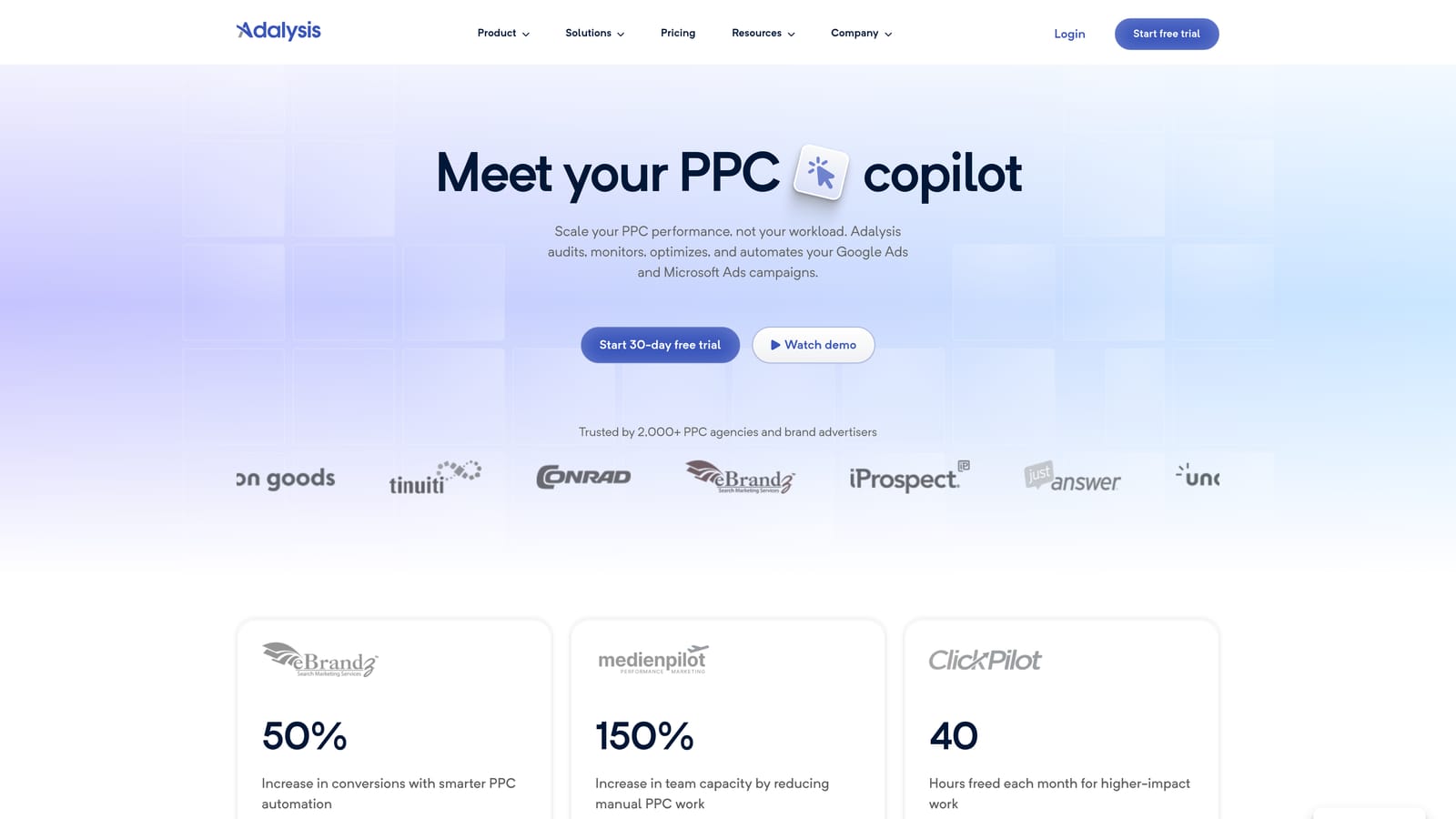
Its distinct strength is automated audits and alerts. Instead of you hunting for issues, it flags them, which is useful when you manage enough accounts that nobody can review everything weekly.
That focus is also the limitation. Categorization here is a side feature of a tool built around account health, so if sorting search terms into themes is your main job, a dedicated workflow will feel faster.
- Account audits that point out issues you might otherwise miss.
- Search term analysis to find queries worth acting on.
- Alerts that notify you when something changes or breaks.
- Ad testing, so creative experiments sit next to keyword review.
It works with Google Ads and Microsoft Advertising. Setup involves connecting your accounts, and the person responsible for account performance usually checks it regularly. Pricing is on the website; confirm current plans there, as cost commonly depends on the scale of your accounts.
It does not suit someone who just wants a quick way to tag and negate search terms today.
Best for: Teams that want ongoing account health checks plus keyword insight.
6. Google Sheets
Google Sheets is the default answer for a reason. Export your search terms or keywords, add a column for categories, and use filters, formulas, and pivot tables to sort and summarize. You define the taxonomy, whatever it is.
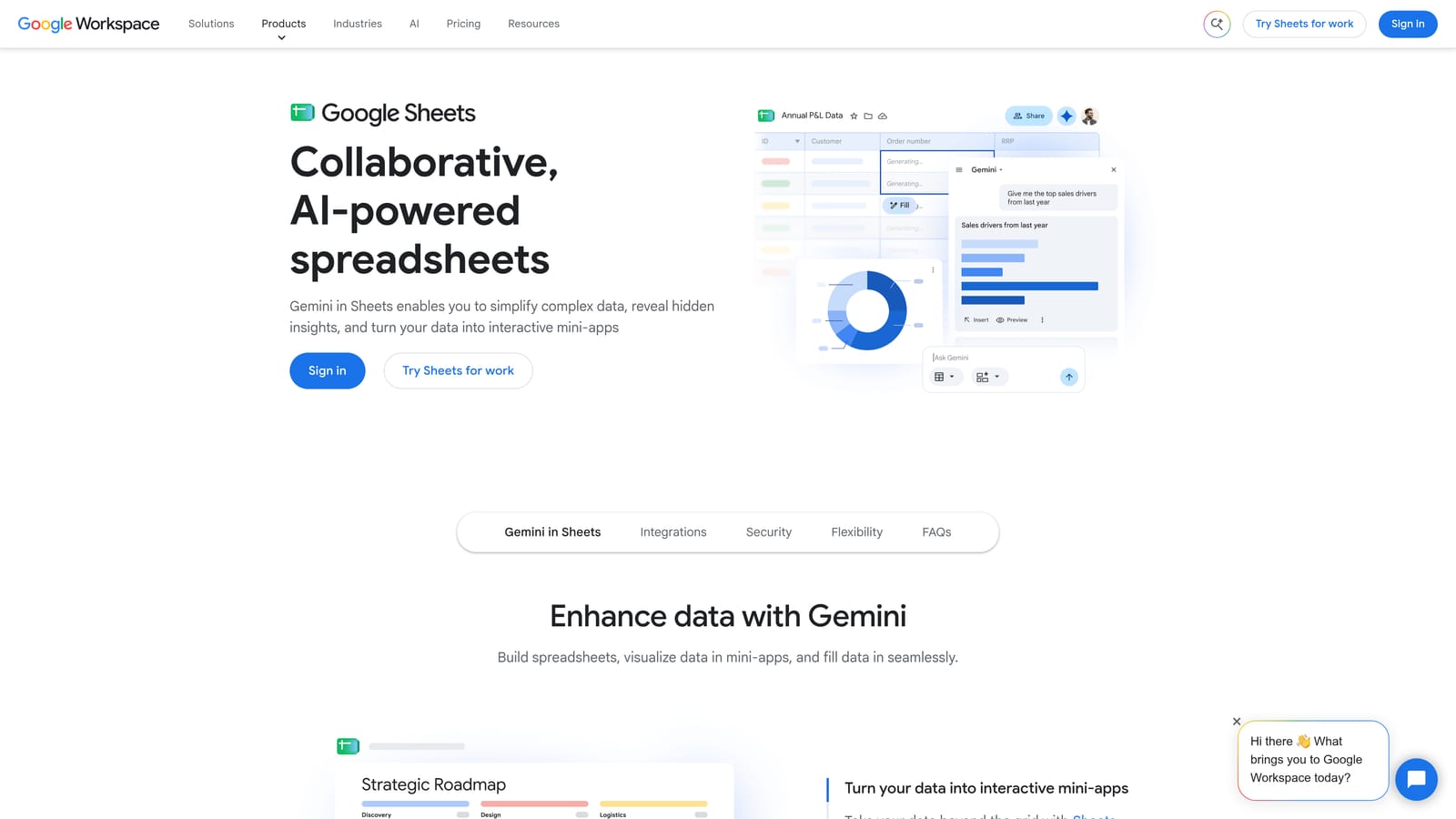
That flexibility is its real advantage. You can build categories around funnel stage, product line, or client-specific rules that no preset tool would support. Files are easy to share, which helps when a client wants to see your logic.
- Formulas and filters to flag terms by words or patterns.
- Pivot tables to see which categories drive clicks, cost, or conversions.
- Custom category columns, so your labels match how you actually think about the account.
- Shareable files for collaborating with teammates or clients.
The downside is time. Everything is manual, it slows down as accounts grow, and nothing pushes back into Google Ads. After categorizing, you still have to add negatives and keywords in the interface yourself, which is the step people most often underestimate.
It connects to Google Ads through exports or scripts, and whoever does the audit runs it. It is free with a Google account.
Best for: Small accounts and one-off audits with custom taxonomies.
7. Semrush
Semrush is an SEO and marketing suite, and it earns a place here for keyword grouping. Its clustering tools group related keywords by topic so you can plan structure before you build campaigns.
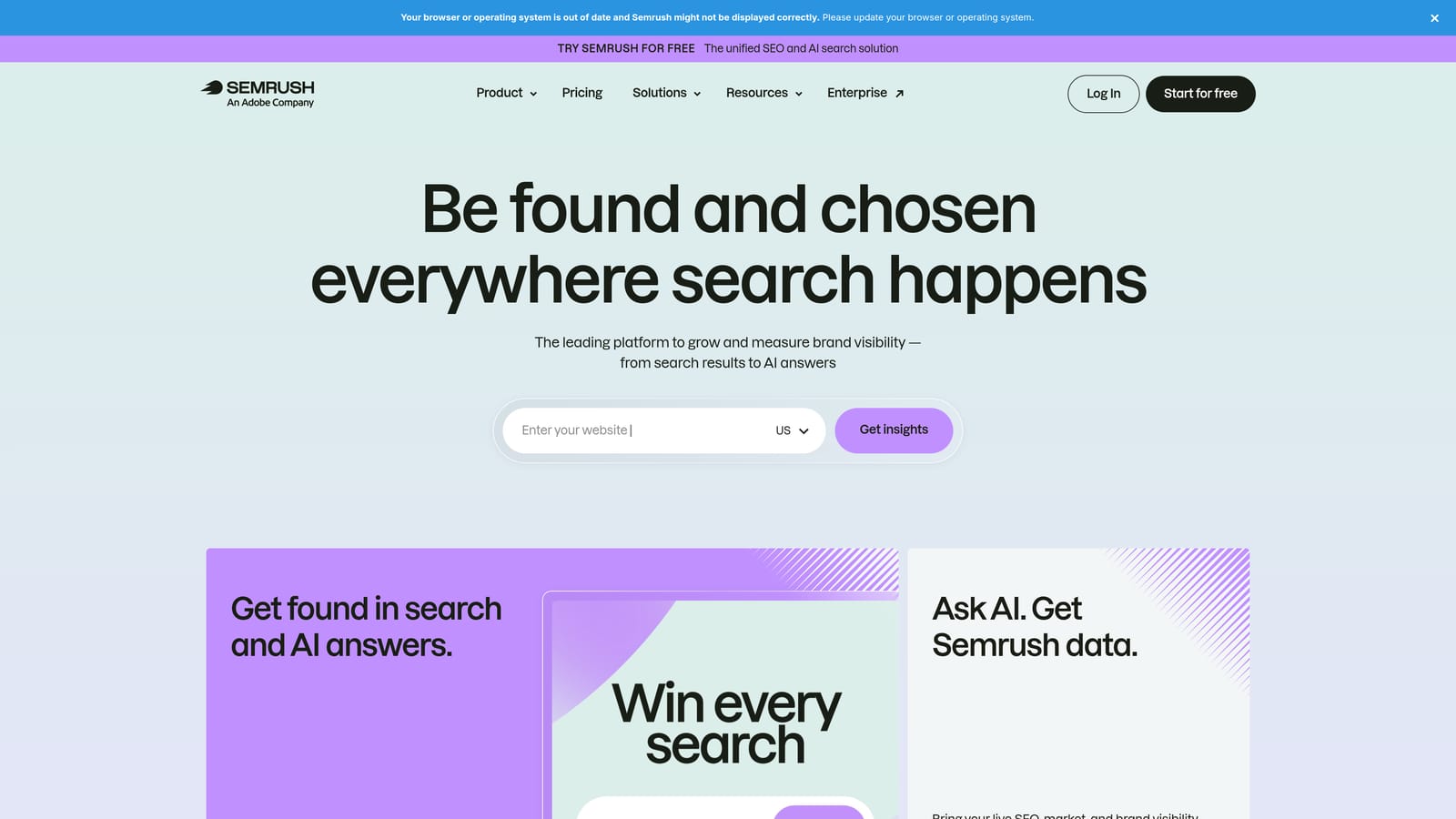
Its edge is the research database behind the clustering. You can find keywords, group them, and organize them in one place, with PPC keyword data alongside.
Be clear on what it is not. It is SEO-oriented and has no in-Google-Ads search term workflow. It helps you decide what to bid on, not which of your actual search terms to exclude after launch.
- Keyword clustering to turn a long list into topic groups.
- Keyword Manager to keep and organize lists you are working from.
- A large keyword research database for finding terms you had not considered.
- PPC keyword data to inform paid planning.
It integrates with Google Search Console and Google Analytics. Setup is straightforward, and it is typically used by marketers or SEO and PPC planners. It is subscription-based; see the website for current plans, since features and limits vary by tier. For a pure PPC freelancer, the full suite may be more than you need.
Best for: Marketers planning keyword lists before building campaigns.
8. Keyword Insights
Keyword Insights is a dedicated keyword clustering and search intent tool. You upload a large list and it groups keywords by how similar their search results are, then labels intent.

That SERP-based approach is its distinguishing trait: keywords that return similar results land together, which can give you a data-backed starting point for ad group structure. Intent labels help you separate people researching from people ready to buy.
- SERP-based clustering that groups keywords by result similarity.
- Search intent labeling to separate informational from commercial queries.
- Large list uploads, handy when you start from thousands of seed keywords.
- Cluster exports so you can carry groupings into your build.
It was built for SEO planning, so there is no direct Google Ads action layer. You export clusters and build them into campaigns yourself, and it does not read your live search terms. Check the website for integrations and pricing, as both vary and may change.
One practical note: clusters based on organic results do not always match how you want ad groups split. Review them before using them as structure, since ad copy relevance and match type choices still apply.
Best for: Building ad group structure from big seed keyword lists.
Matching the Tool to Your Situation
For sorting what people actually searched, Keywordme is the most direct option on this list: you work inside the Search Terms Report, so solo advertisers and agencies can add keywords and negatives without exports. If budget is tight, Google Ads Editor and Google Sheets cost nothing, and Scripts does too if you can code. Expect to trade time for money.
If you manage many accounts and want audits and automation at scale, Optmyzr or Adalysis fit better, with Optmyzr leaning toward full optimization and Adalysis toward health checks. For pre-launch planning, Semrush and Keyword Insights group keyword lists into topics and intent, but they will not touch your live search terms. Many teams pair one planning tool with one search term workflow.
Optimize Google Ads Campaigns 10X Faster. Without Leaving Your Account. Keywordme lets you remove junk search terms, build high-intent keyword lists, and apply match types instantly, right inside Google Ads. No spreadsheets, no switching tabs, just quick, seamless optimization. Start your free 7-day trial (then just $12/month) and take your Google Ads game to the next level.
