
7 Best Google Ads Interface Optimization Extensions in 2026
This guide ranks the 7 best Google Ads interface optimization extension tools for 2026, comparing how each works directly within the Google Ads UI to speed up search term cleanup and bulk editing for solo advertisers and agencies alike.


If you manage Google Ads accounts for a living, you already know the drill: you spend half your time inside the platform and the other half bouncing to spreadsheets, dashboards, or a separate research tab just to figure out what to do next. The tools below were picked for how directly they work with the Google Ads interface, the specific job each one speeds up, whether it's built for a solo advertiser or an agency team, and how it handles the difference between keywords you're bidding on and the actual search terms triggering your ads. Some sit right inside the Search Terms Report, some are official Google tools, and others are separate platforms or research extensions worth knowing about even if they don't live inside the UI itself.
Quick Comparison
- Keywordme: best for solo advertisers and agencies doing daily search term cleanup; starting at $12/month per user; the only tool here that runs its optimization actions directly inside the live Search Terms Report.
- Google Ads Editor: best for advertisers making large bulk edits across multiple accounts; free; Google's own offline desktop app for reviewing changes before they go live.
- Optmyzr: best for agencies managing several client accounts and channels; pricing on request; automation rules and cross-channel reporting in one dashboard.
- Adalysis: best for teams running ongoing account audits and ad tests; pricing on request; built-in statistical significance tracking for split tests.
- WordStream Advisor (LOCALiQ): best for small businesses wanting guided suggestions; pricing on request, free grader tool available; a free Performance Grader paired with guided recommendations.
- Keywords Everywhere: best for freelancers doing occasional keyword research; credit-based pricing; pay-as-you-go pricing instead of a recurring subscription.
- SpyFu: best for planning campaigns around competitor strategy; pricing on request; historical competitor keyword and ad copy data going back years.
1. Keywordme
Keywordme is a Chrome extension that adds one-click optimization actions directly into the Google Ads Search Terms Report. Instead of exporting data to a spreadsheet to decide which search terms to cut or which to promote into your keyword list, you act on them right where they appear in the report.
The distinction matters here: a keyword is a term you bid on, a search term is what someone actually typed before your ad showed. Most waste hides in the gap between the two, and cleaning that gap usually means tagging junk search terms as negative keywords or promoting strong ones into new positive keyword groups. Keywordme is built specifically around that workflow.
- Removes junk search terms from the Search Terms Report in a single click, instead of manually flagging and exporting them
- Applies match types and builds negative keyword lists instantly without leaving the report you're already looking at
- Clusters related keywords and supports bulk editing so you're not repeating the same action term by term
- Supports multiple accounts and team members, which matters once you're managing more than one client
Setup is just installing the Chrome extension and connecting it to your Google Ads account, so a solo advertiser or account manager can be running with it in minutes. It doesn't apply Google's automated recommendations on its own; you still choose and confirm each action yourself.
Its scope is also its limit: it's focused on search term and keyword actions, so it won't replace a full account audit tool or a cross-channel reporting dashboard. If you need budget pacing, ad testing, or multi-platform reporting, you'll want one of the other tools on this list alongside it.
Pricing is flat at $12/month per user, with a 7-day free trial, so cost doesn't creep up with ad spend the way some agency platforms do. Confirm current pricing on the Keywordme site before budgeting, since terms can shift.
Best for: Solo advertisers and agencies who want to speed up daily search term cleanup without adopting a full third-party dashboard.
2. Google Ads Editor
Google Ads Editor is Google's own free desktop application for making bulk changes to campaigns offline, then uploading them to a live account once you've reviewed them. It's not a browser extension and it doesn't sit inside the web interface, but it's the official tool Google built for advertisers who need to make large-scale edits without saving mid-change or risking a live account until they're ready.

What sets it apart from everything else on this list is scale plus cost: it's free, and it lets you edit multiple accounts inside a single workspace before posting anything live.
- Lets you build or restructure campaigns, ad groups, and keyword lists entirely offline before anything touches the live account
- Handles multiple accounts in one workspace, useful when you manage several clients under one login
- Offers advanced find-and-replace across an entire account, which speeds up naming convention cleanups or URL updates
- Shows a full preview of pending changes so you can catch mistakes before they post live
Setup means downloading the desktop app and signing in with your Google Ads credentials; most PPC managers who touch large accounts already have it installed. It's run directly by whoever manages the account, with no separate onboarding needed.
It has real limits for the workflow this list is built around. There's no automated search term cleanup, no alerting, and no in-browser experience: you're working in a separate application and syncing changes back manually. If you want something that lives inside the Search Terms Report itself, this isn't it.
It's free to use with any Google Ads account, which makes it an easy addition to any toolkit regardless of what else you're running.
Best for: Advertisers who need free, large-scale bulk edits across multiple accounts before pushing changes live.
3. Optmyzr
Optmyzr is a web-based PPC management platform built around rule-based one-click optimizations, budget pacing, and account audits, covering Google Ads alongside other ad platforms according to its website. It's aimed squarely at agencies juggling many accounts rather than a single advertiser cleaning up one campaign.

What separates it from the extensions on this list is the automation layer. You set rules once (say, pause search terms below a certain conversion threshold) and Optmyzr applies the logic across accounts on a schedule, rather than requiring you to review and click through each report manually.
Where it fits and where it doesn't
Optmyzr works as a separate platform you log into, not something layered over the native Google Ads UI. That's a trade-off: you get powerful automation and consolidated reporting, but you lose the "stay in one tab" simplicity that a true extension offers.
- Suggests and applies optimization rules across accounts based on conditions you define
- Pulls cross-account and cross-channel reporting into one view for client updates
- Manages budget pacing so spend tracks against monthly targets automatically
- Runs structured account audit checklists to catch setup issues before they cost money
Setup involves connecting each ad account through Optmyzr's dashboard, which typically falls to whoever runs paid media operations for an agency rather than a single freelancer. Given the pricing model, it tends to make more sense once you're managing several accounts rather than just one.
Pricing is quote-based and, per the website, typically scales with managed ad spend, so verify current tiers directly before committing. That structure can make it a poor fit for a solo freelancer running one small account.
Best for: Agencies managing multiple client accounts across several ad platforms who want automation rules and consolidated reporting.
4. Adalysis
Adalysis is a PPC management dashboard that runs automated checks across your account and flags issues like overlapping keywords, weak Quality Scores, or missing ad extensions. It also runs structured ad copy tests and tracks when results reach statistical significance.
The ad testing piece is what distinguishes it here. Where most tools on this list focus on keyword or search term actions, Adalysis is built to answer a different question: which ad variation is actually winning, and how confident can you be in that result.
- Flags account issues automatically, including keyword overlap and low Quality Scores, so problems surface before they're expensive
- Tracks ad copy split tests with statistical significance, so you're not calling a winner too early
- Covers both Google Ads and Microsoft Ads from one dashboard, useful if you run both platforms
- Sends alerts when checks detect a problem, rather than requiring you to run a manual audit
It runs as a separate web dashboard rather than inside the native Google Ads interface, so setup means connecting your accounts through Adalysis directly. Day to day, it's typically run by whoever owns account quality and testing rather than someone doing hands-on search term cleanup.
If what you actually need is fast, in-interface search term management, Adalysis isn't built for that job; it's built for structured, ongoing account health monitoring and testing instead.
Pricing is subscription-based; check the current tiers on Adalysis's site, since they can vary by account size and feature set.
Best for: Teams that want ongoing automated audits and structured ad copy testing across accounts.
5. WordStream Advisor (LOCALiQ)
WordStream Advisor, from WordStream (part of LOCALiQ), pairs a free Google Ads Performance Grader with a paid management dashboard that surfaces alerts and suggested optimizations. The grader gives you a quick snapshot of account health without requiring a subscription, which makes it a common entry point before advertisers decide whether to pay for the fuller platform.

Compared to the other tools here, WordStream leans hardest into guided, beginner-friendly recommendations rather than raw, hands-on control. That's a deliberate design choice aimed at a specific type of user.
- Runs a free Performance Grader that scores account health and flags obvious gaps
- Surfaces guided alerts and suggested next steps rather than expecting you to interpret raw data
- Manages campaigns across Google, Microsoft, and Facebook Ads from one dashboard
- Includes onboarding and account management support for teams newer to paid search
Setup typically involves connecting your accounts and going through an onboarding process, and it's often managed with support from WordStream's team rather than run entirely solo. That support layer is part of the value for small businesses without a dedicated PPC hire.
For an experienced PPC manager who wants fast, hands-on edits inside the Google Ads interface itself, WordStream's guided approach can feel like it's slowing you down rather than speeding you up. It's built for a different type of user than the extensions on this list.
Pricing is quote-based for the paid tiers, with the Performance Grader available for free; check current terms directly with WordStream.
Best for: Small businesses or in-house marketers who want guided suggestions rather than raw campaign control.
6. Keywords Everywhere
Keywords Everywhere is a browser extension that overlays search volume, CPC, and competition data directly on Google search results and inside the Google Ads Keyword Planner. It's built for keyword research and discovery, not for managing an account you're already running.
Its pricing model is what makes it stand out on this list. Instead of a recurring subscription, it uses a credit-based system, so someone who researches keywords occasionally isn't paying a monthly fee for a tool they touch twice a month.
- Displays search volume, CPC, and competition data right on the Google search results page as you browse
- Overlays the same data inside Google Ads Keyword Planner for faster keyword vetting
- Surfaces related keywords and "people also search for" suggestions to widen your keyword lists
- Works across YouTube, Amazon, and other search engines beyond Google, useful if you run ads on multiple platforms
Setup is a simple browser extension install; there's no dashboard to learn and no account connection beyond signing in to buy credits. That makes it easy for a freelancer to pick up and use immediately.
Its limitation is scope: it shows you data for keyword discovery, but it doesn't touch your existing Search Terms Report or help you clean up an active campaign. Once you've found the keywords, you'll still need a separate tool, or manual work, to manage them inside your account.
Pricing runs on a pay-as-you-go credit system rather than a flat monthly rate; check current credit pricing on the site since it can shift.
Best for: Freelancers doing occasional keyword research who don't want a recurring subscription.
7. SpyFu
SpyFu is a competitive research tool that shows the keywords and ad copy competitors have historically bid on in Google Ads, backed by a companion browser extension for viewing that data while you browse. It's built for campaign planning, not day-to-day account management.
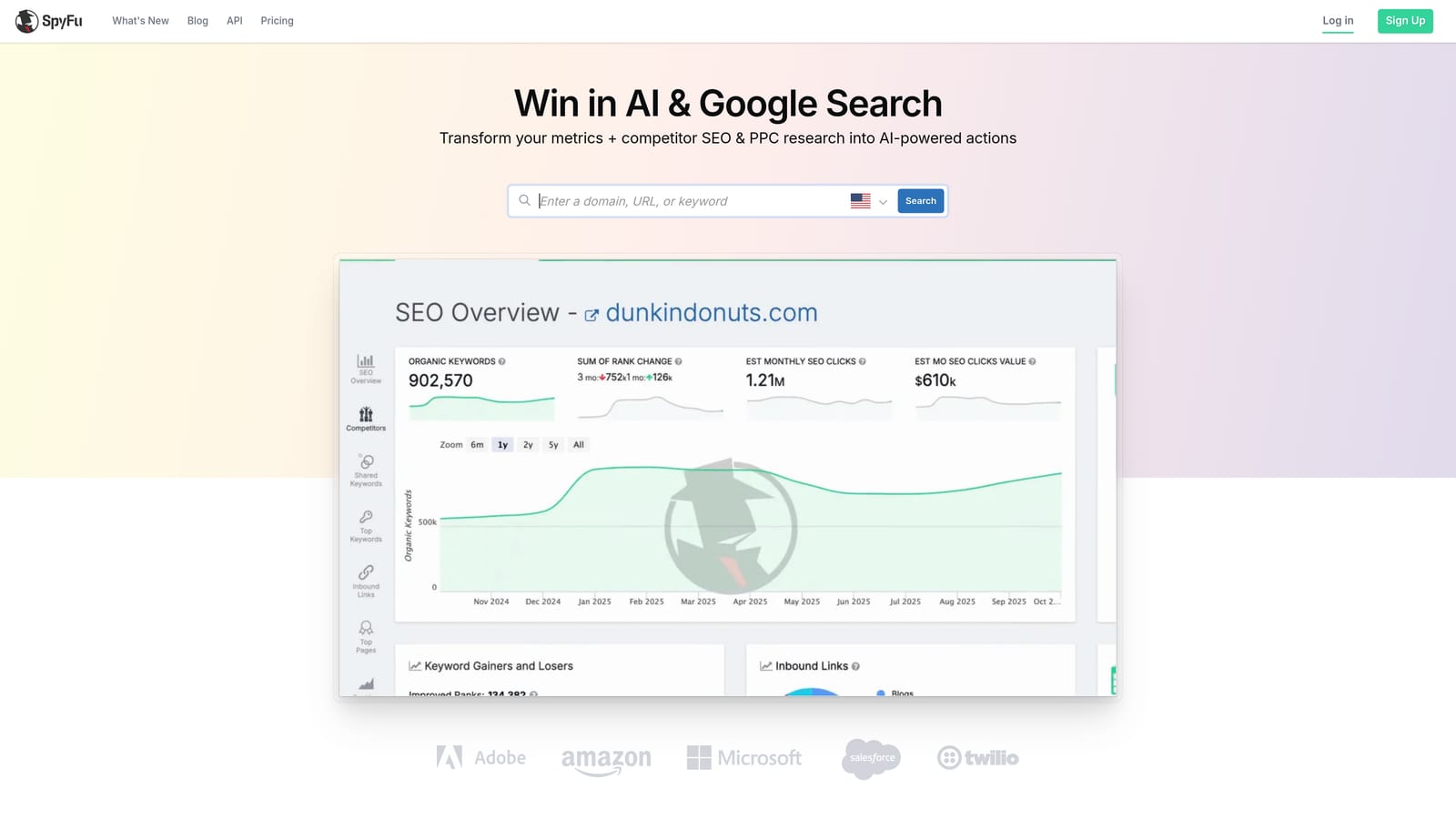
No other tool on this list offers the depth of historical competitor data SpyFu does. If you want to see how a competitor's ad copy or keyword strategy has shifted over time, that's the specific job it's built for.
- Shows historical keyword and ad copy data for any competitor domain you research
- Adds a browser extension so you can pull PPC and SEO data while browsing without switching tabs
- Compares two domains side by side to spot keyword gaps and overlaps
- Tracks ad history over time so you can see how a competitor's messaging has evolved
Setup is straightforward: sign up, install the extension if you want the in-browser view, and start searching competitor domains. It's typically run by whoever handles campaign strategy and planning rather than daily account optimization.
It's not built for cleaning up an active Search Terms Report or managing bids inside a live account, so it won't replace the tools higher on this list for day-to-day work. Think of it as a planning input rather than an optimization tool.
Pricing is subscription-based; check current tiers on SpyFu's site, since they can change.
Best for: Advertisers planning new campaigns who want visibility into competitor keyword and ad strategy.
Matching the Right Tool to Your Workflow
If your main pain point is the daily grind of cleaning search terms, applying match types, and building negative keyword lists without leaving Google Ads, Keywordme is built for exactly that job. If you need to make sweeping bulk edits across several accounts before anything goes live, Google Ads Editor does that for free. Agencies that want automation rules layered across many clients, or structured ad testing and account audits, should look at Optmyzr or Adalysis depending on whether reporting or testing matters more to the team.
Small businesses or in-house marketers who want a guided hand rather than raw control fit better with WordStream Advisor. And if the job at hand is research rather than management, Keywords Everywhere covers keyword discovery on a pay-as-you-go basis, while SpyFu covers competitor keyword and ad strategy.
None of these tools apply Google's automated recommendations on your behalf; you're always the one confirming the change. If you want to cut the time you spend on search term cleanup specifically, without adding another dashboard to your rotation, Start your free 7-day trial (then just $12/month) and see how much faster your Google Ads optimization gets when it happens right inside the interface you already use.
.svg)