
8 Best Google Ads Interface Enhancement Tools in 2026
Google Ads interface enhancement tools are Chrome extensions and browser-based utilities that layer speed, automation, and smarter workflows directly onto the native Google Ads UI. This guide reviews the 8 best options in 2026, each chosen for active development, direct UI integration, and genuine utility for PPC practitioners ranging from solo freelancers to large agencies.


If you've spent any time inside Google Ads, you know the native interface gets the job done—but it's not exactly built for speed. Switching between tabs, exporting to spreadsheets, and manually triaging search terms eats up time that could go toward actual strategy.
That's where Google Ads interface enhancement tools come in. These are Chrome extensions and browser-based tools that sit on top of Google Ads and make the interface faster, smarter, and less frustrating to work in. This list covers the top tools worth knowing in 2026, each solving a specific pain point inside the Google Ads UI.
Whether you're a solo freelancer managing a handful of accounts or an agency juggling dozens of clients, at least a few of these will change how you work. Selection criteria: direct integration with the Google Ads interface, active development as of 2026, and genuine utility for PPC practitioners.
1. Keywordme
Best for: Fast search term triage and negative keyword management inside Google Ads
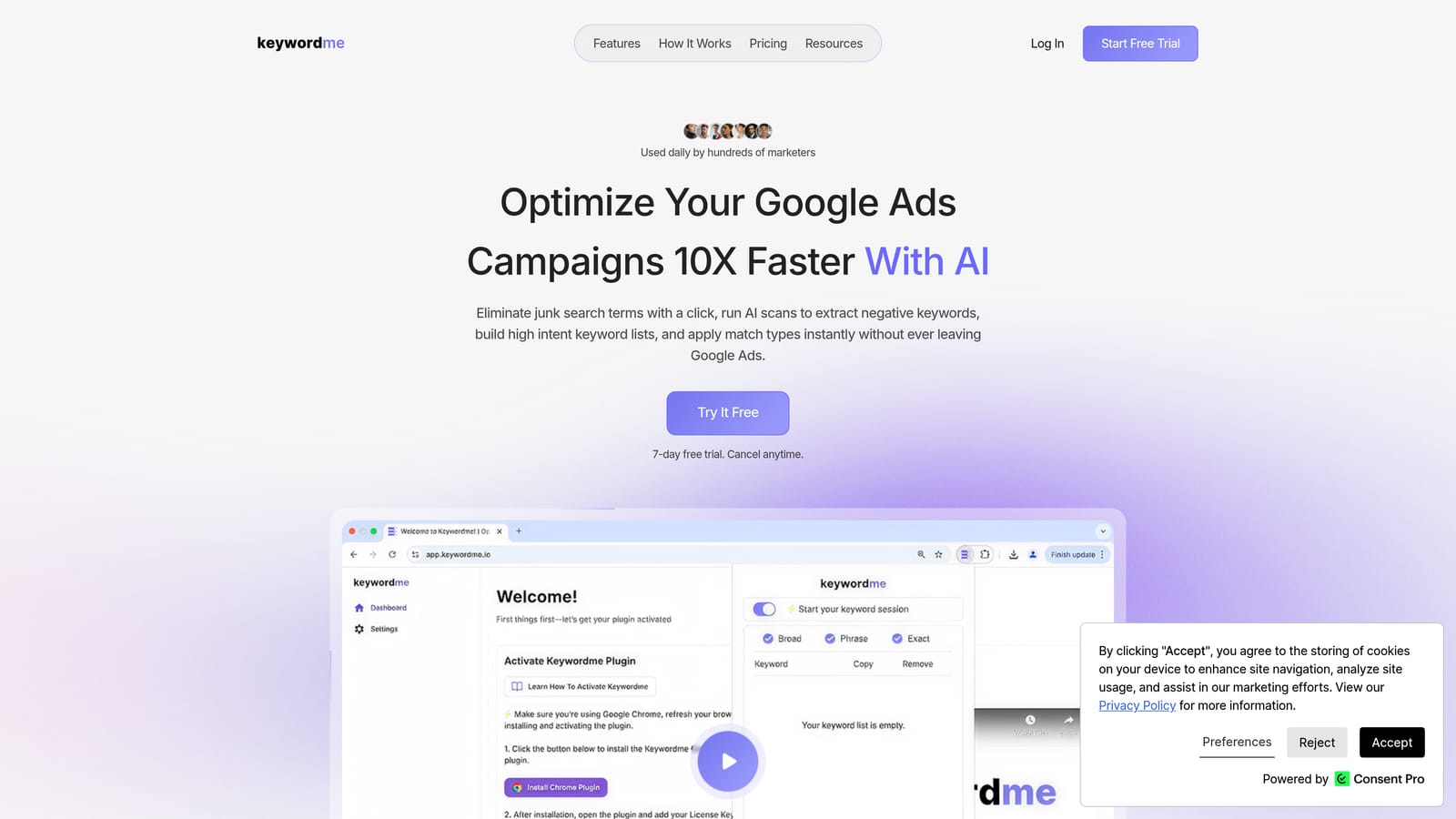
Keywordme is a Chrome extension that integrates directly into the Google Ads Search Terms Report, letting you take action on search terms without ever leaving the native interface.
Where This Tool Shines
The core problem Keywordme solves is friction. Normally, reviewing search terms means exporting data, working through a spreadsheet, and then manually re-entering changes back into Google Ads. Keywordme collapses that entire loop into one-click actions directly inside the report you're already looking at.
For agencies managing multiple accounts, the multi-account and team support features make it practical to standardize how search term reviews happen across the whole team, without relying on shared spreadsheets or inconsistent processes.
Key Features
One-click negative keyword addition: Add irrelevant search terms as negative keywords directly from the Search Terms Report without exporting or switching tools.
Instant match type application: Apply broad, phrase, or exact match types to keywords in a single click, right inside Google Ads.
Keyword clustering: Group related search terms quickly to identify themes and build more targeted ad groups.
Bulk editing: Process multiple search terms at once instead of handling them one by one, which matters when you're reviewing high-volume accounts.
Multi-account and team support: Designed for agency workflows where multiple people need to work across client accounts consistently.
Best For
Keywordme is a strong fit for PPC managers, freelancers, and agency teams who spend meaningful time in the Search Terms Report each week. If search term triage is a recurring bottleneck in your workflow, this tool directly addresses that without adding another dashboard to your stack.
Pricing
$12/month per user, flat rate. A 7-day free trial is available with no commitment required.
2. Opteo
Best for: Ongoing account optimization with prioritized, data-driven recommendations
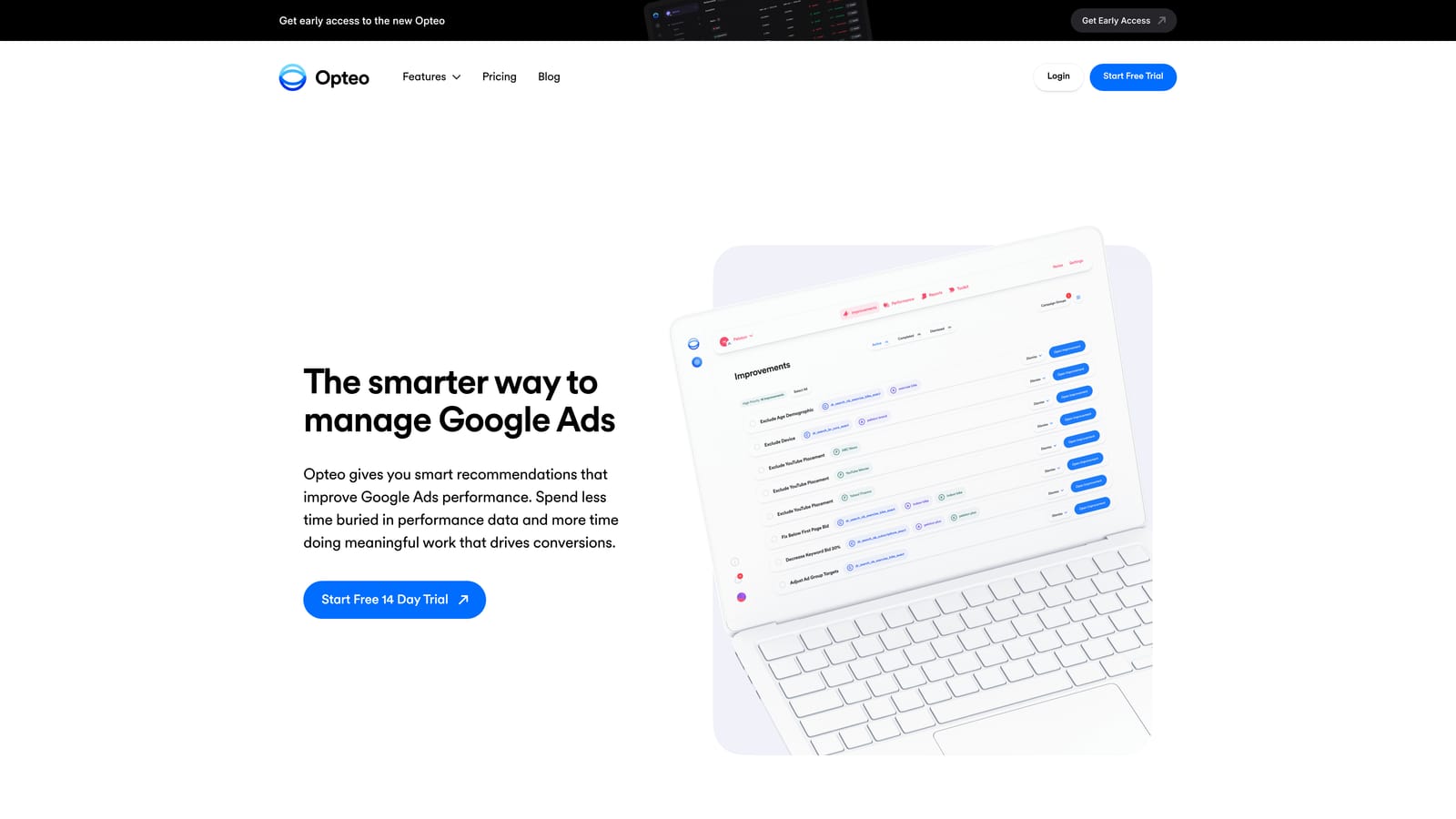
Opteo is a Google Ads optimization platform that connects to your account via API and surfaces improvement suggestions based on performance patterns it detects over time.
Where This Tool Shines
Opteo's value is in surfacing what needs attention before you go looking for it. Rather than manually auditing an account to find underperforming keywords or ad copy issues, Opteo monitors performance continuously and presents prioritized recommendations in a queue format.
The one-click application of suggested changes is a practical time-saver. You review the recommendation, see the supporting data, and apply or dismiss it. It works alongside the Google Ads interface rather than inside it, so it's more of a companion tool than a direct UI enhancement.
Key Features
Prioritized improvement recommendations: Surfaces suggestions across keywords, bids, ads, and account structure, ranked by expected impact.
Performance monitoring and alerts: Tracks account performance and notifies you when something meaningful changes.
One-click change application: Apply or dismiss recommendations directly within Opteo without navigating back to Google Ads for every action.
Client reporting tools: Generates reports for agency clients, reducing time spent on manual reporting.
Best For
Opteo suits account managers and agencies who want a structured way to work through account improvements without building their own auditing process from scratch. It's particularly useful if you manage several accounts and need a consistent review workflow.
Pricing
Tiered by monthly ad spend. Verify current pricing at opteo.com.
3. Google Ads Editor
Best for: Bulk offline editing of campaigns, keywords, and ads across one or multiple accounts
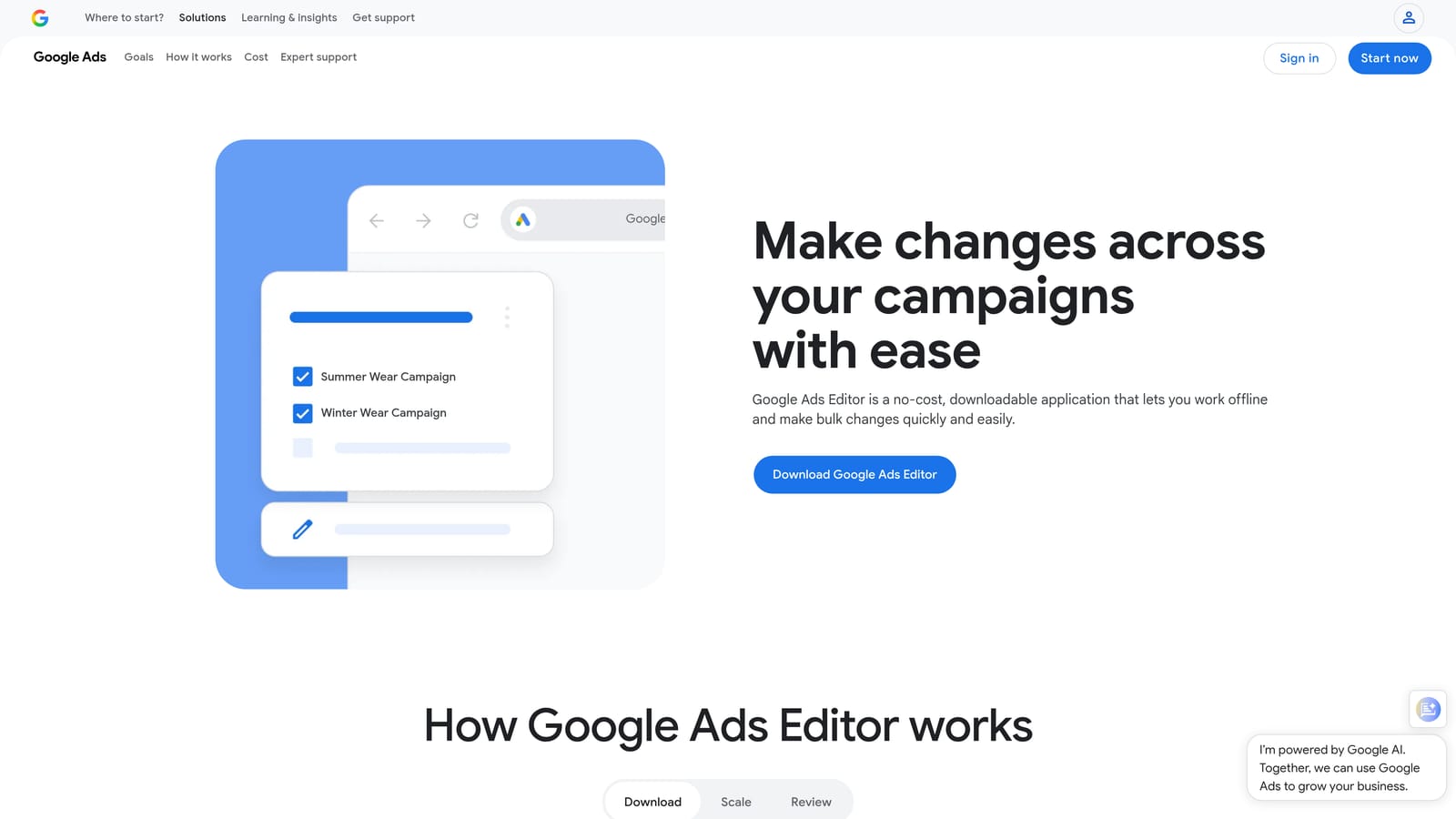
Google Ads Editor is a free desktop application from Google that lets you download account data, make bulk changes offline, and upload everything at once.
Where This Tool Shines
When you need to make large-scale structural changes, such as renaming campaigns, updating ad copy across hundreds of ads, or reorganizing ad groups, doing that work inside the native Google Ads web interface is slow. Google Ads Editor solves this by letting you stage all your changes locally before a single upload.
The find-and-replace functionality alone makes it worth using for anyone managing accounts with significant volume. You can also import changes via CSV, which is useful when coordinating with clients or team members who work outside the Google Ads interface.
Key Features
Bulk offline editing: Make changes to campaigns, keywords, ads, and ad groups without a live internet connection, then upload when ready.
Staged changes before upload: Review everything locally and catch errors before any changes go live.
Multi-account management: Work across multiple accounts within a single application window.
Find-and-replace: Update text across large datasets quickly, useful for URL changes, ad copy updates, and keyword list edits.
CSV import and export: Move structured data in and out of the application for collaborative workflows.
Best For
Google Ads Editor is essential for anyone managing high-volume accounts or making frequent structural changes. It's free, maintained by Google, and handles bulk editing tasks that would take significantly longer inside the web interface.
Pricing
Free.
4. Adalysis
Best for: Ad testing, quality score tracking, and automated account auditing
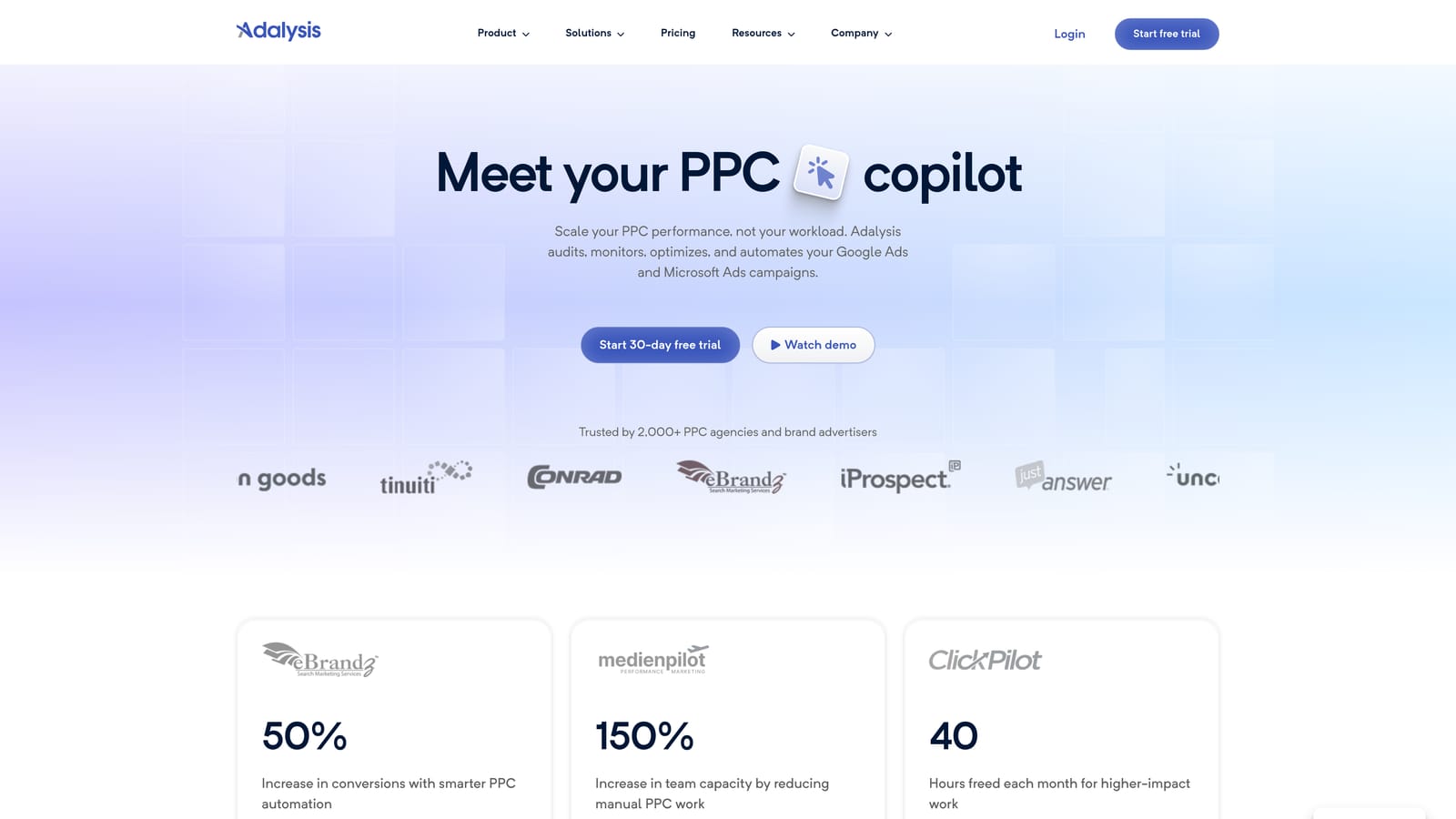
Adalysis is a PPC management platform built around ad testing discipline, quality score monitoring, and surfacing structural issues in Google Ads accounts.
Where This Tool Shines
Most PPC tools focus on keywords and bids. Adalysis leans into ad testing and account health in a way that's more systematic than what the native Google Ads interface provides. The automated A/B testing framework tracks statistical significance, so you're making decisions based on data rather than gut feel or arbitrary time windows.
The account audit tools are genuinely useful for identifying structural problems, especially in accounts that have been running for a while and accumulated layers of campaigns, ad groups, and settings that no longer reflect best practices.
Key Features
Automated A/B ad testing: Runs controlled tests between ad variations and tracks statistical significance to identify winners reliably.
Quality score monitoring: Tracks quality score historically at the keyword level, so you can see trends rather than just a current snapshot.
Account audit tools: Surfaces structural issues, missing ad variations, and configuration problems across the account.
Performance alerts and anomaly detection: Notifies you when performance deviates from expected patterns, reducing the need for constant manual monitoring.
Best For
Adalysis works well for account managers who take ad testing seriously and want more structure around quality score tracking than Google Ads natively provides. It's also useful for agencies onboarding new client accounts where an audit is part of the initial workflow.
Pricing
Tiered by number of accounts and ad spend. Verify current pricing at adalysis.com.
5. PPC Samurai
Best for: Search term analysis and negative keyword management at scale for agencies
PPC Samurai is an agency-focused Google Ads tool built around search term analysis, n-gram reporting, and negative keyword management for high-volume accounts.
Where This Tool Shines
N-gram analysis is where PPC Samurai earns its place in an agency toolkit. By breaking search terms down into individual words and two- or three-word phrases, it identifies patterns of wasted spend that aren't obvious when you're reviewing search terms one by one. If a particular word keeps appearing in irrelevant queries across multiple campaigns, n-gram analysis surfaces that quickly.
The visual search term mapping interface helps agencies understand how search terms are distributing across ad groups, which is useful for identifying gaps, overlap, or misalignment between what people search and where they land.
Key Features
N-gram analysis: Breaks down search term data into word-level patterns to identify recurring sources of wasted spend across campaigns.
Visual search term mapping: Shows how search terms map to ad groups, making structural alignment issues easier to spot.
Negative keyword management: Manage negatives at both the account and campaign level with tools designed for bulk processing.
Bulk search term processing: Handles high-volume search term data efficiently, which matters for accounts generating thousands of unique queries per month.
Best For
PPC Samurai is best suited for agencies managing large accounts where search term volume makes manual review impractical. The n-gram functionality in particular is difficult to replicate with native Google Ads tools or standard spreadsheet work.
Pricing
Verify current pricing at ppcsamurai.com.
6. Karooya Negative Keywords Tool
Best for: Free negative keyword recommendations pulled directly from your search term history
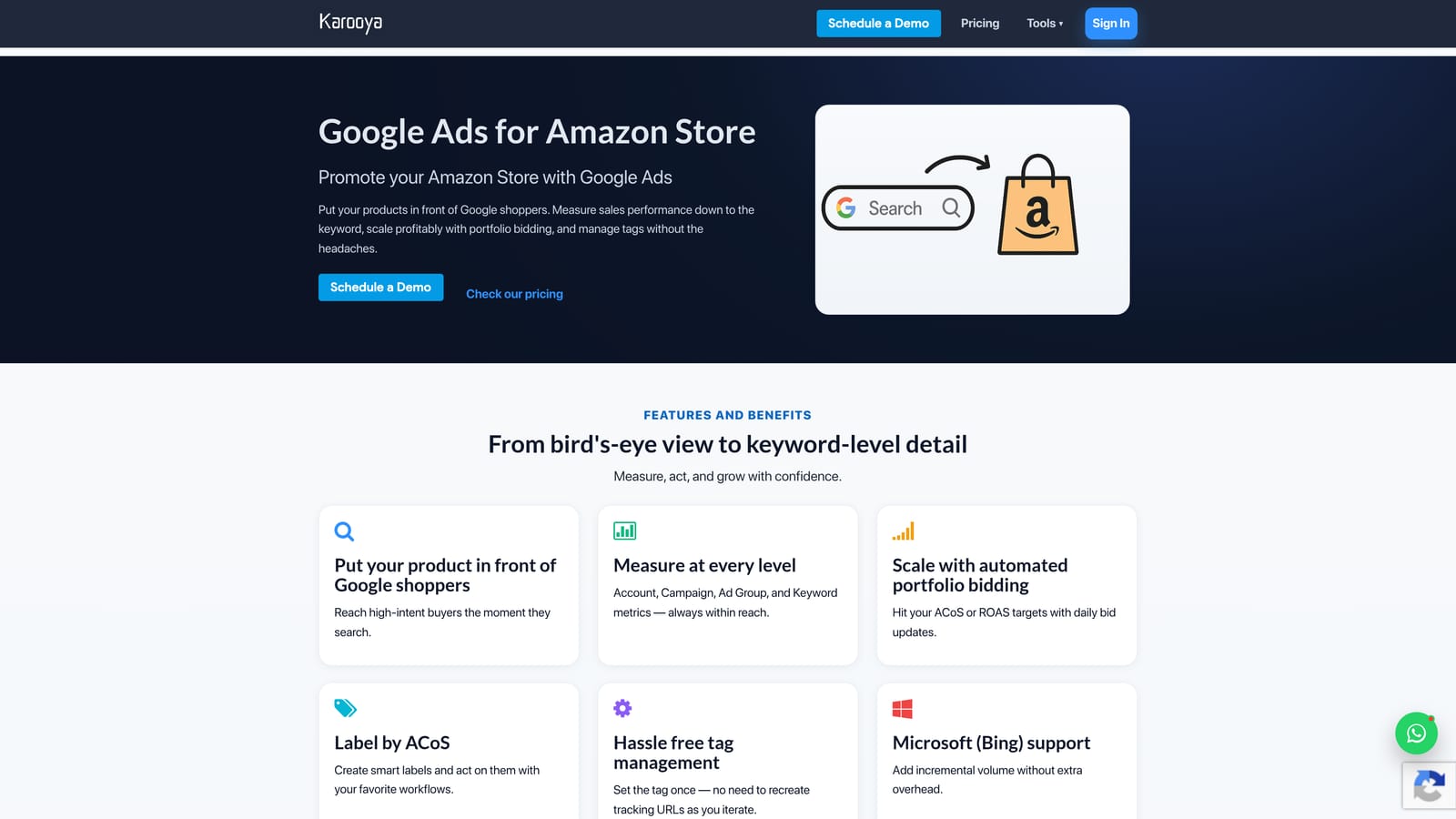
Karooya is a free tool that connects to the Google Ads API and analyzes your existing search term data to surface negative keyword recommendations.
Where This Tool Shines
The main appeal here is that it connects directly to your Google Ads account via API, meaning there's no manual data export required. It reads your search term history and identifies queries that appear irrelevant based on performance signals, then recommends them as negatives.
For individual advertisers or small accounts where budget doesn't justify a paid tool, Karooya's free tier provides genuine utility. It won't replace a thorough manual review, but it can catch patterns you might miss and give you a starting point for negative keyword list building.
Key Features
Automatic negative keyword suggestions: Analyzes your search term history and recommends irrelevant queries as negatives without manual sorting.
Direct Google Ads API connection: Pulls data directly from your account, eliminating the need to export and upload files.
Free tier availability: Accessible to individual advertisers without a paid subscription.
Budget waste identification: Highlights queries that are consuming spend without contributing to conversions or relevant traffic.
Best For
Karooya is a practical option for solo advertisers, small business owners, or anyone who wants a lightweight negative keyword tool without committing to a paid platform. Verify the current free tier availability and feature set at karooya.com before relying on it for production use.
Pricing
Free tier available. Verify current offering at karooya.com.
7. Supermetrics
Best for: Automating Google Ads data extraction into reporting destinations like Sheets, Looker Studio, and BigQuery
Supermetrics is a data integration tool that automates the flow of Google Ads data into reporting destinations, eliminating the manual export and paste cycle that slows down reporting workflows.

Where This Tool Shines
Supermetrics doesn't enhance the Google Ads interface itself. What it does is eliminate the reporting bottleneck that happens after you leave it. If your current process involves exporting CSVs and manually updating a Google Sheet or Looker Studio report, Supermetrics automates that entire pipeline with scheduled data refreshes.
For agencies producing regular client reports, the time savings compound quickly. You set up the data connections once, configure the refresh schedule, and the report stays current without manual intervention. It also pulls from other ad platforms, so multi-channel reports don't require separate exports from each source.
Key Features
Automated data pulls into multiple destinations: Connects Google Ads data directly to Google Sheets, Looker Studio, Excel, and BigQuery on a scheduled basis.
Multi-platform support: Pulls data from Google Ads, Meta, LinkedIn, and other ad platforms into a single reporting destination.
Scheduled data refreshes: Keeps reports current automatically without manual exports or updates.
Pre-built report templates: Provides starting points for common PPC reporting structures, reducing setup time for standard client reports.
Best For
Supermetrics is most valuable for agencies and in-house teams that produce regular performance reports and want to stop spending time on manual data handling. It's a reporting infrastructure tool rather than a campaign management tool.
Pricing
Tiered by destination and data sources. Verify current pricing at supermetrics.com.
8. Google Tag Assistant
Best for: Validating Google Ads conversion tracking tags directly in the browser
Google Tag Assistant is a free Chrome extension from Google that inspects tag implementations on any live webpage and identifies errors or misconfigurations in your tracking setup.
Where This Tool Shines
Conversion tracking problems are one of the most common sources of bad data in Google Ads accounts. When a tag fires incorrectly, or doesn't fire at all, you lose visibility into what's actually driving results. Tag Assistant lets you check tag status on any page without digging through source code or relying on a developer to confirm the implementation.
It's a diagnostic tool rather than a management tool, but it belongs in this list because bad tracking undermines every optimization decision you make in Google Ads. Catching a misconfigured conversion tag early saves significant time and budget downstream.
Key Features
Conversion tracking validation: Confirms whether Google Ads conversion tags are firing correctly on your landing pages and thank-you pages.
Error and warning identification: Flags tag misconfigurations, duplicate tags, and implementation issues with clear status indicators.
Browser-based inspection: Works directly in Chrome without requiring access to backend systems or developer tools.
Free and maintained by Google: No cost, no setup, and updated alongside the Google tag ecosystem.
Best For
Tag Assistant is useful for any Google Ads practitioner who manages or audits conversion tracking. It's particularly valuable when onboarding a new client account, verifying a recent tag implementation, or troubleshooting a drop in reported conversions.
Pricing
Free.
Which Tool Fits Your Workflow
The right tool depends on where your workflow actually breaks down. Here's a quick way to think through the options.
If your biggest time drain is search term review, Keywordme is the most direct solution. It works inside the Google Ads interface you're already using, handles one-click negative keyword addition and match type application, and doesn't require you to leave the Search Terms Report to get things done. For freelancers and agency teams doing this work regularly, the $12/month flat rate is straightforward to evaluate against the time it saves. Start your free 7-day trial and see how it fits into your existing workflow.
.svg)