
9 Best Google Ads In-Platform Tools to Optimize Campaigns Faster
Discover the 9 best Google Ads in-platform tools that help marketers, freelancers, and agency owners optimize campaigns faster—directly inside the Google Ads interface—without spreadsheets or tab-switching. Most are free and already available in your account, saving significant time on tasks like negative keyword management, bid adjustments, and performance analysis.


If you manage Google Ads accounts, you already know the drill. You pull the Search Terms Report, export it to a spreadsheet, cross-reference your keyword list, manually add negatives, then re-import everything back into the platform. By the time you're done, you've spent an hour doing what should have taken ten minutes.
TL;DR: The best Google Ads in-platform tools let you optimize campaigns directly inside the Google Ads interface without spreadsheets, tab-switching, or clunky dashboards. This list covers nine tools that work within or alongside Google Ads natively, ranked by how much time they actually save marketers, freelancers, and agency owners managing real accounts.
Most of the tools below are completely free and already sitting inside your Google Ads account right now. One is a Chrome extension that layers directly on top of the native interface. All of them share one thing in common: they keep you in your workflow instead of pulling you out of it. Here are the top Google Ads in-platform tools worth using in 2026.
1. Keywordme
Best for: Faster Search Terms Report optimization without leaving Google Ads
Keywordme is a Chrome extension that supercharges the native Google Ads Search Terms Report with one-click optimization actions.

Where This Tool Shines
In most accounts I audit, the Search Terms Report is where wasted spend hides. The problem isn't finding the junk terms, it's the friction of doing something about them. Keywordme eliminates that friction entirely by adding action buttons directly inside the Google Ads interface, so you can add negatives, apply match types, and cluster keywords without ever opening a spreadsheet.
For agencies managing multiple client accounts, this is especially valuable. The bulk editing and multi-account support means you're not repeating the same manual workflow ten times over. What usually happens here is that the time savings compound fast, particularly on accounts with high search term volume.
Key Features
One-Click Negative Keyword Addition: Remove junk search terms directly from the Search Terms Report without exporting or re-importing data.
Instant Match Type Application: Apply broad, phrase, or exact match to any term in a single click, right inside the native UI.
Keyword Clustering: Organize search terms into logical ad groups without leaving the Google Ads interface.
Bulk Editing: Act on multiple search terms simultaneously to speed up high-volume optimization sessions.
Multi-Account and Team Support: Manage and collaborate across multiple client accounts, making it a practical fit for agency teams.
Best For
PPC managers, freelancers, and agency owners who spend significant time in the Search Terms Report and want to cut optimization time dramatically. Particularly useful if you're managing accounts with large search term volumes where manual processing creates a real bottleneck.
Pricing
$12/month per user. A 7-day free trial is available with no credit card required upfront.
2. Google Ads Optimization Score Tool
Best for: Quick account health checks and prioritized campaign recommendations
Google Ads Optimization Score is Google's native account health scoring system that rates your campaigns from 0 to 100% and surfaces prioritized improvement suggestions.

Where This Tool Shines
The Optimization Score is a solid first stop when you're auditing a new account or checking in on performance. It gives you a structured view of what Google thinks needs attention, which is useful even if you don't agree with every recommendation. The mistake most agencies make is either ignoring it completely or blindly applying every suggestion. The right approach is somewhere in the middle.
The score updates dynamically, so it reflects current account conditions rather than a static snapshot. That makes it genuinely useful as an ongoing health indicator, not just a one-time audit tool.
Key Features
0–100% Scoring: A clear, at-a-glance measure of overall account optimization health across all campaigns.
Categorized Recommendations: Suggestions organized across bidding, keywords, ads, and extensions so you know exactly where gaps exist.
One-Click Apply or Dismiss: Act on any recommendation instantly, or dismiss it with a reason to exclude it from your score calculation.
Dynamic Score Updates: The score adjusts automatically as account conditions and performance change over time.
Completely Native: No setup, no integration, no additional cost.
Best For
Account managers who want a structured starting point for campaign audits, or anyone onboarding a new client account and needing a quick read on where the biggest gaps are.
Pricing
Free. Included natively in all Google Ads accounts with no setup required.
3. Google Ads Search Terms Report
Best for: Negative keyword mining and keyword expansion from real search data
Google Ads Search Terms Report is the foundational in-platform report showing every search query that triggered your ads.
Where This Tool Shines
This is the most important report in Google Ads for controlling wasted spend. Every irrelevant search query that triggered your ads and burned budget is visible here. The report itself is simple, but the value is enormous if you're working it regularly. Negative keyword mining from this report is one of the highest-ROI optimization tasks in any account.
The limitation is that the native report is read-only. You can add terms as keywords or negatives directly from the interface, but doing it at scale gets tedious fast. That's exactly the gap Keywordme fills by adding action layers on top of the native report.
Key Features
Full Query Visibility: See every actual user search query that triggered your ads, not just the keywords you're bidding on.
Flexible Filtering: Filter by campaign, ad group, date range, and performance metrics to focus your analysis.
Direct Keyword and Negative Actions: Add terms as keywords or negatives directly from within the report.
CSV Export: Download the full report for offline analysis or client reporting.
Search and Shopping Coverage: Works across both Search and Shopping campaign types.
Best For
Every Google Ads advertiser, without exception. This report should be part of every weekly optimization routine. If you're not working this report regularly, you're almost certainly overpaying for traffic.
Pricing
Free. Native to all Google Ads accounts with no configuration needed.
4. Google Keyword Planner
Best for: Keyword discovery and CPC estimation before launching campaigns
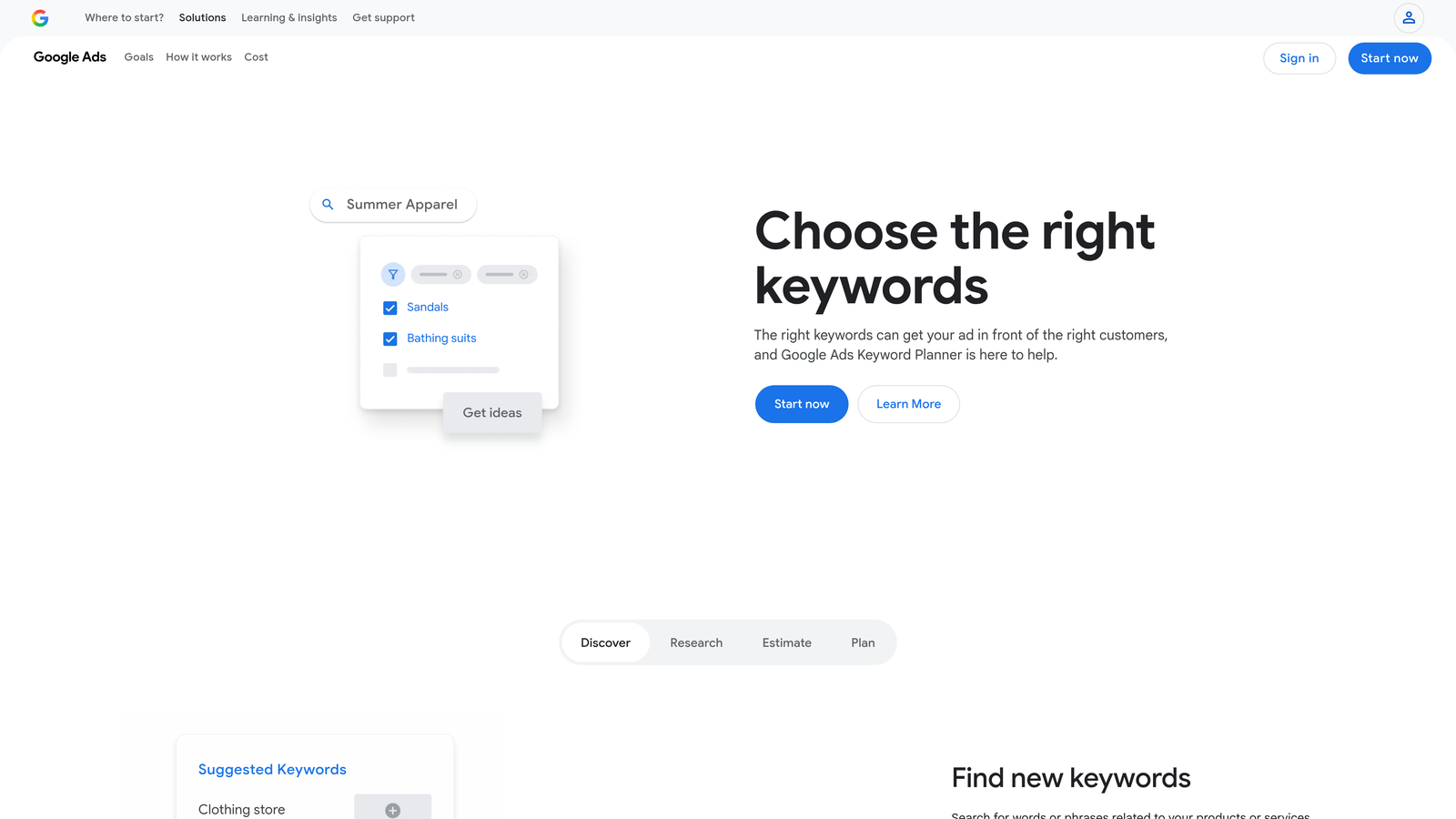
Google Keyword Planner is Google's free keyword research tool built directly into the Google Ads platform.
Where This Tool Shines
Keyword Planner is most valuable at the campaign build stage. When you're starting from scratch or expanding into a new product line, it gives you a structured way to discover keyword opportunities and get directional volume and CPC estimates without leaving the Google Ads environment.
One thing worth knowing: exact search volumes are only shown to accounts with active spend. If you're on a new or paused account, you'll see ranges instead of specific numbers. For active accounts, the forecast tool is particularly useful when you need to back up budget recommendations with data.
Key Features
Keyword Discovery: Generate keyword ideas from seed terms, competitor URLs, or product categories.
Volume and CPC Estimates: Get search volume ranges and average CPC bid estimates to inform campaign planning.
Keyword Grouping Suggestions: See suggested ad group structures based on keyword themes.
Historical Metrics and Trend Data: Review how search volume has shifted over time for any keyword set.
Forecast Tool: Model expected clicks and conversions at different bid levels before committing budget.
Best For
Advertisers building new campaigns, expanding into new markets, or needing defensible data for client budget conversations. Also useful for freelancers doing keyword research as part of a campaign build deliverable.
Pricing
Free. Available to all Google Ads account holders through the Tools menu.
5. Google Ads Recommendations Tab
Best for: Surfacing quick wins across bidding, keywords, and ad creative
Google Ads Recommendations Tab is Google's automated suggestion engine that surfaces actionable improvements across every campaign type.
Where This Tool Shines
The Recommendations Tab is essentially a prioritized to-do list generated by Google's machine learning. It covers everything from Smart Bidding upgrades to responsive ad improvements to keyword expansion suggestions. When used with critical thinking rather than blind acceptance, it's a genuinely useful tool for spotting things you might have missed.
The key word there is "critical thinking." Not every recommendation is right for your account. Google's suggestions are optimized toward performance in aggregate, not necessarily toward your specific goals. Evaluate each one before applying, and dismiss the ones that don't fit your strategy so they don't drag down your Optimization Score unfairly.
Key Features
Automated Recommendations: Covers bidding strategy, keyword additions, ad copy improvements, audience targeting, and extensions.
One-Click Apply or Dismiss: Act on any suggestion instantly, with an impact estimate shown before you commit.
Optimization Score Integration: Applying recommendations directly raises your account's Optimization Score.
Smart Bidding Suggestions: Includes recommendations for transitioning to or adjusting target CPA and ROAS strategies.
Auto-Apply Option: Select recommendation types to apply automatically on a rolling basis for lower-touch accounts.
Best For
Account managers looking for a structured way to surface potential improvements quickly, especially useful during regular account reviews or when onboarding accounts that haven't been actively managed.
Pricing
Free. Native to all Google Ads accounts.
6. Google Ads Scripts
Best for: Automating repetitive tasks and building custom alerts inside Google Ads
Google Ads Scripts is Google's native JavaScript automation environment built directly into the platform under Tools and Bulk Actions.
Where This Tool Shines
Scripts are where Google Ads gets genuinely powerful for anyone willing to invest a little technical effort. You can automate bid adjustments, pause underperforming keywords, send budget alerts via email, and generate custom reports, all without any third-party tools. The automation runs on Google's servers on whatever schedule you set.
The good news for non-developers is that a large library of free, community-built scripts already exists. Google's own developer documentation includes ready-to-use scripts for the most common use cases. In most accounts I work with, the budget alert script alone saves meaningful time every month.
Key Features
Native JavaScript Environment: Write and run automation directly inside Google Ads with no external tools or integrations required.
Broad Automation Scope: Automate bid adjustments, keyword pausing, budget management, performance alerts, and custom reporting.
Free Community Script Library: Access hundreds of pre-built scripts from Google's developer documentation and community forums.
Flexible Scheduling: Run scripts hourly, daily, or weekly depending on the task.
MCC Compatibility: Scripts work across both individual accounts and manager-level accounts for agency-wide automation.
Best For
PPC managers comfortable with basic JavaScript, or anyone willing to use community scripts without modification. Agencies managing large account portfolios get the most value here through MCC-level automation.
Pricing
Free. Included in all Google Ads accounts. Your only cost is development or customization time.
7. Google Ads Performance Planner
Best for: Budget forecasting and client-facing spend scenario modeling
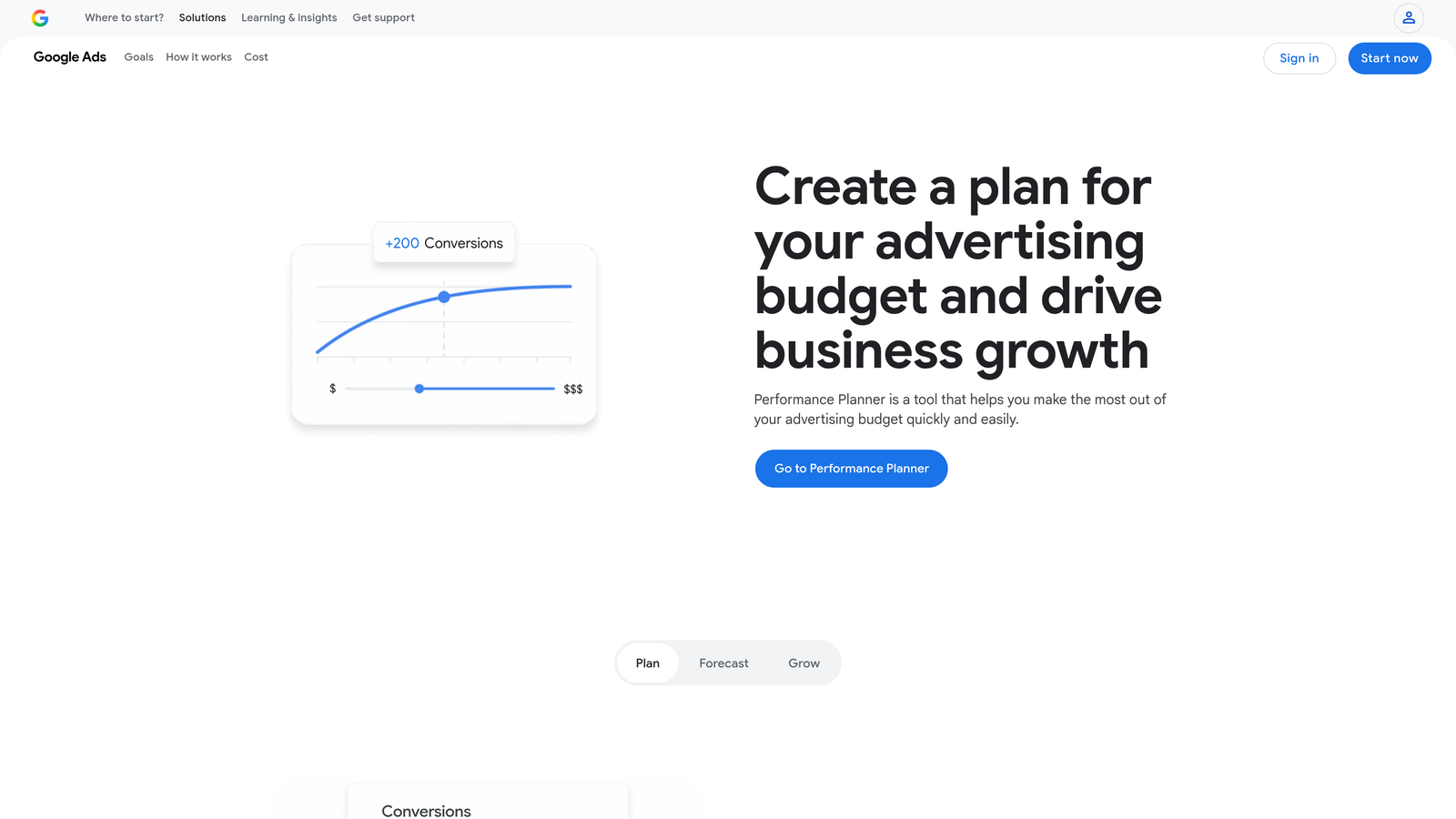
Google Ads Performance Planner is Google's native forecasting tool that models how budget and bid changes could affect campaign performance using your historical account data.
Where This Tool Shines
Performance Planner is the tool I reach for whenever a client asks "what would happen if we increased budget by 20%?" Instead of guessing, you can run a scenario directly inside Google Ads and show projected changes to clicks, conversions, and spend based on real account history. That's a much stronger conversation than a spreadsheet estimate.
It also has seasonal awareness built into its projections, which matters for accounts in retail, travel, or any category with predictable demand shifts. The exportable forecasts make it easy to build into client-facing budget planning documents.
Key Features
Budget Scenario Modeling: Model the projected impact of budget increases or decreases using your historical account data.
Performance Forecasts: See projected clicks, conversions, and spend across multiple budget levels simultaneously.
Search and Shopping Support: Available for both Search and Shopping campaign types.
Exportable Forecasts: Download projections for use in client presentations or internal planning documents.
Seasonal Adjustment Awareness: Projections account for seasonal demand patterns relevant to your account's category.
Best For
Agency account managers who regularly present budget recommendations to clients, and any advertiser planning quarterly or annual spend allocation. Also useful for justifying budget increases with data rather than gut feel.
Pricing
Free. Available natively inside all Google Ads accounts under the Tools menu.
8. Google Ads Audience Manager
Best for: Centralizing remarketing lists and first-party audience management
Google Ads Audience Manager is Google's centralized in-platform hub for building, managing, and applying audience segments across all campaign types.
Where This Tool Shines
Audience Manager lives under the Shared Library and is the single place where all your remarketing lists, customer match audiences, and in-market segments are managed. The value of having everything in one place becomes obvious once you're running layered audience strategies across multiple campaigns. Without it, audience management gets fragmented fast.
The combined segment builder is particularly useful for creating nuanced audience logic, like targeting users who visited your pricing page but haven't converted. That kind of layering used to require workarounds; now it's built directly into the native interface.
Key Features
Centralized Audience Hub: Manage all remarketing lists, customer match audiences, and in-market segments from one location.
Website Visitor Lists: Create audience lists from website traffic using the Google Ads tag or Google Analytics integration.
Customer Match: Upload first-party email lists to target or exclude known customers across campaigns.
Combined Segment Builder: Layer multiple audience conditions to create precise targeting logic without leaving the platform.
Account-Wide Sharing: Audiences created in Audience Manager are available across all campaigns in the account.
Best For
Advertisers running remarketing campaigns, e-commerce accounts with customer data to leverage, and anyone building layered audience strategies across multiple campaign types. Also essential for accounts using Performance Max where audience signals matter.
Pricing
Free. Native to all Google Ads accounts under the Shared Library.
9. Google Ads Editor
Best for: Offline bulk editing and large-scale campaign restructuring
Google Ads Editor is Google's free desktop application for offline bulk editing of campaigns, ad groups, keywords, ads, and extensions.
Where This Tool Shines
Google Ads Editor is the industry standard for anyone doing large-scale campaign work. When you need to restructure an account, do a find-and-replace across hundreds of ad headlines, or duplicate campaigns with modifications, doing it inside the browser interface is painful. Editor makes it fast and safe, since you can review all changes before pushing them live.
The offline capability is underrated. You can do all your editing without an internet connection and sync when you're ready. For agencies managing accounts across multiple clients, the ability to work in multiple accounts from a single desktop app is a genuine workflow improvement.
Key Features
Offline Bulk Editing: Edit campaigns, ad groups, keywords, ads, and extensions without an active internet connection.
Find-and-Replace: Make large-scale text changes across hundreds of ads or keywords simultaneously.
Multi-Account Management: Work across multiple Google Ads accounts from a single desktop application.
CSV Import and Export: Use structured spreadsheet workflows to build or modify campaigns at scale.
Draft and Review Mode: Stage all changes and review them before pushing anything live to your active account.
Best For
Account managers doing large-scale restructuring, agencies building out new client campaigns from scratch, and anyone who regularly makes bulk changes that would be impractical to do inside the browser interface.
Pricing
Free. Available for both Windows and Mac directly from Google.
Which Google Ads In-Platform Tool Is Right for You?
Every tool on this list reduces friction in a different part of your workflow. The right combination depends on what's slowing you down most right now.
If you're drowning in search terms and wasting budget on irrelevant queries, start with Keywordme. It's the most direct path to faster in-interface optimization and the only tool here that adds a genuine action layer on top of the native Search Terms Report. The difference between working the report with and without it is significant.
If you're building a new campaign from scratch, open Keyword Planner first. It gives you the keyword foundation and CPC estimates you need before you spend a dollar. From there, use the Recommendations Tab to catch anything you missed after launch.
For bulk changes across large accounts, Google Ads Editor is still the gold standard free tool. Nothing in-browser comes close for restructuring work at scale. Pair it with Scripts if you want to automate the repetitive monitoring tasks that don't need human judgment.
For client-facing conversations about budget, Performance Planner gives you the data to back up your recommendations with actual projections rather than guesswork. And Audience Manager is non-negotiable if you're running any kind of remarketing or first-party data strategy.
The common thread across all nine tools is that they keep you inside your workflow. The best Google Ads in-platform tools don't ask you to context-switch into a separate dashboard. They meet you where you're already working and make the actions you're already taking faster and smarter.
If you want to see what truly native optimization looks like, Start your free 7-day trial of Keywordme and run through your Search Terms Report. You'll immediately see how much time you've been leaving on the table doing manually what should take a single click.
.svg)