
9 Best Google Ads Helper Tools Compared
This article delivers a practical Google Ads helper tools comparison across nine tools organized by primary use case — including in-interface optimization, keyword research, bid management, and reporting — so solo freelancers and agencies alike can quickly identify the right solution for their 2026 workflow.


If you're managing Google Ads campaigns, you already know how much time disappears into spreadsheets, manual keyword reviews, and tab-switching between dashboards. The right helper tool cuts that time significantly, freeing you up to focus on strategy instead of admin work.
This list covers nine tools that genuinely help with different parts of the Google Ads workflow: from in-interface optimization and keyword research to bid management and reporting. We've organized them by primary use case so you can quickly find what fits your situation. Whether you're a solo freelancer running a handful of accounts or an agency juggling dozens of clients, there's something here for you.
Selection criteria: each tool had to solve a real, recurring Google Ads task, have a clear pricing model, and be actively maintained as of 2026.
1. Keywordme
Best for: In-interface search term optimization and negative keyword management inside Google Ads
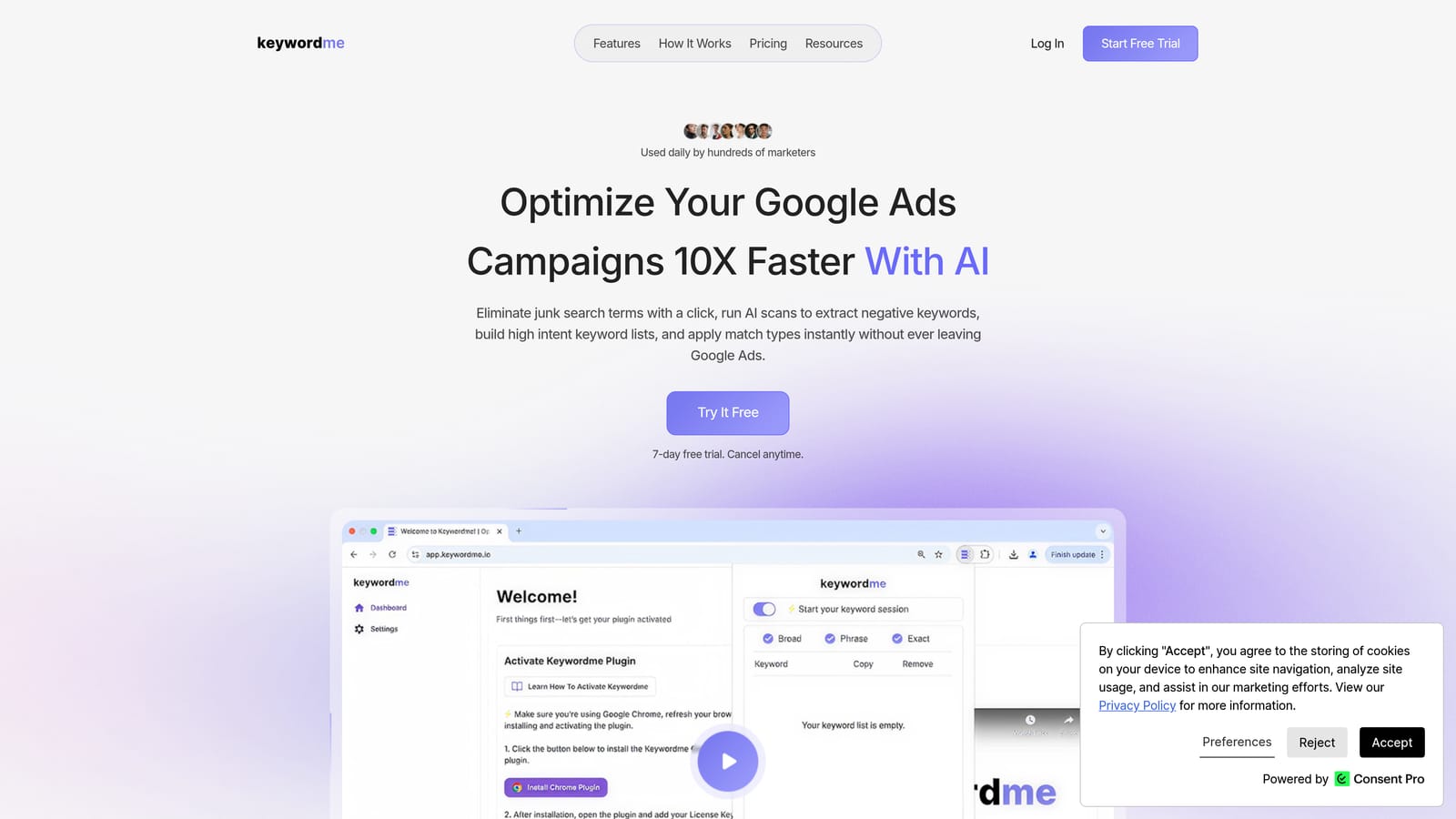
Keywordme is a Chrome extension that works directly inside the Google Ads Search Terms Report, letting you clean up junk search terms, add positive keywords, apply match types, and build negative keyword lists without ever leaving the Google Ads interface.
Where This Tool Shines
Most Google Ads optimization workflows involve a frustrating loop: export search terms to a spreadsheet, sort through them, decide what to exclude, then re-import your changes. Keywordme eliminates that loop entirely. You work inside the native Google Ads UI, making decisions with one click rather than juggling tabs and CSV files.
This matters most during regular search term reviews, which is one of the highest-leverage activities in any PPC account. When the friction of doing that review drops, you're more likely to do it consistently—and consistency compounds over time into cleaner accounts and less wasted spend.
Key Features
One-click search term exclusion: Remove junk search terms and add negative keywords directly inside the Search Terms Report without exporting anything.
Instant match type application: Apply broad, phrase, or exact match types to keywords on the spot, without touching a spreadsheet.
Keyword clustering and bulk editing: Group and manage keywords faster using clustering tools and bulk actions built into the extension.
Multi-account and team support: Manage multiple Google Ads accounts and collaborate with team members, which makes it practical for agencies handling several clients.
Native UI integration: No separate dashboard to log into. Everything happens inside Google Ads where you're already working.
Best For
Keywordme is a strong fit for freelancers and agency teams who do regular search term reviews and want to move faster without adding more tools to their stack. If you find yourself spending significant time on keyword cleanup tasks each week, the in-interface workflow is a practical upgrade over spreadsheet-based processes.
Pricing
$12 per user per month, flat rate. A 7-day free trial is available with no commitment required.
2. Google Ads Editor
Best for: Bulk offline edits to campaigns, ad groups, keywords, and ads
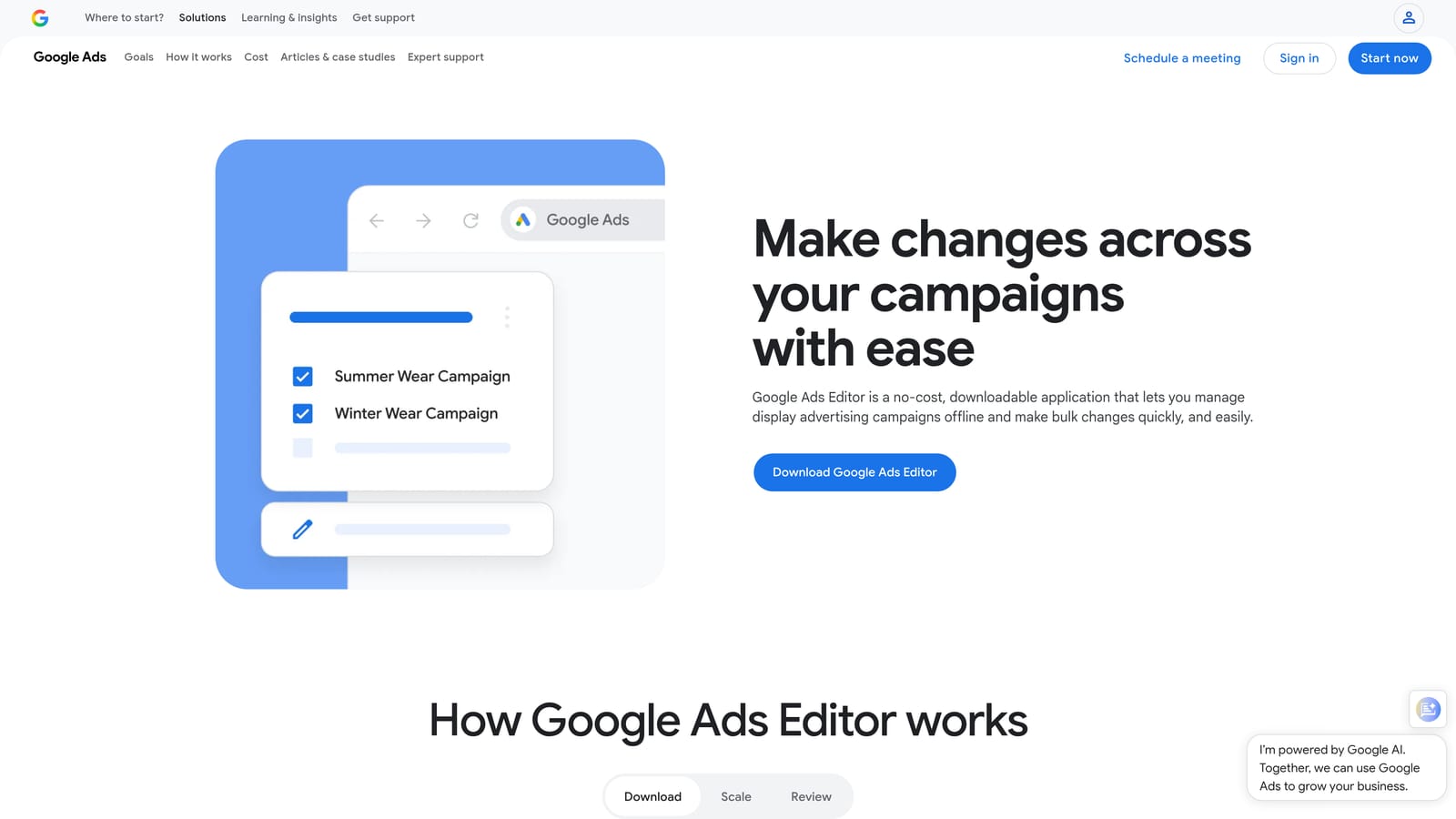
Google Ads Editor is Google's free desktop application for staging and uploading bulk changes to your Google Ads accounts without working live inside the browser interface.
Where This Tool Shines
When you need to make sweeping changes across a large account—updating hundreds of keywords, restructuring ad groups, or running a find-and-replace across ad copy—doing it one by one in the web interface is painful. Ads Editor lets you make all those changes locally, review them before anything goes live, and upload in a single batch.
It's also useful when you're working in a low-connectivity environment or want to prepare changes in advance without accidentally pushing something live mid-edit. The offline-first approach gives you a safety net that the live interface doesn't.
Key Features
Bulk find-and-replace: Update keywords, ads, and campaign settings at scale across the entire account in one pass.
Offline editing: Stage all changes locally before uploading, so nothing goes live until you're ready.
Multi-account management: Switch between and manage multiple Google Ads accounts within a single application window.
CSV import and export: Move data in and out using spreadsheets for large-scale restructuring projects.
Free access: Available to any Google Ads account holder at no additional cost.
Best For
Google Ads Editor is ideal for account managers and agencies doing large-scale restructuring, seasonal updates, or any task that involves touching many campaigns at once. It's less useful for day-to-day optimization tasks where you're making smaller, more targeted adjustments.
Pricing
Free. Available to any Google Ads account holder.
3. Google Keyword Planner
Best for: Keyword discovery, search volume estimates, and budget forecasting using Google's own data
Google Keyword Planner is the built-in keyword research tool inside Google Ads, providing search volume ranges, competition indicators, and bid estimates pulled directly from Google's auction data.

Where This Tool Shines
Because the data comes directly from Google, Keyword Planner is the most authoritative source for understanding how often people search for a term and what advertisers are typically paying to appear for it. That makes it especially useful during account setup, campaign planning, or when pitching a new client and needing realistic traffic and cost estimates.
One thing to keep in mind: accounts without active spend tend to see volume data displayed as ranges rather than precise numbers. If you need more granular data, running even a small active campaign can unlock more specific figures.
Key Features
Search volume and trend data: See historical search volume ranges and seasonal trends sourced directly from Google's auction data.
Keyword idea generation: Discover new keyword ideas from seed terms or by entering a URL.
Bid range estimates: Get low and high bid estimates to inform budget planning before launching a campaign.
Forecast tool: Project estimated clicks, impressions, and conversions based on keyword selections and budget inputs.
Free inside Google Ads: No additional subscription or tool required.
Best For
Keyword Planner is most useful during the research and planning phase of a campaign. It's a natural starting point for building keyword lists, though many practitioners supplement it with third-party tools for competitive intelligence and deeper analysis.
Pricing
Free with any Google Ads account.
4. Optmyzr
Best for: One-click optimization suggestions, rule-based automation, and PPC reporting across platforms
Optmyzr is a PPC management platform built around surfacing actionable optimization recommendations and letting you act on them quickly, with rule-based automation and reporting layered on top.

Where This Tool Shines
Optmyzr's core value is reducing the cognitive load of account management. Instead of digging through data to figure out what needs attention, the platform surfaces prioritized recommendations and lets you apply them with minimal clicks. For managers handling multiple accounts, this kind of guided workflow can meaningfully reduce the time spent on routine optimization tasks.
The rule-based automation is also worth noting. You can build automated rules without writing custom scripts, which opens up automation to practitioners who aren't comfortable with JavaScript or Google Ads Scripts. It supports Google Ads, Microsoft Ads, and a handful of other platforms, making it relevant for agencies running cross-platform campaigns.
Key Features
Optimization recipes: Pre-built optimization workflows with one-click application for common account improvements.
Rule-based automation: Set up automated rules and alerts without writing custom scripts.
PPC reporting templates: Build and share performance reports using pre-built dashboard templates.
Shopping campaign tools: Dedicated features for managing and optimizing Google Shopping campaigns.
Multi-platform support: Works across Google Ads, Microsoft Ads, and other platforms from a single interface.
Best For
Optmyzr suits agencies and in-house teams managing multiple accounts who want a structured optimization workflow and reporting without building everything from scratch. It's more feature-rich than most solo freelancers need, but the investment makes more sense at scale.
Pricing
Subscription-based with multiple tiers. Verify current pricing at optmyzr.com.
5. SEMrush Advertising Toolkit
Best for: Competitor keyword research, ad copy analysis, and paid search gap identification
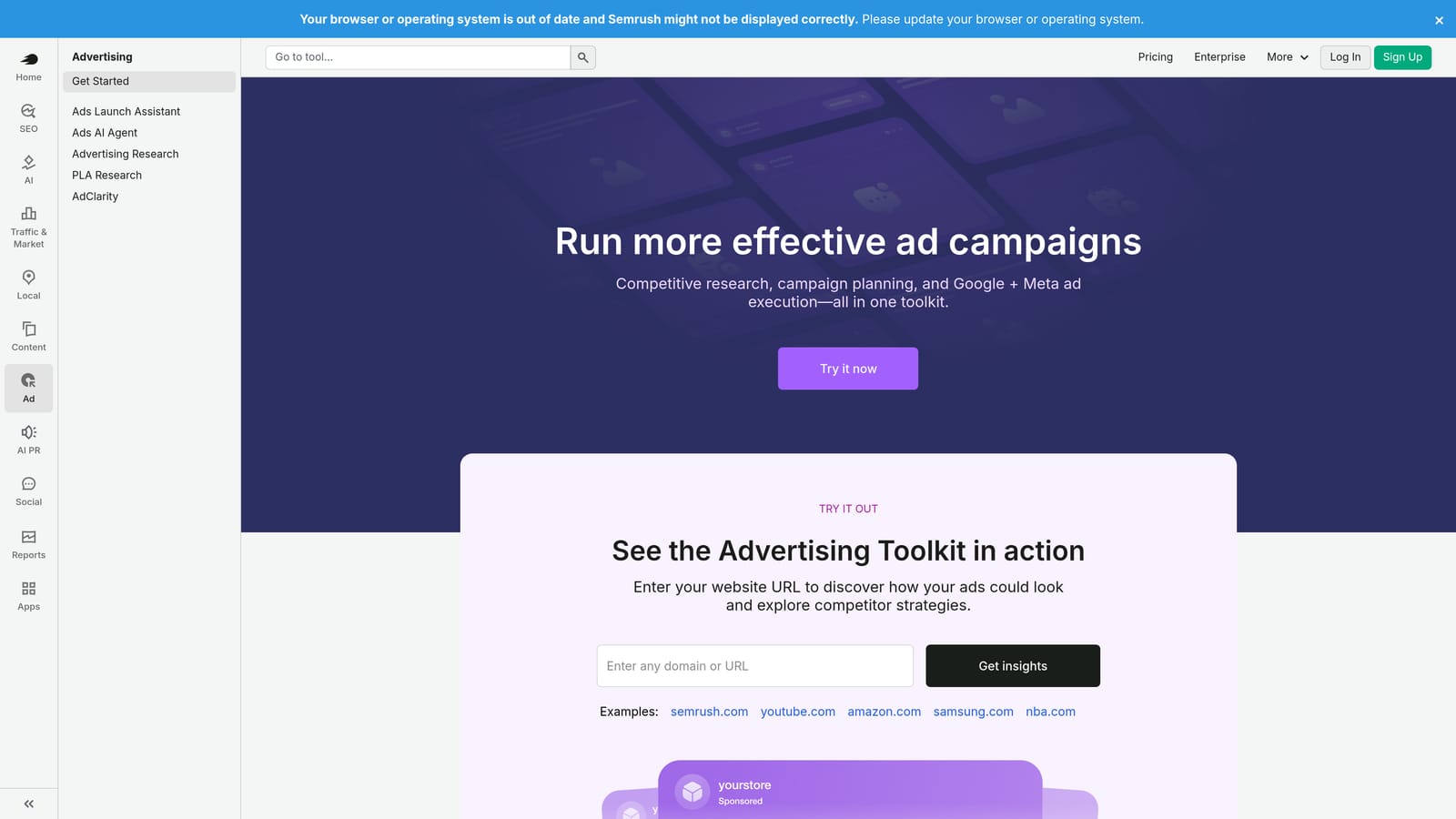
SEMrush's Advertising Toolkit is the paid search module within the broader SEMrush platform, focused on surfacing what competitors are bidding on, what their ads look like, and where keyword opportunities exist between you and them.
Where This Tool Shines
If you want to understand the competitive landscape before building or expanding a campaign, SEMrush's advertising data gives you a useful starting point. You can see which keywords a competitor appears to be targeting, review their ad copy history, and identify terms they're ranking for that you aren't. That kind of intelligence is hard to replicate manually.
The integration with SEMrush's SEO and content tools is also a genuine advantage if your team is already using the platform for organic search work. Having paid and organic data in the same place reduces context-switching and makes it easier to spot opportunities across both channels.
Key Features
Competitor keyword research: See which keywords competitors appear to be targeting in paid search.
Ad copy history: Review historical ad copy variations from competitors over time.
Keyword gap analysis: Identify keywords competitors are targeting that you currently aren't.
Display advertising research: Explore competitor display ad creatives and placements.
Platform integration: Works alongside SEMrush's SEO, content, and social tools for a unified view.
Best For
SEMrush Advertising Toolkit is a strong fit for teams already using SEMrush for SEO who want to extend that competitive intelligence into paid search. It's also useful for strategists building out new campaigns who want to benchmark against established competitors before launch.
Pricing
Included in SEMrush subscriptions; multiple tiers are available. Verify current pricing at semrush.com.
6. SpyFu
Best for: Long-term competitor keyword history and estimated ad spend tracking
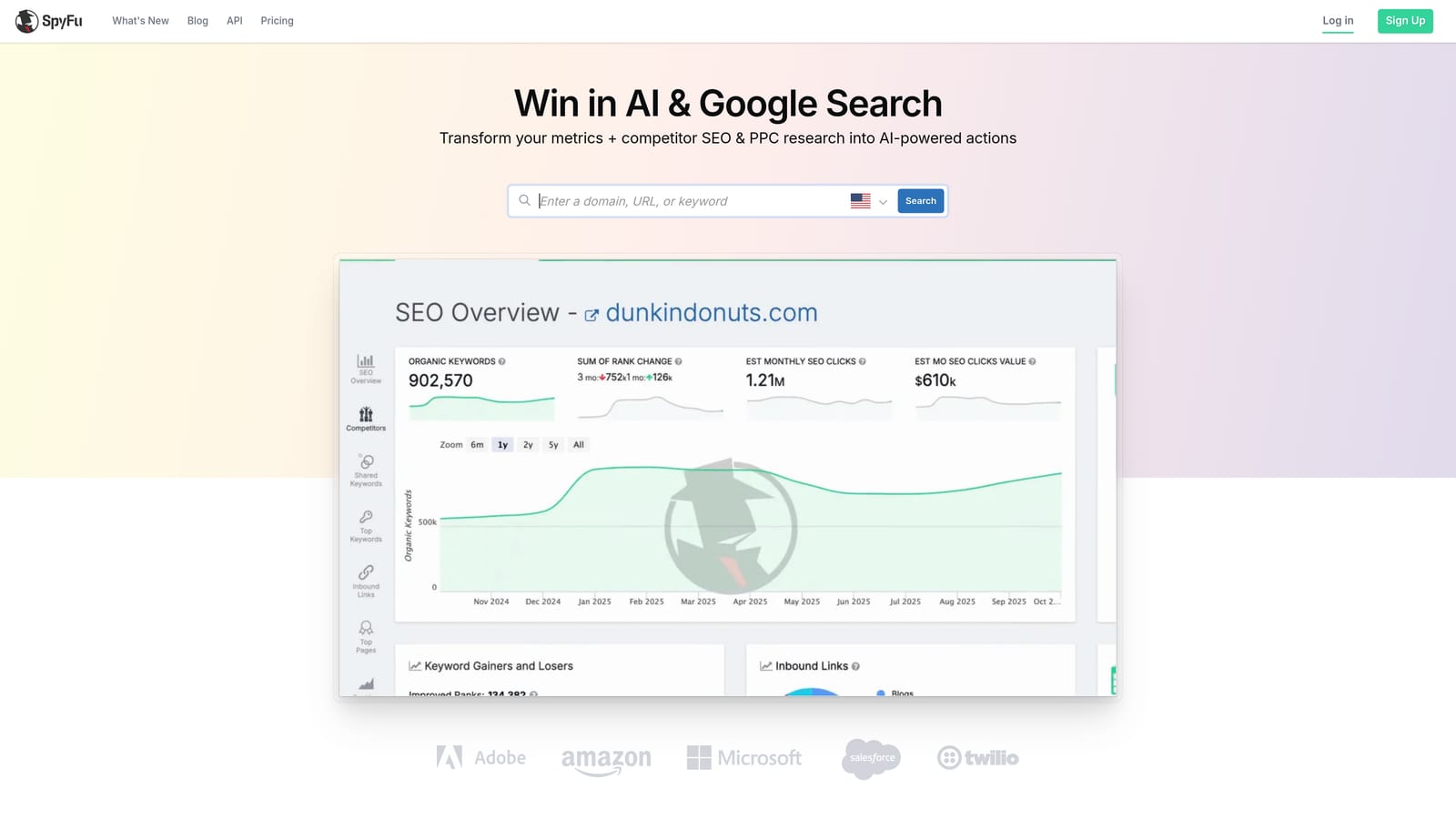
SpyFu is a competitive intelligence tool that focuses specifically on what keywords competitors have bid on over time, how their estimated spend has shifted, and how their ad copy has evolved.
Where This Tool Shines
SpyFu's historical data depth is its main differentiator. Rather than just showing you what a competitor is doing right now, it lets you see how their paid strategy has changed over months or years. That historical view can reveal patterns—seasonal budget shifts, keywords they've consistently abandoned, or ad copy angles they keep returning to—that a point-in-time snapshot would miss.
It's also typically more affordable than broader platforms like SEMrush, which makes it a practical option for freelancers or smaller agencies that primarily need competitive PPC intelligence without paying for a full suite of SEO tools they won't use.
Key Features
Long-term competitor keyword history: View which keywords competitors have bid on over extended time periods, not just current snapshots.
Estimated ad spend data: See estimated historical spend trends for competitor domains.
Ad copy variation tracking: Review how competitor ad copy has changed over time.
PPC overlap reports: Identify which keywords you and a competitor are both targeting.
Accessible entry pricing: Generally more affordable than full-suite platforms for users who primarily need competitive PPC data.
Best For
SpyFu is well-suited for PPC practitioners who want focused competitive intelligence without paying for a broader platform. It's particularly useful when researching a new market or trying to understand a competitor's long-term keyword strategy.
Pricing
Subscription-based with multiple tiers. Verify current pricing at spyfu.com.
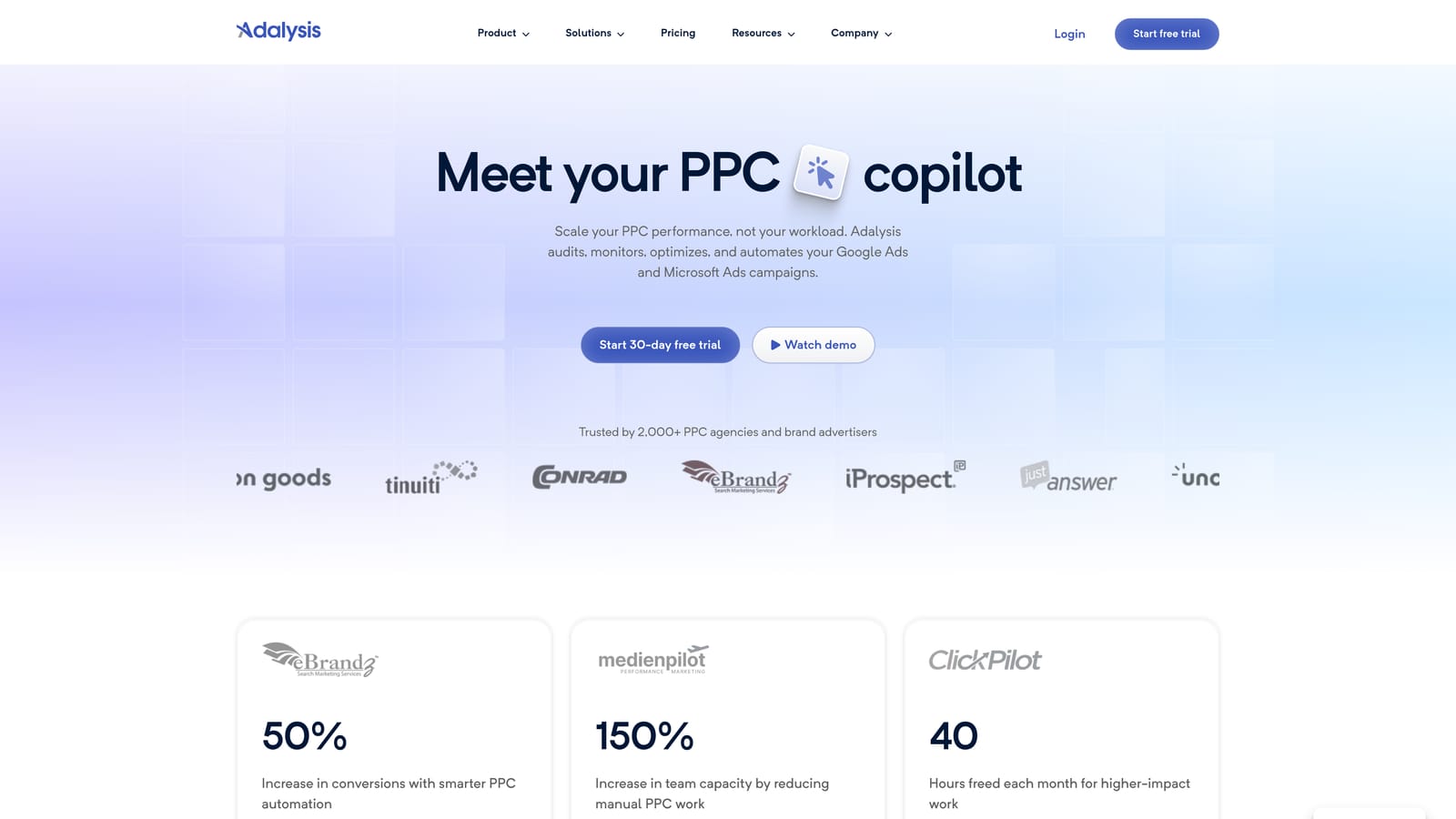
7. Adalysis
Best for: Ad testing with statistical significance, quality score monitoring, and account health alerts
Adalysis is a Google Ads and Microsoft Ads management platform built specifically around structured ad testing, quality score tracking, and automated account health monitoring.
Where This Tool Shines
Ad testing is one of those tasks that most practitioners know they should be doing systematically but rarely do because the manual tracking overhead is significant. Adalysis automates the statistical significance tracking, so you know when a test has enough data to call a winner rather than making gut-feel decisions too early or letting tests run indefinitely.
The quality score monitoring and account health alerts are also genuinely useful for staying on top of issues before they compound. Rather than discovering a problem during a monthly review, you get notified when something in the account moves in a direction that warrants attention.
Key Features
Automated ad testing framework: Run structured A/B tests on ad copy with statistical significance tracking built in.
Quality score monitoring: Track quality score trends across keywords and identify where improvements are most needed.
Account health alerts: Receive automated alerts when account metrics shift in ways that may require action.
Search term analysis: Review search term data and get negative keyword suggestions to reduce irrelevant traffic.
Responsive search ad management: Tools for testing and managing responsive search ad combinations.
Best For
Adalysis is a strong fit for practitioners who run systematic ad testing programs and want the statistical rigor to back up their decisions. It's also useful for account managers who want automated monitoring to catch issues between manual reviews.
Pricing
Subscription-based with multiple tiers. Verify current pricing at adalysis.com.
8. Looker Studio
Best for: Building custom, shareable Google Ads reports and client-facing dashboards
Looker Studio is Google's free data visualization tool that connects natively to Google Ads, Google Analytics, and dozens of other data sources to build live, shareable reports and dashboards.
Where This Tool Shines
The native Google Ads connector is the headline feature here. You can pull live campaign data directly into a report without exporting anything, which means client dashboards stay current without manual updates. For agencies that spend meaningful time each month assembling performance reports, that alone is a significant time saver.
The drag-and-drop builder is accessible enough for non-developers to create professional-looking reports, and the ability to share a live link rather than a static PDF means clients can check performance whenever they want rather than waiting for the next reporting cycle.
Key Features
Native Google Ads connector: Pull live campaign data directly into reports without exporting or manual data entry.
Drag-and-drop dashboard builder: Build custom report layouts without needing technical skills.
Shareable live reports: Send clients or stakeholders a link to a live dashboard that updates automatically.
Multi-source connectivity: Connect to hundreds of data sources via native and partner connectors beyond Google's own tools.
Free tier: The core product is free; Looker Studio Pro adds enterprise collaboration features at additional cost.
Best For
Looker Studio is useful for any practitioner who needs to share Google Ads performance data with clients, leadership, or stakeholders. It's especially practical for agencies that want a consistent, branded reporting format across multiple client accounts.
Pricing
Free. Looker Studio Pro is available at additional cost for enterprise features and enhanced collaboration.
9. WordStream Advisor
Best for: Guided weekly PPC optimization workflows with prioritized recommendations and alerts
WordStream Advisor is a PPC management platform built around a structured, alert-driven optimization workflow designed to help advertisers manage their Google Ads accounts consistently without spending hours in the interface each week.
Where This Tool Shines
WordStream's approach centers on its "20-minute work week" concept: a guided workflow that surfaces the most important actions in your account and walks you through addressing them in a focused, time-boxed session. For advertisers who struggle with knowing where to start or who tend to get lost in the data, that structured approach reduces decision fatigue.
The performance grading and benchmarking features are also useful for context. Seeing how your account metrics compare to industry benchmarks can help identify where you're underperforming relative to peers, which gives optimization priorities a clearer rationale. If you're evaluating alternatives in this space, it's worth comparing how different platforms handle workflow structure and pricing before committing.
Key Features
Guided optimization workflow: A structured, time-efficient weekly workflow that surfaces the highest-priority account actions.
Prioritized recommendations and alerts: Alert-based system that tells you what needs attention rather than requiring you to dig for it.
Keyword and negative keyword suggestions: Recommendations for expanding or tightening keyword coverage based on account performance.
Performance grading and benchmarking: Grade your account against industry benchmarks to identify relative strengths and weaknesses.
Reporting templates: Pre-built report formats for communicating performance to clients or internal stakeholders.
Best For
WordStream Advisor suits small business owners and marketing managers who want a guided, time-efficient approach to Google Ads management without needing deep PPC expertise. It's less suited to experienced practitioners who prefer full control over their optimization process.
Pricing
Subscription-based with multiple tiers. Verify current pricing at wordstream.com.
Which Tool Is Right for Your Workflow?
No single tool covers every part of the Google Ads workflow, and the best setup for most practitioners is a combination of two or three tools that each handle a distinct job well. Here's a quick way to think about it.
For in-interface search term cleanup and keyword management: Keywordme handles this better than any other tool on this list because it works directly inside Google Ads rather than requiring you to export data and work elsewhere. If regular search term reviews are a bottleneck in your workflow, that's the most direct fix.
For bulk account changes and restructuring: Google Ads Editor is the go-to, and it's free. Pair it with Keywordme for day-to-day optimization and you've covered both routine and large-scale tasks.
For competitive intelligence: SEMrush Advertising Toolkit and SpyFu serve similar purposes, but SEMrush makes more sense if you're already using it for SEO. SpyFu is worth considering if you primarily need PPC competitor data at a lower price point.
For ad testing and account health monitoring: Adalysis fills a gap that most other tools don't address well—systematic ad testing with statistical rigor and automated alerts that catch issues between manual reviews.
For client reporting: Looker Studio is the obvious choice given it's free, connects natively to Google Ads, and produces professional shareable dashboards with minimal setup.
For guided optimization workflows: Optmyzr and WordStream Advisor both offer structured recommendation-driven approaches, with Optmyzr skewing toward more experienced practitioners and agencies, and WordStream better suited to less technical users who want guardrails.
If you're looking for a quick win that doesn't require learning a new platform or changing your existing setup, start with Keywordme. It drops into your current Google Ads workflow and makes the search term review process faster immediately. Start your free 7-day trial and see how much time you recover on your next keyword cleanup session—then just $12/month after that.
.svg)