
8 Best Google Ads Extensions for Marketers in 2026
This guide compares eight Google Ads extensions for marketers, freelancers, and agency owners, covering browser extensions, desktop apps, and platforms that remove repetitive PPC work. Each tool is assessed on day-to-day fit, pricing clarity, permissions, and limitations, and the article clarifies it covers helper tools rather than Google Ads assets like sitelinks and callouts.


Browser extensions and add-ons can take a lot of the repetitive clicking out of Google Ads work, and most of them cost far less than a full platform. This list is for marketers, freelancers, and agency owners who run Google Ads and want helpers that save time. The tools were chosen for what they do inside or alongside the Google Ads interface, how well they fit day-to-day PPC work, how clearly their pricing and permissions are documented, and where they fall short. Note that this article covers browser extensions and helper tools, not Google Ads "ad extensions" (now called assets, such as sitelinks and callouts). Some items are true Chrome extensions; others are desktop apps or platforms, and each one is flagged as such.
Quick Comparison of the Google Ads Tools
- Keywordme: freelancers and agencies cleaning search terms and building keyword lists; $12/month per user; does search term, negative keyword, and match type actions natively inside the Google Ads interface.
- Google Ads Editor: marketers making large structural changes; free; official bulk-editing app with a draft-and-review step before changes go live.
- Google Ads add-on for Google Sheets: marketers who build client reports in Sheets; see website for pricing; pulls Google Ads data into the spreadsheets teams already use (availability to verify).
- Optmyzr: agencies managing many accounts; see website for pricing; broad rule-based optimization across accounts.
- Adalysis: teams wanting continuous ad testing and audits; see website for pricing; automated ad copy test analysis.
- Keywords Everywhere: quick keyword research before building campaigns; credit-based, see website; shows keyword metrics while you browse Google results.
- Semrush browser extension: marketers researching competitors; requires a Semrush plan; competitive paid and organic research on any page you visit.
- Google Tag Assistant: anyone verifying conversion tracking; free; official debugging for Google tag and conversion tag setup.
1. Keywordme
Keywordme is a Chrome extension that adds one-click actions to the Search Terms Report inside Google Ads. It is built for freelancers and agency teams whose week is full of search term reviews. The company says it can make optimization up to 10x faster; that is Keywordme's own claim, and your results will depend on how you work today.
What sets it apart on this list is that the work happens in the native interface. You see a search term, decide it is junk, and add it as a negative keyword right there. No export, no spreadsheet, no pasting back in. Remember the distinction it works around: a search term is what someone typed, while a keyword is what you bid on. Keywordme helps you move terms from one side to the other, in either direction, with a human making each call.
- One-click negative keywords from the Search Terms Report, so junk queries get blocked without leaving the page.
- Add search terms as keywords with the match type you choose, so good queries become positive keywords quickly.
- Keyword clustering, which groups related terms to help you build tighter keyword lists.
- Bulk editing, for applying changes to many terms at once.
- Multi-account and team support, so agencies can handle several clients and share seats.
Setup is a Chrome install and you are working inside Google Ads. There is no separate dashboard to learn, and whoever reviews search terms day to day is the person who uses it.
The limits are real. It is focused on search terms and keywords, so it does not handle ad copy, reporting, or other ad platforms, and it requires Chrome. If you need audits or cross-platform management, pair it with something else.
Pricing is $12/month per user with a 7-day free trial, as of 2026 (verify on the website). Cost scales with the number of users.
Best for: Freelancers and agencies who spend their time cleaning search terms and building keyword lists.
2. Google Ads Editor
Google Ads Editor is Google's free desktop application for editing campaigns in bulk. It is not a browser extension, but it belongs here because it is the standard answer when a change is too big to click through in the web interface. You download your account data, edit offline, review, and then post the changes.

Its edge over everything else on this list is that draft-and-review step. You can restructure dozens of campaigns, look at every pending change, and only then push them live. That makes it a safer choice for large edits than clicking around in the browser.
What you get
- Bulk edits across campaigns and ad groups, handy for renaming, changing bids, or updating URLs at scale.
- Offline drafting and review, so mistakes get caught before they reach the live account.
- Copy and paste between accounts, which speeds up building similar structures for different clients.
- CSV import and export, for people who prefer to plan changes in a spreadsheet.
Where it struggles
There is a learning curve, especially for people used to the web interface. You also work from downloaded data rather than live data, so you need to refresh before editing or you risk overwriting recent changes. It will not help with the quick, in-context decisions of a search terms review, since that is not what it is for.
It integrates with Google Ads accounts, and whoever manages structure and builds typically runs it. It is free as of 2026.
Best for: Marketers making large structural changes across many campaigns or accounts.
3. Google Ads add-on for Google Sheets
The Google Ads add-on for Google Sheets, listed through the Google Workspace Marketplace, pulls Google Ads report data into spreadsheets. Availability changes over time, so confirm it is still offered, and check what permissions it requests, before you rely on it. If it is gone, other connector tools do similar work.
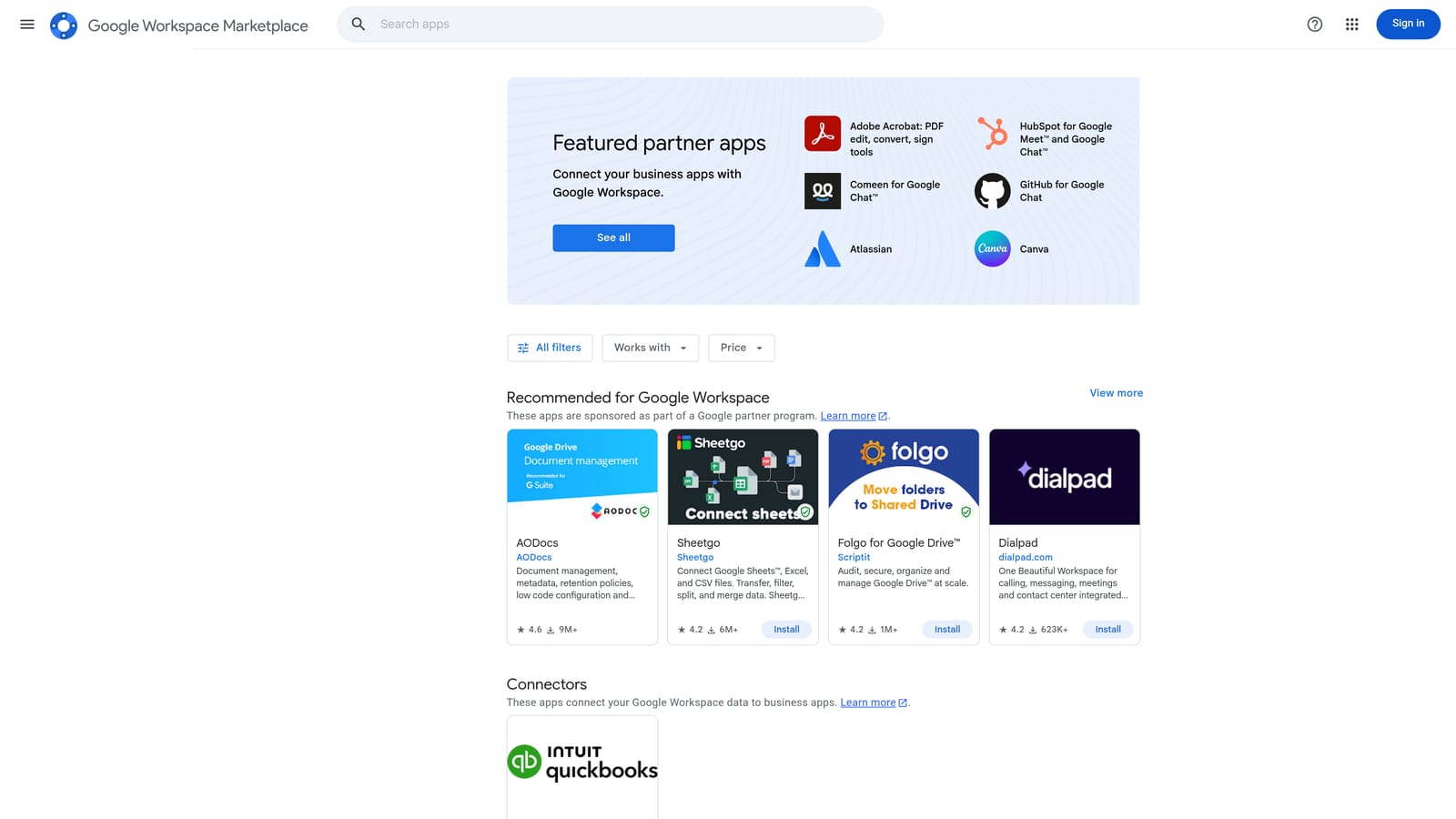
Its distinct strength is meeting teams where they already are. If your client reporting lives in Google Sheets, you can build reports from account data without downloading CSVs by hand, then add pivots and charts alongside it.
- Pulls Google Ads report data into Sheets, so you skip repeated manual exports.
- Custom report building, so you shape the data to what a specific client wants to see.
- Pivot and chart analysis, using spreadsheet tools you already know.
Setup means installing the add-on from the marketplace, authorizing it against your Google Ads account, and building your report templates. A marketer or analyst who owns reporting usually maintains it. Since reports are built by hand, they need upkeep as client needs change.
The limits: it is reporting only, so it does not change anything in your account, and it depends on spreadsheet workflows that can get unwieldy at agency scale. Large accounts can also make sheets slow. Pricing is not confirmed here, so see the marketplace listing for current terms.
Best for: Marketers who build client reports in Google Sheets.
4. Optmyzr
Optmyzr is a PPC optimization and reporting platform aimed at agencies and in-house teams. It is a full platform rather than a single-purpose extension, and the research notes flag a browser extension component that you should verify before counting on it.

What it does that others here do not is cover a lot of ground across many accounts: rule-based optimizations, audits, and reporting under one login. For an agency with dozens of clients, that breadth is the appeal.
- Rule-based optimizations, so repeatable checks and adjustments follow rules you define.
- Cross-account reporting, which saves rebuilding the same report for every client.
- Audits and recommendations that point out where to look, which you then review.
- Scripts-like automation, for people who want script-style logic without writing code.
It connects to Google Ads and, according to the research notes, Microsoft Advertising and Meta Ads (verify current platform support). Setup takes longer than an extension because you connect accounts and configure rules, and it suits a dedicated PPC lead or account manager.
The trade-off is weight and cost. Pricing is tiered by ad spend, so costs rise as the accounts you manage spend more; see the website for current plans. A solo marketer with one or two accounts may find it more than they need, and any automation deserves careful review before you let it act.
Best for: Agencies managing many accounts that want rules-driven optimization.
5. Adalysis
Adalysis is an audit and testing platform for Google Ads and Microsoft Ads. It flags issues in an account and analyzes ad tests so you do not have to build the comparisons yourself. Whether it offers a browser extension needs to be verified; treat it as a platform.
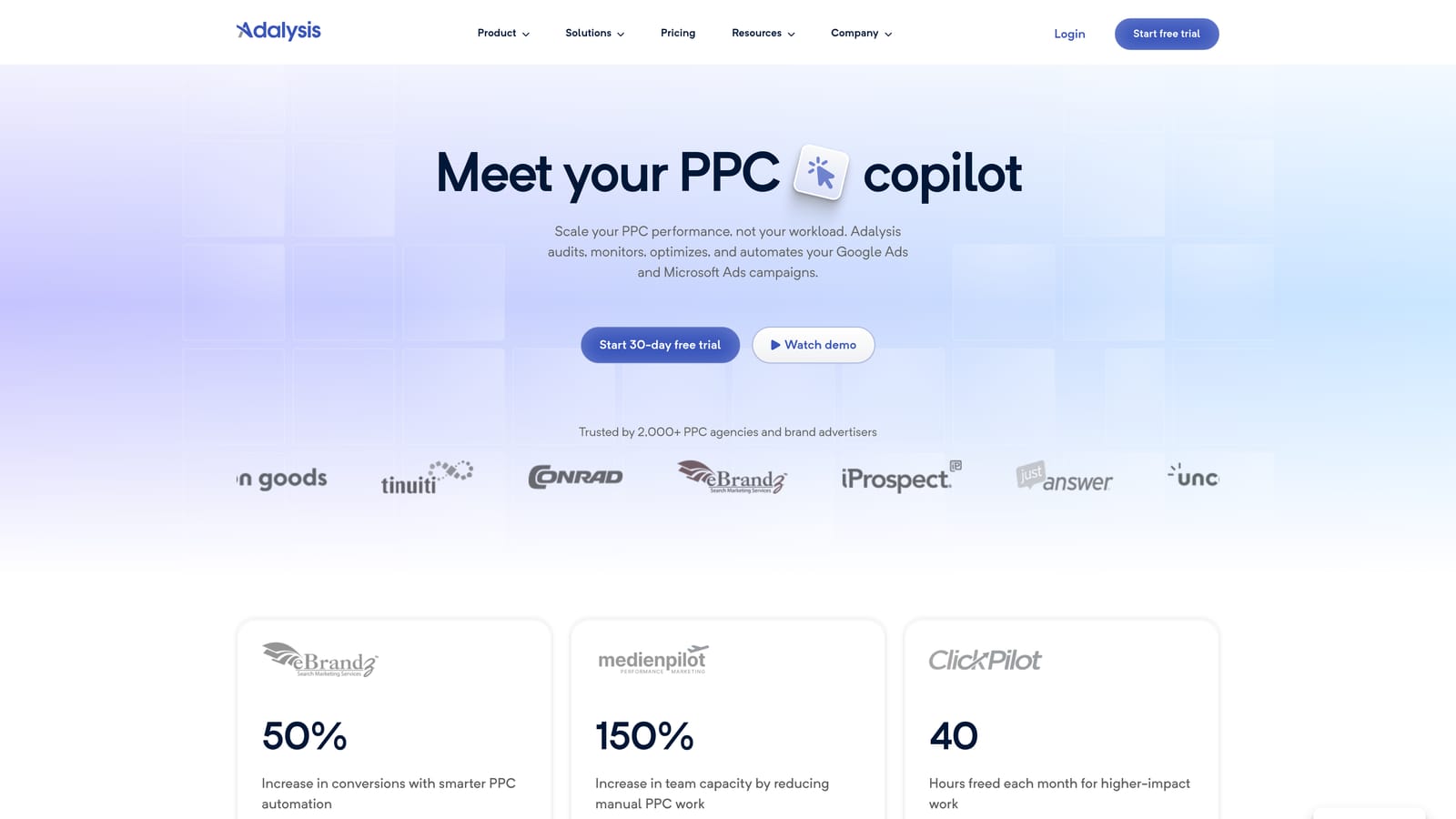
Its distinct strength is ad copy testing. Most tools on this list focus on keywords, structure, or reporting, while Adalysis puts continuous ad test analysis and ongoing audits at the center.
- Automated ad testing, which evaluates your ad variations so you can see which ones are worth keeping.
- Account audits, to surface structural and settings problems.
- Alerts for budget and quality issues, so you hear about trouble sooner.
- Reporting, for sharing results with clients or stakeholders.
It integrates with Google Ads and Microsoft Advertising. You connect accounts and let it analyze, so setup is lighter than building rules from scratch. The person running it is typically the account manager responsible for ad copy and account health.
Limits: it is a subscription platform with pricing tied to account scale, so costs grow with what you manage. It does not do the hands-on search term cleanup that Keywordme does. See the website for current pricing.
Best for: Teams that want continuous ad testing and account health checks.
6. Keywords Everywhere
Keywords Everywhere is a browser extension for Chrome and Firefox that displays keyword data while you browse. You search on Google, and metrics such as search volume and CPC (cost per click) appear next to the results. It is a research aid, not a Google Ads management tool.
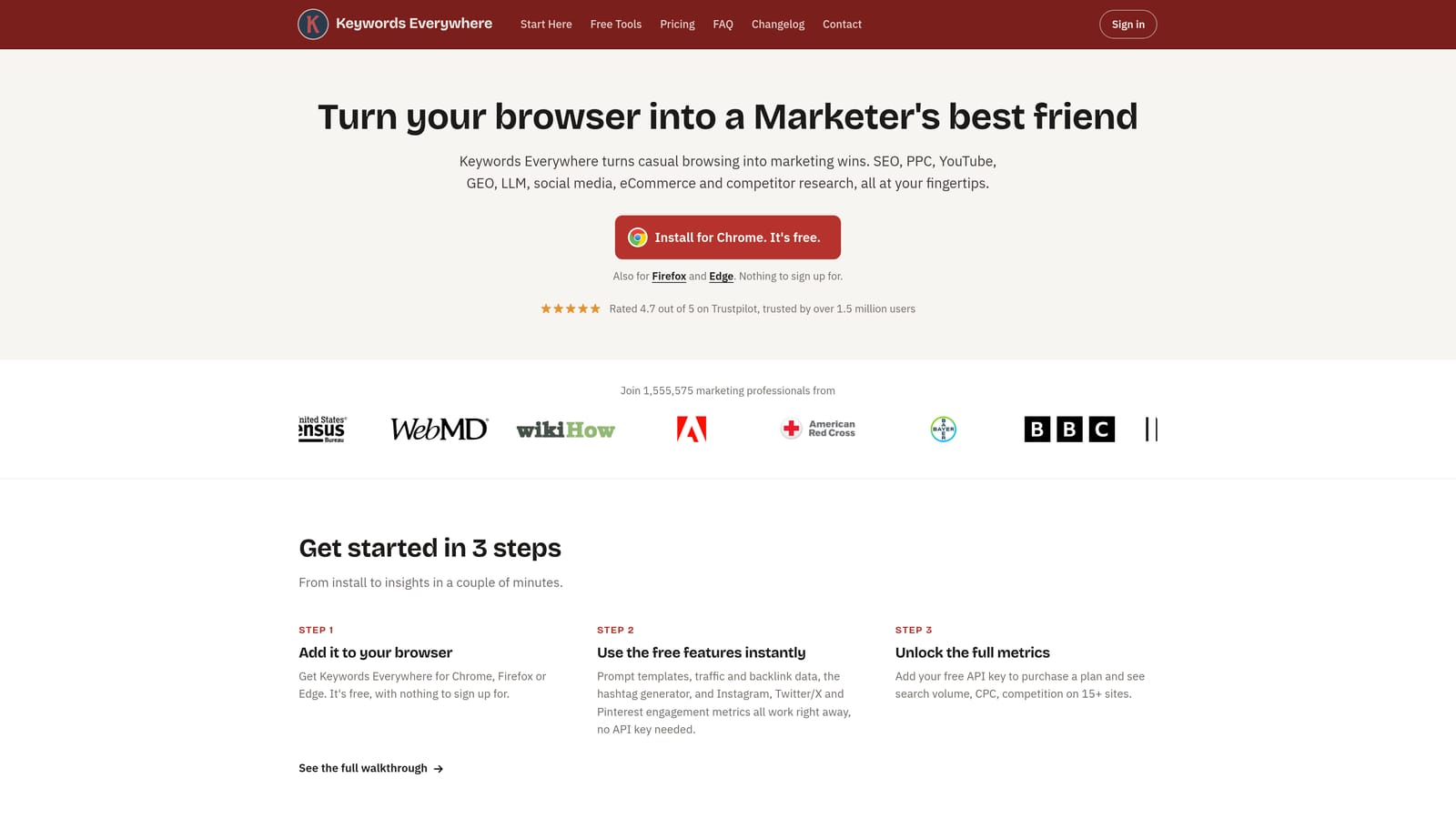
Its edge here is speed of research. You can sanity check an idea while looking at the actual results page, without opening a separate keyword tool.
- Search volume and CPC in the results page, for fast gut checks on a keyword idea.
- Related keywords and People Also Search For data, which feed new ideas into your lists.
- Keyword list export, so findings can move into your planning documents.
Setup is a browser install and an account. Anyone doing keyword planning can use it, and it needs no access to your ad account.
The main limitation is that the numbers are third-party estimates, not drawn from your own Google Ads account. Treat them as directional, and validate against Keyword Planner and your own search terms data. It also does not edit campaigns. Pricing is credit-based, so what you pay depends on how much data you pull; see the website for current plans.
Best for: Quick keyword research before building campaigns.
7. Semrush browser extension
The Semrush browser extension ties into a Semrush account to show keyword and traffic insights on pages you visit. Confirm the current features and which plan unlocks them before you commit, since these details shift.
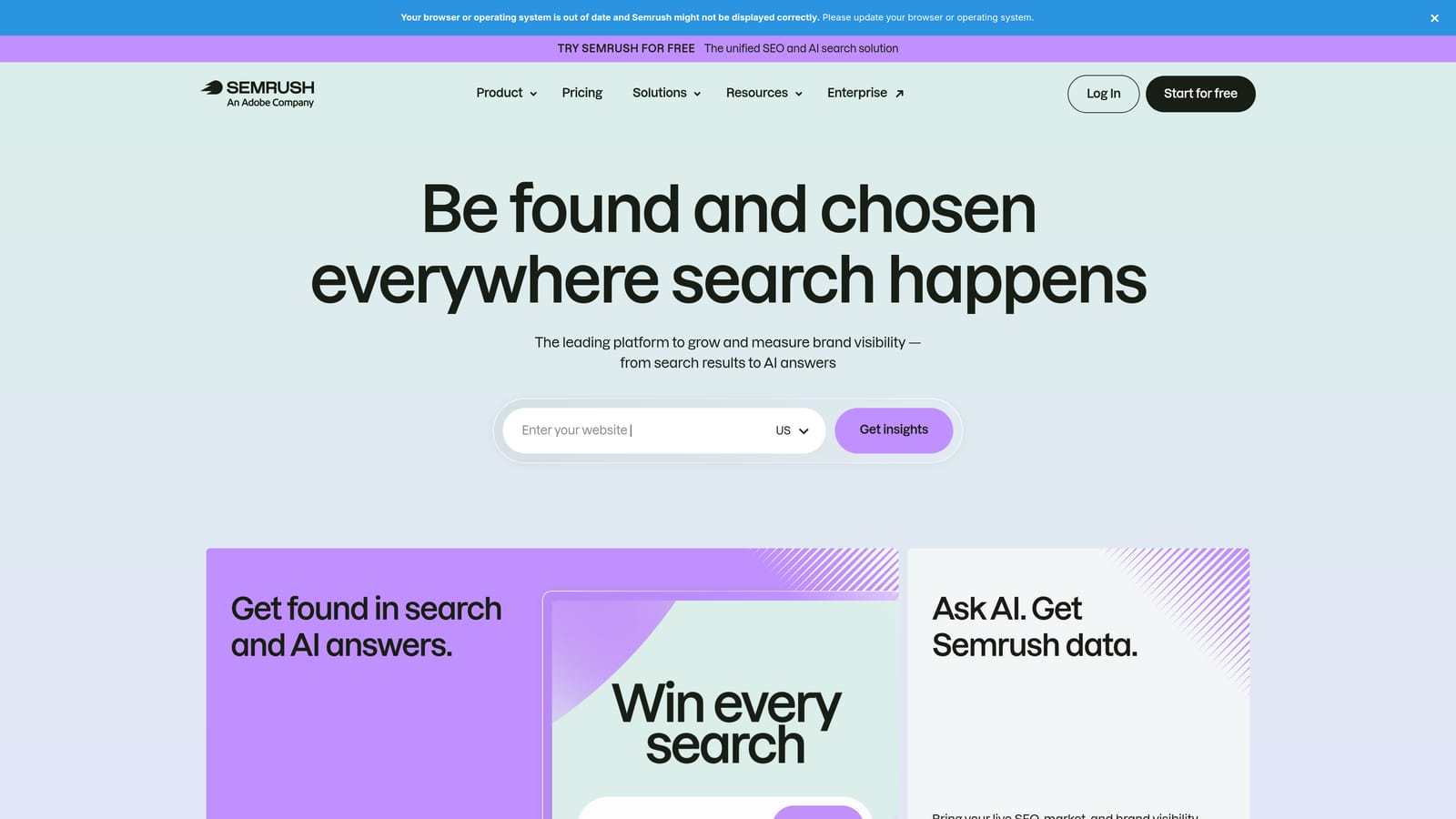
What it offers that others here do not is competitor visibility. Visit a competitor's page and you can pull paid and organic research without leaving it, which helps when you are scoping a new campaign or checking whether a market is crowded.
- Page-level keyword and traffic insights, to understand what a given page ranks and competes for.
- Competitor research, which informs keyword and messaging ideas.
- Integration with Semrush projects, so findings can feed ongoing work.
It works in Chrome alongside a Semrush login, and it is typically used by whoever handles strategy and research. If you already use Semrush, setup is minimal.
The limits: the data is modeled estimates rather than your own account data, and full features need a paid plan. If you do not otherwise use Semrush, paying for it just for the extension is hard to justify. It also does not change anything in Google Ads. It requires a Semrush plan; see the website for current pricing.
Best for: Marketers researching competitors before launching or expanding campaigns.
8. Google Tag Assistant
Google Tag Assistant is Google's diagnostic tool for checking that the Google tag and conversion tags fire correctly. Its format has changed over the years, so check Google's current documentation to see how it is delivered today.
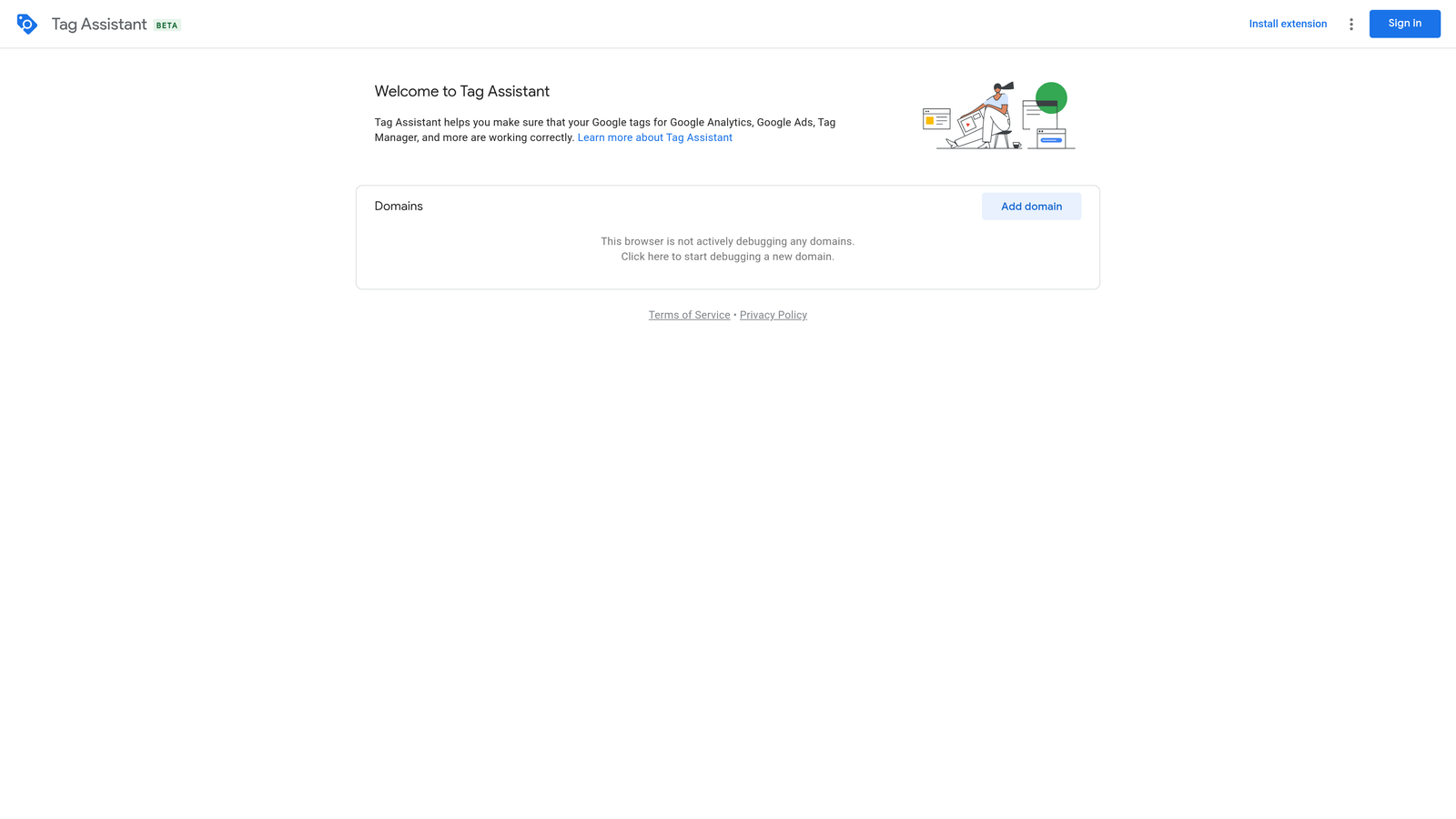
Its distinct value is that it comes from Google and targets conversion tracking, the foundation everything else depends on. If conversions are miscounted, bidding decisions built on them are shaky.
- Tag firing checks, so you can confirm tags load on the right pages.
- Conversion tag debugging, which helps you find why a conversion is not recording.
- Real-time troubleshooting, so you can test a fix as you make it.
It works with Google Ads, Google Tag Manager, and Google Analytics. Setup is light, though interpreting results takes some tagging knowledge, so a developer or technically minded marketer often runs it.
It diagnoses tagging only and does not optimize campaigns. It will tell you a tag fired, not whether the conversion is a good one to optimize toward. It is free as of 2026.
Best for: Anyone verifying conversion tracking before trusting Smart Bidding data.
Matching the Tool to the Job
Most people do not need all eight. Pick by the task that eats your week.
- Search term cleanup and keyword building: Keywordme, since it keeps you inside the Search Terms Report.
- Bulk structural edits: Google Ads Editor, with its review step before changes post.
- Agency-scale audits and testing: Optmyzr for rules and cross-account work, or Adalysis for ad testing and account health.
- Research: Keywords Everywhere for quick metrics, Semrush if you want competitor depth.
- Tracking checks: Tag Assistant, before you trust any bidding data.
Whatever you install, test it on one account first and read the permissions it requests. An extension that sits inside your ad account can see a lot, so give access only where it earns it. None of these tools are endorsed by Google, and every price here should be confirmed on the vendor's site.
Optimize Google Ads Campaigns 10X Faster. Without Leaving Your Account. Keywordme lets you remove junk search terms, build high-intent keyword lists, and apply match types instantly, right inside Google Ads. No spreadsheets, no switching tabs, just quick, seamless optimization. Start your free 7-day trial (then just $12/month) and take your Google Ads game to the next level.
.svg)