
8 Best Google Ads Extensions and Third-Party Tools for PPC Optimization in 2026
This guide breaks down the Google Ads extension vs third party tools choice, comparing browser extensions that work inside Google Ads with standalone platforms and Google's own free tools. It reviews 8 options on workflow fit, feature depth, pricing, and suitability for solo advertisers or agencies, so you can pick the right PPC optimization setup.


Choosing between a browser extension that works inside Google Ads and a separate platform with its own dashboard is a workflow decision, and plenty of advertisers end up using both. This list covers both kinds, plus Google's own free tools. It is written for marketers, freelancers, and agency owners, and the tools were picked on workflow fit, depth of features, pricing transparency, and whether they suit a solo advertiser or an agency. Keywordme is our product, so it sits first, and we have tried to describe its limits as plainly as the others.
Quick Comparison of the Tools
- Keywordme: freelancers and agencies who spend a lot of time on search term cleanup; $12/month per user; works inside the native Google Ads interface with no separate dashboard or spreadsheet.
- Google Ads Editor: anyone doing large structural edits and account builds; free; first-party bulk editing across multiple accounts.
- Google Ads Scripts: technical advertisers who want custom automation; free; unlimited custom logic at no software cost.
- Optmyzr: agencies managing many accounts; see website for pricing; agency-scale optimization and reporting in one platform.
- Adalysis: teams running a lot of ad copy tests; see website for pricing; automated ad testing analysis at scale.
- WordStream: small business owners managing their own ads; see website for pricing; a guided workflow for owners without PPC experience.
- Google Ads Keyword Planner: planning new campaigns and keyword expansion; free with a Google Ads account; first-party keyword data at no cost.
- Semrush: competitive research and keyword discovery; subscription tiers, see website; competitor and market data from outside your own account.
1. Keywordme
Keywordme is a Chrome extension that adds one-click actions to the Search Terms Report inside Google Ads. A quick distinction helps here: a search term is what someone actually typed, while a keyword is what you bid on. Keywordme is built for the gap between the two, so you can turn good search terms into keywords and bad ones into negative keywords without leaving the page.
Its main advantage over everything else on this list is that there is no second dashboard, export, or spreadsheet. You work in the interface you already have open. The company says this makes optimization up to 10x faster; that is Keywordme's own claim, and your results will depend on how messy your search terms are and how you work today.
- Add a search term as a keyword or a negative keyword in one click from the Search Terms Report, so review and action happen in the same place.
- Apply match types instantly, so you do not have to retype brackets or quotation marks by hand.
- Cluster keywords so related terms can be grouped and handled together.
- Bulk edit across many terms at once instead of one row at a time.
- Multi-account and team support, which matters if several people work across client accounts.
Setup is a Chrome extension install, and it connects to Google Ads through your browser. The person who runs it day to day is whoever does search term reviews, which usually means the freelancer or account manager rather than an analyst.
The limits are real. Keywordme is focused on search term and keyword workflows. It is not a bid automation tool, a reporting platform, or a cross-platform tool, and it only runs in Chrome. If you need client dashboards or Microsoft Advertising support, look further down the list.
Pricing is $12 per month per user with a 7-day free trial, as of writing. Price scales with the number of users, so verify current terms on the site before you buy.
Best for: Freelancers and agencies who spend a lot of time on search term cleanup.
2. Google Ads Editor
Google Ads Editor is Google's free desktop application for editing campaigns in bulk, including offline, and then posting the changes to your account. It is aimed at anyone who regularly makes big structural changes, such as building out a new account or restructuring ad groups.

What sets it apart on this list is that it is first-party and free, and it handles multiple accounts. Nothing else here gives you that combination of bulk editing power and zero cost. Google documents it in Google Ads Help.
- Bulk edits across campaigns and accounts, so a change that would take hundreds of clicks in the browser becomes a single operation.
- Offline drafting, which lets you build and revise without touching the live account.
- Copy and paste between campaigns, which speeds up duplicating structures for new clients or locations.
- Change review before posting, so you can check what will change before it goes live.
You download and install it, then sync accounts into the app. It is usually run by whoever builds and restructures accounts, not whoever reviews search terms every week.
It is not designed for search term review. Reviewing queries and deciding what to exclude is awkward here compared with an in-interface tool, and the app has a learning curve, especially around syncing and resolving conflicts before you post.
It is free.
Best for: Large structural edits and account builds.
3. Google Ads Scripts
Google Ads Scripts lets you write JavaScript that runs inside your Google Ads account to monitor performance or automate tasks. It is for advertisers comfortable with code who want logic no off-the-shelf tool offers.
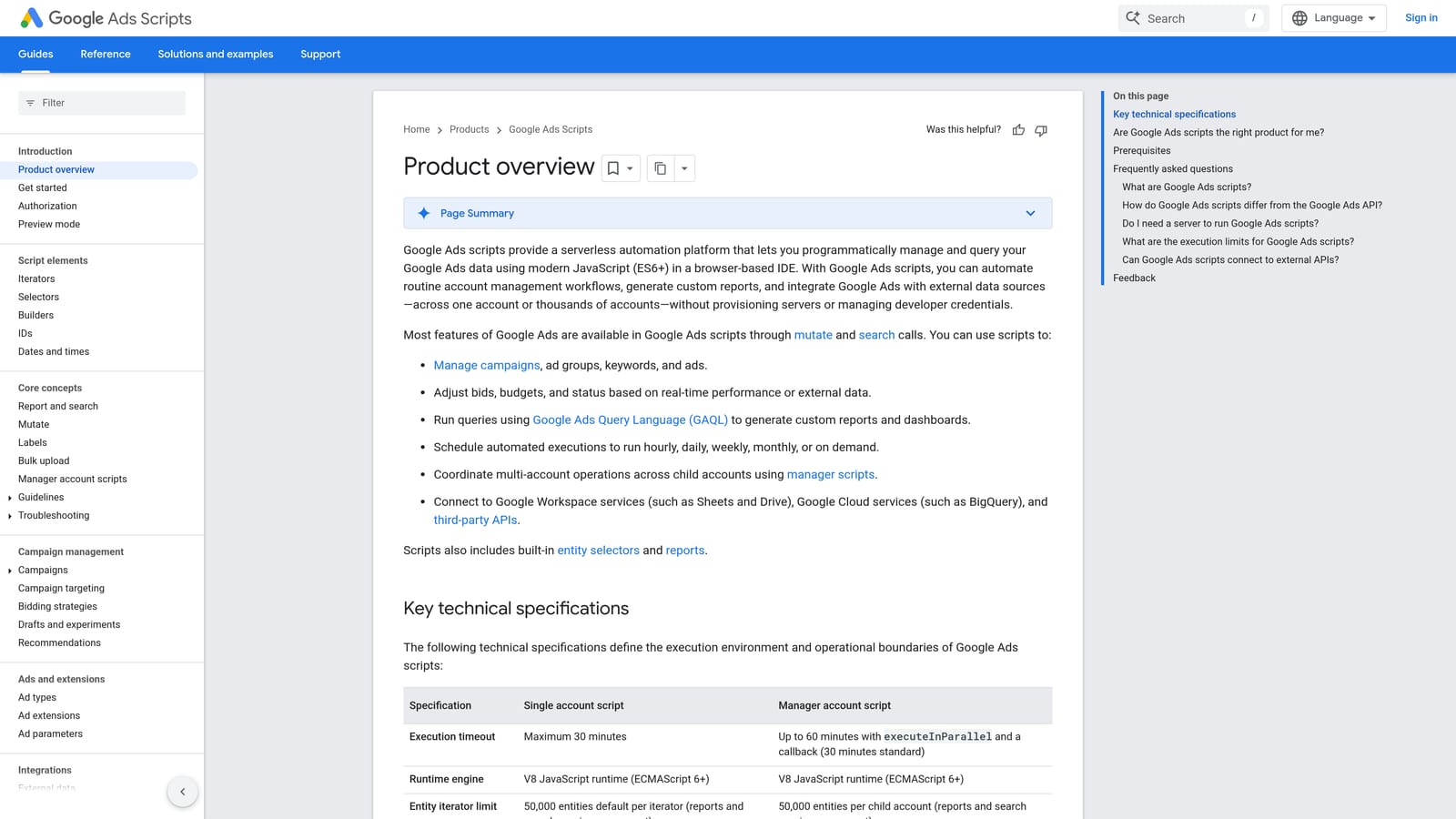
Its distinctive strength is flexibility. If you can describe a rule, such as flagging a campaign whose spend jumps past a threshold, you can probably script it, and there is no software fee. Scripts can also run at the manager account level, which helps agencies apply the same check across many clients.
- Custom JavaScript automation, so the logic matches your account rather than a vendor's defaults.
- Scheduled runs, which let checks happen without anyone remembering to do them.
- Alerts and reports, so problems reach you before they eat budget.
- Account-level and manager-level scripts, letting an agency cover many accounts from one place.
It connects with Google Sheets and Gmail, which is how most scripts deliver their output. Setup means writing or adapting code, testing it, and then keeping it working as Google changes things. Someone technical has to own that.
That is the main limitation: it requires coding and ongoing maintenance. If nobody on your team writes JavaScript, a script is a liability, not a shortcut. It also does not give you a friendly interface for reviewing search terms unless you build one.
It is free.
Best for: Technical advertisers who want custom automation.
4. Optmyzr
Optmyzr is a third-party PPC management platform with optimization tools, audits, and reporting. It is built for agencies and in-house teams that manage many accounts and need consistent processes across all of them.

Its edge over the rest of this list is breadth at scale: optimization, audits, and client reporting live in one platform, so a team can standardize how it works instead of stitching tools together.
- Rule-based optimizations, so routine adjustments follow criteria you set.
- Account audits that surface issues across many accounts without manual digging.
- Client reporting, which saves agencies from building decks and sheets by hand.
- Bulk optimization tools for applying changes across a lot of campaigns at once.
It integrates with Google Ads, Microsoft Advertising, and Meta Ads, which suits agencies running more than one channel. Setup means connecting accounts and configuring rules, and it usually needs someone who owns the platform, such as a senior account manager or an optimization lead.
The trade-offs: it is a separate dashboard, so you leave the Google Ads interface to use it, and the cost can be too much for small accounts. A freelancer with a few modest accounts may not use enough of it to justify the spend.
Pricing is tiered and based on ad spend. Check the website for current plans, as of November 2026.
Best for: Agencies managing many accounts.
5. Adalysis
Adalysis is a third-party PPC tool centered on audits, ad testing, and alerts. It is for teams that treat ad copy as an ongoing experiment and want help analyzing the results.
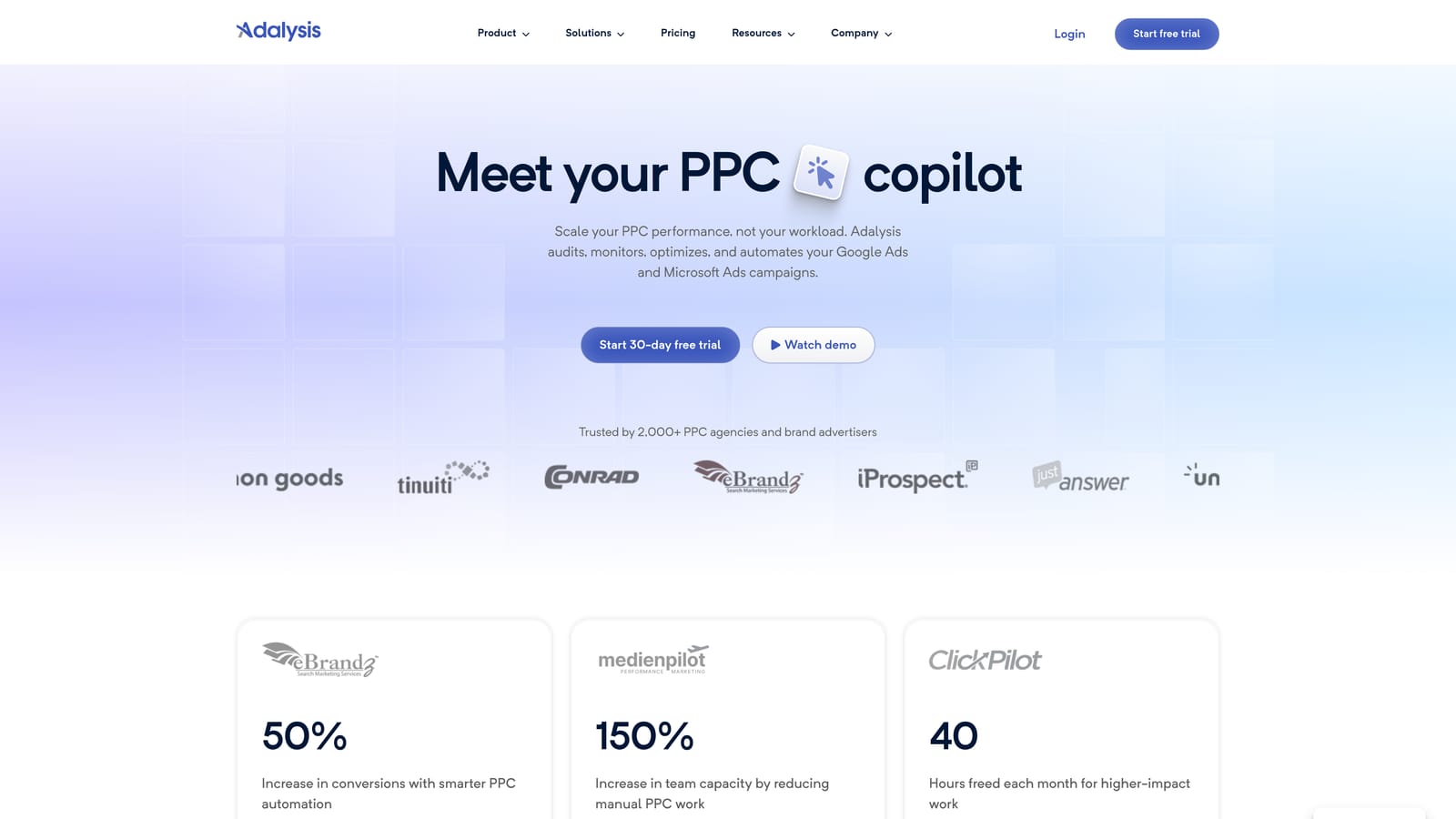
The standout here is automated analysis of ad tests at scale. Instead of manually comparing ad variations across ad groups, you get the analysis surfaced for you, which is where it differs from the broader platforms and from the in-interface extension at the top of this list.
- Automated audits that flag account issues without a manual review pass.
- Ad copy testing analysis, so you can see which variations are worth keeping.
- Alerts that tell you when something changes or breaks.
- Reporting for sharing results with clients or stakeholders.
It works with Google Ads and Microsoft Advertising. Setup is connecting your accounts, and the person using it is typically a PPC specialist who owns ad creative and testing.
It is audit-centered. If your pain is quick search term cleanup, it is not the tool built for that, and it does not cover Meta. Teams that run few ad tests will not get much from it.
Pricing is tiered. See the website for current plans, as of November 2026.
Best for: Teams running a lot of ad copy tests.
6. WordStream
WordStream is an advertising platform from LocaliQ aimed at small businesses. It is meant for owners who run their own ads and want guidance rather than a pile of controls.
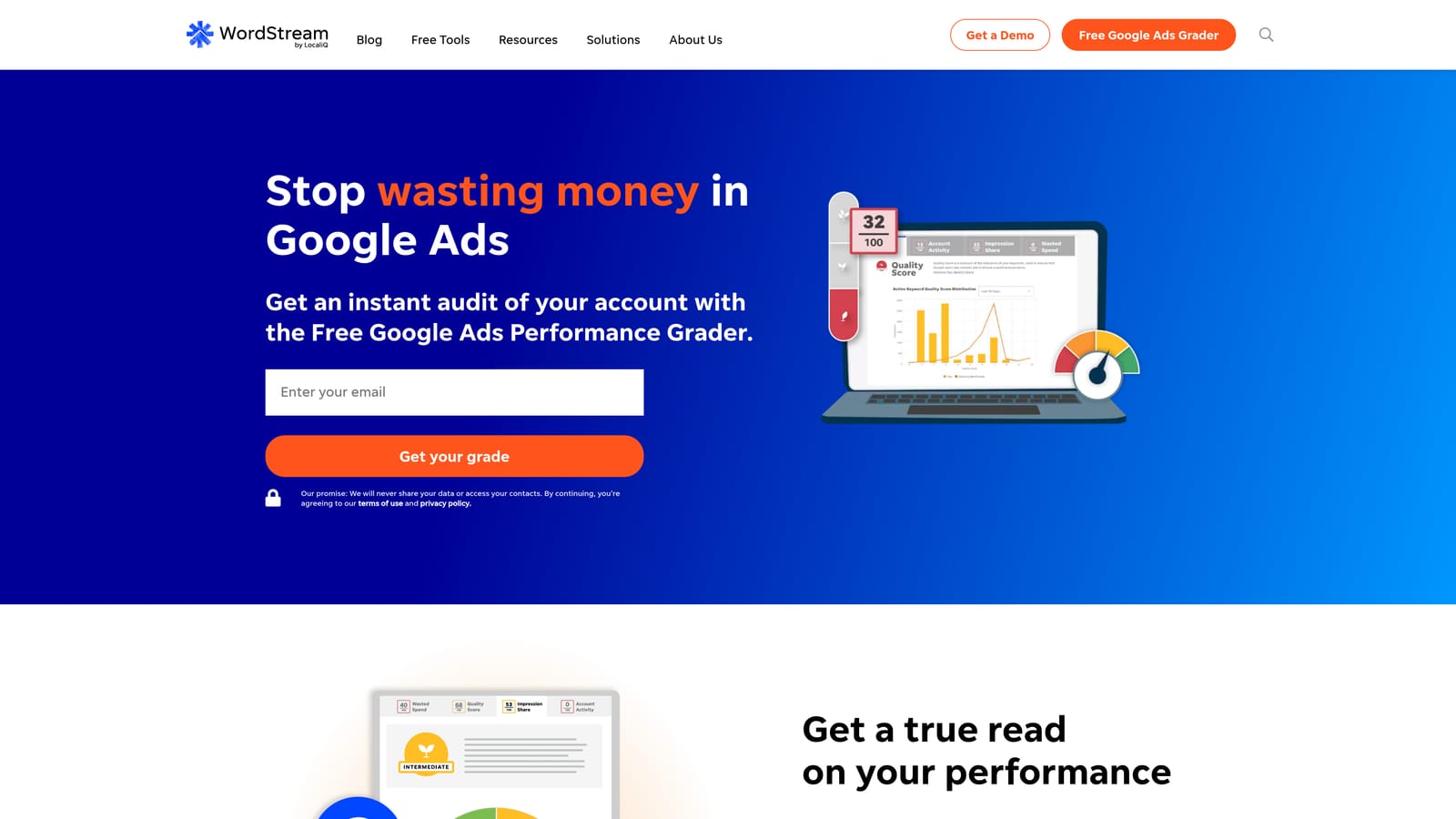
Its distinctive strength is the guided workflow. Where Optmyzr and Adalysis assume you know what to do with the data, WordStream is built to tell less experienced users what to look at next.
- Optimization recommendations that point to what to change, which helps when you are not sure where to start.
- Performance grading, a quick read on how an account is doing.
- Campaign management support for owners who want help beyond software.
It connects to Google Ads, Microsoft Advertising, and Meta Ads. Setup is light, and the day-to-day user is usually the business owner or a marketing generalist, not a dedicated PPC specialist.
The cost of that simplicity is control. Experienced practitioners tend to want more granular decisions than a guided platform allows, and recommendations still need your judgment before you act on them. Packaging and offerings have changed over time, so confirm what is included on the current site.
Pricing is listed on the website; check it directly, as of November 2026.
Best for: Small business owners managing their own ads.
7. Google Ads Keyword Planner
Google Ads Keyword Planner is Google's free research and forecasting tool inside Google Ads. It helps you find keyword ideas, see how much they are searched, and estimate what a campaign might do before you spend.

It is the only tool here that gives you first-party keyword data at no cost, which makes it a sensible starting point for planning. It is also a good example of why tools are not interchangeable: it looks forward at keywords you might bid on, not backward at the search terms you already matched.
- Keyword idea discovery, so you can expand beyond the terms you already know.
- Search volume ranges that show relative demand.
- Forecasts that give a rough picture of potential performance.
- Bid estimates to sanity-check budgets before launch.
There is nothing to install; it lives in your Google Ads account. Anyone building or expanding campaigns can use it, from freelancers to in-house marketers.
It is research only. It does not review your matched search terms, so it will not help you find waste in a running campaign. Volume figures are ranges, not exact counts, which limits precision for small niches.
It is free with a Google Ads account.
Best for: Planning new campaigns and keyword expansion.
8. Semrush
Semrush is a third-party marketing suite with PPC keyword and competitor research alongside its SEO tools. It is for marketers who want to see what the market and competitors are doing, not only what their own account says.
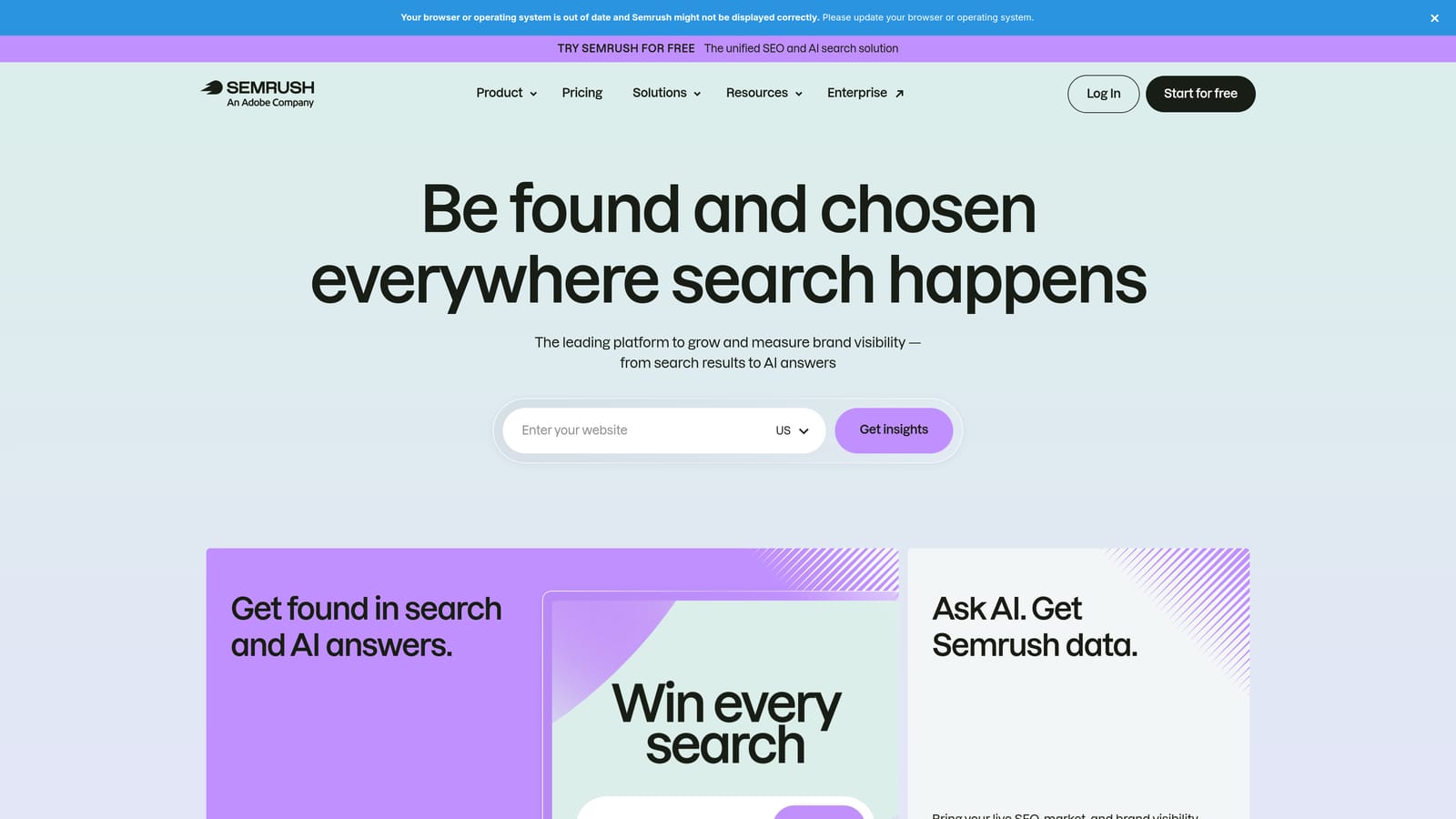
Its distinctive value is outside-in data. Every other tool on this list mostly works from your account or Google's data; Semrush shows you competitor activity so you can find gaps you would not spot internally.
- PPC keyword research to find terms worth testing.
- Competitor ad research, showing what others in your space are running.
- Keyword gap analysis that highlights terms competitors target and you do not.
- Position tracking so you can watch movement over time.
It integrates with Google Analytics, Google Search Console, and Google Looker Studio. Setup is mostly creating a project and connecting those sources, and it is usually used by strategists or SEO and content teams as much as PPC managers.
It is research-oriented and does not make edits in your Google Ads account, so it will not clean up search terms or change bids. Because it is a broad suite, a PPC-only user may pay for more than they need.
Pricing is by subscription tier. See the website for current plans, as of November 2026.
Best for: Competitive research and keyword discovery.
Matching Tools to the Way You Work
Extension versus third-party is a workflow choice, not a winner-takes-all call, and these tools combine well. A common pairing is a research tool for planning, an in-interface tool for weekly search term work, and a platform for reporting.
- Solo advertisers and freelancers who want faster search term work: Keywordme keeps review and action inside Google Ads. Add Keyword Planner for expansion and Google Ads Editor for bigger builds.
- Agencies that need reporting and scale: Optmyzr covers audits and client reporting across many accounts. Pair it with an in-interface tool if your team still reviews search terms by hand.
- Small owners who want guidance: WordStream is the most guided option here.
- Technical teams who want custom automation: Google Ads Scripts gives you total flexibility, as long as someone maintains the code.
Adalysis fits teams focused on ad testing, and Semrush fits anyone who needs competitor insight. Check each vendor's current pricing before committing.
Optimize Google Ads Campaigns 10X Faster. Without Leaving Your Account. Keywordme lets you remove junk search terms, build high-intent keyword lists, and apply match types instantly, right inside Google Ads. No spreadsheets, no switching tabs, just quick, seamless optimization. Start your free 7-day trial (then just $12/month) and take your Google Ads game to the next level.
