
9 Best Google Ads Extensions vs Standalone Tools for PPC Optimization in 2026
This guide compares the top Google Ads extension vs standalone tool options for PPC optimization in 2026, helping marketers choose between lightweight Chrome extensions that minimize workflow disruption and full-featured platforms offering deeper analytics and cross-channel automation. Your best fit depends on team size, budget, and how much time you spend managing campaigns directly inside Google Ads.


TL;DR: Google Ads extensions (Chrome extensions that work inside the Google Ads interface) and standalone tools (separate platforms with their own dashboards) both help you optimize PPC campaigns, but they solve problems differently. Extensions keep you in your workflow and reduce friction. Standalone tools offer deeper analytics, cross-platform data, and advanced automation. The right choice depends on your team size, budget, and how much of your day you spend inside Google Ads. This guide breaks down the best options across both categories so you can pick the right fit for your workflow.
If you've ever found yourself copying search terms into a spreadsheet, building negative keyword lists in a separate tab, and then uploading everything back into Google Ads manually—you already understand the problem. There's a lot of context-switching in PPC work, and it adds up fast.
The tools below cover both sides of the equation: lightweight Chrome extensions that work right inside Google Ads, and standalone platforms with more horsepower for analytics, automation, and cross-platform management. We'll cover what each does best, who it's built for, and what it costs.
1. Keywordme
Best for: PPC managers and agencies who want to optimize Google Ads campaigns faster without leaving the native interface.
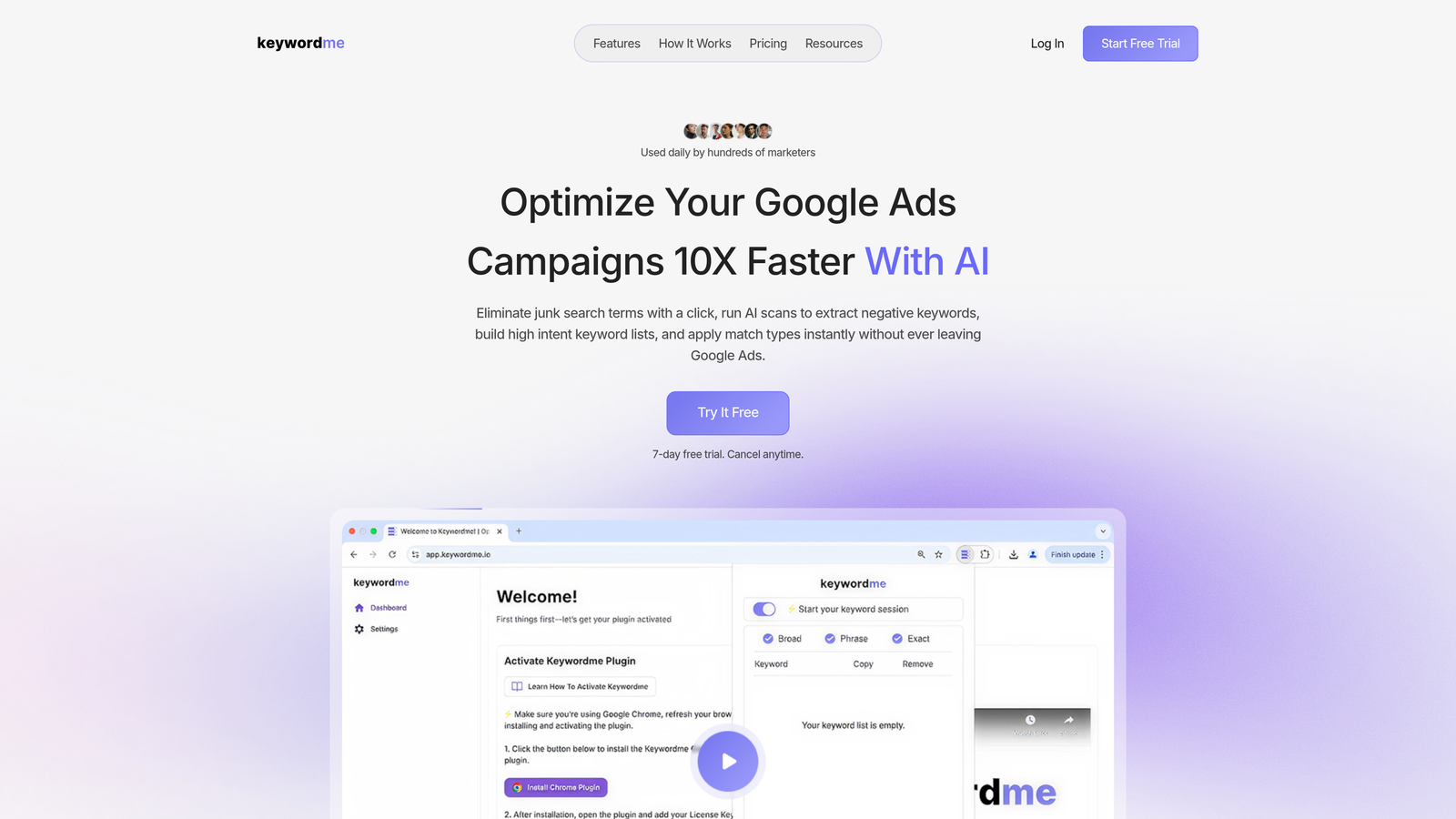
Keywordme is a Chrome extension that integrates directly into Google Ads' Search Terms Report, turning manual optimization tasks into one-click actions.
Where This Tool Shines
In most accounts I audit, the Search Terms Report is where the real money is hiding. Junk terms burn budget quietly, and the process of identifying them, copying them out, building a negative list, and uploading it back is genuinely tedious. Keywordme collapses that entire workflow into a few clicks without ever leaving Google Ads.
What makes it particularly useful for agencies is the multi-account and team support. You're not just speeding up one account's workflow—you're compressing the time it takes across every account your team manages. The keyword clustering and bulk editing features are where it starts to feel less like a helper tool and more like a core part of the optimization process.
Key Features
One-Click Junk Term Removal: Flag and remove irrelevant search terms directly inside the Search Terms Report without exporting anything.
Negative Keyword List Building: Build and apply negative keyword lists in-interface, skipping the spreadsheet step entirely.
Match Type Application: Apply exact, phrase, or broad match types to keywords instantly, right where you're already working.
Keyword Clustering: Group related search terms into logical clusters to inform new ad groups or keyword additions.
Multi-Account and Team Support: Built for agencies managing multiple clients, with shared access and team-level workflows.
Best For
Freelancers and agency teams who spend significant time inside Google Ads and want to cut down on repetitive optimization tasks. Especially valuable if you're managing multiple accounts and need a consistent, fast workflow for search term analysis and negative keyword management.
Pricing
$12/month per user with a 7-day free trial. Flat-rate pricing makes it easy to budget for teams without worrying about ad spend tiers.
2. Optmyzr
Best for: Mid-to-large agencies and in-house teams that need advanced automation with human oversight across multiple ad platforms.
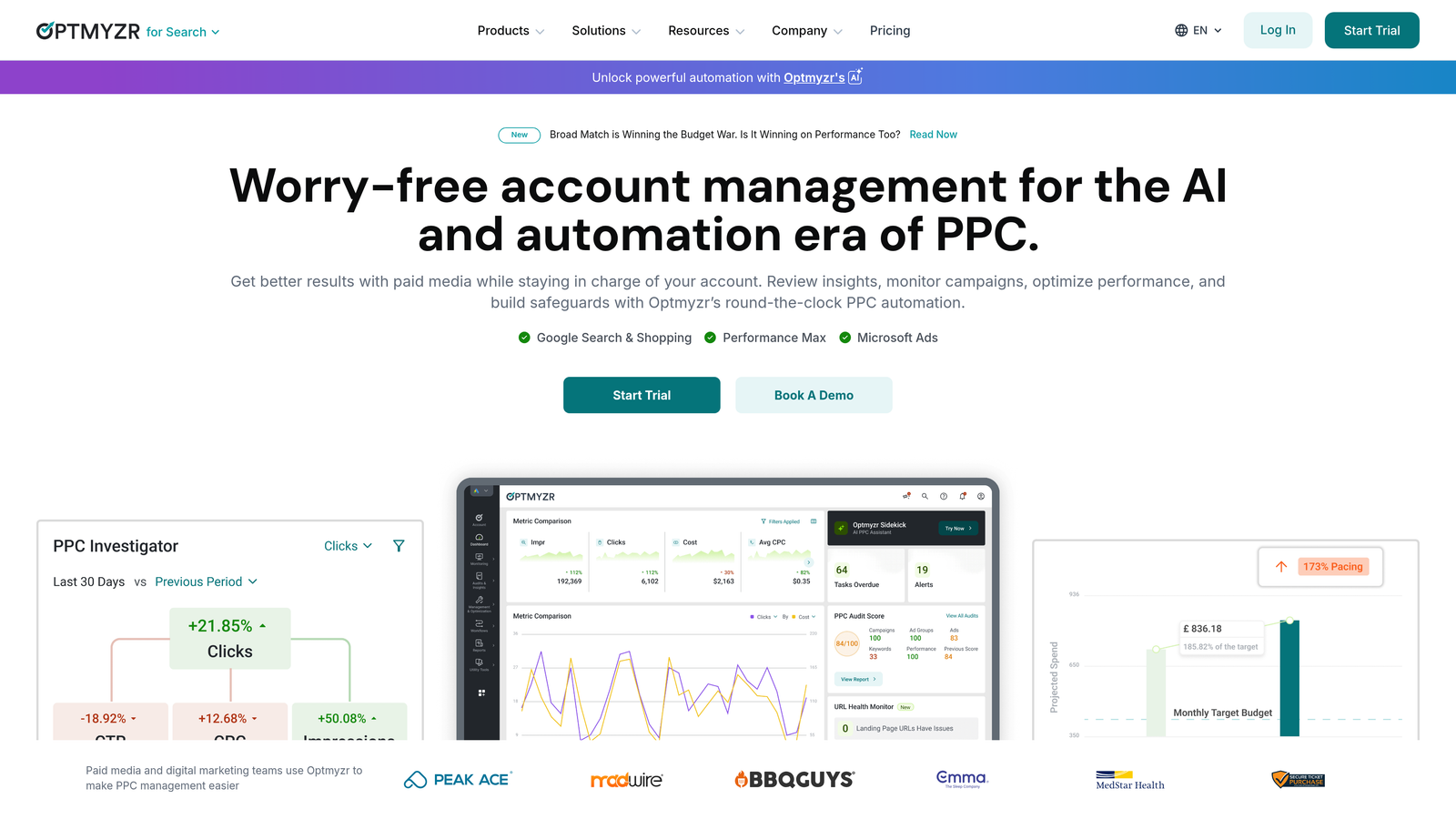
Optmyzr is a standalone PPC management platform offering a custom rule engine, one-click optimizations, and cross-platform support for Google Ads, Microsoft Ads, and more.
Where This Tool Shines
Optmyzr sits in a category of its own when it comes to rule-based automation. The mistake most agencies make is either over-automating (and losing control) or under-automating (and burning hours on manual tasks). Optmyzr's model threads that needle well: it surfaces recommendations, you approve them, and the changes go live. It keeps humans in the loop without making the process slow.
The reporting and budget pacing tools are genuinely useful for client-facing work. If you're running monthly budgets across multiple accounts and need to stay on pace without constant manual checking, Optmyzr handles a lot of that monitoring automatically.
Key Features
Custom Rule Engine: Build automation rules based on performance thresholds, time of day, budget pacing, and more.
One-Click Optimizations: Approve or reject suggested changes in bulk without digging through individual campaigns.
Cross-Platform Support: Manage Google Ads, Microsoft Ads, and Meta campaigns from a single dashboard.
Budget Pacing and Bid Management: Monitor spend velocity and adjust bids automatically based on defined rules.
Advanced Reporting: Build custom reports and dashboards for client or stakeholder delivery.
Best For
Agencies managing significant ad spend across multiple platforms who need automation with guardrails. Less suited for solo freelancers or small accounts where the cost-to-value ratio gets harder to justify.
Pricing
Starts around $249/month depending on ad spend managed. Pricing scales with account volume, so it's positioned for mid-to-large operations.
3. Google Ads Editor
Best for: Anyone who needs to make large-scale bulk edits to campaigns offline before pushing changes live.
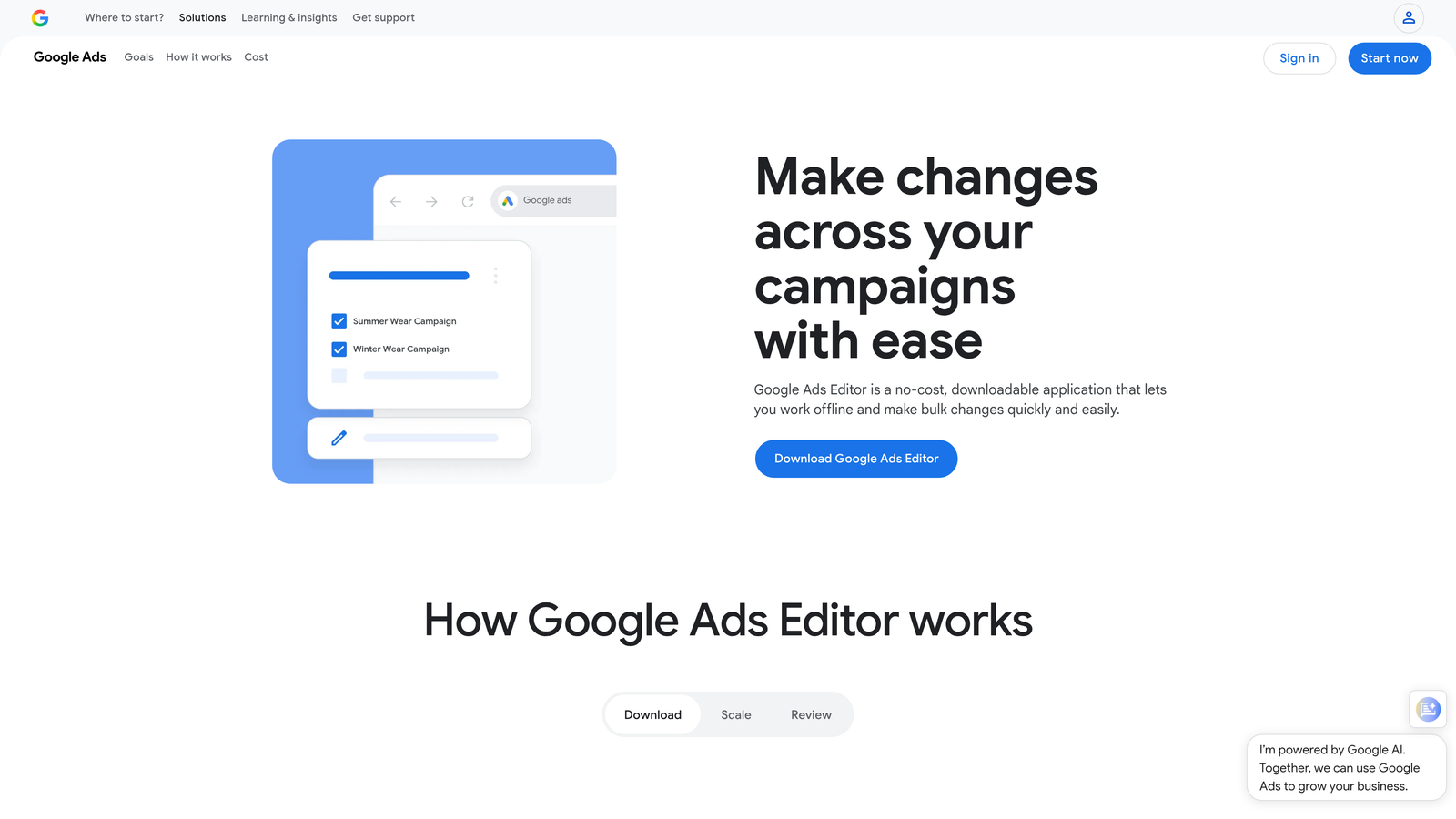
Google Ads Editor is a free desktop application from Google that lets you download your account, make bulk edits offline, and upload everything in one batch.
Where This Tool Shines
Google Ads Editor is the unglamorous workhorse of PPC. It's not pretty, it's not modern, but it's free and it handles bulk operations that would take forever inside the native interface. Restructuring campaigns, duplicating ad groups across accounts, doing a find-and-replace on ad copy—Editor handles all of this without breaking a sweat.
The draft-and-review workflow is underrated. You can stage a large set of changes, review them carefully, and then push everything live at once. For high-stakes account restructures, that kind of controlled deployment matters.
Key Features
Offline Bulk Editing: Download your account, make changes without an internet connection, and upload when ready.
Copy and Paste Across Accounts: Duplicate campaigns, ad groups, and keywords between accounts quickly.
Find and Replace: Update ad copy, URLs, or keywords across multiple elements simultaneously.
Draft Mode: Stage and review all changes before they go live, reducing the risk of errors.
Free to Use: No subscription, no ad spend minimum—just download and go.
Best For
Any Google Ads user who needs to make bulk changes at scale. It's especially useful during account migrations, restructures, or large seasonal campaign builds. The learning curve is manageable, and the price (free) is hard to argue with.
Pricing
Free. Always has been, and Google has shown no signs of changing that.
4. Adalysis
Best for: Data-driven advertisers who want systematic ad testing and quality score monitoring built into their workflow.
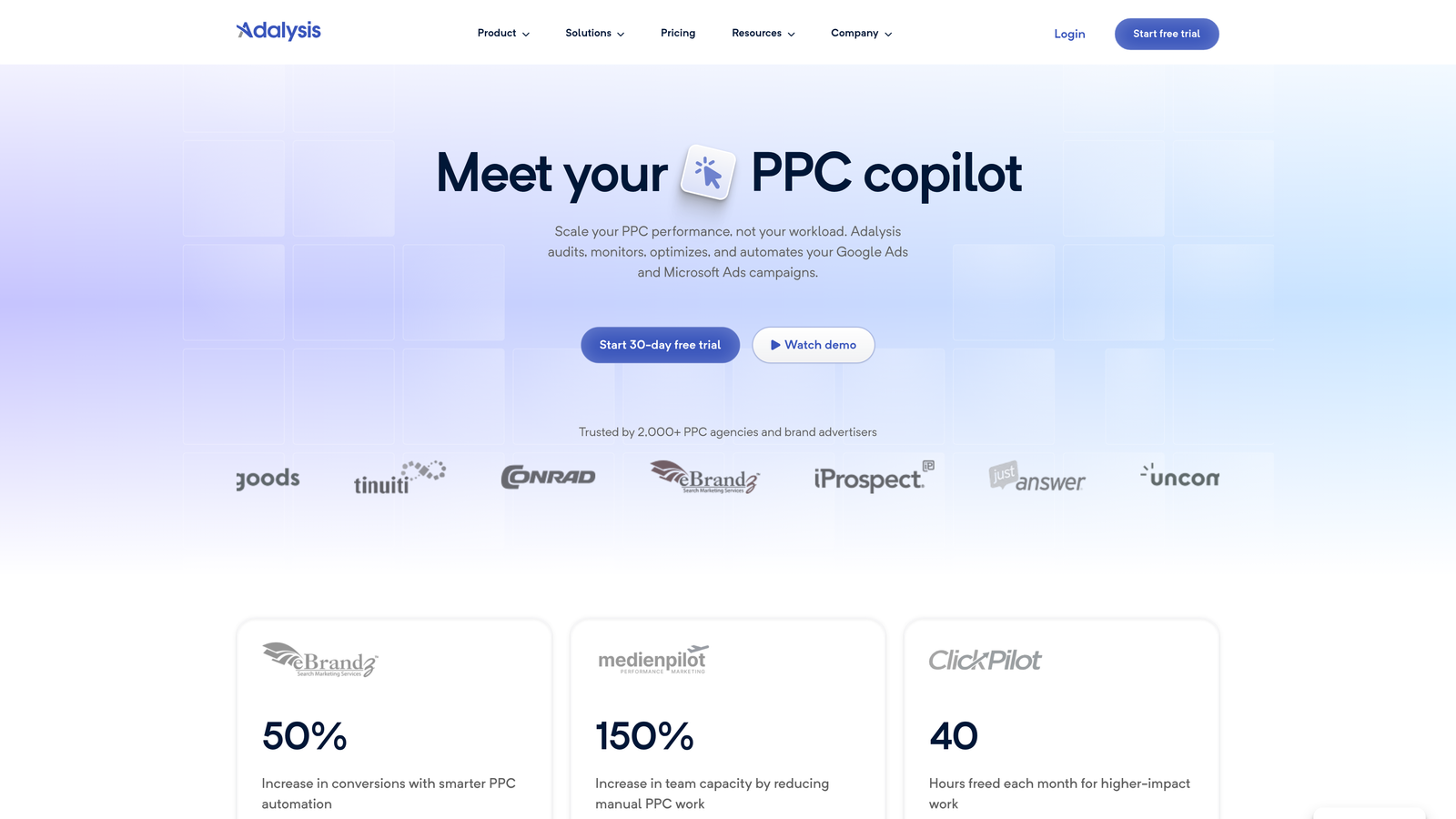
Adalysis is a standalone platform focused on automated ad testing, quality score diagnostics, and search term analysis for Google Ads accounts.
Where This Tool Shines
What usually happens with ad testing in most accounts is that it's done inconsistently—or not at all. Adalysis is built specifically to fix that. It automates the testing cycle, applies statistical significance thresholds before declaring winners, and pauses underperforming ads without requiring you to manually check every ad group.
The quality score tracking is more detailed than what you get natively inside Google Ads. If you're working on improving account health and want to see trends in expected CTR, ad relevance, and landing page experience over time, Adalysis surfaces that data in a way the native interface doesn't.
Key Features
Automated Ad Testing: Run statistically valid A/B tests across ad groups and pause losers automatically.
Quality Score Diagnostics: Track quality score components over time with historical trend data.
Search Term Mining: Identify negative keyword opportunities and high-performing terms from your search data.
Custom Alerts: Set up automated checks that flag anomalies or performance drops.
Multi-Account Management: Manage and monitor multiple Google Ads accounts from one interface.
Best For
Agencies and in-house teams that run structured ad testing programs and need quality score visibility at scale. Particularly useful if ad copy testing is a core part of your optimization strategy and you want it systematized rather than ad hoc.
Pricing
Starts around $99/month based on ad spend. Pricing tiers up as your managed spend increases.
5. Keyword Surfer
Best for: Advertisers who want quick keyword research data without leaving their browser or paying for a subscription.
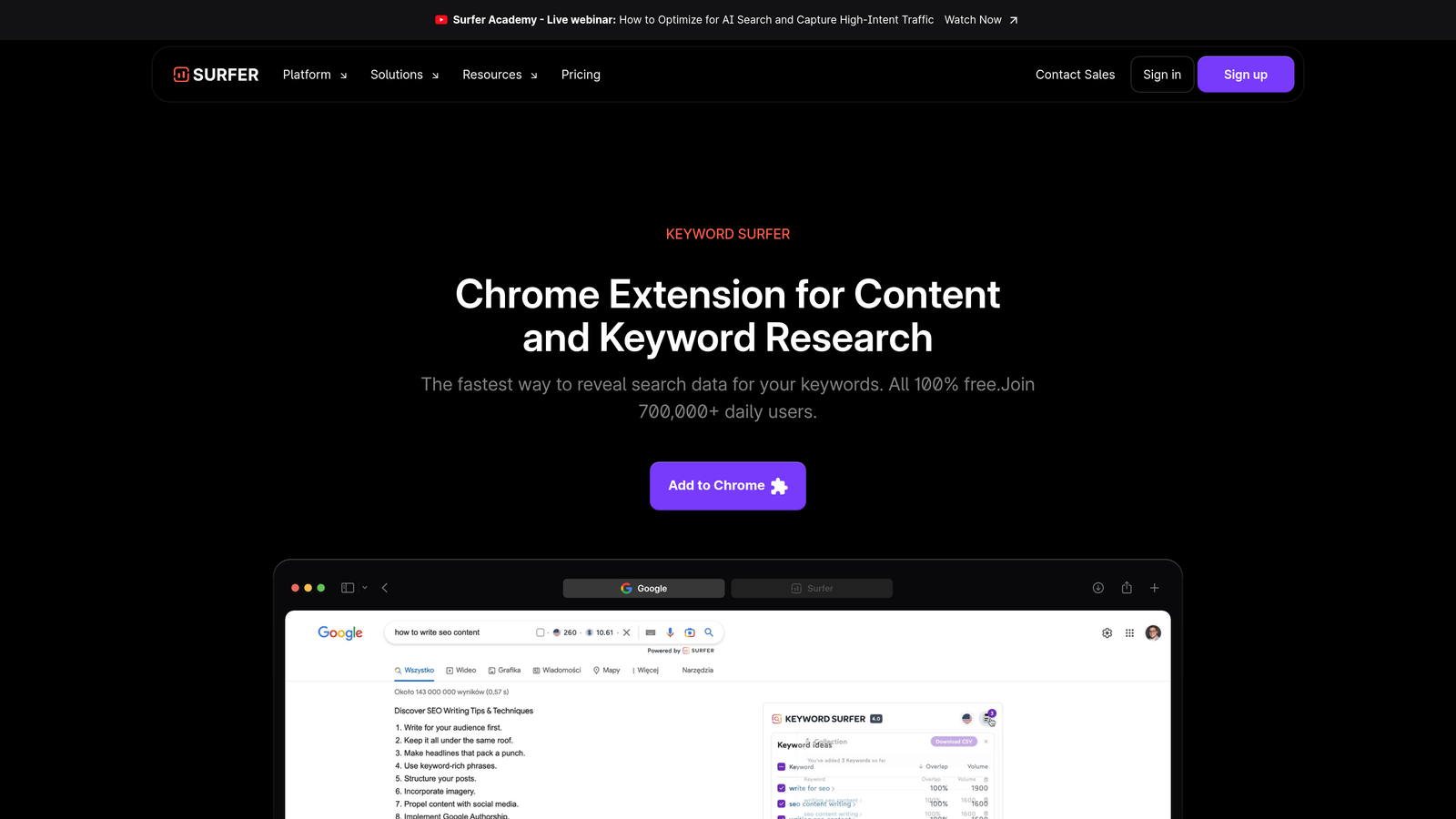
Keyword Surfer is a free Chrome extension by Surfer SEO that overlays search volume, CPC estimates, and related keyword suggestions directly onto Google search results pages.
Where This Tool Shines
Keyword Surfer isn't a PPC optimization tool in the traditional sense, but it fills a specific gap well: quick, in-browser keyword research during the planning or prospecting phase. When you're searching for a term to evaluate whether it's worth targeting, Keyword Surfer shows you the volume and CPC data right on the SERP without requiring you to open a separate tool.
For freelancers doing initial keyword research or checking competitive data quickly, it's a genuinely useful lightweight addition to the browser. The trade-off is depth—it's a snapshot, not a deep dive.
Key Features
Search Volume Overlay: See monthly search volume estimates directly on Google SERPs as you search.
CPC and Competition Data: View cost-per-click estimates and keyword competitiveness in-browser.
Related Keyword Suggestions: Get a sidebar of related terms and their volumes alongside your search results.
Zero Setup Required: Install the extension and it works immediately—no account connection needed.
Completely Free: No paid tier, no usage limits for the core features.
Best For
Freelancers, small business owners, or anyone who wants fast keyword data during research without committing to a paid keyword tool. Works well as a complement to more robust platforms rather than a replacement.
Pricing
Free. The extension requires a free Surfer SEO account, but the core keyword data features don't require a paid subscription.
6. WordStream (LocaliQ)
Best for: Small businesses and non-specialists who need guided PPC management without deep platform expertise.
WordStream, now operating under the LocaliQ brand, is a standalone PPC management platform designed to simplify Google Ads and Meta campaign management for smaller advertisers.

Where This Tool Shines
WordStream's signature feature is its "20-Minute Work Week" workflow, which surfaces the highest-priority optimization tasks and walks you through them in a structured, time-boxed session. For business owners or marketers who manage Google Ads as one of many responsibilities, that kind of guided workflow reduces the cognitive load of knowing where to start.
The Performance Grader (available free) is also worth mentioning—it's a widely used benchmarking tool that scores your Google Ads account against industry norms and highlights areas for improvement. It's a solid entry point for accounts that haven't been audited recently.
Key Features
20-Minute Work Week: A guided optimization workflow that surfaces priority tasks and walks you through them efficiently.
Cross-Platform Management: Manage Google Ads and Meta campaigns from a single interface.
Performance Grader: Free tool that benchmarks your Google Ads account against industry averages.
Landing Page Tools: Built-in landing page builder and call tracking for lead generation campaigns.
Simplified Interface: Designed for non-experts, with less complexity than enterprise-level platforms.
Best For
Small businesses, local advertisers, and marketing generalists who need a structured optimization process without the learning curve of more advanced platforms. Less suited for experienced PPC managers who want granular control.
Pricing
Custom pricing based on business needs; the Google Ads Performance Grader is available free. Contact WordStream directly for current plan pricing.
7. Karooya PPC Ad Editor
Best for: Advertisers focused specifically on negative keyword management and wasted spend reduction.
Karooya is a tool that specializes in negative keyword recommendations, wasted spend identification, and search term analysis for Google Ads accounts.

Where This Tool Shines
Karooya has carved out a specific niche: negative keyword management done well. In most accounts I audit, negative keyword lists are either incomplete or haven't been updated in months. Karooya automates the analysis side, pulling from your search term data to surface terms that are costing money without delivering results.
The shared negative keyword list management is particularly useful for agencies running multiple campaigns under the same account, where a single bad term can show up across many ad groups simultaneously. Centralizing that management saves real time.
Key Features
Negative Keyword Recommendations: Automatically identifies search terms worth adding as negatives based on your account data.
Wasted Spend Analysis: Quantifies how much budget is being spent on irrelevant or low-performing search terms.
Shared Negative List Management: Manage and apply negative keyword lists across multiple campaigns efficiently.
Ad Schedule Optimization: Analyze performance by time of day and day of week to inform bid adjustments.
Free Tier Available: Smaller accounts can access core negative keyword tools without a paid subscription.
Best For
Advertisers who want to get serious about negative keyword hygiene without building a full spreadsheet-based process. The free tier makes it accessible for smaller accounts, while the paid plans scale for larger spend levels.
Pricing
Free tier available for smaller accounts; paid plans are based on ad spend. Check Karooya's website for current tier pricing.
8. Opteo
Best for: Google Ads managers who want continuous account monitoring and a prioritized feed of improvement suggestions.
Opteo is a standalone Google Ads optimization tool that monitors your account continuously and delivers a ranked list of suggested improvements based on performance data.
Where This Tool Shines
Opteo's core concept is a continuous improvement feed: instead of you hunting for problems, Opteo surfaces them ranked by potential impact. It's a different mental model than most PPC tools, and it works well for managers who want to stay on top of account health without building their own monitoring systems from scratch.
The Slack and email integration is genuinely useful for staying informed without logging into another dashboard constantly. Anomaly detection alerts you when something changes significantly, which is the kind of passive monitoring that prevents small problems from becoming expensive ones.
Key Features
Prioritized Improvement Feed: A continuously updated list of suggested optimizations ranked by potential impact.
Performance Monitoring: Tracks account performance and flags anomalies automatically.
Slack and Email Alerts: Get notified of significant changes or opportunities without logging in.
Budget and Bid Suggestions: Recommendations for budget reallocation and bid adjustments based on performance trends.
Clean Interface: Minimal, well-designed UI that makes it easy to act on recommendations quickly.
Best For
Google Ads managers running multiple accounts who want automated monitoring and a clear action queue. Works well for agencies that want to stay proactive on account health without building custom alert systems.
Pricing
Starts at $129/month based on ad spend. Pricing scales with the amount of spend managed across connected accounts.
9. Supermetrics
Best for: Teams that need to pull Google Ads data into custom reports, dashboards, or data warehouses automatically.
Supermetrics is a data connector platform that automates pulling Google Ads performance data into Google Sheets, Looker Studio, Excel, BigQuery, and other destinations.
Where This Tool Shines
Supermetrics isn't an optimization tool in the traditional sense—it doesn't suggest changes or automate bids. What it does is solve the reporting problem: getting data out of Google Ads and into the format your clients or stakeholders actually want to see. If you're manually exporting CSVs and pasting them into reports, Supermetrics eliminates that entirely.
The real value shows up when you're consolidating data from multiple platforms. Pulling Google Ads, Meta, and LinkedIn data into a single Looker Studio dashboard on a scheduled refresh is the kind of reporting infrastructure that used to require a data engineer. Supermetrics makes it accessible without custom code.
Key Features
Automated Data Pulls: Schedule automatic data refreshes from Google Ads and 100+ other sources.
Native Integrations: Connect directly to Google Sheets, Looker Studio, Excel, BigQuery, and more.
Custom Query Builder: Pull granular data with custom date ranges, dimensions, and filters.
Cross-Platform Consolidation: Combine data from multiple ad platforms into unified reports.
Scheduled Refreshes: Set reports to update automatically on a daily, weekly, or custom schedule.
Best For
Agencies and in-house teams that deliver regular performance reports and need reliable, automated data pipelines. Also useful for analysts who want to build custom dashboards without manual data exports. Less relevant if your primary need is in-account optimization rather than reporting.
Pricing
Starts around $39/month per connector depending on the destination platform. Costs can add up if you need multiple connectors across several data destinations.
Which Type Should You Actually Pick?
Here's the honest answer: most experienced PPC managers use a combination of both. A Chrome extension handles the day-to-day friction inside Google Ads, while a standalone tool handles reporting, cross-platform management, or deeper automation in the background.
That said, if you're trying to figure out where to start, here's a practical breakdown by situation:
If you spend most of your day inside Google Ads: A Chrome extension like Keywordme gives you the fastest return on investment. You're already in the interface—a tool that works with you there rather than pulling you out of it is going to save more time than a separate dashboard you have to context-switch into.
If you manage significant ad spend across multiple platforms: A standalone platform like Optmyzr or Opteo makes more sense. The automation and cross-platform visibility justify the higher cost when you're operating at scale.
If you're a freelancer or small agency on a tight budget: Start with Google Ads Editor (free) for bulk edits, Keyword Surfer (free) for quick research, and Keywordme ($12/month) for search term optimization. That's a capable stack for well under $20/month.
If reporting is your biggest pain point: Supermetrics solves a different problem than the other tools on this list. It's not an optimization tool, but if you're spending hours on manual reporting every month, it pays for itself quickly.
If negative keyword hygiene is your biggest gap: Karooya's free tier is worth trying before committing to a paid plan. Combine it with Keywordme's in-interface negative list building for a complete workflow.
The Google Ads extension vs standalone tool debate ultimately comes down to where your time is going and what kind of problem you're solving. Extensions reduce friction in your existing workflow. Standalone tools add capabilities your workflow doesn't currently have. Know which problem you're solving, and the right tool becomes obvious.
If you want to start with something that delivers immediate impact without a steep learning curve, start your free 7-day trial of Keywordme and see how much time you're spending on tasks that could be one click instead of ten. At $12/month after the trial, it's one of the lowest-friction upgrades you can make to your Google Ads workflow.
.svg)