
9 Best Google Ads Extension Tools to Optimize Campaigns Faster
This article reviews the 9 best Google Ads extension tools that plug directly into the Google Ads interface, eliminating slow spreadsheet workflows. It covers Chrome extensions and browser-based add-ons that help marketers and agencies move faster on keyword management, negative keywords, match types, and search term analysis in 2026.


Google Ads' native interface is powerful but slow for repetitive tasks — search term reviews, negative keyword additions, bulk edits. The right browser extension or add-on can cut optimization time dramatically, letting you act on data right where you see it.
TL;DR: This list covers the 9 best Google Ads extension tools and browser-based add-ons worth using in 2025 — from in-interface keyword management to competitive research, automated reporting, and bulk editing. Every tool is evaluated on where it genuinely fits a Google Ads workflow, not just feature lists.
Here's what each tool is best for at a glance:
- Keywordme — in-interface search term optimization (negative keywords, match types, clustering)
- Google Ads Editor — bulk offline edits and large account restructures
- Keywords Everywhere — keyword research data surfaced while browsing Google and YouTube
- Optmyzr — rule-based automation for agencies managing multiple accounts
- Supermetrics — automated data pipelines into Sheets, Looker Studio, and Excel
- SEMrush PPC Toolkit — competitive keyword and ad copy intelligence
- Adalysis — ad testing rigor, quality score monitoring, and performance alerts
- PPC Samurai — visual search term analysis and negative keyword discovery at scale
- Whatagraph — white-label automated reporting for agency client delivery
Read on for the full breakdown of what each tool does well, who it's for, and when to use it.
1. Keywordme
Best for: In-interface search term optimization without leaving Google Ads
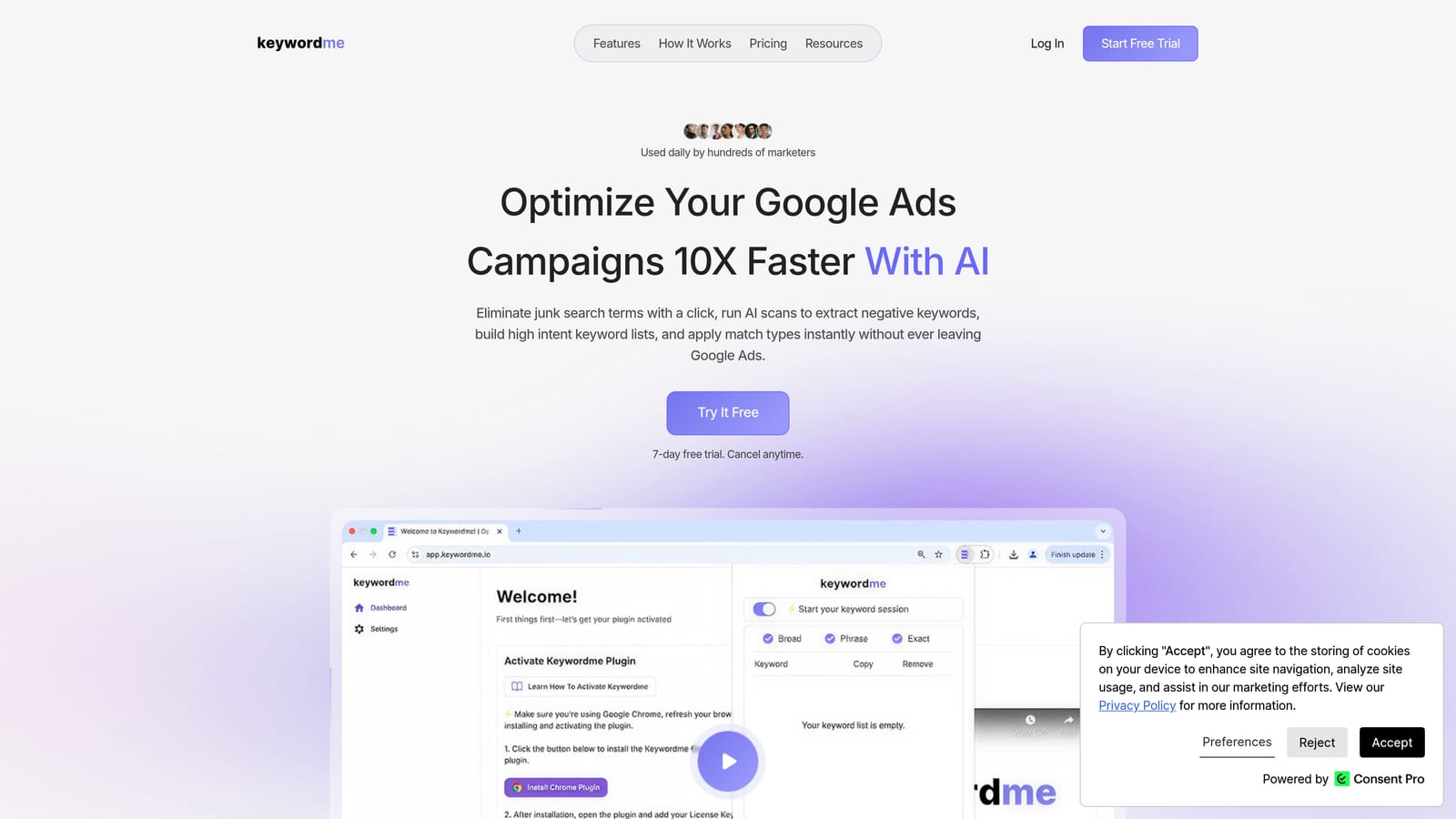
Keywordme is a Chrome extension that plugs directly into Google Ads' Search Terms Report, letting you remove junk terms, add negatives, apply match types, and cluster keywords with one click.
Where This Tool Shines
In most accounts I audit, the search term review process looks the same: export to CSV, open a spreadsheet, filter through hundreds of rows, copy negatives back into Google Ads. It's tedious, and it means you're always working with data one step removed from where decisions actually happen.
Keywordme eliminates that loop entirely. You stay inside the native Google Ads interface the whole time. One click removes a junk term. One click adds a high-intent keyword with your chosen match type. For agencies managing multiple client accounts, the multi-account and team support means you're not duct-taping workflows together across different logins.
Key Features
One-Click Negative Keyword Addition: Remove irrelevant search terms directly from the Search Terms Report without exporting anything.
Match Type Application: Apply exact, phrase, or broad match types to new keywords without touching a spreadsheet.
Keyword Clustering: Group related search terms into logical clusters to build tighter ad groups faster.
Bulk Editing Inside Google Ads: Make changes at scale without leaving the native UI or juggling a separate tool.
Multi-Account and Team Support: Built for agency workflows where multiple people are optimizing across different client accounts.
Best For
Solo advertisers, freelancers, and agency teams whose biggest time drain is the weekly search term review. If you're spending more than 30 minutes per account on this task, Keywordme is built specifically for your workflow. Less useful if your main need is reporting or competitive research.
Pricing
$12/month per user. A 7-day free trial is available with no setup overhead required to get started.
2. Google Ads Editor
Best for: Bulk offline edits across large campaigns and ad structures
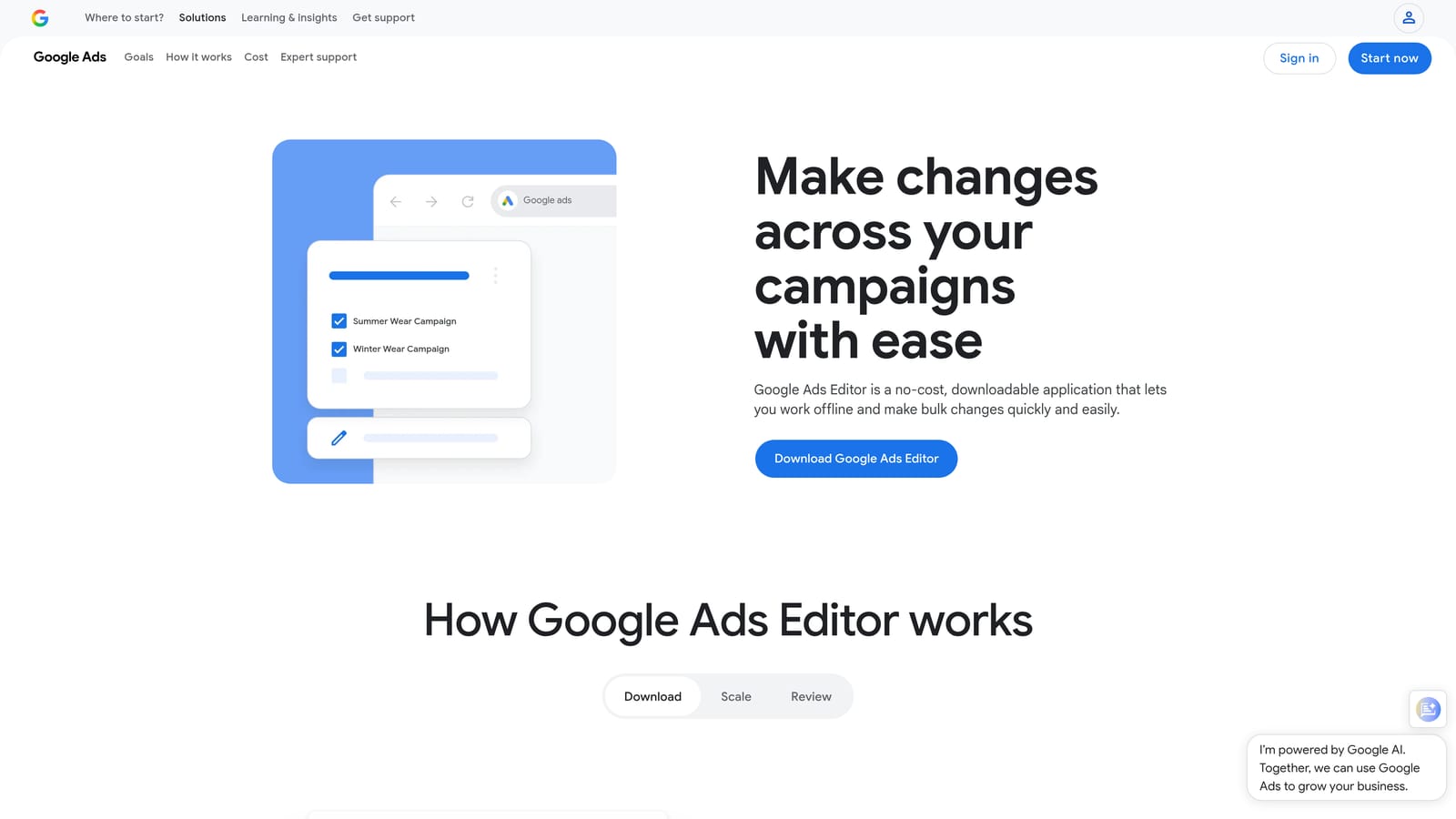
Google Ads Editor is Google's free desktop application for making bulk offline edits to campaigns before uploading changes in one go.
Where This Tool Shines
When you need to restructure a large account, copy campaigns across ad groups, or run a find-and-replace across hundreds of ads, the native Google Ads interface simply wasn't built for that kind of work. Google Ads Editor is. It's the right tool for structural, large-scale changes where you want to review everything offline before anything goes live.
The workflow is straightforward: download your account, make changes locally, preview the diff, then upload. What usually happens here is that advertisers underuse it for keyword list management and overuse it for things that a lighter in-interface tool could handle faster. Know what it's good for and it's indispensable.
Key Features
Bulk Offline Editing: Make sweeping changes across campaigns and ad groups without risking live errors mid-edit.
Find and Replace: Update ad copy, URLs, or keywords across the entire account in seconds.
Copy and Paste Campaigns: Duplicate ad structures quickly when launching new campaigns based on existing ones.
Bulk Upload: Stage all changes and push them live in one controlled upload.
Free with Any Google Ads Account: No additional cost, no subscription required.
Best For
Advertisers doing large-scale account restructures, agencies onboarding new clients, or anyone who needs to make hundreds of changes without touching the live interface. Not ideal for quick, in-session optimizations where you want to act on data immediately.
Pricing
Free. Available to any Google Ads account holder.
3. Keywords Everywhere
Best for: Surfacing keyword research data while browsing Google, YouTube, and Amazon
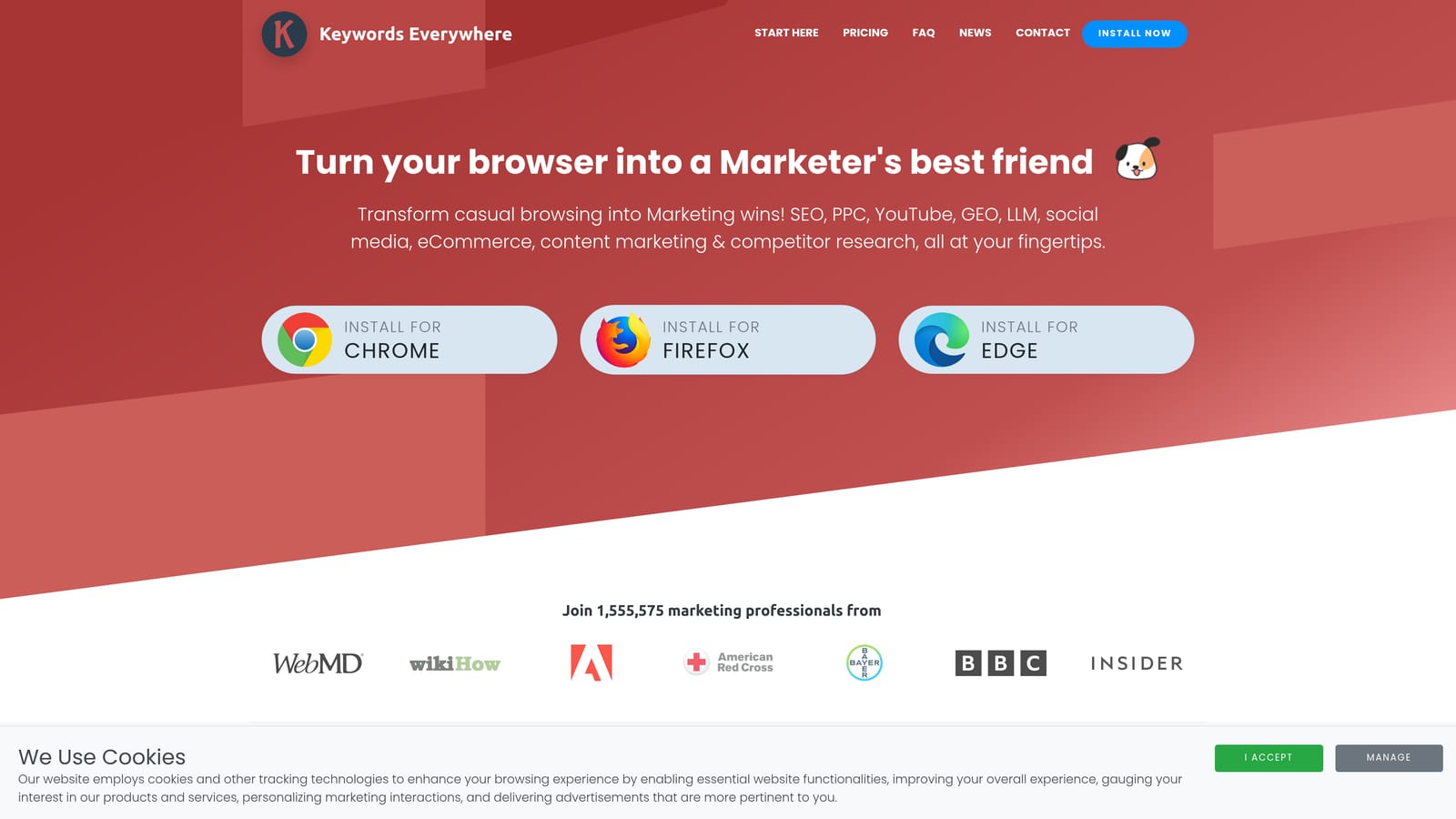
Keywords Everywhere is a Chrome and Firefox extension that overlays search volume, CPC, and competition data directly on Google SERPs and other platforms.
Where This Tool Shines
The best time to discover a keyword is when you're already looking at it. Keywords Everywhere makes that possible by showing volume, CPC, and competition data inline as you browse. You're researching a new campaign, you type a query into Google, and the data is already there on the page. No separate tool to open, no copy-paste into a keyword planner.
It's especially useful during the campaign build phase when you're trying to validate whether a keyword is worth bidding on. The "People Also Search For" data often surfaces long-tail variations that a standard keyword planner would miss.
Key Features
Real-Time SERP Data: Search volume and CPC estimates appear directly on Google search results pages.
Multi-Platform Coverage: Works across Google, YouTube, Amazon, Bing, and several other sites.
Related Keywords Panel: Surfaces related terms and "People Also Search For" data alongside your search.
Trend Data: Shows historical search trend graphs for any keyword you're reviewing.
Credit-Based Pricing: You pay for what you use, which keeps costs manageable for occasional research.
Best For
Freelancers and in-house marketers who do regular keyword research and want data available contextually while browsing. Not a campaign optimization tool, so don't expect it to replace anything that operates inside Google Ads directly.
Pricing
Credit-based system. Paid plans start at a low cost per credit bundle, making it accessible for occasional and regular users alike.
4. Optmyzr
Best for: Rule-based automation and one-click optimizations for agencies managing multiple accounts
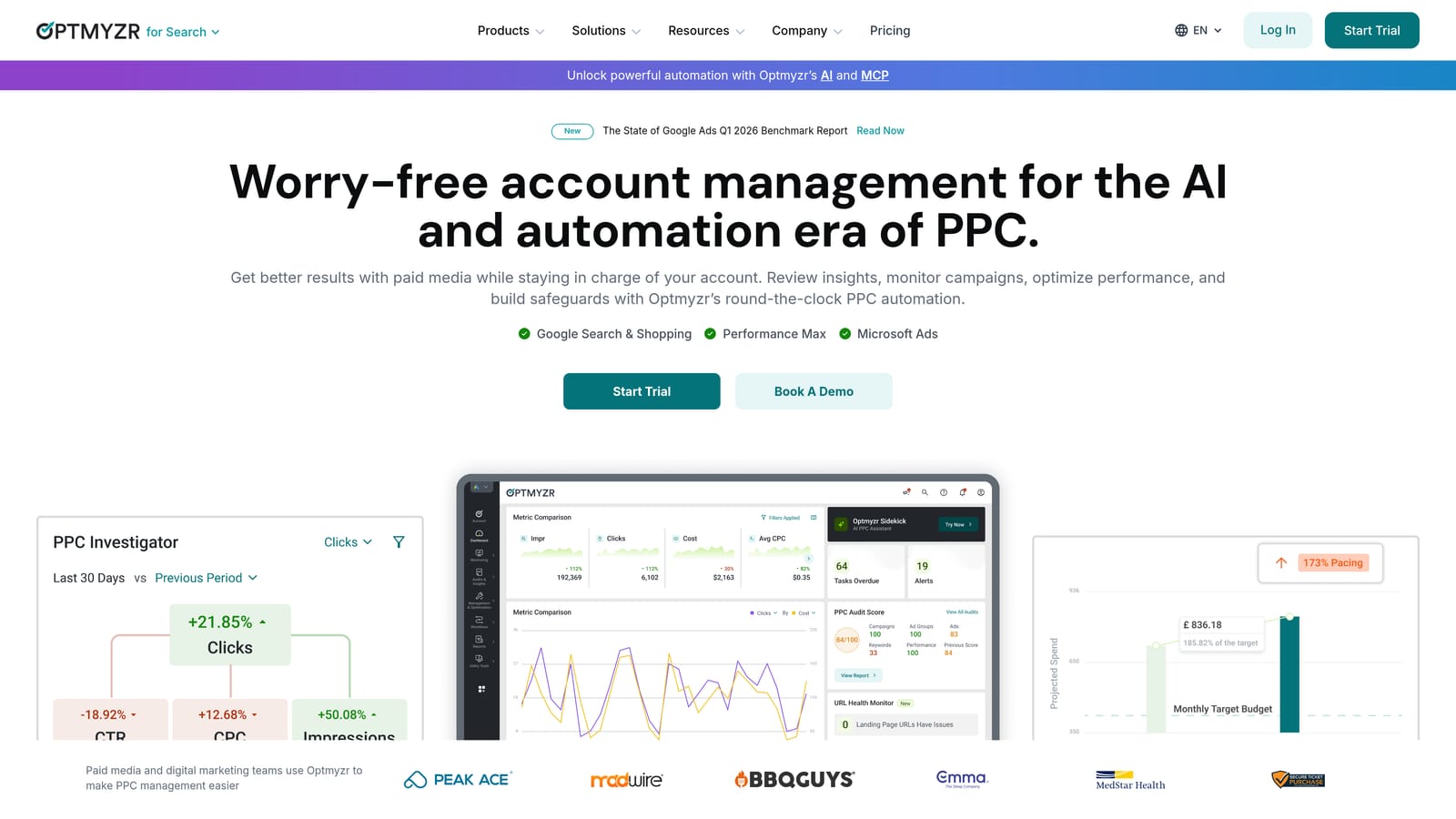
Optmyzr is a PPC management platform with automation rules, one-click optimizations, and agency-grade reporting built for teams running multiple client accounts.
Where This Tool Shines
Optmyzr sits in a different category from lighter Chrome extensions. It's a full platform, and its strength is automation depth. The rule-based engine lets you set conditions for bid adjustments, budget pacing, and keyword actions that trigger automatically without manual review every time.
The mistake most agencies make is trying to manage 20+ accounts manually at the campaign level. Optmyzr is built to reduce that overhead by surfacing one-click optimization suggestions you can preview before applying. You're still making the call, but the heavy lifting of analysis is done for you.
Key Features
Rule-Based Automation Engine: Create conditional rules for bids, budgets, and keyword actions that run on a schedule.
One-Click Optimization Suggestions: Review and apply recommended changes with a preview before anything goes live.
Shopping Campaign Management: Dedicated tools for managing and optimizing Google Shopping campaigns at scale.
Multi-Account Client Dashboards: See performance across all client accounts from a single view.
Custom Reporting and White-Label Options: Build and deliver branded reports to clients without manual assembly.
Best For
Agencies and larger in-house teams managing significant monthly ad spend across multiple accounts. The price point reflects the platform's depth, so it's less suitable for solo freelancers managing a handful of accounts with modest budgets.
Pricing
Starts at a higher monthly price point targeted at agencies and larger accounts. A free trial is available.
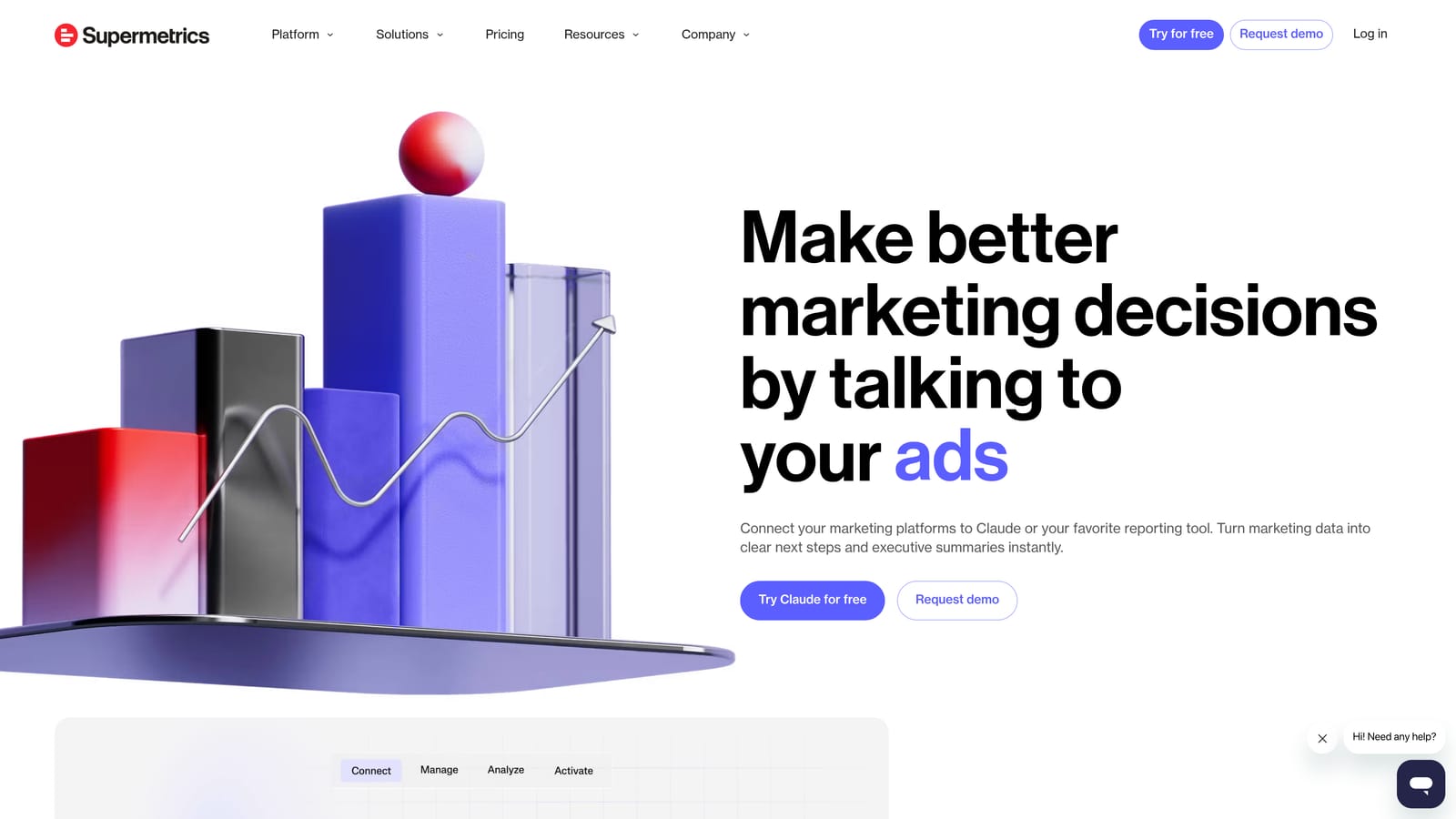
5. Supermetrics
Best for: Automated data pipelines from Google Ads into Sheets, Looker Studio, or Excel
Supermetrics is a data connector that pulls Google Ads performance data into reporting environments on a scheduled basis, eliminating manual exports.
Where This Tool Shines
Supermetrics doesn't touch your campaigns. It moves data. If you're still manually downloading Google Ads reports and pasting them into a client dashboard every week, Supermetrics solves that specific problem cleanly. Set up a scheduled pull, connect your data sources, and your dashboards refresh automatically.
Where it earns its place in an agency stack is data blending. Pulling Google Ads alongside Facebook Ads, LinkedIn, and organic search data into a single Looker Studio report is genuinely useful for clients who want a full-funnel view, and doing that without Supermetrics or a similar connector is a manual nightmare.
Key Features
Scheduled Data Pulls: Automatically refresh Google Ads data in Sheets or Looker Studio without manual exports.
Multi-Platform Data Blending: Combine Google Ads with other ad platforms in a single report.
Pre-Built Report Templates: Start with templates rather than building dashboards from scratch every time.
Automated Refresh: Reports stay current on whatever schedule you configure.
Wide Connector Library: Connects to dozens of platforms beyond Google Ads for comprehensive reporting coverage.
Best For
Analysts and agencies building recurring client dashboards who need reliable, automated data pipelines. Not a campaign optimization tool and not useful if your bottleneck is in-account work rather than reporting.
Pricing
Subscription-based; pricing varies by connector and number of data sources. Check supermetrics.com for current plans.
6. SEMrush PPC Toolkit
Best for: Competitive keyword intelligence and ad copy research before and during campaign builds
SEMrush PPC Toolkit is the PPC-focused feature set within the SEMrush platform, covering competitor ad research, keyword gap analysis, and CPC benchmarking.
Where This Tool Shines
When you're building a campaign from scratch or auditing why a competitor is outranking you, SEMrush's Advertising Research tool is one of the fastest ways to see what keywords they're bidding on, what ad copy they're running, and how long they've been running it. That historical visibility is genuinely useful for strategy.
The Keyword Gap feature is worth calling out specifically. It shows you terms your competitors are bidding on that you're not, which is a faster starting point than building a keyword list from scratch. The Chrome extension adds surface-level data while browsing, though it's lighter than a dedicated keyword research extension.
Key Features
Advertising Research: View competitor ad history, keyword lists, and ad copy across time periods.
Keyword Gap Analysis: Identify terms competitors bid on that are missing from your campaigns.
CPC Benchmarks: Industry and geography-specific CPC data for budget planning and bid strategy.
PLA Research: Competitive intelligence for Google Shopping campaigns and product listing ads.
Chrome Extension: Surface-level keyword and competitive data while browsing without opening the full platform.
Best For
Marketers and agencies who prioritize competitive research and campaign strategy. Most valuable during the planning and build phase rather than ongoing in-account optimization.
Pricing
Included in SEMrush subscription plans, which start at a mid-to-high monthly price point. Not a standalone purchase.
7. Adalysis
Best for: Ad testing rigor, quality score monitoring, and automated performance alerts
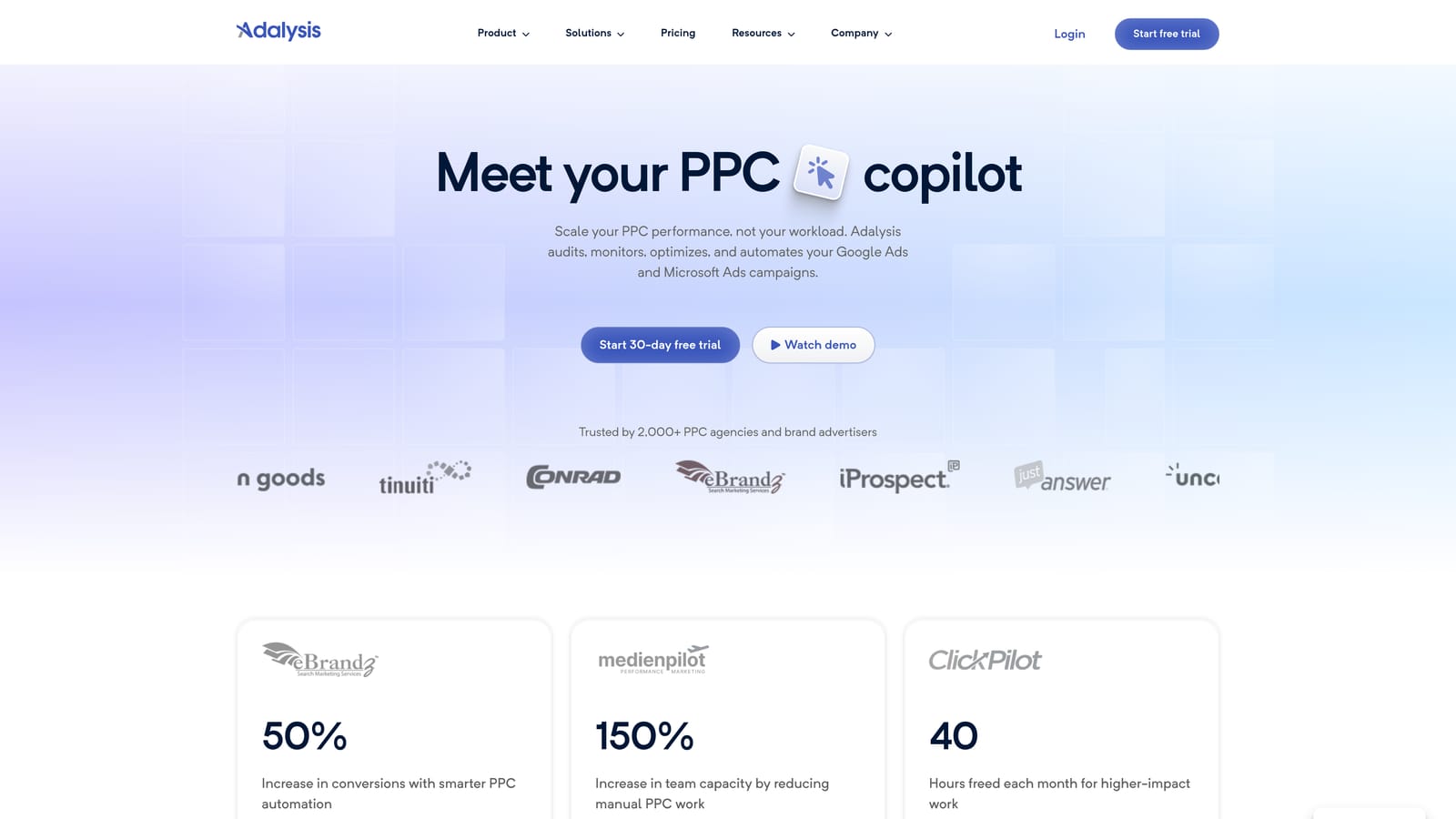
Adalysis is a Google Ads optimization platform focused specifically on ad testing frameworks, quality score tracking, and proactive performance alerts.
Where This Tool Shines
Most advertisers run ad tests with no real statistical framework. They let two ads run for a few weeks, pick the one with a better CTR, and move on. Adalysis replaces that guesswork with a proper A/B testing framework that tracks statistical significance and tells you when you actually have enough data to make a call.
The quality score monitoring is a feature you don't know you need until you lose it. Getting an alert when a key campaign's quality score drops—before it starts affecting your CPCs—is the kind of proactive visibility that prevents expensive surprises. In most accounts I audit, quality score issues are caught late because there's no alerting system in place.
Key Features
Automated A/B Ad Testing: Statistical significance tracking so you know when test results are actually meaningful.
Quality Score Monitoring: Historical quality score tracking with alerts when scores change significantly.
Performance Alerts: Automated notifications for underperforming ads, campaigns, or keywords.
Ad Copy Analysis: Recommendations based on ad performance patterns across your account.
Ad Spend Scaling: Pricing scales with the volume of ad spend managed, making it relevant across account sizes.
Best For
Advertisers who run frequent ad copy tests and want a structured, statistically valid framework for evaluating results. Also strong for accounts where quality score volatility is a recurring issue.
Pricing
Subscription-based; pricing scales with monthly ad spend managed. See adalysis.com for current tiers.
8. PPC Samurai
Best for: Visual search term analysis and negative keyword discovery at scale
PPC Samurai is a web-based search term analysis tool that visualizes irrelevant traffic patterns in a tree structure, making negative keyword discovery faster for agencies and freelancers.
Where This Tool Shines
The visual tree structure is the differentiator here. Instead of scrolling through a flat list of search terms trying to spot patterns, PPC Samurai maps them visually so you can see clusters of irrelevant traffic at a glance. For agencies onboarding a new client account with years of messy search term history, this is a much faster way to identify negative keyword opportunities than manual review.
It's particularly effective at the start of an engagement when you need to understand what irrelevant traffic has been consuming budget. What usually happens here is that new client accounts have significant wasted spend hiding in search term reports that nobody has properly audited. PPC Samurai makes that audit faster.
Key Features
Visual Tree Structure: Maps search term data into a branching visual format for pattern recognition.
Negative Keyword Discovery: Identifies irrelevant traffic clusters at scale from search term report data.
Google Ads Integration: Connects directly to your Google Ads account for data access without manual exports.
Bulk Negative Keyword Export: Export identified negatives in bulk for upload to Google Ads.
New Client Onboarding: Especially useful for auditing accounts with large volumes of historical search term data.
Best For
Agencies doing deep search term audits on new client accounts, and freelancers managing accounts with high search term volume where manual review isn't practical. Less relevant for smaller accounts with manageable search term lists.
Pricing
Subscription-based. Check ppcsamurai.com for current pricing tiers.
9. Whatagraph
Best for: Automated, white-label Google Ads performance reports for agency client delivery
Whatagraph is an automated reporting platform that pulls Google Ads data into polished, branded visual reports designed for agency client delivery.
Where This Tool Shines
Client reporting is one of those tasks that agencies consistently underestimate in time cost. Building a clean, readable performance report manually every month across 15 client accounts adds up fast. Whatagraph solves the assembly problem: connect your data sources, configure your template, set a schedule, and reports go out automatically.
The white-label branding is the feature that earns its place in an agency stack. Clients receive reports with your agency's branding, not a third-party tool's logo. The shareable live report links are a nice touch too, giving clients a URL they can check at any time rather than waiting for the monthly PDF.
Key Features
Automated Report Scheduling: Google Ads performance reports delivered on your schedule without manual assembly.
White-Label Branding: Apply your agency's branding to all client-facing reports.
Multi-Source Data Blending: Combine Google Ads with other channel data in a single report view.
Drag-and-Drop Report Builder: Customize report layouts with pre-built templates as a starting point.
Shareable Live Report Links: Give clients a live URL to access their report at any time.
Best For
Agencies delivering regular client performance reports who want to eliminate manual report assembly. Pricing reflects an agency-tier tool, so it's not designed for solo advertisers or freelancers managing one or two accounts.
Pricing
Agency-tier pricing. See whatagraph.com for current plans and account limits.
Which Tool Actually Fits Your Workflow
There's no single tool that does everything well, and the best Google Ads extension toolkit is usually two or three focused tools that each solve one specific workflow problem rather than one bloated platform trying to cover everything.
Here's a quick breakdown by use case:
Slow search term reviews: Start with Keywordme. It solves this specific problem without adding another dashboard to your stack. The fact that it stays inside the native Google Ads interface means there's no context-switching and no new platform to learn.
Large-scale account restructures: Google Ads Editor is a no-brainer, and it's free. Use it for bulk structural changes where you want to stage everything offline before pushing live.
Keyword research during campaign builds: Keywords Everywhere is a lightweight, low-cost add-on that's worth having installed at all times. It doesn't replace a full research platform but it makes browsing more informative.
Agency automation at scale: Optmyzr or Adalysis depending on your focus. Optmyzr for rule-based automation across budgets, bids, and keywords. Adalysis if ad testing rigor and quality score monitoring are your priorities.
Client reporting: Whatagraph for visual, white-label reports. Supermetrics if you prefer building custom dashboards in Looker Studio or Google Sheets.
New client onboarding audits: PPC Samurai for visual search term analysis when you're inheriting an account with years of messy data.
The key takeaway is to start with your biggest time drain and work outward from there. If wasted spend and slow search term reviews are your current bottleneck, Start your free 7-day trial of Keywordme and see how much time you get back in the first week alone. At $12/month per user after that, it's one of the lowest-friction additions you can make to a Google Ads workflow.
.svg)