
8 Best Google Ads Extensions for Faster Account Management in 2026 (Reviewed)
These Google Ads extension reviews cover 8 browser extensions, native tools, and desktop apps that speed up PPC account management, from search term cleanup to bulk editing. Each tool is labeled by type and includes pricing and best-fit users, so freelancers, in-house marketers, and agency owners can choose the right addition to their workflow.


If you spend your days in Google Ads, you've probably wondered whether a browser extension or add-on can cut the spreadsheet exports and tab-switching, and which ones deserve a spot in your workflow. This list is for freelancers, in-house marketers, and agency owners. Each tool works inside or alongside the Google Ads interface, solves a specific PPC task, has a clear pricing model, and has a feature set you can check against first-party sources. Some are true Chrome extensions. Others are native Google tools or desktop apps, and we label which is which so you know what you're installing.
Quick Comparison of the Google Ads Extensions and Add-Ons
- Keywordme: best for freelancers and agencies doing frequent search term cleanup; $12/month per user; acts directly inside the native Search Terms Report.
- Google Ads Editor: best for large structural changes across many campaigns; free; offline bulk editing with review before changes are posted.
- Optmyzr: best for agencies wanting a broader optimization platform; pricing on request via the website; rule-based automation beyond any single extension.
- Google Ads Scripts: best for technical advertisers who want custom automation; free; fully customizable with code.
- Google Ads Ad Preview and Diagnosis: best for troubleshooting ads that don't appear; free; checks ad visibility without inflating impressions.
- Google Tag Assistant: best for debugging conversion tracking; free; official validation of tag setups.
- Keyword Surfer: best for quick keyword ideation before building campaigns; free tier available; shows keyword data in regular Google search results.
- Google Ads Keyword Planner: best for planning keywords and budgets before launch; free with a Google Ads account; first-party keyword and forecast data from Google.
1. Keywordme
Keywordme is a Chrome extension that adds one-click actions to the Search Terms Report in Google Ads. It's our own product, so weigh this section with that in mind. It's built for people who review search terms (the actual queries users typed) and need to turn them into keywords (what you bid on) or negative keywords (queries you want to exclude) without leaving the report.
What it does differently from the rest of this list is work in the native report. There's no export, no spreadsheet, and no separate dashboard. You see a junk query, click, and it's handled. Keywordme describes its workflow as up to 10x faster than manual methods; that's the company's own claim, not an independently measured result.
- One-click negative keywords from the Search Terms Report, so you can exclude irrelevant queries as you scan.
- Add search terms as keywords with the match type you choose, so you don't retype or reformat anything.
- Keyword clustering, which groups related terms to help you build tighter keyword lists.
- Bulk editing, for applying changes to many terms at once.
- Multi-account and team support, so agencies can work across client accounts with several users.
Setup is installing the extension in Chrome and opening Google Ads. Whoever reviews search terms day to day runs it, whether that's a solo advertiser or a team member on a client account. Keywordme acts on your clicks; it doesn't change campaigns on its own, so human review stays in the loop.
The limitations are real. It focuses on search terms and keyword lists, so there are no bid, reporting, or creative tools. It's Chrome-only. If your main pain is anywhere other than query cleanup, it won't help much.
Pricing is $12/month per user, with a 7-day free trial. The price scales with the number of users, not ad spend. Confirm current terms on the website.
Best for: Freelancers and agencies doing frequent search term cleanup.
2. Google Ads Editor
Google Ads Editor is not an extension. It's a free desktop application from Google for bulk editing and managing accounts offline. It suits advertisers with sizable accounts who need to restructure many campaigns at once.
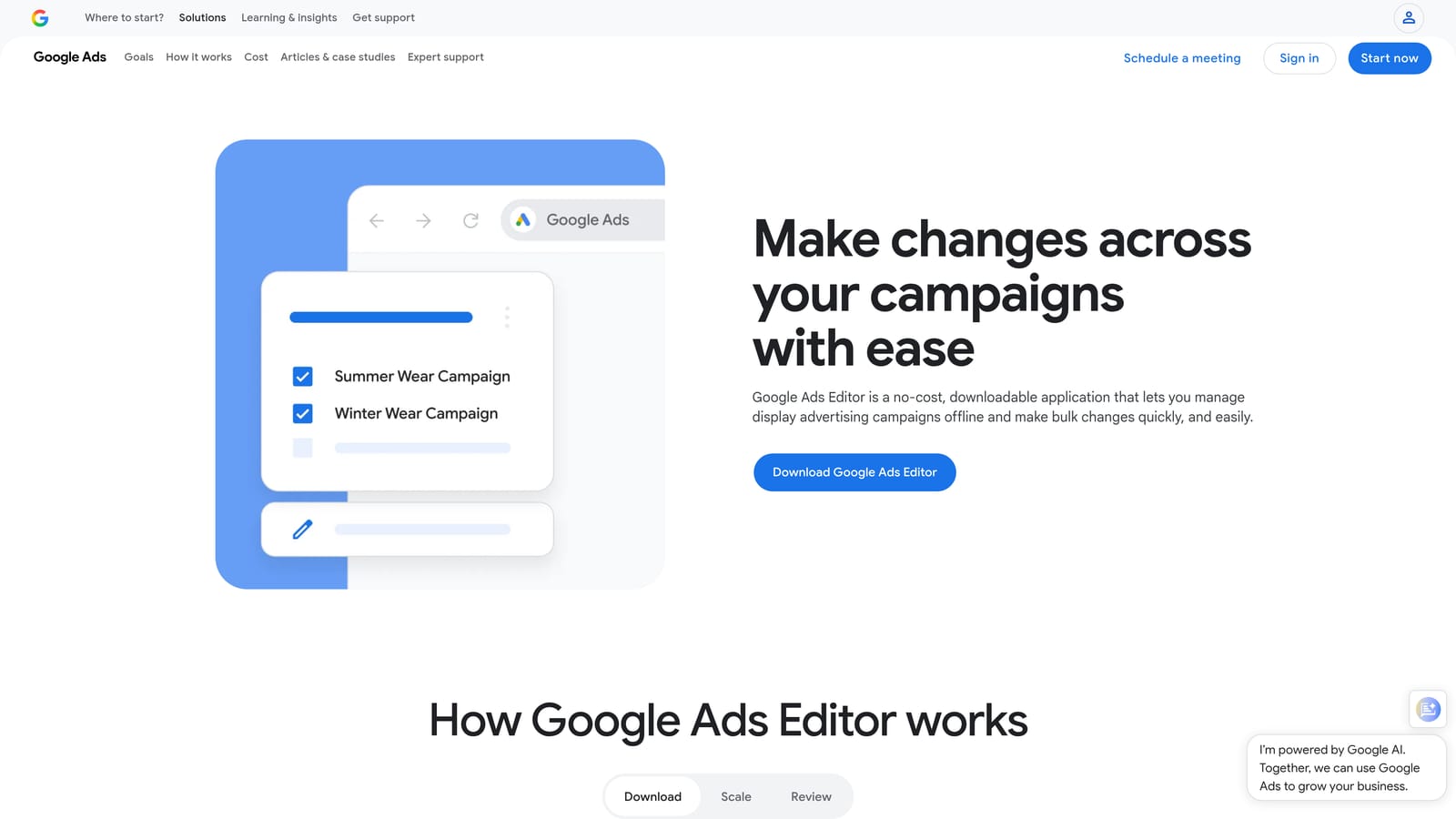
Its edge is the review step. You download account data, make changes offline, look over everything, and only then post to your account. No other tool here gives you that kind of staged, official bulk workflow.
- Bulk edits across campaigns and accounts, which saves hours on repetitive changes like ad copy updates or bid adjustments.
- Offline editing and draft review, so you can build out changes without touching the live account.
- Copy and paste between campaigns, handy for cloning structures into new ad groups or campaigns.
- Change history review before posting, so you catch mistakes before they go live.
It connects to your Google Ads accounts and needs a download and a bit of setup. Expect a learning curve if you've only used the web interface. The person running it is usually a PPC specialist or account manager handling build-outs and audits.
It isn't suited to quick triage. If you want to glance at a search terms list and negate a handful of queries, opening a separate app and syncing data is slower than acting in the report. It's a tool for planned, larger changes.
Pricing: free.
Best for: Large structural changes across many campaigns.
3. Optmyzr
Where the others on this list do one job, Optmyzr is a full PPC optimization platform with rule-based tools, audits, and reporting. It also offers a Chrome extension, but check its current scope on the Optmyzr site before counting on it, since we couldn't confirm what it covers today. The platform itself is the main draw.
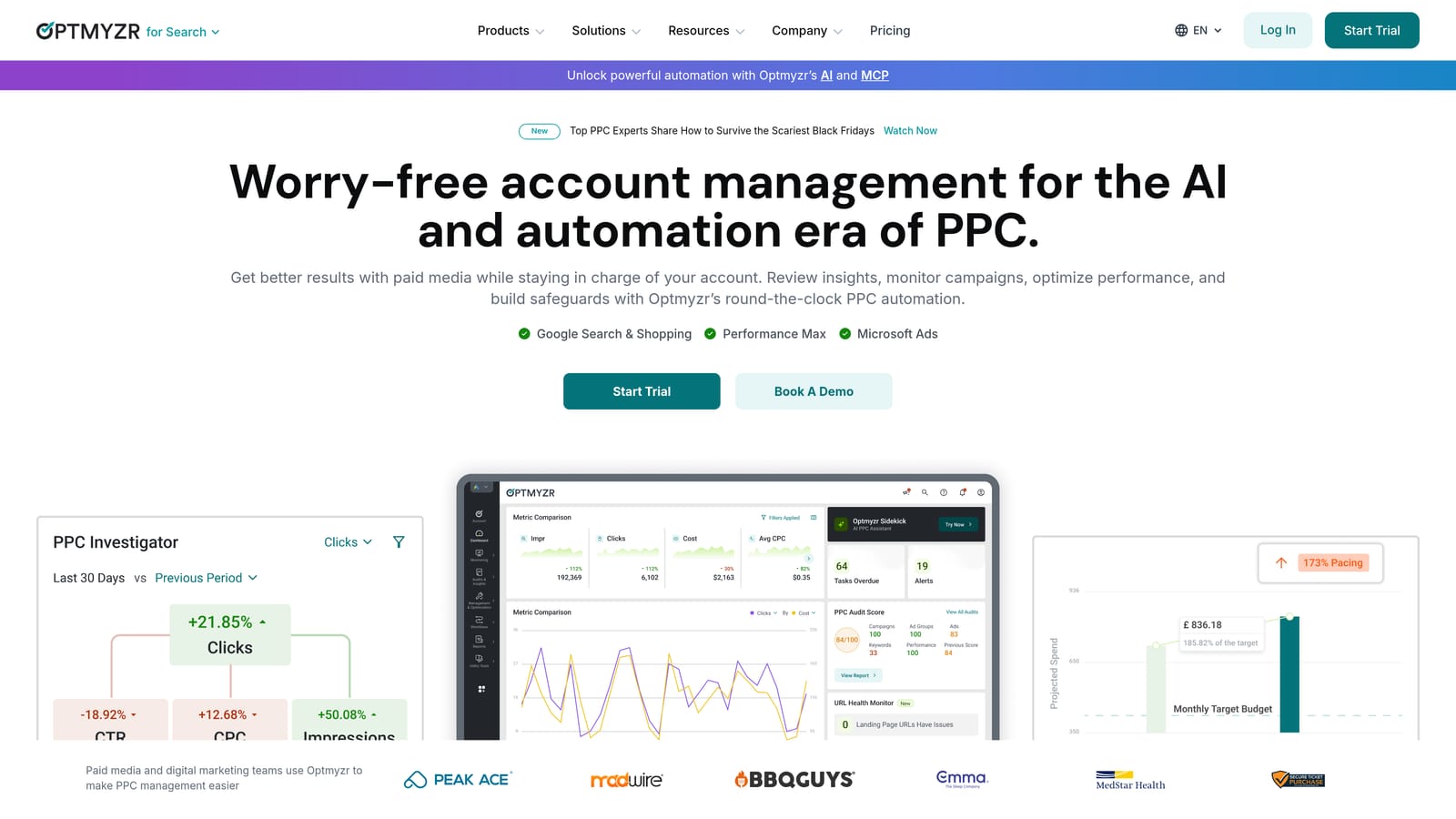
Its distinguishing strength is automation through rules. You can set conditions that flag or act on account issues instead of hunting for them manually, which matters when you're juggling many accounts.
- Rule-based optimization tools that surface or handle recurring tasks according to criteria you set.
- Reporting and audits, useful for client-facing deliverables and regular account health checks.
- Bulk management tools for making changes at scale.
- A Chrome extension, whose current functionality you should verify before buying for that reason alone.
It works with Google Ads and, according to our notes, Microsoft Advertising; confirm platform support on the website. Setup is heavier than installing an extension, because you connect accounts and configure rules. Agency teams or dedicated PPC managers tend to own it.
It's heavier and costlier than a single-purpose extension, and less suited to solo advertisers who only need a faster way to clean up queries. Pricing is tiered and spend-based, so what you pay moves with the ad spend you manage. See the website for current numbers.
Best for: Agencies wanting a broader optimization platform.
4. Google Ads Scripts
Google Ads Scripts lets you automate account tasks with JavaScript, directly inside Google Ads. It's not a browser extension and it's not a product with a polished interface. It's a feature, and its value depends on what you write or borrow. Many advertisers use community script libraries; if you do, choose one that's actively maintained and read the code before running it on a live account.
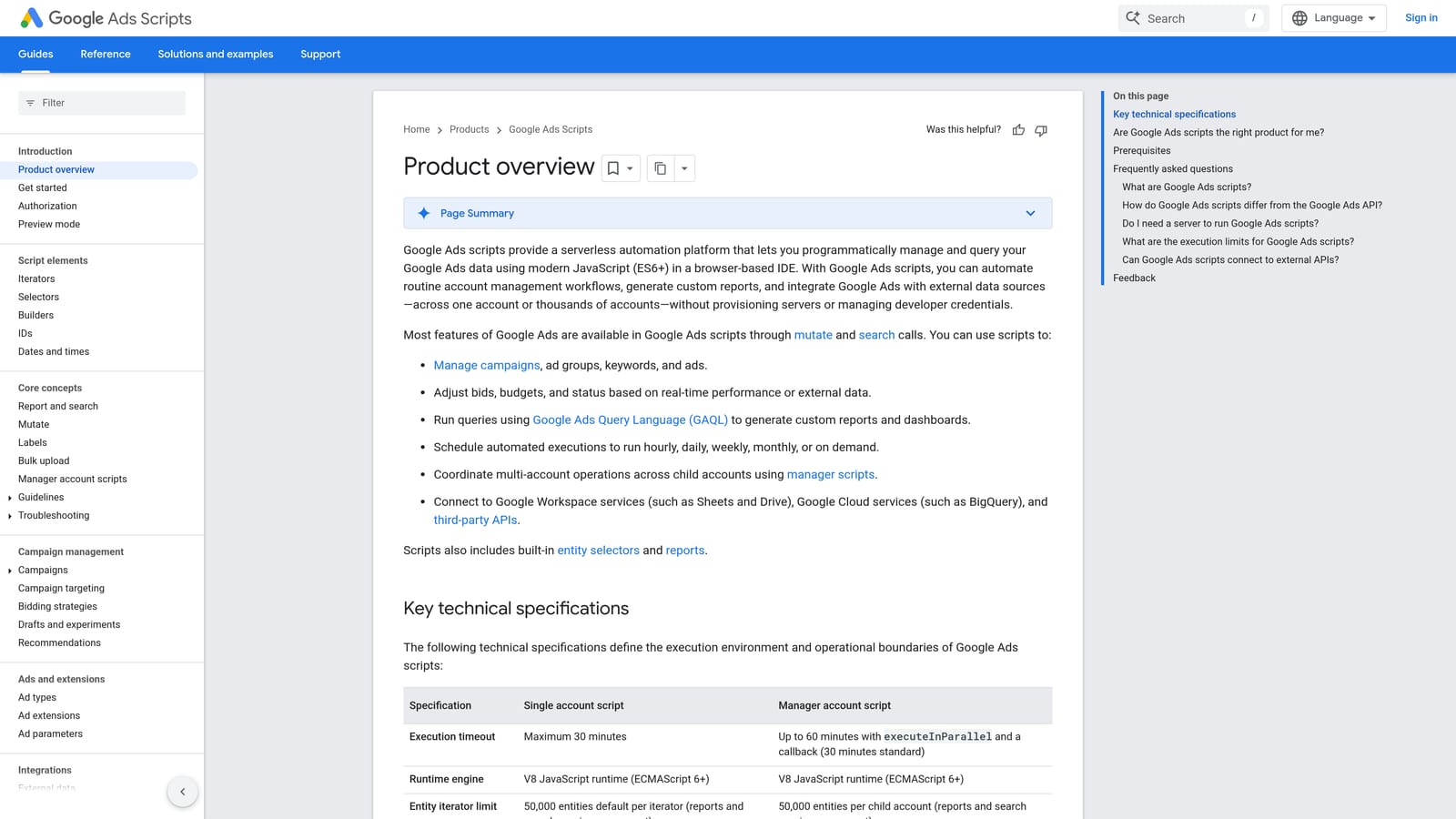
Nothing else here is as flexible. If you can describe a task, you can probably script it, from alerts when spend spikes to custom reports.
- Custom automation with JavaScript, so you build exactly the check or action you need.
- Scheduled runs, which let routine tasks happen without you opening the account.
- Alerts and reporting scripts, handy for catching problems early and pulling data your way.
- Possible use across accounts through a manager account; verify the details in Google's documentation for your setup.
Scripts can work with Google Sheets, which makes them a fit for custom reporting. Setup means writing or pasting code, authorizing it, and scheduling it. Someone has to maintain it when things change, so it works best with a technically comfortable owner.
It doesn't suit anyone who wants point-and-click simplicity. A broken script can quietly stop doing its job, and you're the support team.
Pricing: free.
Best for: Technical advertisers wanting custom automation.
5. Google Ads Ad Preview and Diagnosis
Ad Preview and Diagnosis is a native tool inside Google Ads. It's not an extension, and it does one thing: show how your search ads might appear and explain why they may not be showing. Its main buyer is anyone who's ever searched for their own ad and worried they were hurting performance.
The distinctive part is that previewing doesn't count as an impression, so checking your ads doesn't distort your data. Searching your own keywords on Google can do exactly that.
- Preview ads without affecting impressions, so your click-through rate stays clean.
- Diagnose ad eligibility, to see what might be blocking an ad from serving.
- Check by location and device, which helps when a campaign targets specific areas or mobile traffic.
There's nothing to install and no integration beyond Google Ads. Anyone with account access can use it, and it takes minutes to learn.
It's diagnostic only. You can't edit anything or optimize anything from it, and it won't tell you how to improve a campaign that is serving fine. Use it when something seems wrong, not as a daily driver.
Pricing: free.
Best for: Troubleshooting ads that don't appear.
6. Google Tag Assistant
Google Tag Assistant is Google's tool for verifying that the Google tag and conversion tags are set up correctly. It's for anyone whose optimization depends on trustworthy conversion data, which is nearly everyone running Smart Bidding or judging campaigns on conversions.
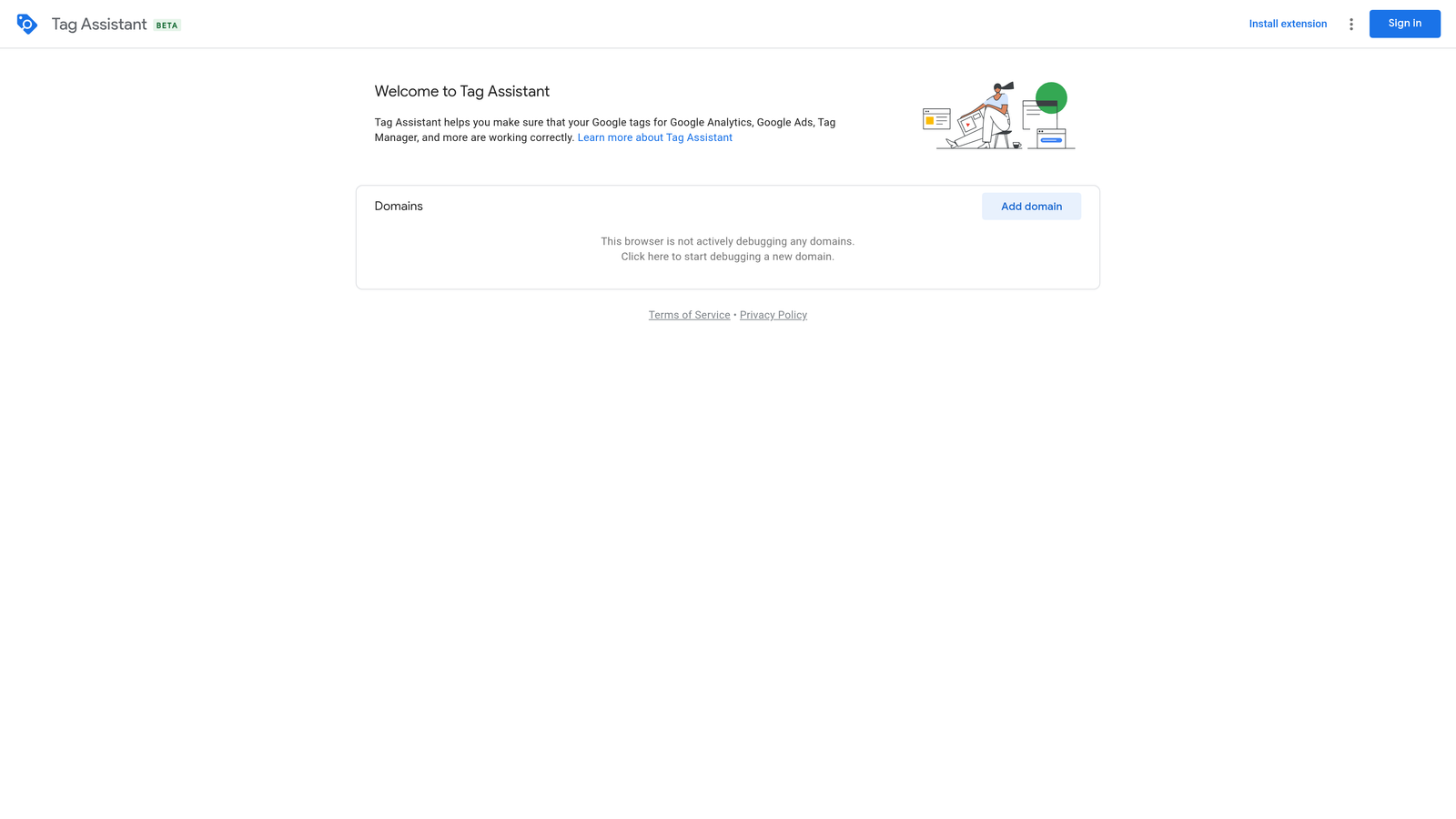
It's the official way to check tracking. When numbers look off, this is where you find out whether tags are firing at all.
- Verifies Google tag installation, confirming the tag is present on the pages that matter.
- Debugs conversion tracking, so you can see whether a conversion event triggers when it should.
- Shows tag firing during browsing sessions, letting you walk through a site as a user and watch what happens.
It works with Google Ads, Google Analytics, and Google Tag Manager. Setup is light, though interpreting results takes some tagging knowledge. A PPC manager, analyst, or developer typically runs it, often during onboarding or after a site change.
It validates tracking and nothing else. There's no keyword or bid optimization here, and it won't fix a broken setup for you; it shows you what's wrong.
Pricing: free.
Best for: Debugging conversion tracking.
7. Keyword Surfer
Keyword Surfer is a Chrome extension from Surfer that shows keyword volume and related ideas right in Google search results. Its status and feature set change, so verify what's currently offered on the Chrome Web Store and Surfer's site before installing. It's aimed at SEO-minded marketers but is handy for early PPC brainstorming.
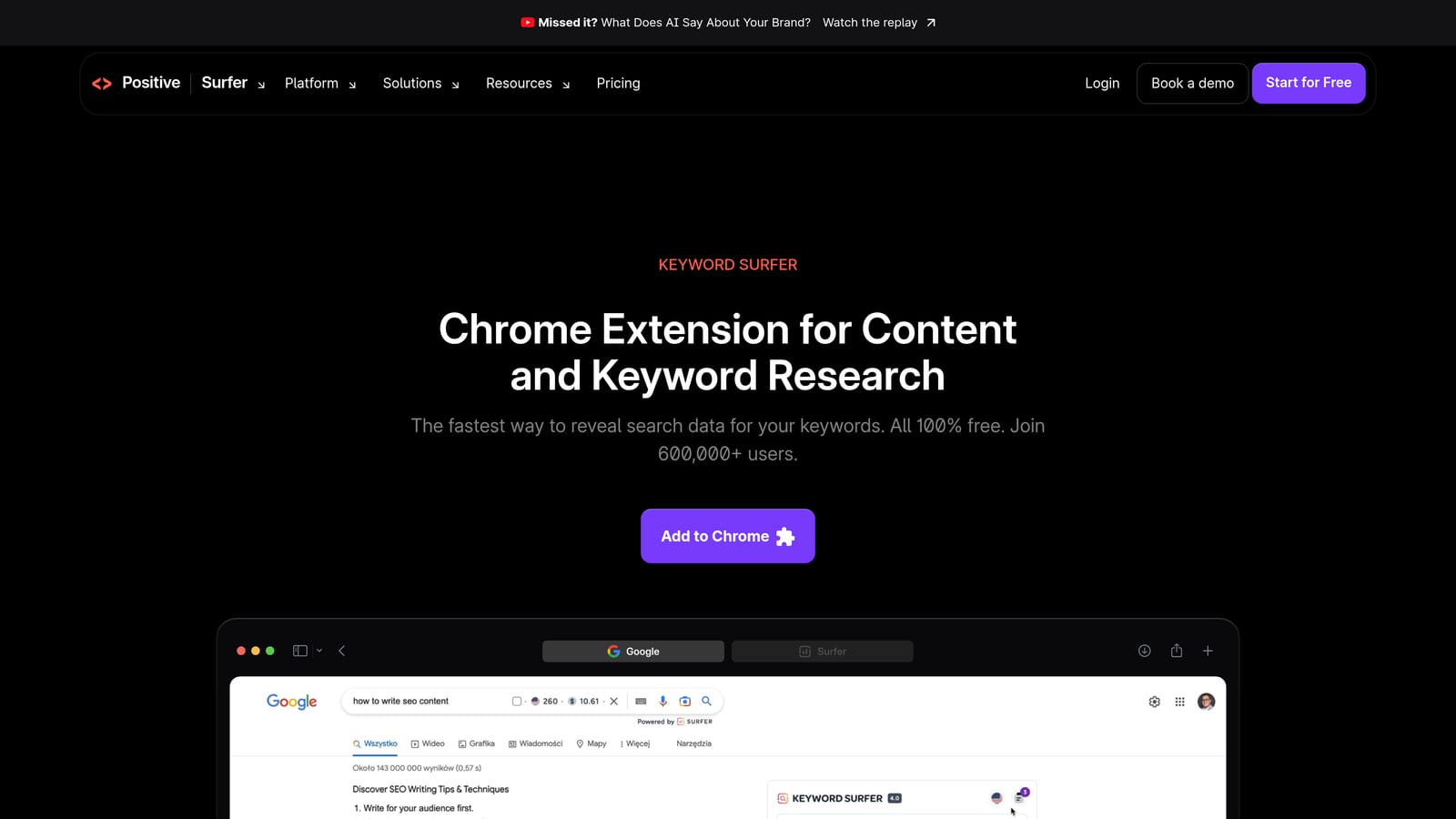
What sets it apart here is convenience: you see data while doing ordinary searches, without opening another tool.
- Search volume shown in Google results, giving a fast read on how popular a phrase is.
- Related keyword suggestions, which can spark ideas for ad groups and negatives.
- Quick ideation while researching, with no separate login for basic use (verify current features).
It works in Google Search and ties into Surfer's products; confirm the details. Setup is just installing it, and anyone can use it.
The key caveat: its numbers are SEO-oriented estimates and won't match Google Ads data. Treat them as directional, then confirm in Keyword Planner before sizing budgets. It also does nothing for managing a live account.
Pricing: a free tier is available; see the website for paid options.
Best for: Quick keyword ideation before building campaigns.
8. Google Ads Keyword Planner
Google Ads Keyword Planner is Google's native tool for keyword research and forecasting. It's not an extension; it lives inside your Google Ads account. It's built for anyone planning a new campaign or checking whether a budget is realistic.

The advantage is the source: first-party data straight from Google, which third-party tools can only approximate.
- Keyword ideas from Google data, so you can expand a seed list from real search behavior.
- Search volume ranges, to compare demand between topics.
- Forecasts and bid estimates, which help you pencil in budgets before spending anything.
It needs a Google Ads account, and the learning curve is gentle. Strategists and campaign builders use it most, usually at launch and during expansion.
Volume ranges can be broad, especially for accounts with little spend, so don't read them as exact. And it does nothing for query cleanup. Once a campaign is live, you'll need something else to handle the search terms it attracts.
Pricing: free with a Google Ads account.
Best for: Planning keywords and budgets before launch.
Which Tool to Reach For, Depending on the Job
Only a few of these are true browser extensions, so match the tool to the task instead of installing everything. Here's how it breaks down:
- Search term cleanup: Keywordme, since it works inside the Search Terms Report and handles negatives, keywords, and match types in a click.
- Bulk structural edits: Google Ads Editor, for staged changes you can review before posting.
- Tracking checks: Google Tag Assistant, plus Ad Preview and Diagnosis when an ad isn't showing.
- Keyword ideation: Keyword Surfer for quick brainstorming, then Keyword Planner for Google's own numbers.
- Agency-scale automation: Optmyzr for a full platform, or Google Ads Scripts if you have the coding skills.
Features and pricing change, so confirm the current details on each official site before you commit. The same goes for extension ratings and user counts, which shift constantly.
If search term review eats most of your week, Start your free 7-day trial of Keywordme. Optimize Google Ads Campaigns 10X Faster. Without Leaving Your Account. Keywordme lets you remove junk search terms, build high-intent keyword lists, and apply match types instantly, right inside Google Ads. No spreadsheets, no switching tabs, just quick, seamless optimization. After the trial it's just $12/month, so you can take your Google Ads game to the next level.
