
9 Best Google Ads Extensions & Tools with Free Trials in 2026
Discover the 9 best Google Ads extension free trial options available in 2026, from Chrome-based search term tools to full-scale optimization platforms that cover every stage of your workflow. This roundup focuses on tools offering genuine free trials—not just freemium limitations—so agencies and freelancers can test real functionality before committing to a subscription.


TL;DR: Managing Google Ads without third-party tools is like building furniture without power tools. Technically possible, but painfully slow. Whether you're a freelancer juggling multiple client accounts or an agency owner trying to scale, the right Chrome extension or optimization tool can shave hours off your weekly workflow. The good news? Most of the best Google Ads tools offer a free trial so you can test-drive before committing. We rounded up tools that offer genuine free trials (not just freemium teasers), cover different parts of the Google Ads workflow, and are actually worth your time in 2026. Here's what made the cut and why.
1. Keywordme
Best for: Agencies and freelancers who want faster search term cleanup without leaving Google Ads.
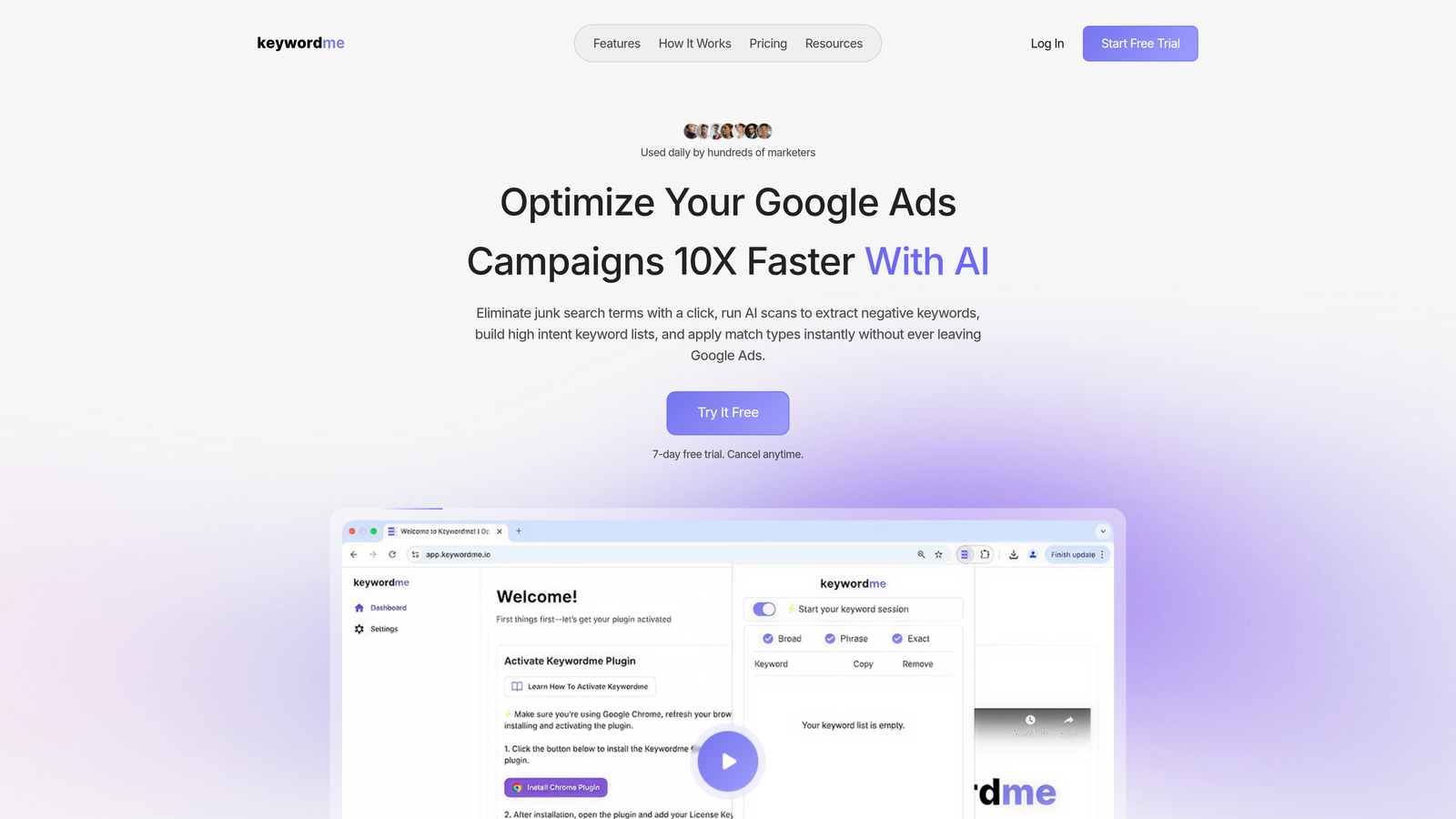
Keywordme is a Chrome extension that plugs directly into the Google Ads Search Terms Report, letting you optimize campaigns without switching tabs or opening a spreadsheet.
Where This Tool Shines
In most accounts I audit, the biggest time sink isn't strategy. It's the manual grind of reviewing search terms, flagging junk, adding negatives, and applying match types one by one. Keywordme collapses that entire workflow into one-click actions inside the native Google Ads interface.
What makes it genuinely different from most tools in this space is that there's no separate dashboard to log into. You open your Search Terms Report, and Keywordme is already there. For agencies managing multiple accounts, the multi-account and team support features make it easy to standardize workflows across the whole team.
Key Features
In-Interface Workflow: Works directly inside the Google Ads Search Terms Report with no tab-switching required.
One-Click Junk Removal: Flag and remove irrelevant search terms instantly, with negative keyword list building built in.
Bulk Match Type Application: Apply match types across multiple keywords at once instead of editing them one by one.
Keyword Clustering: Group related search terms into meaningful keyword clusters to speed up campaign structure work.
Multi-Account and Team Support: Designed for agency workflows where multiple users manage multiple accounts simultaneously.
Best For
Freelancers and agency owners who spend a significant chunk of their week inside the Search Terms Report. If you're managing more than two or three Google Ads accounts and still doing search term reviews manually, this is built for you. Solo advertisers running lean campaigns will also find the 7-day trial more than enough time to see the impact.
Pricing
$12/month per user. 7-day free trial with full feature access. One of the most affordable tools in this roundup given the time it saves.
2. Optmyzr
Best for: PPC managers who need full-suite automation across Google, Microsoft, and Meta Ads.
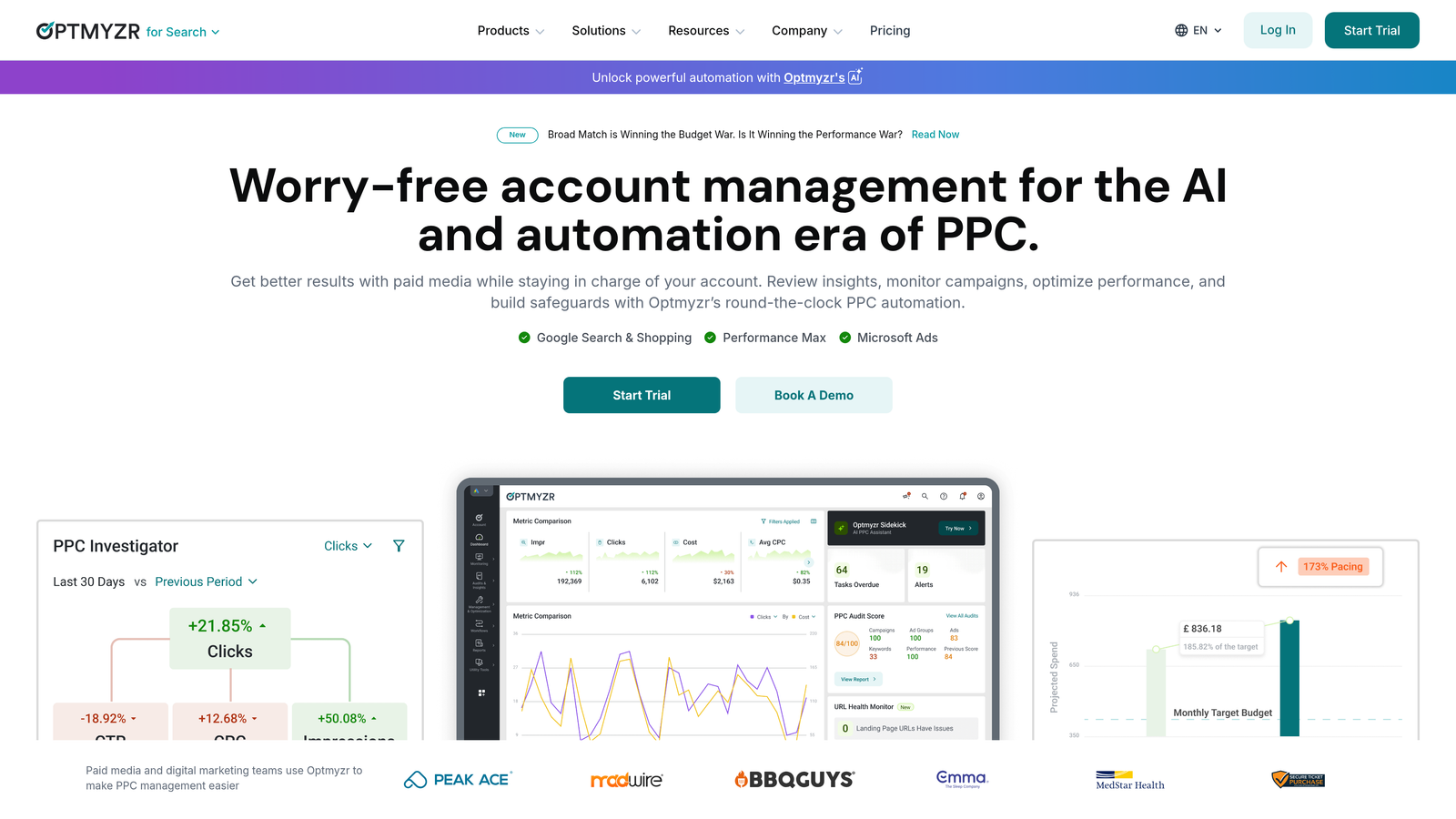
Optmyzr is a comprehensive PPC management platform built around rule-based automations, one-click optimizations, and cross-platform campaign management.
Where This Tool Shines
Optmyzr is the kind of platform that rewards power users. The rules engine is genuinely flexible, and the one-click optimization features cover everything from bid adjustments to ad scheduling. If you're running campaigns across Google, Microsoft, and Meta simultaneously, having a single platform to manage all three is a real operational advantage.
The mistake most agencies make is buying Optmyzr before they have enough account volume to justify it. At $249/month and up, it makes the most sense when you're managing a meaningful number of accounts or significant ad spend. For smaller operations, the complexity can outweigh the benefit.
Key Features
Rules Engine: Customizable automation rules that trigger based on performance thresholds across campaigns.
One-Click Optimizations: Pre-built optimization suggestions you can review and apply with a single click.
Cross-Platform Support: Unified management for Google Ads, Microsoft Advertising, and Meta Ads campaigns.
Automated Bid and Budget Management: Smart bidding layered on top of Google's native bidding strategies.
Custom Reporting and Dashboards: Client-ready reports with flexible templates and scheduling.
Best For
Mid-to-large agencies managing multiple platforms and clients who need automation at scale. Not ideal for freelancers or small advertisers who primarily run Google Ads only.
Pricing
Starts around $249/month. 14-day free trial available.
3. Adalysis
Best for: PPC managers focused on ad testing, Quality Score monitoring, and data-driven account health.
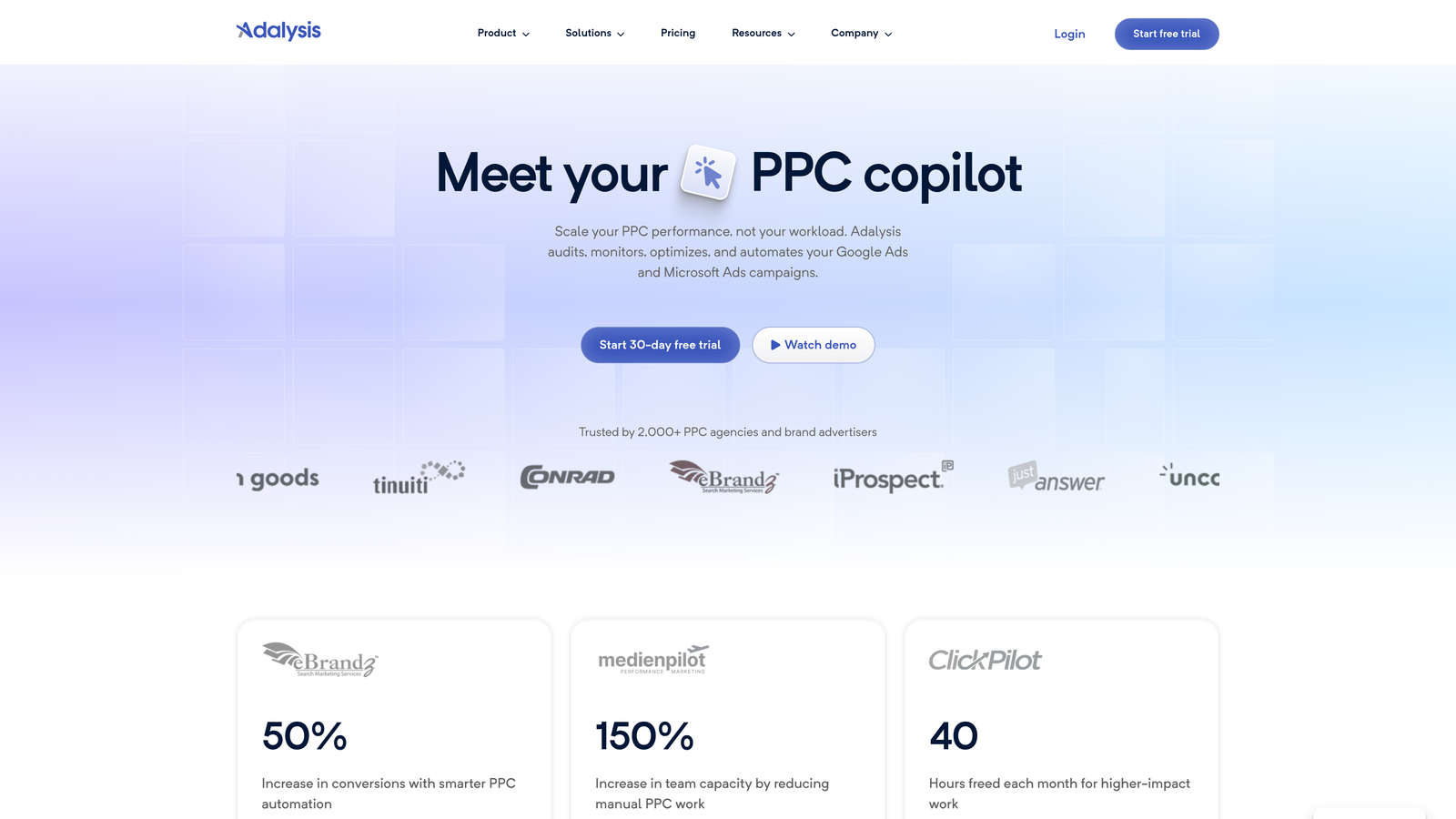
Adalysis is a PPC optimization platform that specializes in automated ad testing and proactive account monitoring for Google Ads.
Where This Tool Shines
What usually happens in most accounts is that ad testing gets deprioritized because it's tedious to set up and track manually. Adalysis automates the statistical significance tracking so you're not guessing when to pause a losing ad variant. That alone makes it worth evaluating.
The negative keyword conflict detection is another underrated feature. Conflicting negatives are one of the most common silent killers in Google Ads accounts, and Adalysis surfaces them automatically instead of waiting for you to stumble across them during an audit.
Key Features
Automated Ad Testing: Tracks ad performance with statistical significance so you know when results are actually meaningful.
Quality Score Monitoring: Historical Quality Score tracking at the keyword level with trend data over time.
Negative Keyword Conflict Detection: Automatically flags negative keywords that are blocking your own ads from showing.
Automated Alerts: Proactive notifications when ads underperform or account anomalies are detected.
Performance Recommendations: Data-driven suggestions for improving account structure and ad relevance.
Best For
PPC managers and agencies who run regular ad tests and want systematic Quality Score improvement. Particularly useful for accounts with large keyword lists where manual monitoring isn't realistic.
Pricing
Starts around $99/month based on ad spend. 14-day free trial available.
4. WordStream by LocaliQ
Best for: Small businesses and beginners who want guided optimization without a steep learning curve.
WordStream is a beginner-friendly PPC platform built around guided recommendations and a structured weekly workflow for small business advertisers.

Where This Tool Shines
The 20-Minute Work Week is the feature that made WordStream famous, and it still holds up for its target audience. It's essentially a guided checklist of the highest-priority optimizations for your account that week. For small business owners who don't have a dedicated PPC manager, that kind of structured guidance is genuinely valuable.
The free Google Ads Performance Grader is also worth mentioning on its own. Even if you don't end up using WordStream as your main tool, running your account through the grader gives you a useful snapshot of where you stand across key performance dimensions.
Key Features
20-Minute Work Week: Guided weekly optimization workflow that surfaces the most impactful actions for your account.
Free Performance Grader: Instant audit tool that grades your Google Ads account across multiple performance dimensions.
Keyword and Ad Copy Recommendations: Actionable suggestions for expanding or refining your keyword lists and ad creative.
Cross-Platform Management: Covers Google Ads, Meta, and Microsoft Advertising from one interface.
Best For
Small business owners and beginners who need structure and guidance rather than raw automation power. Less suited for experienced PPC managers who already have their own optimization workflows.
Pricing
Custom pricing. Free performance grader available without signing up. Free trial available on request.
5. Opteo
Best for: Google Ads managers who want a lightweight, continuously monitoring optimization assistant.
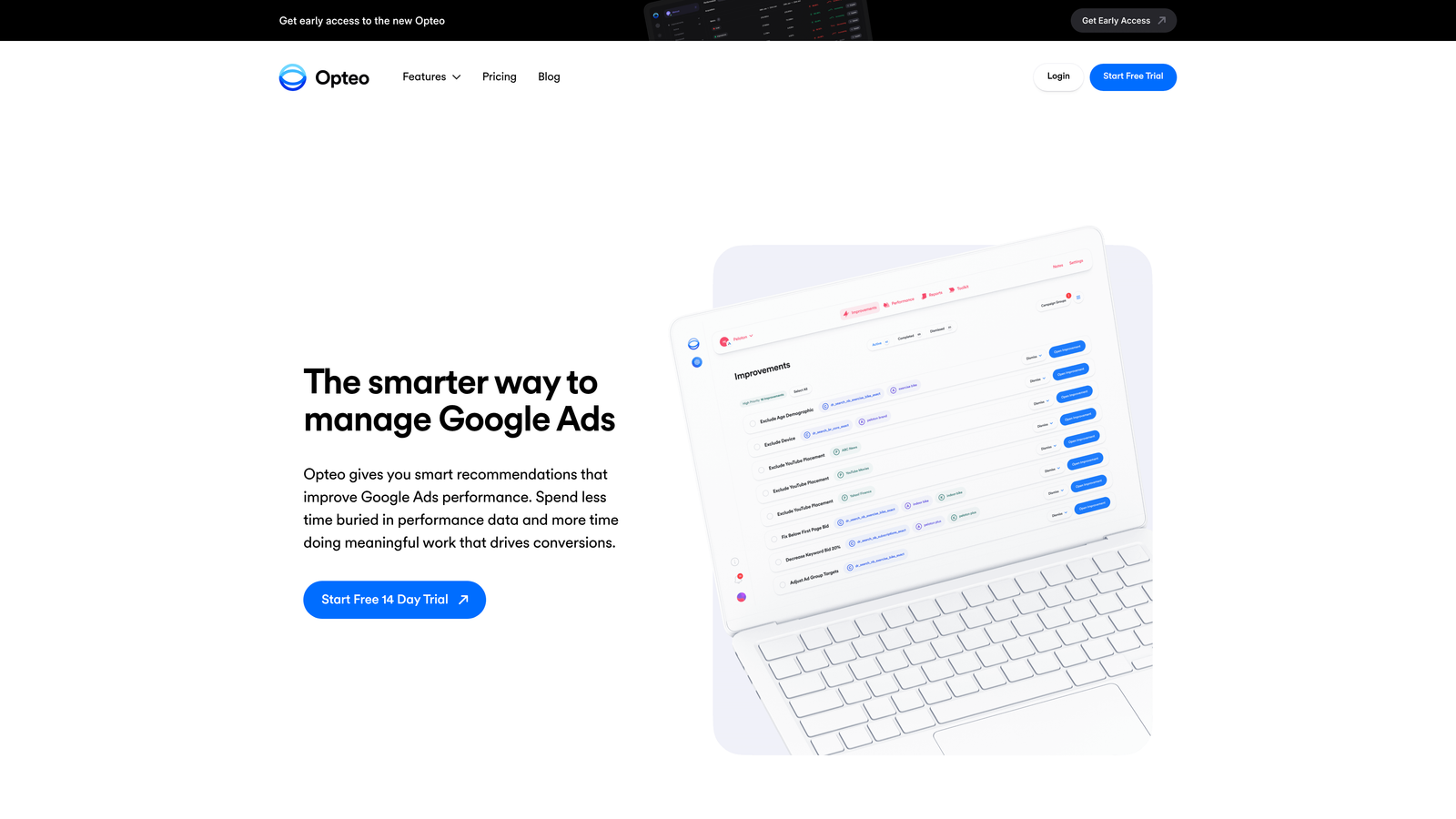
Opteo is a focused Google Ads optimization tool that monitors your accounts around the clock and surfaces prioritized improvement suggestions with one-click implementation.
Where This Tool Shines
Opteo's strength is its simplicity. It doesn't try to be everything. It connects to your Google Ads account, monitors performance continuously, and presents you with a prioritized queue of improvements ranked by potential impact. You review them, implement the ones that make sense, and move on.
The 30-day free trial is one of the most generous in this category, which means you'll have enough time to work through a meaningful number of recommendations and actually see whether the suggestions align with how you think about your accounts.
Key Features
Continuous Account Monitoring: Always-on monitoring that flags performance changes and optimization opportunities as they emerge.
Prioritized Improvement Queue: Suggestions ranked by expected impact so you always know what to tackle first.
One-Click Implementation: Apply recommendations directly from the Opteo interface without going back into Google Ads manually.
Budget and Bid Recommendations: Proactive suggestions for budget reallocation and bid adjustments based on performance trends.
Performance Dashboards: Clean reporting views that give you a quick read on account health without data overload.
Best For
Solo PPC managers and small agencies who want a smart assistant that keeps them on top of account health without requiring heavy setup or configuration. Not the right fit for teams that need cross-platform support or advanced automation.
Pricing
Starts at $129/month. 30-day free trial, which is the longest in this roundup.
6. Google Keyword Planner
Best for: Keyword research, search volume estimates, and campaign forecasting at zero cost.
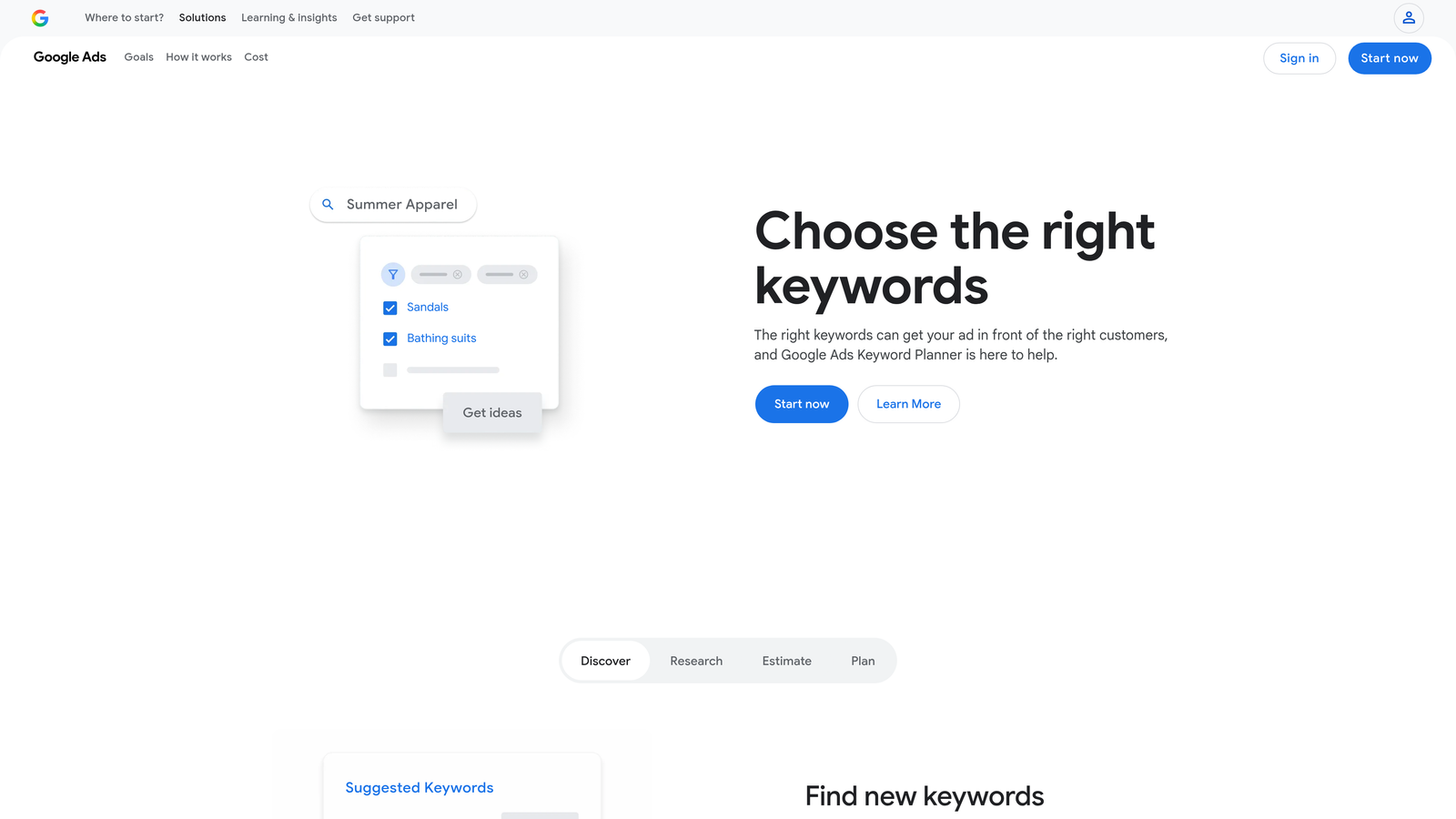
Google Keyword Planner is Google's native keyword research tool built directly into every Google Ads account, available to all advertisers for free.
Where This Tool Shines
No trial needed here because it's completely free. Keyword Planner is the starting point for most keyword research workflows, and for good reason. The search volume and competition data comes straight from Google, which means you're working with the most authoritative source available.
Where it falls short is in the depth of analysis. Volume ranges can be broad, and the tool doesn't give you the kind of granular keyword intelligence that paid tools provide. But as a free foundation for building out keyword lists or sanity-checking bid estimates, it's indispensable.
Key Features
Keyword Discovery: Find new keyword ideas based on seed terms, competitor URLs, or product categories.
Search Volume and Competition Data: Get monthly search volume estimates and competition levels directly from Google.
Bid Forecasting: See estimated top-of-page bid ranges to inform budget planning.
Keyword Grouping: Basic suggestions for organizing keywords into ad groups.
Best For
Every Google Ads advertiser at every level. It's the universal starting point for keyword research and campaign planning, regardless of what other tools you use.
Pricing
Completely free. Accessible from any active Google Ads account with no trial or subscription required.
7. Google Ads Editor
Best for: Bulk campaign editing, offline management, and copying campaign structures across accounts.
Google Ads Editor is Google's free desktop application for managing and editing Google Ads campaigns at scale, with offline capability.

Where This Tool Shines
If you've ever needed to rename 200 ad groups, swap out a landing page URL across an entire campaign, or copy a campaign structure from one account to another, Ads Editor is the tool that makes it not miserable. The find-and-replace function alone saves meaningful time during account migrations or large-scale restructures.
The offline editing capability is underrated. You can download an account, make bulk changes on a flight or in a meeting, then push everything live when you're back online. For agencies doing large account buildouts, this workflow is hard to beat at any price point, especially free.
Key Features
Bulk Editing: Make changes to campaigns, ad groups, keywords, and ads in bulk without going through the web interface.
Offline Capability: Download accounts, edit offline, and upload changes when ready.
Cross-Account Copy and Paste: Duplicate campaign structures, ad groups, or keywords across different accounts.
Find and Replace: Apply text changes across an entire account or selected campaigns with a single operation.
Best For
Any Google Ads manager doing large-scale account buildouts, migrations, or restructures. An essential tool in every PPC manager's toolkit regardless of what else they use.
Pricing
Completely free. Available as a desktop download directly from Google with no account spend requirements.
8. Tenscores
Best for: Advertisers focused on improving Quality Score to lower CPC and improve ad rank.
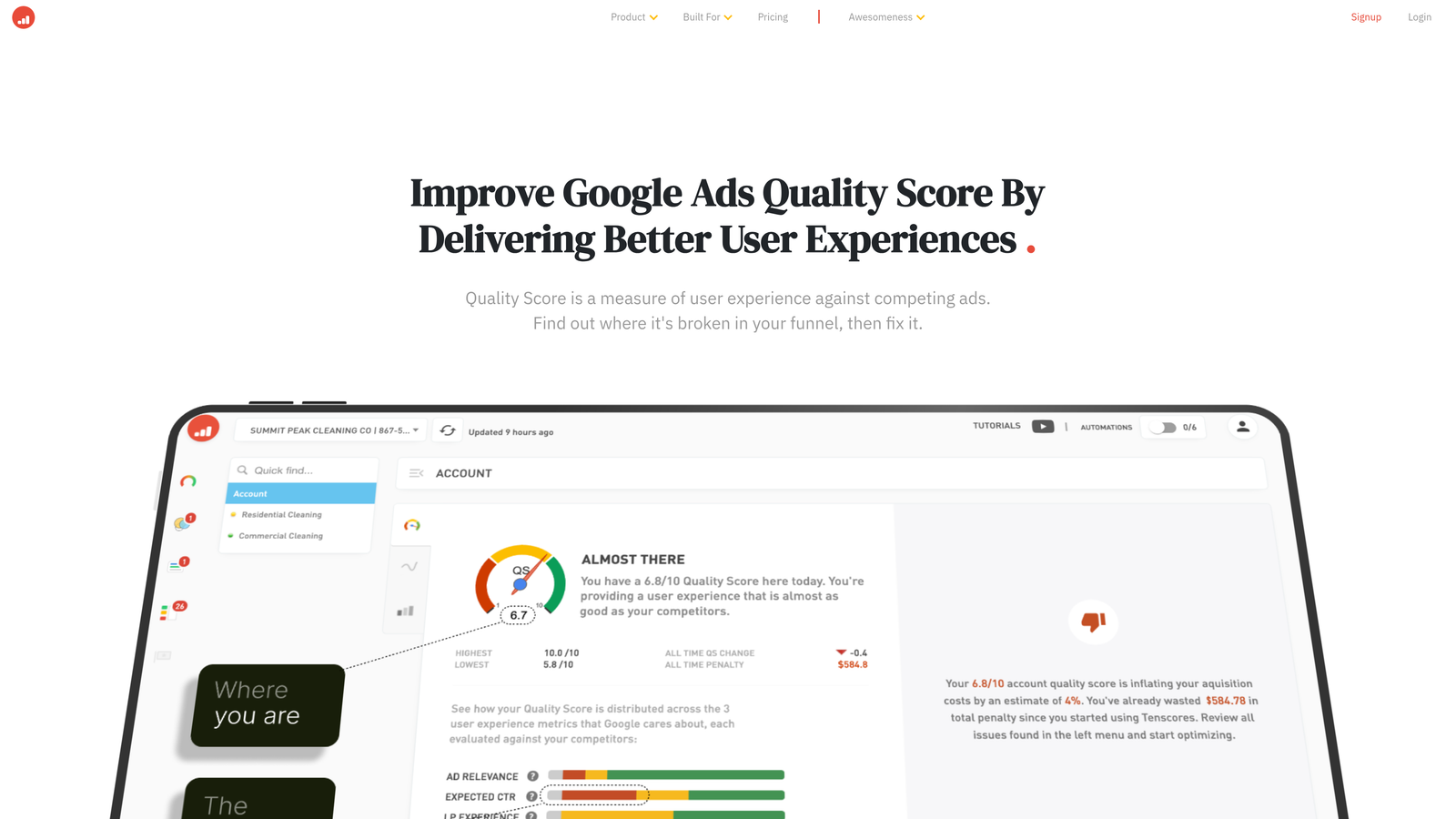
Tenscores is a dedicated Quality Score optimization tool that tracks historical QS data and provides specific recommendations to improve the components that drive it.
Where This Tool Shines
Quality Score is one of those metrics that most advertisers check occasionally but rarely track systematically. The problem is that Google doesn't store historical Quality Score data, so without a tool like Tenscores, you have no way of knowing whether your optimizations are actually moving the needle over time.
Tenscores fills that gap by logging QS data continuously and breaking down performance by the three core components: expected CTR, ad relevance, and landing page experience. That granularity makes it much easier to diagnose why a keyword has a low Quality Score and what specifically to fix.
Key Features
Historical Quality Score Tracking: Logs QS data over time at the keyword level so you can see trends Google doesn't show you natively.
Component-Level Analysis: Breaks down Quality Score into expected CTR, ad relevance, and landing page experience for targeted fixes.
Actionable Recommendations: Specific suggestions for improving each QS component based on your account data.
Landing Page Relevance Analysis: Flags potential mismatches between keyword intent and landing page content.
Best For
Advertisers with established accounts where CPC reduction is a priority. Most useful when you have enough keyword volume to make Quality Score optimization a meaningful lever for lowering costs.
Pricing
Starts around $25/month. Free trial available, making it one of the most accessible paid tools on this list.
9. ClickCease
Best for: Advertisers losing budget to click fraud, competitor clicks, or bot traffic.
ClickCease is a click fraud detection and prevention platform that monitors your Google Ads clicks in real time and automatically blocks invalid traffic through IP exclusions.
Where This Tool Shines
Click fraud is one of those problems that's easy to underestimate until you dig into your click data and realize how much of your budget has been going to bots, competitor clicks, or traffic that never had any intent to convert. ClickCease monitors every click in real time and automatically adds offending IPs to your Google Ads exclusion lists.
The analytics dashboard is genuinely useful beyond just the blocking functionality. It gives you a breakdown of suspicious click patterns, geographic anomalies, and traffic sources that look out of place. For competitive industries where click fraud is common, the 7-day trial is usually enough to see exactly what's been hitting your campaigns.
Key Features
Real-Time Click Monitoring: Every click on your Google Ads is analyzed as it happens for fraud signals.
Automated IP Exclusions: Invalid traffic sources are automatically added to your Google Ads IP exclusion lists.
Bot and VPN Detection: Identifies non-human traffic patterns including bots, scrapers, and VPN-masked clicks.
Click Fraud Analytics Dashboard: Detailed reporting on click patterns, suspicious traffic sources, and blocked IPs over time.
Best For
Advertisers in competitive verticals where click fraud is a known issue. Particularly relevant for industries like legal, finance, insurance, and home services where CPC is high and every wasted click is costly.
Pricing
Starts around $69/month. 7-day free trial available.
Which Tool Is Right for Your Workflow?
Here's a quick way to match the right tool to your biggest pain point right now.
If you spend too much time reviewing search terms: Start with Keywordme. It's purpose-built for exactly that problem, it lives inside Google Ads so there's no new interface to learn, and at $12/month it's the lowest barrier to entry on this list. The 7-day trial is enough to see real time savings.
If you need full-suite automation across platforms: Optmyzr or Opteo are the natural choices. Optmyzr is more powerful and better suited for larger agencies. Opteo is lighter-weight and offers a 30-day trial if you want more time to evaluate.
If ad testing and Quality Score are your focus: Adalysis handles ad testing systematically, while Tenscores is the dedicated tool for QS tracking. Both offer trials and solve genuinely different problems.
If you're just getting started: Google Keyword Planner and Google Ads Editor are free forever and should already be part of your toolkit regardless of what else you use.
If click fraud is eating your budget: ClickCease is the specialized tool for that specific problem and worth the 7-day trial to see what's actually hitting your campaigns.
The best approach is to identify your single biggest time sink or budget leak right now and start there. Most of these tools offer genuine free trials with no credit card required, so testing them costs nothing but a few minutes of setup.
If search term management is where you're losing the most time, start your free 7-day trial with Keywordme and see how much faster your weekly optimization workflow can get. No spreadsheets, no tab-switching, just faster Google Ads management right where you're already working.
.svg)