
8 Best Google Ads Chrome Extensions for Advertisers in 2026
This guide reviews the 8 best Google Ads extensions for advertisers in 2026, evaluating each tool on workflow impact and real-world usability to help solo freelancers and agencies reduce wasted spend, streamline keyword management, and optimize campaigns directly within the native Google Ads interface—no spreadsheets or tab-switching required.


TL;DR: If you're managing Google Ads manually—copying search terms into spreadsheets, tabbing between tools, or spending hours on keyword cleanup—there's a better way. Chrome extensions built specifically for Google Ads advertisers can cut your optimization time dramatically by letting you act directly inside the native interface. This list covers the best Google Ads Chrome extensions for advertisers in 2026, whether you're a solo freelancer managing a handful of accounts or an agency running dozens of campaigns. We evaluated each tool on workflow impact, ease of use, and how well it fits real advertiser needs—not just feature checklists.
If you want to reduce wasted spend, build tighter keyword lists, and move faster without leaving Google Ads, these are the tools worth your attention.
1. Keywordme
Best for: In-interface Google Ads optimization without spreadsheets or tab-switching
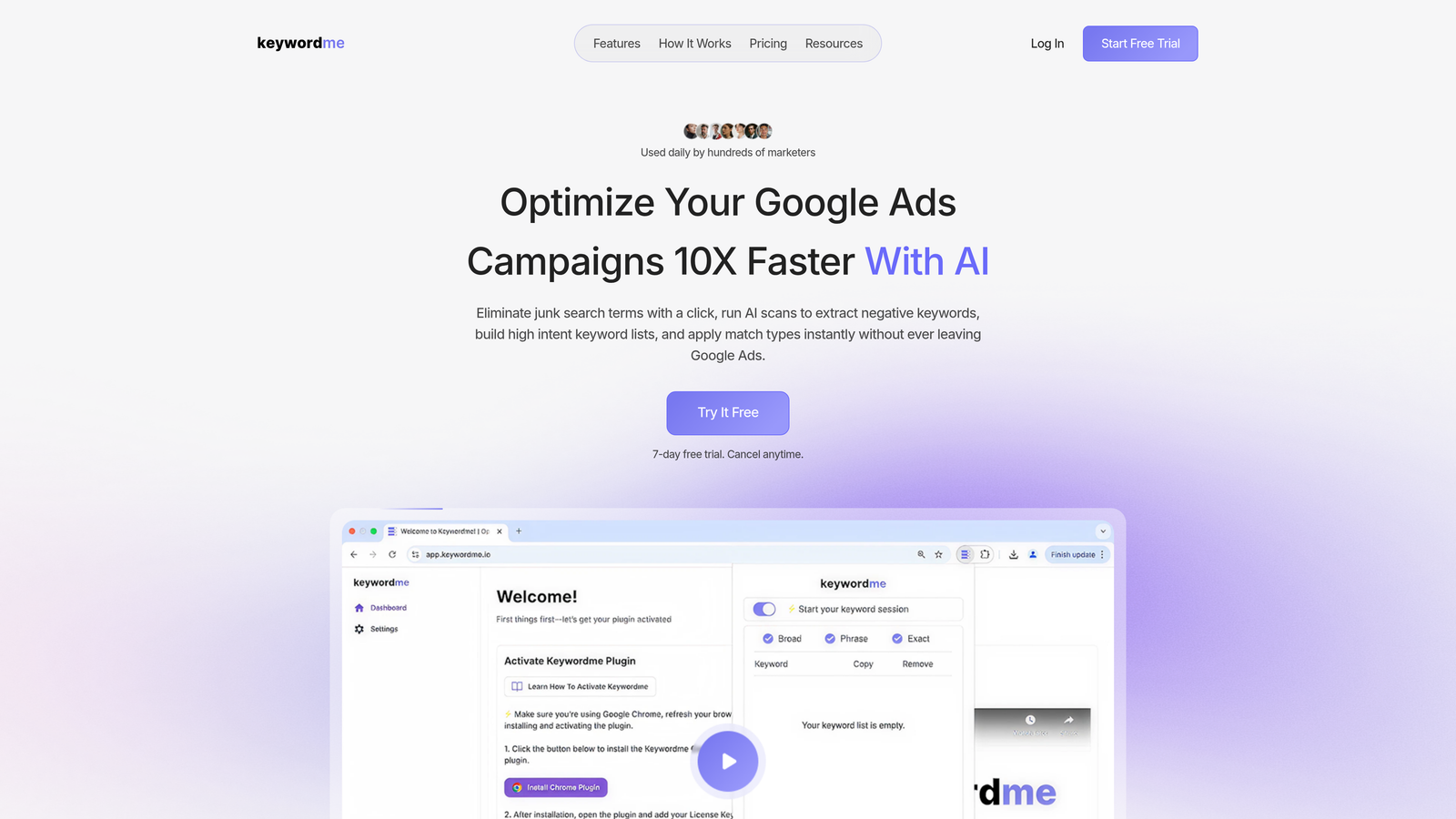
Keywordme is a Chrome extension that integrates directly into Google Ads' Search Terms Report, enabling one-click optimization actions without ever leaving the native interface.
Where This Tool Shines
Most Google Ads Chrome extensions work alongside the platform—overlaying data, opening sidebars, or pushing you into a separate dashboard. Keywordme is different. It lives inside your Search Terms Report, which is where the real optimization work actually happens. You can remove junk search terms, add negatives, apply match types, and cluster keywords into groups without opening a single spreadsheet.
In most accounts I audit, the Search Terms Report is where advertisers lose the most time. They export to CSV, filter in Excel, copy negatives back in manually—it's a ten-step process that should take two. Keywordme collapses that entire workflow into clicks. For agencies managing multiple clients, the multi-account and team support features make it especially practical.
Key Features
One-Click Negative Keyword Addition: Add negatives directly from the Search Terms Report without exporting or switching tools.
Bulk Editing and Keyword Clustering: Group and manage keywords at scale without touching a spreadsheet.
Match Type Application: Apply broad, phrase, or exact match types instantly from within Google Ads.
Multi-Account and Team Support: Built for agency workflows with support for multiple accounts and shared access.
7-Day Free Trial: Full access trial with flat-rate pricing—no credit card surprises.
Best For
Keywordme is the right fit for Google Ads managers who spend meaningful time in the Search Terms Report each week. That includes solo advertisers tired of the export-edit-import loop, and agency teams who need a consistent, fast workflow across multiple client accounts. If your biggest frustration is how long routine optimization takes, this tool directly addresses that.
Pricing
$12/month per user. 7-day free trial available. Flat-rate pricing means no usage caps or credit systems to manage.
2. Keywords Everywhere
Best for: Overlaying search volume and CPC data directly on Google Search and other platforms
Keywords Everywhere is a browser extension that displays search volume, CPC, and competition data as overlays on Google Search, YouTube, Amazon, and other platforms in real time.
Where This Tool Shines
The biggest value here is context without context-switching. When you're searching for terms to evaluate for a campaign, Keywords Everywhere shows you the volume and cost data right there on the SERP—no need to open a separate keyword planner tab. It's not a replacement for deeper keyword research tools, but for quick sanity checks and idea generation during browsing, it's genuinely useful.
What usually happens here is advertisers use it passively—they're searching something for a client and the data just appears. Over time that builds intuition about what search terms are actually worth targeting versus what looks good on paper.
Key Features
SERP Data Overlay: Search volume, CPC, and competition data appear directly on Google results pages.
Keyword Suggestions: Related terms and long-tail variations surface alongside your search results.
Multi-Platform Support: Works on Google, YouTube, Amazon, and several other search platforms.
Historical Trend Data: Shows demand trends over time to identify seasonal patterns.
Credit-Based Pricing: Pay only for the data you actually use—credits don't expire.
Best For
PPC managers and SEOs who do a lot of keyword research and want ambient data while they browse. It's particularly useful during the early stages of campaign planning when you're evaluating whether a niche is worth targeting.
Pricing
Credit-based. Starts at $15 for 100,000 credits. Credits don't expire, so occasional users get good value from a single purchase.
3. Tag Assistant by Google
Best for: Verifying Google Ads conversion tracking and tag firing status on any webpage
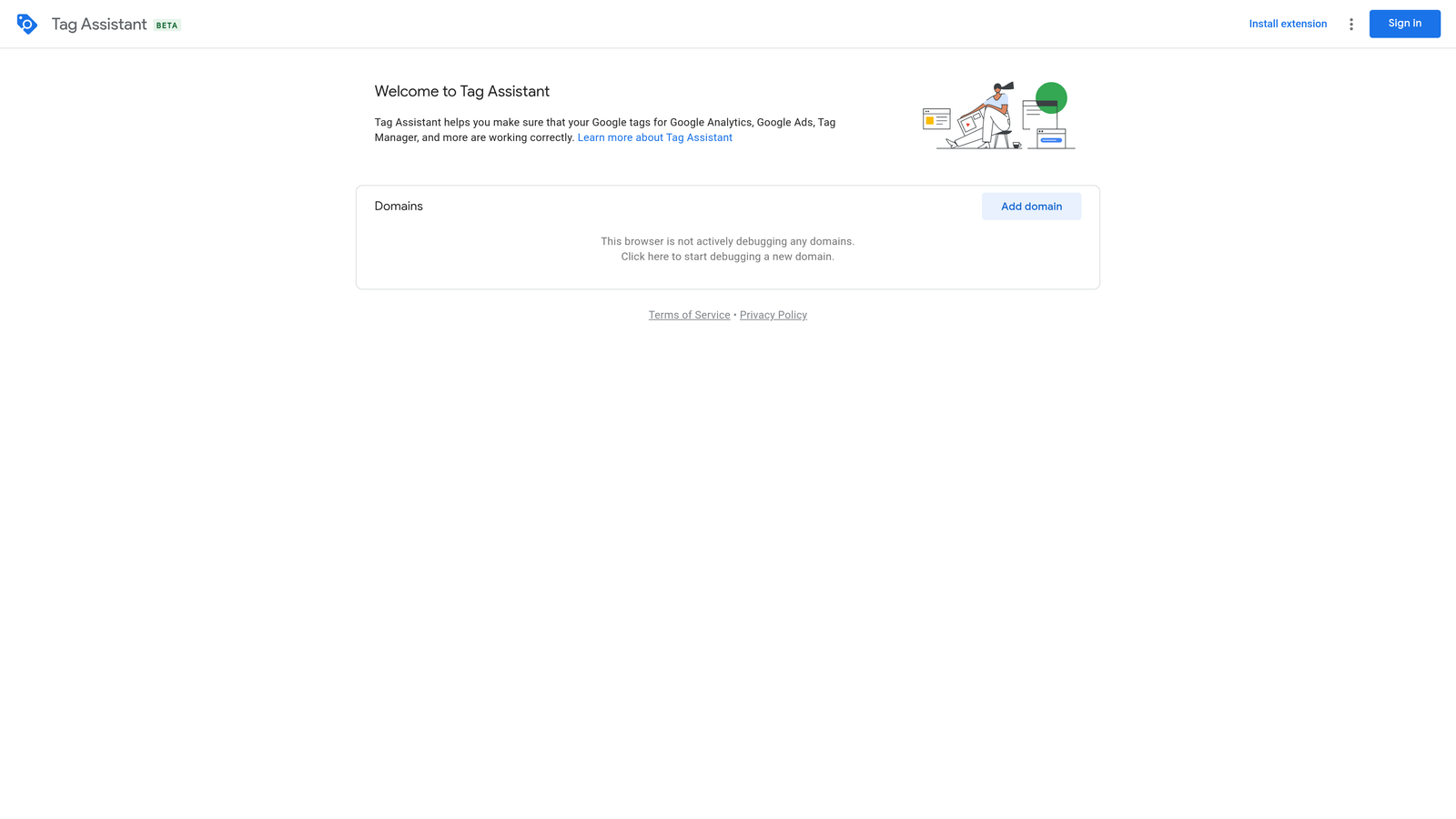
Tag Assistant is Google's official Chrome extension for confirming that conversion tracking tags, remarketing pixels, and Google Tag Manager containers are firing correctly.
Where This Tool Shines
Conversion tracking issues are one of the most common—and most damaging—problems in Google Ads accounts. If your tags aren't firing right, you're flying blind on performance data and potentially optimizing toward the wrong signals. Tag Assistant gives you a fast way to confirm whether your tracking setup is working before you start spending.
The mistake most agencies make is assuming tags are working because they were set up at some point. Tag Assistant makes it easy to do a quick check on any page, spot errors or warnings, and catch issues before they distort your data. It's especially useful when onboarding a new client account where you don't know the history of the tracking setup.
Key Features
Real-Time Tag Validation: Instantly confirms whether Google Ads conversion tags are firing on a given page.
Error and Warning Identification: Flags specific issues with tag implementation so you know exactly what to fix.
Full Google Tag Ecosystem Support: Works with Google Analytics, GTM, and all Google tag types.
No Login Required: Basic tag checking works without signing into any Google account.
Free and Official: Maintained directly by Google with no third-party dependencies.
Best For
Any advertiser or agency that manages conversion tracking setup. It's non-negotiable for anyone doing client onboarding, post-launch QA, or troubleshooting tracking discrepancies. If you run Google Ads, you should have this installed.
Pricing
Free. No paid tiers or usage limits.
4. Similarweb
Best for: Quick competitive traffic intelligence during keyword and campaign planning
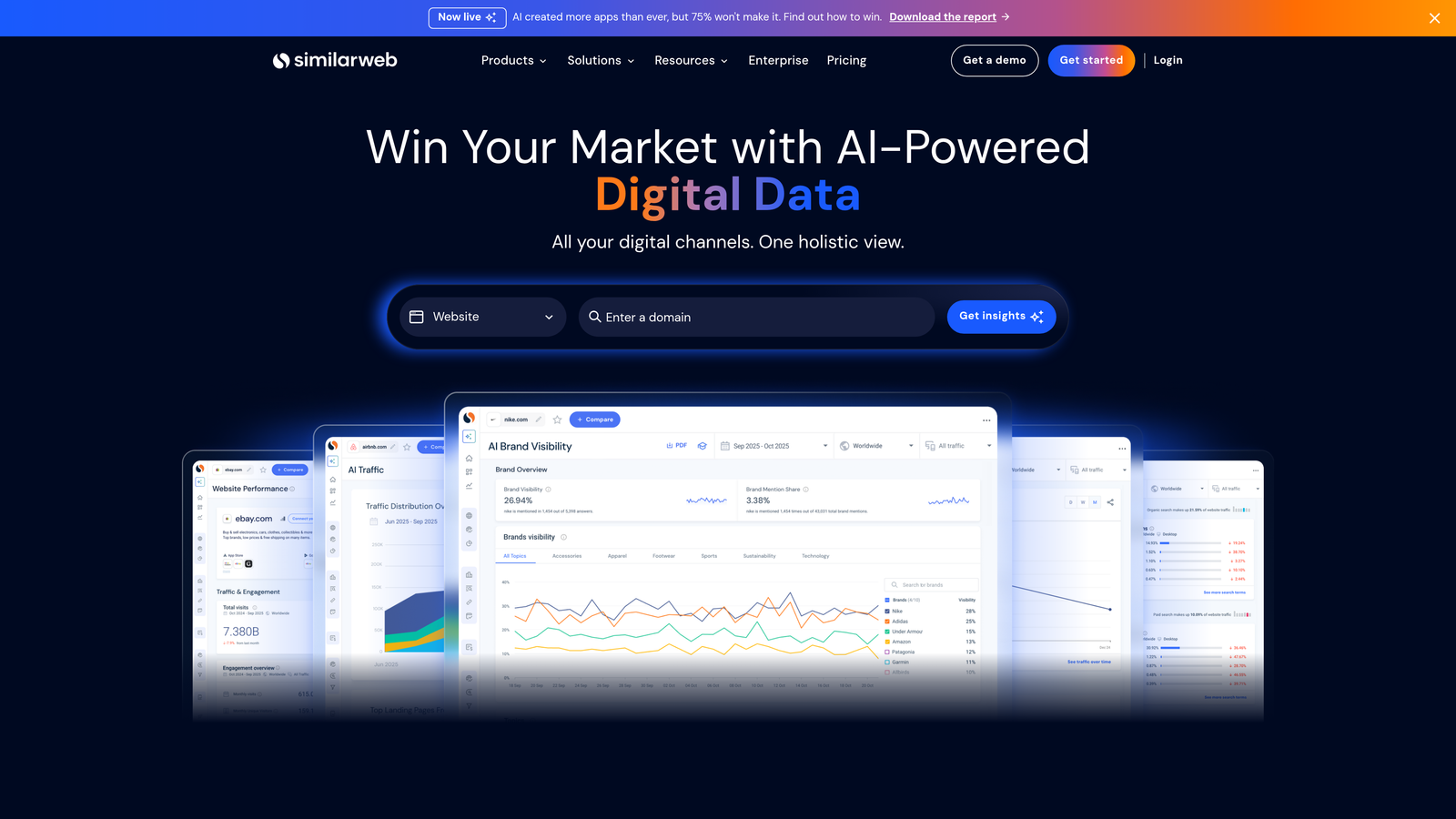
Similarweb is a browser extension that displays estimated traffic data, source breakdowns, and engagement metrics when you visit any website.
Where This Tool Shines
When you're evaluating a new client or researching competitors for a campaign, Similarweb gives you a fast read on how much traffic a domain is getting and where it's coming from. The paid search traffic share data is particularly useful—it tells you whether a competitor is investing heavily in Google Ads or relying mostly on organic.
It's not a precision tool. The estimates can vary, especially for smaller sites. But for getting a directional sense of the competitive landscape quickly, it's one of the fastest options available without logging into a full platform.
Key Features
Traffic Estimates by Source: See organic, paid, referral, social, and direct traffic breakdowns for any domain.
Paid Search Share: Understand how much of a competitor's traffic comes from paid search channels.
Engagement Metrics: Bounce rate, session duration, and pages per visit visible at a glance.
Top Referring Sites: Identify which external sources drive the most traffic to any domain.
No Setup Required: Works immediately on any website you visit—no configuration needed.
Best For
PPC managers doing competitive research, agency teams building out client strategy decks, or advertisers trying to understand whether a market is already saturated with paid search activity.
Pricing
Free extension with limited data access. Paid plans available for deeper competitive intelligence and historical data.
5. SEOquake
Best for: Evaluating landing page relevance and on-page signals that affect Quality Score
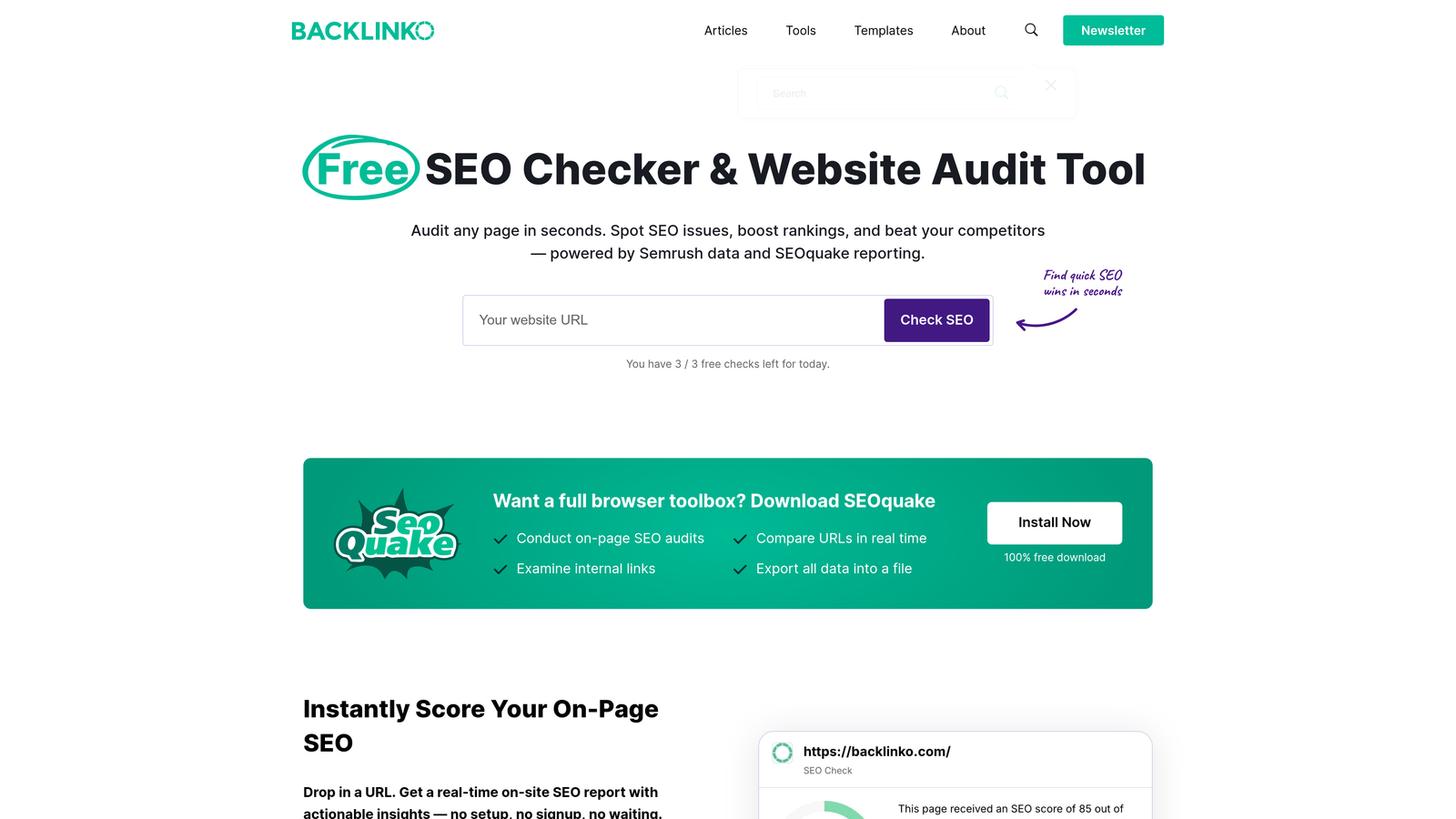
SEOquake is a browser extension by Semrush that provides on-page SEO metrics and audit data for any webpage—useful for PPC managers thinking about landing page quality.
Where This Tool Shines
Quality Score is partly driven by landing page relevance, and that's where SEOquake becomes relevant to PPC work. When you're evaluating a client's landing page or checking a competitor's page, SEOquake gives you a fast read on keyword density, on-page structure, and basic technical signals without running a full audit.
It's not a PPC-native tool, but advertisers who manage landing pages alongside their ad accounts find it genuinely useful for quick checks. The SERP overlay feature is also handy when you're manually reviewing search results to understand what kind of pages Google is rewarding for a given query.
Key Features
On-Page SEO Audit: Highlights actionable issues on any landing page with specific recommendations.
SERP Overlay: Shows domain and page-level metrics for all results on a search page simultaneously.
Keyword Density Analysis: Helps confirm whether a landing page is aligned with the keywords you're bidding on.
Link Count Visibility: Internal and external link counts visible without digging into page source.
No Account Required: Full core functionality available without creating a Semrush account.
Best For
PPC managers who also handle landing page strategy or work closely with content teams. Particularly useful during campaign setup when you're assessing whether existing pages are optimized for the terms you plan to bid on.
Pricing
Free. No paid tiers for the extension itself.
6. MozBar
Best for: Benchmarking competitor landing pages and evaluating domain authority at a glance
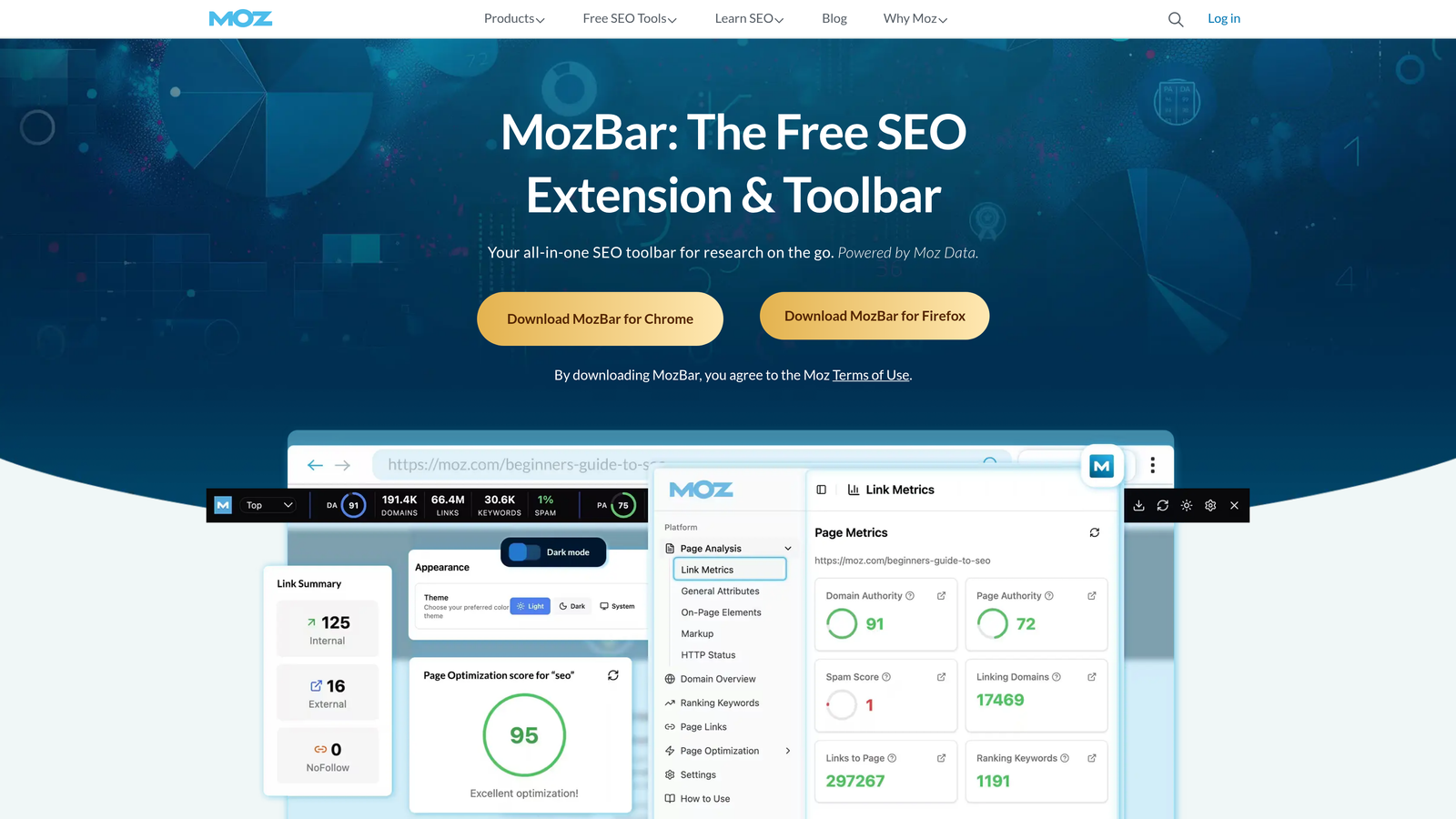
MozBar is Moz's Chrome extension that displays Domain Authority, Page Authority, and link metrics as an inline toolbar on any website or SERP.
Where This Tool Shines
When you're scoping out the competitive landscape for a new campaign, understanding the authority of the pages you're competing against matters. MozBar makes that assessment instant—you see DA and PA numbers without opening another tool. For advertisers who need to explain to clients why certain keywords are harder to rank organically (and therefore more dependent on paid), this kind of data provides useful supporting context.
The SERP analysis view is particularly handy. You can see link metrics for every result on a page at once, which speeds up competitive analysis considerably compared to checking sites one at a time.
Key Features
Domain and Page Authority: DA and PA scores visible on any page or SERP result instantly.
SERP-Level Analysis: View link metrics for all results on a search page simultaneously.
Link Highlighting: Distinguish followed, no-followed, and external links on any webpage.
Page Analysis: On-page elements, HTTP status, and basic technical signals at a glance.
Free Core Access: Most useful features available without a Moz Pro subscription.
Best For
Advertisers and agency strategists who use authority metrics to inform keyword selection and competitive positioning. Also useful for client-facing reporting when you need to explain the competitive difficulty of organic vs. paid visibility.
Pricing
Free for core features. Moz Pro plans start at $49/month for advanced access and higher data limits.
7. Loom
Best for: Async client reporting and internal team communication for PPC agencies
Loom is a screen recording Chrome extension that lets you capture and share video walkthroughs of your screen instantly—widely adopted by PPC agencies for client communication and team collaboration.
Where This Tool Shines
Explaining campaign performance over email or in a written report is slow and often misunderstood. Loom lets you record your screen, walk through the data while talking through what it means, and send a shareable link in seconds. Clients get context they can actually absorb, and you save the back-and-forth that comes from written-only updates.
For internal use, it's equally valuable. Instead of scheduling a call to walk a junior team member through an account structure or a new workflow, you record once and share. The comment thread feature means viewers can ask questions on specific moments in the video, which keeps feedback organized.
Key Features
One-Click Recording: Capture screen plus camera from any browser tab without additional software.
Instant Shareable Link: No file downloads or uploads—share immediately after recording.
Viewer Comments and Reactions: Recipients can comment on specific moments in the video.
Trim and Edit: Clean up recordings before sharing without leaving the browser.
Free Tier Available: Core recording features available at no cost with limits on video count.
Best For
Agency teams that communicate with clients asynchronously, or anyone who regularly needs to explain campaign changes, performance data, or account structure to non-technical stakeholders. Also useful for onboarding new team members to account workflows.
Pricing
Free for up to 25 videos. Paid plans start at $15/month per creator for longer recordings and advanced features.
8. GoFullPage
Best for: Documenting Google Ads dashboards, campaign structures, and reports before and after changes
GoFullPage is a Chrome extension that captures a full-page screenshot of any webpage in one click, including content below the visible viewport.
Where This Tool Shines
Google Ads dashboards don't always print cleanly, and scrolling screenshots from your OS are clunky. GoFullPage captures the entire page in one action and gives you a clean PNG or PDF you can save, share, or attach to a report. It's simple, but it solves a real friction point that comes up constantly in agency work.
The most common use case I see is before-and-after documentation. Before restructuring a campaign, you capture the current state. After making changes, you capture again. It's a lightweight audit trail that takes ten seconds to create and can save hours of confusion when a client asks what changed and when.
Key Features
Full-Page Capture: Screenshots extend beyond the visible viewport to capture all page content.
PNG and PDF Export: Export in your preferred format directly from the extension popup.
No Login Required: Basic screenshot functionality works immediately without an account.
Universal Compatibility: Works on Google Ads dashboards, reports, and any other webpage.
One-Click Activation: No configuration or setup—install and use immediately.
Best For
Any advertiser or agency that needs to document campaign states for client reporting, internal records, or change logs. Particularly useful for teams that don't have a formal project management system but still need a paper trail of account changes.
Pricing
Free for core features. GoFullPage Premium available for additional export options and annotation tools.
Which Tool Is Right for Your Workflow?
The honest answer is that most advertisers will end up using several of these together—they cover different parts of the job.
If you're a solo advertiser focused on squeezing more efficiency out of your Google Ads time, start with Keywordme for in-interface optimization and Tag Assistant to confirm your tracking is solid. Those two alone address the highest-leverage problems most accounts face.
If you're running an agency, add Loom for client communication and GoFullPage for documentation. Layer in Similarweb or MozBar when you need competitive context during strategy sessions. Keywords Everywhere is worth having installed passively—it adds useful data to your normal browsing without requiring any deliberate workflow change.
SEOquake and MozBar are most valuable if your team also handles landing page strategy or you're regularly benchmarking competitor pages alongside keyword planning.
Of everything on this list, Keywordme is the only tool that works directly inside Google Ads itself—not alongside it. If your biggest time sink is the Search Terms Report and the manual cleanup that goes with it, that's where to start. The workflow difference between one-click optimization and the export-edit-import loop is significant once you've experienced it firsthand.
Start your free 7-day trial and see how much faster your weekly optimization routine can actually be. At $12/month after that, it's one of the lower-cost decisions you'll make with a direct impact on how you spend your time in Google Ads.
.svg)