
9 Best Google Ads Enhancement Tools for Faster, Smarter Optimization in 2026
This guide compares nine Google Ads enhancement tools that speed up the slowest parts of account management, including search term cleanup, bulk edits, reporting, bid management, and landing page testing. Each tool is judged on the job it improves, workflow fit, pricing transparency, and who it suits, so marketers, freelancers, and agencies can pick the right add-on.


Google Ads rewards steady tuning, but the native interface makes some jobs slow: search term cleanup, bulk edits, reporting, bid management, and landing page testing. If you're a marketer, freelancer, or agency owner with a stack of accounts and not much time, the right add-on can give hours back every week. These tools were chosen by four criteria: which job each one improves, how well it fits an existing Google Ads workflow, how transparent the pricing is, and who it actually suits. Keywordme is our own product and sits first; we've tried to describe it as plainly as the rest.
Quick Comparison of the Tools
- Keywordme: advertisers and agencies who spend hours reviewing search terms; $12/month per user; one-click search term actions inside the native Google Ads interface.
- Google Ads Editor: managers making large structural changes across many campaigns; free; draft-and-review bulk edits across multiple accounts.
- Optmyzr: agencies running systematic audits across many accounts; see website for pricing; rule engines and one-click optimizations at agency scale.
- Adalysis: teams that want a monitoring safety net; see website for pricing; continuous ad-copy test analysis and account-health alerts.
- Google Ads Scripts: technical advertisers automating repeatable tasks; free; fully customizable automation at no software cost.
- Looker Studio: freelancers and agencies reporting to clients; free; blends Google Ads data with other sources into client-ready dashboards.
- Unbounce: advertisers with decent click volume but weak conversion rates; see website for pricing; landing page testing that improves post-click conversion.
- SpyFu: keyword discovery and competitive research before building campaigns; see website for pricing; competitors' historical paid keywords and ad copy.
- Semrush: marketers combining SEO and PPC research; see website for pricing; SEO and PPC keyword research in one subscription.
1. Keywordme
Keywordme is a Chrome extension that adds one-click actions directly inside the Google Ads Search Terms Report. A quick definition for context: search terms are what people actually typed into Google, while keywords are what you bid on. Negative keywords tell Google which search terms you don't want to match. Keywordme sits right at that boundary, so you can triage search terms where you already see them.
What sets it apart on this list is that the work never leaves the native interface. You don't export a CSV, sort it in a spreadsheet, and upload it back. You read the report, click, and move on. For accounts where search term review is the weekly time sink, that's the whole pitch.
- Add a search term as a keyword or as a negative keyword with one click, so junk gets blocked and good queries get captured in the same pass.
- Apply match types instantly, so you don't retype brackets and quotes by hand.
- Cluster related keywords, which helps you build tighter, more organized keyword groups from what you find.
- Edit in bulk, so repetitive changes don't turn into repetitive clicking.
- Use multi-account and team support, which lets agencies run the same workflow across client accounts.
Setup is light: it installs as a Chrome extension and works with Google Ads, so there's no data pipeline to build. The person doing the weekly search term review is typically the one who runs it.
The limits are real. It's focused on search term and keyword workflow only, with no bid automation and no reporting. It runs in Chrome only. If your bottleneck is dashboards, audits, or landing pages, it won't help there.
Pricing is $12/month per user with a 7-day free trial (as of November 2026; verify on the site). Cost scales with the number of users, not ad spend or accounts.
Best for: Advertisers and agencies who spend hours reviewing search terms.
2. Google Ads Editor
Google Ads Editor is Google's free desktop app for editing campaigns in bulk and working offline. You download account data, make changes locally, review them, and then post them back to the account. It's built for people who change a lot of things at once.
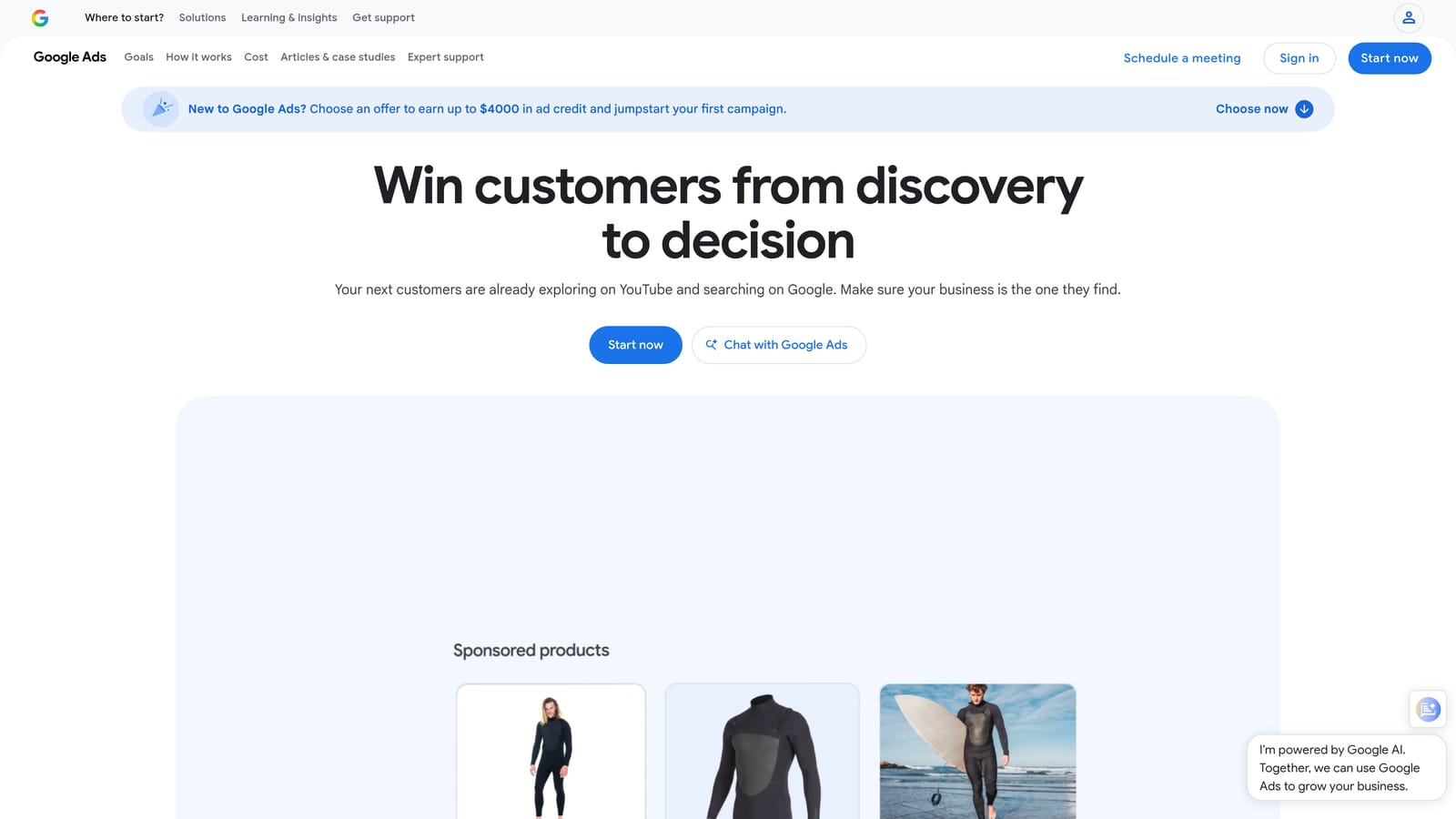
Its distinctive strength is the draft-and-review model across multiple accounts. Nothing goes live until you've looked over the pending changes, which is a real safety net when you're restructuring dozens of campaigns or rolling out a new ad copy set.
- Bulk edit across campaigns and ad groups, so one change doesn't mean fifty manual edits.
- Manage multiple accounts from one app, which saves constant account switching.
- Draft offline, so you can build out a structure and post it when ready.
- Review changes before posting, catching mistakes before they spend money.
- Copy and paste across accounts, handy for reusing structures, ads, and keyword lists.
Because it's Google's own tool, there's nothing to integrate. Expect a learning curve, especially around syncing and conflict handling. The person running it is usually the account manager doing structural work, not someone doing a quick daily check.
The main limitation: it has no streamlined search term triage. You can edit keywords and negatives at scale, but reviewing what people searched is slower than in a purpose-built workflow. It's also a different mindset from working live in the browser.
Pricing: free.
Best for: Managers making large structural changes across many campaigns.
3. Optmyzr
Optmyzr is a PPC management platform that combines automation, optimization suggestions, and reporting. It's aimed at people running many accounts who want repeatable, systematic checks instead of ad hoc reviews.

The standout is its rule engine paired with one-click optimizations at agency scale. You define what should happen, review what the platform surfaces, and apply fixes across accounts without rebuilding the logic every time.
- Rule-based automation lets you codify your own optimization logic and run it on a schedule.
- Optimization suggestions point to likely issues so you don't have to hunt for them.
- A script library gives you ready-made automations without writing code from scratch.
- Reporting helps you package results for clients or stakeholders.
- Multi-account management keeps a whole portfolio in one place.
It integrates with Google Ads, Microsoft Ads, and Meta Ads, which matters if you manage more than one channel. Setup involves connecting accounts and deciding which rules and checks to switch on, so expect a real onboarding period. It's usually run by a PPC lead or an account team.
The limitation is fit. Its pricing and depth may be more than a solo advertiser needs, and a small account with a simple structure won't use most of it. Pricing isn't listed here; see the website for current plans and what drives the cost.
Best for: Agencies running systematic audits across many accounts.
4. Adalysis
Adalysis is an automated audit and alert platform for paid search accounts. Rather than editing for you, it watches accounts and tells you what needs attention.
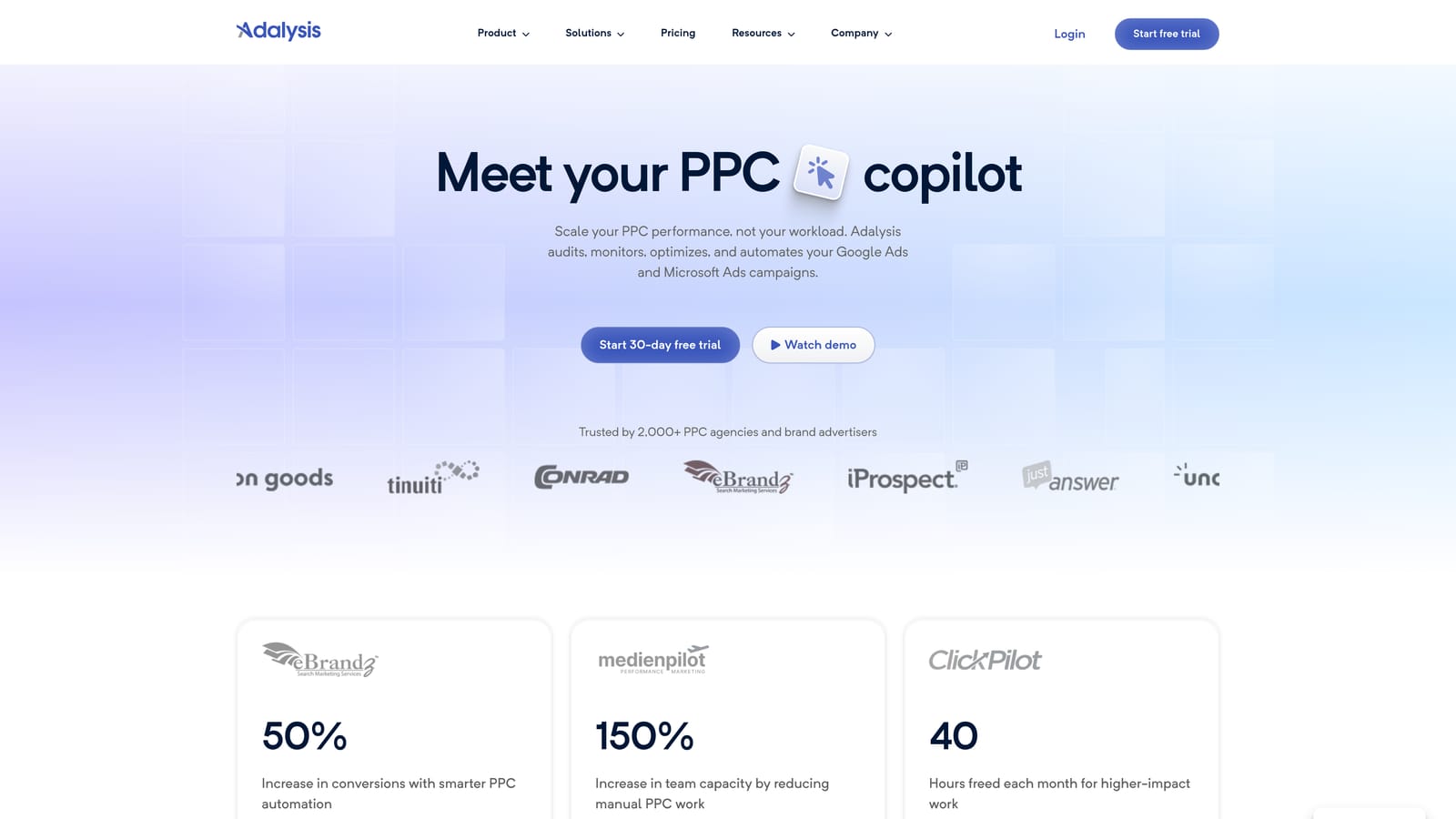
Its distinctive strength is continuous ad-copy test analysis plus account-health alerts. It keeps tabs on which ad variations are winning and flags problems so they don't sit unnoticed for weeks.
- Automated account audits surface issues you'd otherwise find by manual digging.
- Ad testing analysis shows which ad copy is actually performing.
- Quality Score tracking lets you see changes over time.
- Alerts notify you when something breaks or drifts.
- Reporting summarizes account performance for review.
It connects to Google Ads and Microsoft Ads. Setup is mostly account connection and alert configuration. It's commonly used by account managers or team leads who want a second set of eyes on every account.
Where it falls short
It's more diagnostic than hands-on editing. It tells you what to look at, but you'll still do the fixing elsewhere. Pricing also scales with account size, so a large portfolio costs more. Current pricing isn't listed here; see the website.
Best for: Teams needing a monitoring safety net across accounts.
5. Google Ads Scripts
Google Ads Scripts is free JavaScript automation built into Google Ads. You write (or adapt) small programs that run inside your account on a schedule.
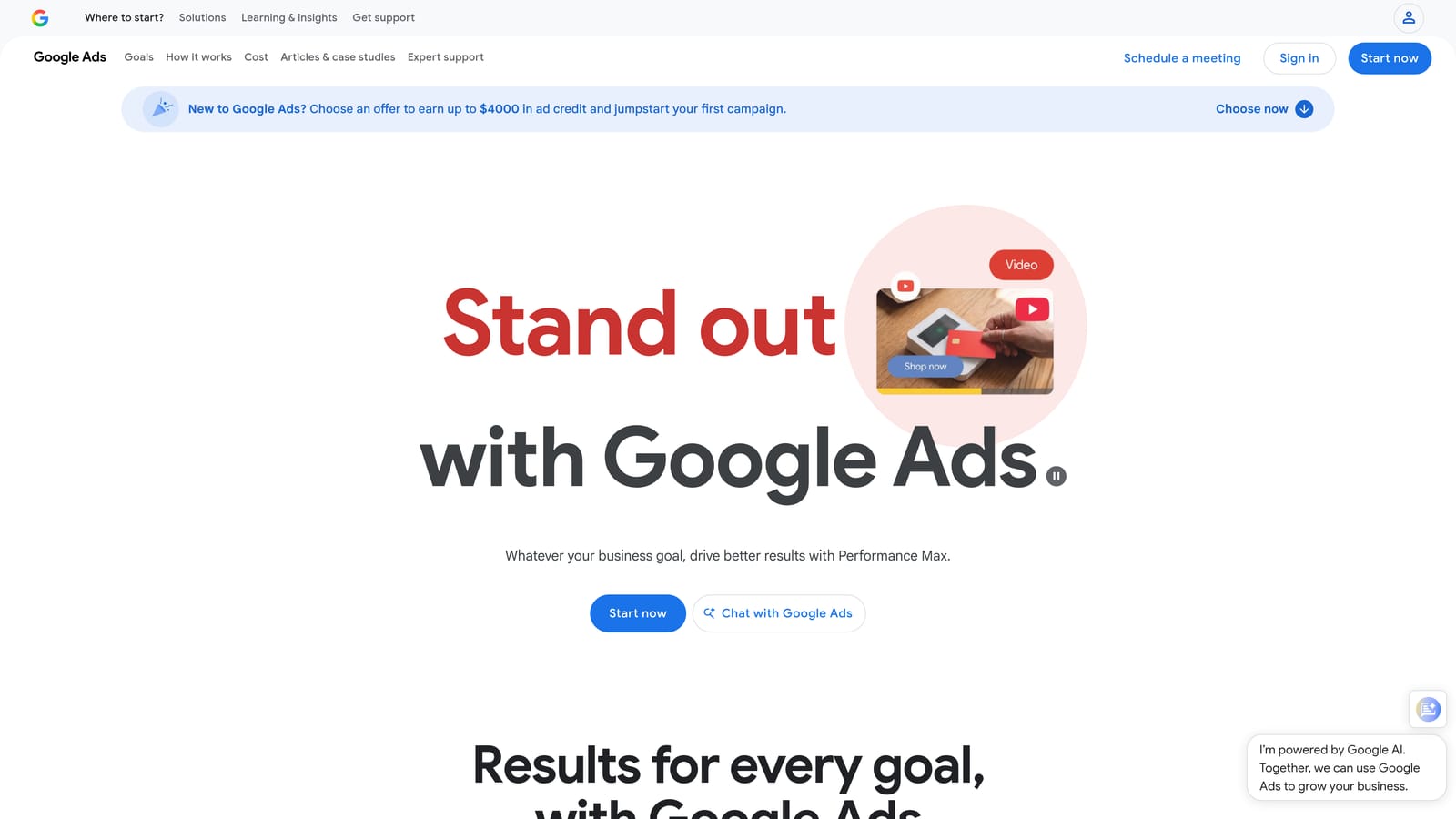
What no other tool here matches is the flexibility at no software cost. If you can describe a repeatable task, a script can probably do it, and you aren't limited by someone else's feature list.
- Automate reporting so numbers land where you need them without manual pulls.
- Set custom alerts for things like spend spikes or paused campaigns.
- Run bulk account checks across many campaigns or ad groups.
- Schedule runs so tasks happen without you.
- Push data to Google Sheets for further analysis or sharing.
It works with Google Ads and Google Sheets. Setup effort is the catch: you need coding skills, or at least the comfort to adapt existing scripts, and you own the maintenance. When Google changes something or your account structure shifts, a script can break and someone has to fix it.
It doesn't suit people without technical help or the time to babysit code. A script that silently fails can leave you thinking a check is running when it isn't.
Pricing: free.
Best for: Technical advertisers automating repeatable tasks.
6. Looker Studio
Looker Studio is Google's free dashboard tool with a native Google Ads connector. It turns account data into visual reports you can share.
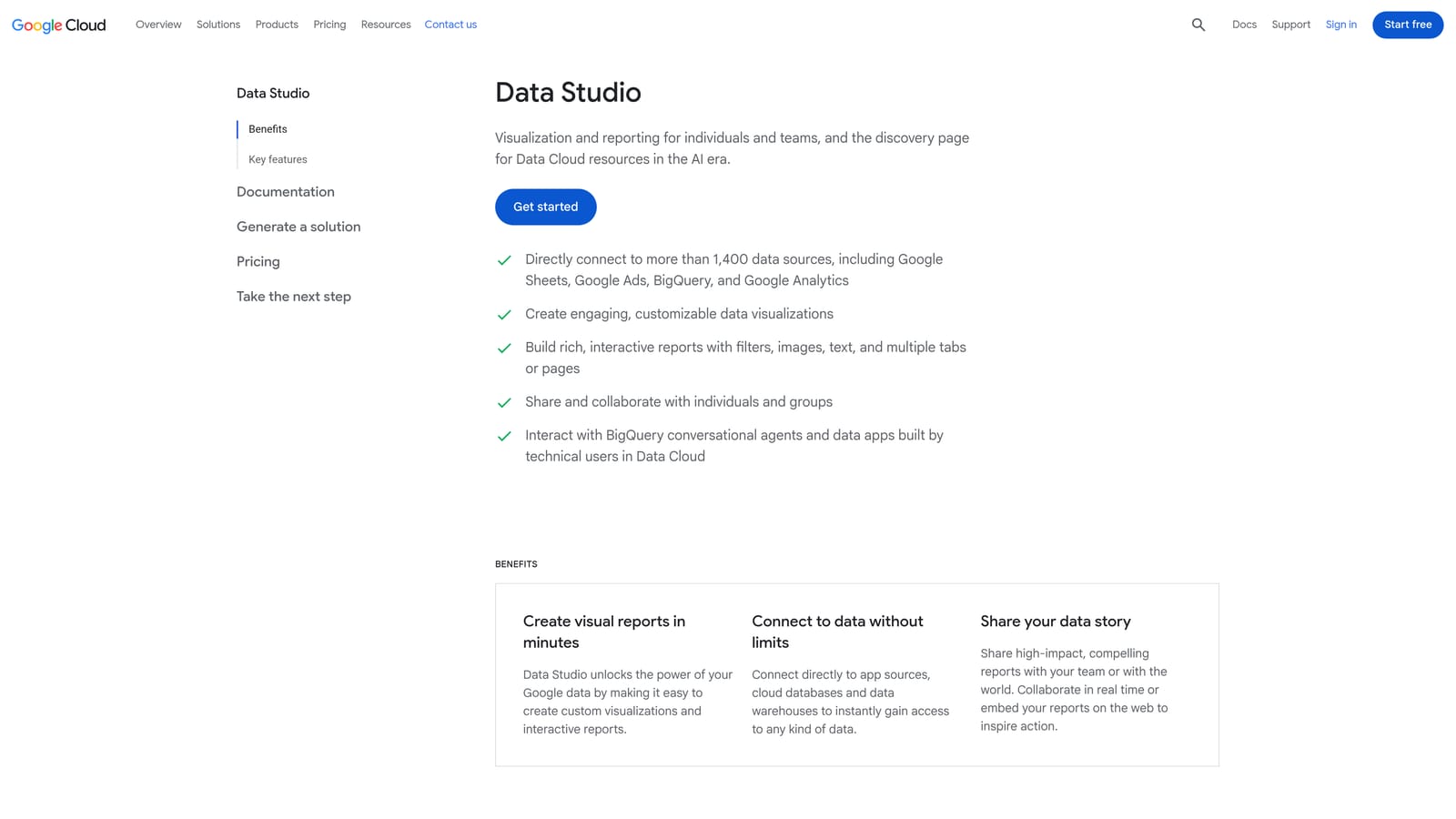
It's most useful when Google Ads isn't the only data source. You can blend Google Ads with other data and present it as a client-ready dashboard, which is hard to do cleanly inside the Google Ads interface.
- The Google Ads connector pulls your account data in without exports.
- Custom dashboards let you show the metrics each client or stakeholder cares about.
- Data blending combines Google Ads with other sources in one view.
- Scheduled delivery sends reports automatically so you aren't emailing screenshots.
- Shareable reports give clients a live link rather than a static file.
It integrates with Google Ads, GA4, Google Sheets, and BigQuery. Building a good template takes some upfront effort, but once built, it can be duplicated per client. Usually a freelancer or account manager owns it.
The limitation is simple: it's reporting only. It can't change account settings, pause anything, or add a negative keyword. It shows you what's happening; you act elsewhere.
Pricing: free, with a paid Pro tier available (verify current details on the site).
Best for: Freelancers and agencies reporting to clients.
7. Unbounce
Unbounce is a landing page builder with A/B testing and AI traffic routing. It improves what happens after the click, which Google Ads itself can't do.
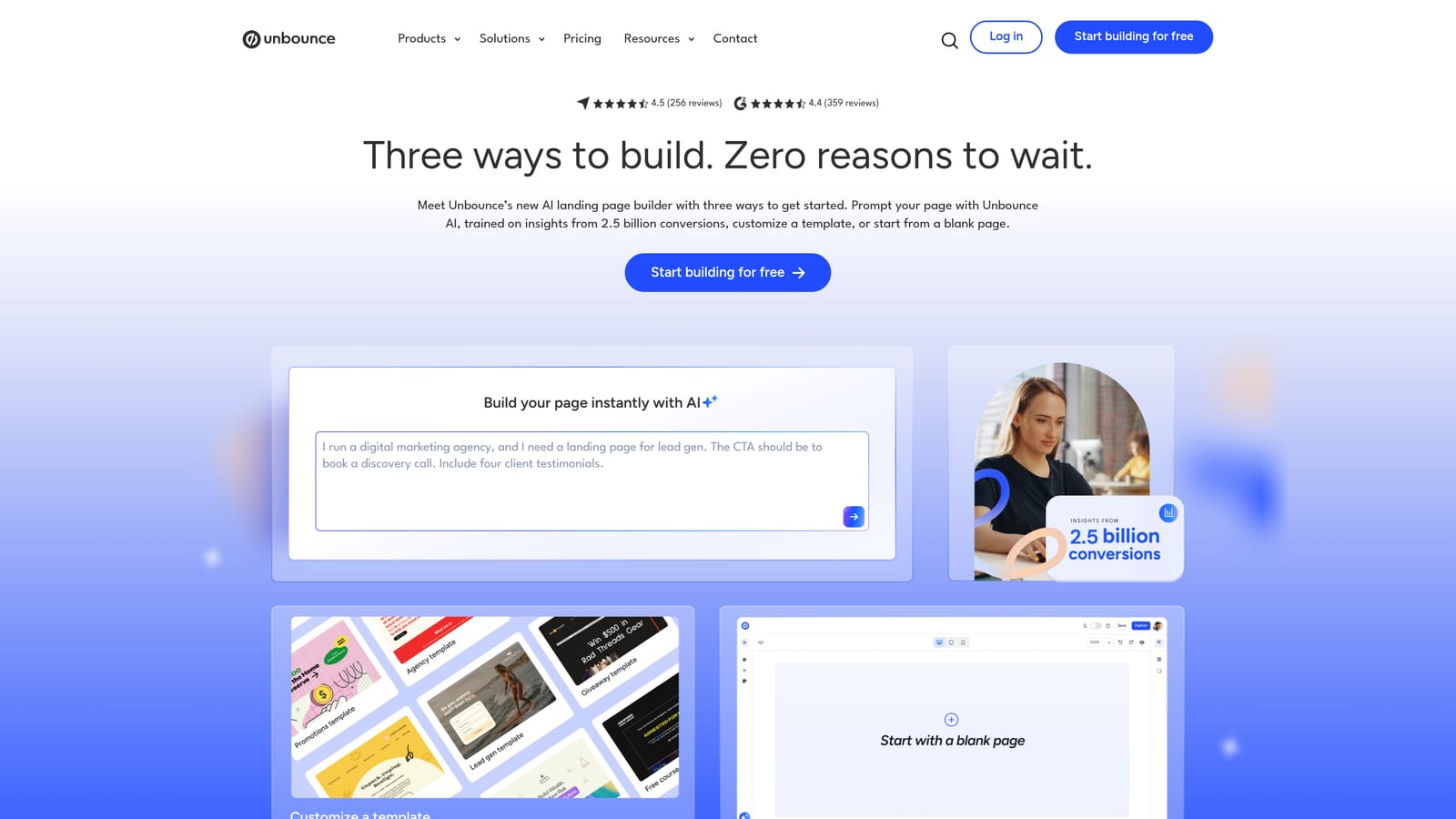
Its distinct value on this list is post-click conversion rate. Everything else here tunes the account; Unbounce tunes the page your ad sends people to.
- A drag-and-drop builder lets marketers launch pages without waiting on developers.
- A/B testing shows which page version converts better.
- Smart Traffic uses AI to route visitors to the page variant likely to suit them.
- Popups and sticky bars add extra conversion prompts.
- Templates give you a starting layout instead of a blank canvas.
It integrates with Google Ads, HubSpot, Zapier, and Mailchimp, so leads can flow into the tools you already use. Setup means building pages, connecting your domain and forms, and pointing ads to the new URLs. A marketer or freelancer typically runs it.
It doesn't manage the Google Ads account itself, and testing needs enough traffic to produce meaningful results. If your clicks are low, you'll wait a long time for a verdict. Pricing isn't listed here; see the website for plans and what drives them.
Best for: Advertisers with decent click volume but weak conversion rates.
8. SpyFu
SpyFu is a competitor keyword and ad history research tool. You enter a domain and see which keywords it has bought and what its ads have said.
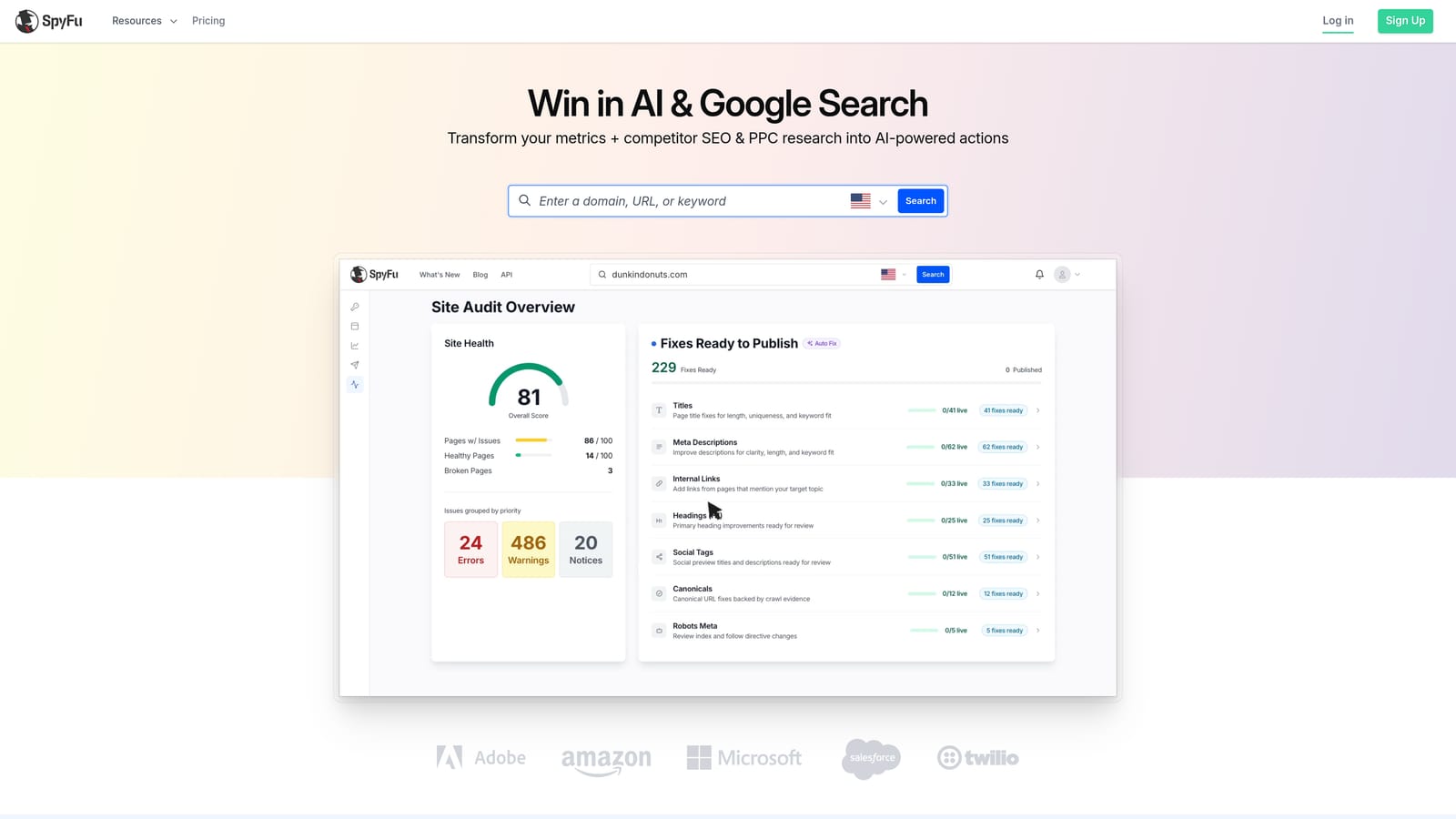
The distinctive piece is history. Seeing which paid keywords and ad copy competitors have used over time gives you a sense of what they've kept running, which is a useful hint about what might be working.
- Competitor PPC keyword research shows what rivals are bidding on.
- Ad history reveals how competitors' messaging has changed.
- Keyword gap analysis highlights terms they target that you don't.
- Rank tracking monitors your organic positions.
- Domain comparison puts you next to competitors.
Integration is limited to Google Sheets export, so it works more as a research tool than something wired into your account. It's easy to start, and usually run by whoever plans campaigns or does keyword research.
The main caveat: the data is estimated, not actual competitor figures. Treat it as directional. It's best used before building campaigns, not for day-to-day optimization. Pricing isn't listed here; see the website.
Best for: Keyword discovery and competitive research before building campaigns.
9. Semrush
Semrush is a broad marketing suite with PPC and SEO research tools. It covers far more than Google Ads, which is both its strength and its weakness.
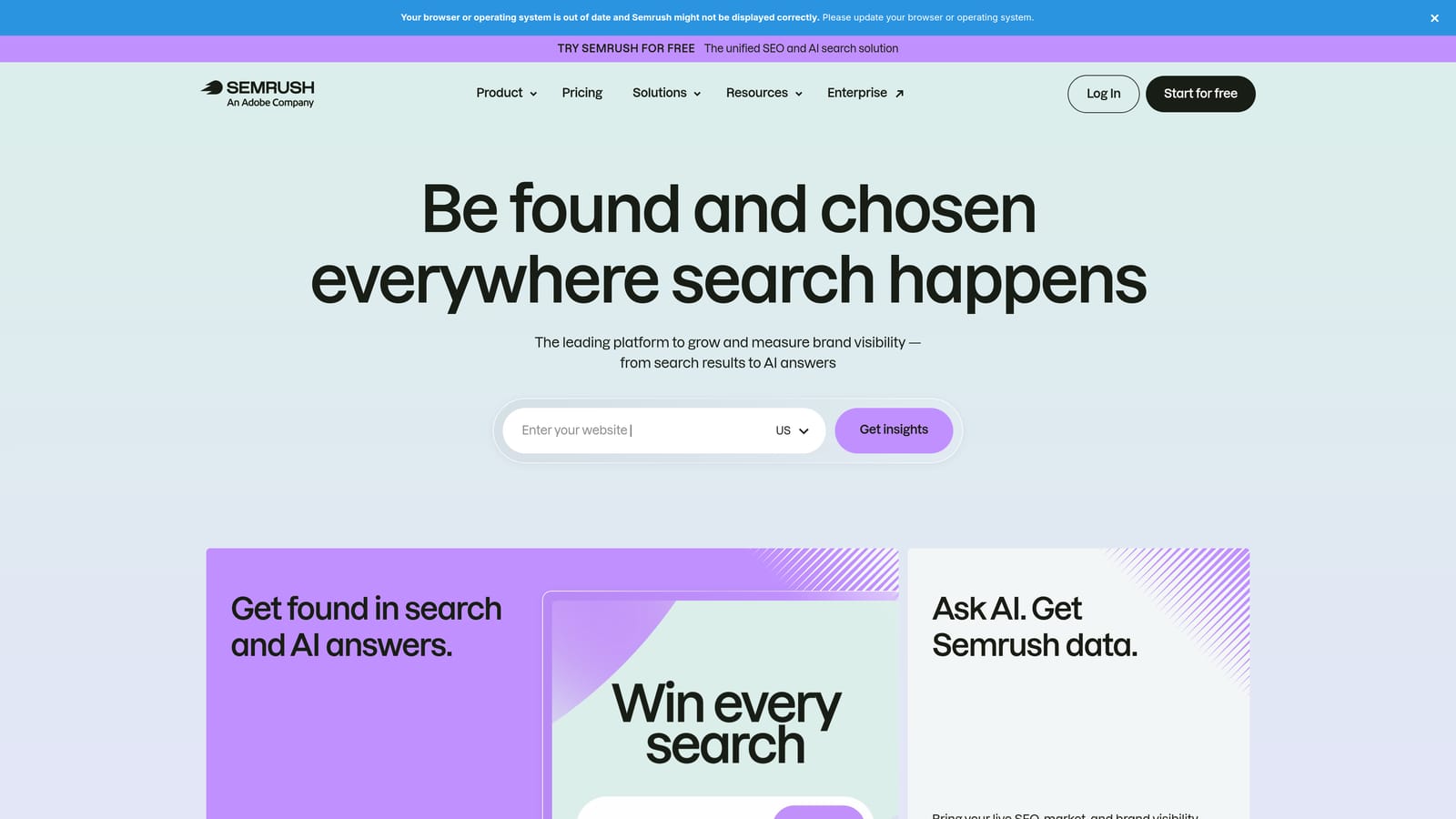
Its standout is putting SEO and PPC keyword research under one subscription. If you decide which terms to pay for versus rank for, having both views in one place helps.
- Keyword Magic Tool generates large keyword lists from a seed term.
- PPC keyword research shows paid terms and related data.
- Competitor ad insights reveal what rivals are advertising.
- Domain analytics gives an overview of a competitor's visibility.
- Position tracking monitors rankings over time.
It integrates with Google Analytics, Google Search Console, and Looker Studio. Setup is quick for research, though the breadth means a learning curve if you want to use more of the suite. Marketers who already handle SEO are the likeliest day-to-day users.
It's broad, and can be costly if you only need PPC. Like SpyFu, its competitor data is estimated. Pricing isn't listed here; see the website for current plans.
Best for: Marketers combining SEO and PPC research.
Matching the Tool to Your Biggest Time Sink
More tools don't mean better results. Many accounts just need a tighter search terms routine, so start with the one bottleneck that eats the most time and fix that before adding anything else.
- Search term cleanup: Keywordme, since it works inside the Search Terms Report.
- Bulk edits: Google Ads Editor, free, with review before posting.
- Agency audits and automation: Optmyzr for rules and one-click fixes, Adalysis for monitoring, or Google Ads Scripts if you can code.
- Reporting: Looker Studio.
- Conversion rate: Unbounce, once you have enough clicks to test.
- Competitive research: SpyFu or Semrush, depending on whether you also need SEO.
If search term review is where your week disappears, that's the job Keywordme was built for. Optimize Google Ads Campaigns 10X Faster. Without Leaving Your Account. Keywordme lets you remove junk search terms, build high-intent keyword lists, and apply match types instantly, right inside Google Ads. No spreadsheets, no switching tabs, just quick, seamless optimization. Start your free 7-day trial (then just $12/month) and take your Google Ads game to the next level.
