
9 Best Google Ads Efficiency Tools for Freelancers in 2026
This guide compares nine Google Ads efficiency tools for freelancers, including Keywordme, Google Ads Editor, Google Ads Scripts, and Optmyzr. Each pick is judged on how much recurring manual work it removes, how it prices for solo operators and small teams, and how well it fits alongside the native Google Ads interface, so you can spend less time on search term reviews, bulk edits, monitoring, and reporting.


If you run Google Ads for a handful of clients on your own, the work that eats your week is rarely strategy. It's search term reviews, bulk edits, monitoring, and reporting, and most of it is unbilled or buried in a flat retainer. These tools were picked for how much recurring manual work they take off your plate, how they price for one person or a small team, and how well they sit alongside the native Google Ads interface. Prices and features below are as of October 2026, so confirm them on each vendor's site before you buy.
Quick Comparison of the Tools
- Keywordme: freelancers who spend the most time on search term reviews; $12/month per user; works inside the native Search Terms Report with no exports.
- Google Ads Editor: freelancers restructuring accounts or repeating changes across campaigns; free; official offline staging of large account changes.
- Google Ads Scripts: technical freelancers who want custom alerts; free; automation written to your own rules.
- Optmyzr: freelancers scaling to many accounts; see website for pricing; cross-account optimization and automation in one suite.
- Looker Studio: freelancers who want free live client dashboards; free; one template duplicated per client.
- Swydo: freelancers who want branded reports sent automatically; see website for pricing; white-label scheduled reports with minimal setup.
- Adalysis: freelancers with several accounts who want health monitoring; see website for pricing; audit-style alerts across many accounts.
- SEMrush: freelancers who need competitor research for pitches and launches; see website for pricing; market-level ad and keyword data from outside your account.
- Google Keyword Planner: freelancers doing fast pre-launch research; free with a Google Ads account; first-party keyword and forecast data from Google.
1. Keywordme
Keywordme is our own product, so weigh this entry accordingly. It's a Chrome extension that adds one-click actions to the Search Terms Report in Google Ads. That report shows the actual queries people typed before seeing your ad. Keywords are what you bid on. Keywordme sits between the two, so you can promote a good search term to a keyword or block a bad one as a negative keyword without leaving the page.
What sets it apart on this list is where it works. Most tools here ask you to export data, open a separate dashboard, or build a spreadsheet. Keywordme works inside the native report, so a review pass is a series of clicks rather than a round trip. Keywordme says this makes optimization up to 10x faster; that's the company's own claim, and your speedup will depend on how you work today.
- One-click negative keywords straight from the Search Terms Report, so junk queries stop costing you money.
- Add keywords with the match type applied instantly, which removes the manual typing of brackets and quotes.
- Keyword clustering, so you can group related terms when building new lists.
- Bulk editing for applying the same action to many terms at once.
- Multi-account and team support, so you can use it across client accounts and add collaborators.
Setup is installing the extension in Chrome and opening Google Ads. You run it yourself day to day; there's no dashboard to maintain. It integrates with Google Ads only, via the browser.
The limits are real. It focuses on search term and keyword work, so it does no reporting and no bid automation. It also requires Chrome, which matters if your team lives in another browser. And it speeds up decisions rather than making them, so you still judge which terms are junk. Pricing is $12/month per user with a 7-day free trial (verify on the site). Cost moves with the number of users, not ad spend or accounts.
Best for: Freelancers who spend the most time on search term reviews and negative keyword cleanup.
2. Google Ads Editor
Google Ads Editor is Google's free desktop application for making bulk changes to campaigns and accounts. You download your account data, edit it locally, review what changed, and then post it back. It's built for people who manage structure, not for people who triage queries.

Where it earns its place
Its edge over everything else here is that it's the official, free way to stage large changes offline. If you're rewriting ad copy across forty ad groups or cloning a campaign structure for a new location, you can do it in one session and check the diff before anything goes live. That review step is a useful safety net when a typo could affect a client's spend.
- Bulk edits across campaigns and accounts, so repeated changes take one pass instead of many.
- Offline editing, so you can build out changes without being tied to the web interface.
- Review of changes before posting, which catches mistakes before they go live.
- Copy and paste between campaigns and accounts, handy for reusing structures across clients.
- Multi-account management from a single application.
Where it falls short
It's clunky for quick search term triage, and it has a learning curve, especially if you've only ever used the browser interface. Setup means installing the app and downloading each account you want to work on. You run it yourself, and it integrates with Google Ads only. Pricing is free, with no seat or spend component.
Best for: Freelancers restructuring accounts or rolling out the same changes across campaigns.
3. Google Ads Scripts
Google Ads Scripts lets you write JavaScript that runs inside Google Ads on a schedule. Freelancers use it for the dull but valuable checks: has spend spiked, is a landing page returning an error, did an ad get disapproved. Nobody has to remember to look.

The standout is control. Every other tool on this list decides what to monitor for you; with scripts, the rules are whatever you write. If a client has an odd budget pacing rule or a specific naming convention to enforce, you can code exactly that, and reuse the script across accounts.
The catch is that someone has to write it. You need JavaScript skills, or you need to be comfortable adapting scripts other people have shared, and you own the maintenance when something breaks or Google changes an API. If you don't code, this is not a time saver. It's a new project.
- Scheduled automated tasks, so checks run without you opening the account.
- Custom alerts, such as spend thresholds or broken-URL checks, that you define yourself.
- Custom reporting that writes to Google Sheets, useful for lightweight client summaries.
- Execution inside Google Ads, so there's no external service to host.
- Reusable code across accounts, so one good script covers every client.
It integrates with Google Ads, Google Sheets, and Gmail (for emailing alerts). Setup effort depends entirely on your coding comfort. Pricing is free.
Best for: Technical freelancers who want custom monitoring and alerts at no cost.
4. Optmyzr
Optmyzr is a PPC management platform aimed at agencies and consultants. It combines rule-based automation, optimization suggestions, bulk tools, and client reporting in one place, and it works across Google Ads, Microsoft Advertising, and Meta Ads.

Its distinguishing trait on this list is breadth across accounts. Where Keywordme handles search terms and Scripts handles whatever you code, Optmyzr tries to be the systematic layer: the same optimization checks and automation rules applied across your whole book of clients. For a freelancer growing past a handful of accounts, that consistency is the appeal.
- Rule-based automation, so recurring adjustments follow rules you set rather than manual passes.
- Optimization suggestions that point you to likely improvements; review them before applying, since a suggestion isn't a verdict.
- Bulk optimization tools for making changes across many campaigns or accounts.
- Client reporting, so you don't need a separate reporting tool.
- Multi-account management from one login.
Expect real setup time: you connect accounts, configure rules, and learn the platform, and someone has to keep reviewing what it recommends. The main limitation for freelancers is cost. Pricing is tiered and tied to ad spend, which can be steep if you manage a few small accounts. As of October 2026, check the website for current plans, since the starting price and tier boundaries change.
Best for: Freelancers scaling to many accounts who need systematic optimization.
5. Looker Studio
Looker Studio is Google's free dashboard and reporting tool, with a native Google Ads connector. You build a report once, then duplicate it for each client and point it at their account.

That duplicate-a-template workflow is its real advantage. A live, shareable dashboard that costs nothing is hard to beat when you're watching software spend, and clients can open it any time rather than waiting for a monthly PDF.
- A Google Ads data connector, so campaign data flows in without exports.
- Reusable report templates, so a new client dashboard takes minutes.
- Shareable live dashboards that clients can check on their own.
- Data blending, so you can combine sources such as Ads and Analytics in one view.
- Scheduled email delivery, so reports reach clients without a manual send.
It also connects to Google Analytics, Google Sheets, and BigQuery. The tradeoff is that it only reports. It won't change anything in an account or tell you what to fix. Building a good template takes some effort up front, and you're the one who maintains it when a connector or metric changes. Pricing is free, though a paid Pro tier exists (verify current terms on Google's site).
Best for: Freelancers who want free, customizable live client dashboards.
6. Swydo
Swydo is an automated marketing reporting platform. It produces white-label PPC reports, so the output carries your branding rather than the tool's, and sends them on a schedule.
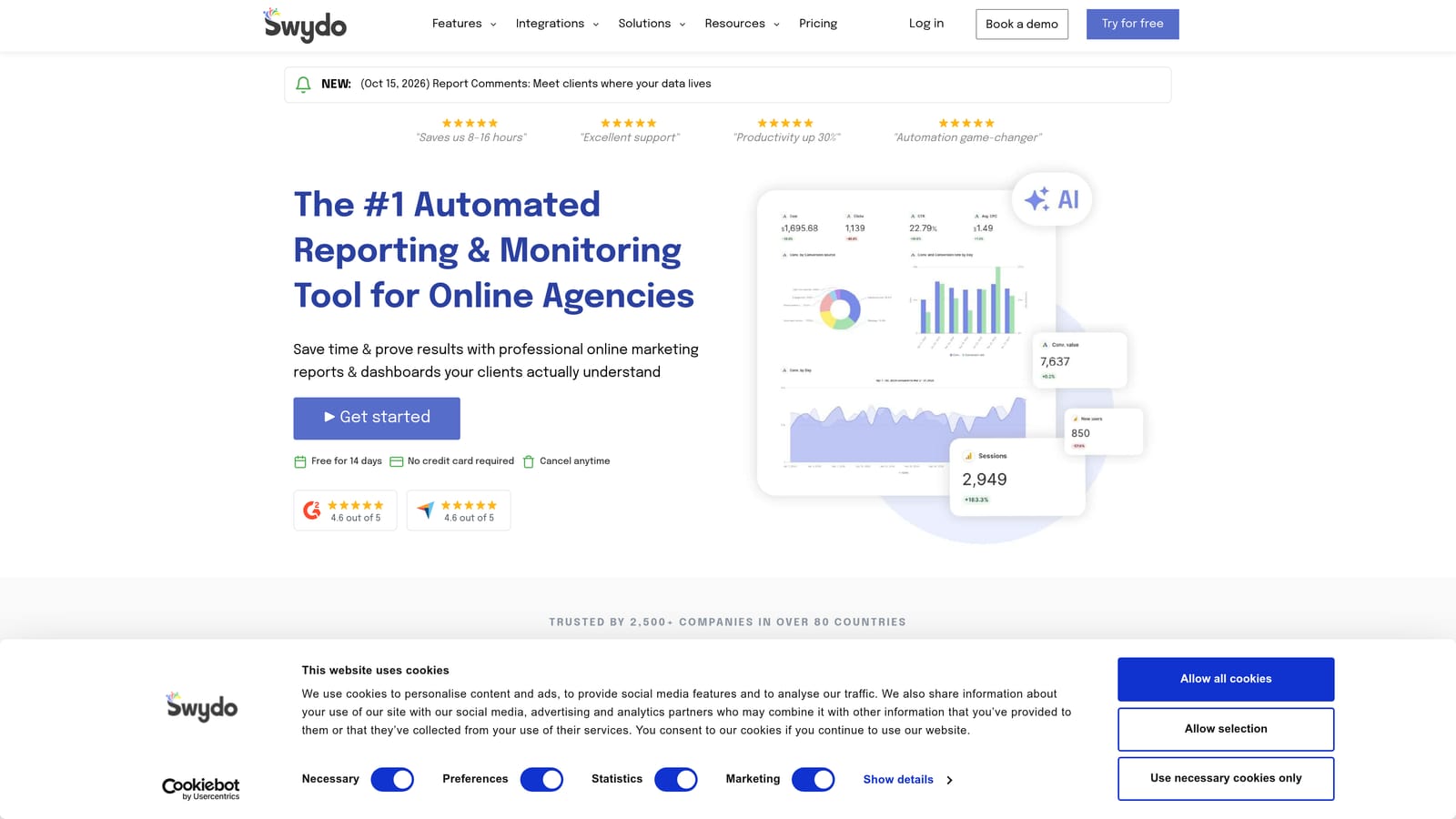
Compared with Looker Studio, Swydo trades flexibility for speed. You start from pre-built templates instead of designing a dashboard, which suits freelancers who want a polished report going out without a build project. If a client expects a branded monthly PDF with commentary, it gets you there with less fiddling.
- Pre-built report templates, so you aren't designing layouts from scratch.
- White-label branding, so reports look like your own deliverable.
- Scheduled delivery, so reports go out without you remembering to send them.
- Connections to multiple data sources, including Google Ads, Google Analytics, Meta Ads, and Microsoft Advertising.
- Goal and performance tracking, so clients see progress against targets.
Setup is connecting each client's accounts and choosing a template, and you handle it yourself. The limits: it's reporting-focused, so it doesn't change anything in your accounts, and cost scales with usage. Paid plans only, so see the website for current pricing as of October 2026. If a free dashboard satisfies your clients, Looker Studio makes this an optional upgrade.
Best for: Freelancers who want polished branded reports delivered automatically.
7. Adalysis
Adalysis is a PPC auditing and monitoring platform. It scans accounts, surfaces problems and testing opportunities, and alerts you when something needs attention, across Google Ads and Microsoft Advertising.
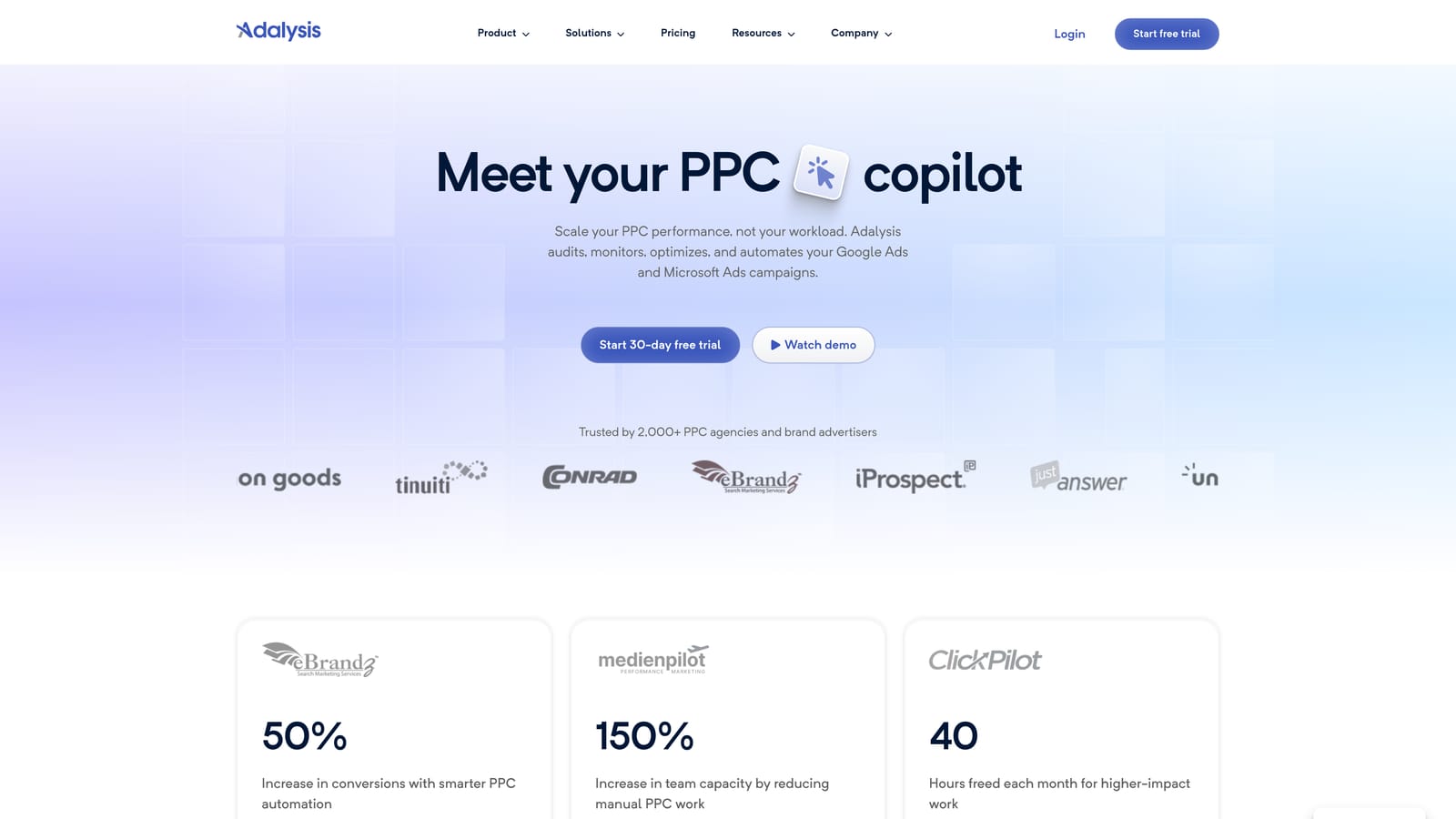
Its niche on this list is the audit mindset. Optmyzr leans toward automation and Scripts toward custom checks; Adalysis leans toward telling you what's wrong or stale across many accounts at once. For a freelancer who can't open every account daily, a prioritized list of issues is the product.
- Automated account audits that flag problems you might not catch by eye.
- Ad testing analysis, so you can see which ad variations are worth keeping.
- Alerts for issues and disapprovals, so you hear about problems quickly.
- Ongoing account monitoring across your client list.
- Reporting, so findings can be shared with clients.
Setup means connecting your accounts and tuning which alerts matter, then checking in regularly. The honest limitation is fit: it's likely more than a solo freelancer with only a few accounts needs, and the value grows with account count. Pricing isn't listed here; see the website for current plans as of October 2026.
Best for: Freelancers with multiple accounts who want ongoing health monitoring.
8. SEMrush
SEMrush is a broad marketing toolkit. For Google Ads work, the useful parts are its keyword research and advertising research features, which help you build keyword lists and see what competitors are doing.
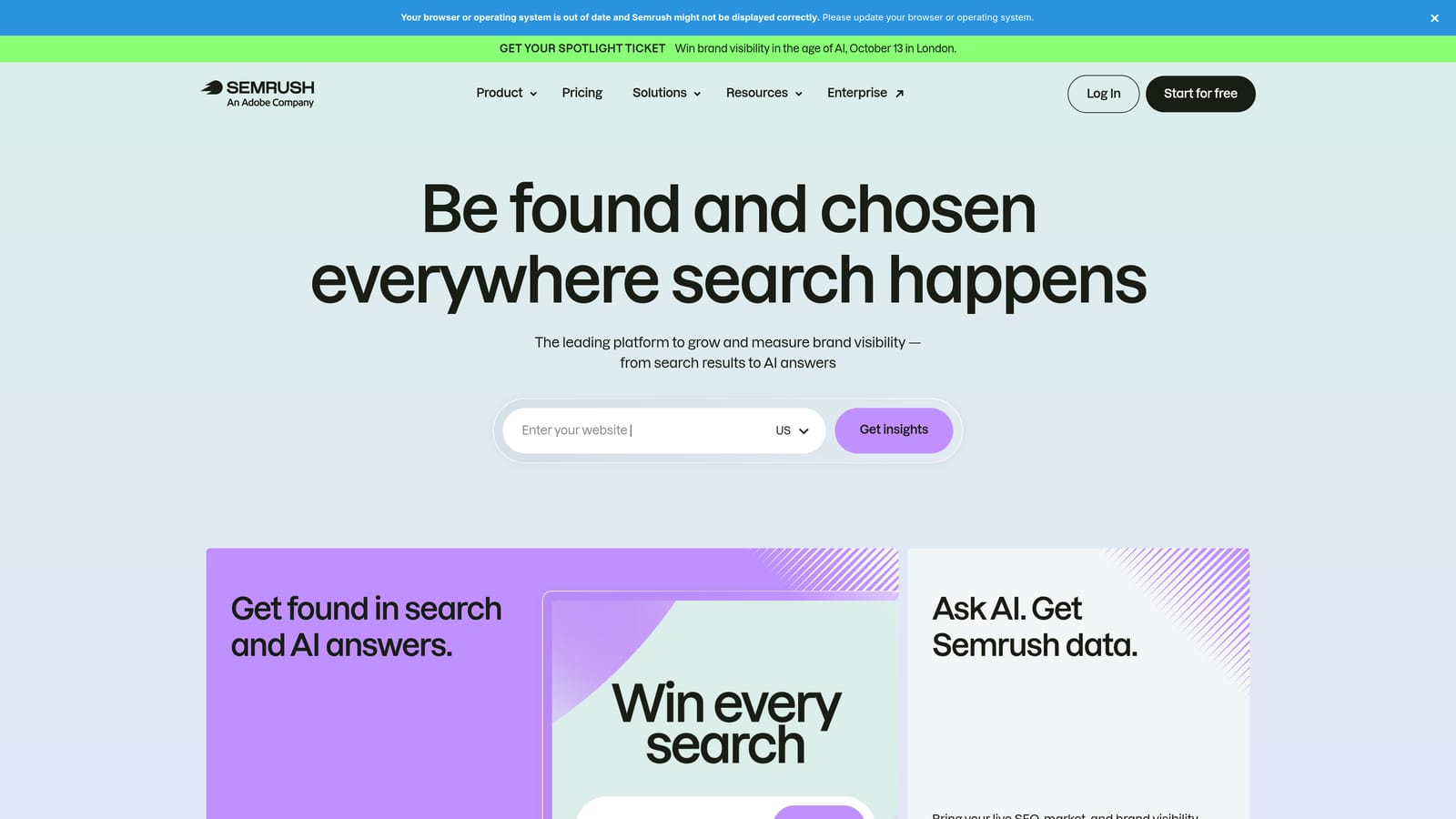
It's the only tool here that looks outside the account. Everything else works with your own data; SEMrush gives market-level information on competitor keywords and ads, which helps when you're pitching a prospect or planning a launch with no account history to learn from.
- Keyword research that surfaces ideas beyond what you'd think of yourself.
- Competitor ad research, so you can see how rivals position themselves.
- Keyword gap analysis, showing terms competitors target that you don't.
- Domain comparison for sizing up a client against competitors.
- Position tracking for organic rankings alongside your paid work.
It connects with Google Analytics, Google Search Console, and Looker Studio. Setup is light, since you mostly search by domain or keyword. The limitations: it's broader and pricier than a PPC-only freelancer may need, and its data is estimated, so treat figures as directional rather than exact. Pricing is subscription-based; see the website for current plans as of October 2026.
Best for: Freelancers who need competitor research and new keyword ideas for pitches and launches.
9. Google Keyword Planner
Google Keyword Planner is the free keyword research tool inside Google Ads. It gives you keyword ideas, search volume ranges, forecasts, and bid and cost estimates, and it can group ideas into ad groups.
Its advantage is provenance: the data comes from Google itself. For a new client, you can sketch a keyword set and a rough budget in one sitting, which is often enough to set expectations before launch.
- Keyword idea discovery from seed terms or a website.
- Search volume ranges, so you can see which ideas have real demand.
- Forecasts, to estimate what a budget might deliver.
- Bid and cost estimates for early budget conversations.
- Grouping of ideas into ad groups, which speeds up initial structure.
It needs only a Google Ads account, and you run it yourself. It's a pre-launch tool, not an ongoing optimizer, and volume appears as broad ranges for accounts with low spend, which limits precision. Pricing is free with a Google Ads account.
Best for: Freelancers doing fast pre-launch keyword research and budget checks for new clients.
Matching Tools to Your Biggest Time Sink
The common mistake is buying a full suite before fixing the one task that eats the most hours. Start with that task, then add tools only when a second bottleneck is clear. And whatever automation you choose, review its suggestions before applying them.
- Search term cleanup: Keywordme.
- Bulk edits: Google Ads Editor.
- Custom alerts: Google Ads Scripts, if you code.
- Reporting: Looker Studio for free dashboards, Swydo for branded scheduled reports.
- Auditing and monitoring: Adalysis, or Optmyzr if you also want automation.
- Research: Keyword Planner for launches, SEMrush for competitor insight.
A lean solo stack costs very little: Keywordme for search terms, Google Ads Editor for bulk changes, Looker Studio for reporting, and Keyword Planner for research. A growing multi-client practice might add Optmyzr or Adalysis once manual monitoring stops scaling, and Swydo if clients want branded reports.
Search term review is the most repetitive job for many freelancers, so that's the easiest place to start. Optimize Google Ads Campaigns 10X Faster. Without Leaving Your Account. Keywordme lets you remove junk search terms, build high-intent keyword lists, and apply match types instantly, right inside Google Ads. No spreadsheets, no switching tabs, just quick, seamless optimization. Start your free 7-day trial (then just $12/month) and take your Google Ads game to the next level.
.svg)