
9 Best Google Ads Efficiency Tools for Agencies in 2026
This guide reviews nine Google Ads efficiency tools for agencies and freelancers managing multiple accounts, ranked by how directly they eliminate the most time-consuming PPC tasks—starting with search term review and negative keyword management and extending to reporting and cross-platform automation.


Agency PPC work doesn't slow down. You're juggling dozens of accounts, grinding through search term reports, making match type calls, and maintaining negative keyword lists that always seem one step behind. The right tools don't just help—they change how much you can actually get done in a day.
This list covers nine Google Ads efficiency tools built for agencies and freelancers managing multiple accounts. Each one solves a specific part of the workflow, from in-interface keyword optimization to client reporting and cross-platform automation. We've ranked Keywordme first because it directly addresses the most time-consuming daily task—search term review—without pulling you out of Google Ads. The rest are ordered by how broadly useful they are for agency work.
Selection criteria: multi-account support, time savings on repeatable tasks, pricing that makes sense at agency scale, and a clear, specific use case.
1. Keywordme
Best for: Search term review and negative keyword management directly inside Google Ads
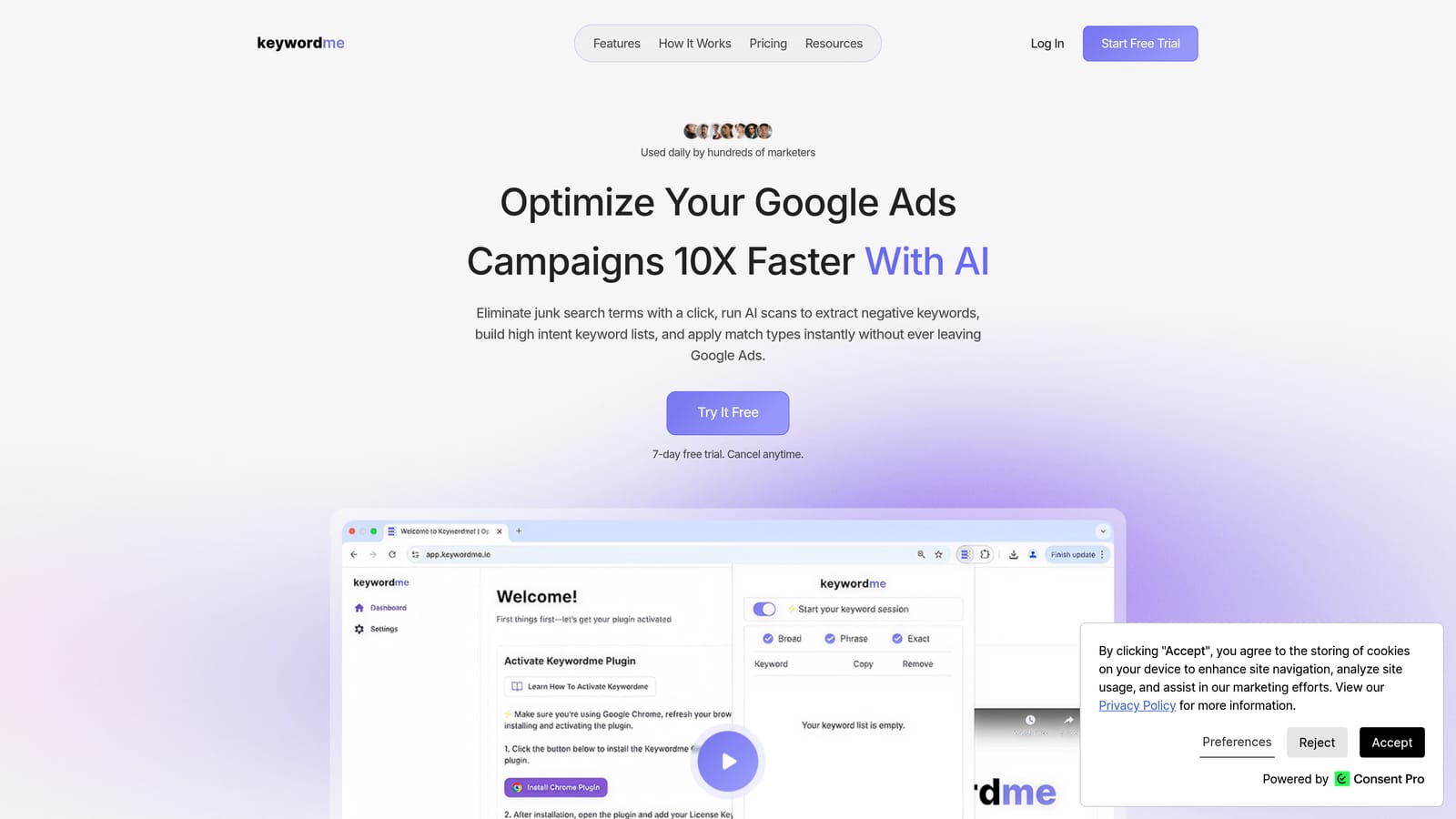
Keywordme is a Chrome extension that works inside Google Ads' Search Terms Report, letting you take one-click actions on keywords without leaving the native UI.
Where This Tool Shines
Most Google Ads optimization workflows involve a frustrating loop: export search terms to a spreadsheet, filter the junk, figure out your negatives, then re-import everything. Keywordme cuts that loop entirely. You review search terms directly inside Google Ads, add negatives with a click, apply match types, and build keyword groups—all without switching tabs or touching a spreadsheet.
For agency teams, the multi-account and team support means multiple people can work through search term reviews consistently, without each person maintaining their own export-and-filter system. The company describes optimization as up to 10x faster than traditional methods—that's their own product claim, but the workflow logic behind it is sound. Eliminating the export-import cycle alone removes a significant chunk of daily manual work.
Key Features
One-Click Negative Keyword Addition: Add negative keywords directly from the Search Terms Report without exporting or using a separate tool.
Bulk Search Term Filtering: Filter and act on multiple search terms at once, including applying match types in bulk.
Keyword Clustering: Group related search terms into ad groups faster, reducing the time spent on campaign organization.
Multi-Account and Team Support: Designed for agency workflows where multiple users need consistent access across client accounts.
No External Dashboards Required: Everything happens inside the Google Ads interface—no third-party login or tab switching needed.
Best For
Agency PPC managers and freelancers who spend significant time each week on search term reviews. Particularly useful if you're managing five or more accounts and the export-filter-import cycle has become a daily bottleneck. Also a good fit for teams that want a consistent review process across multiple users.
Pricing
$12/month per user. A 7-day free trial is available, so you can test it against your actual workload before committing.
2. Google Ads Editor
Best for: Bulk structural edits and offline campaign management across multiple accounts
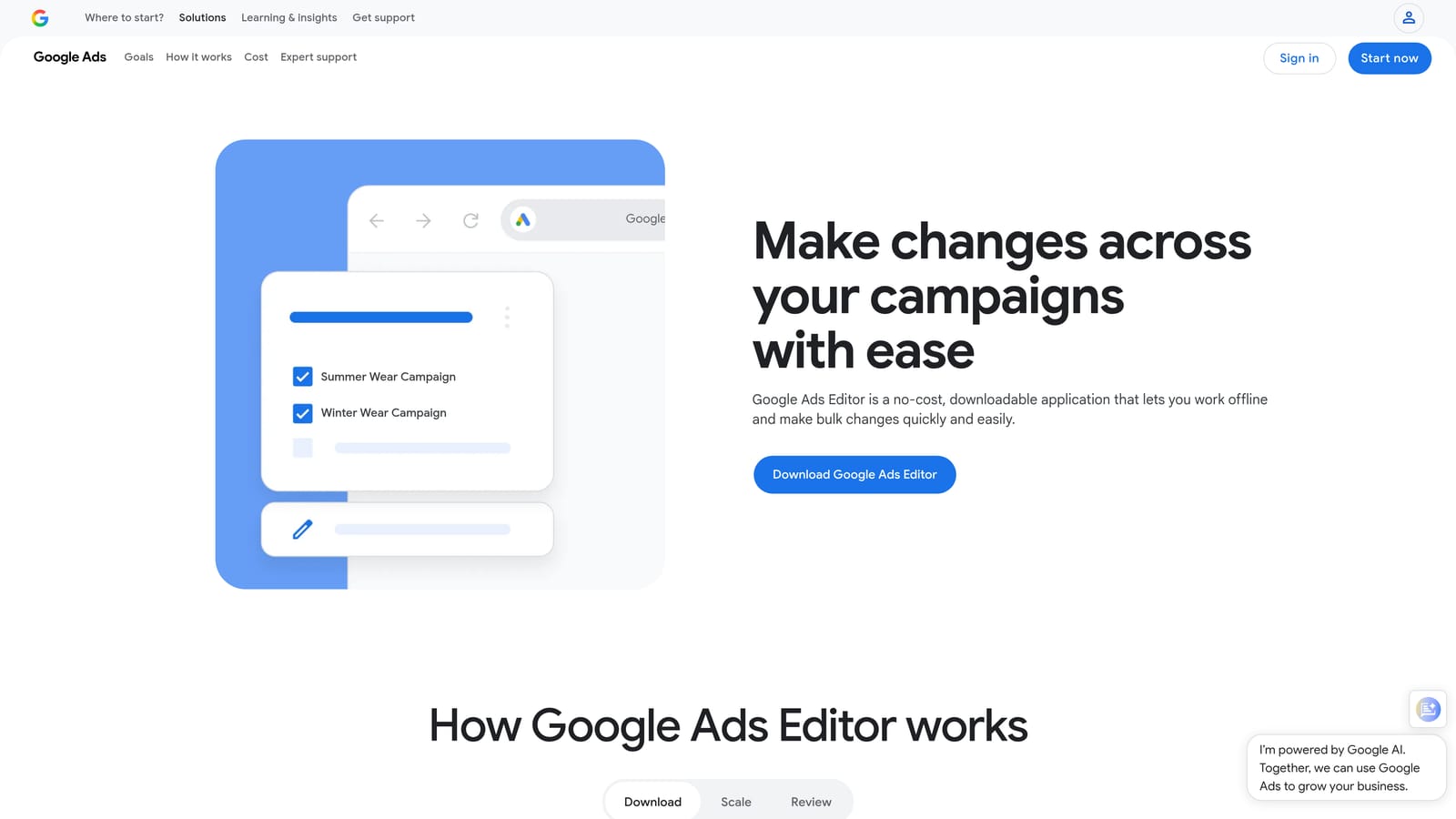
Google Ads Editor is a free desktop application from Google built for large-scale campaign editing that would be slow or impractical to do in the browser interface.
Where This Tool Shines
When you need to restructure a campaign, update ad copy across hundreds of ads, or move ad groups between campaigns, doing it one at a time in the Google Ads interface is painful. Editor lets you make those bulk changes offline, review them in draft, and upload when you're ready. The ability to copy and paste campaigns, ad groups, and keywords across accounts is especially useful when onboarding a new client with a similar account structure to an existing one.
It's also the right tool when you're making changes that carry risk—since nothing goes live until you choose to upload, you can sanity-check large edits before they affect active campaigns.
Key Features
Offline Bulk Editing: Make changes to campaigns, ad groups, keywords, and ads without needing a live internet connection.
Copy and Paste Across Accounts: Duplicate campaign structures between accounts, saving setup time for similar clients.
Find and Replace: Update ad copy at scale—useful for seasonal promotions or brand name changes across many ads.
Draft Mode: Review all pending changes before uploading, reducing the risk of errors going live unnoticed.
Multi-Account Management: Switch between and manage multiple Google Ads accounts within a single application.
Best For
Agencies doing structural work at scale: campaign builds, account migrations, ad copy refreshes, or keyword list overhauls. Anyone managing more than a handful of accounts will use this regularly.
Pricing
Completely free with any Google Ads account. No subscription required.
3. Optmyzr
Best for: Rule-based automation and one-click optimizations with human review before changes go live
Optmyzr is a PPC management platform that surfaces optimization opportunities across campaigns and lets you apply them with a single click, after reviewing what will change.

Where This Tool Shines
Optmyzr sits in a useful middle ground between fully manual management and fully automated bidding. It surfaces recommendations—bid adjustments, budget reallocations, keyword additions, Quality Score issues—and lets you decide what to act on. That human-in-the-loop design is important for agencies: you're accountable to clients, so you want to understand what's changing and why before it happens.
The rule-based automation layer is where it becomes genuinely powerful for agencies managing many accounts. You can set up recurring rules that flag or apply changes based on performance thresholds, reducing the amount of time you spend manually auditing each account on a regular basis.
Key Features
One-Click Optimizations: Review and apply suggested changes across campaigns without manually editing each element.
Rule-Based Automation: Build custom rules that trigger actions or alerts based on performance conditions—no coding required.
Quality Score Tracking: Monitor Quality Score trends and get recommendations for improving ad relevance and landing page experience.
Budget Pacing and Bid Management: Tools to keep spend on track and adjust bids based on performance data.
Multi-Account Dashboard: View account health and pending optimizations across your entire agency portfolio in one place.
Best For
Agencies managing enough accounts that manual rule-setting and regular audits have become a bottleneck. Optmyzr earns its cost when the time saved on recurring optimization tasks outweighs the subscription fee—typically at mid-to-large agency scale.
Pricing
Paid plans with tiered pricing. Check optmyzr.com for current pricing, as tiers and features change periodically.
4. Google Looker Studio
Best for: Building automated, shareable client reports using Google Ads data
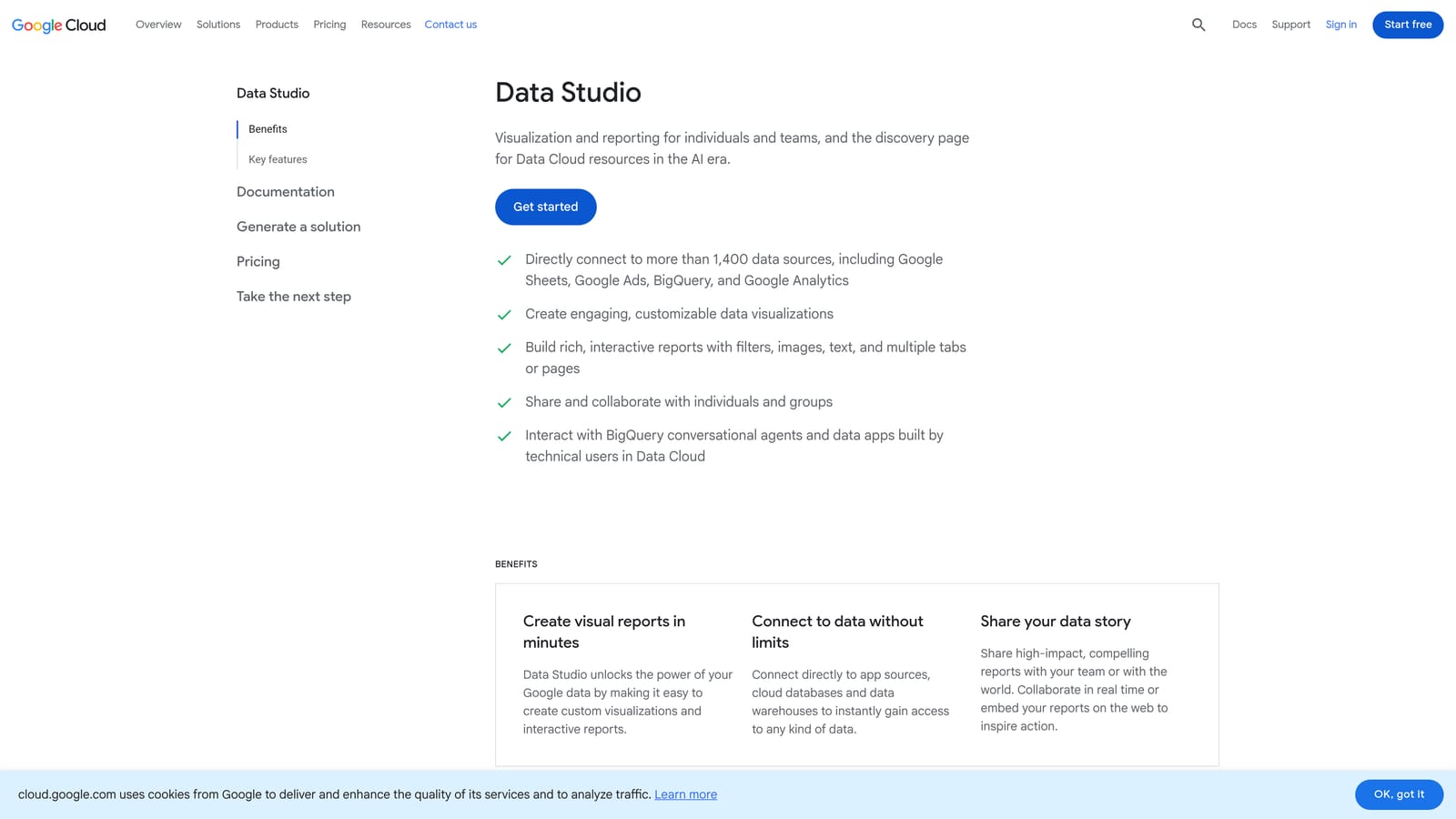
Google Looker Studio is Google's free data visualization platform, with a native Google Ads connector that makes it straightforward to build client-facing dashboards without any third-party setup.
Where This Tool Shines
Client reporting is one of the most time-consuming non-optimization tasks in agency work. Looker Studio lets you build a dashboard once, connect it to a client's Google Ads account, and share a live link that updates automatically. No more pulling data manually each month and reformatting it in a slide deck.
The drag-and-drop interface is accessible enough that you don't need a data analyst to build useful reports. For most agency reporting needs—campaign performance, keyword trends, conversion data—the native Google Ads connector covers what you need without additional configuration.
Key Features
Native Google Ads Connector: Connect directly to Google Ads data without third-party tools or API setup.
Drag-and-Drop Dashboard Builder: Build and customize reports visually without writing code.
Automated Report Scheduling: Set up reports to deliver automatically to clients on a schedule.
Shareable Live Dashboards: Share a URL with clients that always shows current data, rather than static exports.
Template Library: Start from existing templates to speed up report setup for new clients.
Best For
Agencies that need clean, professional client reporting without paying for a dedicated reporting tool. Looker Studio handles the majority of Google Ads reporting use cases at no cost, making it the default starting point before considering paid alternatives.
Pricing
Completely free. No paid tiers for the core reporting and dashboard functionality.
5. Supermetrics
Best for: Pulling and consolidating data from multiple ad platforms into a single reporting destination
Supermetrics is a data connector that moves advertising data from Google Ads, Meta, LinkedIn, Bing, and other platforms into Google Sheets, Looker Studio, BigQuery, or other BI tools on an automated schedule.

Where This Tool Shines
Looker Studio's native Google Ads connector works well for single-channel reporting. But when a client runs campaigns across Google, Meta, and LinkedIn, and you need all of that data in one place, you need something like Supermetrics. It handles the data extraction and refresh automatically, so your reports stay current without manual exports from each platform.
The Google Sheets integration is particularly useful for agencies that prefer working with raw data before building dashboards—you can pull granular query-level data, apply your own formulas and filters, and feed the results into whatever reporting format your clients expect.
Key Features
Broad Platform Coverage: Connectors for Google Ads, Meta Ads, LinkedIn Ads, Bing Ads, and many other platforms in one subscription.
Automated Data Refresh: Schedule data pulls so your reports update without manual intervention.
Google Sheets and Looker Studio Integration: Send data to the tools your team already uses for analysis and reporting.
Custom Query Builder: Pull specific dimensions and metrics at the granularity your reporting requires.
Multi-Channel Consolidation: Combine data from different ad platforms into unified reports for clients running cross-channel campaigns.
Best For
Agencies managing clients with multi-channel ad spend who need consolidated reporting across platforms. If all your clients run Google Ads only, Looker Studio's native connector may be sufficient. Supermetrics earns its cost when cross-platform data consolidation is a regular part of your workflow.
Pricing
Subscription-based, with pricing that varies by connector and destination. Check supermetrics.com for current plan details.
6. SEMrush Advertising Toolkit
Best for: Competitive research and ad intelligence during client onboarding and strategy planning
SEMrush's advertising toolkit gives agencies visibility into competitor ad activity—copy history, estimated spend patterns, landing pages, and keyword gaps—before and during a client engagement.
Where This Tool Shines
When you take on a new client, understanding the competitive landscape in their space matters. SEMrush lets you see what ads competitors have been running, which keywords they're bidding on, and how their landing pages are structured. That context shapes smarter initial keyword lists and ad copy direction, rather than starting from scratch.
The keyword gap tool is especially useful: you can compare a client's current keyword coverage against competitors and identify terms they're missing. It's most valuable at the strategy and onboarding stage, not as a day-to-day optimization tool.
Key Features
Competitor Ad Copy History: View historical ad copy from competitors to understand their messaging and positioning over time.
Advertising Keyword Gap: Identify keywords competitors are bidding on that your client is not currently targeting.
Landing Page Analysis: See which landing pages competitors are driving paid traffic to.
CPC and Competition Estimates: Get keyword-level cost and competition data to inform bid strategy and budget planning.
Historical Ad Data: Track how a competitor's paid strategy has evolved, useful for identifying seasonal patterns or strategic shifts.
Best For
Agencies that regularly onboard new clients in competitive verticals and need competitive intelligence to inform initial strategy. Less essential as a daily workflow tool; most valuable at the research and planning stage of a client engagement.
Pricing
Available on paid SEMrush plans. The advertising toolkit is included in standard paid tiers—check semrush.com for current pricing.
7. Google Keyword Planner
Best for: Keyword research using first-party Google search data, with direct import into campaigns
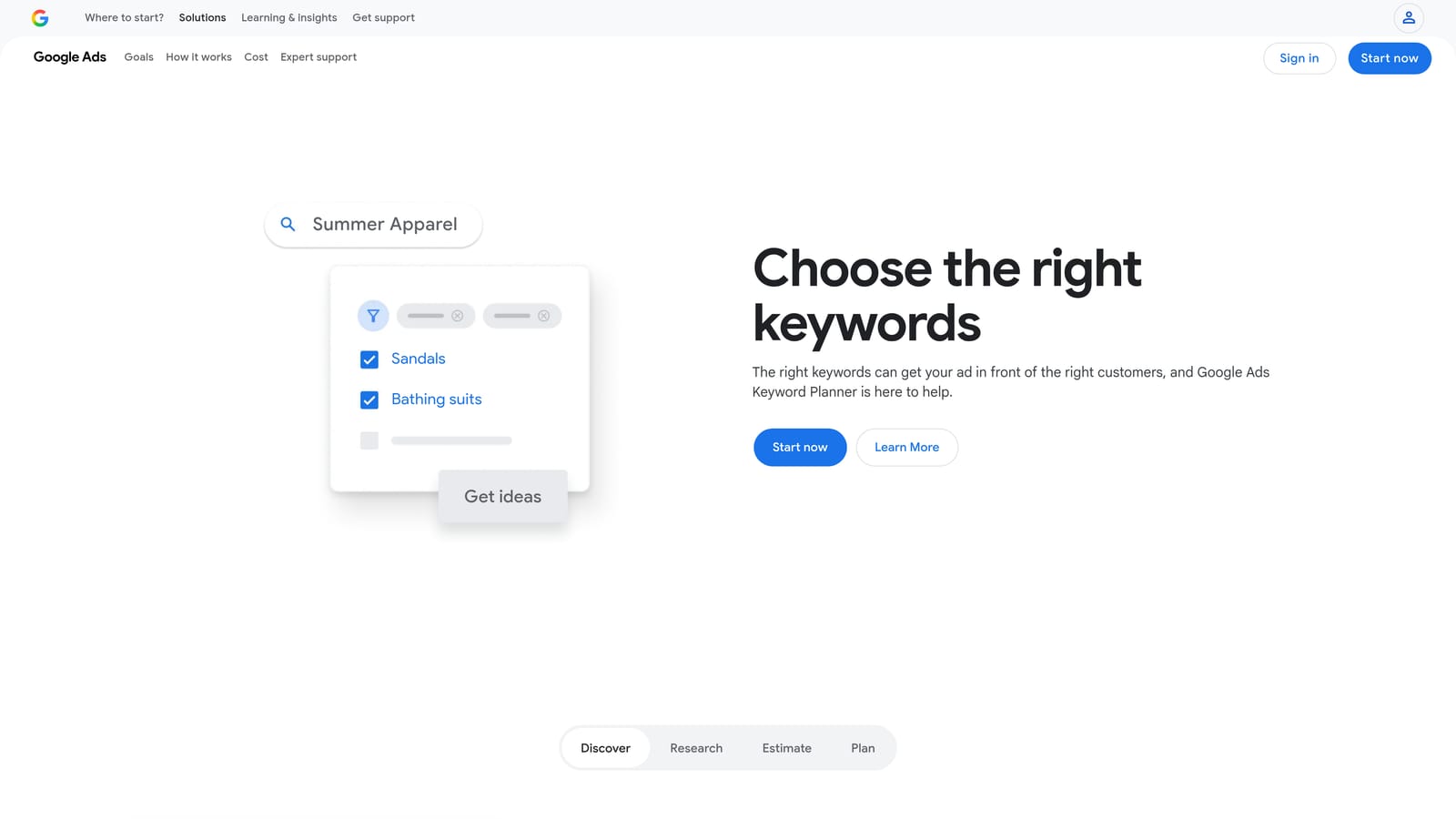
Google Keyword Planner is Google's built-in research tool inside Google Ads, providing search volume data, keyword ideas, competition levels, and bid estimates drawn directly from Google's own search data.
Where This Tool Shines
The main advantage of Keyword Planner over third-party keyword tools is the data source: it's coming directly from Google. When you're building out a new campaign or expanding an existing keyword list, the volume and competition data here is as close to the original source as you can get. Keywords can be imported directly into campaigns without any export-import step.
One limitation worth knowing: search volume data is shown in ranges rather than precise numbers unless the account has active spend. For accounts that are already running campaigns, the data becomes more granular and useful.
Key Features
First-Party Search Volume Data: Volume and trend data sourced directly from Google, not estimated by a third-party tool.
Keyword Ideas: Generate keyword suggestions from seed terms or a URL, useful for expanding coverage or finding related terms.
Bid Range Estimates: See low and high bid estimates to inform budget planning and keyword prioritization.
Direct Campaign Import: Add keywords to campaigns directly from Keyword Planner without exporting to a spreadsheet.
Trend Data: View how search interest for a keyword has changed over time, helpful for identifying seasonal patterns.
Best For
Any agency doing keyword research for Google Ads campaigns. It's the baseline research tool that most PPC practitioners use before layering in third-party tools for additional competitive context. Free and always accessible inside Google Ads.
Pricing
Free with any Google Ads account. No additional subscription required.
8. Zapier
Best for: Automating workflow connections between Google Ads and the rest of an agency's tool stack
Zapier is a no-code automation platform that connects Google Ads to other tools—CRMs, Slack, project management apps, email—through automated triggers and actions called Zaps.
Where This Tool Shines
Zapier doesn't optimize your campaigns directly, but it reduces the manual work around them. Useful automations for agency PPC teams include: receiving a Slack alert when a campaign's budget is nearly exhausted, automatically creating a CRM record when a lead form submission comes in through Google Ads, or triggering a task in your project management tool when a campaign drops below a performance threshold.
The value is in connecting Google Ads events to the workflows your team is already running, so you're not manually checking for things that a trigger could catch automatically. For agencies managing many accounts, even a few well-designed Zaps can meaningfully reduce the number of things that fall through the cracks.
Key Features
No-Code Automation: Build automated workflows between Google Ads and 5,000+ other apps without writing code.
Budget Threshold Alerts: Get notified via Slack or email when a campaign approaches its budget limit.
Lead Form Routing: Automatically send Google Ads lead form submissions to your CRM or client notification system.
Performance-Based Triggers: Set up automated actions that fire when campaigns hit defined performance conditions.
Free Tier Available: Basic automations are available at no cost, with paid plans for higher task volumes.
Best For
Agencies that want to reduce manual monitoring and connect Google Ads activity to their broader operational workflow. Most useful when you're already using a CRM, Slack, or project management tool and want Google Ads events to feed into those systems automatically.
Pricing
Free tier available for basic automations. Paid plans scale by task volume—check zapier.com for current pricing.
9. AgencyAnalytics
Best for: White-label client reporting with branded dashboards and automated delivery
AgencyAnalytics is a reporting platform built specifically for agencies, offering white-label dashboards, client portal access, and automated report scheduling across Google Ads and other marketing channels.
Where This Tool Shines
Looker Studio is free and capable, but it doesn't offer white-labeling. If your agency's brand matters in client-facing reporting—your logo, your color scheme, your domain—AgencyAnalytics fills that gap. Clients get a portal with their own login where they can view performance data on demand, reducing the volume of "how are the campaigns doing?" emails you field each week.
The per-client pricing model aligns with how agencies bill, making it easier to treat reporting as a line item in your service cost rather than an overhead expense. Multi-channel widgets mean you can show Google Ads data alongside other marketing channels in a single client dashboard.
Key Features
White-Label Dashboards: Apply your agency's branding to client-facing reports and dashboards.
Client Portal Access: Give clients their own login to view live performance data without needing to contact you for updates.
Multi-Channel Widgets: Display Google Ads data alongside other platforms—Meta, SEO, email—in unified client reports.
Automated Report Delivery: Schedule reports to send to clients automatically on a weekly or monthly cadence.
Per-Client Pricing: Billing structure that maps to how agencies manage and charge for client relationships.
Best For
Agencies where client-facing presentation and branding matter in reporting. If white-labeling is a priority and you're managing enough clients that automated delivery saves meaningful time, AgencyAnalytics is worth the cost over a free alternative.
Pricing
Per-client or per-campaign pricing. Check agencyanalytics.com for current plan details.
Which Tool Fits Your Workflow
No single tool handles everything, and the best agency setups typically combine two or three that each solve a distinct problem. Here's a quick way to think through the decision.
If search term review is your biggest daily time sink, start with Keywordme. It solves that specific problem inside Google Ads, without requiring a new dashboard or workflow. The 7-day trial lets you test it against real accounts before spending anything.
If bulk structural edits across accounts are slowing you down, Google Ads Editor is free and purpose-built for exactly that. There's no reason not to use it.
For client reporting, Looker Studio handles most needs at no cost. AgencyAnalytics is worth considering when white-labeling and client portal access matter to how your agency presents itself.
Optmyzr makes sense once you're managing enough accounts that manually reviewing and applying recurring optimizations has become a bottleneck. Supermetrics earns its subscription when you're consolidating data across multiple ad platforms for multi-channel clients.
SEMrush's advertising toolkit is most valuable at the start of a client engagement, for competitive research and keyword gap analysis. Google Keyword Planner is the baseline research tool that should be part of every campaign build. Zapier fills the workflow automation gap—connecting Google Ads events to your CRM, Slack, or project management system without manual monitoring.
The agencies that move fastest typically combine a workflow optimization tool for daily tasks, a reporting tool for client communication, and a research tool for strategy. That combination covers the three main areas where agency time goes: doing the work, showing the work, and planning the next step.
If you want to start somewhere concrete, Start your free 7-day trial of Keywordme and see how much time you recover on search term reviews in the first week alone. At $12/month per user after that, it's one of the lowest-friction efficiency gains available for Google Ads agency work.
.svg)