
9 Best Google Ads Efficiency Tools Compared for Faster PPC Management in 2026
This Google Ads efficiency tools comparison reviews nine tools, including free native options, that speed up search term review, negative keyword lists, bulk editing and reporting. Each is judged on the task it speeds up, workflow fit, cost and ideal user, so you can pick the right one for your PPC workload.


Google Ads management eats time in predictable places: reading search terms, building negative keyword lists, editing in bulk, and putting together reports. This comparison covers tools that speed up those jobs, plus a few native Google options that cost nothing. Each one is judged on the task it speeds up, how it fits into your workflow, what it costs, and who it suits. Keywordme is our own product and sits first, so we have been upfront about where it stops being useful.
Quick Comparison of the Google Ads Efficiency Tools
- Keywordme: freelancers and agencies that spend hours on search term review; $12/month per user; takes search term actions inside the native Search Terms Report with no export step.
- Google Ads Editor: anyone doing large structural edits or account builds; free; bulk editing across many accounts offline.
- Google Ads Scripts: technical teams wanting custom monitoring; free; fully custom automation written in code.
- Optmyzr: agencies wanting an all-in-one PPC platform; pricing on its website; a broad rule and optimization toolkit across accounts.
- Adalysis: teams needing ongoing account health checks; pricing on its website; scheduled automated account audits.
- Looker Studio: anyone needing free client reporting; free; flexible dashboards with a Google Ads connector.
- Swydo: agencies sending recurring client reports; pricing on its website; white-label reports that combine multiple platforms.
- Google Sheets with Google Ads data: custom one-off analysis on a budget; free with a Google account; complete flexibility in how you slice the data.
- Google Ads automated rules: simple recurring tasks without extra tools; free; no-code automation built into the account.
1. Keywordme
Keywordme is a Chrome extension that adds one-click actions to the Search Terms Report inside Google Ads. It is built for people who review search terms (what users actually typed before seeing your ad) and then act on them by adding keywords (what you bid on) or negative keywords (terms you block). Disclosure: this is our product, so read this section with that in mind.
Its main advantage over everything else here is location. You work in the native report, so there is no export, no spreadsheet round trip, and no re-entering changes later. For someone who reviews search terms across several accounts every week, that removes a lot of copy and paste.
- One-click negative keywords from the Search Terms Report, so junk queries get blocked as you read them.
- Add keywords with your chosen match type directly in the Google Ads interface.
- Keyword clustering to group related terms, which helps when building tighter keyword lists.
- Bulk editing for applying changes to many terms at once.
- Multi-account and team support, so an agency can run it across client accounts and users.
Setup is installing the extension in Chrome and opening Google Ads; whoever does search term review day to day is the user. It works with Google Ads only.
Limitations: it is focused on search term and keyword cleanup. It does not handle bidding, reporting, audits, or scheduled automation, and it requires Chrome. You still decide what is junk and what is worth adding; it speeds up the clicking, not the judgment.
Pricing: $12/month per user, with a 7-day free trial (as of November 2026). Cost scales with the number of users.
Best for: Freelancers and agencies that spend hours on search term review.
2. Google Ads Editor
Google Ads Editor is Google's free desktop application for managing campaigns in bulk. You download account data, make changes offline, review them, then post them back to the account.

What it does better than anything else on this list is large-scale structural editing for free. Building out a new account with hundreds of ad groups, rewriting ad copy across many campaigns, or copying a campaign structure from one client account to another is far faster here than in the web interface.
What you get
- Bulk edits across many campaigns and ad groups at once, instead of one entity at a time.
- Offline editing, so you can prepare changes without being tied to the browser.
- Multi-account management from a single app.
- Copy and paste across accounts, handy for reusing structures between clients.
- A review stage before posting, so you can check changes before they go live.
Where it falls short
It is not designed for search term review. Reading query data and deciding which terms to block is not its strength, so it complements rather than replaces a search term workflow. There is also a learning curve, especially around syncing, conflicts, and what gets posted. Because it makes large changes fast, a careless bulk edit can do large damage, so use the review step.
Pricing: free (as of November 2026). Whoever builds and restructures accounts usually owns it.
Best for: Large structural edits and account builds.
3. Google Ads Scripts
Google Ads Scripts lets you write JavaScript that runs inside your account to automate checks, alerts, and reports. It is the most flexible option on this list because you define exactly what happens.

Typical uses include scheduled runs that check for spend anomalies, alerts when something breaks (a paused campaign, a spike in cost, a disapproved ad), and exports of data into Google Sheets for reporting. Community script libraries give you a starting point so you are not writing everything from scratch.
- Custom automation that matches your own logic, not a vendor's preset rules.
- Scheduled runs, so checks happen without anyone remembering to do them.
- Alerts and anomaly checks that catch problems before the monthly review does.
- Reporting to Sheets, which feeds dashboards or manual analysis.
- Community script libraries to adapt instead of building from zero.
It integrates with Google Ads and Google Sheets. Setup effort depends entirely on the script; a simple alert is quick, while a custom optimization takes real development and testing.
Limitations: it requires coding skill, and mistakes can affect live campaigns. A script that edits bids, budgets, or statuses with a bug in it will act on that bug. Test in preview mode where available, and start with read-only scripts (alerts and reports) before anything that changes the account. It is a poor fit for non-technical marketers with no developer to lean on.
Pricing: free (as of November 2026). The real cost is the time of whoever writes and maintains the code.
Best for: Technical teams wanting custom monitoring.
4. Optmyzr
Optmyzr is a PPC management platform that combines rule-based automation, optimization suggestions, bulk tools, and reporting in one product. It is aimed at agencies and in-house teams managing a lot of spend or many accounts.

Its distinguishing quality on this list is breadth. Where Keywordme focuses on search terms and Adalysis on audits, Optmyzr tries to cover many routine jobs from one login: setting rules, getting suggested optimizations, making bulk changes, and producing reports.
- Rule-based automation to handle recurring checks and changes on a schedule you set.
- Optimization suggestions that point to where an account may need attention.
- Bulk tools for making changes across campaigns without manual repetition.
- Reporting so you can share results without a separate tool.
- Multi-account management for agencies running many clients.
It supports Google Ads and Microsoft Advertising, which matters if you manage both. Expect a longer setup than a browser extension: connecting accounts, configuring rules, and learning the platform. Suggestions still need a person to review them before acting.
Limitations: it is heavier and costlier than a lightweight extension. If your only pain point is search term review, you will be paying for a lot you do not use.
Pricing: see the Optmyzr website for current plans, as pricing was not verified for this article. Cost typically depends on the scale of accounts and spend managed, so confirm on the vendor's site.
Best for: Agencies wanting an all-in-one PPC platform.
5. Adalysis
Adalysis is a PPC audit and monitoring platform. It scans accounts on a schedule and flags problems, so you spend time fixing issues instead of hunting for them.
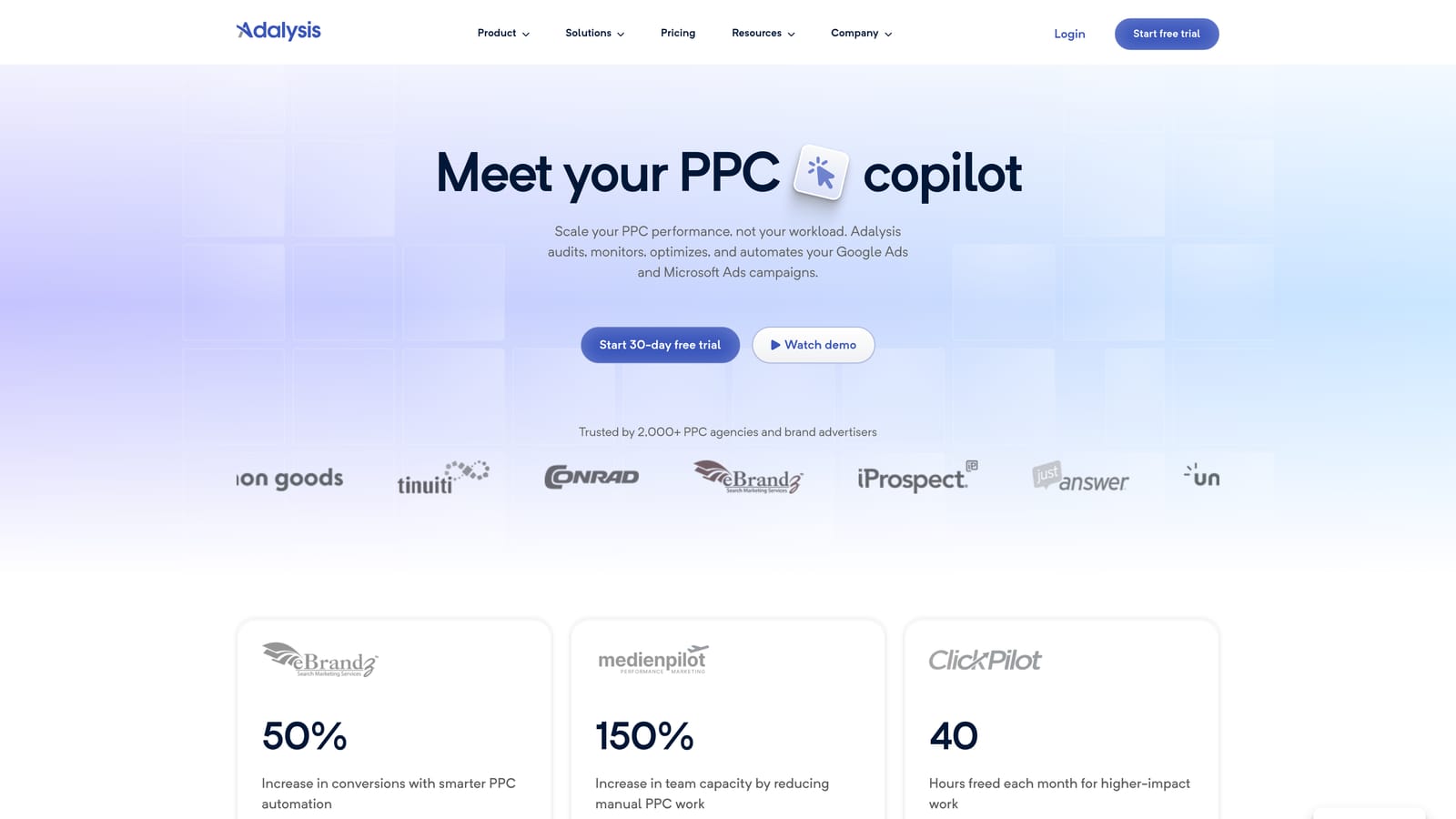
The standout here is scheduled automated audits. Checking dozens of accounts by hand for broken ads, poor ad tests, or quality problems is slow and easy to skip. Adalysis makes that a recurring, automatic process.
- Automated audits that review accounts without anyone running a manual checklist.
- Ad testing analysis to show which ad variations are actually winning.
- Alerts that surface problems as they appear.
- Quality checks across the account structure and settings.
- Reporting to document findings and progress.
It works with Google Ads and Microsoft Advertising. Setup means connecting accounts and tuning what gets flagged. Day to day it suits an account manager or a team lead who triages the alerts.
Limitations: it is diagnostic-heavy. It tells you what is wrong, but you apply fixes yourself, either in the platform you use for edits or in Google Ads. Do not expect it to act for you. A small account with one manager may not need the monitoring layer.
Pricing: see the Adalysis website for current plans, as pricing was not verified for this article. Check what drives cost (typically the number of accounts or ad spend managed) before committing.
Best for: Teams that need ongoing account health checks.
6. Looker Studio
Looker Studio is Google's free dashboard and reporting tool. It connects to Google Ads and turns account data into charts, tables, and reports you can share.

It earns a place here because reporting is one of the biggest time sinks for freelancers and agencies, and Looker Studio lets you build a dashboard once and reuse it. Free, flexible dashboards are hard to beat when the budget is tight.
- A Google Ads connector that pulls account data in without manual exports.
- Custom dashboards you shape to what each client cares about.
- Shareable reports, so clients view a live link instead of a PDF you assembled.
- Scheduled email delivery for recurring reports.
- Templates to start from rather than a blank canvas.
It also connects to Google Sheets and Google Analytics, so you can blend sources. Setup is the front-loaded cost: building a good template takes a few hours, then it pays back on every repeat report.
Limitations: it is reporting only and cannot change the account. A dashboard does not make an account more efficient by itself; more dashboards can just mean more things to look at. Some third-party connectors, such as those for other ad platforms, may cost extra.
Pricing: free (as of November 2026), with possible extra cost for third-party connectors.
Best for: Free client reporting.
7. Swydo
Swydo is a reporting and monitoring tool built for agencies. It pulls data from several marketing platforms into branded reports delivered to clients on a schedule.
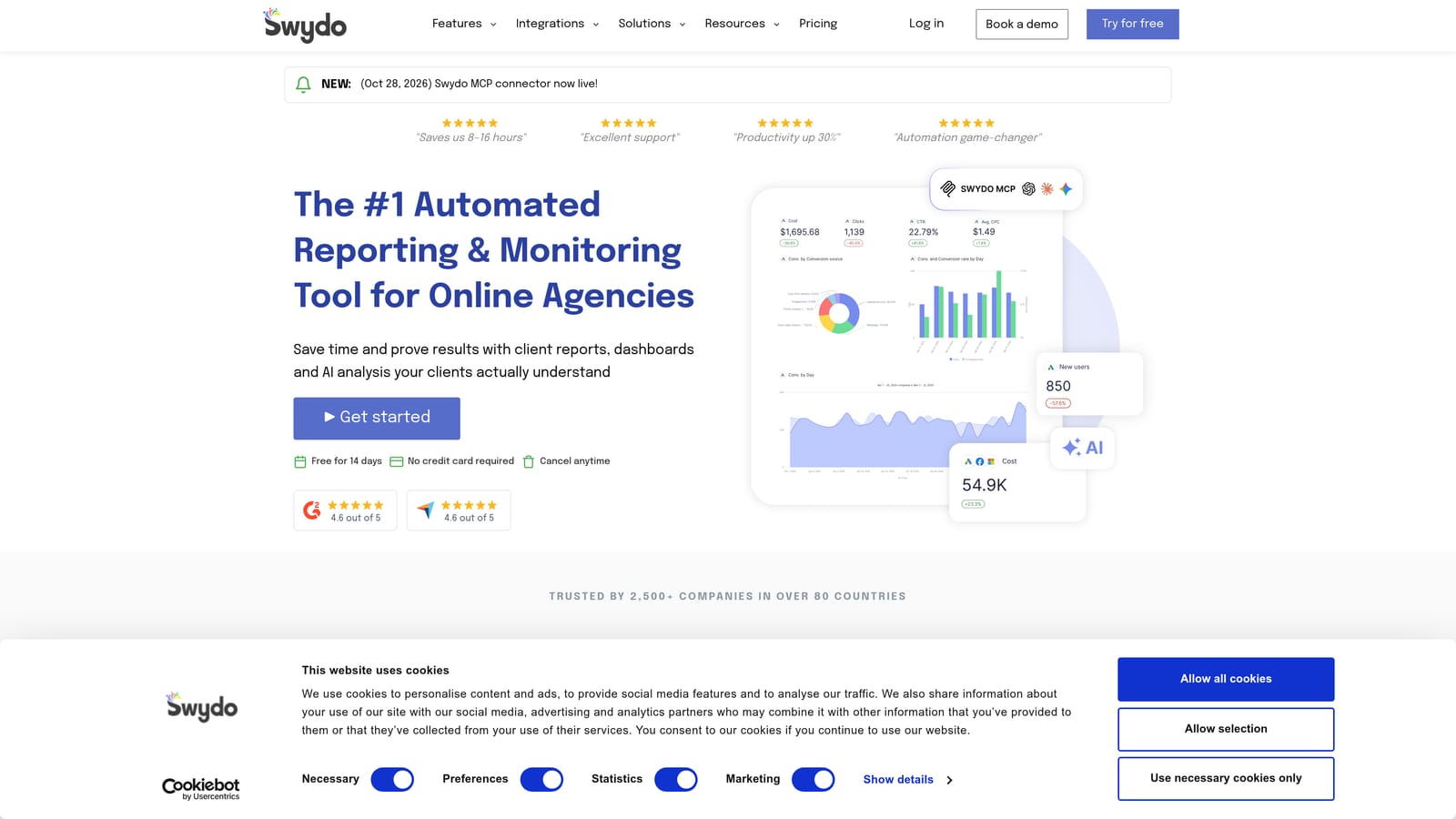
Where Looker Studio is a flexible do-it-yourself canvas, Swydo is more packaged. Its edge is white-label, multi-platform reports that look like they came from your agency, with less building effort.
- Report templates that cut the time to set up each new client.
- White-label reports carrying your agency's branding, not the vendor's.
- Scheduled delivery so recurring reports go out on time.
- Multi-platform data in one report, useful when clients run more than Google Ads.
- Performance monitoring to keep an eye on results between reports.
It connects to Google Ads, Meta Ads, and Google Analytics. Setup is connecting each client's data sources and applying a template; an account manager or operations lead typically owns it.
Limitations: it is reporting-focused, not an optimization tool. It will not clean search terms or edit campaigns. A freelancer with a handful of clients may find Looker Studio enough.
Pricing: see the Swydo website for current plans, as pricing was not verified for this article. Confirm what drives cost, which for reporting tools often relates to the number of clients or data sources.
Best for: Agencies sending recurring client reports.
8. Google Sheets with Google Ads Data
Google Sheets is a general spreadsheet, but many advertisers use it as an analysis workspace for search term data, either exported from Google Ads or pulled in with connectors or scripts.
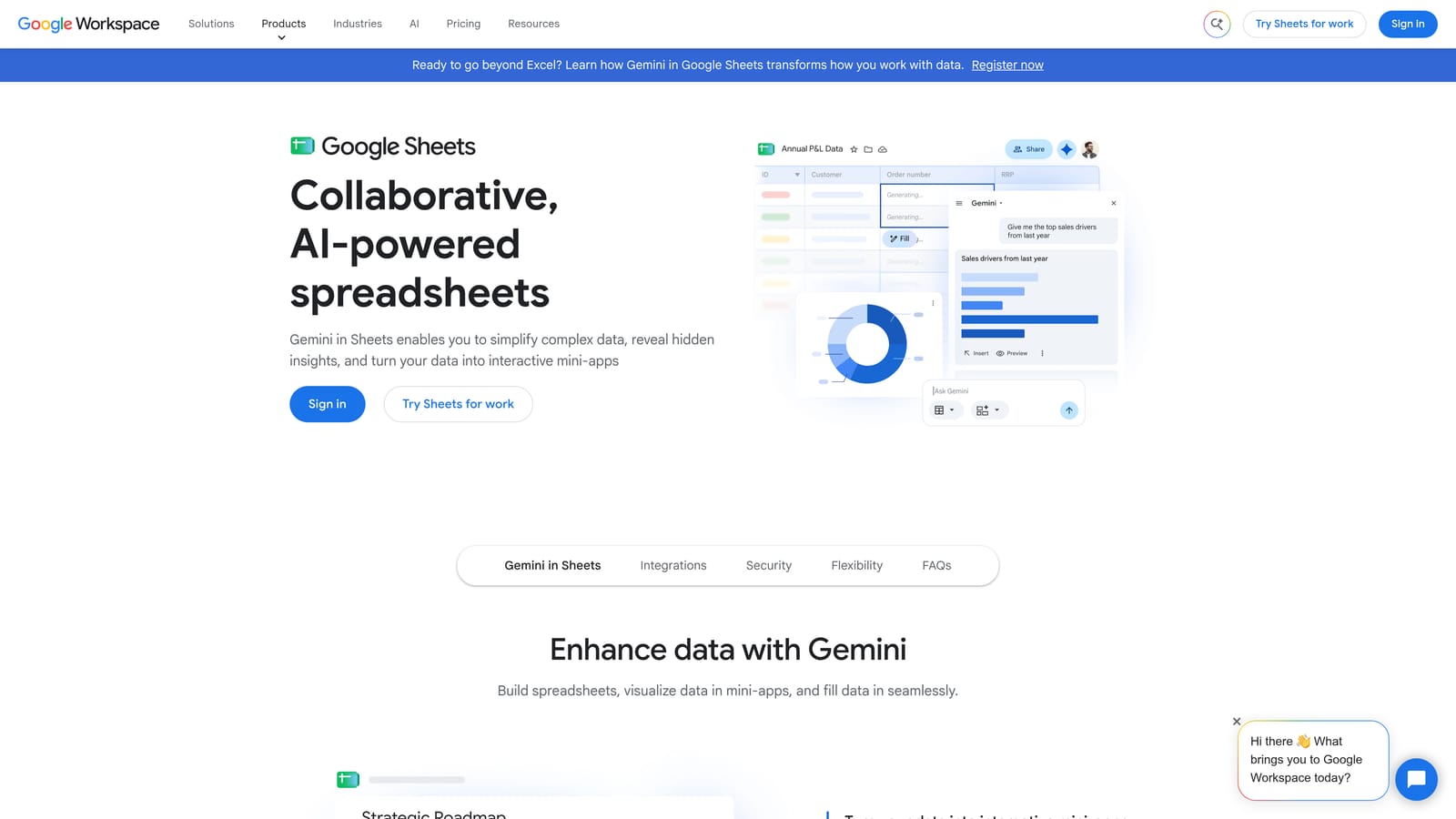
Its strength is total flexibility. If you want to flag every search term with more than a set number of clicks and no conversions, or group queries by a pattern only you care about, a formula or pivot table can do it. Nothing else on the list lets you ask any question of the data.
- Filters and pivot tables to slice search terms by cost, clicks, or conversions.
- Formulas for custom analysis tailored to your account's logic.
- Shareable files so a client or teammate can review your findings.
- Compatibility with scripts and connectors for automated data pulls.
- Low cost, since it is free with a Google account.
It integrates with Google Ads through connectors or scripts, and with Looker Studio. Anyone comfortable with spreadsheets can run it.
Limitations: it is manual. The analysis happens in the sheet, but changes must be re-entered in Google Ads, which is the exact export, edit, and re-upload loop that tools like Keywordme try to remove. It also gets slow and error-prone on large accounts, and the work does not repeat itself unless you build the automation.
Pricing: free with a Google account (as of November 2026). Paid Workspace plans exist but are not required for this use.
Best for: Custom one-off analysis on a budget.
9. Google Ads Automated Rules
Google Ads automated rules are built into the platform. You set a condition and an action, and Google Ads applies it on a schedule, with no extra software and no code.
This is the lowest-effort automation on the list. If the task is simple and repeats, such as pausing something at a set date or getting an email when a metric crosses a line, a rule handles it from inside the interface you already use.
- Schedule-based rules that run changes at times you choose.
- Condition-based triggers that act only when a metric meets your criteria.
- Email alerts so you hear about issues without checking the account.
- Pause or enable items automatically, such as campaigns or ads.
- Budget and bid adjustments for straightforward, rule-driven tweaks.
Setup is a few minutes in the account, and whoever manages the campaign day to day can run it. It only works within Google Ads.
Limitations: the logic is limited. Rules cannot reason about context the way a person can, and they need monitoring: a rule that made sense in January may misfire after a campaign change. Automation does not replace judgment, so review what your rules are doing on a regular basis. Check Google's documentation for which actions are currently available.
Pricing: free (as of November 2026).
Best for: Simple recurring tasks without extra tools.
Matching Each Tool to the Job It Speeds Up
Efficiency here depends on the task, so no single tool wins across the board. A few combinations cover most situations.
- Solo advertiser cleaning search terms: Keywordme for the weekly review, with automated rules for simple alerts and pauses. Both are cheap, and Keywordme is $12/month per user (as of November 2026).
- Agency managing many accounts: Google Ads Editor for builds and bulk edits, Keywordme for search term work, and Optmyzr if you want one platform to handle rules and optimizations. Add Adalysis if account audits are where time leaks.
- Technical team wanting custom automation: Google Ads Scripts, with Google Sheets as the output layer.
- Reporting-heavy agency: Looker Studio if you want free and flexible, Swydo if you want white-label, multi-platform reports with less building.
As a quick reference, here is what each tool speeds up: Keywordme (search term cleanup and keyword adds), Google Ads Editor (bulk edits and builds), Google Ads Scripts (custom automation and alerts), Optmyzr (rules and optimizations), Adalysis (audits and monitoring), Looker Studio and Swydo (reporting), Google Sheets (custom analysis), and automated rules (simple recurring changes).
Keywordme will not do your reporting or bidding, so pair it with something else if those are your bottlenecks. If search term review is where your hours go, though, it is the most direct fix on this list.
Optimize Google Ads Campaigns 10X Faster. Without Leaving Your Account. Keywordme lets you remove junk search terms, build high-intent keyword lists, and apply match types instantly, right inside Google Ads. No spreadsheets, no switching tabs, just quick, seamless optimization. Start your free 7-day trial (then just $12/month) and take your Google Ads game to the next level.
.svg)