
9 Best Google Ads Efficiency Software Tools in 2026
This roundup covers the 9 best Google Ads efficiency software tools for 2026, helping PPC managers and agencies eliminate manual busywork across bid management, negative keyword optimization, fraud prevention, and feed automation. Each tool is evaluated on feature depth, ease of use, and real-world workflow fit—making it a practical resource for advertisers looking to reclaim time and improve campaign performance.


TL;DR: Managing Google Ads manually is a grind. Between combing through search term reports, building negative keyword lists, tweaking bids, and keeping tabs on multiple accounts, it's easy to spend more time on busywork than actual strategy. Google Ads efficiency software fixes that. The tools on this list cover everything from in-interface workflow optimization to fraud prevention, feed automation, and AI-driven bid management. Whether you're a solo advertiser or running a full-service agency, there's a tool here that fits your workflow and budget.
We put together this list based on feature depth, ease of use, pricing transparency, and how well each tool fits into real PPC workflows. No fluff, no filler. Let's get into it.
1. Keywordme
Best for: PPC managers who want faster search term optimization without leaving Google Ads
Keywordme is a Chrome extension that plugs directly into Google Ads' Search Terms Report, letting you clean up junk traffic, add high-intent keywords, and apply match types in a single click.

Where This Tool Shines
The biggest time sink in most Google Ads accounts is the search term report. You open it, export to a spreadsheet, sort through hundreds of irrelevant queries, build a negative keyword list, then upload it back. Keywordme collapses that entire workflow into a few clicks without ever leaving the Google Ads interface.
In most accounts I audit, negative keyword management is either badly neglected or handled through a slow, manual process. Keywordme solves both problems at once. It's especially powerful for agencies running multiple accounts, where the time savings compound fast. The flat-rate pricing at $12/month per user is also refreshingly straightforward compared to the spend-tiered models most tools use.
Key Features
One-Click Negative Keyword Management: Remove junk search terms directly from the Search Terms Report without exporting to a spreadsheet.
In-Interface Keyword Additions: Add high-intent search terms as keywords and apply match types (broad, phrase, exact) without switching tabs.
Keyword Clustering: Group related search terms into logical keyword clusters to build tighter ad groups faster.
Bulk Editing: Apply changes across multiple terms simultaneously, cutting down repetitive actions.
Multi-Account and Team Support: Manage multiple client accounts and collaborate with team members, making it well-suited for agency environments.
Best For
Freelancers, in-house PPC managers, and agency teams who want to speed up their search term workflow without adding another dashboard to their stack. If you spend meaningful time each week reviewing search terms, Keywordme pays for itself quickly.
Pricing
$12/month per user with a 7-day free trial. Flat-rate, no spend tiers, no surprises.
2. Optmyzr
Best for: Agencies and advanced advertisers managing large, multi-platform PPC accounts
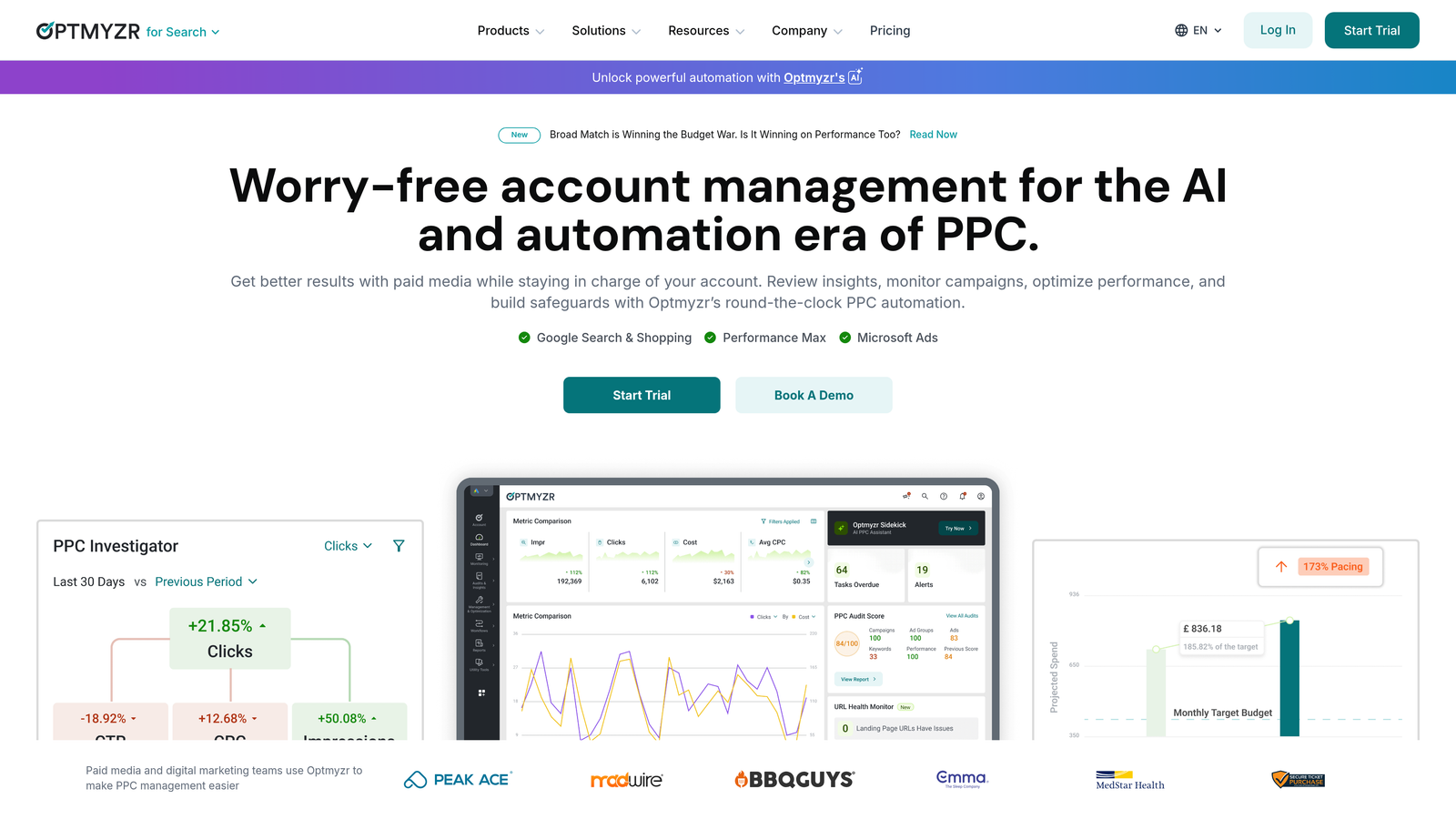
Optmyzr is a full-suite PPC management platform offering one-click optimizations, custom automation rules, and advanced reporting across Google Ads, Microsoft Ads, and more.
Where This Tool Shines
Optmyzr is built for PPC managers who need serious automation depth. The Rule Engine lets you create custom logic for almost any account action, from bid adjustments based on weather data to pausing keywords when inventory runs low. It's the kind of flexibility that replaces hours of manual account work.
The one-click optimization workflows are genuinely useful for agencies running weekly account reviews. You get a prioritized list of recommended changes, review them, and approve in bulk. The platform also handles Performance Max and Shopping campaigns, which is increasingly important as Google pushes advertisers toward those formats.
Key Features
One-Click Optimizations: Prioritized bid, budget, and keyword recommendations you can approve in bulk.
Custom Rule Engine: Build conditional automation rules with granular triggers and actions across your account.
Multi-Platform Support: Manage Google, Microsoft, Amazon, and Meta campaigns from a single interface.
Shopping and Performance Max Optimization: Dedicated tools for feed-based and automated campaign types.
PPC Reporting and Dashboards: Customizable reporting for client-facing and internal use.
Best For
Mid-to-large agencies and in-house teams managing significant ad spend across multiple platforms. The feature set is deep, so it's best for advertisers who will actually use the advanced automation capabilities.
Pricing
Starts around $249/month, scaling based on total ad spend managed. Free trial available.
3. Adalysis
Best for: Advertisers who want systematic ad testing and quality score improvement
Adalysis is a PPC optimization platform focused on automated ad testing, quality score tracking, and campaign health auditing.
Where This Tool Shines
Most advertisers know they should be testing ad copy more rigorously, but the manual process of tracking statistical significance across dozens of ad groups is painful. Adalysis automates that entirely. It monitors your tests, flags winners when results are statistically significant, and helps you rotate out underperformers systematically.
The quality score monitoring is also more granular than anything you get natively in Google Ads. You can track historical quality score changes at the keyword level and correlate them with account changes, which is genuinely useful for diagnosing performance drops.
Key Features
Automated Ad Testing: Tracks ad performance and identifies statistically significant winners without manual calculation.
Quality Score Monitoring: Granular, historical quality score tracking at the keyword and campaign level.
Negative Keyword Conflict Detection: Flags cases where negative keywords are accidentally blocking your own ads.
Campaign Audit Tools: Structured health checks that surface structural and performance issues across accounts.
Customizable Alerts: Set performance thresholds and get notified when accounts drift outside acceptable ranges.
Best For
Advertisers who run a high volume of ad variations and want a systematic, data-driven approach to creative testing. Also strong for accounts where quality score issues are dragging down performance.
Pricing
Starts around $99/month, tiered by ad spend. Free trial available.
4. Opteo
Best for: Google Ads managers who want continuous account monitoring with minimal setup
Opteo continuously monitors your Google Ads campaigns and surfaces prioritized improvement suggestions you can approve with a single click.

Where This Tool Shines
What usually happens with optimization tools is that you set them up, get excited for two weeks, and then stop logging in. Opteo is designed to fight that habit. It pushes suggestions to you rather than waiting for you to go looking, and the one-click approval flow makes it easy to act on recommendations during a quick daily check-in.
The suggestions cover a solid range: negative keywords, bid adjustments, budget reallocation, ad copy improvements, and more. Each recommendation comes with a clear explanation of why it's being surfaced, which helps you build intuition over time rather than just blindly approving changes.
Key Features
Continuous Campaign Monitoring: Always-on analysis that surfaces prioritized suggestions as account data changes.
One-Click Implementation: Approve or dismiss recommendations without navigating to individual campaign settings.
Budget and Bid Recommendations: Suggestions for reallocating spend toward higher-performing campaigns and ad groups.
Search Term and Negative Keyword Management: Identifies irrelevant traffic and suggests negative keyword additions.
Performance Graphs and Reporting: Clean dashboards for tracking account health and sharing progress with clients.
Best For
Solo advertisers and small agencies who want a low-friction optimization routine. Opteo works well as a daily habit tool rather than a deep-dive platform.
Pricing
Starts at $129/month, tiered by ad spend managed.
5. WordStream by LocaliQ
Best for: Small businesses and beginners who need guided Google Ads optimization
WordStream is a guided PPC optimization platform that structures your weekly workflow so campaigns stay on track even without deep PPC expertise.

Where This Tool Shines
WordStream's 20-Minute Work Week is the core concept here: a structured, guided workflow that walks you through the most impactful optimizations you should make each week. For small business owners or marketers who manage Google Ads as one part of a much bigger job, that kind of guardrails-on approach is genuinely valuable.
The free Google Ads Performance Grader is also worth mentioning as a standalone tool. It audits your account across key performance dimensions and gives you a clear picture of where you're leaving money on the table. It's a useful starting point even if you don't end up subscribing to the full platform.
Key Features
20-Minute Work Week: A guided weekly optimization workflow that prioritizes the highest-impact actions for your account.
Google Ads Performance Grader: Free account audit tool that scores performance across key metrics.
Cross-Platform Management: Manage Google, Meta, and Microsoft campaigns from one interface.
Landing Page Tools and Call Tracking: Built-in conversion tools beyond just ad management.
Beginner-Friendly Interface: Step-by-step recommendations with clear explanations for each action.
Best For
Small business owners, local advertisers, and marketers who are relatively new to PPC and need a structured approach rather than an open-ended optimization platform.
Pricing
Custom pricing through LocaliQ. The Google Ads Performance Grader is free to use.
6. Google Ads Editor
Best for: Anyone who needs to make bulk changes to Google Ads campaigns quickly and for free
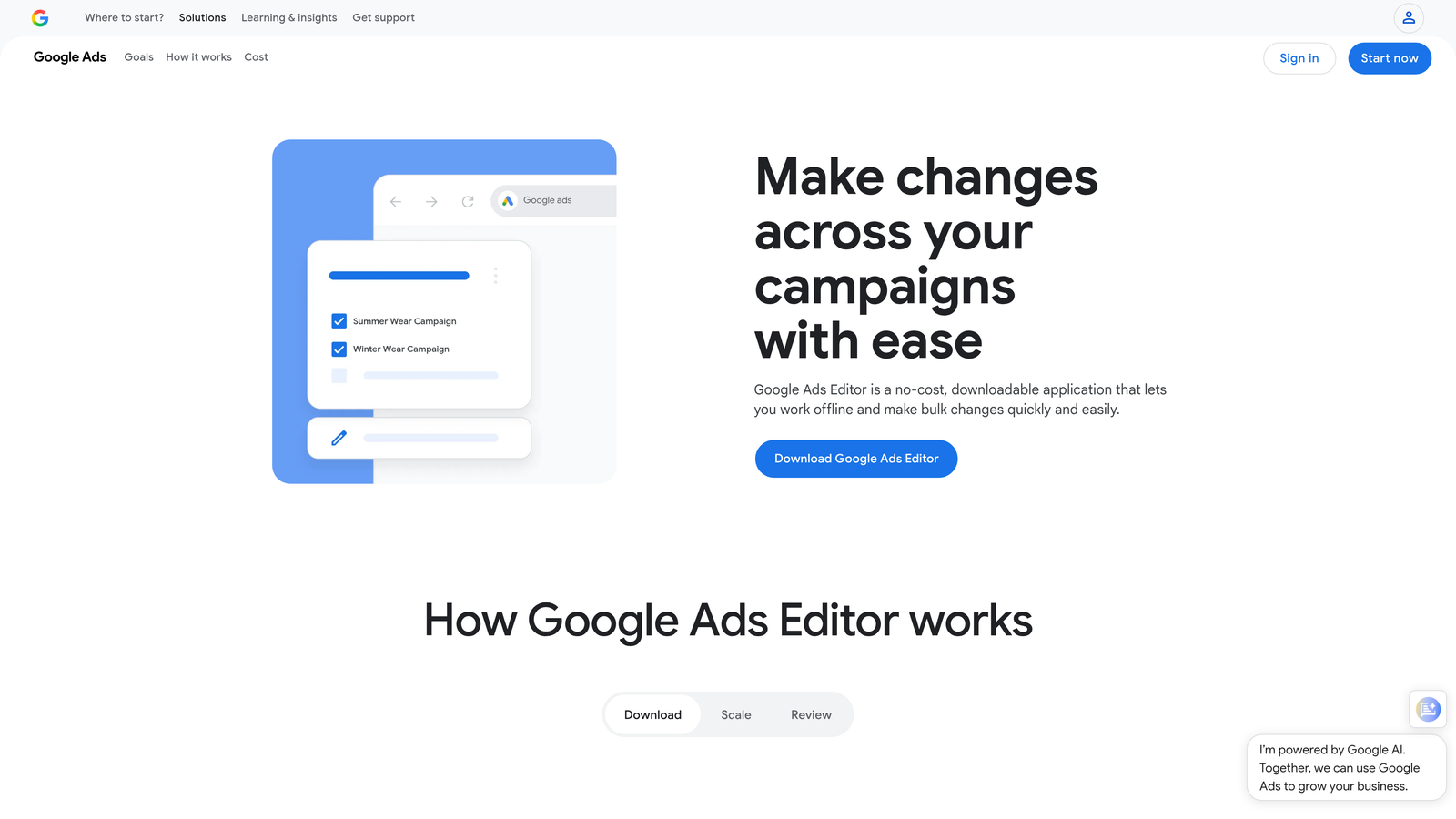
Google Ads Editor is Google's free desktop application for making bulk campaign edits offline, then uploading changes in batch.
Where This Tool Shines
Google Ads Editor is one of those tools that every PPC manager should know how to use, full stop. The ability to make bulk edits offline and upload them all at once is invaluable when you're restructuring campaigns, doing large keyword uploads, or applying changes across dozens of ad groups at once.
The mistake most agencies make is not using it for find-and-replace operations. Need to update a URL across 200 ads? Change a call to action across an entire campaign? Editor handles these in seconds. It's not glamorous, but it's one of the highest-leverage free tools in the PPC toolkit.
Key Features
Bulk Editing: Make changes across campaigns, ad groups, keywords, and ads simultaneously.
Offline Editing with Batch Upload: Work without an internet connection and push all changes at once.
Find and Replace: Update text across multiple ads or keywords in a single action.
Copy and Paste Across Campaigns: Duplicate campaign structures, ad groups, or keyword lists between campaigns.
Multi-Account Management: Switch between and manage multiple Google Ads accounts from one application.
Best For
Every Google Ads advertiser, full stop. Especially valuable for agencies doing large-scale campaign builds or restructures, and for anyone making frequent bulk edits.
Pricing
Free. No subscription, no spend tiers, no catch.
7. Channable
Best for: E-commerce advertisers running large-scale Shopping or search campaigns from product feeds
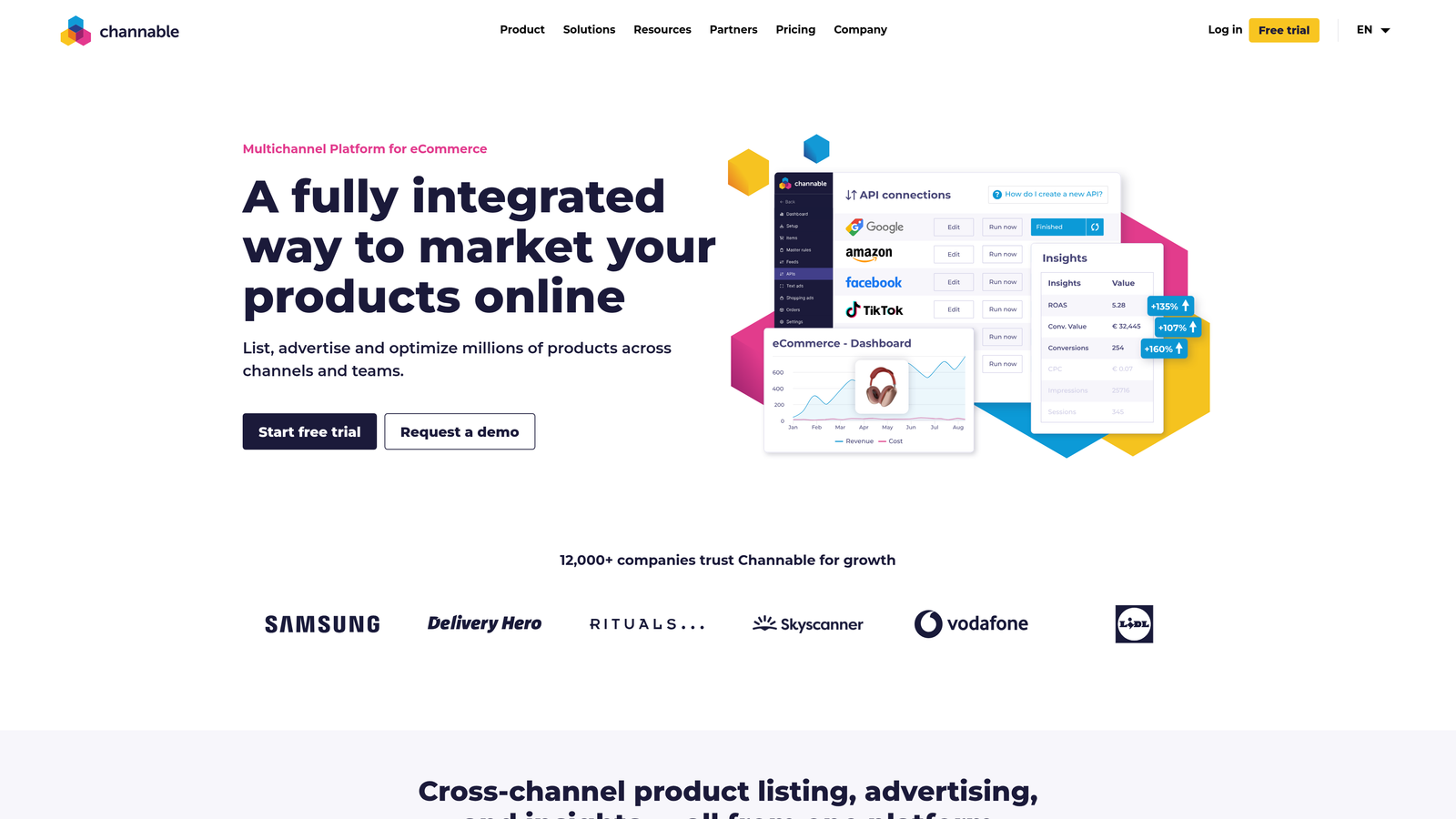
Channable is a feed management and PPC automation platform that dynamically generates and optimizes campaigns from product data, removing the manual work of keeping ads in sync with inventory.
Where This Tool Shines
If you're managing Google Shopping or search campaigns for an e-commerce store with hundreds or thousands of SKUs, keeping ad copy and keywords in sync with your product catalog manually is essentially impossible. Channable automates that by pulling directly from your product feed and generating campaigns dynamically based on rules you define.
The feed optimization layer is also strong. You can clean up and enrich product titles, adjust attributes, and set rules for which products should be advertised based on margin, stock level, or performance data. For e-commerce PPC, this kind of feed-level control directly impacts campaign performance.
Key Features
Automated Ad Generation: Dynamically create and update ads from product feed data at scale.
Dynamic Keyword and Ad Copy Creation: Generate keyword lists and ad copy automatically based on product attributes.
Feed Optimization: Clean, enrich, and transform product data before it reaches Google Shopping.
Rule-Based Campaign Automation: Set conditions to automatically include, exclude, or adjust campaigns based on product data.
Multi-Channel Support: Push product data to Google, Meta, Amazon, and other marketplaces simultaneously.
Best For
E-commerce advertisers and agencies managing Shopping or dynamic search campaigns for clients with large product catalogs. Not the right fit for lead gen or service-based advertisers.
Pricing
Starts around €59/month, scaling based on the number of items and channels. Free trial available.
8. Lunio
Best for: Advertisers losing budget to click fraud, bots, or invalid traffic
Lunio is a click fraud detection and invalid traffic protection platform that automatically identifies and blocks fraudulent clicks on Google Ads campaigns.
Where This Tool Shines
Click fraud is one of those problems that's easy to dismiss until you start looking at the data. In many accounts, a meaningful percentage of clicks come from bots, competitor activity, or other invalid sources that Google's built-in protection doesn't fully catch. Lunio adds a dedicated layer of detection that operates in real time.
The automated IP exclusion management is particularly useful. Rather than manually reviewing suspicious traffic and building exclusion lists yourself, Lunio handles the detection and exclusion process automatically. The spend protection reporting also gives you a clear picture of how much budget is being protected, which is useful for justifying the tool's cost.
Key Features
Real-Time Invalid Click Detection: Identifies fraudulent and bot traffic as it happens, not after the fact.
Automated IP Exclusion Management: Automatically adds identified bad actors to your Google Ads IP exclusion lists.
Cross-Channel Fraud Analytics: Dashboard showing invalid traffic patterns across campaigns and platforms.
Bot and Competitor Click Identification: Flags specific types of invalid traffic sources for deeper analysis.
Spend Protection Reporting: Estimates how much ad spend has been protected from invalid clicks over time.
Best For
Advertisers in competitive verticals where click fraud is a known issue, including legal, finance, insurance, and home services. Also valuable for any account where CPCs are high and budget protection matters.
Pricing
Custom pricing based on ad spend. Free trial available.
9. Revealbot
Best for: Advertisers who need highly customizable automation rules and real-time account alerts
Revealbot is an ad automation platform offering granular rule-based automation, bid and budget management, and real-time notifications across Google Ads and social platforms.
Where This Tool Shines
Revealbot's strength is the flexibility of its rule engine. You can build automation logic with a level of granularity that goes well beyond what Google's native automated rules support. Think: pause a campaign if CPA exceeds a threshold AND impression share drops below a certain level AND it's a weekday. That kind of multi-condition logic is where Revealbot earns its place in an advanced PPC stack.
The real-time Slack and email notifications are also genuinely useful for agencies. Rather than logging into accounts to check on performance, you get pushed alerts when something significant changes. For accounts with volatile spend or performance, that early warning system can prevent small problems from becoming expensive ones.
Key Features
Custom Automation Rules: Build multi-condition rules with granular triggers, filters, and actions for precise account control.
Automated Bid and Budget Adjustments: Set rules to automatically adjust bids and budgets based on performance thresholds.
Real-Time Notifications: Push alerts via Slack, email, or Telegram when account conditions meet your defined criteria.
Cross-Platform Support: Manage automation rules across Google, Meta, TikTok, and Snapchat from one place.
Bulk Creation and Reporting: Tools for scaling campaign creation and tracking performance across accounts.
Best For
Advanced PPC managers and agencies who want fine-grained automation control and proactive account monitoring. Less suited for beginners who don't yet have a clear picture of what they want to automate.
Pricing
Starts at $99/month, scaling by ad spend managed. Free trial available.
How to Pick the Right Google Ads Efficiency Tool for You
The right tool depends almost entirely on where your biggest time drain actually lives. There's no one-size-fits-all answer here, but there are some clear patterns based on the type of advertiser you are.
If your biggest bottleneck is search term management and keyword hygiene, start with Keywordme. It's the only tool on this list that works directly inside the Google Ads interface without requiring a separate dashboard, and at $12/month it's the lowest-friction entry point on the list. For most solo advertisers and agency managers, the time saved on search term reviews alone makes it a straightforward decision.
If you're running a full-service agency managing significant spend across multiple clients and platforms, Optmyzr is the most comprehensive option. The Rule Engine and one-click optimization workflows are built for that environment. Adalysis is the better pick if ad testing and quality score improvement are your primary focus areas.
For e-commerce accounts with large product catalogs, Channable solves a problem the other tools don't touch: keeping Shopping and dynamic search campaigns in sync with live product data. And if click fraud is eating your budget in a competitive vertical, Lunio is worth evaluating before assuming Google's native protection is enough.
Google Ads Editor deserves a mention as the one tool every single advertiser on this list should already be using. It's free, it's powerful, and it makes bulk changes dramatically faster than working in the native web interface.
The common thread across all of these tools is simple: they exist to give you time back. The best Google Ads managers aren't the ones doing the most manual work. They're the ones who've automated the repetitive stuff so they can focus on strategy, creative, and the decisions that actually move the needle.
If you want to start somewhere today, the search term report is usually the highest-leverage place to clean up wasted spend. Start your free 7-day trial of Keywordme and see how much faster your weekly optimization routine gets when you can handle negative keywords, keyword additions, and match type changes without ever leaving Google Ads. After that, it's just $12/month. For most accounts, the first week of saved time more than covers it.
.svg)