
8 Best Google Ads Efficiency Plugins for Faster PPC Management in 2026
A practical guide to google ads efficiency plugins.


This list is for marketers, freelancers, and agency owners who run Google Ads and want to spend less time on repetitive account work. The tools were chosen by where they work (inside the Google Ads interface or outside it), which task they speed up, how they price, and who they suit. Some are browser extensions, some are free Google tools, and some are full platforms, so the comparison is about fit rather than a single ranking of features.
How the Tools Compare at a Glance
- Keywordme: freelancers and agency teams doing frequent search term cleanup; $12/month per user; acts on search terms inside the native Search Terms Report.
- Google Ads Editor: large structural edits and account builds; free; official offline bulk editing with change review before posting.
- Google Ads Scripts: technical advertisers who want custom automation; free; fully custom logic written in JavaScript.
- Supermetrics: analysts and agencies building custom reports; paid plans, see website; pulls data from multiple platforms into spreadsheets and dashboards.
- Optmyzr: agencies managing many accounts at scale; pricing on website; cross-account optimization suggestions and rules.
- Adalysis: agencies needing systematic audits; pricing on website; automated account health audits and alerts.
- Google Tag Assistant: verifying tracking before changing bids or budgets; free; confirms conversion tags fire correctly.
- Google Ads Mobile App: quick checks and approvals on the go; free; monitor and edit campaigns away from a desk.
1. Keywordme
Keywordme is a Chrome extension that adds one-click actions to the Search Terms Report inside Google Ads. It is built for people who review search terms constantly: freelancers, in-house marketers, and agency teams who would rather not export data to a spreadsheet just to decide what to block or add.
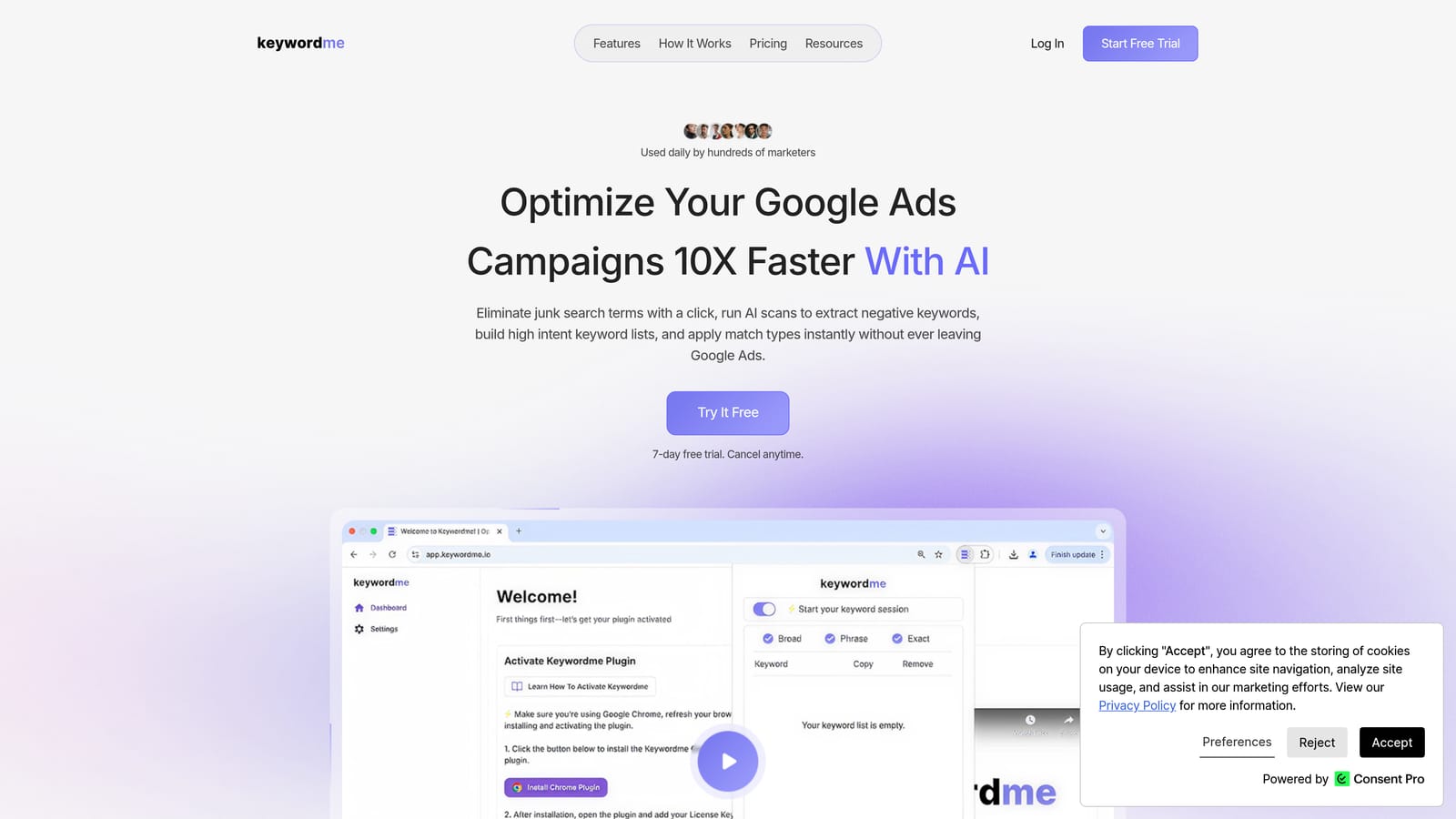
A quick refresher on terms, since the tool depends on them. A search term is what a person actually typed. A keyword is what you bid on. A negative keyword stops your ads from showing for matching queries, and a match type (broad, phrase, or exact) controls how closely a query must match. Keywordme lets you act on all of that from the report itself.
What sets it apart on this list is where it works. Every other tool here sends you to a separate app, dashboard, or script editor. Keywordme sits on top of the native report, so you read the search term, decide, and click, without exports.
- One-click negative keywords from the Search Terms Report, so junk queries get blocked as you spot them.
- Add search terms as keywords with the match type already applied, which skips the manual copy-and-paste step.
- Keyword clustering to group related terms when you are building out new ad groups or lists.
- Bulk editing for handling many terms at once instead of one row at a time.
- Multi-account and team support, so agencies can run the same workflow across clients.
Setup is installing the extension in Chrome and opening Google Ads. Whoever reviews search terms day to day is the user, and pricing is per user. The company says the extension can speed up optimization by up to 10x, which is its own claim and will vary with how much manual work you do now.
The limits are real. It focuses on search term and keyword workflows, so it does not manage bids or build reports, and it only works in Chrome. It also speeds up decisions without making them for you. Adding a search term as a keyword without checking intent is a classic mistake, and a fast click makes it easier to repeat. Treat it as a faster way to apply your judgment.
Pricing is a flat $12/month per user with a 7-day free trial as of this writing; confirm on the website before you buy.
Best for: Freelancers and agency teams doing frequent search term cleanup.
2. Google Ads Editor
Google Ads Editor is Google's free desktop application for managing campaigns in bulk. You download your account data, make changes offline, and then post them back. It is the tool for structural work: building out campaigns, restructuring ad groups, or changing hundreds of ads at once.

Its edge over everything else here is that it is the official route for large-scale edits across multiple accounts, with a review step before anything goes live. That safety net matters when one bad find-and-replace could touch thousands of rows.
- Bulk edits across campaigns, ad groups, keywords, and ads, so repetitive changes happen in one pass.
- Offline drafting, which lets you build or revise a structure without touching the live account.
- Copy and paste across accounts, useful for reusing a proven campaign structure for another client.
- A change review before posting, so you can catch mistakes before they reach live campaigns.
Setup is a download and a sync of the accounts you want to work on. It suits whoever owns account structure, usually a specialist or account manager rather than a casual user. It also works well with spreadsheets, which is how many people prepare large builds.
The limitation is that it is a separate desktop app. It is not an in-browser search term workflow, so reviewing queries and blocking junk is slower here than in a tool that sits in the Search Terms Report. The two do different jobs: Editor for structure, a search term tool for ongoing pruning.
Pricing is free as of this writing.
Best for: Large structural edits and account builds.
3. Google Ads Scripts
Limitations first: Google Ads Scripts requires you to write JavaScript, and a script that is wrong can do real damage to a live account. If nobody on your team codes, skip this one.
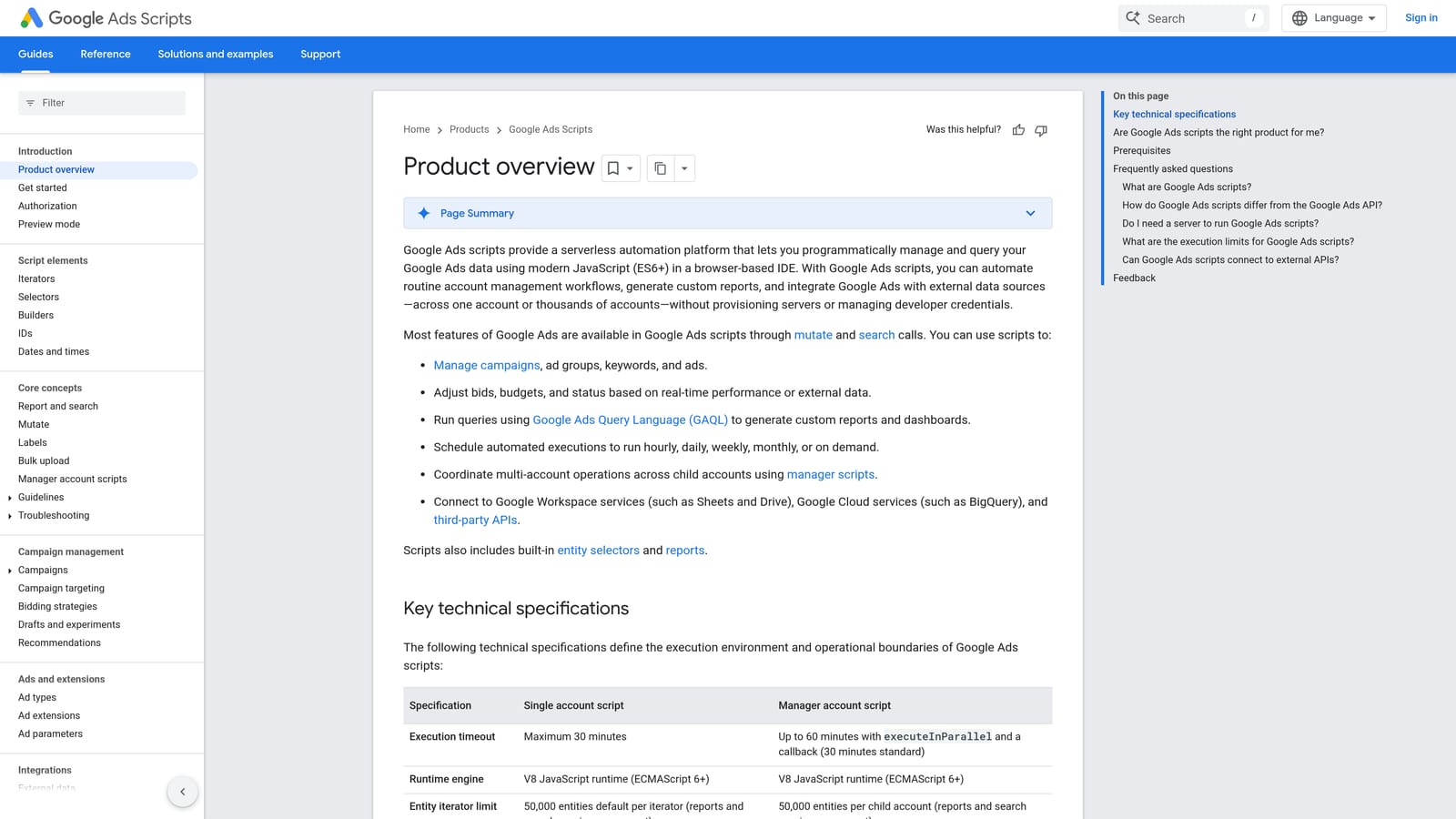
For those who do, it is the most flexible option on the list. Scripts are small programs that run inside your Google Ads account on a schedule you choose. You can write logic no off-the-shelf tool offers, such as an alert when spend jumps past a threshold or a report that flags paused ads with traffic. Nothing else here gives you fully custom automation at no cost.
- Custom JavaScript automation, so the logic matches your account rather than a vendor's assumptions.
- Scheduled runs that handle recurring checks without you remembering to do them.
- Reports and alerts that surface problems like broken URLs or budget overruns.
- Google Sheets integration for writing results into a spreadsheet your team already uses.
It connects to Google Sheets and Gmail, which covers most reporting and alert use cases. Setup effort depends on the script: a simple alert is quick if you have a template, while custom logic takes development and testing time. The person who runs it day to day is a technically inclined advertiser, or a developer supporting the marketing team.
Review matters more here than with any other tool. Automation that changes bids, pauses items, or adds negatives without anyone checking can go wrong quietly. Test thoroughly, start with scripts that report rather than change, and keep a human reviewing anything that edits the account. Maintenance is also on you: if Google changes something, your script may need updating.
Pricing is free as of this writing.
Best for: Technical advertisers who want custom automation.
4. Supermetrics
Supermetrics is a connector that moves Google Ads data into spreadsheets and dashboards. It does not change anything in your account. Its purpose is to save the time spent exporting, pasting, and rebuilding reports every week or month.
Its distinguishing strength on this list is cross-platform reporting. If you manage Google Ads alongside other ad channels and want one place to see everything, a connector handles that better than any in-interface tool.
- Google Ads data connectors that pull campaign, keyword, and search term data without manual exports.
- Scheduled refreshes so reports update automatically instead of being rebuilt by hand.
- Cross-platform reporting, which lets you combine Google Ads with other sources in one view.
- Support for Google Sheets, Looker Studio, and Excel, so you keep working in the tools your clients already know.
Setup means connecting your accounts and building or adapting a report template. Someone comfortable with spreadsheet formulas or dashboard design will get the most out of it, which usually means an analyst or an agency reporting lead.
The key limitation is that it is reporting only. It surfaces what is happening but does not apply a single change in Google Ads, so it will not shorten search term cleanup or bulk editing. It also adds a paid subscription on top of work Google's own reporting can partly handle, so it makes sense mainly when reporting volume or multi-platform needs justify it.
Pricing is on paid plans and varies; see the website for current details, since what you pay depends on the connectors and the number of data sources you need.
Best for: Analysts and agencies building custom reports.
5. Optmyzr
Optmyzr is a PPC management platform, not a plugin. It sits outside Google Ads in its own dashboard and offers optimization tools, rules, and reporting across accounts. It is aimed at teams that manage many accounts and want to standardize how they find and act on opportunities.

What it does that the rest of this list does not is combine cross-account optimization suggestions with a rule engine. You can set rules that apply across accounts and use the platform to surface changes worth making, rather than hunting for them in each account.
- One-click optimizations that apply suggested changes without manual editing in each account.
- A rule engine for building repeatable checks and actions across many accounts.
- Bulk management to make changes at scale from one place.
- Reporting that cuts the time spent assembling client updates.
It integrates with Google Ads and Microsoft Ads. Setup is heavier than a browser extension: you connect accounts, configure rules, and learn the platform. It suits agency teams with someone responsible for managing it, not a solo advertiser who wants a quick win.
The limitations are the separate dashboard and the likely cost. Pricing is geared toward larger accounts, so check current plans before assuming it fits a small budget. As with any automation, suggestions and rules still deserve human review before they change spend or targeting.
Pricing is listed on the website and may depend on factors like ad spend or number of accounts; confirm current figures there.
Best for: Agencies managing many accounts at scale.
6. Adalysis
Adalysis is an auditing and monitoring platform. It scans your Google Ads and Microsoft Ads accounts for problems and opportunities, then flags them. Think of it as a systematic second pair of eyes that checks accounts on a schedule.
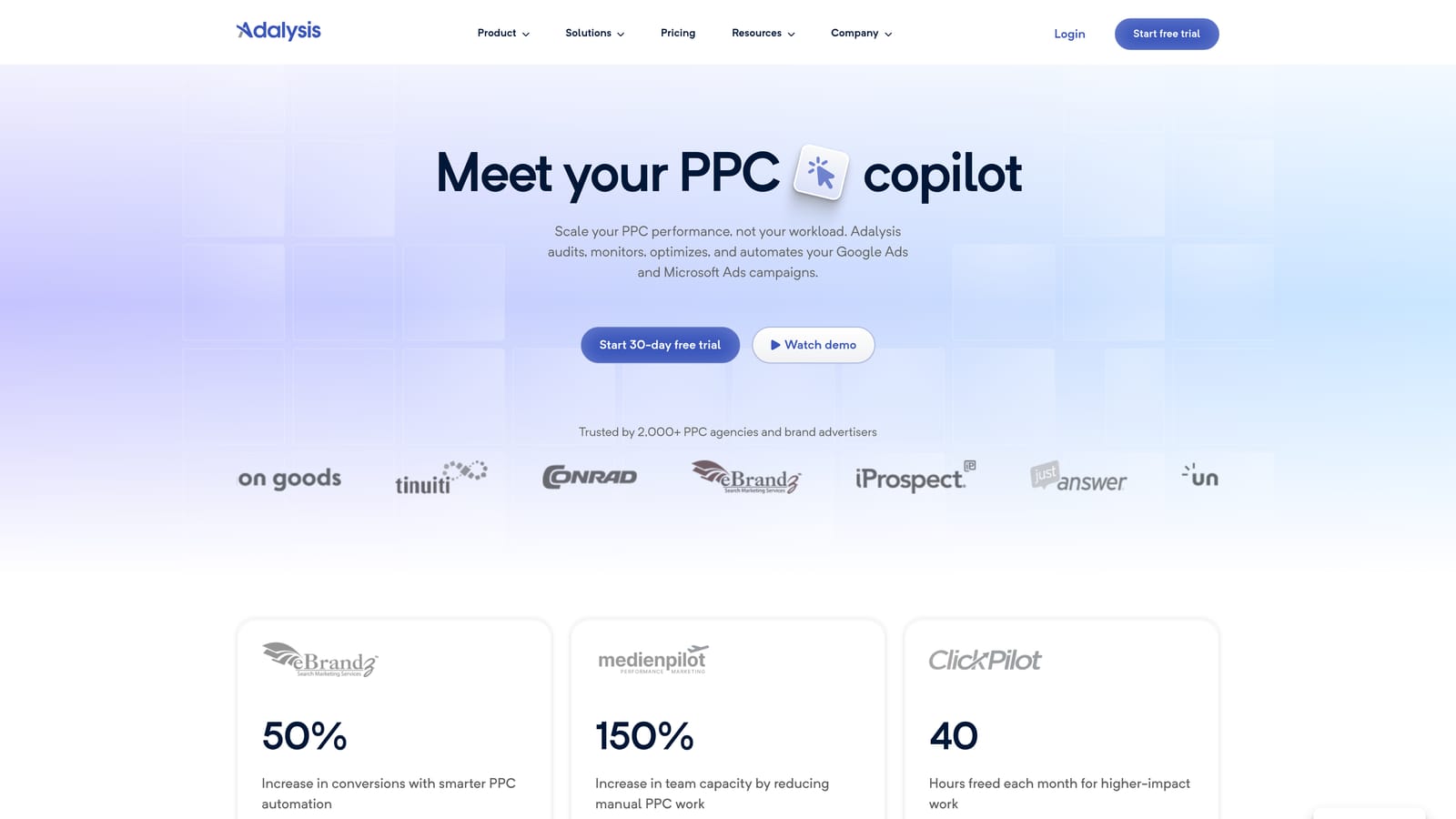
Its main strength compared with the other tools here is automated account health audits and alerts. Where a platform like Optmyzr leans toward applying optimizations, Adalysis leans toward telling you what needs attention.
- Automated audits that check account settings and structure so you do not review everything by hand.
- Ad testing tools that help you see which ad variations are performing and which to retire.
- Alerts that flag issues soon after they appear, so problems do not sit unnoticed.
- Quality Score tracking to monitor changes over time at the keyword level.
It works with Google Ads and Microsoft Ads. Setup involves connecting accounts and tuning which alerts matter to you, and a PPC lead or account manager is the natural day-to-day user. Agencies with many clients tend to benefit most, because a consistent audit routine is hard to maintain manually.
The limitation is that it is more diagnostic than action-oriented. It tells you what to look at, but you still make the changes, in Google Ads or another tool. It is also a separate platform, so it adds another login to your routine. If your bottleneck is acting on search terms quickly, it will not solve that.
Pricing is on the website; confirm current plans there, as cost typically depends on account size and scope.
Best for: Agencies needing systematic account audits.
7. Google Tag Assistant
This one is not an optimization tool, and it is worth being clear about that. Google Tag Assistant debugs tags and conversion tracking. It earns a place because every efficiency gain assumes your conversion data is right. Optimizing against broken tracking wastes time and budget faster.
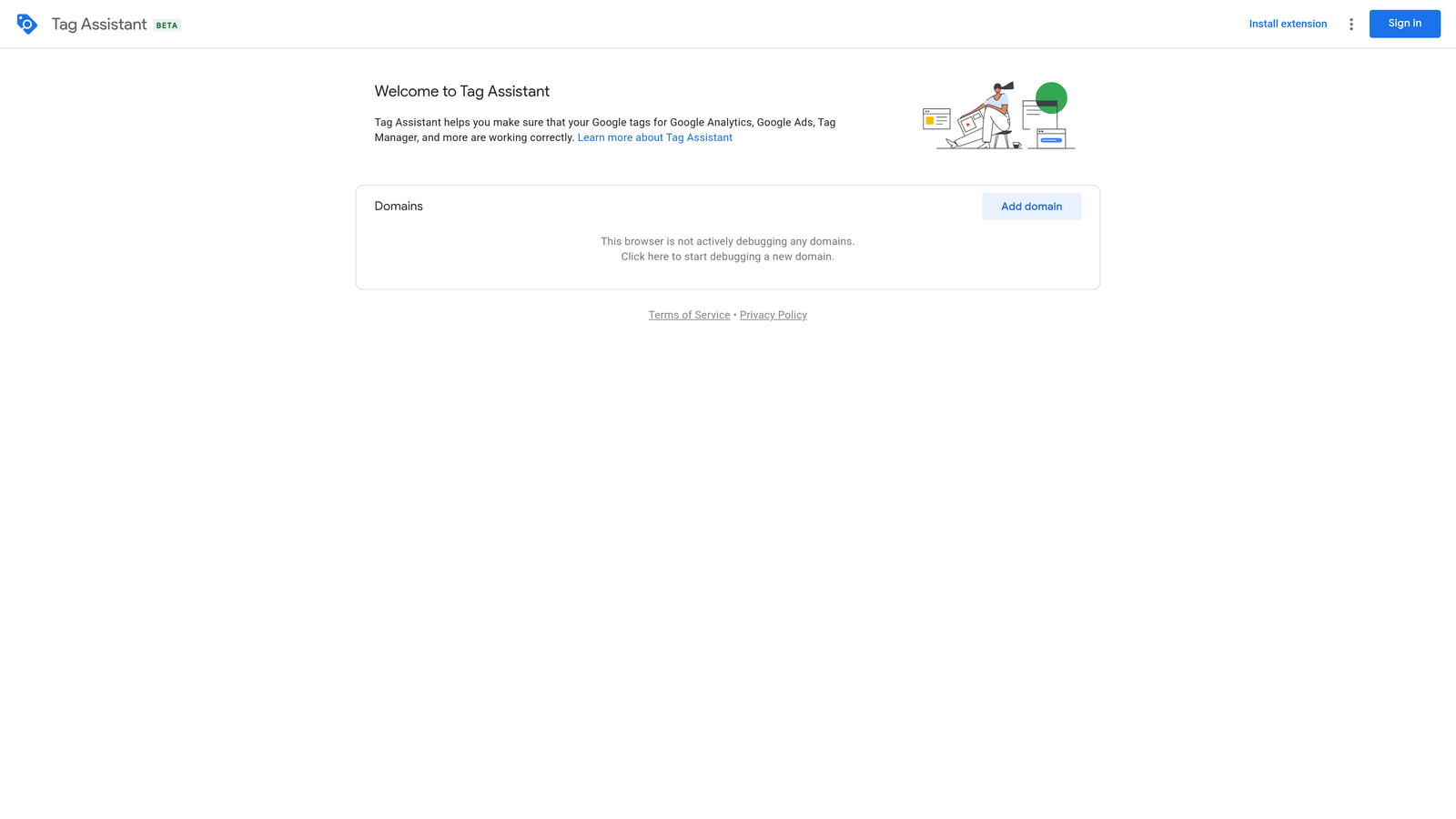
Its distinctive job is confirming that conversion tags fire correctly. No other tool here checks that, and it is the sensible first stop before adjusting bids, budgets, or targets based on conversion numbers.
- Tag debugging that shows whether tags load and fire on the pages you expect.
- Conversion tracking checks that help you spot missing or misfiring conversion events.
- Google tag verification to confirm your setup is connected to the right accounts.
It works with Google Tag Manager and Google Ads. Setup is light, since you enter a site URL and test, but interpreting results takes some tracking knowledge. Whoever owns tracking, often a marketer, analyst, or developer, is the usual user.
The limitation is that it is troubleshooting only. It will not change bids, trim search terms, or edit campaigns, so it does nothing for the busywork that eats most PPC time. Use it as a periodic check, such as after a site change or new conversion action, not as a daily tool.
Pricing is free as of this writing.
Best for: Verifying tracking before adjusting bids or budgets.
8. Google Ads Mobile App
The Google Ads Mobile App is Google's official app for monitoring and making quick changes from a phone. It does not replace desktop work. Its value is keeping an account in check when you are away from your desk.
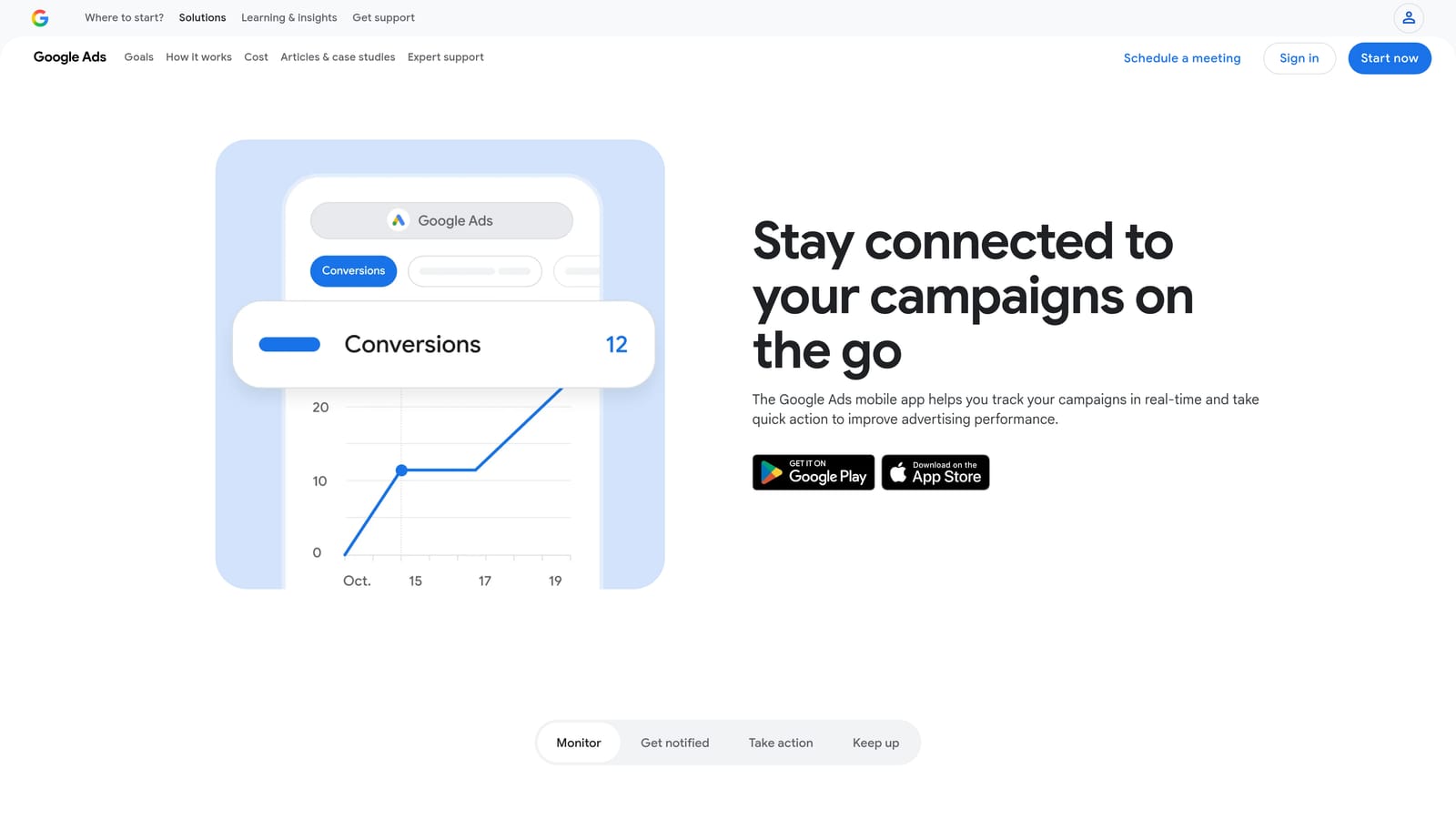
The distinguishing point against the rest of this list is mobility. Every other tool assumes a laptop. This one lets you check performance, respond to a notification, or approve a small change without opening one.
- Performance monitoring so you can see how campaigns are doing at a glance.
- Quick edits for small changes like adjusting a budget or pausing something.
- Recommendations from Google that you can review and accept or dismiss. Treat them as suggestions to evaluate, not instructions.
- Notifications that surface issues without you logging in.
It connects to Google Ads and needs only a sign-in, so setup is minimal. Account owners, freelancers covering several clients, and managers who need to react between meetings are the typical users.
The limitation is depth. It is not built for serious keyword or search term work, since small screens make careful query review impractical. Be cautious about accepting recommendations on a phone without looking at what they change. Use it for monitoring and light edits, and keep the real optimization on desktop.
Pricing is free as of this writing.
Best for: Quick checks and approvals on the go.
Which Tool to Pick for Each Job
These tools do different jobs, so the right pick depends on where your time actually goes. Here is how I would match them:
- Search term cleanup: Keywordme, because it works inside the Search Terms Report.
- Bulk editing and account builds: Google Ads Editor.
- Custom automation: Google Ads Scripts, if you have the coding skills and will test carefully.
- Reporting: Supermetrics.
- Auditing: Adalysis for scheduled checks, or Optmyzr if you also want rules and one-click optimizations across many accounts.
- Tracking QA: Google Tag Assistant, before you trust conversion data.
- On-the-go monitoring: the Google Ads Mobile App.
You do not have to choose just one. A common combination is a search term tool for weekly cleanup, Editor for structural changes, and a reporting connector for client updates. Whatever you stack, keep a human reviewing what changes your account.
If search term review is your biggest time sink, that is the easiest place to start. Optimize Google Ads Campaigns 10X Faster. Without Leaving Your Account. Keywordme lets you remove junk search terms, build high-intent keyword lists, and apply match types instantly, right inside Google Ads. No spreadsheets, no switching tabs, just quick, seamless optimization. Start your free 7-day trial (then just $12/month) and take your Google Ads game to the next level.
