
9 Best Google Ads Editor Alternatives for Faster Campaign Management in 2026
A practical guide to google ads editor alternative.


If you manage Google Ads accounts, you've probably hit the point where Google Ads Editor doesn't quite fit the job. Maybe the download-edit-post cycle slows you down, or maybe the task you actually dread (search term cleanup, audits, reporting) isn't something Editor handles. This list is for PPC managers, freelancers, and agency owners looking for a Google Ads Editor alternative or a tool to sit beside it. Tools are sorted by the job they take over, and were judged on workflow fit, how much daily work they remove, pricing transparency, and how well they handle multiple accounts.
Quick Comparison of the Eight Tools
- Keywordme: advertisers and agencies who want faster search term cleanup; $12/month per user; works inside the native Search Terms Report with no export or spreadsheet.
- Google Ads Editor: anyone doing large structural edits; free; official offline drafting with change review before posting.
- Optmyzr: agencies wanting a full management suite; pricing on website; rule engine and audit-style optimizations across many accounts.
- Adalysis: teams focused on ad testing and QA; pricing on website; ad copy testing and performance flagging at scale.
- Google Ads Scripts: technical advertisers; free; fully custom automation at no cost.
- Supermetrics: spreadsheet-first marketers; pricing on website; pulls cross-platform data into Sheets and dashboards.
- Opteo: busy account managers; pricing on website; prioritized, task-style improvement suggestions.
- Search Ads 360: enterprise search teams; quote-based; one platform for multiple search engines.
1. Keywordme
Keywordme is our own product, so weigh this section with that in mind. It's a Chrome extension that adds one-click actions to the Search Terms Report inside Google Ads. It's built for advertisers and agencies whose biggest time sink is reviewing what people actually typed (search terms) and deciding what to block or promote.
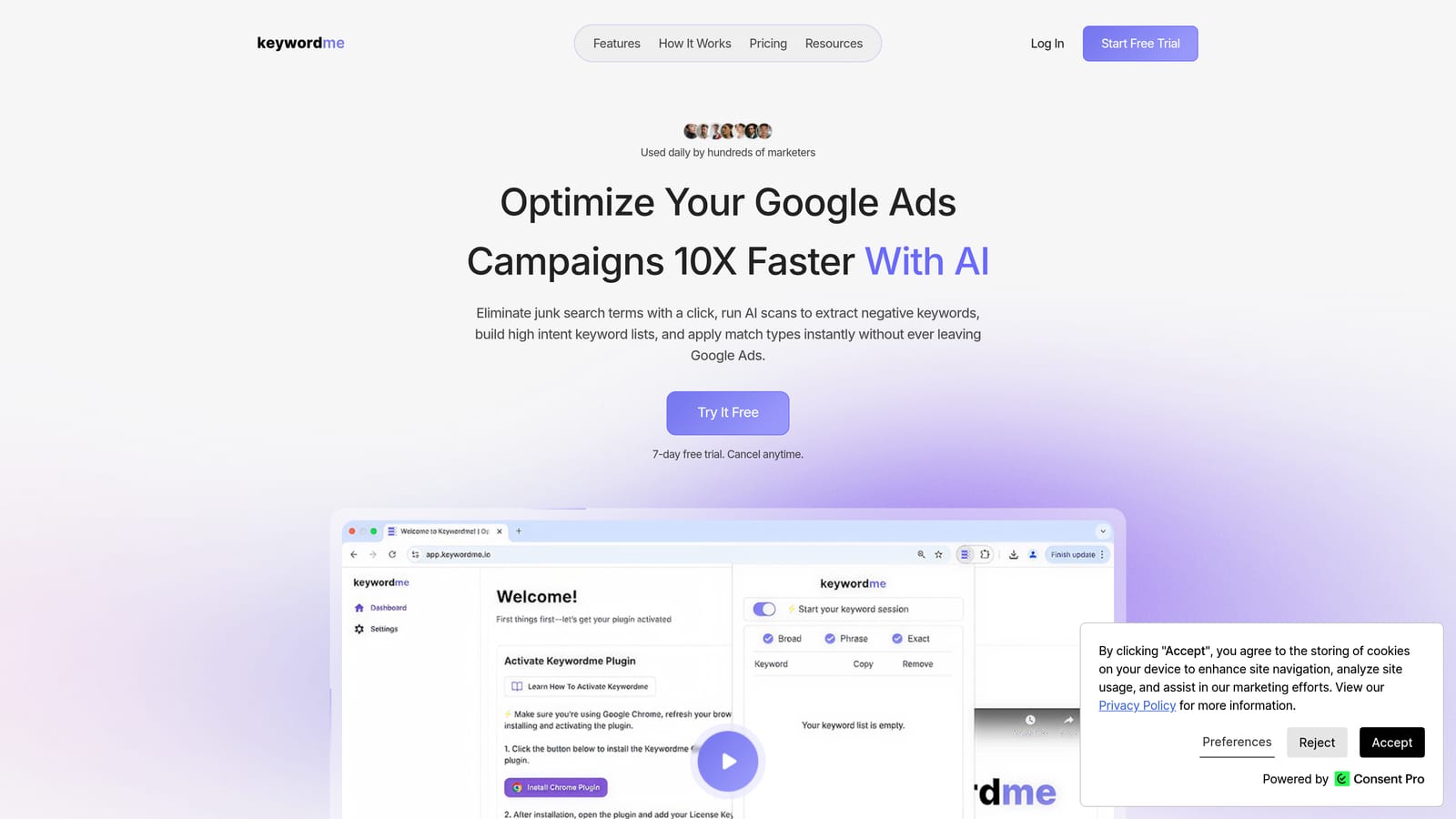
That distinction matters. A search term is the query a user searched; a keyword is what you bid on. Keywordme lets you turn a junk search term into a negative keyword (which stops your ads showing for it) or turn a good one into a positive keyword, with the match type you choose, without exporting anything. You stay in the native interface, so there's no spreadsheet and no separate dashboard to log into.
- One-click negative keywords straight from the Search Terms Report, so cleanup stops being a copy-paste job.
- Add keywords with the match type you pick, so promising queries become targets in seconds.
- Keyword clustering, which groups related terms so you can review patterns rather than single rows.
- Bulk editing for applying the same action to many terms at once.
- Multi-account and team support, so agencies can use it across client accounts.
Setup is light: you install the extension in Chrome and work in Google Ads as usual. The person running it day to day is whoever does search term reviews, usually the account manager or freelancer. You make each decision yourself; it speeds up clicks rather than making changes on its own.
The limitation is scope. Keywordme focuses on search term and keyword workflows. It is not a replacement for Editor's bulk campaign, ad, and asset editing, and it won't audit ad copy or build reports. It also requires Chrome.
Pricing is $12/month per user with a 7-day free trial, so cost scales with seats rather than ad spend (as of November 2026; confirm on the website).
Best for: Advertisers and agencies who want faster search term cleanup without leaving Google Ads.
2. Google Ads Editor
Google Ads Editor is Google's free desktop app for bulk editing and offline campaign management. It's the baseline every other tool here gets compared to, and for good reason: it's official, free, and very good at changing a lot of things at once.

Its distinctive strength is the draft-and-review model. You download accounts, make changes offline, review them, and post only when you're happy. No other tool on this list gives you that same official staging area for structural work.
- Bulk edits across campaigns and accounts, so one change can hit hundreds of items.
- Offline drafting, which lets you build and restructure without touching live campaigns.
- Change review before posting, so you catch mistakes before they go live.
- CSV import and export, handy for building campaigns in a spreadsheet and loading them in.
Setup means installing the app and downloading each account. It's usually run by whoever handles builds and restructures. Agencies like it for copying campaigns between accounts.
The trade-offs are the ones that likely brought you here. The download-and-post cycle adds steps for small, frequent tasks, and there's no built-in search term analysis, so cleanup often means switching back to the browser. If you're making a dozen negative keyword decisions a day, Editor is the wrong place to do it.
It's free, with no tiers or seat charges.
Best for: Large structural edits and copying campaigns between accounts.
3. Optmyzr
Optmyzr is a PPC management platform aimed at people running many accounts. Where Editor changes what you tell it to, Optmyzr tells you what to look at, and lets you set rules so recurring checks run without you remembering them.

Its standout is the combination of a rule engine and audit-style optimizations. You can define conditions and have the platform flag or act on them across accounts, which is a different job than bulk editing. It's an optimization layer, not a spreadsheet replacement.
- Optimization suggestions that point out where an account needs attention, so you spend time on decisions instead of hunting.
- Rule-based automation for recurring checks and adjustments you'd otherwise repeat by hand.
- Cross-account reporting, which helps agencies show clients results without building decks from scratch.
- Audits that give new accounts a structured first review.
It connects to Google Ads and, per its materials, other platforms such as Microsoft Advertising and Meta Ads; verify the current list before you buy. Setup takes longer than a browser extension, since you connect accounts and configure rules, and it suits a dedicated PPC lead or team.
The limitation is cost and scope. For a freelancer with a few small accounts, it's more platform than you need. Treat any automation as something you review and test, not something to leave unchecked.
Pricing isn't covered here; check the website for current plans, as of November 2026.
Best for: Agencies wanting a full PPC management suite.
4. Adalysis
Adalysis is an account auditing and ad testing platform. It's built for teams who want to know which ads are winning, which are dragging, and where an account has quietly gone wrong.
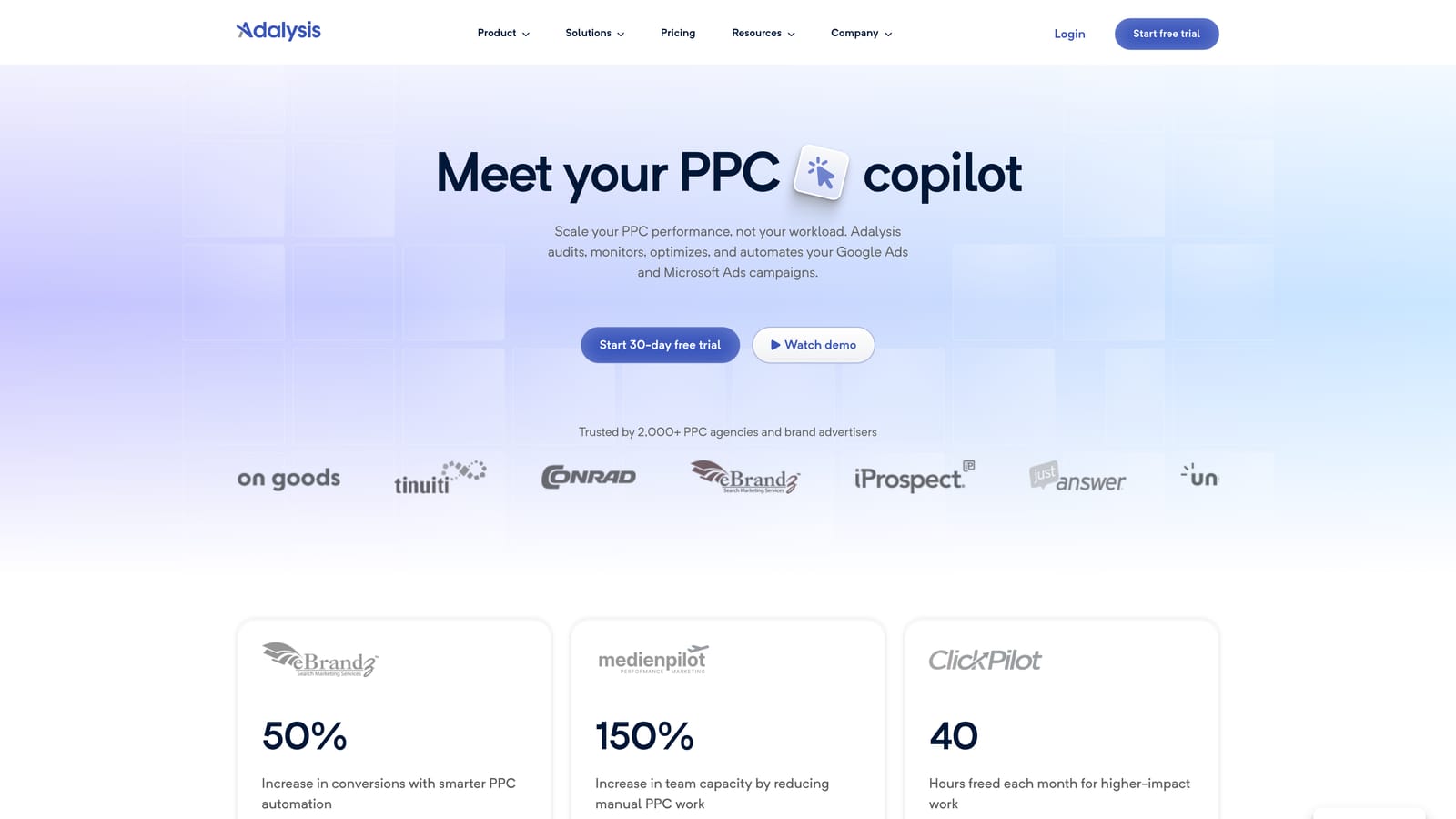
What it does better than most of this list is ad copy testing at scale. Instead of eyeballing dozens of ad groups, you get performance flagging that surfaces candidates to pause or replace. That's a QA function, and Editor has nothing like it.
- Ad testing that compares variants across many ad groups, so you find winners without manual sorting.
- Account audits that catch issues a quick scan would miss.
- Automated alerts, so problems reach you instead of waiting for your next review.
- Reporting to share findings with clients or stakeholders.
It works with Google Ads and Microsoft Advertising. Setup means connecting accounts, and the day-to-day user is typically an account manager or QA-minded specialist who checks alerts and acts on them.
The limitation is plain: it's analysis-focused, not a bulk-edit workspace. You'll find the problem in Adalysis and often fix it in Google Ads or Editor. If your pain is the mechanics of editing, it won't solve that.
Pricing isn't listed here; see the website for current plans, as of November 2026.
Best for: Teams prioritizing ad testing and account QA.
5. Google Ads Scripts
Google Ads Scripts is JavaScript automation built into Google Ads. You write a script, schedule it, and it runs inside your account to handle bulk tasks, checks, and reports.
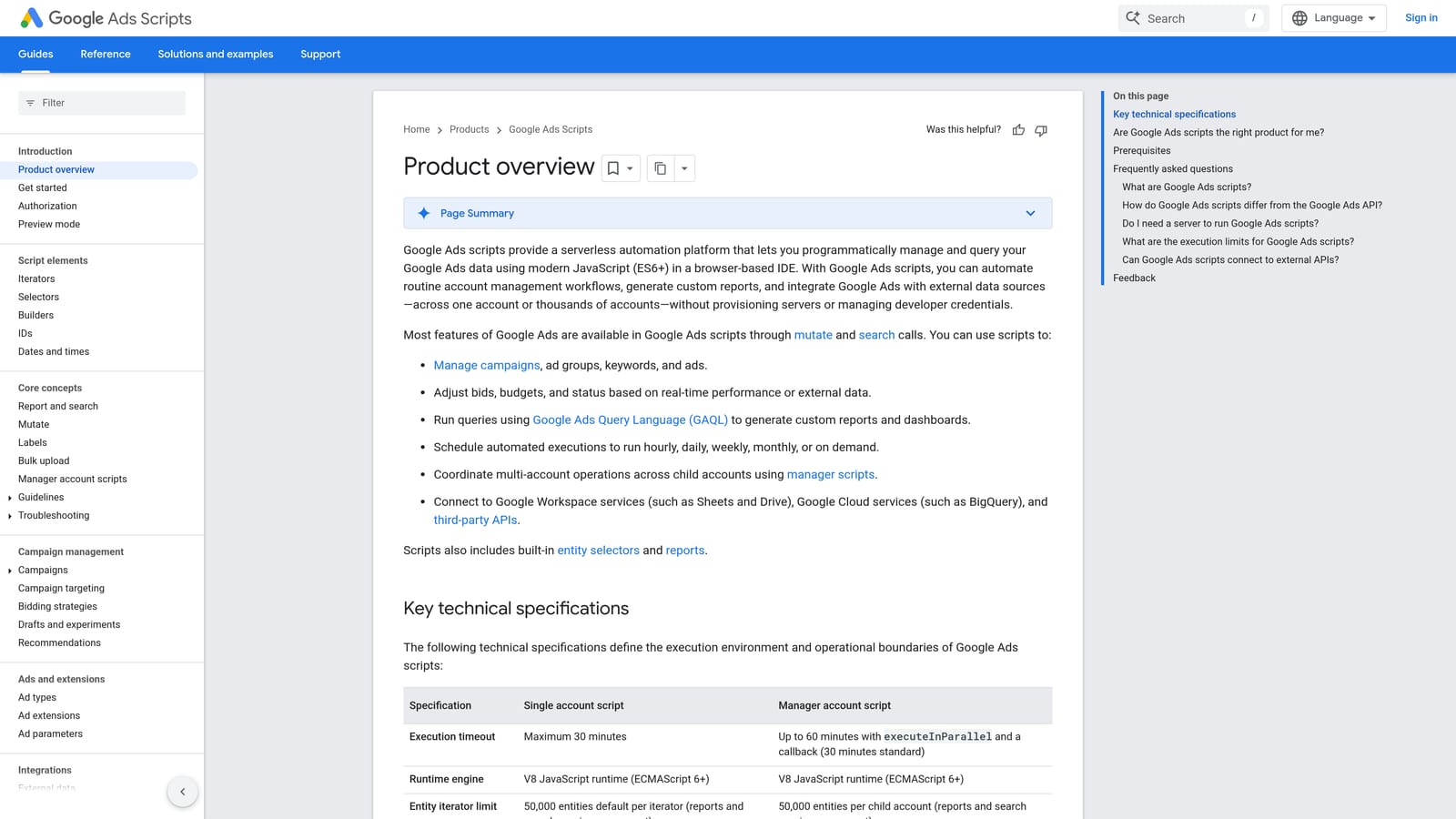
Its edge over everything else here is flexibility at zero cost. If you can describe a task precisely, you can probably script it: pausing ads that meet a condition, emailing yourself an alert, or writing performance data to a sheet.
- Custom automation, so you build exactly the check or change your workflow needs.
- Scheduled runs, which turn a weekly chore into something that happens on its own.
- Google Sheets integration for pushing data out or reading inputs in.
- Alerts and reports that tell you when something drifts.
Setup happens inside Google Ads, and it's run by whoever can write and maintain code. That is the catch. It requires coding skill and careful testing, because a buggy script that changes live campaigns can do real damage. Preview and test on a small scope first.
It isn't for non-technical users, and there's no interface for reviewing search terms the way a human wants to. You maintain scripts as Google Ads changes, too.
It's free.
Best for: Technical advertisers who want custom automation.
6. Supermetrics
Supermetrics is a data connector. It pulls Google Ads data into Google Sheets, Looker Studio, Excel, and other destinations, which makes it a reporting tool rather than an editing one.
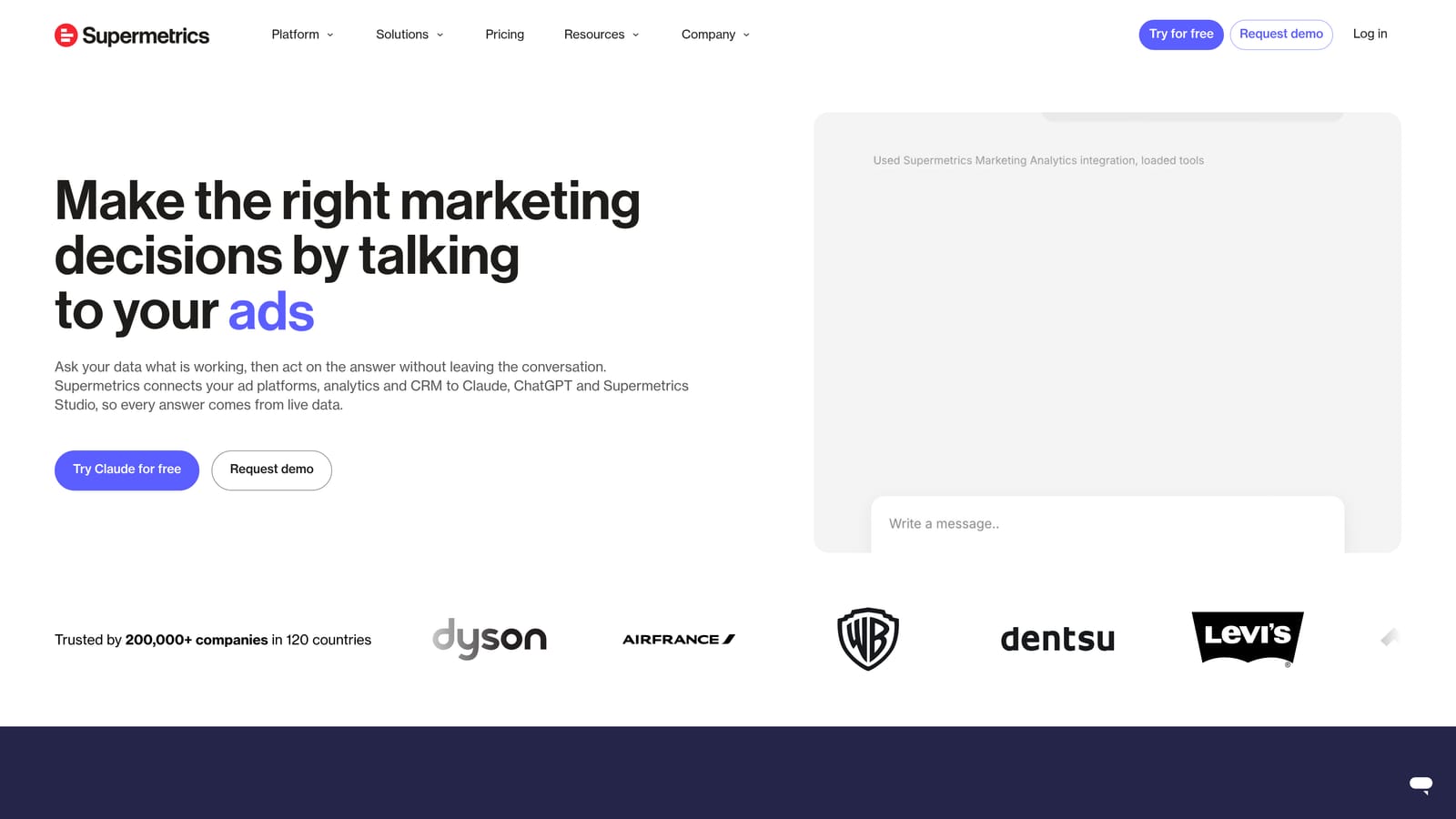
Its distinctive value is cross-platform data in one place. If you report on Google Ads alongside other ad platforms and live in spreadsheets, it removes the manual export step.
- Google Sheets connector, so reports update from the source instead of by copy-paste.
- Looker Studio connector for building dashboards clients can open.
- Multi-platform data pulls, combining several ad platforms in one view.
- Scheduled refreshes that keep numbers current without manual work.
Setup involves authorizing accounts and building queries in your chosen destination. The person running it is usually an analyst or a marketer comfortable with spreadsheets.
The limitation is that it doesn't edit live campaigns at all. It earns a place on this list only because many people searching for an Editor alternative are really trying to get out of manual reporting. If your bottleneck is changing campaigns, look elsewhere.
Pricing isn't covered here; check the website, as of November 2026.
Best for: Spreadsheet-first marketers who need reporting.
7. Opteo
Opteo is a PPC improvement platform that turns account data into prioritized recommendations. It's less about editing in bulk and more about telling you what to do next.
Its standout is readability: suggestions arrive as a to-do list of improvements rather than a wall of metrics. That suits people juggling many accounts who need to decide where to spend the next hour.
- Prioritized recommendations, so you start with what matters most.
- Account monitoring that watches for issues between your reviews.
- Reporting for sharing progress with clients.
- A review-before-apply workflow, which keeps you in control; confirm how this works in the current product.
It connects to Google Ads and, reportedly, Microsoft Advertising; verify current support. Setup is mainly connecting accounts, and it's run by account managers working through their queue.
The limitation is that it's guidance-oriented rather than a bulk editor. Treat its suggestions like any recommendation: sensible starting points that you check against your goals, not automatic truth. Also confirm the product is sold as described before you commit.
Pricing isn't covered here; see the website, as of November 2026.
Best for: Busy account managers wanting a to-do list of improvements.
8. Search Ads 360
Search Ads 360 is Google Marketing Platform's enterprise search management tool. It manages campaigns across multiple search engines from one place and includes bulk sheets for large-scale edits.

What sets it apart is scale and breadth. Large advertisers running programs across Google Ads and Microsoft Advertising can manage bids, structure, and reporting centrally, alongside other Google Marketing Platform products.
- Cross-engine management, so one team works across search engines in one tool.
- Bulk sheets for making large edits in spreadsheet form.
- Bid strategies applied at the platform level across campaigns.
- Enterprise reporting suited to complex organizations.
Setup is a real project, typically involving onboarding and a dedicated team, and it's run by enterprise search specialists rather than a solo marketer.
The limitation is obvious: it's built for large advertisers and is too heavy for small accounts. If you manage a handful of clients, it's overkill.
Pricing is quote-based.
Best for: Enterprise teams managing large multi-engine search programs.
Matching the Tool to the Job, and Why Most People Use Two
No single tool here replaces Editor entirely, and Editor is still the best free option for big structural edits. Most advertisers end up pairing two tools, one for bulk changes and one for whatever else eats their week. Here's how to choose:
- Search term cleanup: Keywordme, for one-click negatives and keywords without leaving Google Ads.
- Structural bulk edits: Google Ads Editor, especially for copying campaigns between accounts.
- Agency suites: Optmyzr, if you want rules, audits, and reporting in one place.
- Testing and audits: Adalysis, for ad testing and QA.
- Custom automation: Google Ads Scripts, if you can code and test.
- Enterprise: Search Ads 360, for large multi-engine programs.
A common pairing is Editor for builds and restructures, plus Keywordme for the daily search term review. Prices and features change, so confirm everything on each vendor's site before you buy.
Optimize Google Ads Campaigns 10X Faster. Without Leaving Your Account. Keywordme lets you remove junk search terms, build high-intent keyword lists, and apply match types instantly, right inside Google Ads. No spreadsheets, no switching tabs, just quick, seamless optimization. Start your free 7-day trial (then just $12/month) and take your Google Ads game to the next level.
