
9 Best Google Ads Dashboard Tools for Smarter Campaign Management
Managing Google Ads campaigns means drowning in data without the right tools—this guide compares nine of the best Google Ads dashboard solutions for 2026, covering everything from in-platform optimizers to full reporting suites, so practitioners and agencies can find the fit that drives faster, smarter decisions.


Managing Google Ads campaigns means dealing with data constantly—but data alone doesn't drive decisions. A good Google Ads dashboard pulls your most important metrics into one view, cuts through the noise, and helps you act faster. Whether you're monitoring performance across multiple accounts, spotting wasted spend, or sharing clean reports with clients, choosing the right tool is one of the highest-leverage decisions you can make in 2026.
This list covers nine tools built specifically for Google Ads practitioners—from lightweight Chrome extensions that work inside the native UI to full reporting suites for agencies. One important distinction upfront: not every tool here is a traditional reporting dashboard. Some are optimization tools that help you act on data; others are data pipelines that move data into the tools where you build dashboards. Each tool's actual role is clearly labeled so you can evaluate fit, not just features.
Selection criteria: direct Google Ads integration, actionable data presentation, and practical value for day-to-day campaign management.
1. Keywordme
Best for: Advertisers who want faster in-platform optimization without leaving Google Ads
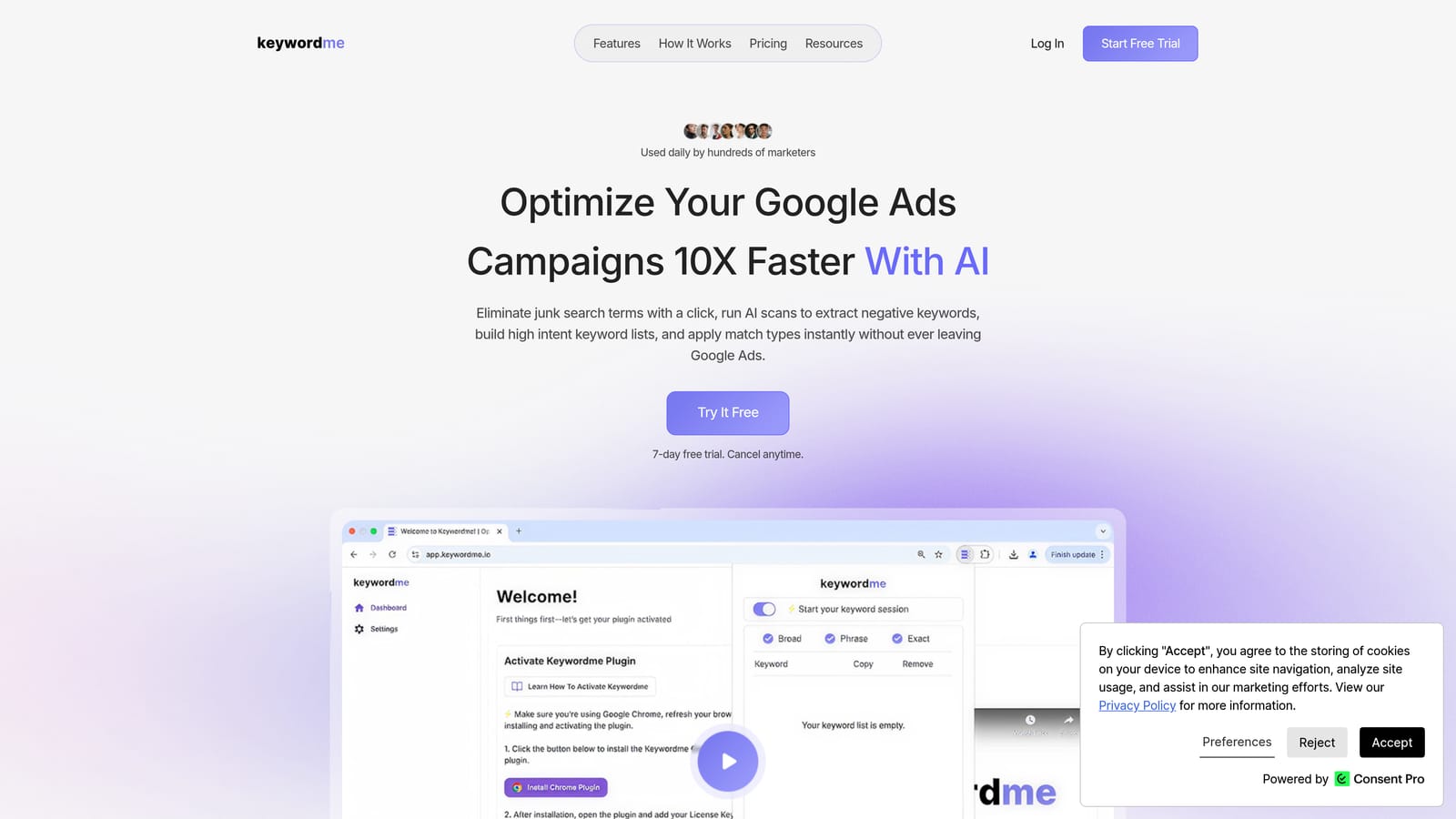
Keywordme is a Chrome extension that works directly inside the Google Ads Search Terms Report, turning manual optimization tasks into one-click actions.
Where This Tool Shines
Most dashboard tools show you data and leave the rest to you. Keywordme takes a different approach: it helps you act on that data without switching tabs, exporting to spreadsheets, or jumping into a separate platform. You spot a junk search term, click to add it as a negative keyword, apply the match type, and move on—all inside the Google Ads interface you're already using.
This makes it particularly useful during routine optimization sessions. Instead of copying search terms into a spreadsheet, cross-referencing a negative keyword list, and then manually applying changes, you work through the Search Terms Report directly. For agencies managing multiple accounts, the multi-account and team support keeps workflows consistent across clients without adding complexity.
Key Features
One-click negative keyword additions: Add negative keywords directly from the Search Terms Report without leaving Google Ads.
Instant match type application: Apply broad, phrase, or exact match types in the moment—no spreadsheet required.
Keyword clustering and bulk editing: Group and manage keyword lists faster, useful for building out new ad groups or cleaning up existing ones.
Multi-account and team support: Built for agency workflows where multiple people are working across multiple client accounts.
Fully in-interface: No external dashboard to log into—everything happens inside the native Google Ads UI.
Best For
Solo advertisers and agency teams who spend regular time in the Search Terms Report and want to cut the time it takes to remove wasted spend and build high-intent keyword lists. It's not a reporting or client-facing dashboard, so pair it with Looker Studio or AgencyAnalytics if you also need polished client reports.
Pricing
$12/month per user. A 7-day free trial is available with no credit card required upfront.
2. Google Ads Native Dashboard
Best for: Advertisers who want free, first-party campaign monitoring with no additional setup
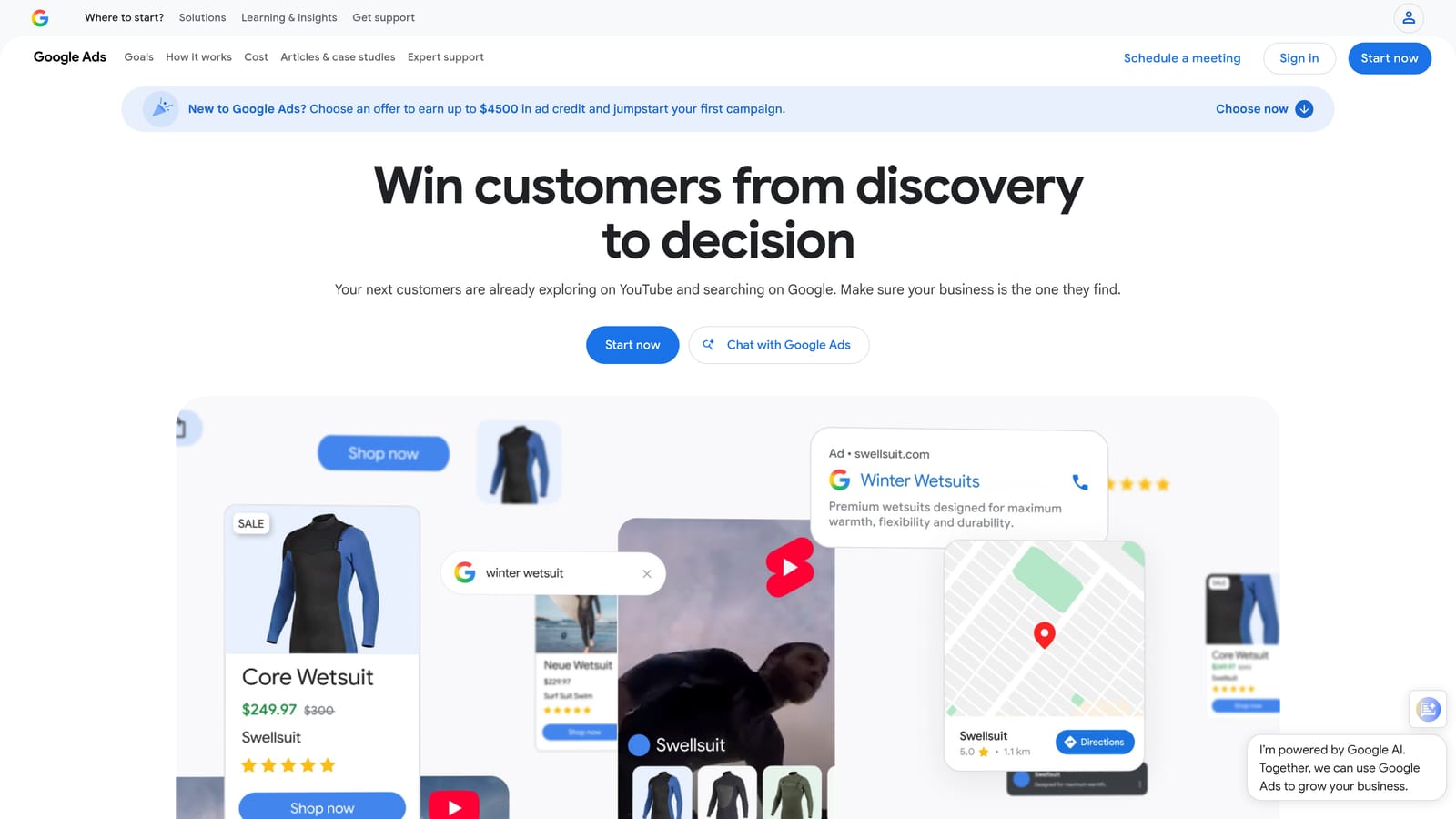
Google Ads includes a built-in Overview tab and a customizable Reports tab that cover the core monitoring needs of most solo advertisers.
Where This Tool Shines
It's easy to overlook the native dashboard when evaluating third-party tools, but it's genuinely capable for day-to-day monitoring. Custom columns let you surface the metrics that matter most to your campaigns, and saved report views mean you're not rebuilding the same tables every time you log in. Because it's first-party data, there's no integration delay, syncing lag, or risk of metrics discrepancies.
The Google Ads mobile app extends this to on-the-go monitoring, which is useful for checking performance without sitting at a desktop. Where the native dashboard falls short is in client-facing reporting—sharing a live dashboard with a client isn't straightforward without workarounds, and cross-channel data blending isn't available here.
Key Features
Free with any Google Ads account: No additional setup, billing, or integrations needed.
Custom columns and saved reports: Configure and save views tailored to your campaign structure.
First-party data: No syncing delays or third-party data discrepancies.
Campaign-level performance summaries: The Overview tab surfaces key metrics and trends at a glance.
Google Ads app access: Monitor campaigns from a mobile device when you're away from your desk.
Best For
Solo advertisers and in-house teams who need reliable campaign monitoring without additional cost or tooling. If your reporting needs are internal and you don't need to share dashboards with clients, this covers a lot of ground on its own.
Pricing
Free. Included with every Google Ads account.
3. Looker Studio
Best for: Anyone who needs free, shareable, client-facing Google Ads dashboards
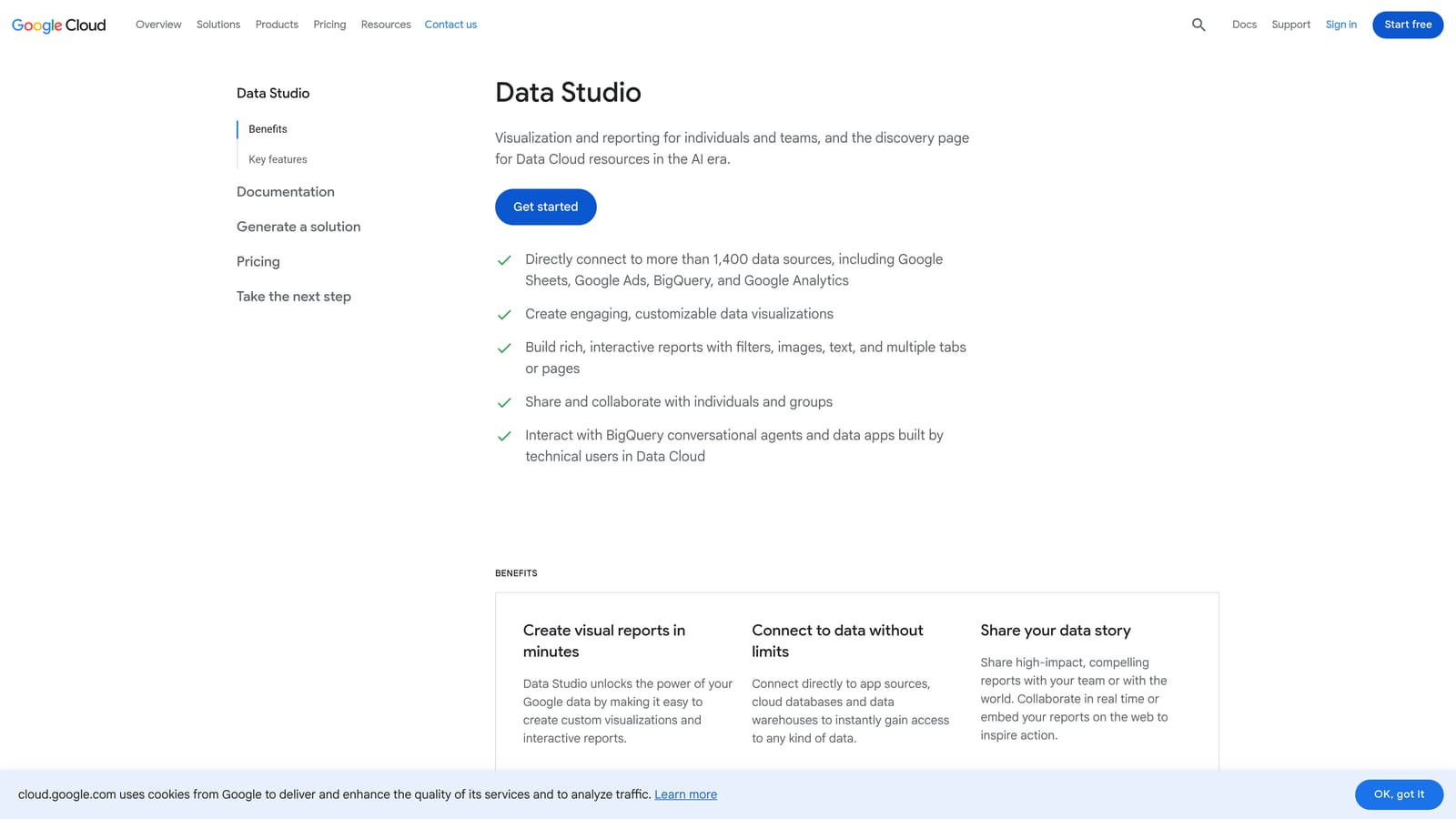
Looker Studio (formerly Google Data Studio) is a free data visualization tool from Google with a native Google Ads connector and a drag-and-drop report builder.
Where This Tool Shines
Looker Studio is the most capable free option for building custom dashboards. You can combine Google Ads data with GA4, Google Search Console, and other sources in a single report—useful for showing clients the full picture of their digital performance rather than just paid search in isolation. Reports are shareable via link, so clients can view live data without needing a Google Ads login.
The learning curve is real. Building a polished Looker Studio dashboard from scratch takes time, especially if you want it to look clean and professional. But once a template is built, it's reusable across clients with relatively minor adjustments. Community connectors also extend it to non-Google platforms when needed.
Key Features
Native Google Ads connector: Direct connection at no extra cost—no third-party pipeline required.
Drag-and-drop builder: Create charts, tables, scorecards, and date range controls without writing code.
Shareable live dashboards: Share via link for client access without requiring a Google Ads login.
Blended data sources: Combine Google Ads with GA4, Search Console, and other sources in one report.
Community connectors: Extend to non-Google platforms through third-party connectors.
Best For
Freelancers and agencies who need professional client-facing dashboards without paying for a reporting platform. Also a strong choice for in-house teams who want to combine Google Ads data with other channel data in one view.
Pricing
Free.
4. Optmyzr
Best for: PPC managers and agencies who want automation and optimization recommendations layered on top of campaign data
Optmyzr is a paid PPC management platform that combines campaign health monitoring with rule-based automation and one-click optimization recommendations.

Where This Tool Shines
Optmyzr sits in a different category from pure reporting tools. Beyond showing you what's happening in your campaigns, it surfaces specific recommendations—bid adjustments, budget changes, keyword actions—and lets you apply them with a single click. The audit trail keeps a record of changes made through the platform, which is useful for agencies that need to document optimization activity for clients.
The rule-based automation is a standout feature for teams managing campaigns at scale. You can set conditions that trigger actions automatically, reducing the manual monitoring load. This makes Optmyzr more of an active management layer than a passive dashboard.
Key Features
Rule-based automation: Set conditions that trigger campaign changes automatically based on performance thresholds.
One-click optimization recommendations: Actionable suggestions with an audit trail of applied changes.
Campaign health monitoring: Alerts and monitoring rules to flag performance issues early.
Customizable PPC reporting dashboards: Build and share performance reports alongside optimization activity.
Multi-account management: Designed for agencies handling multiple client accounts.
Best For
Agencies and in-house PPC teams managing significant ad spend who want automation and optimization recommendations, not just data visualization. Less suited to solo advertisers with smaller budgets where the cost may outweigh the benefit.
Pricing
Tiered pricing based on ad spend managed. Check optmyzr.com for current rates.
5. Supermetrics
Best for: Data analysts and marketing ops teams who want Google Ads data in the tools they already use
Supermetrics is a data pipeline tool that pulls Google Ads data into Google Sheets, Looker Studio, Excel, BigQuery, Power BI, and other destinations.
Where This Tool Shines
Supermetrics isn't a dashboard—it's the layer that moves data into wherever you build your dashboards. If your team lives in Google Sheets or Power BI and wants automated, scheduled pulls of Google Ads data without manual exports, Supermetrics solves that problem cleanly. It supports custom date ranges and field selection, so you're pulling only the data you need rather than everything at once.
The value is highest for teams that already have strong data infrastructure and just need a reliable connector to keep it fed. If you don't have that infrastructure yet, you may find it easier to start with Looker Studio's native connector and only move to Supermetrics when your reporting needs outgrow it.
Key Features
Multi-destination connectors: Push Google Ads data to Sheets, Looker Studio, Excel, BigQuery, and Power BI.
Automated refresh schedules: Keep dashboards current without manual data exports.
Multi-source support: Pull Google Ads alongside GA4 and other marketing data sources in one workflow.
Custom field and date range selection: Pull only the metrics and time ranges you need.
Scales with data complexity: Handles large data volumes suited to enterprise and agency environments.
Best For
Marketing operations teams, data analysts, and agencies with custom reporting infrastructure who need automated, reliable data pipelines rather than an out-of-the-box dashboard solution.
Pricing
Priced per connector and destination. Check supermetrics.com for current plans.
6. AgencyAnalytics
Best for: Marketing agencies that need white-label, multi-channel client dashboards
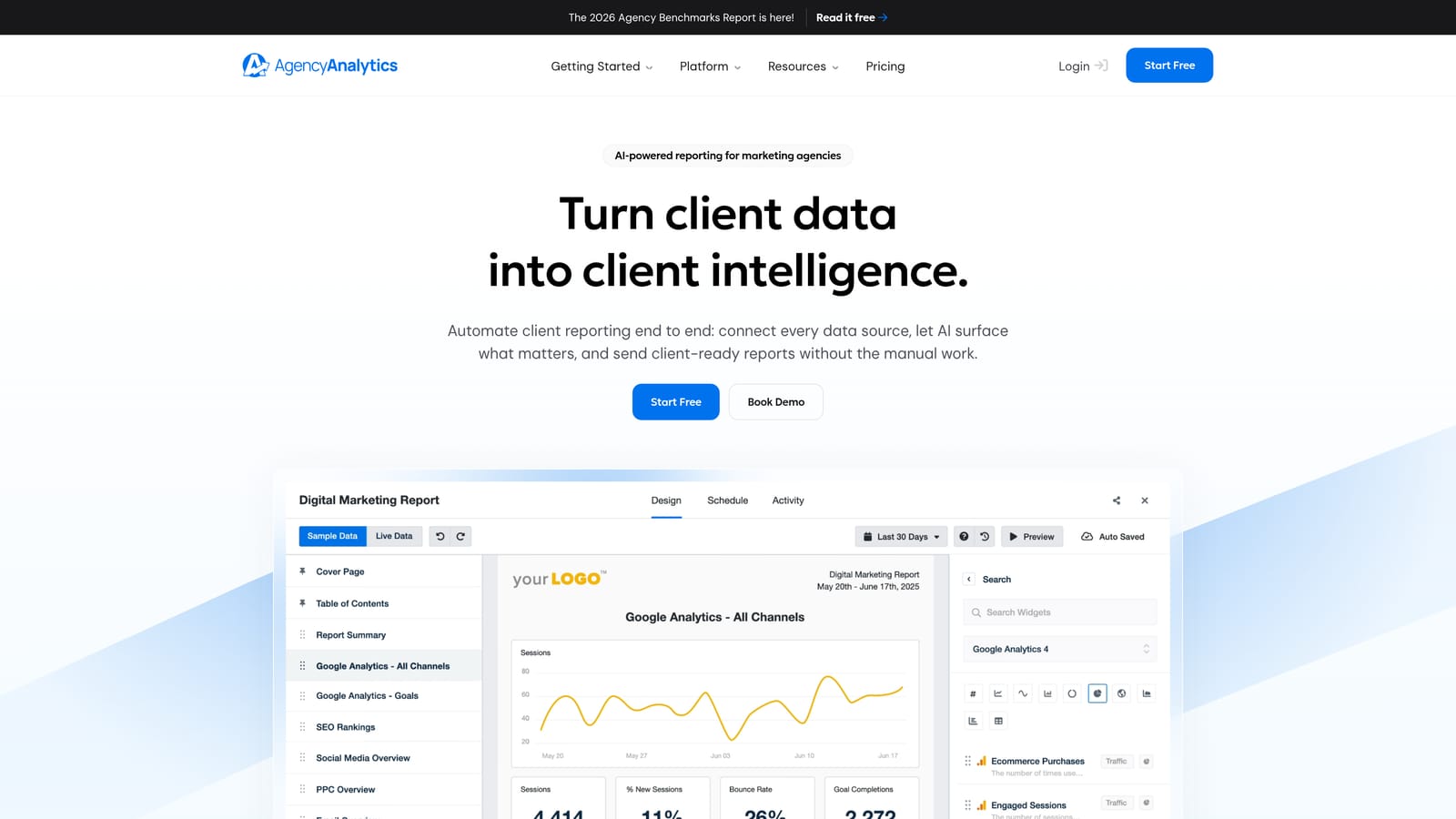
AgencyAnalytics is a reporting platform built specifically for agencies, combining Google Ads with SEO, social media, and other channel data in white-label client dashboards.
Where This Tool Shines
AgencyAnalytics is purpose-built for the agency reporting workflow. White-label dashboards carry your branding rather than the tool's, client logins give transparent access to live performance data, and automated report scheduling means you're not manually generating and emailing PDFs every month. The multi-channel approach is a genuine advantage: clients see Google Ads performance alongside their SEO rankings, social metrics, and other channels in a single view.
Pre-built templates speed up onboarding for new clients, and the range of integrations means most agency reporting needs are covered without custom development. It's a more opinionated tool than Looker Studio—less flexible for highly custom builds, but faster to set up for standard agency deliverables.
Key Features
White-label dashboards: Agency-branded client reports with your logo and color scheme.
Multi-channel integration: Google Ads alongside SEO, social media, and other channel data.
Automated report scheduling: Scheduled delivery of reports to clients via email.
Pre-built templates: Ready-to-use report structures for common agency reporting needs.
Client login access: Clients can view live dashboards directly without needing platform credentials.
Best For
Digital marketing agencies managing multiple clients across multiple channels who need a scalable, professional reporting solution with minimal manual effort per client.
Pricing
Priced per client campaign. Check agencyanalytics.com for current plans.
7. Swydo
Best for: PPC-focused agencies and freelancers who want automated report delivery without a complex setup
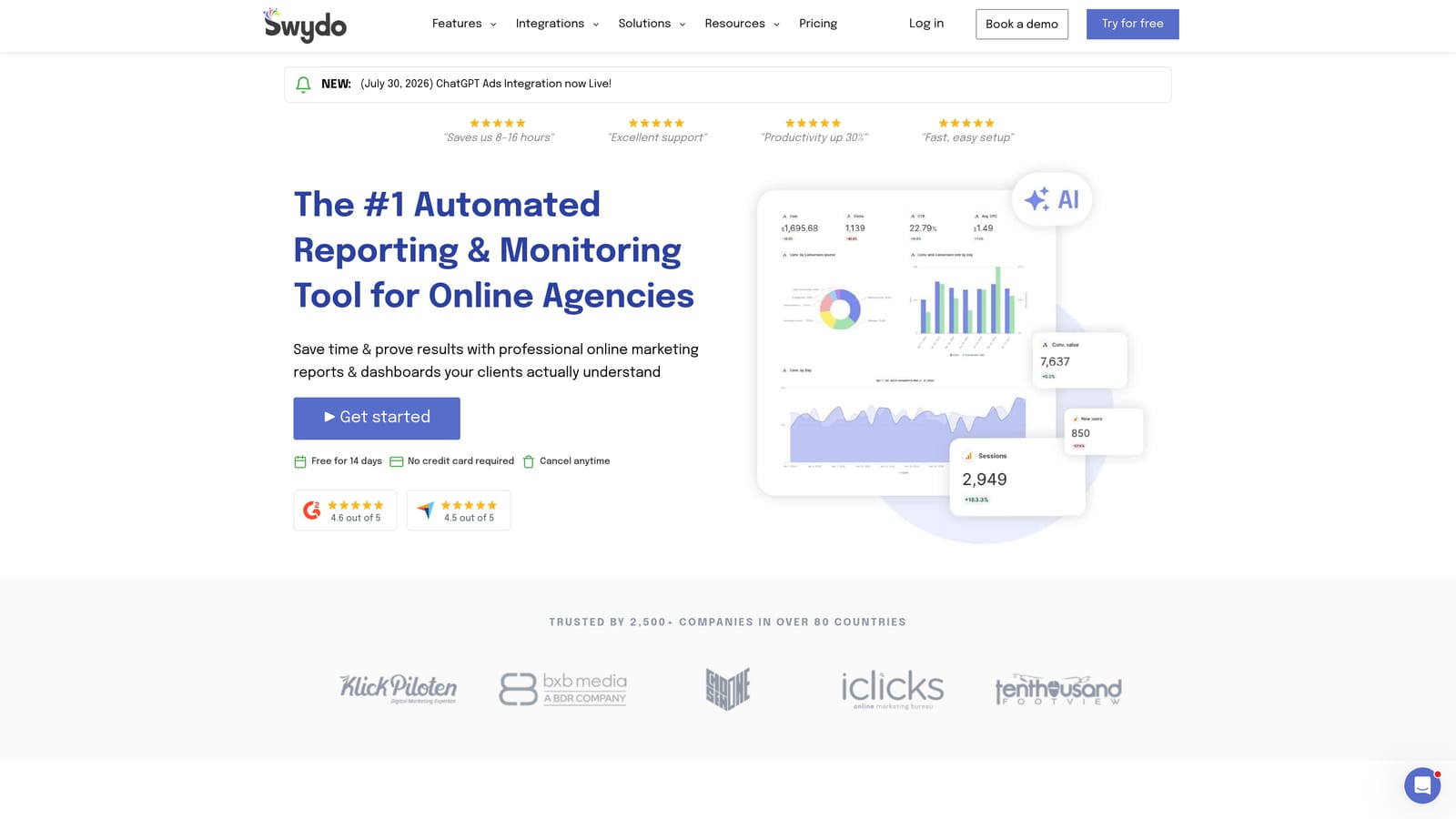
Swydo is a reporting and monitoring platform with a strong focus on PPC channels, offering template-based Google Ads dashboards and scheduled automated report delivery.
Where This Tool Shines
Swydo occupies a practical middle ground: more purpose-built for PPC than AgencyAnalytics, simpler to set up than Looker Studio, and more affordable than full agency suites for smaller teams. The template-based approach means you're not starting from a blank canvas every time you onboard a new client. Performance alerts add a monitoring layer so you're notified when campaigns deviate from expected ranges.
The automated scheduled report delivery is a core strength. Set it up once per client and reports go out on your chosen cadence without manual intervention. White-label options keep client communications on-brand.
Key Features
Template-based reports: Pre-built report structures with Google Ads as a primary integration.
Automated scheduled delivery: Reports sent to clients automatically via email on a set schedule.
Performance alerts and monitoring rules: Notifications when campaign metrics move outside defined thresholds.
White-label options: Agency branding on client-facing reports.
Simpler setup: Less configuration overhead than full-featured agency platforms.
Best For
Freelancers and smaller agencies managing PPC-heavy client portfolios who want reliable automated reporting without the cost or complexity of larger platforms.
Pricing
Priced per client. Check swydo.com for current rates.
8. DashThis
Best for: Marketers who want fast-setup visual dashboards with minimal configuration
DashThis is a marketing dashboard tool that emphasizes visual simplicity and fast setup, connecting to Google Ads and other platforms through preset KPI widgets.
Where This Tool Shines
DashThis trades deep customization for speed. Preset KPI widgets for common Google Ads metrics mean you can have a working dashboard in less time than it takes to build one from scratch in Looker Studio. The visual emphasis makes it a good fit for client-facing reports where clarity matters more than granular data control.
It's a straightforward tool—what you see is largely what you get. If you need extensive custom calculations, blended data sources, or deep workflow automation, other tools on this list will serve you better. But if you want a clean, shareable Google Ads dashboard up and running quickly, DashThis delivers on that promise.
Key Features
Preset KPI widgets: Ready-to-use widgets for common Google Ads metrics—no manual configuration required.
Fast setup: Minimal configuration to get from connection to working dashboard.
Shareable dashboards: Client access options for transparent performance reporting.
Multi-platform connections: Google Ads alongside other marketing channel integrations.
Visual simplicity: Clean layouts optimized for readability over data density.
Best For
Marketers and small agencies who prioritize speed of setup and visual clarity over deep customization, and who want a low-friction option for sharing Google Ads performance with clients or stakeholders.
Pricing
Priced by number of dashboards. Check dashthis.com for current plans.
9. Google Sheets + Google Ads Scripts
Best for: Technical users who want fully custom dashboards at zero ongoing cost
Google Ads Scripts are built directly into the Google Ads platform, letting you push campaign data into Google Sheets and build bespoke dashboards without any third-party tools.
Where This Tool Shines
This approach gives you maximum control at minimum cost. Google Ads Scripts are free and run on a schedule you define, pulling exactly the metrics you want into a Google Sheets structure you design. From there, you can visualize the data with Sheets charts, connect the sheet to Looker Studio for a polished front end, or process it however your workflow requires. The Google Ads API extends this further for programmatic use cases at scale.
The honest caveat: this isn't a plug-and-play solution. You need to be comfortable with JavaScript (for Scripts) or your language of choice for API work. For teams with that technical capability, it's genuinely the most flexible and cost-effective option on this list. For everyone else, one of the purpose-built tools above will get you there faster.
Key Features
Zero ongoing cost: Google Ads Scripts are free and built into the platform—no subscriptions required.
Full metric control: Pull exactly the data you need in exactly the structure you want.
Automated scheduled runs: Scripts run on a schedule to keep your Sheets data current.
Flexible visualization: Use Sheets charts natively or connect to Looker Studio for a polished dashboard layer.
Google Ads API for advanced use: For programmatic, high-volume, or complex multi-account use cases beyond what Scripts handle.
Best For
Developers, technically skilled in-house PPC managers, and data teams who want complete control over their dashboard data without ongoing tool costs. Not recommended for users without a technical background.
Pricing
Free for Google Ads Scripts. Google Ads API usage is subject to Google's standard API access terms—check the developer documentation for current details.
What a Google Ads Dashboard Should Show
A Google Ads dashboard is a single view of the metrics you use to decide what to change. Whichever tool you pick above, build it around questions you need to answer each week, not around every metric available.
Core metrics to include
- Spend against budget: cost to date compared with the monthly or daily budget, so you can spot overspend or underspend early.
- Conversions and cost per conversion: the main efficiency measure for lead generation. Ecommerce accounts should add conversion value and ROAS.
- Click-through rate and average CPC: a quick check on ad relevance and click costs by campaign.
- Impression share, including share lost to budget and to rank: this shows whether you are limited by budget or by bids and quality.
- Wasted spend on search terms: cost on search terms with clicks but no conversions. This is the number that tells you to open the Search Terms Report and add negative keywords.
How to lay it out
- Top row: scorecards for spend, conversions, cost per conversion, and ROAS or conversion value.
- Trend charts: spend and conversions over time, so a sudden change stands out.
- Campaign table: one row per campaign with the same metrics, sorted by spend.
- Breakdowns: device, location, and network segments, so you can see where results differ.
- Action list: high-cost search terms with no conversions, which links the dashboard to a fix.
Keep the same date range and conversion definitions across every view. Mismatched settings are a common reason dashboard numbers do not match the Google Ads interface. For client reports, add a short note on what changed and why next to the numbers.
Which Tool Is Right for Your Workflow?
The right Google Ads dashboard depends less on which tool has the most features and more on what you're actually trying to do. Here's a quick way to think through it.
If you're a solo advertiser or agency account manager spending time in the Search Terms Report, Keywordme is the most direct way to speed up in-platform optimization. It doesn't replace a reporting dashboard, but it cuts the time it takes to act on what you're seeing in Google Ads.
For client-facing reporting, the choice depends on your team size and budget. Looker Studio is the strongest free option if you're willing to invest setup time. AgencyAnalytics and Swydo are worth the cost for agencies that want automated delivery and white-label branding without building everything from scratch.
If your team lives in spreadsheets and BI tools, Supermetrics is the cleanest way to keep those tools fed with current Google Ads data. And if you have technical resources and want full control at no ongoing cost, the Google Sheets and Ads Scripts combination is hard to beat.
The native Google Ads dashboard is always a solid starting point—especially for internal monitoring. Pairing it with the right complementary tool for your specific workflow is where real efficiency gains happen.
If faster in-platform optimization is the gap you're trying to close, Keywordme offers a 7-day free trial so you can see how it fits into your workflow. Start your free 7-day trial and optimize your Google Ads campaigns directly inside the Search Terms Report—no spreadsheets, no tab switching, just faster decisions.
.svg)