
8 Best Google Ads Chrome Extensions for PPC Optimization in 2026
This guide reviews the 8 best Google Ads Chrome plugin for optimization options available in 2026, covering tools that streamline search term analysis, negative keyword management, campaign auditing, and more. Whether you're a freelancer or an agency, these extensions help you work faster directly inside the Google Ads platform.


If you manage Google Ads campaigns, you already know how much time disappears into repetitive tasks. Digging through the Search Terms Report, copying data into spreadsheets, manually adding negative keywords one by one—it adds up fast. The good news is that Chrome extensions built for Google Ads can cut that friction significantly, letting you act directly inside the platform without switching tabs or juggling separate tools.
This list covers the best Chrome plugins for Google Ads optimization in 2026, selected based on their actual impact on common PPC workflows: search term analysis, negative keyword management, keyword research, campaign auditing, and client communication. Whether you're a solo freelancer or an agency managing dozens of accounts, at least a few of these will save you real time every week.
1. Keywordme
Best for: Optimizing Google Ads campaigns directly inside the Search Terms Report
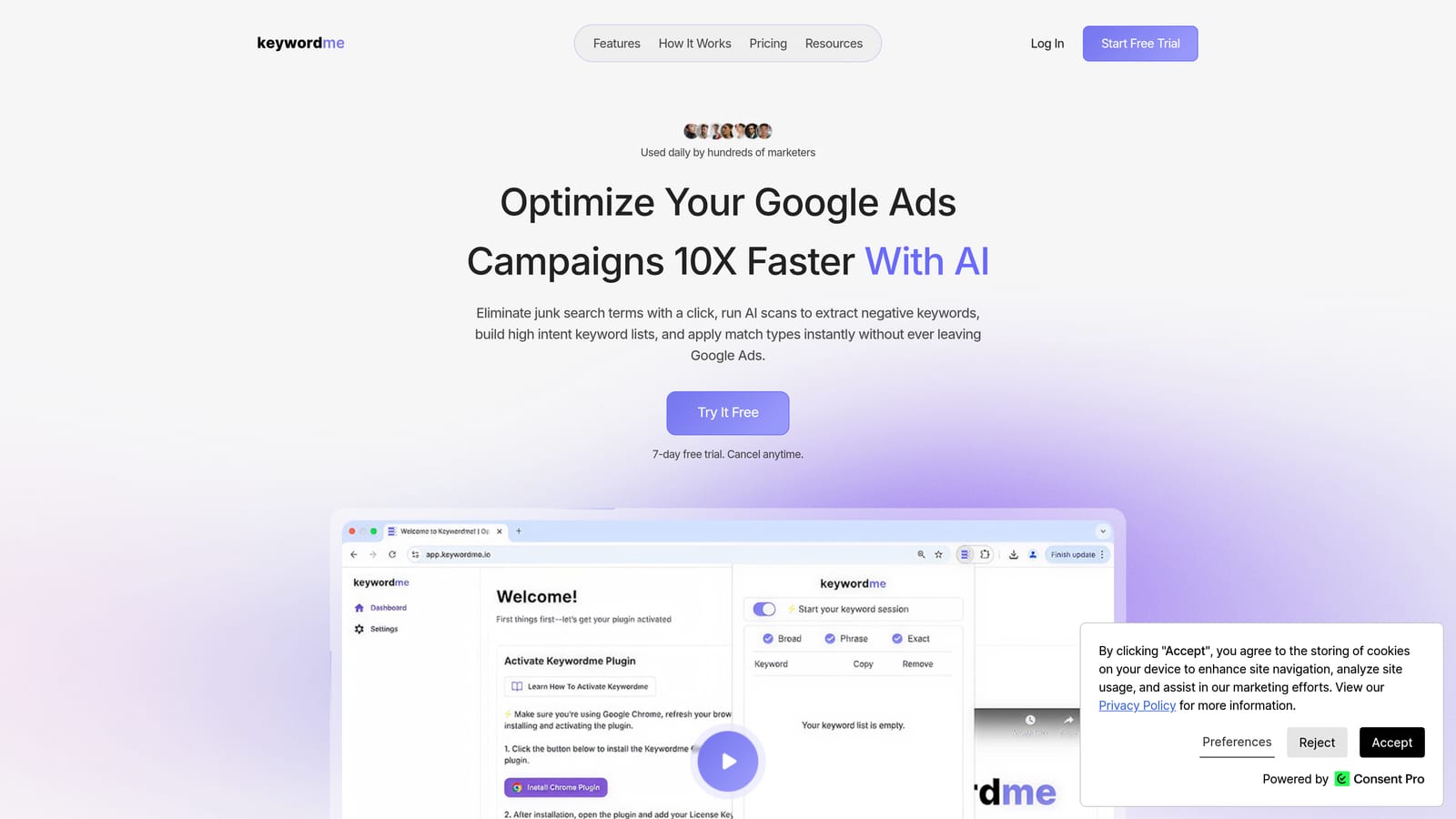
Keywordme is a Chrome extension built specifically for Google Ads users who want to cut down on the manual work that comes with managing search terms and keywords.
Where This Tool Shines
Most Google Ads optimization workflows involve a lot of tab-switching: export the Search Terms Report, open a spreadsheet, identify junk terms, build a negative keyword list, go back to Google Ads, and upload. Keywordme collapses that process into a series of one-click actions you take directly inside the Search Terms Report, without ever leaving the Google Ads interface.
This makes it especially useful for anyone managing accounts where the Search Terms Report is a constant source of wasted spend. You can remove irrelevant terms, apply match types, cluster related keywords into ad groups, and handle bulk edits in a fraction of the time it takes to do the same work manually. If the Search Terms Report feels overwhelming, this extension brings it back under control quickly.
Key Features
One-Click Negative Keyword Addition: Flag and remove irrelevant search terms as negative keywords without leaving the Search Terms Report.
Match Type Application: Apply broad, phrase, or exact match types instantly from within the interface—no manual editing required.
Keyword Clustering: Group related search terms into ad groups to build more structured, relevant campaigns.
Bulk Editing: Make changes across multiple search terms simultaneously, which is a significant time saver on larger accounts.
Multi-Account and Team Support: Designed for agencies managing multiple client accounts, with team access built in.
Best For
Keywordme is a strong fit for freelancers and agency teams who spend meaningful time each week in the Search Terms Report. If automating keyword management is a priority for your workflow, this is the most direct tool for that job. It's less relevant if your main optimization work happens in bid management or ad copy.
Pricing
$12/month per user. A 7-day free trial is available with no commitment required.
2. Keywords Everywhere
Best for: Lightweight keyword research with inline data across multiple platforms
Keywords Everywhere is a Chrome extension that overlays keyword metrics directly on Google Search, YouTube, Amazon, and other platforms as you browse—no separate tool required.
Where This Tool Shines
The appeal here is simplicity. Instead of opening a separate keyword research tool, you get search volume, CPC, and competition data surfaced right on the page you're already viewing. If you're doing quick research while browsing Google or scoping out a new campaign topic, the data appears inline without any extra steps.
It also surfaces related keywords and "People Also Search For" panels, which can help you spot terms worth adding to a campaign or flagging as potential negatives. For PPC managers who don't need a full keyword research platform, it covers the basics efficiently.
Key Features
Inline Search Volume and CPC: Keyword metrics appear directly on Google SERPs and other supported platforms as you search.
Related Keywords Panel: Surfaces related terms and "People Also Search For" data to expand or refine keyword lists.
Trend Data: Historical volume charts help you understand whether a keyword's traffic is growing, stable, or declining.
Multi-Platform Coverage: Works across Google, YouTube, Amazon, eBay, and several other platforms.
Credit-Based Pricing: You pay only for the keyword lookups you actually use, which keeps costs low for occasional researchers.
Best For
Marketers and freelancers who want keyword data available while browsing, without committing to a full SEO or PPC research platform. It's a practical add-on rather than a primary research tool.
Pricing
Credit-based model with a limited free tier. Paid credit packs are available at low cost per lookup. Check keywordseverywhere.com for current pricing, as rates are updated periodically.
3. Optmyzr Extension
Best for: Surfacing campaign recommendations for existing Optmyzr platform subscribers
Optmyzr offers a Chrome extension companion for users already subscribed to its PPC management platform, making it easier to act on recommendations without logging into the full dashboard.

Where This Tool Shines
If your agency already uses Optmyzr as its core PPC management platform, this extension adds a useful layer of accessibility. Alerts and pending optimizations surface directly in the browser, so you can act on recommendations without navigating back to the Optmyzr dashboard mid-workflow.
It's worth being clear about what this extension is: it's a companion to the Optmyzr platform, not a standalone tool. If you don't have an active Optmyzr subscription, the extension has no function. But for teams already invested in the Optmyzr ecosystem, it reduces the friction of checking in on recommendations throughout the day.
Key Features
In-Browser Alerts: Surfaces Optmyzr recommendations and alerts without requiring you to open the full platform dashboard.
One-Click Optimization Access: Jump directly to pending optimizations from the browser extension.
Multi-Platform Support: Works alongside both Google Ads and Microsoft Ads accounts managed through Optmyzr.
Agency-Oriented: Particularly useful for teams managing multiple client accounts under a single Optmyzr subscription.
Best For
Agencies and PPC managers who are already paying for and actively using the Optmyzr platform. Not a practical choice if you're not already subscribed.
Pricing
Requires an active Optmyzr subscription. Check optmyzr.com for current plan pricing, as tiers and rates may change.
4. Tag Assistant (by Google)
Best for: Verifying and debugging Google Ads conversion tracking and other Google tags
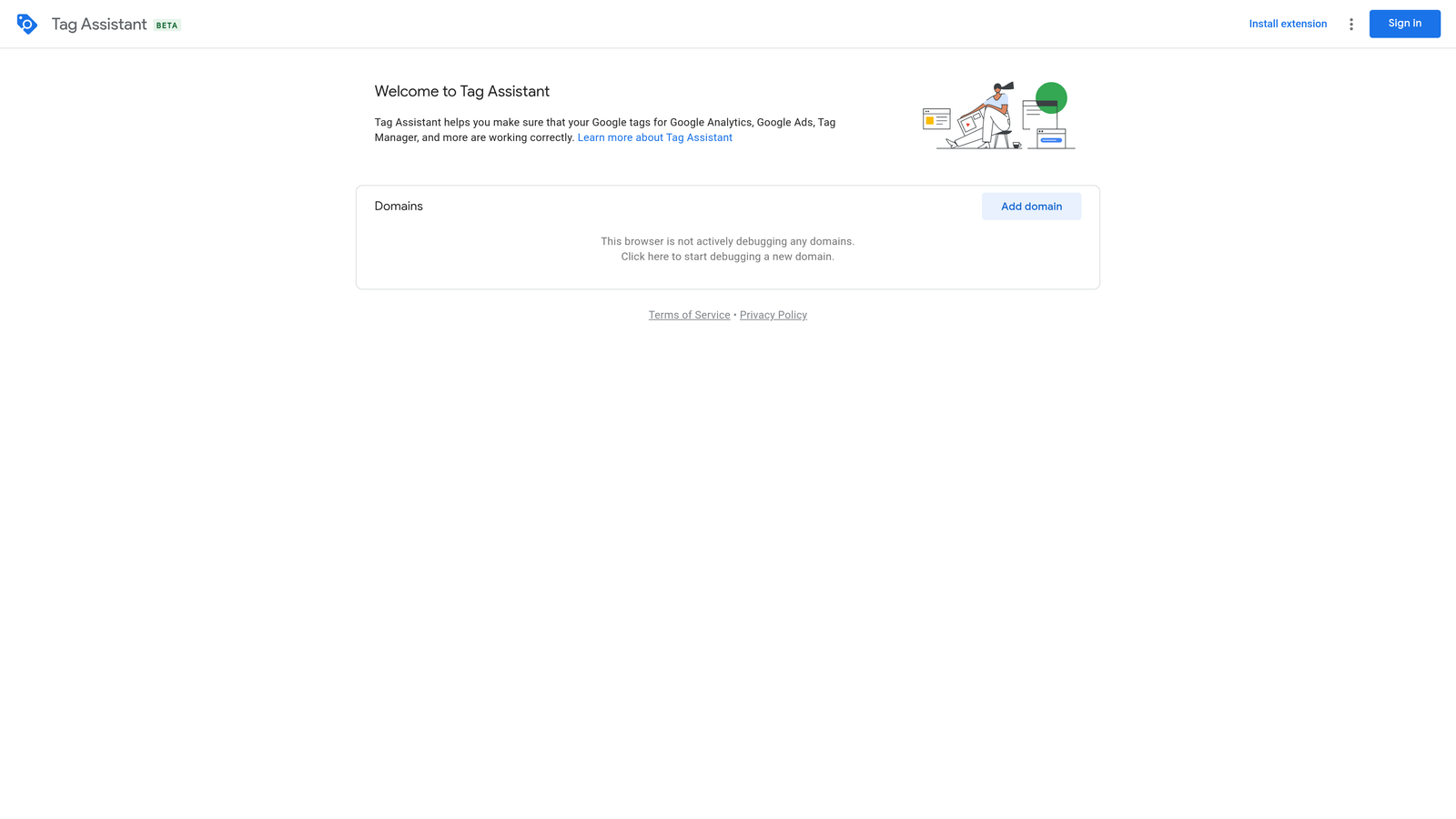
Tag Assistant is Google's official Chrome extension for checking whether your Google tags are firing correctly—an essential tool for anyone responsible for conversion tracking accuracy.
Where This Tool Shines
Conversion tracking problems are one of the most common and costly issues in Google Ads accounts. If your tags aren't firing correctly, you're either missing conversion data or double-counting it—both of which distort your optimization decisions. Tag Assistant lets you verify tag behavior in real time on any page, so you can catch problems before they affect your data.
The debug mode is particularly useful. It walks you through the full tag journey step by step, showing exactly what fired, when, and whether there were any errors or warnings. For anyone setting up or auditing conversion tracking, this is a must-have before you trust your data.
Key Features
Real-Time Tag Verification: Confirms whether Google tags are firing correctly on any page you visit.
Error and Warning Detection: Identifies tag issues, missing implementations, and configuration problems.
Broad Tag Support: Works with Google Ads conversion tags, GA4, Google Tag Manager, and other Google tags.
Debug Mode: Provides a step-by-step breakdown of the tag firing journey for detailed troubleshooting.
Free: No subscription or account required beyond a standard Google account.
Best For
Any Google Ads manager who is responsible for conversion tracking setup or auditing. This is a non-negotiable tool if you care about data accuracy—and you should.
Pricing
Free. No paid tiers.
5. Similarweb
Best for: Competitor traffic research before building or expanding campaigns
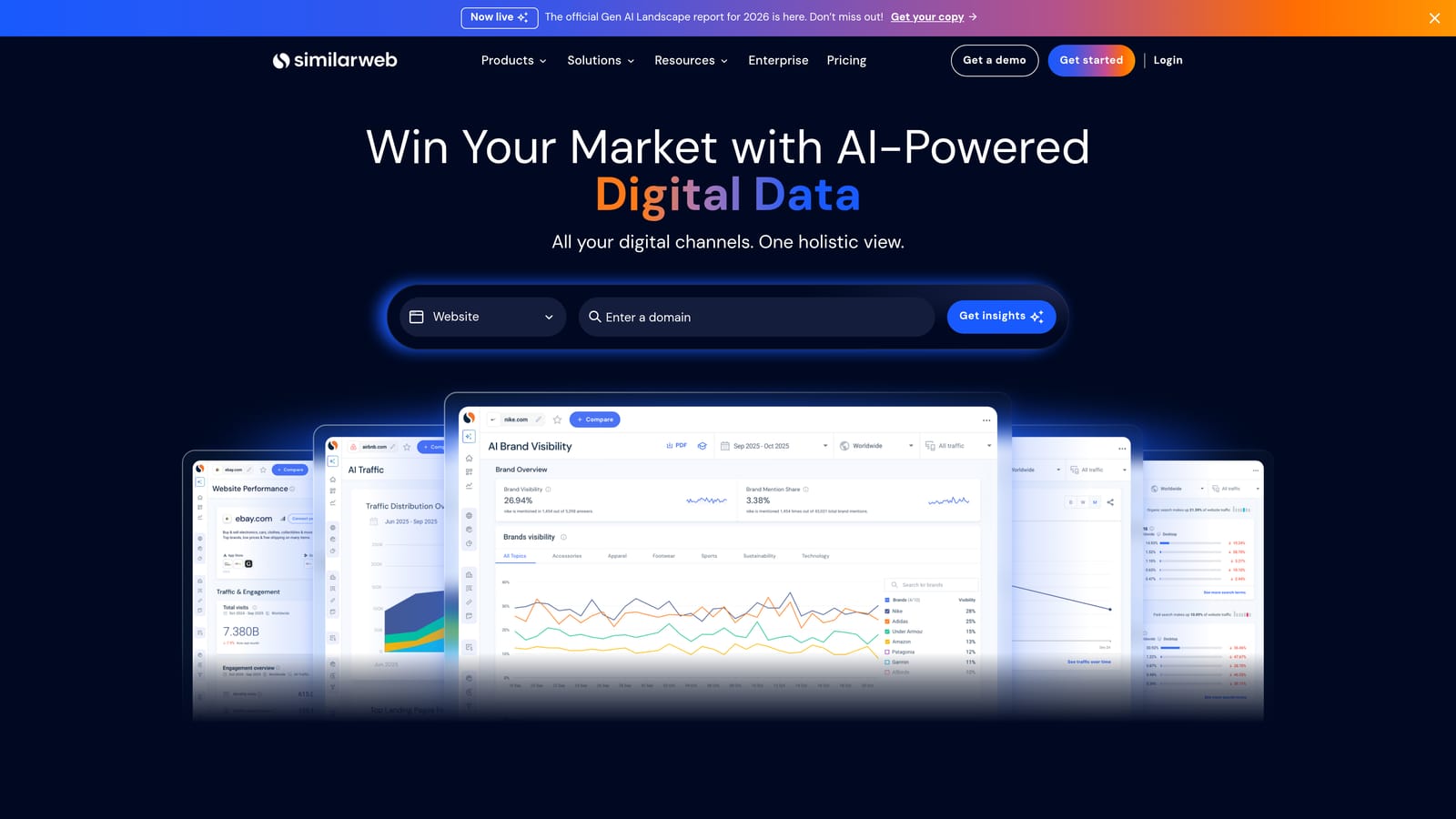
Similarweb is a Chrome extension that overlays traffic estimates, source breakdowns, and audience data on any website you visit—useful for sizing up competitors before launching or scaling campaigns.
Where This Tool Shines
Before you build out a new campaign or expand into a new market, it helps to understand how competitors are acquiring their traffic. Similarweb surfaces that context directly on the competitor's website as you browse: estimated monthly visits, traffic source mix, top referring sites, and geographic breakdown. You don't need to run a separate research session.
For PPC managers, the most relevant data points are typically the paid traffic share and the traffic source breakdown. If a competitor is driving a large portion of traffic through paid search, that tells you something about the competitive landscape and what budget levels might be needed to compete effectively.
Key Features
Traffic Volume Estimates: Monthly visit estimates and trend data for any website.
Traffic Source Breakdown: Shows the split across organic, paid, referral, direct, and social channels.
Referring and Destination Sites: Identifies where a site's traffic comes from and where visitors go next.
Audience Geography and Device Split: Useful for understanding where a competitor's audience is located and how they're browsing.
Free Tier: Basic data is available without a paid subscription.
Best For
PPC managers and agency strategists who need quick competitive context during campaign planning. The free tier covers most casual research needs; deeper analysis requires a paid plan.
Pricing
Free extension with limited data depth. Paid plans unlock more detailed metrics. Check similarweb.com for current plan details.
6. GMass
Best for: Sending personalized, tracked client reports and campaign updates at scale from Gmail
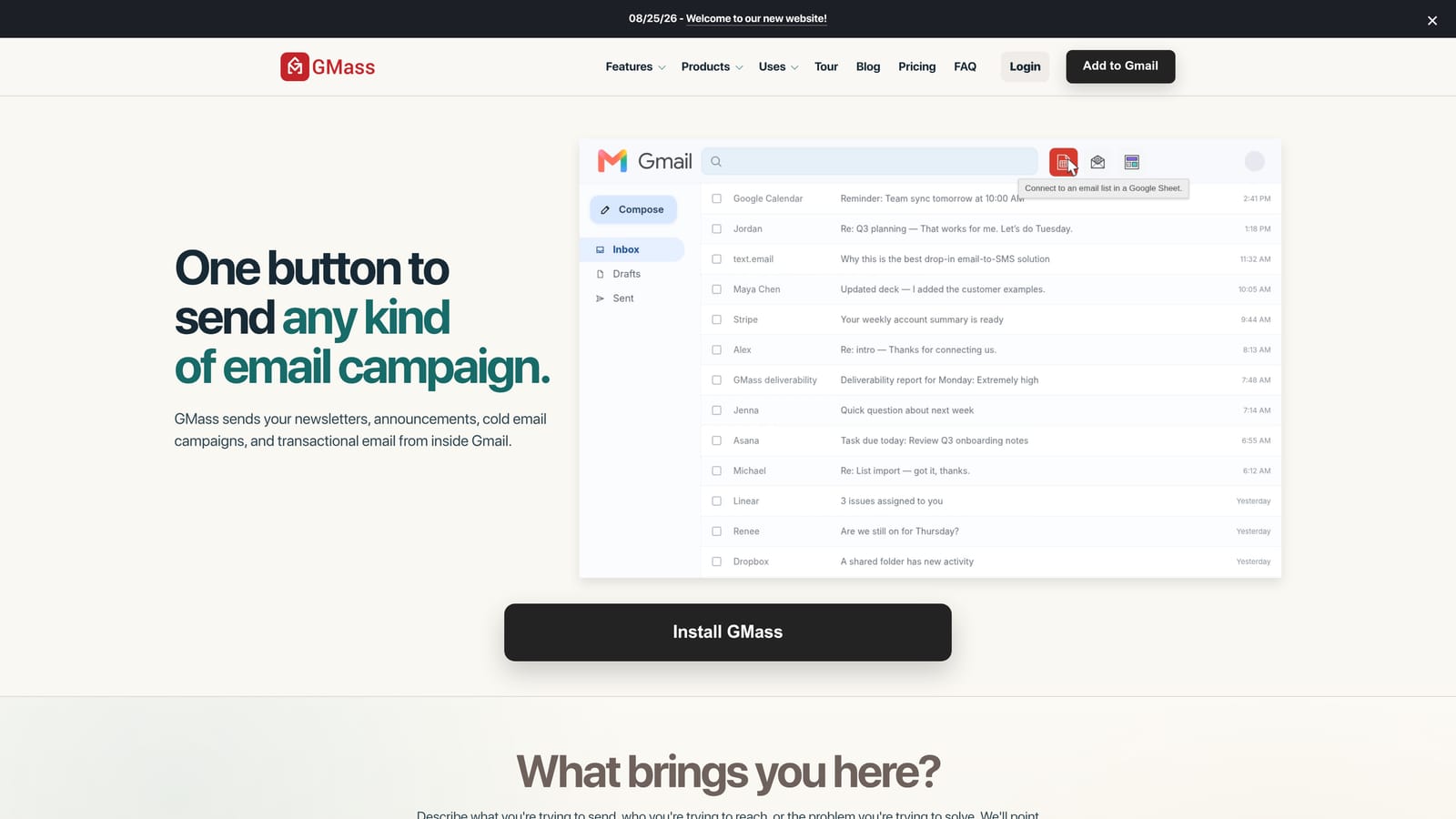
GMass is a Gmail-based Chrome extension for mail merge, email scheduling, and open/click tracking—primarily useful for agencies that send regular PPC reports or client updates to multiple contacts.
Where This Tool Shines
GMass is not a Google Ads optimization tool in the direct sense. It belongs on this list because agency workflow extends beyond the Google Ads interface itself. Reporting is a significant part of account management, and sending personalized monthly reports to a roster of clients manually is tedious and error-prone.
GMass connects to Google Sheets, so you can pull client-specific data into email templates and send personalized messages to your entire client list in a single action. Open and click tracking tells you who's actually reading what you send, which is useful when following up on recommendations or proposed changes.
Key Features
Mail Merge with Google Sheets: Personalize emails at scale using data from a connected spreadsheet.
Open and Click Tracking: See who opened your emails and clicked links, directly within Gmail.
Scheduled Sending: Set emails to go out at specific times, useful for consistent monthly reporting cadences.
Follow-Up Sequences: Automatically follow up with contacts who haven't responded, without manual reminders.
Best For
Agencies and freelancers managing multiple clients who send regular campaign reports or updates. Less relevant for solo advertisers managing a single account.
Pricing
Free tier available with sending limits. Paid plans unlock higher volume and advanced features. Check gmass.co for current pricing.
7. Ahrefs SEO Toolbar
Best for: Evaluating landing page quality and competitor strength from within the browser
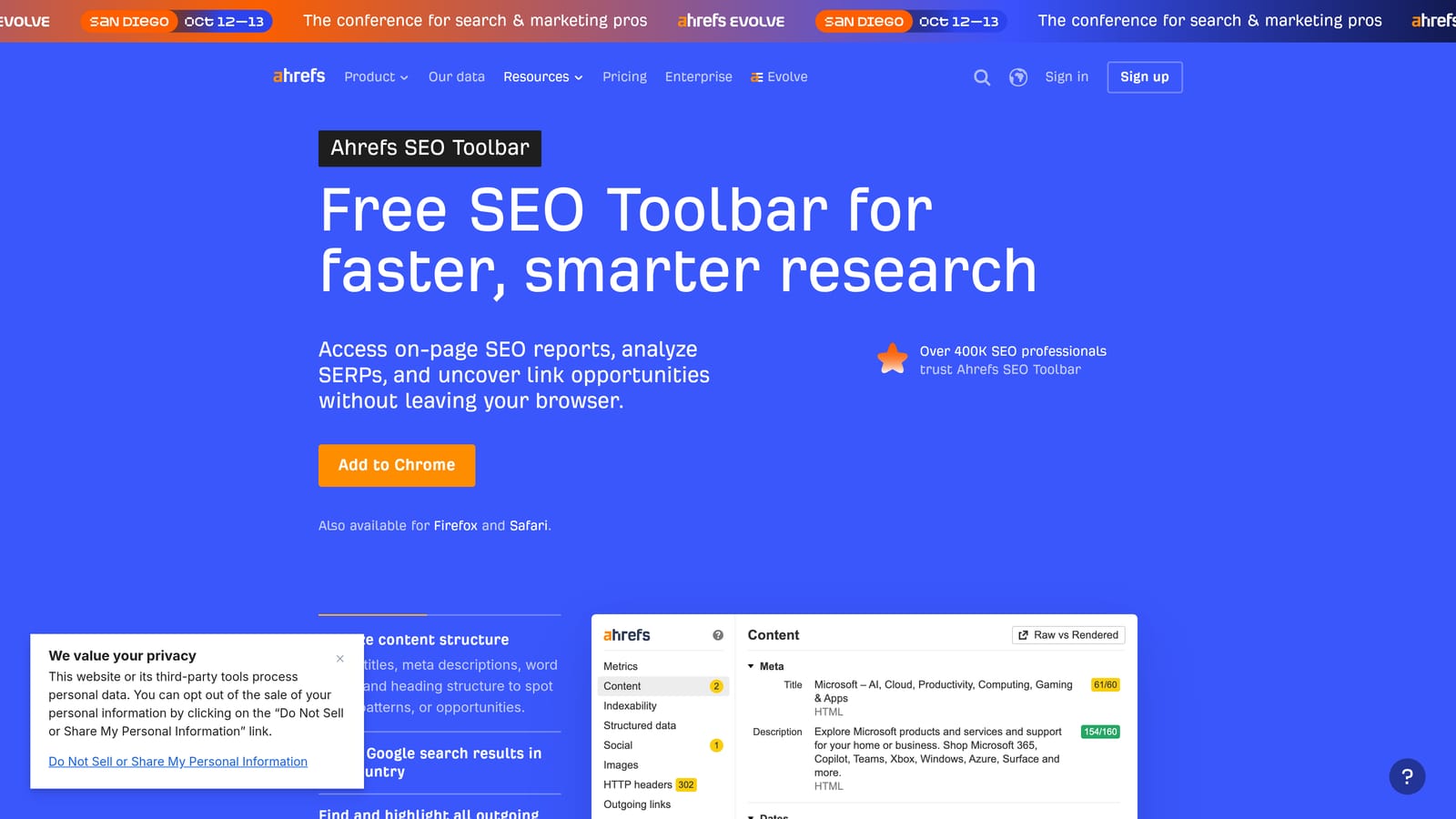
Ahrefs SEO Toolbar is a free Chrome extension that displays domain authority metrics, backlink counts, and organic keyword estimates on any page or SERP—handy context for PPC managers assessing landing pages and competitive positioning.
Where This Tool Shines
PPC managers don't always think about SEO metrics, but they're relevant in a few specific situations. When you're evaluating a landing page for quality score potential, or assessing how strong a competitor's domain is before bidding against them, having domain rating and organic traffic estimates visible inline saves you from running a separate analysis.
The SERP overlay is particularly useful. When you search a target keyword in Google, the toolbar shows metrics for every ranking page—organic traffic estimates, backlink counts, domain rating—right in the search results. That gives you a quick read on how competitive a keyword space is before you commit budget to it.
Key Features
Domain Rating and URL Rating: Authority metrics displayed on every page you visit.
Estimated Organic Traffic: Traffic estimates and top keyword data for any page or domain.
Backlink Count: Inline backlink data on SERPs and individual pages.
SERP Overview: Full metrics for all ranking pages on any Google search results page.
Free to Use: Requires a free Ahrefs account, but no paid subscription is needed for the toolbar itself.
Best For
PPC managers who want quick competitive context and landing page quality signals without subscribing to a full SEO platform. The free tier is genuinely useful for this use case.
Pricing
Free with a free Ahrefs account. Full Ahrefs platform features require a paid subscription, but the toolbar itself is available at no cost.
8. Loom
Best for: Recording and sharing campaign audit walkthroughs and client-facing explanations
Loom is a screen and camera recording Chrome extension that lets you record video walkthroughs and share them instantly via a link—widely used by freelancers and agencies to explain Google Ads findings to clients.
Where This Tool Shines
Some things are faster to show than to write. When you've completed a campaign audit and need to walk a client through your findings, a Loom recording is often clearer and more persuasive than a written report. You can narrate what you're seeing in the account, highlight specific issues, and explain your recommendations in real time—without scheduling a call.
The instant shareable link is the key feature. Once you stop recording, Loom generates a link immediately. No uploading, no editing, no file transfers. Viewer analytics let you see whether the client actually watched the video and for how long, which is useful context before a follow-up conversation.
Key Features
One-Click Recording: Start screen and webcam recording directly from the Chrome extension with a single click.
Instant Shareable Link: A viewable link is generated immediately after recording—no upload or editing required.
Viewer Analytics: See who watched your video, how long they watched, and whether they rewatched sections.
Comments and Reactions: Viewers can leave timestamped comments on shared videos, enabling async feedback.
Free Tier: Available with recording limits, sufficient for occasional use.
Best For
Freelancers and agency account managers who regularly communicate complex findings to clients. Also useful for internal team walkthroughs or training new staff on account structures.
Pricing
Free tier with recording limits. Paid plans remove limits and add advanced features. Check loom.com for current pricing.
Which Tool Is Right for Your Workflow?
The honest answer is that you don't need all eight of these. Installing too many extensions slows your browser down and creates its own kind of friction. Pick the ones that address your actual bottlenecks, install them, and see whether they stick.
Here's a quick guide by use case:
Search term management is eating your time: Start with Keywordme. It's the most directly relevant tool on this list for anyone who spends meaningful time in the Search Terms Report. The one-click workflow for negative keywords and match types alone can meaningfully reduce how long routine optimization takes.
Conversion tracking needs a checkup: Tag Assistant is a must-have. It's free, it's made by Google, and it removes the guesswork from tracking verification. If you're not already using it, install it today.
You need keyword data without a full research platform: Keywords Everywhere is the lowest-friction option. The credit-based model means you only pay for what you actually look up, and the inline data on Google Search makes it easy to incorporate into your existing browsing habits.
You're an agency sending monthly client reports: GMass handles personalized reporting at scale without leaving Gmail. Pair it with Loom for video walkthroughs when written reports aren't enough.
You're evaluating competitors before building campaigns: Similarweb and the Ahrefs SEO Toolbar cover different angles of competitor research. Similarweb gives you traffic source and volume context; Ahrefs gives you domain authority and SERP-level competitive signals. Both are free at the basic level.
If search term management and negative keyword work are your biggest time sinks—which they are for most active Google Ads managers—Keywordme is the logical starting point. It's purpose-built for exactly that workflow, and the 7-day trial lets you see the impact before committing to anything.
Optimize your Google Ads campaigns without the spreadsheet juggling. Keywordme lets you remove junk search terms, build high-intent keyword lists, and apply match types instantly—right inside Google Ads. No tab-switching, no manual exports, just faster optimization where you're already working. Start your free 7-day trial and see what your workflow looks like when the friction is gone.
.svg)