
9 Best Google Ads Chrome Extensions Ranked for 2026
Discover the top google ads chrome extensions ranked by real-world usefulness, feature depth, and value for 2026. This guide covers nine actively maintained tools that streamline PPC workflows—from search term analysis and keyword research to competitor ad spying and tracking audits—helping solo advertisers and agencies work faster directly within their browser.


TL;DR: Managing Google Ads campaigns natively is slow, repetitive, and frustrating at scale. Chrome extensions fix that by layering powerful functionality directly onto your browser workflow. This list ranks the top Google Ads Chrome extensions in 2026 based on real-world usefulness, feature depth, and value for money. Every tool here is actively maintained, available on the Chrome Web Store, and genuinely useful for PPC professionals, whether you're a solo advertiser or running a multi-client agency.
If you've ever spent 45 minutes combing through a search terms report in a spreadsheet, you already know the problem. The native Google Ads interface gets the job done, but it wasn't designed for speed. These extensions change that. Some optimize your workflow directly inside Google Ads, others overlay keyword data on search results, and a few help you audit tracking or spy on competitor ad strategies.
Stack two or three of these together and you've got a serious edge over advertisers still doing everything by hand. Let's get into it.
1. Keywordme
Best for: Fast, in-interface search term management and negative keyword building inside Google Ads
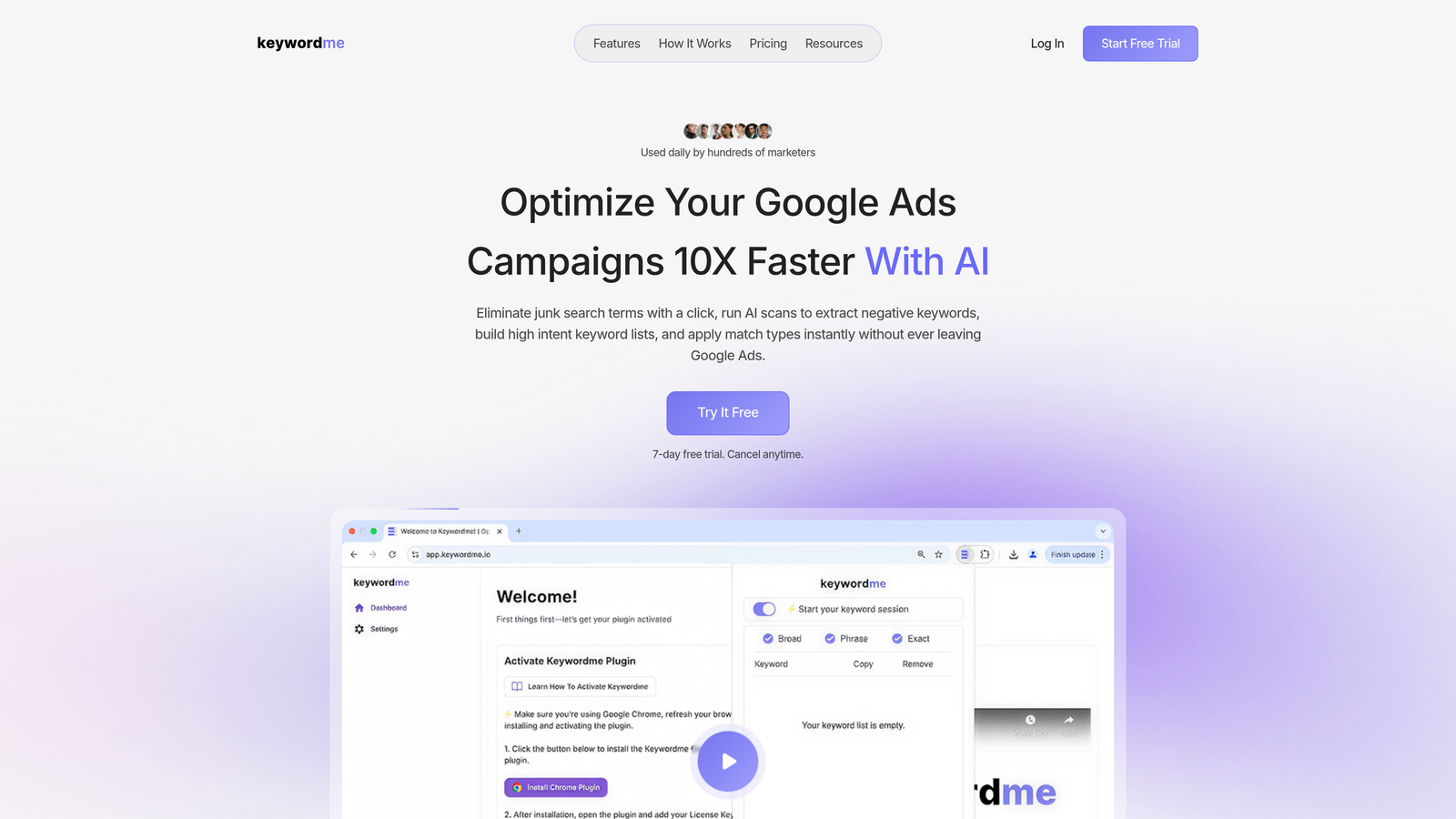
Keywordme is a Chrome extension that integrates directly into Google Ads' Search Terms Report, turning what's normally a tedious manual process into a series of fast, one-click actions.
Where This Tool Shines
In most accounts I audit, search term management is the single biggest time sink. Advertisers are exporting to spreadsheets, flagging junk terms, building negative lists offline, then re-importing everything. Keywordme eliminates that entire loop by letting you do it all without leaving the Google Ads interface.
What makes it genuinely useful is the combination of speed and precision. You can remove irrelevant search terms, apply match types (broad, phrase, exact), and build negative keyword lists in the same workflow, right where you're already working. For agencies managing multiple accounts, the multi-user and multi-account support means the whole team operates from the same optimized workflow.
Key Features
One-Click Search Term Removal: Flag and remove junk search terms directly inside the Search Terms Report without exporting anything.
Instant Match Type Application: Apply broad, phrase, or exact match to keywords in a single click, no spreadsheet formulas required.
Negative Keyword List Building: Build and manage negative keyword lists inside the native Google Ads UI, keeping everything in one place.
Keyword Clustering and Bulk Editing: Group and edit keywords in bulk for faster account-wide optimization.
Multi-Account and Team Support: Built for agencies with features that support multiple accounts and collaborative team workflows.
Best For
PPC managers, freelancers, and agency teams who spend significant time in the Search Terms Report and want to cut optimization time dramatically. Especially valuable for anyone managing more than two or three accounts simultaneously.
Pricing
$12/month per user with a 7-day free trial. One of the most affordable specialized PPC tools available at this price point.
2. Google Ads Editor
Best for: Bulk offline editing and large-scale campaign restructuring across Google Ads accounts
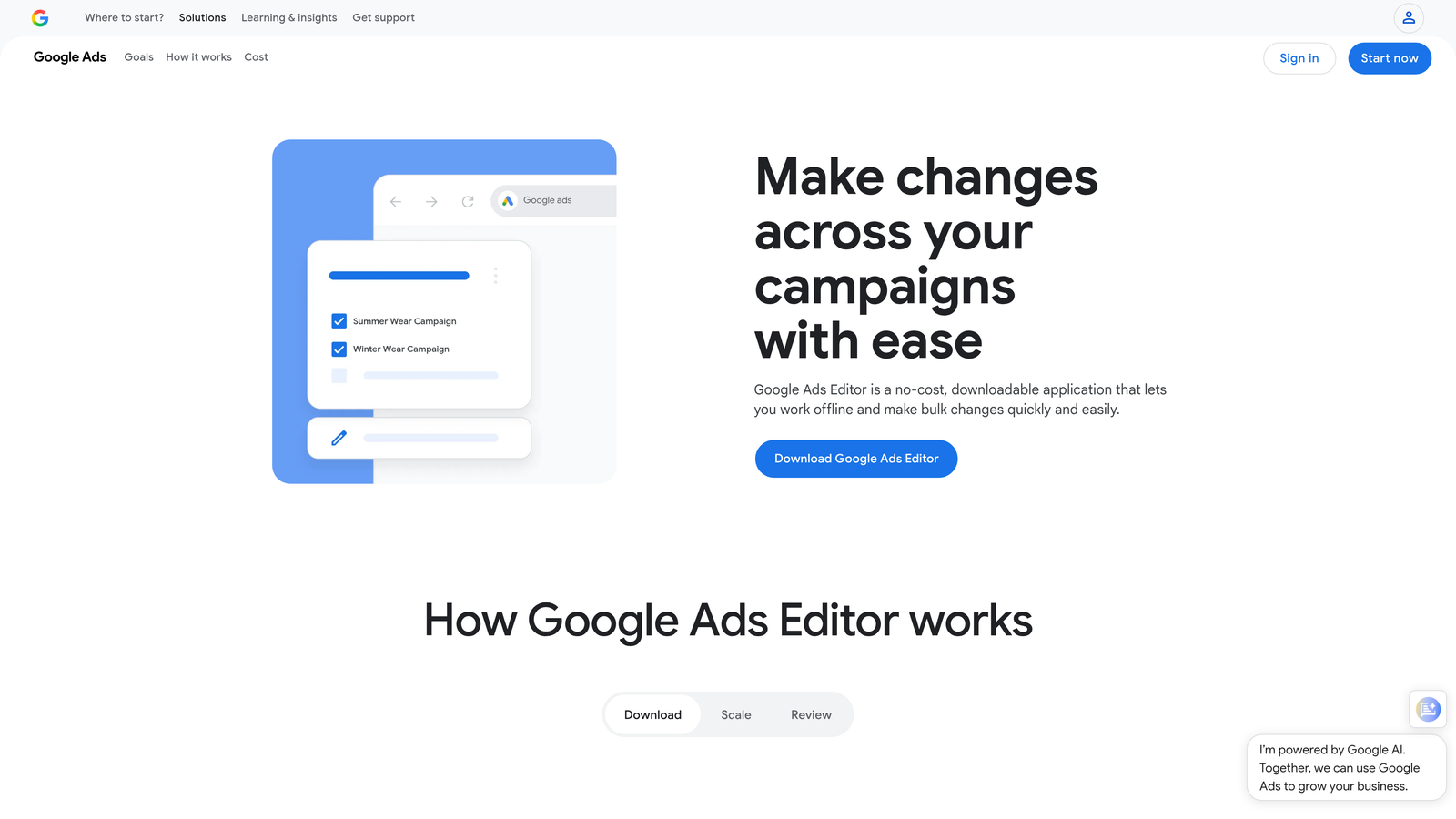
Google Ads Editor is Google's free desktop application for making bulk changes to campaigns offline, then pushing everything live at once.
Where This Tool Shines
When you need to restructure a large account, rename hundreds of ad groups, or copy campaigns between clients, the native Google Ads interface becomes a nightmare. Editor handles all of that without breaking a sweat. The offline workflow is particularly useful when you're making sweeping changes and want to review everything before anything goes live.
The mistake most agencies make is underusing Editor for cross-account work. The copy/paste functionality between accounts alone saves hours on new client onboarding.
Key Features
Bulk Editing: Make changes across campaigns, ad groups, keywords, and ads simultaneously.
Offline Editing: Work without an internet connection and upload changes when ready.
Find and Replace: Update text across multiple account elements in seconds.
Cross-Account Copy/Paste: Duplicate campaigns or ad groups between accounts without rebuilding from scratch.
Draft and Review Mode: Preview all pending changes before publishing anything live.
Best For
Anyone managing large accounts or multiple clients who needs to make high-volume changes efficiently. Essential for account migrations, restructures, and bulk creative updates.
Pricing
Completely free. No subscription, no account tier required beyond a standard Google Ads login.
3. Keyword Surfer
Best for: Quick search volume and CPC data directly on Google search results pages
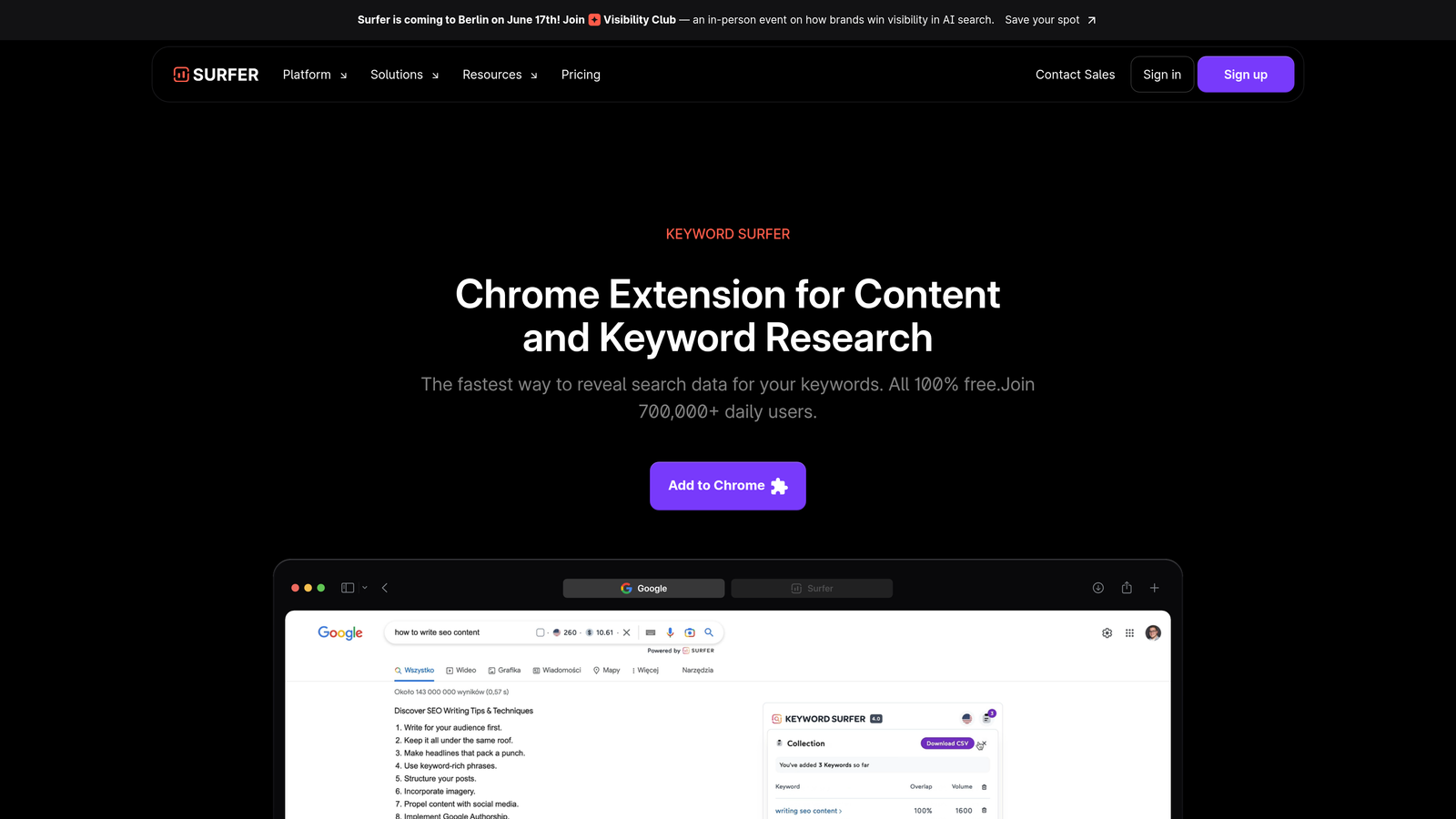
Keyword Surfer is a free extension by Surfer SEO that overlays keyword data, CPC estimates, and related keyword suggestions directly onto Google SERPs as you search.
Where This Tool Shines
For quick keyword research during a call or mid-campaign review, Keyword Surfer is hard to beat. You don't need to open a separate tool, log into anything, or export a file. The data appears right on the search results page as you type. It's not a replacement for a full keyword research platform, but for fast sanity checks on search volume and estimated CPC, it's incredibly handy.
The related keyword panel is particularly useful for identifying adjacent terms you might be missing in your campaigns without committing to a full research session.
Key Features
SERP Volume Overlay: Search volume estimates appear next to every result on the Google SERP.
CPC Data Display: See estimated cost-per-click for any search query instantly.
Related Keyword Suggestions: A sidebar panel shows related terms with their own volume data.
Country-Level Data Selection: Switch between markets to evaluate keyword demand by region.
No Account Required: Works immediately after installation with no login or setup.
Best For
PPC managers who want quick keyword data while browsing without switching to a full research platform. Great for freelancers doing lightweight research or anyone validating keyword ideas on the fly.
Pricing
Completely free. No premium tier for this extension specifically.
4. SEMrush AdClarity
Best for: Competitive intelligence on rival ad spend, creatives, and channel strategy
SEMrush AdClarity is a competitive intelligence tool that surfaces competitor ad strategies, estimated spend, and creative assets across search, display, and video channels.

Where This Tool Shines
What usually happens here is that advertisers spend hours manually searching for competitor ads and guessing at their strategy. AdClarity replaces that guesswork with structured data. You can see which publishers competitors are buying on, how their spend trends over time, and what creative formats they're leaning into.
For new client onboarding, this is genuinely useful for benchmarking competitive intensity before you've spent a dollar. The ad creative gallery also gives you a fast read on messaging angles competitors are testing.
Key Features
Competitor Ad Spend Estimates: View estimated spend across search, display, and video for any competitor domain.
Ad Creative Gallery: Browse competitor ad creatives, messaging, and formats in one place.
Publisher and Network Breakdown: See which ad networks and publishers competitors are using.
Trend Analysis: Track how competitor advertising activity changes over time.
SEMrush Platform Integration: Data feeds into the broader SEMrush ecosystem for deeper analysis.
Best For
Agencies and in-house teams doing competitive research before launching new campaigns or entering new markets. Most valuable when used alongside SEMrush's keyword and traffic tools.
Pricing
Included with SEMrush plans starting around $130/month. Standalone add-on pricing varies. Not a budget tool, but the competitive data justifies the cost for agencies with active client research needs.
5. Optmyzr
Best for: Automated PPC audits, rule-based campaign optimization, and multi-platform management
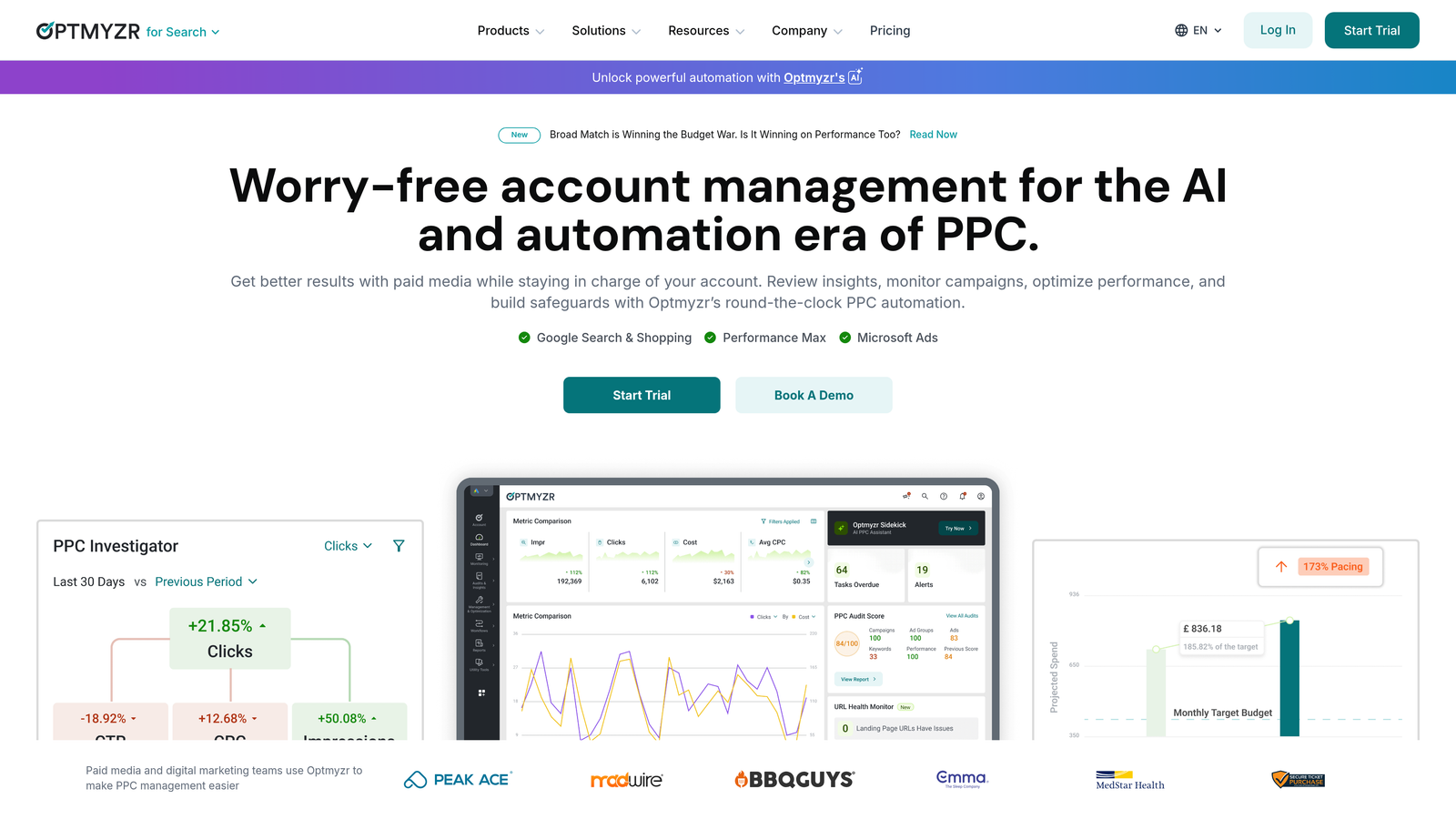
Optmyzr is a PPC management platform with browser-based tools for automated audits, optimization recommendations, and rule-based campaign management across Google Ads and Microsoft Ads.
Where This Tool Shines
Optmyzr is built for agencies and PPC teams that need to move fast across multiple accounts without missing optimization opportunities. The one-click audit feature is particularly strong, surfacing actionable recommendations rather than just flagging problems. You get prioritized suggestions, not a wall of data to interpret yourself.
The rule-based automation is where it earns its price tag. Setting up bid adjustment rules and budget pacing guardrails that run automatically means fewer manual check-ins and fewer surprises at month-end.
Key Features
One-Click PPC Audits: Automated account audits with prioritized, actionable recommendations.
Rule-Based Automation: Create custom rules for bid adjustments and budget pacing without scripting.
Quality Score Tracking: Monitor Quality Score trends historically across keywords and ad groups.
Shopping Campaign Optimization: Dedicated tools for managing and optimizing Google Shopping campaigns.
Multi-Platform Support: Works across Google Ads, Microsoft Ads, and Meta campaigns.
Best For
Mid-to-large agencies and in-house teams managing high ad spend across multiple platforms who need automation without custom scripting. Less suited to solo freelancers or small accounts where the price doesn't justify the complexity.
Pricing
Starts at approximately $249/month. Enterprise-tier pricing for enterprise-tier functionality.
6. Google Tag Assistant
Best for: Verifying Google Ads conversion tracking, GA4, and GTM tag installation and firing
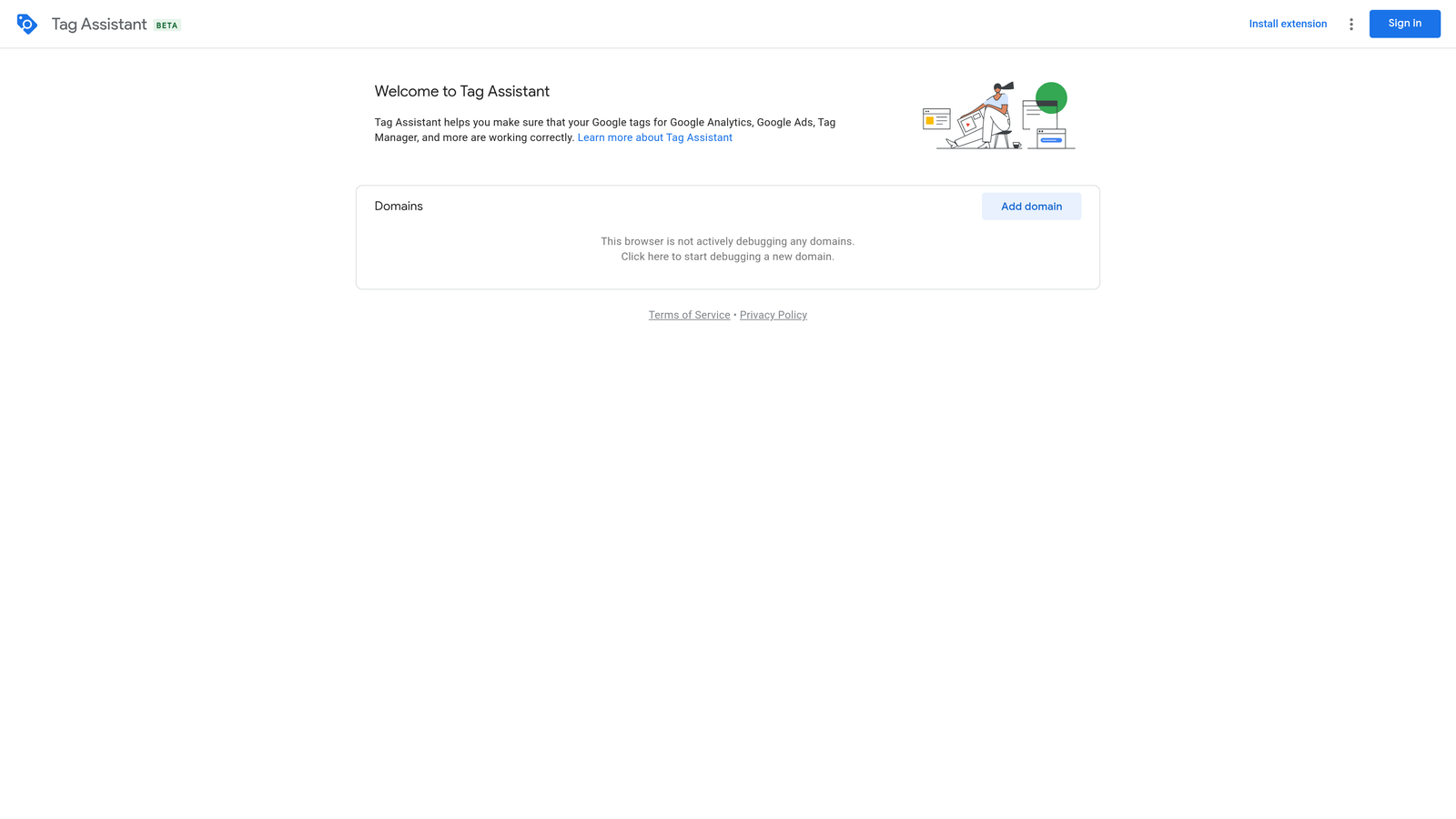
Google Tag Assistant is Google's official Chrome extension for confirming that tracking tags are installed correctly and firing as expected on any webpage.
Where This Tool Shines
Conversion tracking issues are one of the most common problems I find in account audits. Tags that aren't firing, double-counting conversions, or only triggering on certain browsers can silently corrupt your performance data for weeks. Tag Assistant catches these issues before they become expensive problems.
The debug mode is particularly useful for walking through a conversion flow step by step and confirming exactly when and where each tag fires. For anyone setting up a new Google Ads account or inheriting a messy tracking setup, this should be the first thing you install.
Key Features
Real-Time Tag Verification: Confirms Google Ads, GA4, and GTM tags are installed and firing correctly.
Error and Warning Alerts: Flags misconfigured or missing tags with clear descriptions.
Debug Mode: Step-by-step conversion flow testing across a full user journey.
Recording Mode: Captures tag firing across multiple pages in a single session.
GTM Preview Integration: Works directly with Google Tag Manager's preview and debug mode.
Best For
Any PPC professional who sets up or audits conversion tracking. Non-negotiable for agency account managers inheriting new clients. Also essential for anyone troubleshooting discrepancies between Google Ads and GA4 data.
Pricing
Completely free. An official Google product with no paid tier.
7. Similarweb Browser Extension
Best for: Instant traffic estimates and source breakdowns for competitor and landing page domains
Similarweb is a browser extension that surfaces traffic estimates, source breakdowns, and engagement metrics for any domain you visit, instantly.
Where This Tool Shines
When you're evaluating a competitor's landing page or scoping a new market, knowing whether a site gets 10,000 or 10 million monthly visits changes your entire read of the competitive landscape. Similarweb gives you that context in seconds without logging into a separate platform.
The traffic source breakdown is especially useful for PPC work. Seeing how much of a competitor's traffic comes from paid search versus organic versus direct tells you a lot about their acquisition strategy and where they're investing.
Key Features
Monthly Traffic Estimates: Estimated visit volume and engagement metrics for any domain.
Traffic Source Breakdown: Split between direct, organic search, paid search, social, and referral.
Geographic Distribution: See which countries drive the most traffic to any site.
Referring and Destination Sites: Identify top referral sources and where visitors go after leaving.
Industry Ranking: Category and industry benchmarking for competitive context.
Best For
PPC managers doing competitive research, new client discovery, or landing page benchmarking. The free tier covers most casual use cases; the premium subscription unlocks deeper historical data and more granular breakdowns.
Pricing
Free tier available with limited data. Premium features require a Similarweb subscription, which varies by plan and usage level.
8. Adalysis
Best for: Structured ad testing, Quality Score monitoring, and account audit checklists
Adalysis is a PPC optimization platform focused on systematic ad testing, Quality Score tracking, and automated account recommendations for Google Ads campaigns.
Where This Tool Shines
The mistake most agencies make with ad testing is running tests without statistical rigor, then making decisions on data that isn't conclusive. Adalysis solves this by tracking statistical significance automatically and flagging when a test has reached a meaningful result. No more guessing whether your winning variant is actually winning.
The account audit checklist is also genuinely useful for structured account reviews. Rather than working from memory or a custom spreadsheet, you get a prioritized list of issues with clear guidance on what to fix first.
Key Features
Automated Ad Testing: Tracks ad test performance with statistical significance monitoring built in.
Quality Score Monitoring: Historical Quality Score trends at the keyword and ad group level.
Search Term Mining: Surfaces high-value search terms and negative keyword opportunities automatically.
Account Audit Checklists: Prioritized recommendations organized by impact and urgency.
RSA Performance Analysis: Dedicated tools for analyzing Responsive Search Ad asset performance.
Best For
PPC managers who run structured ad testing programs and want data-driven decision-making built into their workflow. Well suited to agencies managing mid-sized accounts where Quality Score and ad relevance have a meaningful impact on CPCs.
Pricing
Starts at approximately $99/month, scaled by ad spend under management. More accessible than Optmyzr for smaller agencies.
9. Ghostery
Best for: Auditing competitor landing page ad tech stacks and testing clean page performance
Ghostery is a privacy-focused Chrome extension that detects trackers, scripts, and third-party tags on any webpage, making it surprisingly useful for PPC landing page audits.
Where This Tool Shines
Most PPC managers don't think of Ghostery as a PPC tool, but here's where it gets interesting: landing page load speed is a Quality Score factor, and bloated third-party scripts are often the culprit. Ghostery lets you see exactly which trackers are adding load time and test what the page looks like with them blocked.
The competitive angle is also underrated. Visiting a competitor's landing page with Ghostery active tells you what ad platforms they're running, what analytics tools they use, and whether they're running retargeting. That's useful intelligence for understanding their full funnel setup.
Key Features
Tracker Detection: Lists every tracker, script, and tag loading on any page.
Load Speed Impact Analysis: Shows which trackers are contributing to page load time.
Tracker Blocking: Block specific scripts to test clean page performance without them.
Competitor Ad Tech Identification: Reveals which ad platforms and tools competitor landing pages use.
Customizable Blocking Rules: Fine-tune what gets blocked without affecting core page functionality.
Best For
PPC managers who care about landing page performance and want visibility into competitor tech stacks. Also useful for developers and account managers troubleshooting slow landing pages that might be hurting Quality Scores.
Pricing
Free for core functionality. A premium plan is available at approximately $4.99/month with additional privacy features.
Which Extension Is Right for Your Workflow?
Here's a quick-reference breakdown by use case so you can build your stack without overthinking it.
Search term optimization: Keywordme is the clear choice here. Nothing else operates directly inside the Search Terms Report with the same speed and simplicity.
Competitive intelligence: Use SEMrush AdClarity for ad spend and creative data, and layer in Similarweb for traffic source context. Together they give you a solid read on any competitor's acquisition strategy.
Tracking and debugging: Google Tag Assistant is non-negotiable. Install it and keep it installed. You'll use it more than you expect.
Keyword research: Keyword Surfer handles quick, on-the-fly research without requiring a separate platform login. It's not a full research suite, but for fast validation it's hard to beat.
Bulk campaign management: Google Ads Editor remains the gold standard for large-scale account changes. Free, powerful, and built by Google.
Auditing and automation: Optmyzr is the enterprise pick for teams managing high ad spend. Adalysis is the more accessible option for agencies focused on structured testing and Quality Score management.
Landing page analysis: Ghostery. Underused by most PPC managers, genuinely useful for anyone who cares about page performance and competitive tech stack research.
The real power move is stacking two or three complementary extensions rather than relying on any single tool. A practical starting stack for most PPC managers: Keywordme for in-interface optimization, Google Tag Assistant for tracking verification, and either Keyword Surfer or Similarweb depending on whether you need keyword data or competitive traffic intel.
If you're looking for the biggest immediate time-saver on this list, start with Keywordme. The difference between managing search terms natively and managing them with Keywordme is significant, especially if you're running multiple accounts. Start your free 7-day trial and see how much faster your optimization workflow gets. At $12/month after that, it's one of the easiest spending decisions in PPC.
.svg)