
8 Best Google Ads Chrome Extensions for Marketers in 2026
A practical guide to google ads chrome extensions for marketers.


Google Ads work is mostly small, repetitive jobs, and the right browser extension can shave real time off them if it matches how you work. These six cover search term cleanup, tracking checks, keyword research, competitor research, and landing page audits. They were chosen for relevance to day-to-day PPC work, how well they fit alongside the native Google Ads interface, and how clearly their limits can be stated. Extension names, features, and prices change often, so confirm the current Chrome Web Store listing before you install anything.
Quick Comparison of the Six Extensions
- Keywordme: marketers and agencies cleaning search terms across many accounts; $12/month per user as of October 2026; works directly inside the Google Ads Search Terms Report with no spreadsheet step.
- Google Tag Assistant: anyone verifying conversion tracking around a launch; free; first-party debugging of Google tags.
- Keywords Everywhere: planners who want quick keyword idea checks; credit-based pricing, see website; shows volume and CPC right on search results pages.
- Semrush Chrome extension: teams already on Semrush doing competitor spot checks; pricing on the Semrush site; ties browsing to a full competitive research suite.
- Similarweb extension: people sizing up competitors before setting budgets; pricing on the Similarweb site; shows a traffic channel mix for any site you visit.
- Wappalyzer: auditors of landing pages or inherited client sites; pricing on the Wappalyzer site; reveals the tech stack behind any page.
1. Keywordme
Keywordme is our own product, so weigh this entry with that in mind. It's a Chrome extension that adds one-click actions inside the Google Ads Search Terms Report, aimed at marketers, freelancers, and agencies who review search terms (the actual queries people typed) and decide which to block and which to promote into keywords (what you bid on).
Its distinctive trait on this list is where it works. Most extensions here sit alongside Google Ads and show you data. Keywordme acts on your account data inside the native report, so there's no export-to-spreadsheet step. The company describes this as making optimization up to 10x faster; that's the company's own claim, not an independently verified result, and your speedup will depend on your account size and habits.
- Add negative keywords straight from the Search Terms Report, so junk queries stop costing you without a trip to another screen.
- Add search terms as positive keywords with the match type you choose (broad, phrase, or exact).
- Keyword clustering groups related terms so you can review and act on them in batches.
- Bulk editing lets you apply changes to many terms at once instead of one by one.
- Multi-account and team support helps agencies work across client accounts with several users.
Setup is a Chrome extension install, and the day-to-day user is whoever already reviews search terms in Google Ads. You stay in control of each decision; it speeds up the clicking, not the judgment about what's relevant.
The limitation is scope. Keywordme handles search term and keyword management only. It doesn't do tracking diagnostics, keyword research with volume data, competitor analysis, or ad previews, so you'll pair it with other tools for those jobs. It's also not a fit if you don't work in the Search Terms Report much, such as accounts that are mostly Performance Max or Shopping.
Pricing is $12 per month per user, with a 7-day free trial, as of October 2026 and per company materials. Cost scales with the number of users. Verify current terms on the site.
Best for: Marketers and agencies cleaning search terms across many accounts.
2. Google Tag Assistant
Google Tag Assistant is Google's own tool for checking that Google tags and conversion tracking fire correctly on a page. It's the one extension on this list that deals with measurement rather than bidding or keywords, and it suits anyone who has launched a campaign only to find conversions weren't recording.
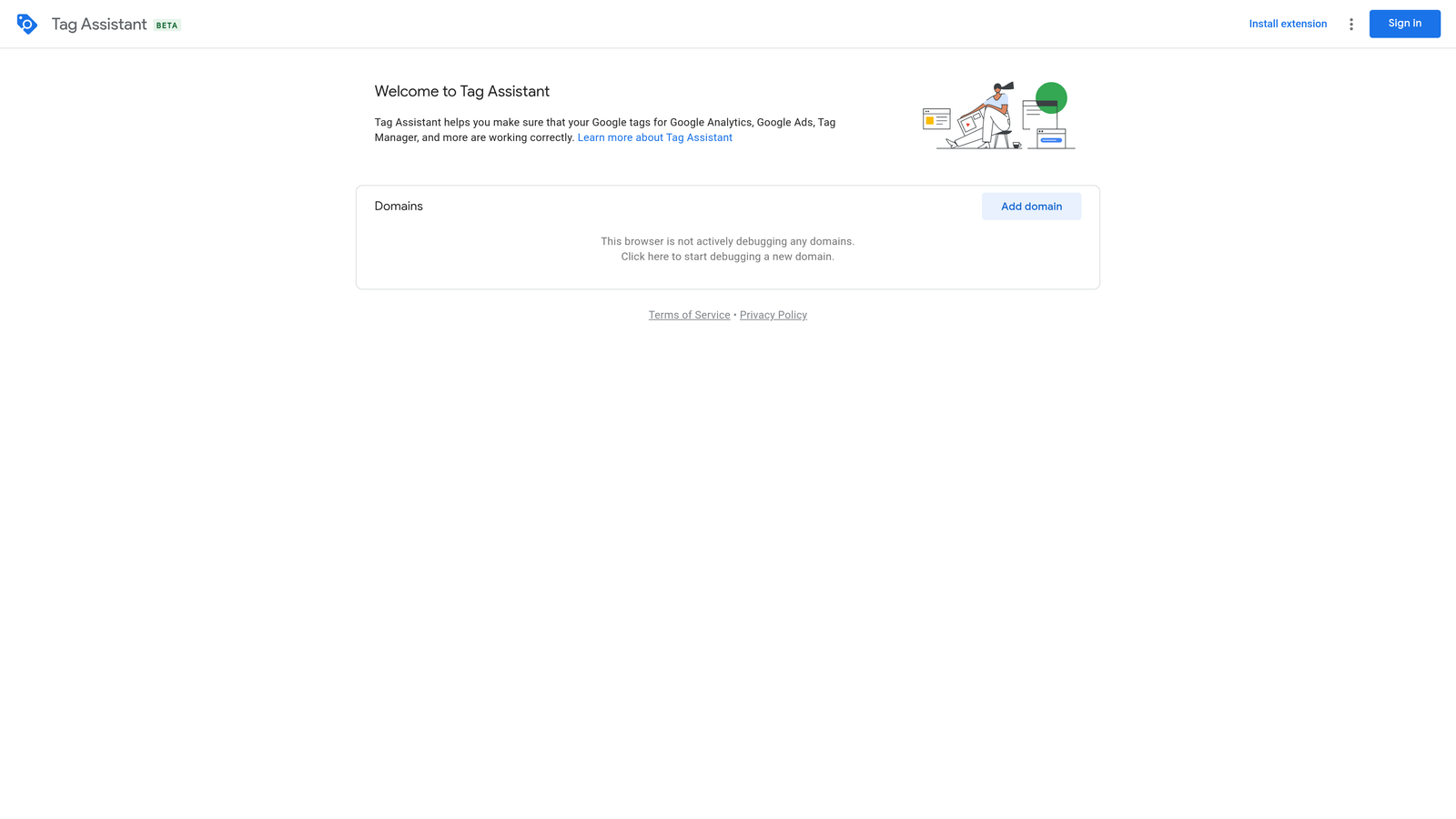
What sets it apart is that it's first-party. When you need to know whether a Google tag is actually loading and sending data, a Google-built debugger is the most direct way to find out, and it works with Google Ads, Google Analytics, and Google Tag Manager. Check the current Chrome Web Store listing and Google's documentation for how it's delivered today, since Google has changed how Tag Assistant works over time.
- Tag firing checks show whether a tag loads on the page, so you can catch missing or duplicated tags.
- Conversion tag debugging helps you confirm a conversion action triggers on the thank-you page or button click.
- Google tag and GA4 diagnostics surface configuration problems before they distort your reporting.
Setup is light: install it, open the page you want to test, and walk through the conversion path. Day to day, it's usually whoever owns tracking, which at small shops is the same person running the campaigns. Making sense of the results can take some tag knowledge.
The limitation is plain: it diagnoses tracking only. It won't tell you which search terms to block or which keywords to add, and it doesn't optimize anything. It's also less useful if your conversions are imported from another system and don't depend on on-page tags.
It's free as of October 2026; verify on the site.
Best for: Verifying conversion tracking before and after launch.
3. Keywords Everywhere
Keywords Everywhere is a browser extension that overlays keyword volume, CPC, and related terms on search results pages. It's built for the planning stage, when you want a fast read on whether a keyword idea has demand without opening a separate research tool.
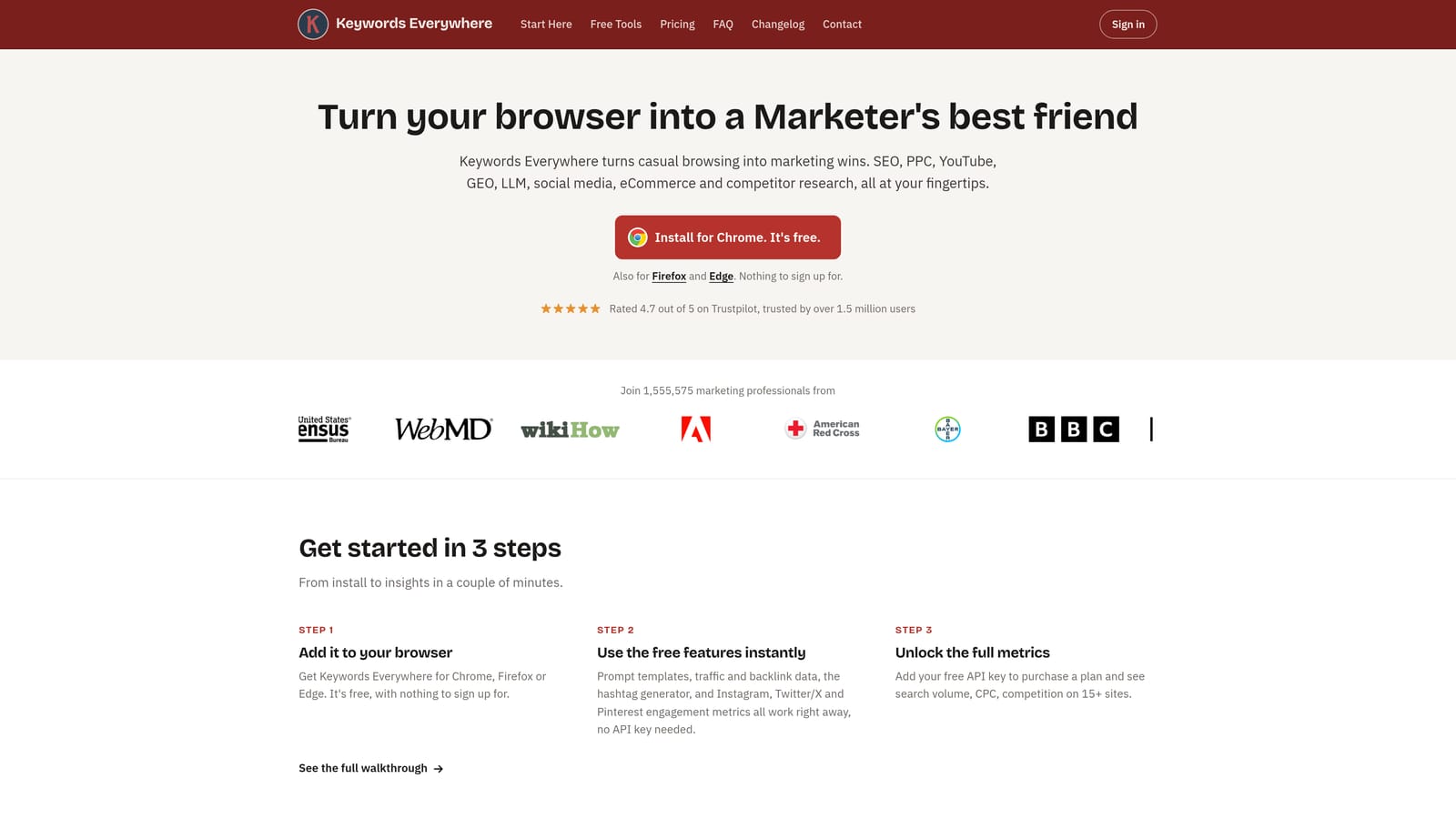
Its distinctive trait is that the metrics show up where you're already looking: on Google Search and other sites. A quick search gives you numbers beside the results, which makes it handy for sanity-checking ideas mid-brainstorm.
- Search volume and CPC overlay gives you a rough sense of demand and cost as you browse.
- Related keyword and People Also Search For data feeds your idea list with variations you might not have thought of.
- Keyword list export lets you take findings into your own planning document.
It works on Google Search, YouTube, and various other sites. Setup is an install plus creating an account, and the person using it is typically whoever builds keyword lists.
The key limitation: the figures are third-party estimates, not data from your Google Ads account. Treat them as directional, and use Google Ads' own Keyword Planner and your actual search term data when you need to decide. Because pricing is credit-based, heavy research use can add up.
Pricing is credit-based, so what moves your cost is how much data you pull. See the website for current plans as of October 2026.
Best for: Quick keyword idea checks while planning.
4. Semrush Chrome extension
The Semrush Chrome extension surfaces Semrush keyword and domain data while you browse. It's aimed at marketers who already live in Semrush and want its competitive data without leaving the page they're on.
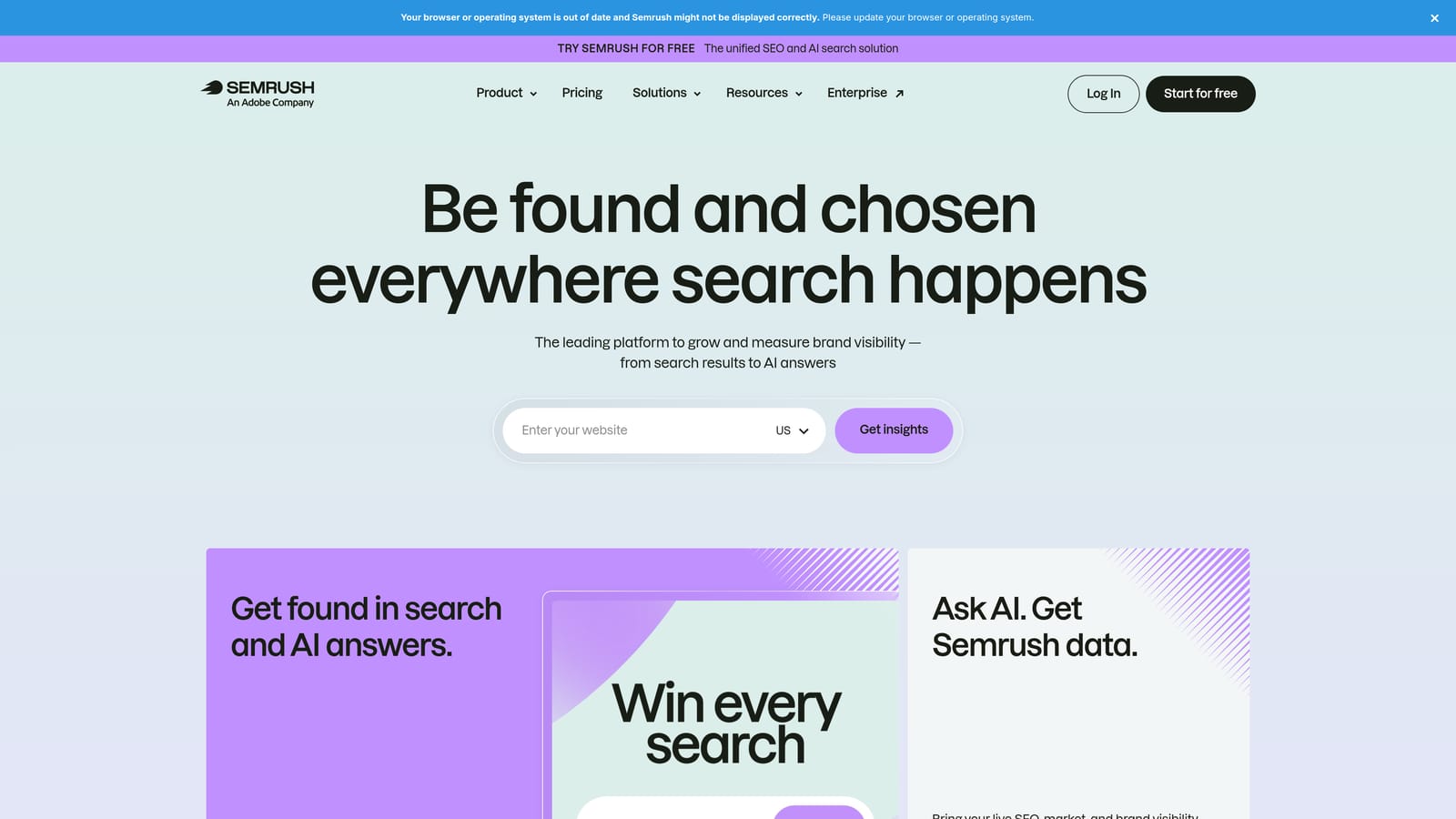
What it does that the others here don't is connect browsing to a full competitive research suite. Where Keywords Everywhere gives a quick metric overlay, this is a window into a much larger platform, which matters if you want to follow a competitor spot check into deeper analysis.
- In-browser domain overview gives you a fast snapshot of a site you're looking at.
- Keyword data overlay brings Semrush metrics onto the pages you visit.
- Competitor insights help you size up who else is going after the same space.
It depends on a Semrush account, so setup means signing in, and day-to-day use falls to whoever already uses the platform, often a strategist or SEO lead rather than the person adjusting bids.
The limitation: most of the value requires a Semrush subscription. If you don't already pay for Semrush, the extension on its own is unlikely to justify adding it. It's also general marketing research, not a Google Ads account tool, and it can't act on your search terms.
Pricing sits with Semrush's plans, which vary by tier and features. Check the Semrush site for current pricing as of October 2026.
Best for: Competitor spot checks for teams already using Semrush.
5. Similarweb extension
Similarweb offers an extension that shows traffic estimates and sources for the sites you visit. It's useful when you need context on a competitor's scale before deciding how aggressive to be with budget.

Its standout feature is the channel mix view for any site. Seeing roughly how much of a competitor's traffic comes from search versus direct, social, or referral gives you a sense of how much they lean on paid and organic search, which keyword tools don't show.
- Traffic estimates give you an approximate size for a competitor's site.
- Traffic source breakdown shows which channels bring visitors, helping you judge channel reliance.
- Similar site suggestions point you to competitors you may not have on your radar.
It requires a Similarweb account, and setup is quick. It's typically used by strategists or account leads during planning and pitch work, not by whoever handles daily campaign edits.
The limitation is that these are estimates, and they aren't specific to Google Ads. Smaller sites may have thin data, and nothing here tells you what a competitor bids on or spends. Use it for rough sizing, not precise benchmarks.
Pricing varies by plan; see the Similarweb site for current options as of October 2026, including what the free tier covers.
Best for: Sizing up competitors before setting budgets.
6. Wappalyzer
Wappalyzer identifies the technologies a website uses. For PPC, that means a fast look at what's running on a landing page or on a client site you've just inherited.
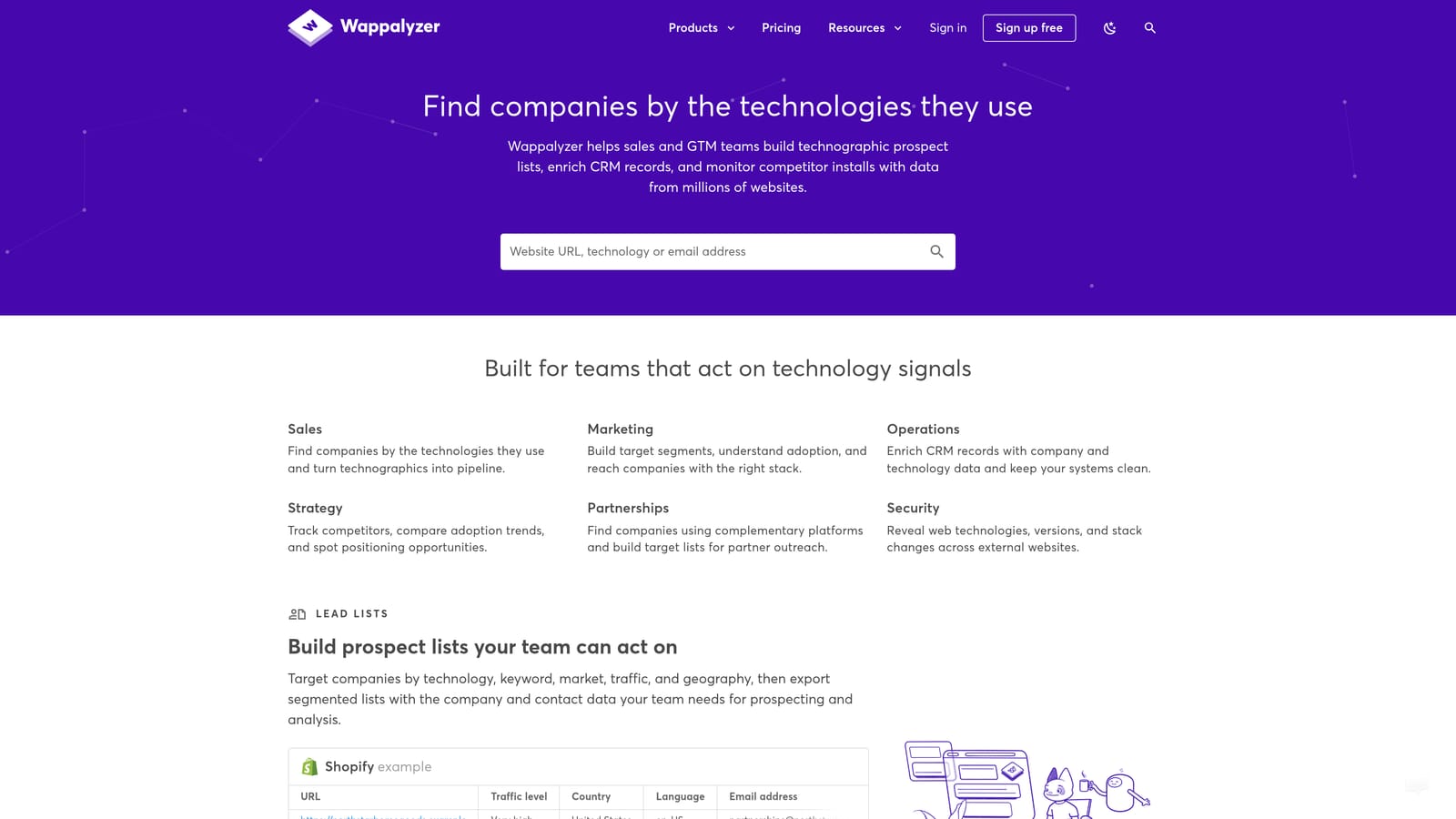
Its distinctive value is revealing the tech stack behind any page. Open a landing page and you can see the CMS, analytics tools, and tag manager in place, which gives you a starting map before you dig into tracking.
- Technology detection lists the platforms and tools behind a page without needing site access.
- Analytics and tag manager identification shows which measurement tools are installed, so you know what to check.
- CMS and framework detection tells you what the page is built on, which helps when planning landing page changes.
Setup is a simple install, and an account may be needed for fuller features. It's used by whoever is auditing, often an agency onboarding a new client.
The limitation: it detects tools but doesn't verify that tracking is configured correctly. Seeing Google Tag Manager on a page doesn't mean your conversions fire. Pair it with Tag Assistant for that. It's also of little help if you only work inside the Google Ads interface.
Pricing varies by plan; check the Wappalyzer site for current details as of October 2026.
Best for: Auditing a landing page or inherited client site.
Matching Each Extension to the Job
These tools do different jobs, so the useful question is which job you're short on. Most marketers end up pairing one in-account tool with one or two research extensions.
- Search term cleanup: Keywordme, since it works inside the Search Terms Report and handles negatives, new keywords, and match types there.
- Tracking checks: Google Tag Assistant to confirm tags fire, with Wappalyzer for a first look at what's installed on an unfamiliar site.
- Keyword research: Keywords Everywhere for quick checks, or the Semrush extension if you already pay for Semrush.
- Competitor research: Similarweb for traffic and channel mix, Semrush for domain-level data.
- Agency reporting and onboarding: Wappalyzer and Tag Assistant to document what an inherited site has in place, and Keywordme's multi-account and team support for ongoing search term work across clients.
If you only add one, make it the one that removes your most repeated task. For most people running search campaigns, that's search term review. Keywordme lets you remove junk search terms, build high-intent keyword lists, and apply match types right inside Google Ads, with no spreadsheets and no switching tabs. Start your free 7-day trial (then just $12/month) and take your Google Ads game to the next level.
.svg)