
8 Best Google Ads Chrome Extension Tools for PPC Marketers in 2026
A curated roundup of the 8 best Google Ads Chrome extension tools for PPC marketers in 2026, evaluated on real-world usability for freelancers and agency teams looking to reduce wasted spend, streamline keyword management, and speed up campaign optimizations directly within the Google Ads interface.


TL;DR: If you're managing Google Ads campaigns and still bouncing between spreadsheets, third-party dashboards, and the native UI, you're wasting serious time. Google Ads Chrome extensions let you do more, faster, without ever leaving the platform. This list covers the best Chrome extension tools built specifically for Google Ads users: PPC managers, freelancers, and agency teams who want to cut wasted spend, sharpen keyword strategies, and move quicker on optimizations. Each tool is evaluated on ease of use, feature depth, and day-to-day value for the typical Google Ads practitioner.
The tools below aren't just feature-packed demos. These are extensions that show up in real practitioner setups, from solo freelancers managing a handful of accounts to agency teams juggling dozens of clients. Whether you're looking to automate negative keyword management, audit your tracking setup, or speed up search term review, there's something here for your workflow.
1. Keywordme
Best for: Search term review, negative keyword management, and in-interface PPC optimization.
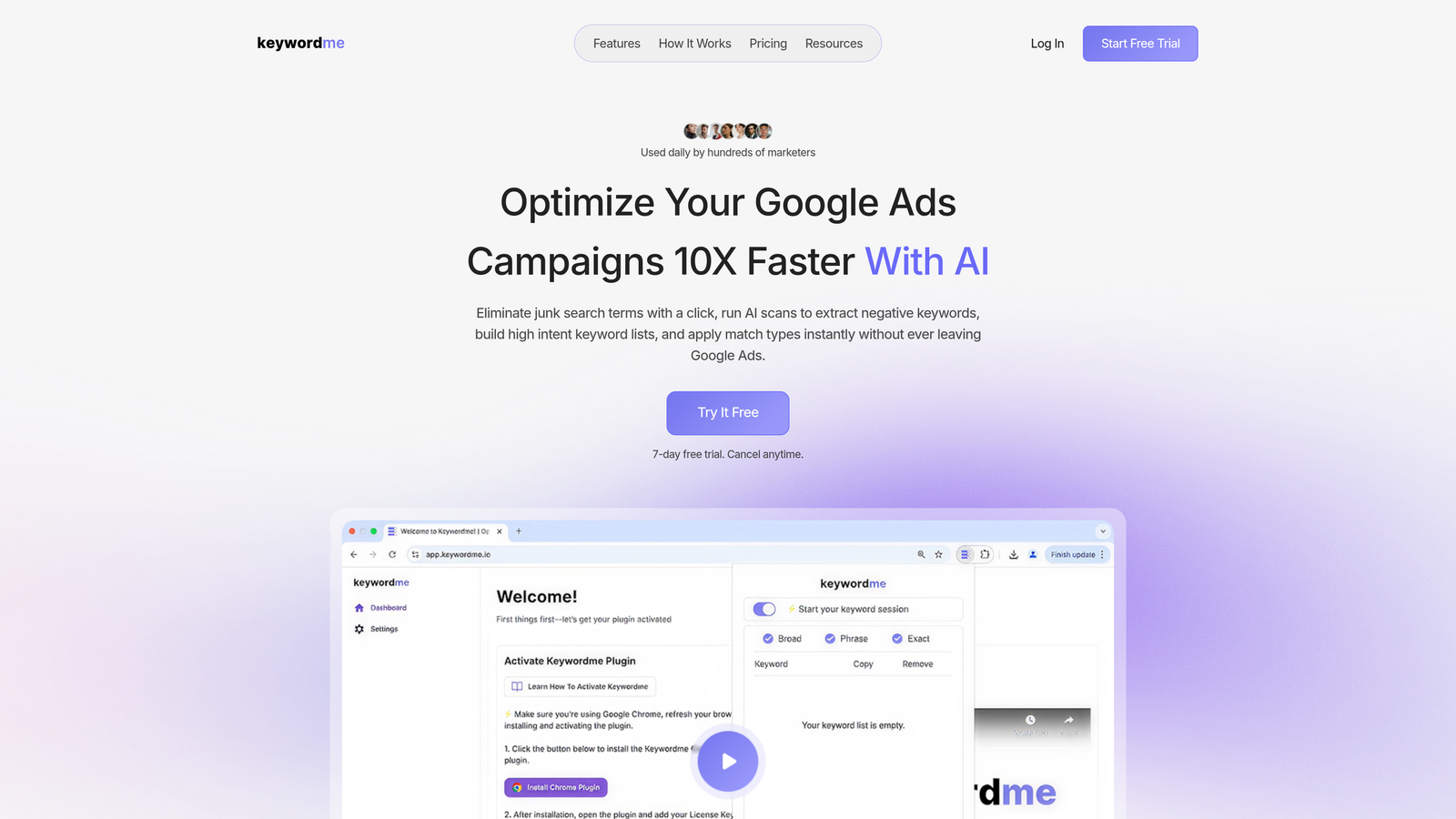
Keywordme is a Chrome extension that integrates directly into the Google Ads Search Terms Report, letting you optimize campaigns without ever switching tabs or opening a spreadsheet.
Where This Tool Shines
In most accounts I audit, search term review is the single most time-consuming recurring task. You're scrolling through hundreds of terms, manually copying irrelevant ones into a negative keyword list, then switching to another tab to apply them. Keywordme collapses that entire workflow into one-click actions inside the native Google Ads interface.
The keyword clustering feature is particularly useful for agencies. Instead of manually grouping search terms by theme after export, you can do it directly in the report. For teams managing multiple accounts, the multi-account and team support means everyone's working from the same workflow without reinventing the process for each client.
Key Features
One-Click Search Term Removal: Flag and remove irrelevant search terms directly from within the Google Ads UI, no export required.
Instant Negative Keyword Building: Build negative keyword lists with match type selection applied on the spot, without leaving the Search Terms Report.
Keyword Clustering: Group and organize search terms by theme directly inside the report, saving time on post-export analysis.
Bulk Editing: Apply actions across multiple search terms simultaneously, useful for high-volume accounts where individual review isn't practical.
Multi-Account and Team Support: Built for agency workflows where multiple users need consistent optimization processes across client accounts.
Best For
PPC managers and agency teams whose biggest time drain is search term review. If you're spending more than 30 minutes per account per week on negative keyword management, this extension is built for exactly that problem. Also a strong fit for freelancers managing multiple clients who want a faster, more repeatable optimization workflow.
Pricing
$12/month per user. A 7-day free trial is available with no credit card required upfront. Straightforward flat-rate pricing with no usage tiers to navigate.
2. Keywords Everywhere
Best for: Quick keyword research and CPC data while browsing Google search results.
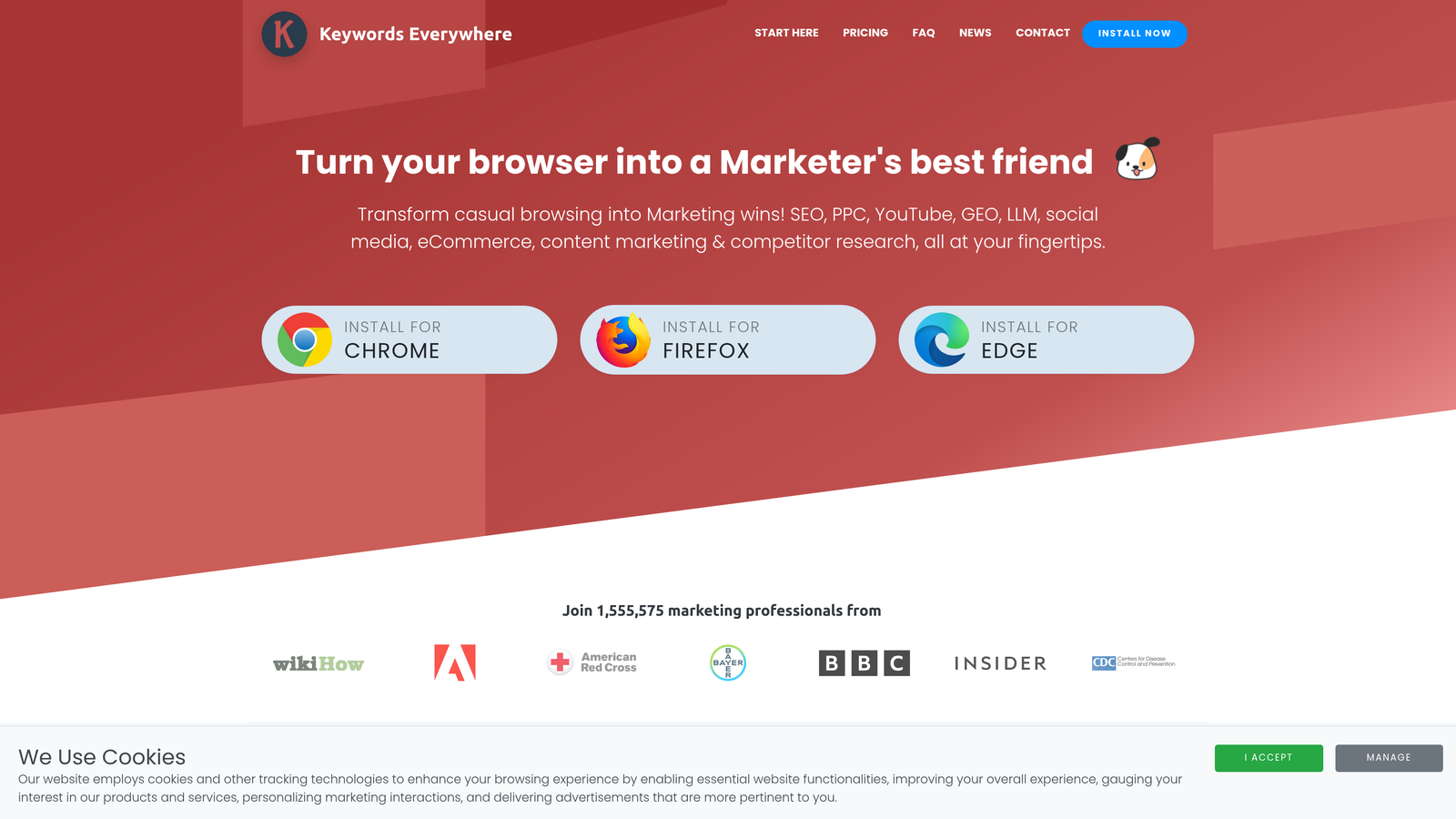
Keywords Everywhere is a browser extension that overlays keyword metrics including search volume, CPC, and competition data directly onto Google search results pages and other platforms.
Where This Tool Shines
The value here is speed. Instead of copying a keyword into a separate research tool, you get volume and CPC estimates right on the SERP as you browse. It's especially useful when you're doing early-stage keyword discovery and want a rough sense of demand before committing to a full research session.
It also works across YouTube, Amazon, and a handful of other platforms, which makes it useful beyond pure Google Ads work. The "People Also Search For" data panels surface related terms you might not have considered, which is a nice bonus during ideation.
Key Features
SERP Data Overlay: Search volume, CPC, and competition scores displayed directly on Google search result pages.
Related Keyword Panels: "People Also Search For" and related keyword suggestions surface alongside search results.
Multi-Platform Support: Works on Google, YouTube, Amazon, and other platforms beyond just Google search.
Bulk Keyword Analysis: Upload keyword lists via CSV for batch analysis without using a full keyword research platform.
Historical Trend Data: View search volume trends over time for any keyword directly in the extension.
Best For
PPC managers who want lightweight keyword data during research without opening a separate tool. Particularly useful for freelancers who don't have access to enterprise-level keyword research platforms and need a low-cost alternative for quick volume checks.
Pricing
Credit-based model with a free tier available. Paid credits start at a low cost per 100,000 credits, making it one of the more affordable research add-ons available.
3. Tag Assistant (by Google)
Best for: Validating and debugging Google Ads conversion tracking and tag implementations.
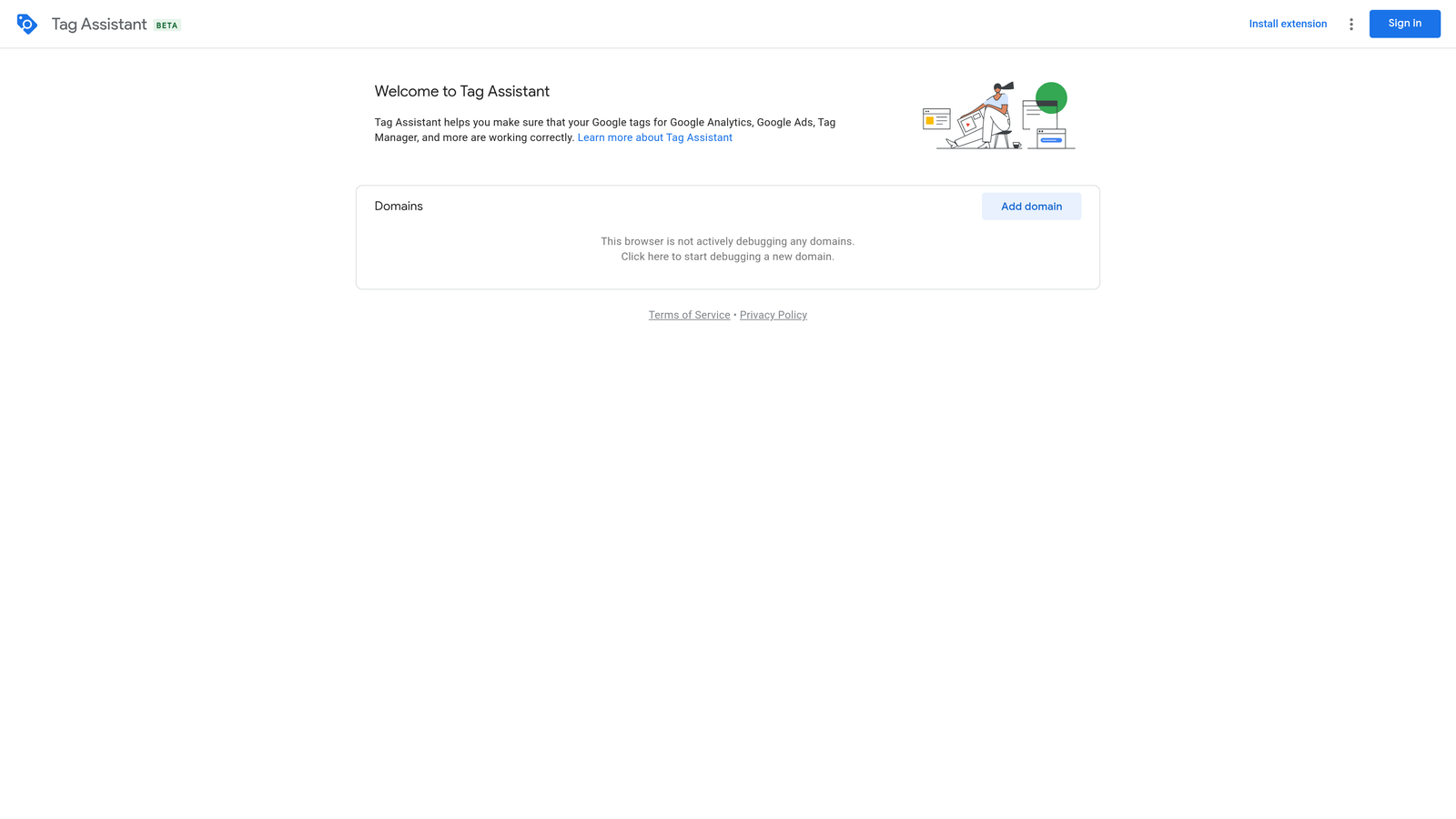
Tag Assistant is Google's official Chrome extension for diagnosing Google tag implementations, including Google Ads conversion tracking, Google Analytics 4, and Google Tag Manager.
Where This Tool Shines
The mistake most agencies make is launching a campaign before confirming the conversion tag is actually firing correctly. Tag Assistant removes the guesswork. You can load any page, check which tags are firing, and get clear error or warning flags before a single dollar of ad spend goes live.
The tag recording mode is particularly useful for tracing tag behavior across multi-step interactions, like form submissions or checkout flows. What usually happens here is that a tag fires on page load but not on the actual conversion event, and recording mode catches exactly that kind of mismatch.
Key Features
Real-Time Tag Diagnosis: Instantly shows which Google tags are firing on any page and flags errors or warnings.
Conversion Tag Validation: Confirms Google Ads conversion tracking is implemented and firing as expected.
Multi-Tag Support: Validates Google Ads, GA4, and Google Tag Manager implementations in one view.
Tag Recording Mode: Traces tag behavior across page interactions, useful for multi-step conversion events.
Official Google Product: Maintained by Google, so it stays current with platform changes and tag specifications.
Best For
Any PPC manager or agency running conversion-based campaigns. Non-negotiable for pre-launch QA. Also useful for ongoing audits when conversion data looks off and you need to trace the issue to a specific tag implementation problem.
Pricing
Free. No paid tier, no credits, no limitations. It's a Google product maintained at no cost to users.
4. Similarweb
Best for: Competitive research and traffic intelligence before entering a new vertical.
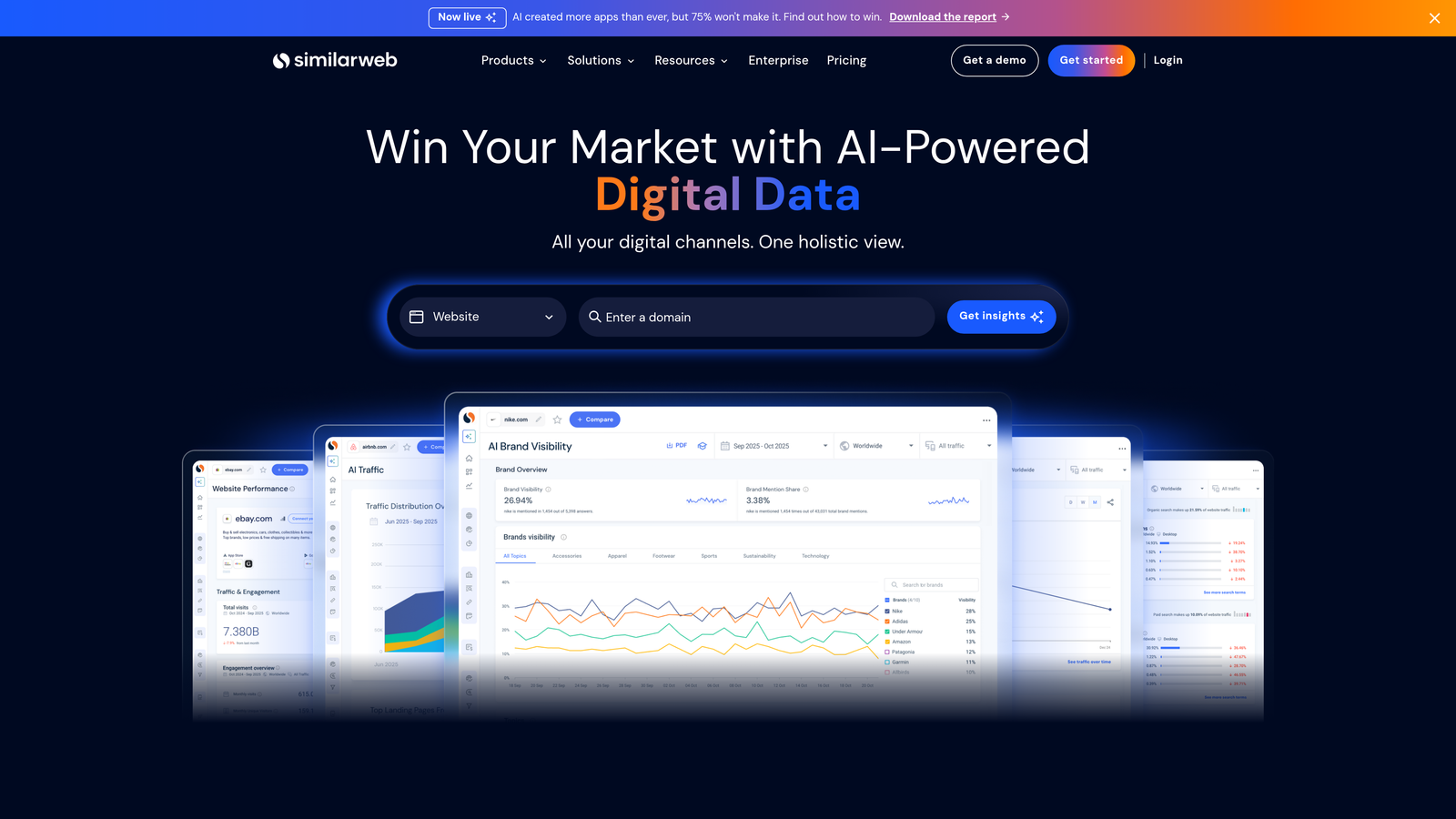
Similarweb is a competitive intelligence Chrome extension that surfaces estimated traffic data, traffic source breakdowns, and engagement metrics for any website you visit.
Where This Tool Shines
Before launching campaigns in an unfamiliar vertical, understanding where competitors are getting their traffic is genuinely useful. Similarweb's extension gives you a fast read on whether a competitor is leaning on paid search, organic, or referral traffic, which informs how aggressively you should bid and what channels to prioritize.
The top keywords data is particularly interesting for PPC work. Seeing which paid search terms are driving traffic to a competitor's site can surface keyword opportunities you might have missed during standard research, especially in niches where the obvious terms are already saturated.
Key Features
Traffic Overview: Estimated monthly visits and traffic source breakdown displayed for any domain in one click.
Referral and Outbound Data: Top referring sites and outbound link data for understanding a competitor's distribution network.
Engagement Metrics: Bounce rate, pages per visit, and average visit duration for any site you're researching.
Top Keyword Data: Organic and paid keywords estimated to be driving traffic to competitor domains.
Universal Compatibility: Works on any website without requiring a separate login or platform visit.
Best For
Agencies doing competitive research before launching campaigns in a new vertical, and freelancers who need to quickly benchmark a client's competitive landscape without a full enterprise research subscription.
Pricing
Free extension with limited data included. Full platform access with deeper historical data and more granular breakdowns requires a paid subscription at significantly higher price points.
5. uBlock Origin
Best for: Landing page QA and ad experience testing without triggering impressions or clicks.
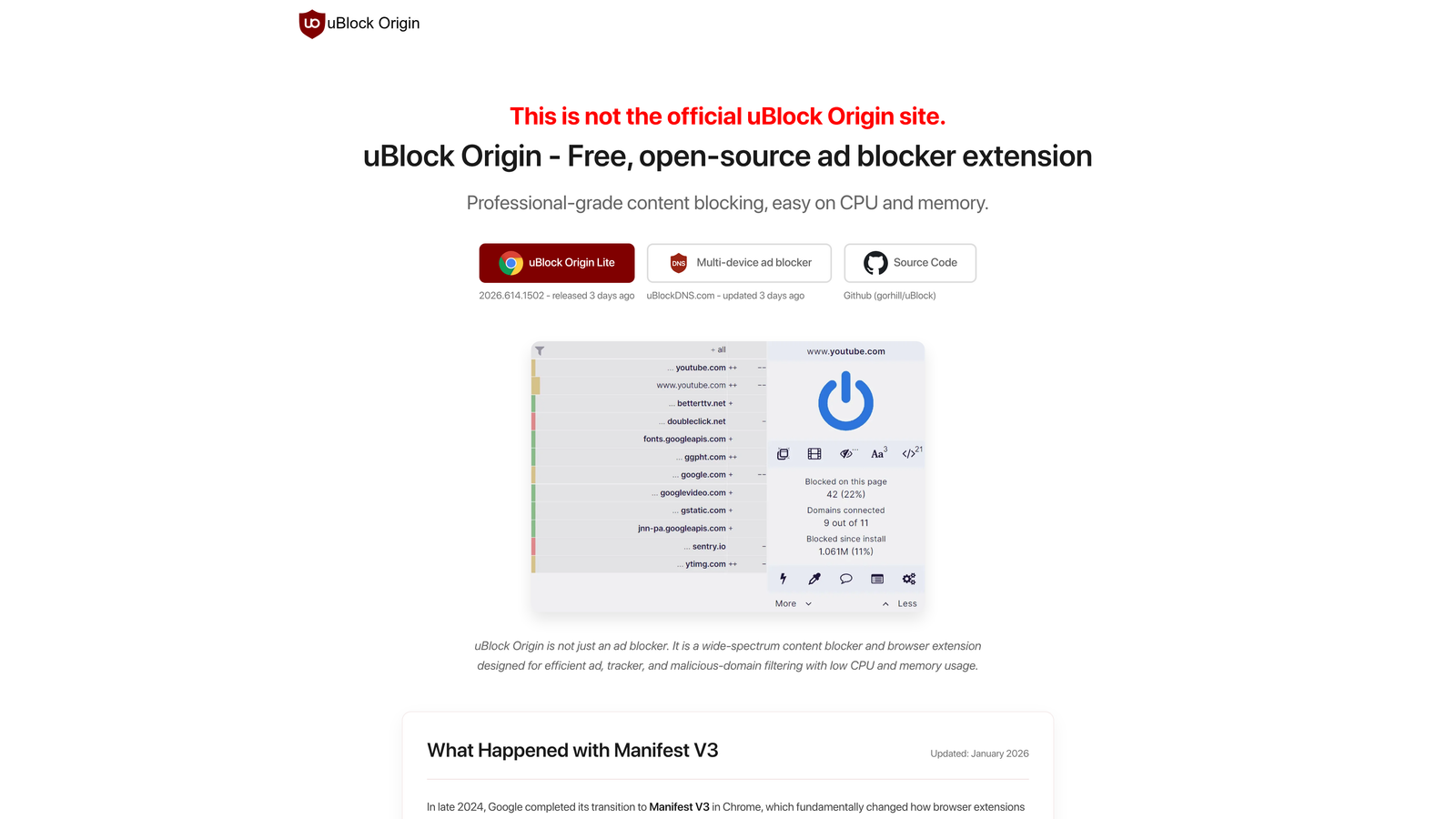
uBlock Origin is an open-source ad blocker that PPC managers use for QA testing, allowing them to preview landing pages and ad experiences without accidentally recording impressions or self-clicks on their own campaigns.
Where This Tool Shines
This one's less obvious than the others, but it shows up in a lot of real practitioner setups. When you're QA-ing a landing page that's live on an active campaign, loading it in a normal browser session can skew your own impression and click data. uBlock Origin lets you browse the page cleanly without that risk.
It's also useful for previewing what a landing page looks like to a user who isn't seeing your ads, which sometimes surfaces layout or content issues that only appear in a non-ad-blocked environment. Lightweight and reliable, it doesn't slow down your browser the way some ad blockers do.
Key Features
Ad Blocking for Clean QA: Browse landing pages without ads loading, preventing accidental self-clicks during campaign testing.
Minimal Performance Impact: Lightweight design that doesn't noticeably slow down browser performance during regular use.
Open Source: Fully transparent codebase with no data collection or commercial tracking behind the scenes.
Customizable Filter Lists: Advanced users can configure custom blocking rules for specific use cases.
Zero Cost: Free with no paid tier, no credits, and no account required.
Best For
Any PPC manager who regularly reviews live landing pages tied to active campaigns. Particularly useful for agency teams where multiple people may be loading client URLs during QA without realizing they're affecting campaign data.
Pricing
Free and open source. No paid version exists. Community-maintained with regular updates.
6. Loom
Best for: Async client reporting and campaign walkthrough videos for agency teams.
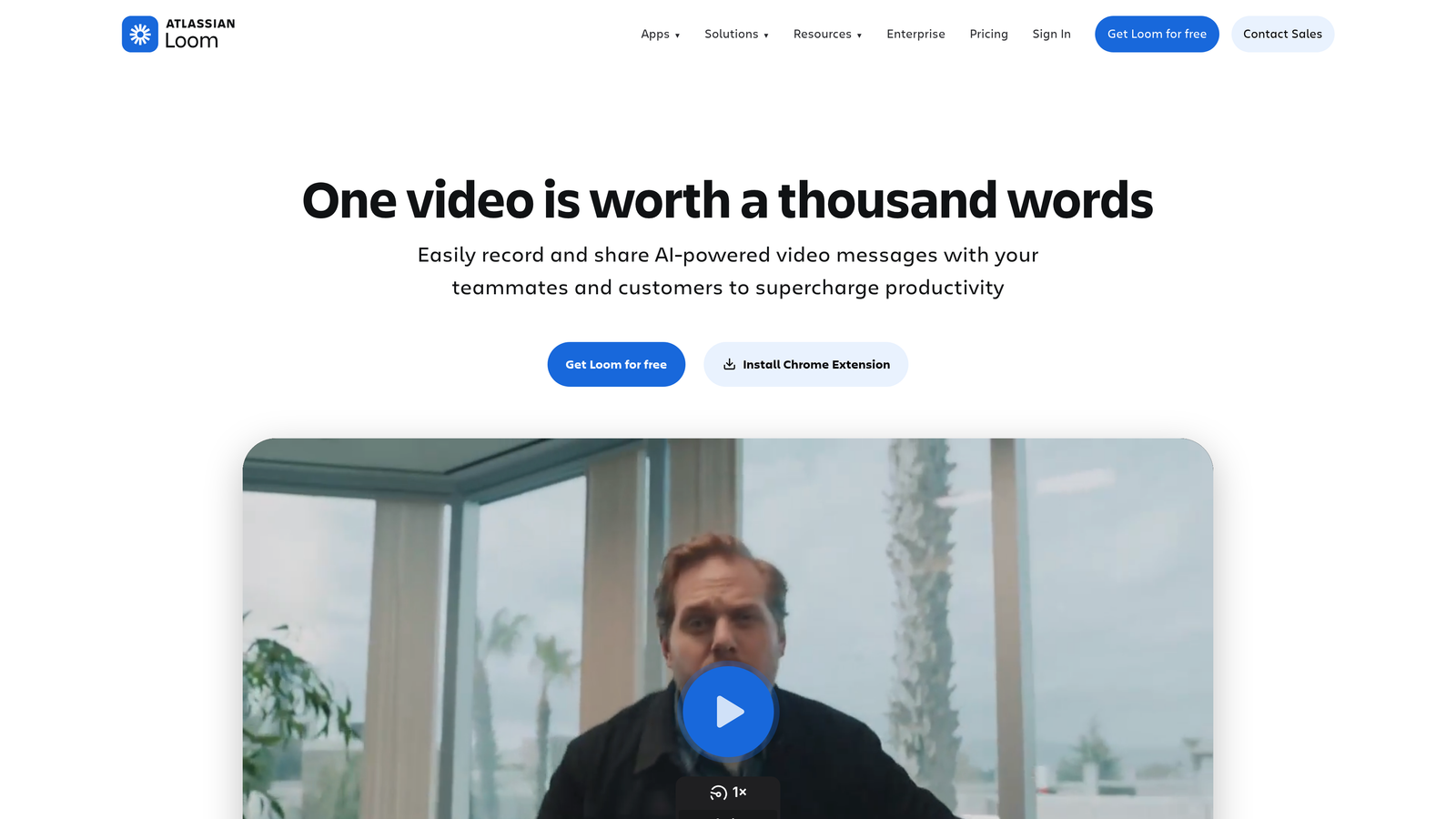
Loom is a screen recording Chrome extension popular with agency teams and freelancers for creating quick video walkthroughs of campaign performance, account changes, and client reports.
Where This Tool Shines
Client communication is one of the most underrated time sinks in agency work. Writing a detailed email explaining a campaign change, attaching screenshots, and waiting for a response is slow. Recording a two-minute Loom that walks through the exact screen, explains what changed and why, and sends a shareable link in seconds is faster for you and easier for the client to absorb.
The comment thread feature on recordings is genuinely useful. Clients can leave timestamped feedback directly on the video rather than sending a separate email, which keeps context in one place. For freelancers managing solo, it's also a professional way to deliver reporting without scheduling a call.
Key Features
One-Click Recording: Start a screen and webcam recording from the browser without installing desktop software.
Instant Shareable Links: A viewable link is generated immediately after recording ends, no upload wait required.
Viewer Reactions and Comments: Clients and teammates can leave timestamped comments directly on recordings.
In-Browser Editing: Basic trim and clip editing available without leaving the browser.
Team Workspace: Organize recordings by client or project for team-wide access and consistency.
Best For
Agencies and freelancers who communicate campaign updates, performance reviews, or account changes to clients asynchronously. Especially useful for teams working across time zones where scheduled calls are impractical.
Pricing
Free tier available with limited recording length. Paid plans start at approximately $12.50/month per user and include longer recordings, team workspaces, and additional editing features.
7. Grammarly
Best for: Catching errors in ad copy before responsive search ads go live.
Grammarly is a writing assistant Chrome extension that provides real-time grammar, spelling, and tone suggestions in any browser text field, including Google Ads headline and description fields.

Where This Tool Shines
Typos in ad copy are more common than most PPC managers want to admit. When you're building out a large set of responsive search ads across multiple ad groups, it's easy to miss a misspelling or an awkward phrase that only becomes obvious once the ad is live. Grammarly catches those issues in real time, right inside the Google Ads interface.
The tone detection feature on the paid tier is occasionally useful for ad copy review, particularly for clients with strict brand voice guidelines. It won't replace a dedicated copy editor, but it adds a useful layer of QA for high-stakes campaigns where every word matters.
Key Features
Real-Time Grammar Checks: Flags spelling and grammar errors in any browser text field, including Google Ads copy inputs.
Tone Detection: Identifies the tone of your writing and suggests adjustments (paid tier feature).
Clarity Suggestions: Highlights wordy or unclear phrasing and suggests tighter alternatives (paid tier).
Browser-Wide Coverage: Works across all websites and text fields, not just Google Ads.
Plagiarism Detection: Available on the paid tier for content-heavy workflows beyond ad copy.
Best For
PPC managers who write a significant volume of ad copy and want an automatic error-check layer before going live. Particularly useful for freelancers handling copy across multiple clients where context-switching increases the chance of mistakes slipping through.
Pricing
Free tier covers core grammar and spelling checks. Grammarly Pro, which includes tone detection and clarity suggestions, starts at approximately $12/month.
8. ColorZilla
Best for: Picking exact brand colors for display ad creative and landing page consistency.
ColorZilla is a free Chrome extension with an eyedropper tool that lets you sample exact hex color codes from any webpage, useful for PPC managers who also handle display ad creative or landing page design.
Where This Tool Shines
This is the most niche tool on the list, but it earns its place in setups where PPC managers also touch creative work. When a client doesn't have a proper brand style guide and you need to match colors across display ads and landing pages, ColorZilla lets you pull the exact hex code directly from their existing website in seconds.
It's a small thing, but brand color mismatches between ads and landing pages create a subtle inconsistency that erodes trust. Having the exact color code on hand, rather than eyeballing it or asking the client for documentation they may not have, removes a common friction point in creative production.
Key Features
Eyedropper Tool: Sample the exact color of any element on any webpage with a single click.
Multi-Format Color Values: Displays picked colors in hex, RGB, and HSL formats for use in any design tool.
Color History: Keeps a palette of recently sampled colors for quick reference during a design session.
CSS Gradient Generator: Built-in tool for creating CSS gradients, useful for landing page or banner ad work.
Brand Consistency Support: Helps maintain visual consistency across display ads, landing pages, and other creative assets.
Best For
PPC managers who also handle display creative or landing page design, particularly freelancers working without a dedicated design team. Less essential for managers focused purely on search campaigns with no creative involvement.
Pricing
Free. No paid version, no account required, no usage limits.
Which Tool Is Right for Your Workflow?
You don't need all eight of these. The honest answer is that most practitioners get the most value from two or three well-chosen extensions that address their actual bottlenecks, rather than a cluttered browser toolbar they ignore half the time.
Here's a quick breakdown by use case:
Search term review and negative keyword management: Start with Keywordme. It's the only tool on this list built specifically for that workflow inside the native Google Ads interface. If that task is eating your time every week, this is the highest-leverage pick.
Keyword research on a budget: Keywords Everywhere is a low-cost add-on that pays for itself quickly. Good for freelancers and smaller agencies who don't have access to enterprise research platforms.
Conversion tracking validation: Tag Assistant is non-negotiable before any campaign goes live. Free, official, and reliable. There's no reason not to have it installed.
Competitive intelligence: Similarweb's browser overlay is genuinely useful before entering a new vertical. The free tier gives you enough data for most initial research needs.
Client communication and reporting: Loom is worth it for agencies doing async reporting. The free tier is enough to evaluate whether it fits your workflow.
Grammarly, uBlock Origin, and ColorZilla are workflow enhancers rather than PPC-core tools, but they show up in real setups regularly for good reason. If any of those use cases apply to how you work, they're free or low-cost enough to install without much deliberation.
A Chrome extension you actually use every day beats a full dashboard platform you log into once a month. Pick the tools that match your real workflow, install them, and use them consistently. If search term optimization is your biggest time drain, Start your free 7-day trial of Keywordme and see how much faster the workflow gets when everything happens inside Google Ads, with no spreadsheets and no tab-switching required.
.svg)