
9 Best Google Ads Campaign Scaling Tools for Growing Ad Spend in 2026
A practical guide to google ads campaign scaling tools.


Scaling a Google Ads account sounds simple: spend more, get more. In practice, higher spend multiplies junk search terms, bloats keyword lists, and turns every manual task into a bottleneck. This list is for marketers, freelancers, and agency owners whose spend is growing faster than their workflow. We picked tools by the part of scaling they handle (search term cleanup, bulk execution, bidding and budgets, reporting, research, creative testing, landing pages), what they cost, and who they suit. No single tool covers everything, so each one is labelled by the bottleneck it removes.
Quick Comparison of the Tools
- Keywordme: advertisers whose search term review is the slowest part of scaling; $12/month per user; works inside the native Google Ads Search Terms Report.
- Google Ads Editor: anyone rolling out structural changes across many campaigns; free; stages changes offline before you post them.
- Optmyzr: agencies running many accounts with repeatable routines; pricing on its website; a rule engine and optimization toolkit built for multi-account work.
- Google Ads Scripts: technical advertisers wanting custom monitoring; free; fully custom automation logic.
- Google Ads Smart Bidding and planning tools: accounts with solid conversion tracking; free (media spend only); auction-time bidding on signals third parties can't access.
- Looker Studio: freelancers and agencies standardizing client reporting; free; reusable dashboards at no cost.
- Adalysis: teams scaling through ad copy testing; pricing on its website; automated test analysis with statistical guidance.
- Semrush: finding new keyword themes when current ones are saturated; pricing on its website; competitor keyword and ad intelligence.
- Unbounce: advertisers whose bottleneck is landing page conversion rate; pricing on its website; landing page A/B testing built for paid traffic.
1. Keywordme
Keywordme is our own product, so here is the honest version. It's a Chrome extension that adds one-click actions to the Search Terms Report inside Google Ads. It's built for advertisers who review search terms (the queries people actually typed) and then act on them by adding keywords (what you bid on) or negative keywords (what you block).
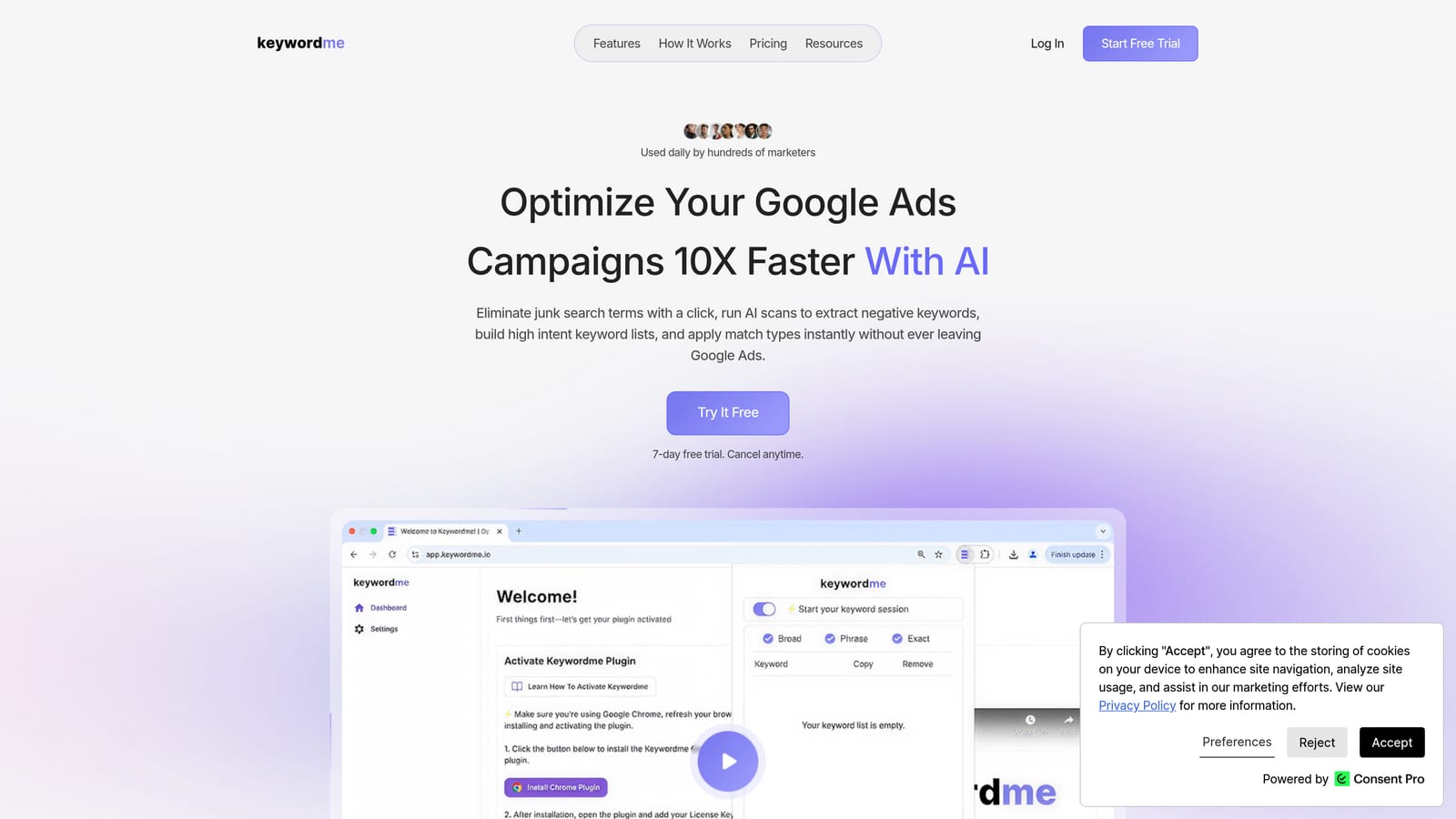
Its standout trait on this list is where it lives. Because it works inside the native report, cleanup needs no spreadsheet export and no separate dashboard. As spend grows and broad match pulls in more irrelevant queries, that review loop is often what falls behind.
- Add negative keywords straight from the Search Terms Report with one click, so junk queries stop costing you.
- Add search terms as keywords with the match type applied instantly, which speeds up building high-intent lists.
- Keyword clustering groups related terms so you can build or review lists in batches.
- Bulk editing lets you apply actions to many terms at once instead of one by one.
- Multi-account and team support helps agencies run the same workflow across clients.
Setup is installing the extension and working in Google Ads as you normally would. Whoever already reviews search terms runs it day to day, which is usually the account manager or the freelancer.
The limitation is scope. Keywordme covers search term and keyword management only. It has no bidding, budget, creative, or reporting features, so it won't fix a weak bid strategy or a leaky landing page. You still make each call yourself; it just makes executing it faster.
Pricing is a flat $12/month per user with a 7-day free trial, as of November 2026 per the company's current materials. Cost moves only with the number of users, not ad spend.
Best for: Advertisers whose search term review is the slowest part of scaling spend.
2. Google Ads Editor
Google Ads Editor is Google's free desktop application for bulk editing accounts. It suits anyone who has outgrown making changes one campaign at a time in the browser interface.
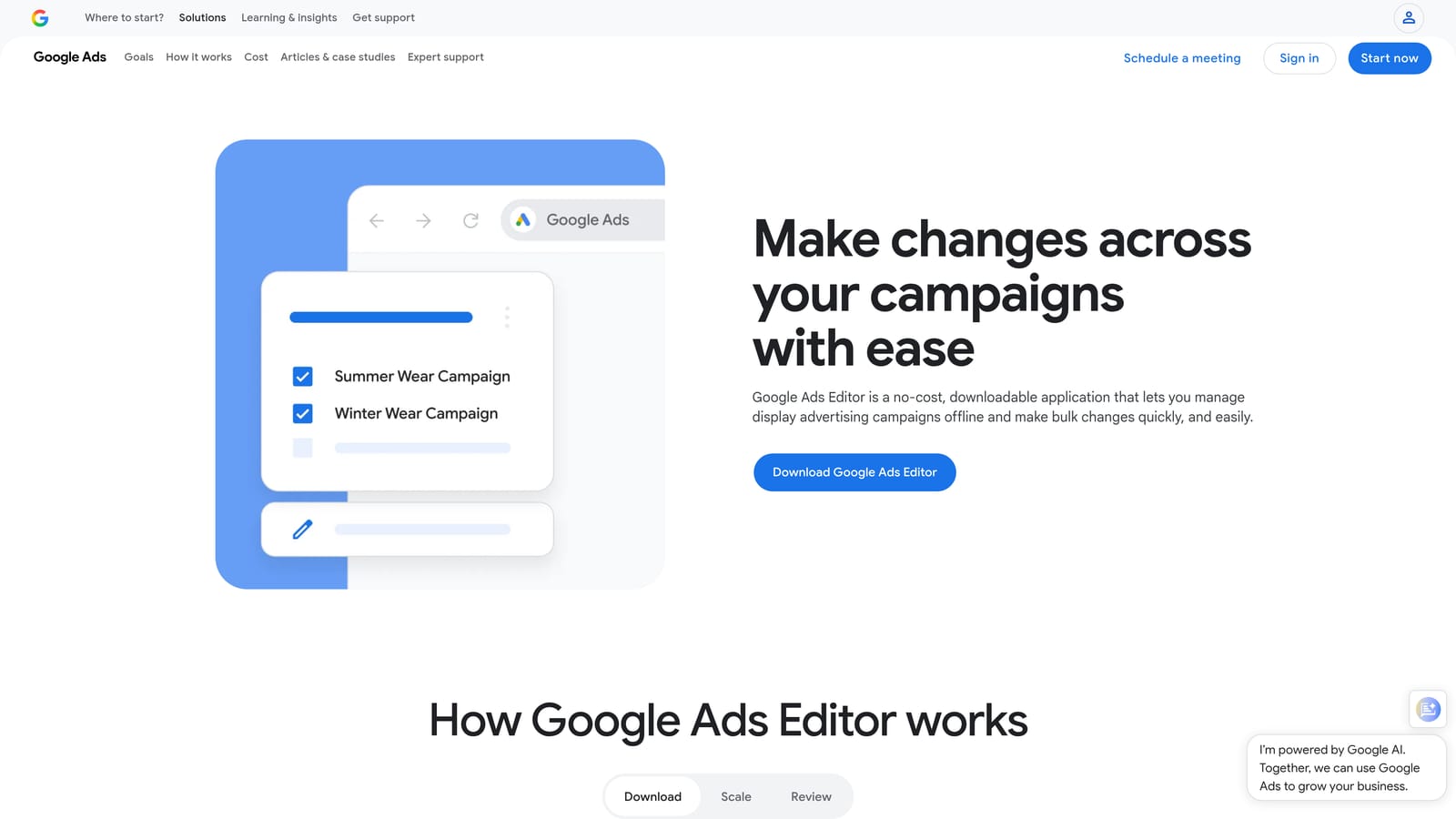
Its distinctive strength is staging. You download accounts, make edits offline, review every pending change, and only then post them. No other tool here gives you that official draft-and-review step for structural work.
- Bulk edits across campaigns and accounts, which saves hours when you're changing bids, budgets, or ad text at scale.
- Offline drafting and change review lets you catch mistakes before they go live.
- Copy and paste of campaigns and ad groups makes it fast to replicate a winning structure into new regions or product lines.
- Import and export through spreadsheet files fits teams who plan changes in a sheet first.
It connects only to Google Ads, and setup is a desktop install plus signing in. The person running it is usually whoever owns account structure.
The limitations are real. Editor executes changes but gives you no insight into what to change, so you still need to find the problems elsewhere. New users also face a learning curve, and a bulk edit applied wrongly hits many campaigns at once.
It's free, with no tiers or usage fees.
Best for: Rolling out structural changes across many campaigns at once.
3. Optmyzr
Optmyzr is a PPC management platform that combines optimization suggestions with rule-based automation. It's designed for agencies and in-house teams that repeat the same checks across many accounts.
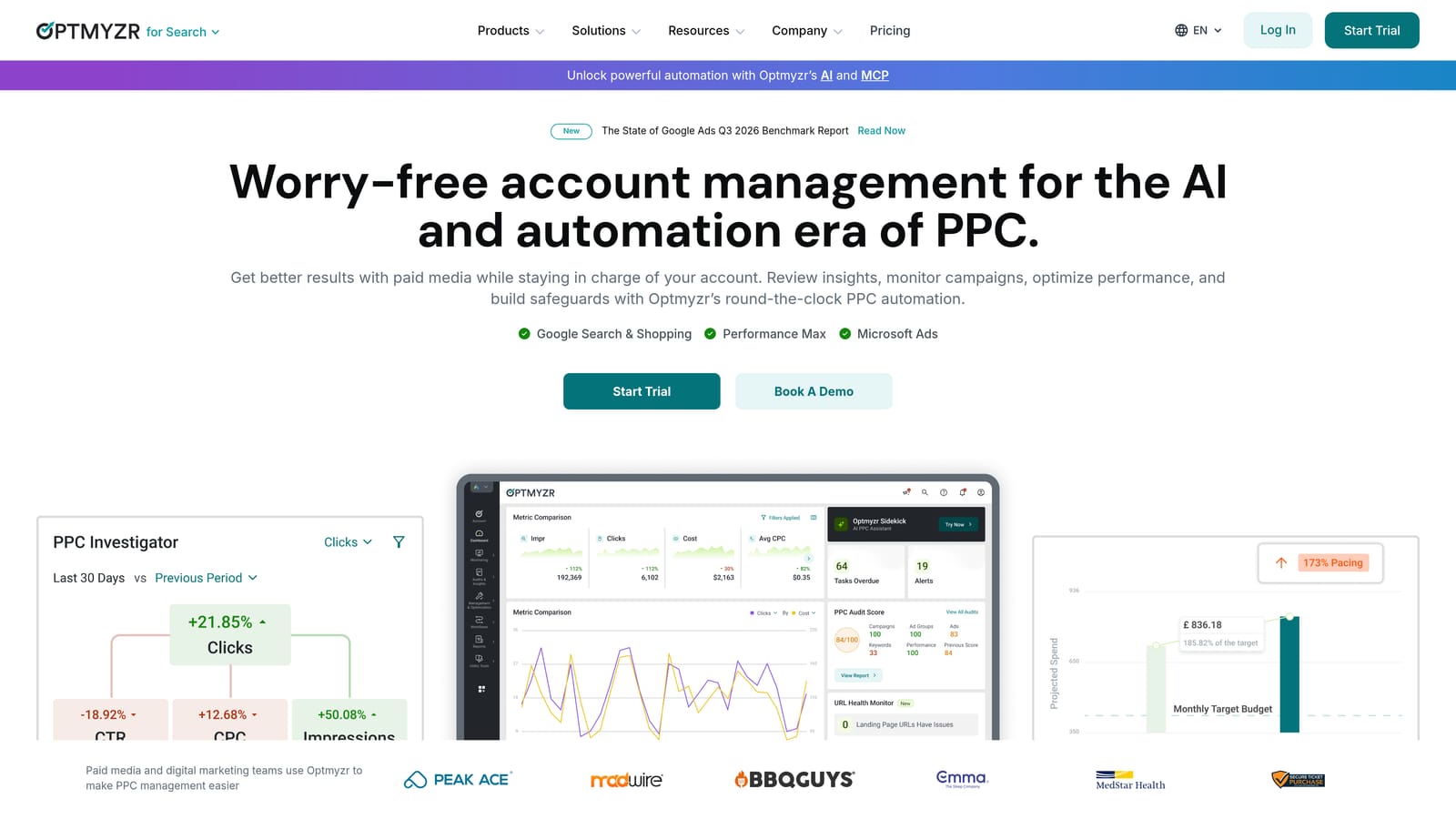
What sets it apart here is the rule engine paired with a broad optimization toolkit, built around multi-account workflows. Where Google Ads Editor executes and Scripts require code, Optmyzr packages recurring routines into a product.
- Account audits and optimization suggestions point you to where to look first in each account.
- Rule-based automation turns repeatable routines into set rules instead of manual checklists.
- Bulk management tools help apply changes across accounts.
- Client reporting reduces the time spent assembling monthly updates.
It integrates with Google Ads, Microsoft Advertising, and Meta Ads, so it also helps if you run multiple channels. Setup means connecting accounts and then configuring rules, which takes real time to get right. Agency staff or senior account managers typically own it.
It's heavy for a solo advertiser with one or two accounts, and you'd pay for depth you won't use. Suggestions still need human judgment before you apply them.
Pricing isn't listed in our notes; check the Optmyzr website for current plans. Pricing may scale with the ad spend you manage, so confirm that before committing.
Best for: Agencies managing many Google Ads accounts with repeatable optimization routines.
4. Google Ads Scripts
Google Ads Scripts lets you write JavaScript that runs inside your account to automate tasks. It suits technical advertisers who want logic no off-the-shelf product offers.
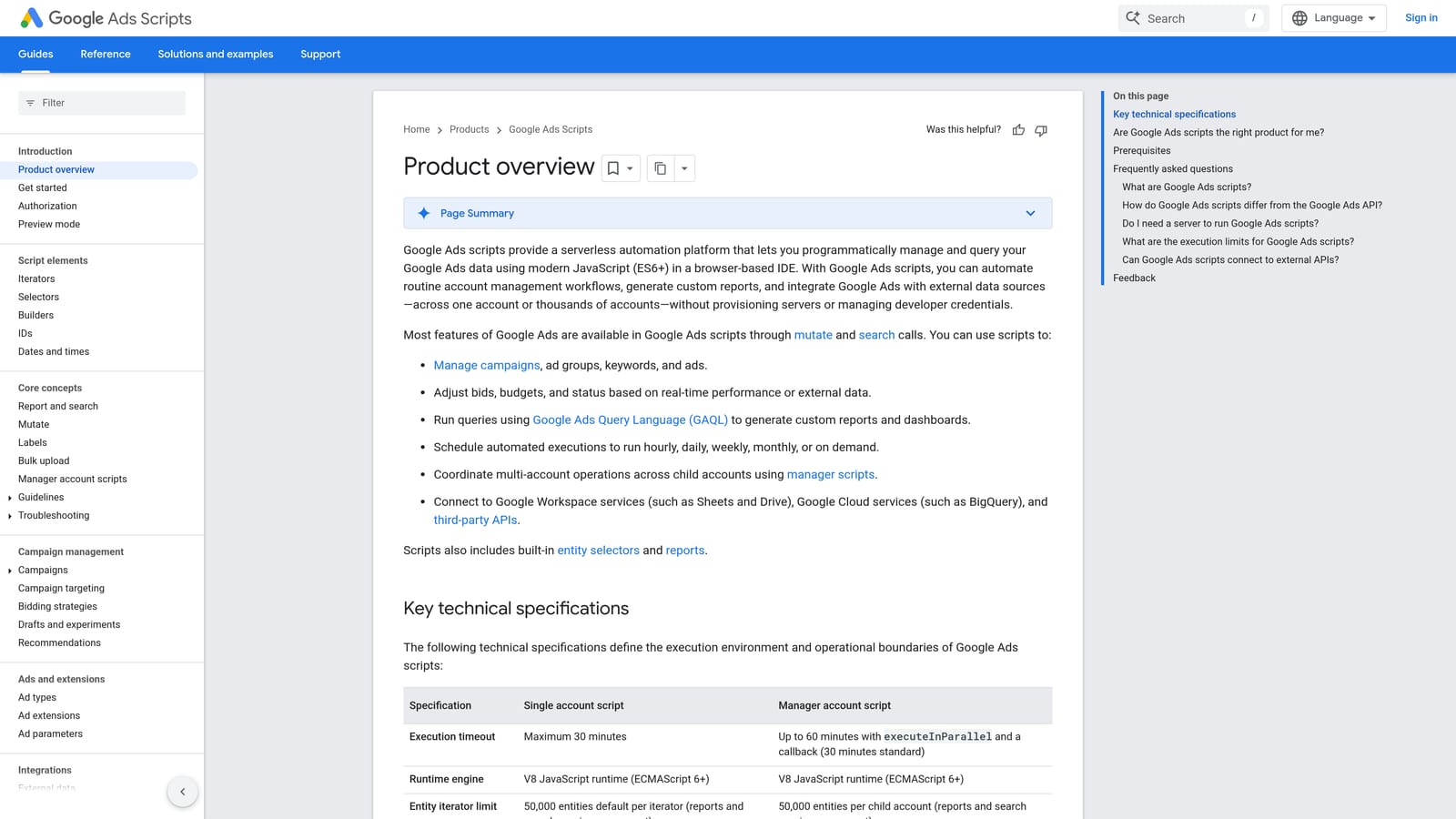
The standout is flexibility at zero software cost. If you can describe a rule, such as pausing spend when a campaign exceeds a daily threshold or flagging a sudden cost spike, you can build it.
- Custom automation in JavaScript lets you encode your own budget and anomaly rules.
- Scheduled runs mean checks happen hourly or daily without you remembering.
- Preview mode lets you test a script without changing the account.
- Alerts and custom reports can send findings to you, and Sheets integration gives you somewhere to log them.
It integrates with Google Ads and Google Sheets. Setup effort is the highest on this list for non-coders: someone has to write, test, and maintain the code, and that person is usually a developer or a technically minded PPC specialist.
The risk is that errors can affect live campaigns, and scripts need upkeep when Google changes things. If nobody on your team codes, this isn't for you.
Free, with no usage charge.
Best for: Technical advertisers who want custom budget and anomaly monitoring.
5. Google Ads Smart Bidding and Planning Tools
Smart Bidding is Google's automated bid strategy family, available inside Google Ads along with its planning and forecasting tools. It's for accounts where conversion data is reliable enough to let the system set bids.
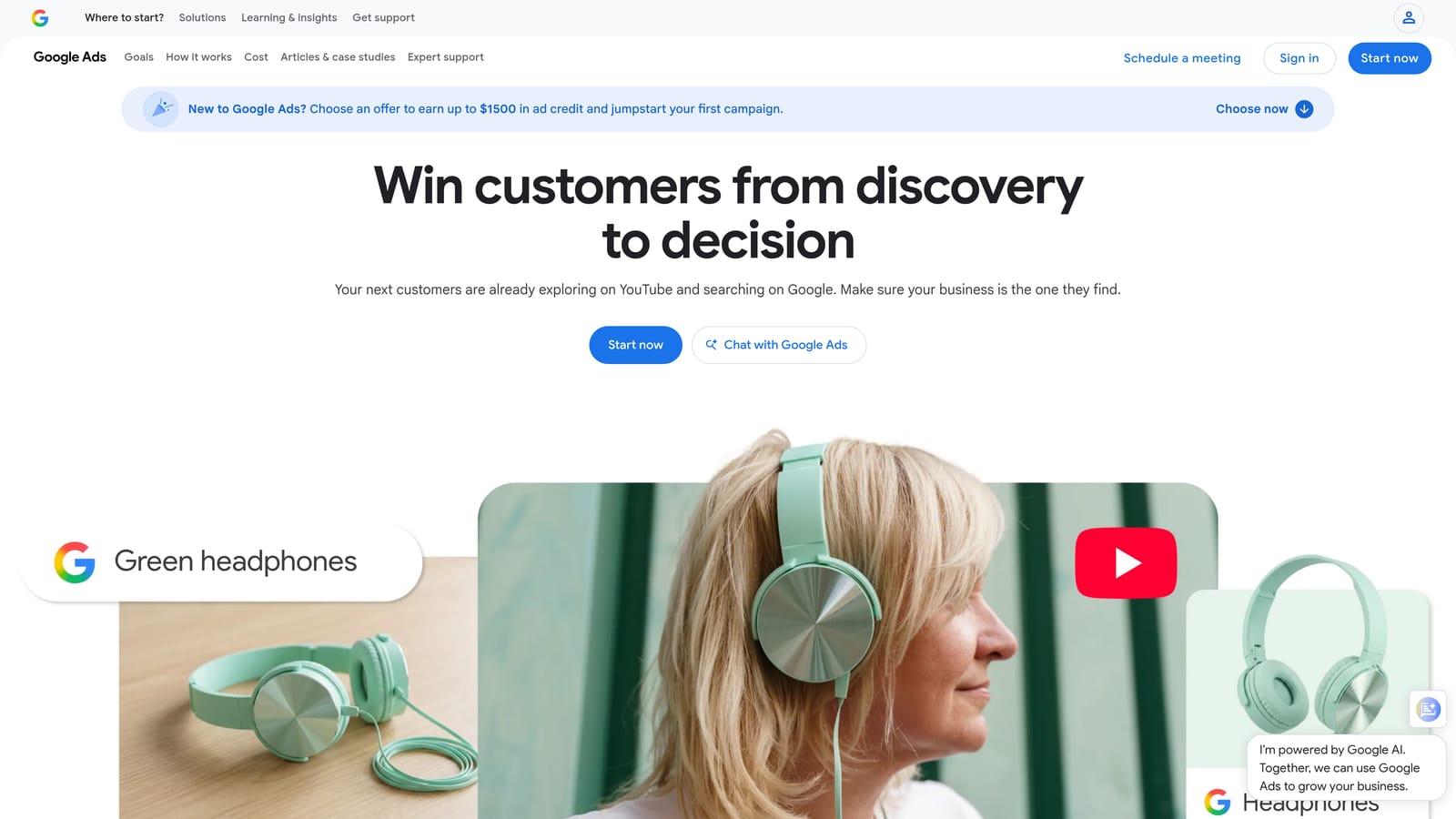
Its advantage is auction-time bidding using signals third-party tools can't access. Nothing outside Google can replicate that.
- Target CPA and Target ROAS strategies let you aim bids at a cost or return goal while volume grows.
- Maximize Conversions and Maximize Conversion Value go after volume or value within your budget.
- Budget and performance planning tools help you estimate what a higher budget might do.
- Bid strategy reports show how strategies are performing.
It relies on Google Analytics and conversion tracking being set up properly, and the person managing the account runs it directly.
Quality depends entirely on your conversion data, and transparency is limited: you see outcomes more than reasoning. A common scaling mistake is changing budgets sharply while a strategy is still learning, so check Google Ads Help for its current guidance on budget changes. Bad tracking plus aggressive automation scales waste.
There's no software fee. It's included with Google Ads, and you pay only media spend.
Best for: Accounts with solid conversion tracking ready to scale spend through automated bidding.
6. Looker Studio
Looker Studio is Google's free dashboard tool with a native Google Ads connector. It solves the reporting bottleneck, which gets painful when you're juggling many clients or stakeholders.
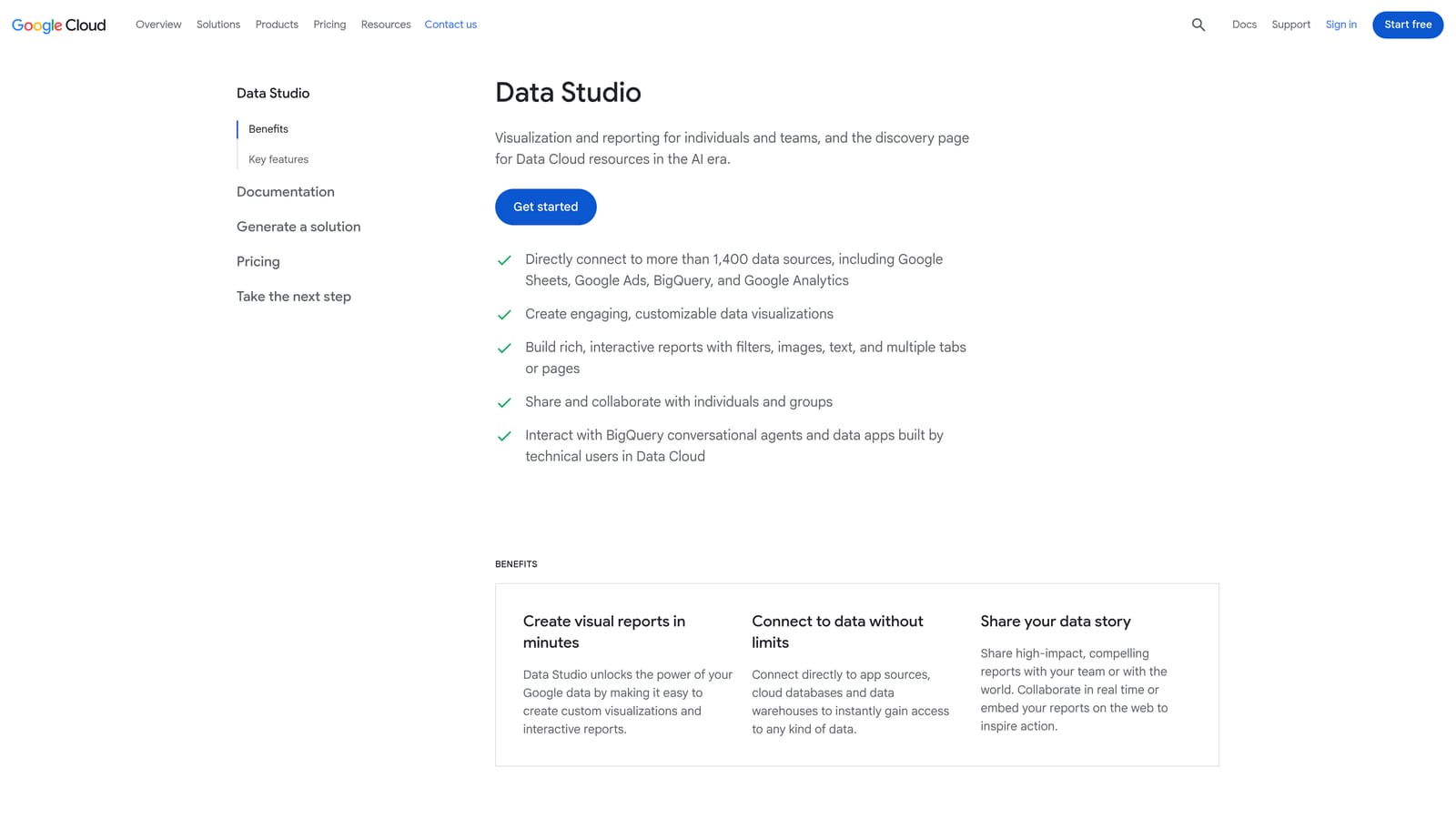
Its edge on this list is reusable, client-facing dashboards at no cost. Build a template once, point it at each account, and the reporting hours shrink.
- The native Google Ads connector pulls account data in without exports.
- Custom dashboards let you show the metrics each client cares about.
- Scheduled report delivery sends updates automatically.
- Data blending combines sources, such as ads and analytics, in one view.
It connects to Google Ads, Google Analytics, Google Sheets, and BigQuery. Setup is moderate: simple dashboards are quick, but good templates take design effort. Freelancers and analysts usually own it.
It only reports. It can't change your account, and complex setups with lots of blended data can run slowly.
Free, with a paid Pro tier available; verify current details on Google's site.
Best for: Freelancers and agencies standardizing reporting across clients.
7. Adalysis
Adalysis is an audit and testing platform for Google Ads and Microsoft Ads. It targets teams that grow by systematically improving ad copy rather than only adding budget.
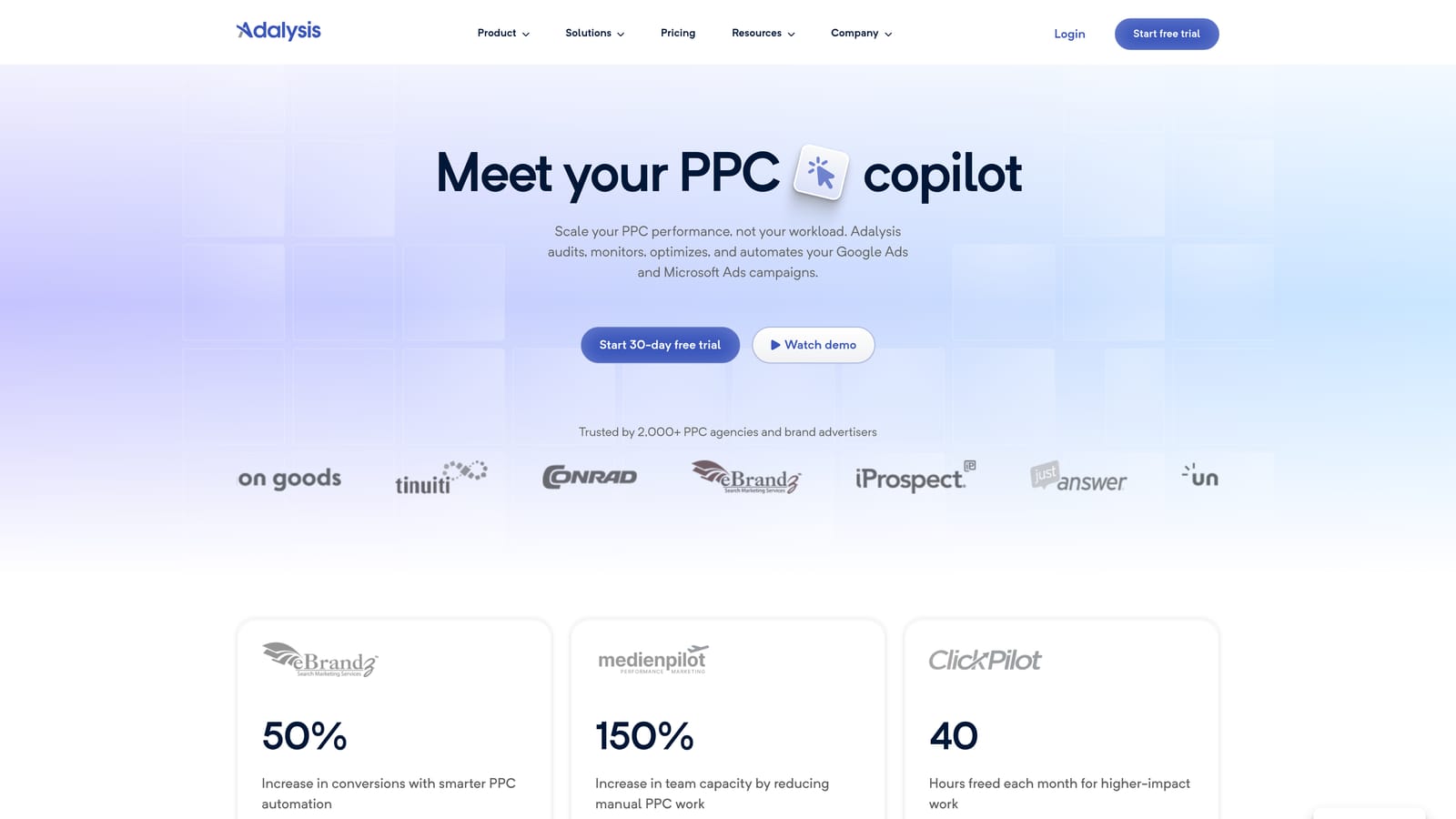
Its distinctive piece is automated ad test analysis with statistical guidance, so you can tell whether a variant is actually winning instead of guessing from small samples.
- Ad copy testing shows which messages perform better.
- Account health alerts flag problems before they eat budget.
- Audits surface issues across the account.
- Reporting summarizes findings for clients or stakeholders.
It works with Google Ads and Microsoft Advertising. Setup means connecting accounts; PPC specialists review its output regularly.
It's analysis-focused. Changes still need manual or separate execution, so pair it with something like Editor or Keywordme-style workflows for the doing. It's less useful if you run few ads or little volume.
Pricing isn't in our notes; see the Adalysis website for current plans, and check what drives the price (such as account size or spend).
Best for: Teams that scale through ongoing ad copy testing.
8. Semrush
Semrush is a broad marketing suite with keyword research and competitor PPC research. It fits advertisers whose existing keyword themes are saturated and who need new ground to spend into.
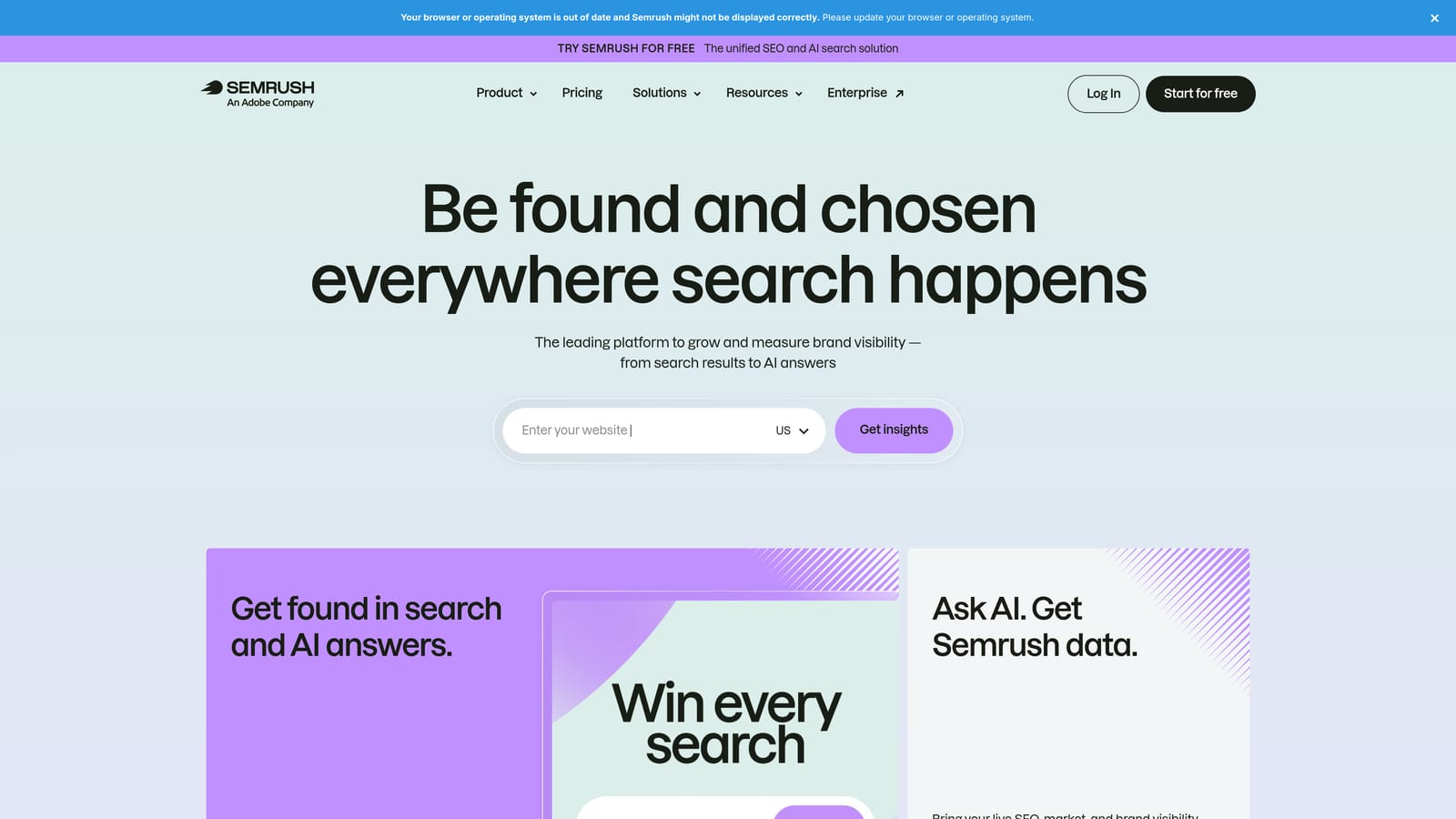
What it does that others here don't is show competitor keyword and ad intelligence, which helps you spot expansion areas you haven't targeted.
- Keyword research surfaces new themes and related queries.
- Competitor ad research shows how others position their offers.
- Keyword gap analysis reveals terms competitors target that you don't.
- PPC research reports organize that data for planning.
It integrates with Google Ads, Google Analytics, and Looker Studio. Setup is light, and marketers or strategists use it at the planning stage.
It's research only, and its figures are modeled estimates, not your real account data. It can also be costly if PPC is the only reason you'd subscribe.
Pricing isn't in our notes; check the Semrush website for current plans, as tiers and add-ons change.
Best for: Finding new keyword themes when existing ones are saturated.
9. Unbounce
Unbounce is a landing page builder with A/B testing aimed at paid traffic. It addresses the post-click side of scaling: more traffic means little if the page converts poorly.
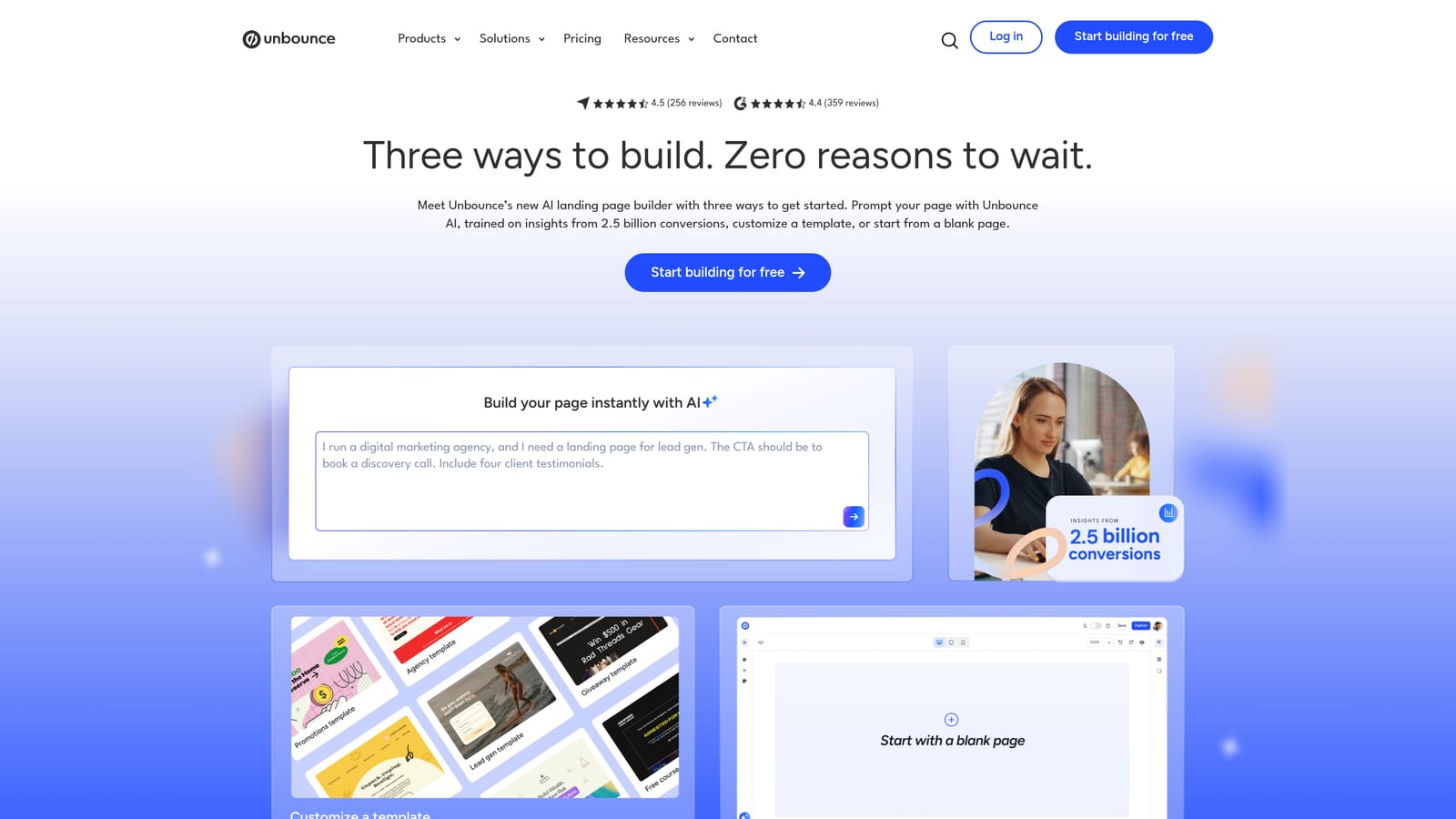
Its standout is landing page testing that protects conversion rate as volume rises, without waiting on a developer.
- A drag-and-drop builder lets marketers launch pages themselves.
- A/B testing shows which page version converts better.
- Templates speed up new page creation.
- Dynamic text replacement can match page copy to the searcher's query.
It integrates with Google Ads, HubSpot, Zapier, and Salesforce. Setup is page building plus connecting your tracking; marketers or designers typically run it.
It's post-click only, with no campaign management, and it adds another subscription for accounts whose pages already convert well.
Pricing isn't in our notes; see the Unbounce website for current plans and what moves the price, such as traffic or page volume.
Best for: Advertisers whose bottleneck is landing page conversion rate.
Matching the Tool to Your Scaling Bottleneck
Most accounts end up with two or three of these, not one. Pick by the bottleneck that hurts most right now:
- Solo advertiser cleaning up search terms: Keywordme, with Google Ads Editor for bigger structural edits.
- Agency managing many accounts: Optmyzr for routines, Looker Studio for reporting, and Keywordme for team search term work.
- DIY automation: Google Ads Scripts for monitoring, with Smart Bidding once tracking is trustworthy.
- Reporting: Looker Studio.
- Post-click conversion: Unbounce, with Adalysis if ad copy is the lever.
Whatever you choose, fix conversion tracking before raising budgets, and keep negative keywords maintained as broad match grows.
Optimize Google Ads Campaigns 10X Faster. Without Leaving Your Account. Keywordme lets you remove junk search terms, build high-intent keyword lists, and apply match types instantly, right inside Google Ads. No spreadsheets, no switching tabs, just quick, seamless optimization. Start your free 7-day trial (then just $12/month) and take your Google Ads game to the next level.
