
8 Best Google Ads Campaign Optimization Tools Compared
This Google Ads campaign optimization tools comparison evaluates eight platforms, from Keywordme to Optmyzr and Adalysis, based on how directly they help solo advertisers, in-house marketers, and agencies optimize live campaigns rather than just their budgets.


If you manage Google Ads accounts for a living, you already know the gap between reading a search terms report and actually acting on it. Some tools focus on cleaning up that report faster, others focus on automated bidding rules, and a few just help you plan before you launch. This roundup compares eight tools by how directly they help you optimize a live campaign, whether that means one-click search term cleanup, rule-based automation, guided checklists, or enterprise-level bid management across engines. It's built for solo advertisers, in-house marketers, and agency owners who need to know which tool fits their actual workflow, not just their budget.
Quick Comparison
- Keywordme: best for solo advertisers and agencies who live in the Search Terms Report; starting at $12/month per user; the only tool here that adds one-click optimization directly into the native Google Ads interface with no export required.
- Optmyzr: best for agencies running multiple client accounts across platforms; pricing scales with managed ad spend; pairs rule-based automation with full account audit scorecards.
- Adalysis: best for experienced PPC managers who want ongoing ad testing; quote-based pricing; runs automated A/B ad copy tests continuously in the background.
- WordStream Advisor: best for small business owners who want guided steps; pricing based on ad spend tier; its 20-Minute Work Week turns optimization into a weekly checklist.
- Google Ads Editor: best for advertisers making large bulk edits; free; the only tool here with zero cost and direct Google backing for offline bulk changes.
- Search Ads 360: best for enterprise teams running multi-engine campaigns; quote-based; manages bids across Google Ads and Microsoft Advertising from one console.
- SEMrush PPC Toolkit: best for marketers planning campaigns before launch; bundled in SEMrush subscriptions; pulls competitor ad copy and landing page data no other tool here offers.
- Revealbot: best for teams running Google Ads alongside paid social; pricing based on spend managed; one rule builder spans Google Ads, Meta Ads, and TikTok Ads.
1. Keywordme
Keywordme is a Chrome extension that installs itself directly into the Google Ads Search Terms Report, adding one-click actions for the cleanup work that normally means exporting to a spreadsheet, sorting through search terms, and re-uploading a negative keyword list. It's built for advertisers who spend real time in that report every week, whether that's a freelancer managing a handful of accounts or an agency team split across dozens.
What sets it apart on this list is that it doesn't ask you to leave Google Ads at all. Where audit and automation platforms pull data into their own dashboard, Keywordme layers its actions on top of the report you're already looking at, so a search term you flag as junk can be removed, and a promising one turned into a keyword with a match type applied, in the same click.
- Removes irrelevant or junk search terms from the report in a single click, instead of a multi-step negative keyword workflow
- Applies broad, phrase, or exact match types instantly to promising search terms right from the report view
- Groups related search terms into clusters so you can spot patterns without manually sorting rows
- Handles bulk editing and negative keyword list building across large reports at once
- Supports multi-account and team access, useful for agencies managing several client accounts under one login
Setup is minimal: install the Chrome extension, connect it to your Google Ads account, and it appears inside the Search Terms Report you already use. There's no separate login to manage day to day, which is part of the appeal for solo advertisers who don't want another dashboard to check.
It's not a full PPC suite. Keywordme is focused specifically on search term and keyword management, so it won't help with cross-channel bid automation, ad copy testing, or reporting across Meta or Microsoft Ads. If you need those, you're looking at a broader platform like Optmyzr or Revealbot alongside it, not instead of it.
Pricing is flat-rate at $12 per month per user, with a 7-day free trial. As always with SaaS pricing, confirm current tiers on the Keywordme website before committing, since plans can shift.
Best for: Solo advertisers and agencies who want to speed up daily search term cleanup without leaving Google Ads.
2. Optmyzr
Optmyzr is a PPC management platform built around rule-based automation and account-wide audit scorecards, aimed at agencies and in-house teams managing more than a handful of accounts. Where Keywordme focuses tightly on search terms, Optmyzr is designed to sit above the whole account and flag problems you might not think to look for.

Its standout feature is the combination of a flexible rule engine with audit tools like its Quality Score tracker and Google Ads Grader, so you get both automated adjustments and a periodic health check in one place. That's a meaningfully different approach from tools that only automate or only audit.
- Builds custom rules that automatically adjust bids and budgets based on performance thresholds you set
- Tracks Quality Score trends and flags account-wide issues through audit scorecards
- Runs a free Google Ads Grader for a fast, high-level health check of an account
- Manages campaigns across Google Ads, Microsoft Advertising, and Amazon Ads from one interface
- Generates client-ready reporting dashboards, useful for agencies reporting to multiple stakeholders
Setup involves connecting each ad account and configuring rules, which takes more upfront time than a plug-in extension but pays off for teams managing volume. It's generally run by a dedicated PPC manager or agency account lead rather than someone dipping in occasionally.
The tradeoff is cost. Optmyzr's pricing scales with the ad spend under management, which can make it expensive for accounts with large budgets but relatively simple optimization needs. Smaller accounts or solo advertisers may find the cost hard to justify against a lighter tool.
Pricing is tiered based on managed ad spend, with quote-based rates at higher tiers. Check the Optmyzr website for current numbers before budgeting.
Best for: Agencies managing multiple client accounts across several ad platforms who need automated rules and audits.
3. Adalysis
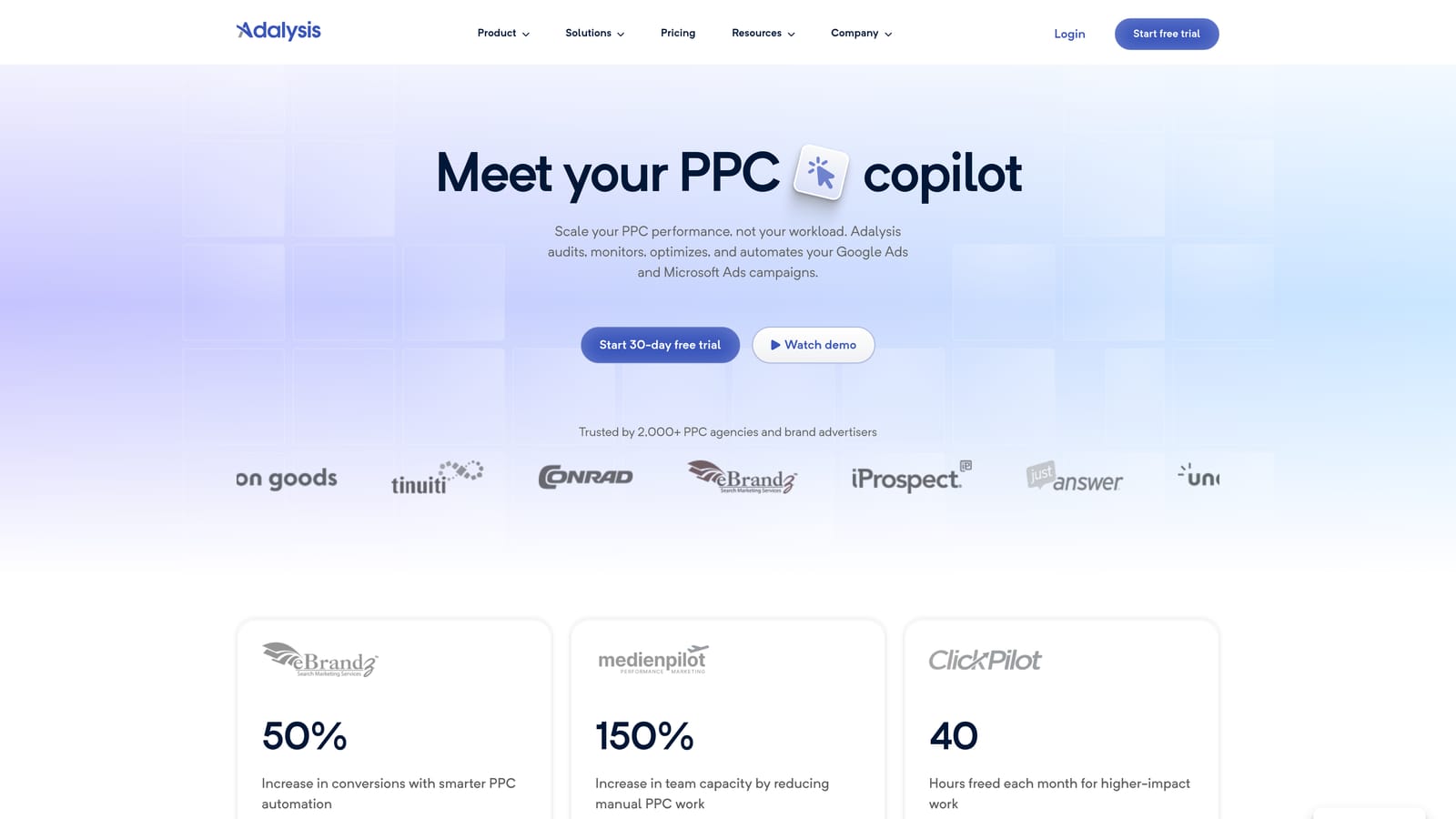
Adalysis centers on automated ad testing and rule-based account monitoring, built for PPC managers who want ongoing quality control without setting up a new experiment every time they want to test ad copy.
What it does well
The tool's core strength is that it runs A/B tests on ad copy continuously in the background once configured, rather than requiring you to manually launch and monitor each test. Combined with rule-based alerts for disapprovals, policy flags, and account errors, it acts more like a monitoring layer than a one-time cleanup tool.
- Runs automated split tests on ad copy at scale across campaigns without manual test setup each time
- Sends rule-based alerts when ads get disapproved, flagged for policy issues, or hit account errors
- Tracks Quality Score and ad strength over time to catch drift before it hurts performance
- Runs an account audit checklist covering structure, settings, and common configuration mistakes
Who it fits and who it doesn't
Adalysis assumes a working knowledge of PPC concepts like Quality Score, match types, and account structure. The interface and feature depth aren't built for someone new to Google Ads, so first-time advertisers may find it more complex than they need.
Integrations cover Google Ads and Microsoft Advertising. Pricing is quote-based and typically scales with account size, so check the Adalysis website for current tiers rather than assuming a flat rate.
Best for: Experienced PPC managers who want ongoing automated ad copy testing and proactive error alerts.
4. WordStream Advisor
WordStream Advisor, from LocalIQ, takes a different approach than the rule-heavy tools above it: it's a guided platform built around a weekly optimization routine rather than a dashboard you configure and monitor yourself.

Its signature feature is the "20-Minute Work Week," a checklist that tells you exactly what to fix in your account each week, ranked by expected impact. That guided structure is the standout here, particularly for advertisers who don't want to build their own optimization logic from scratch.
- Walks you through a prioritized weekly checklist instead of leaving you to figure out what needs attention
- Offers a free Google Ads Performance Grader to benchmark an account against industry norms
- Manages Google Ads and Meta Ads campaigns together in one place
- Suggests keyword expansions to help grow campaigns without separate keyword research tools
Setup is straightforward and aimed at marketers who manage their own accounts day to day, often without a dedicated PPC specialist on staff. That's part of the appeal for small business owners.
The tradeoff is control. Advanced users who want to build custom automation rules or dig into granular account settings will find WordStream's guided format more restrictive than a tool like Optmyzr or Revealbot. It's built for following recommendations, not customizing your own logic.
Pricing is subscription-based and tied to ad spend tier. Confirm current rates directly on the WordStream website, since tiers shift periodically.
Best for: Small business owners or in-house marketers who want step-by-step guidance instead of building their own optimization process.
5. Google Ads Editor
Google Ads Editor is Google's own free desktop application for making bulk offline edits to campaigns before pushing them live. It doesn't optimize anything on its own, but it's the fastest way to make large structural changes across many campaigns at once.

Its main advantage over every other tool on this list is that it's free and built directly by Google, with no third-party layer between you and your account data. For advertisers who need to restructure campaigns, copy settings across accounts, or make hundreds of bid changes at once, it's hard to beat on cost or reliability.
- Edits campaigns, ad groups, keywords, and bids in bulk offline before uploading changes live
- Copies settings across campaigns or entire accounts to save rebuilding work manually
- Lets you preview every change before it goes live, reducing the risk of accidental account-wide mistakes
- Comes at no cost, with no subscription or usage limit
Setup just means downloading the application and syncing it with your Google Ads account, per Google's support documentation. It's typically run directly by whoever manages the account, since it doesn't require any onboarding beyond a normal Google Ads login.
Its limitation is exactly what you'd expect from a free editing tool: it offers no optimization recommendations, no automation, and no reporting. It only executes changes you've already decided to make, so it pairs well with a recommendation or audit tool rather than replacing one.
Best for: Advertisers who need to make large structural edits across many campaigns without paying for a third-party tool.
6. Search Ads 360
Search Ads 360 is Google's enterprise-grade bid management and reporting platform, built for advertisers running campaigns across multiple search engines rather than Google Ads alone. It sits at a different scale than everything else on this list.

The distinguishing factor is cross-engine bid management from a single console. Instead of managing Google Ads and Microsoft Advertising separately, large teams can set bidding strategies, track conversions through Floodlight, and pull cross-channel reports without switching platforms.
- Manages bids and budgets across Google Ads and Microsoft Advertising from one interface
- Tracks conversions across channels through Floodlight-based tagging
- Builds custom, cross-channel reports suited to large advertiser teams with multiple stakeholders
- Applies automated bidding strategies calibrated for enterprise-level traffic volume
This isn't a self-serve signup. Search Ads 360 requires a formal relationship through Google Marketing Platform, typically set up with a Google sales contact, per Google's product page. That makes it inaccessible for freelancers or small teams who don't have the account volume to justify the setup.
Pricing is quote-based and arranged through Google sales, so there's no published starting price to compare against the rest of this list.
Best for: Large enterprises or agencies running multi-market, multi-engine campaigns at significant scale.
7. SEMrush PPC Toolkit
SEMrush's PPC Toolkit is a research-focused module within the broader SEMrush platform, aimed at advertisers who want competitive intelligence before or alongside their optimization work. It's worth including here specifically because it's easy to confuse with a live optimization tool when it isn't one.
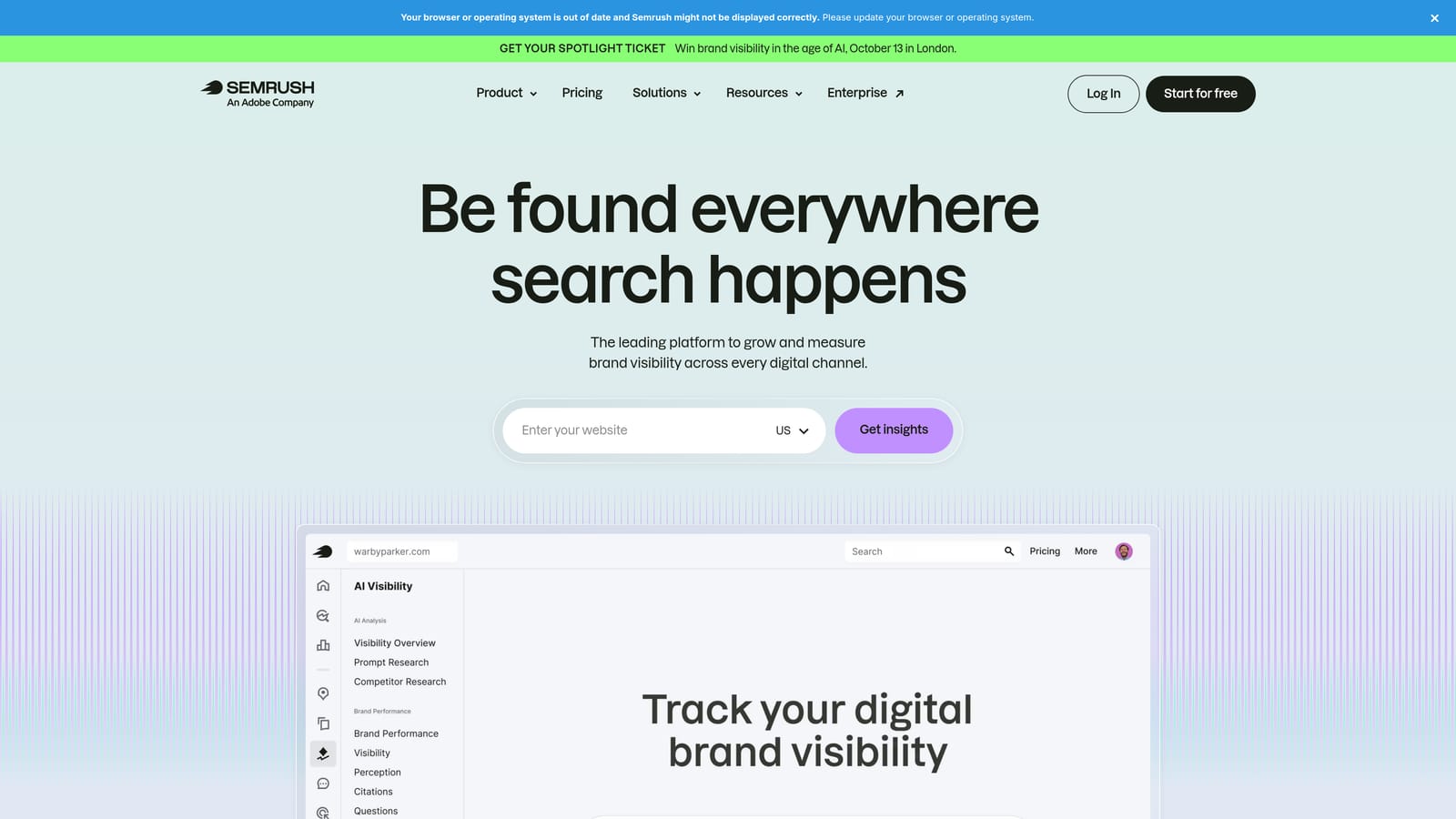
Its value is in what happens before you touch a live campaign: pulling competitor ad copy, landing pages, and keyword data from SEMrush's own index to inform keyword grouping and negative keyword planning. No other tool on this list offers that kind of competitive research angle.
- Surfaces competitor ad copy and landing pages to inform your own campaign planning
- Groups and expands keyword lists through the PPC Keyword Tool
- Suggests negative keywords based on gaps found in competitive research
- Offers ad copy split-testing suggestions drawn from historical performance patterns
It's important to be clear about what it isn't: a management tool that pushes changes into a live Google Ads account. Data typically needs to be exported or manually applied, which is a real limitation if you're expecting in-account automation like Optmyzr or Keywordme offer.
Pricing is bundled within broader SEMrush subscription plans rather than sold as a standalone PPC product. Check current tiers on the SEMrush website, since the toolkit's availability depends on which plan you're on.
Best for: Marketers who want competitive research and campaign planning data before or alongside live optimization work.
8. Revealbot
Revealbot is an automation platform built for teams running paid campaigns across more than one channel, letting you build custom rules to pause ads, adjust bids, or shift budgets based on performance triggers across Google Ads, Meta Ads, and TikTok Ads.
Its standout feature is that it's one rule builder spanning Google Ads alongside major paid social platforms, which matters for teams that don't want separate automation logic for each channel they run.
- Provides a visual rule builder for automating bid and budget changes without writing scripts
- Applies automation rules consistently across Google Ads, Meta Ads, and TikTok Ads
- Sends custom alerts, including to Slack, when performance crosses thresholds you set
- Generates automated reporting dashboards to track rule performance over time
Setup involves connecting each ad platform and building rule logic, which is best handled by whoever owns paid media strategy across channels, not just Google Ads specifically. Teams already running Meta or TikTok alongside Google Ads get the most value here.
Because it's built to serve multiple channels at once, it's less specialized for Google Ads-only workflows like search term cleanup compared with tools built specifically for that job. A team running Google Ads exclusively may find its cross-channel features add complexity they don't need.
Pricing runs in subscription tiers based on ad spend managed. Confirm current pricing directly on the Revealbot website before comparing it against single-channel tools.
Best for: Teams running paid social and Google Ads together who want a single automation layer across channels.
Matching the Tool to Your Workflow
If you're a solo advertiser or small agency spending most of your week inside the Search Terms Report, Keywordme is the fastest starting point since it works inside the interface you're already using, no export required. If you're managing several client accounts and need automated rules alongside full account audits, Optmyzr and Adalysis both cover that ground, with Optmyzr leaning toward cross-platform bid rules and Adalysis leaning toward ongoing ad testing. SMBs that want a guided, no-guesswork routine fit better with WordStream Advisor, while enterprise teams running multi-engine campaigns at scale should look at Search Ads 360.
None of these tools need to be used in isolation. Plenty of advertisers pair a free structural editor like Google Ads Editor with a research tool like SEMrush and a daily cleanup tool like Keywordme, depending on where the actual bottleneck sits in their workflow.
Optimize Google Ads campaigns 10X faster, without leaving your account. Keywordme lets you remove junk search terms, build high-intent keyword lists, and apply match types instantly, right inside Google Ads. No spreadsheets, no switching tabs, just quick, seamless optimization. Start your free 7-day trial (then just $12/month) and take your Google Ads game to the next level.
.svg)