
9 Best Google Ads Campaign Optimization Platforms for Agencies and In-House Teams in 2026
This guide compares nine tools that fit the label of a Google Ads campaign optimization platform, from search term cleanup and ad testing to bulk editing and enterprise suites. Each is judged on what part of optimization it handles, its effect on daily workflow, pricing clarity, and fit for solo advertisers, agencies, or in-house teams, so you can match a tool to the job and combine specialists where needed.


Google Ads management eats hours, and "optimization platform" can mean anything from search term cleanup to bid automation to enterprise suites. This list is for marketers, freelancers, and agency owners who want to match a tool to the job. Each tool was judged on which part of optimization it handles, how much it changes your daily workflow, how clear its pricing is, and whether it suits a solo advertiser, an agency, or a larger team. Most of these specialize, so expect to combine a couple.
Quick Comparison of the Tools
- Keywordme: solo advertisers and agencies cleaning up search terms; $12/month per user; runs inside the native Search Terms Report, with no exports.
- Optmyzr: agencies and larger accounts; see website for pricing; a broad library of reviewable one-click optimizations across many accounts.
- Adalysis: agencies focused on ad testing and QA; see website for pricing; deep ad test analysis plus audit alerts at scale.
- Google Ads Editor: practitioners doing big structural edits; free; first-party bulk editing and offline account building.
- Google Ads Scripts and Recommendations: technical advertisers who want custom automation; free; fully customizable automation with no third-party access.
- Looker Studio: agencies and marketers who report to clients; free (paid Pro option); client-ready dashboards at no cost.
- Semrush PPC Toolkit: marketers researching competitors; subscription, see website; competitor paid search data next to SEO data.
- WordStream: small businesses with limited PPC experience; see website for pricing; beginner-friendly guidance and grading.
- Skai: large advertisers across many channels; quote-based; cross-channel bid and budget management at enterprise scale.
1. Keywordme
Keywordme is our own product, so weigh this section with that in mind. It's a Chrome extension that adds keyword, negative keyword, and match type actions directly inside the Search Terms Report in Google Ads. It's built for advertisers who spend a lot of time reviewing what people actually typed (search terms) and deciding what to bid on (keywords) or block (negative keywords).
Its distinctive strength is where it lives. You work in the native Google Ads interface, so there's no export, no spreadsheet round trip, and no separate dashboard to log into. For a routine like weekly search term review, that removes most of the friction.
- One-click negative keywords from the Search Terms Report, so junk queries get blocked as you scan them.
- Add keywords with the match type you choose, without leaving the Google Ads interface.
- Keyword clustering, which groups related terms so you can build tighter keyword lists faster.
- Bulk editing for applying the same action across many terms at once.
- Multi-account and team support, useful when several people manage several client accounts.
Setup is installing the extension in Chrome and opening Google Ads; the person doing the search term review runs it day to day. The limits are real: Keywordme covers search term and keyword management only. It has no bid automation, no ad testing, and no reporting dashboards, and it requires Chrome. You still decide what gets added or blocked, which is the point, but you'll need other tools for the rest of the job.
Pricing: $12/month per user, with a 7-day free trial (as of this writing; check the site for current terms). Cost scales with the number of users, not ad spend or accounts.
Best for: Solo advertisers and agencies who want faster search term cleanup.
2. Optmyzr
Optmyzr is a PPC management suite covering audits, optimization suggestions, bulk fixes, and reporting. It's aimed at agencies and in-house teams that manage multiple accounts and want a structured way to find and fix issues across all of them.

What sets it apart on this list is breadth. It offers a large library of optimizations you can review and apply with a click, and it does so across many accounts at once. That makes it closer to a command center than a single-purpose tool.
What you get
- Account audits that flag problems so you don't have to hunt for them.
- One-click optimizations you review before applying, keeping a human in the loop.
- Rule-based automation for recurring checks and adjustments.
- Reporting, so client updates can live in the same place as the fixes.
- Multi-account management for agencies juggling many clients.
Fit and limits
It connects to Google Ads, Microsoft Advertising, and Meta Ads. Expect a real onboarding curve: the depth that makes it valuable for agencies can feel heavy for a solo advertiser with one or two small accounts. Someone on the team needs to own configuration and decide which suggestions fit each client's goals.
Pricing: Tiered plans; see the website for current prices, which vary by plan.
Best for: Agencies and larger accounts needing breadth of optimizations.
3. Adalysis
Adalysis is an automated PPC auditing and ad testing platform. It watches your accounts, flags issues, and analyzes ad copy tests so you can see which variations are winning without building the comparison yourself.
Its edge over the rest of this list is depth on ad testing and audit alerts at scale. If you run dozens of ad groups across many accounts, having something surface the tests worth acting on saves a lot of manual comparison.
- Automated account audits that catch problems across campaigns.
- Ad copy test analysis that shows which ads are performing and which tests have enough data to call.
- Alerts that notify you when something changes or breaks.
- Quality Score analysis to spot where relevance issues may be dragging performance.
- Scheduled reports that go out without manual assembly.
It works with Google Ads and Microsoft Advertising. Setup means connecting accounts and tuning what alerts you care about; an account manager or QA lead typically owns it. It's less focused on bid automation or search term cleanup, so most teams pair it with something that handles those. It's also more than a small advertiser with a handful of ads needs.
Pricing: See the website; plans are not detailed here.
Best for: Agencies that prioritize ad testing and QA audits.
4. Google Ads Editor
Google Ads Editor is Google's free desktop application for managing campaigns in bulk. You download your account data, make changes offline, review them, and post them back. It's built for practitioners who build and restructure accounts.

It's the only first-party bulk editing tool here, and it costs nothing. For large structural work, like building out a new account or changing hundreds of ad groups, it's hard to beat.
- Bulk editing so one change can apply across many campaigns, ad groups, or ads.
- Offline work, so you can build and revise without being tied to the browser interface.
- Copy and paste across campaigns and accounts, which speeds up cloning structures.
- Change review before posting, so you see exactly what will go live.
- Multi-account management from a single application.
It's a desktop install and the learning curve is modest for anyone comfortable with the Google Ads structure. The catch is that it's an editing tool, not an optimization engine. It won't tell you what to change, send alerts, or give ongoing recommendations. Think of it as the hands, not the brain.
Pricing: Free.
Best for: Practitioners doing large structural edits and account builds.
5. Google Ads Scripts and Recommendations
Google Ads Scripts and Recommendations bundle two native features. The Recommendations page offers suggestions and an optimization score, which is Google's estimate of how well an account is set up to perform. Scripts let you write JavaScript that automates tasks inside the account.
The standout is control with no third-party access. You can build alerts, scheduled checks, or reports exactly the way you want them, and your data never leaves Google's environment.
- Recommendations page that surfaces suggested changes inside the account.
- Optimization score as a quick indicator of how many suggestions are outstanding.
- JavaScript Scripts for custom automation tailored to your account.
- Scheduled automation, so scripts run on a timetable without you.
- Custom alerts for conditions you define, such as spend spikes or paused campaigns.
Scripts integrate with Google Sheets, which is handy for logging and reporting. The big limitation is that scripts require coding, and someone has to maintain them. Recommendations are neutral advice rather than a strategy: review each one against your goals, because a higher score doesn't automatically mean better business results.
Pricing: Free.
Best for: Technical advertisers wanting free, custom automation.
6. Looker Studio
Looker Studio is Google's free reporting tool. It pulls data from Google Ads and other sources into dashboards you can design and share. It fills the reporting gap that most search term and editing tools leave open.

Its advantage is flexibility at zero cost: you can build client-ready dashboards exactly how a client wants to see them, blending Google Ads data with other sources.
- A Google Ads connector that pulls account data into your reports.
- Custom dashboards, so you control layout, metrics, and branding.
- Shareable reports that clients can open without logging into the ad account.
- A template library to start from rather than a blank canvas.
- Multiple data sources, including Google Analytics, Google Sheets, and BigQuery.
Setup takes some time the first time you build a template, and whoever owns client reporting usually maintains it. The key limit: it only reports. It cannot change campaigns, add negatives, or adjust bids, so it complements an optimization tool rather than replacing one. Dashboards also need upkeep as metrics or connectors change.
Pricing: Free; a paid Pro option exists (verify current details on Google's site).
Best for: Agencies and marketers who need client reporting.
7. Semrush PPC Toolkit
Semrush offers a PPC toolkit inside its broader marketing suite, centered on competitive research and keyword discovery for paid search. It helps you decide what to bid on and what your competitors are doing, rather than managing the account itself.
The distinctive piece is competitor paid search intelligence sitting next to SEO data. If you're deciding where to spend, seeing which terms rivals advertise on, and how organic and paid overlap, is useful context no other tool here provides.
- Competitor ad research to see how others position their ads.
- Keyword gap analysis to find terms competitors target that you don't.
- PPC keyword research for building new keyword ideas.
- Ad copy ideas to spark new variations.
- SEO integration, so paid and organic planning share one view.
It connects with Google Ads and Google Analytics. A marketer or strategist usually runs it, mostly during planning rather than daily. Two limits matter: the data is estimated from third-party sources, so treat it as directional, and it doesn't edit your campaigns. You'll act on what you learn elsewhere.
Pricing: Subscription-based; see the website, since plans and what's included change.
Best for: Marketers researching competitors and keyword opportunities.
8. WordStream
WordStream is a PPC platform aimed at small businesses. It grades your account, gives guided recommendations, and has offered managed-service options for those who'd rather hand the work off.
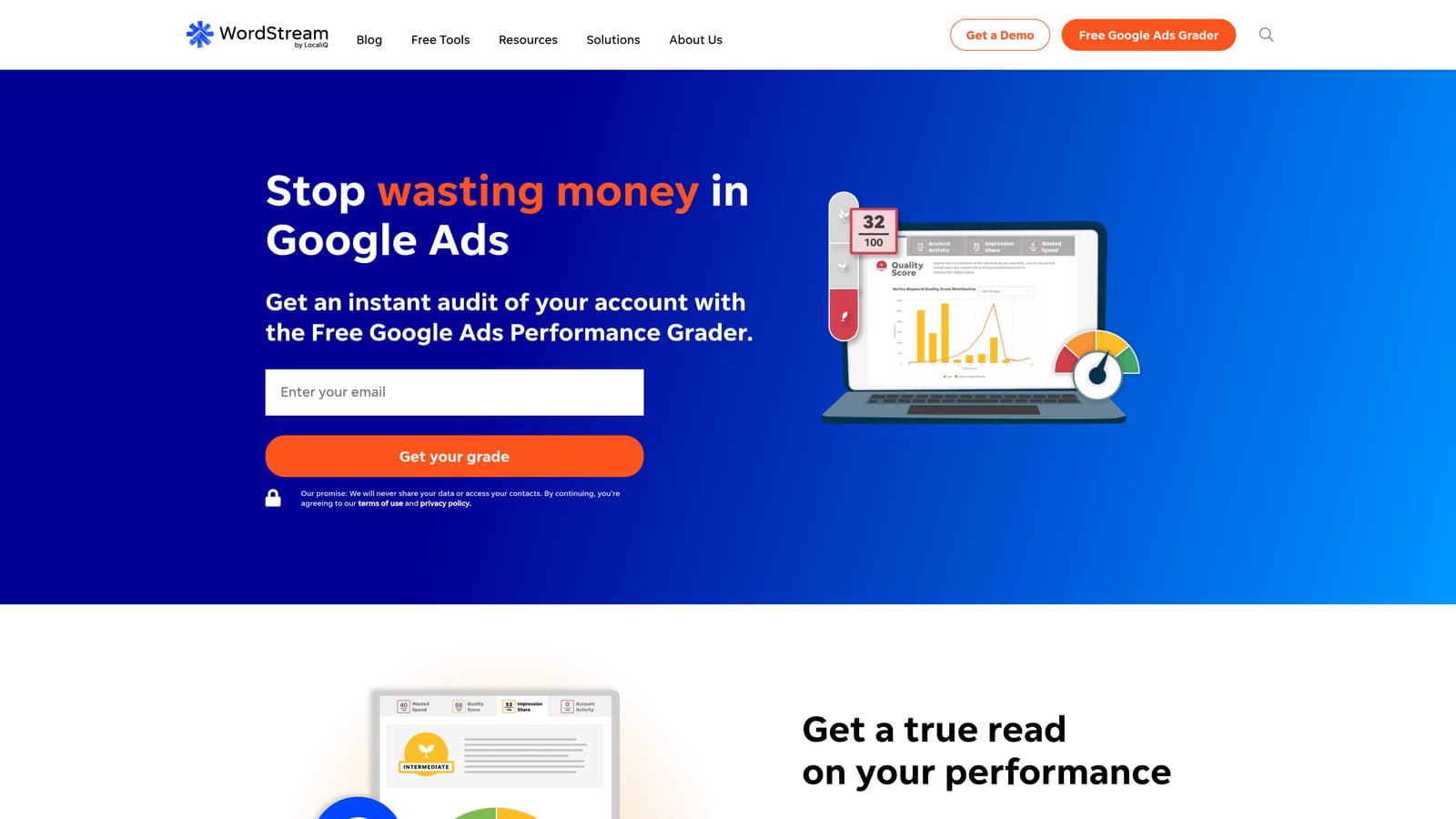
Its strength is approachability. For someone without a PPC background, a graded account and plain-language guidance beats a dense dashboard of settings.
- Account grader that shows where an account stands and what to look at first.
- Guided recommendations that explain what to change in simple terms.
- Campaign management tools for making changes in one place.
- Reporting to keep track of results.
- Managed services for businesses that want help running campaigns.
It works with Google Ads, Microsoft Advertising, and Meta Ads. Setup is light, and the business owner or a generalist marketer typically runs it. Experienced agency teams may find it short on granular control, and the offering has changed over time, so confirm what's currently included before committing.
Pricing: See the website; confirm current plans and any managed-service terms directly.
Best for: Small businesses with limited PPC experience.
9. Skai
Skai is an enterprise cross-channel marketing platform. It manages search bids and budgets alongside other channels and rolls everything into centralized reporting. It's designed for large advertisers with many channels and big budgets.
What it does that nothing else here does is coordinate bids and budgets across channels at enterprise scale, with workflows built for big teams.
- Cross-channel campaign management from one platform.
- Bid and budget optimization to shift spend where it performs.
- Reporting that consolidates results across channels.
- Enterprise workflows suited to larger teams and approval processes.
It integrates with Google Ads, Microsoft Advertising, Amazon Ads, and Meta Ads. Expect a substantial onboarding effort and a dedicated team to run it. For small and mid-sized accounts it's overkill, and the quote-based pricing means you can't gauge cost without a sales conversation.
Pricing: Quote-based; scope and spend typically drive the price.
Best for: Large advertisers managing many channels and big budgets.
Picking the Right Mix for Your Setup
If you're a solo advertiser or run a small agency and search term cleanup is where the hours go, Keywordme is the quick win at $12/month per user. For agencies managing many accounts, Optmyzr covers the widest range of fixes, and Adalysis is the pick when ad testing and QA audits matter most.
On a tight budget, Google Ads Editor and Scripts cost nothing, and Looker Studio handles client reporting for free. For competitor research, Semrush fills a gap the others leave. Enterprise teams running many channels should look at Skai, and small businesses new to PPC may find WordStream more approachable.
These tools aren't mutually exclusive. A common pairing is a search term tool for daily cleanup, an auditing platform for QA, and Looker Studio for reporting. Pick for the job, not the category label.
Optimize Google Ads Campaigns 10X Faster. Without Leaving Your Account. Keywordme lets you remove junk search terms, build high-intent keyword lists, and apply match types instantly, right inside Google Ads. No spreadsheets, no switching tabs, just quick, seamless optimization. Start your free 7-day trial (then just $12/month) and take your Google Ads game to the next level.
.svg)