
9 Best Google Ads Campaign Management Tools for Marketers and Agencies in 2026
No single Google Ads campaign management tool covers every job, so this guide matches nine tools to specific tasks like search term cleanup, bulk edits, automation, auditing, research, and client reporting. Each pick is judged on workflow, automation, reporting, multi-account support, and price transparency, with a clear note on who should skip it.


"Campaign management tool" means different things to different people, and no single product covers all of it. This list is for marketers, freelancers, and agency owners who want to know which tool fixes which job: search term cleanup, bulk edits, automation, auditing, research, or client reporting. Tools were picked on optimization workflow, automation, reporting, multi-account support, and price transparency, and each entry says who should skip it. Pricing details are as of November 2026, so check each vendor's site before buying.
Quick Comparison of the Tools
- Keywordme: advertisers and agencies who spend hours on search term review; $12/month per user; works inside the native Google Ads Search Terms Report.
- Google Ads Editor: people making large structural changes across many campaigns; free; official bulk editing with review before anything goes live.
- Optmyzr: agencies wanting repeatable audits and automation; see website; the broadest set of optimization and automation tools on the list.
- Adalysis: agencies and in-house teams wanting ongoing account health checks; see website; continuous monitoring with prioritized flags.
- Google Ads Scripts: technical advertisers who want custom automation; free; fully custom logic written in JavaScript.
- SEMrush: marketers planning campaigns with competitive research; see website; competitor ad and keyword data alongside SEO data.
- WordStream: small business owners who want guidance over manual control; see website; a beginner-friendly guided workflow.
- Swydo: agencies and freelancers sending recurring client reports; see website; white-label reporting built for agencies.
- Looker Studio: budget-conscious advertisers wanting custom reporting; free; fully customizable dashboards with a native Google Ads connector.
1. Keywordme
Keywordme is our own product, so weigh this entry with that in mind. It is a Chrome extension that adds one-click actions inside the Search Terms Report in Google Ads. That report shows the actual queries people typed, which is different from your keywords, the terms you bid on. Keywordme helps you decide which search terms become new positive keywords and which become negative keywords that block irrelevant traffic.
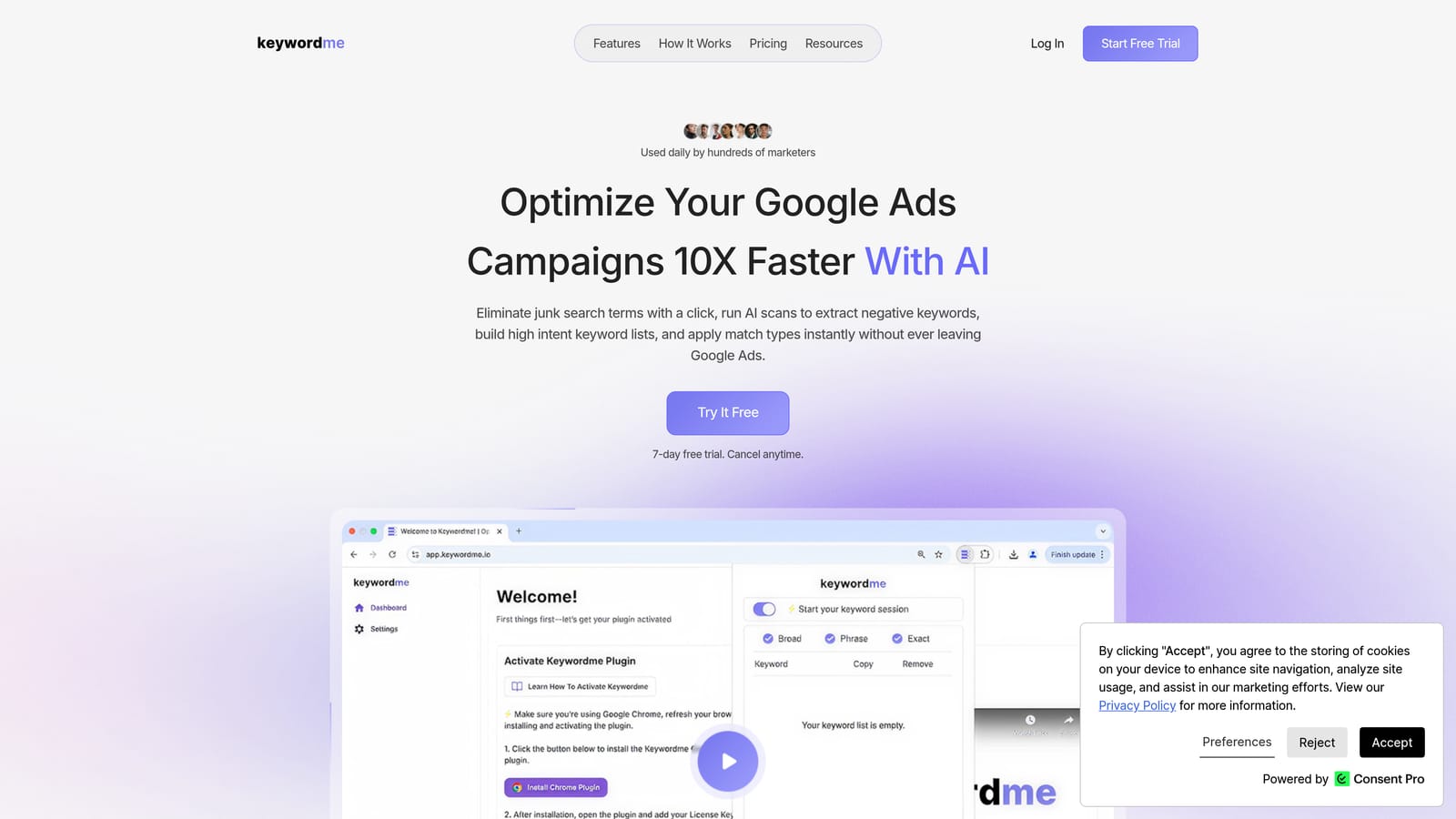
What sets it apart on this list is where it works. You stay in the native Google Ads interface, so there is no spreadsheet export and no separate dashboard to learn. You review each term yourself and click; it is a faster way to do manual review, not an autopilot.
- One-click negative keywords straight from the Search Terms Report, so junk queries stop costing you money sooner.
- Add search terms as keywords with the match type applied instantly, which removes the copy, paste, and reformat step.
- Keyword clustering to group related terms into tighter keyword lists.
- Bulk editing so you can apply the same action to many terms at once.
- Multi-account and team support for agencies with several people working across clients.
Setup is a browser extension install, and whoever does the weekly search term review runs it. It works with Google Ads through Chrome only.
The limitation is scope. Keywordme is focused on the search term and keyword workflow. It does not handle bidding, reporting, or cross-channel management, so you will pair it with other tools if you need those. If your real bottleneck is something other than search term review, skip it.
Pricing is a flat $12/month per user with a 7-day free trial. Cost scales with the number of users, not with ad spend or accounts. Verify current terms on the website.
Best for: Advertisers and agencies who spend hours on search term review and want it faster.
2. Google Ads Editor
Google Ads Editor is Google's free desktop application for making bulk changes to accounts offline. You download account data, edit it locally, review the pending changes, and then post them to the live account. It is built for people who need to restructure a lot at once.
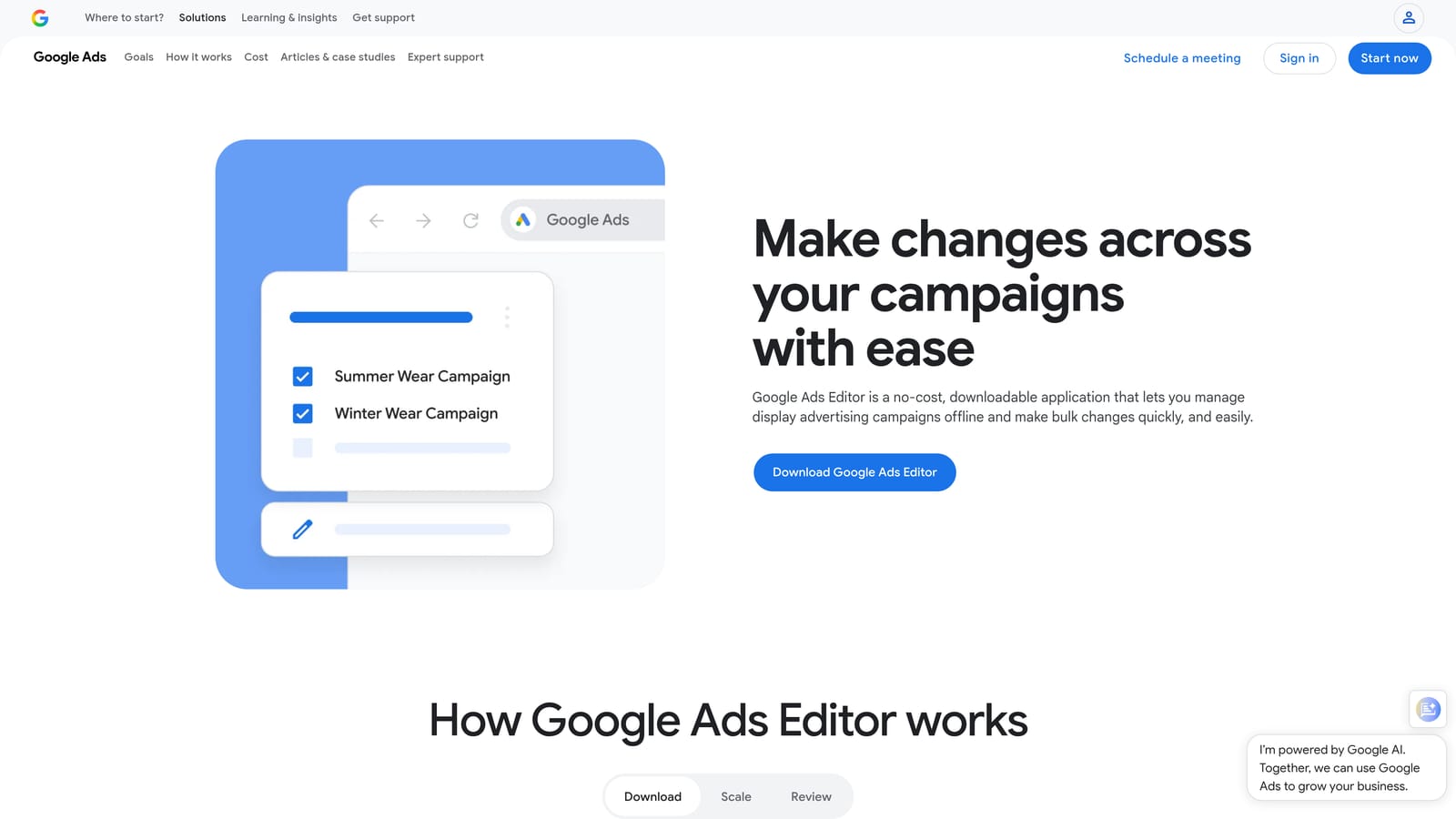
Its edge over everything else here is price and trust: it is official, free, and shows you exactly what will change before anything goes live. That review step is valuable when one wrong find-and-replace could touch hundreds of ads.
- Bulk edit campaigns, ad groups, ads, and keywords, so a change that takes an hour in the web interface takes minutes.
- Work offline and review changes before posting, which catches mistakes before they spend money.
- Copy and paste across accounts and campaigns, handy for rolling out a proven structure to a new client.
- Import and export via CSV, so you can build large changes in a spreadsheet and load them in.
It installs on your computer and works with Google Ads accounts you already have access to. One person typically runs it, usually whoever owns account structure.
The limits are real. It offers no automation and no optimization guidance; it does what you tell it and nothing more. Beginners will find the learning curve steeper than the web interface, and it is not designed for reviewing search terms quickly. Cost is free, with nothing that scales.
Best for: Advertisers making large structural changes across many campaigns.
3. Optmyzr
Optmyzr is a PPC management platform that bundles optimization tools, rule-based automation, and reporting. It is aimed at agencies and in-house teams that run many accounts and want consistent processes across them.
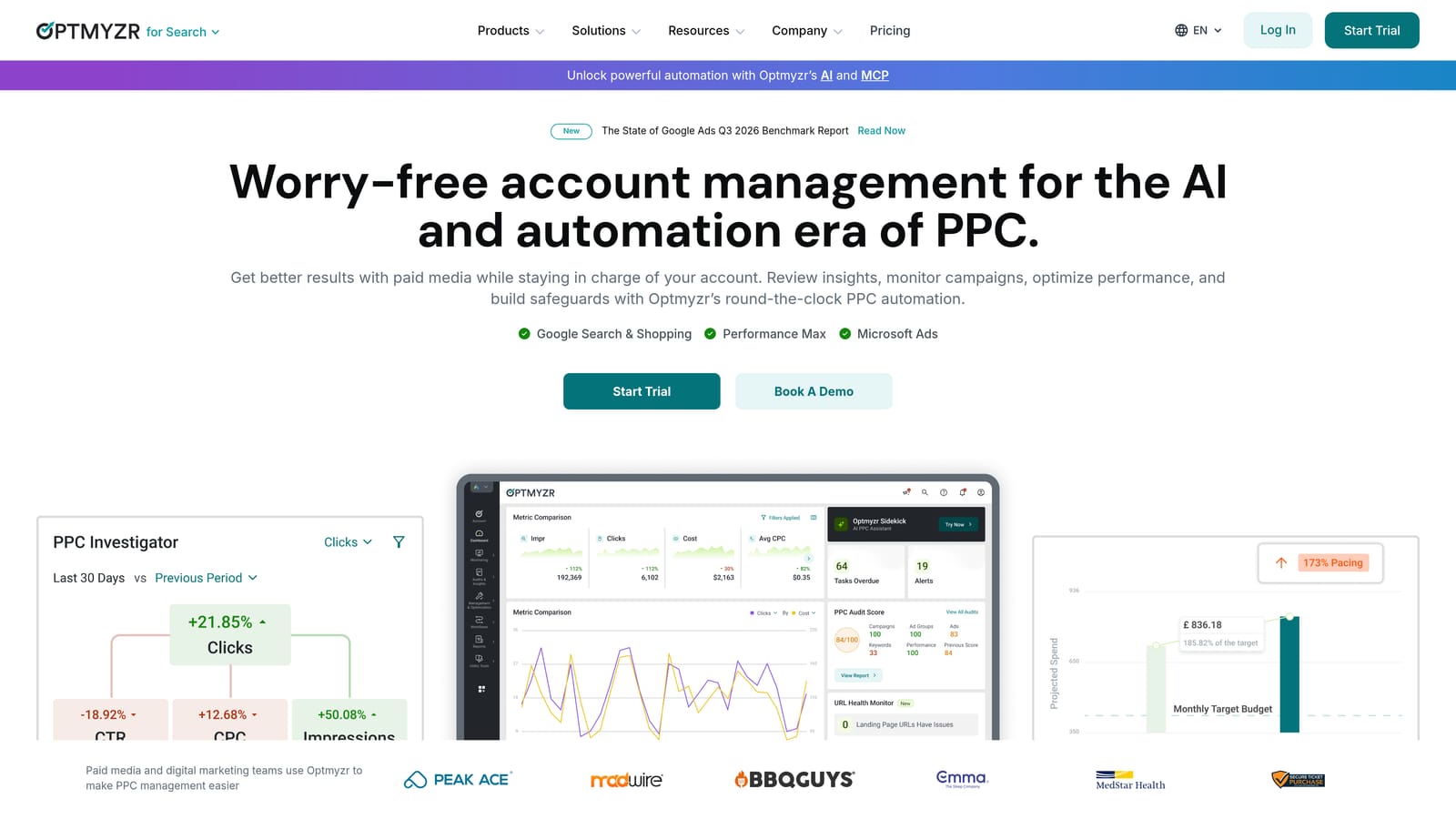
Its distinctive strength on this list is breadth. Where other tools do one job, Optmyzr covers audits, suggested optimizations, automation rules, and reports in one place, which suits teams that want to standardize how every account gets checked.
- Optimization suggestions and audits that point you to what to fix in each account.
- Rule-based automation so repetitive checks and adjustments follow your rules rather than your memory.
- Reporting for sharing results with clients or stakeholders.
- Multi-account management so one team can work across a full client roster.
It connects to Google Ads and, according to our notes, also Microsoft Ads and Meta Ads; confirm the current list on its site. Expect more setup than a browser extension, since you connect accounts and configure rules, and an account manager or PPC lead usually owns it.
The trade-off is size. Pricing and feature depth may be more than a solo advertiser needs, and a platform this broad can be overkill if your actual bottleneck is weekly search term review. Pricing is tiered and listed on the vendor's website, so check what moves the price on the current plans.
Best for: Agencies wanting repeatable audits and automation across many accounts.
4. Adalysis
Adalysis is an automated PPC auditing and testing platform. It monitors your accounts continuously and flags problems and opportunities so you do not have to hunt for them.
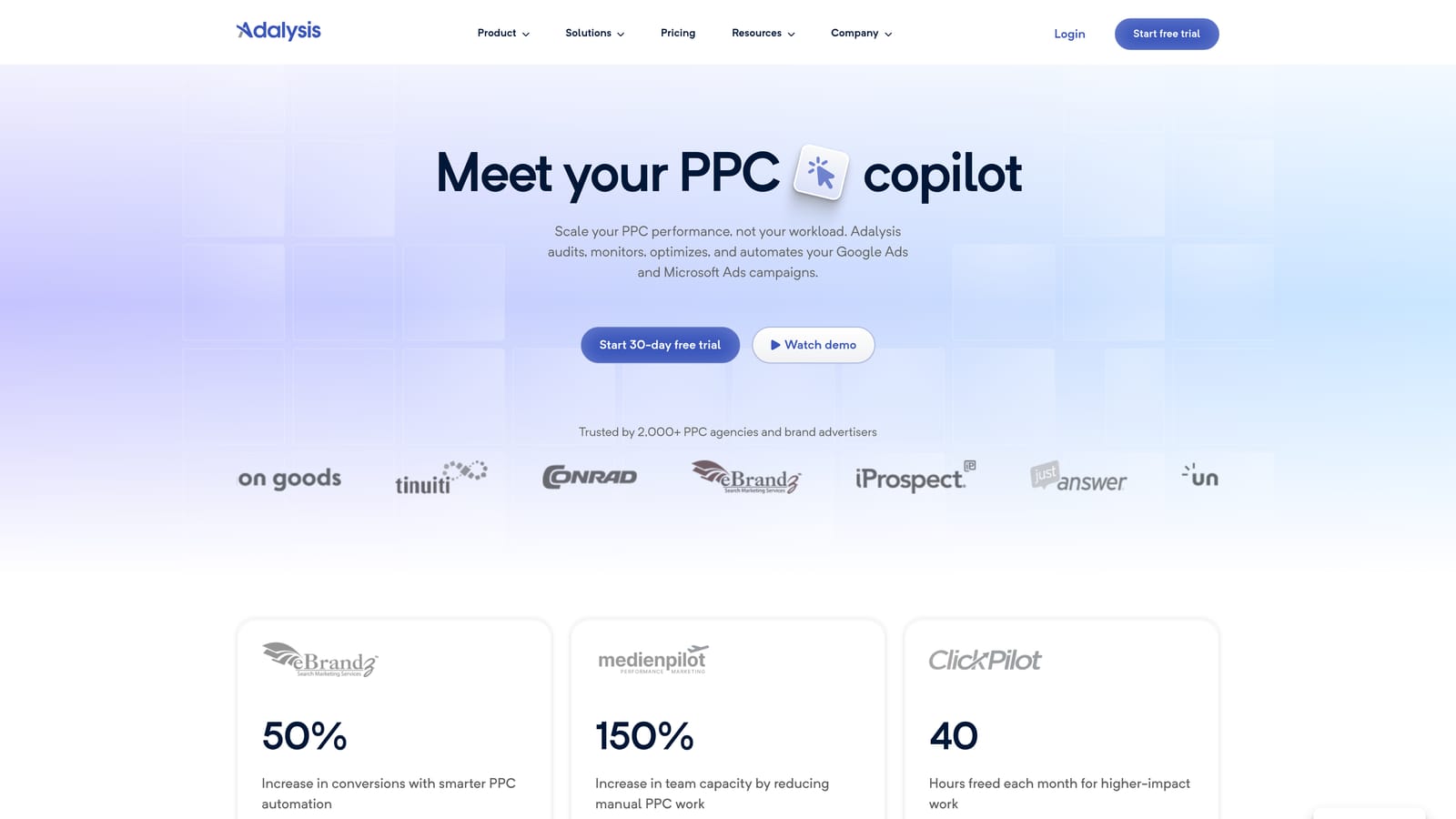
What it does best against this list is ongoing watchfulness. It surfaces prioritized flags across many accounts, which is useful when you manage enough accounts that something is always quietly going wrong.
- Automated account audits that check for common issues without a manual walkthrough.
- Ad testing analysis that helps you judge which ad variations are actually winning.
- Alerts and monitoring so changes in performance reach you quickly.
- Search term and keyword insights that point toward queries worth acting on.
It connects to Google Ads and, per our notes, Microsoft Ads (verify on the site). Setup means linking accounts, and it is usually run by an account lead or whoever is responsible for account health.
The key limitation is that it is analysis-led. It tells you what to look at, but a person still needs to review recommendations and make the changes. If you want to act on search terms quickly, you would still need something to do the clicking. Pricing is plan-based, so see the website for current plans and what drives the cost.
Best for: Agencies and in-house teams that want ongoing account health checks.
5. Google Ads Scripts
Google Ads Scripts is free automation built into Google Ads. You write JavaScript that runs inside your account to produce reports, send alerts, or make bulk changes on a schedule.
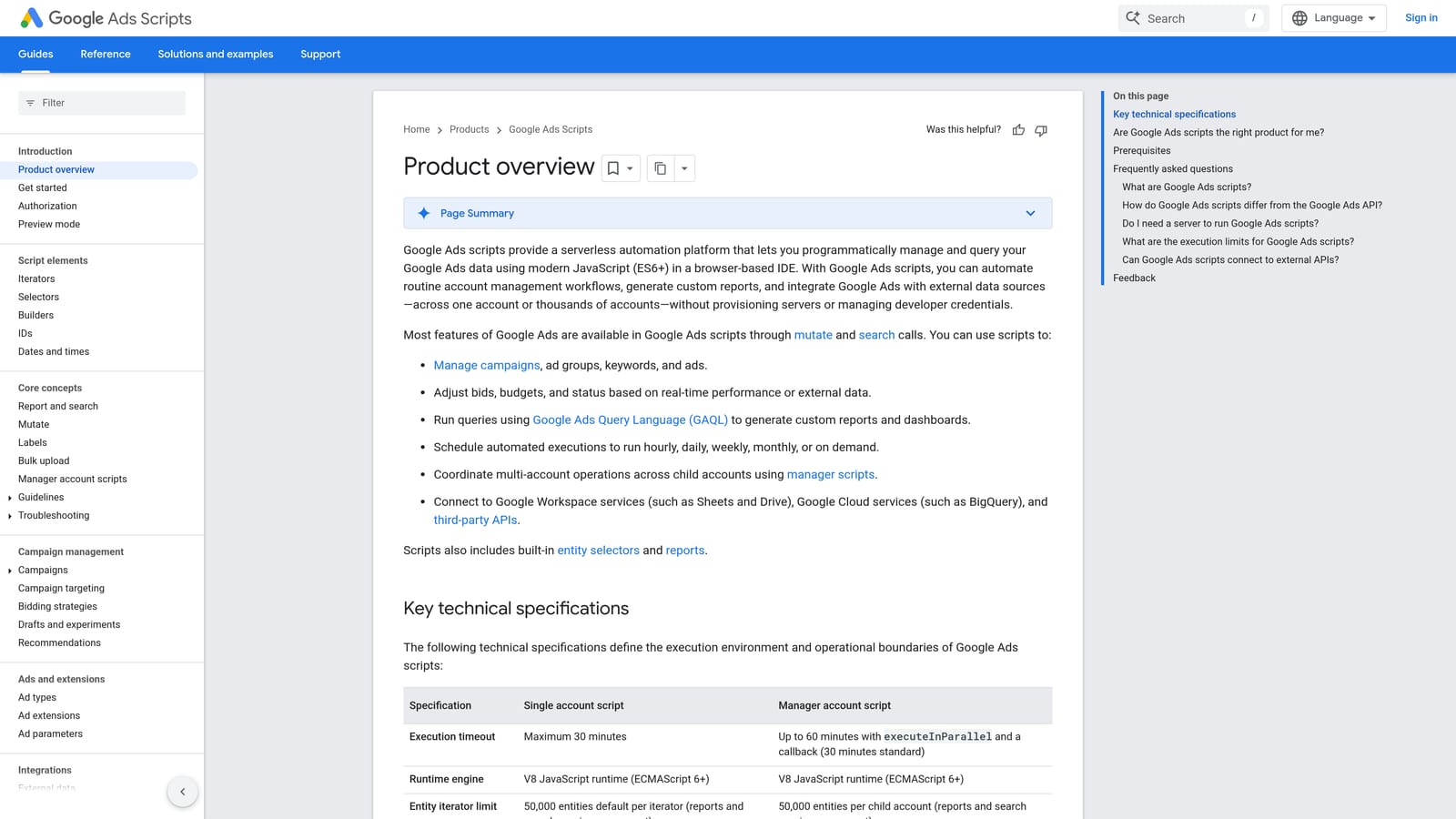
Nothing else here matches its flexibility for the price. If you can describe a rule, such as pausing a keyword that crosses a cost threshold, you can probably script it, with no subscription.
- Custom automation with JavaScript, so your logic is not limited by a vendor's feature list.
- Scheduled runs that keep checks happening without you remembering.
- Custom alerts and reports tailored to exactly the metrics you care about.
- Bulk account changes for repetitive updates across large accounts.
It works with Google Ads and Google Sheets, which makes Sheets a handy place to send output. Setup is the catch: someone has to write, test, and maintain the code, and scripts can break when requirements change.
That makes it a poor fit for marketers without coding skills or time to maintain scripts. A careless script can also make unwanted changes, so test before scheduling anything that edits. Cost is free.
Best for: Technical advertisers who want custom automation without a subscription.
6. SEMrush
SEMrush is a broad marketing suite, and its advertising and keyword tools support PPC research and competitor analysis. It sits at the planning end of campaign management rather than the editing end.
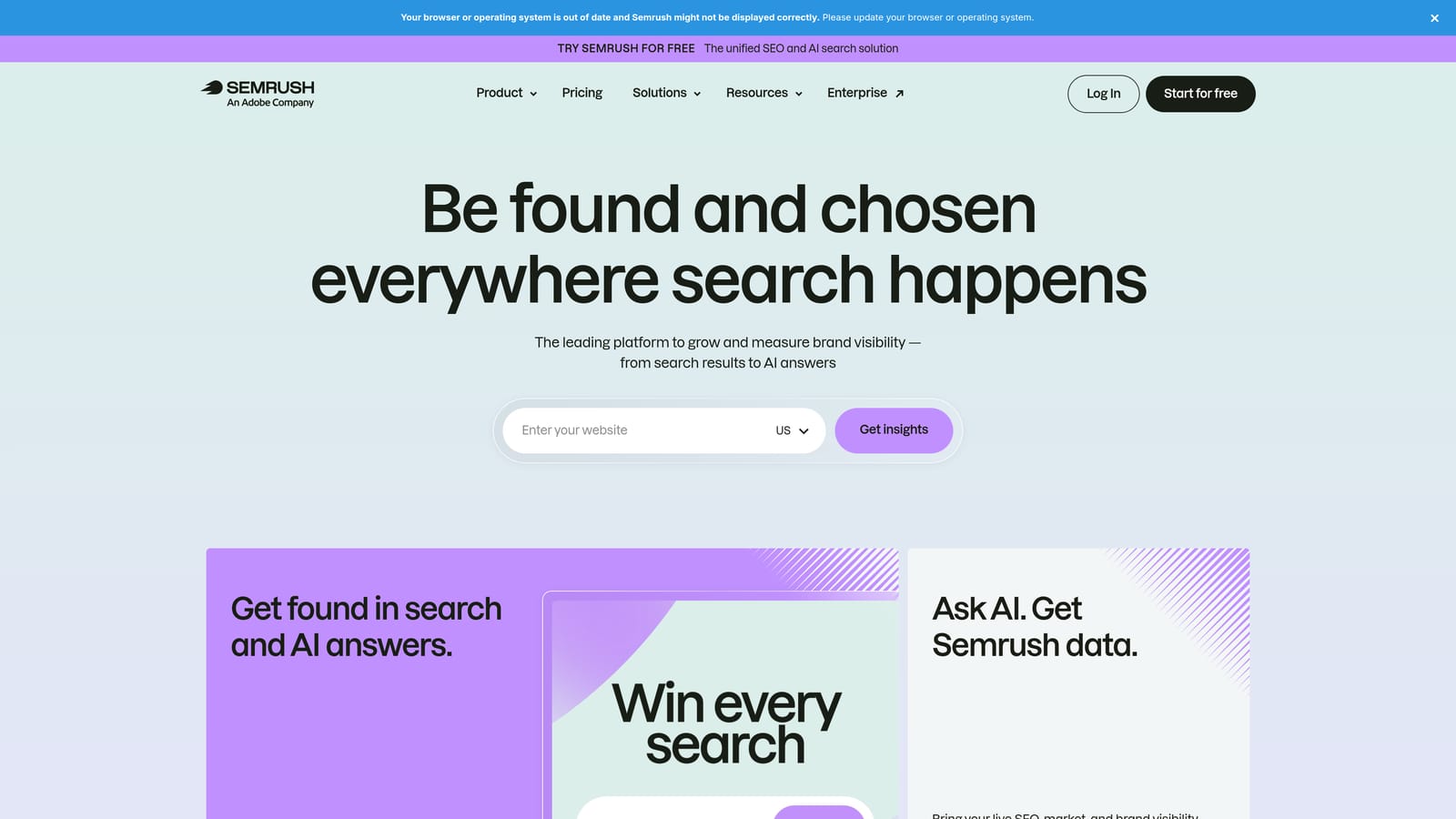
Its standout feature here is intelligence on what competitors are doing. Having competitor ad and keyword data next to SEO data helps you decide where to bid and which queries are worth targeting before you spend a dollar.
- Keyword research that helps you build the initial list of terms to bid on.
- Competitor ad research to see how others position their offers.
- Advertising research tools for exploring the paid landscape in a market.
- Shared SEO and PPC data, useful when organic and paid strategies need to line up.
Per our notes it may connect to Google Ads and Google Analytics; verify current integrations on the vendor's site. Setup is light for research use, and it is typically run by a strategist or marketer rather than the person doing daily account edits.
It is research-oriented. It is not built for editing and optimizing live campaigns, so it will not clean up search terms or change bids. Pricing comes through subscription plans listed on its website, and the tier you need depends on how much research you do.
Best for: Marketers who need competitive and keyword research for planning campaigns.
7. WordStream
WordStream is an advertising management platform from LocaliQ aimed at small businesses. It leans on guidance: it grades performance and suggests what to do next.
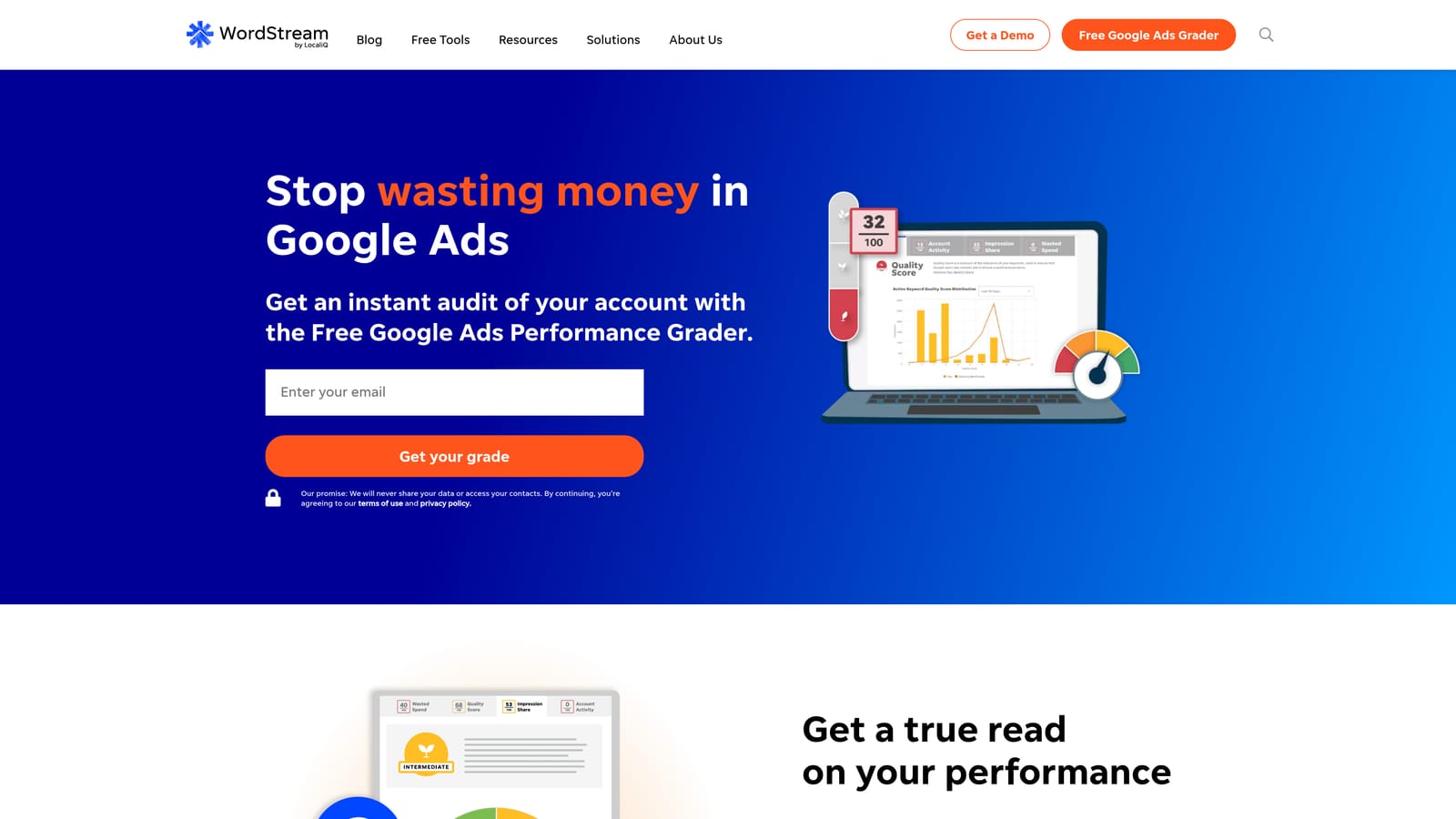
Its distinct strength is that it holds your hand. Compared with the more technical tools here, it is designed for owners who run their own ads and do not want to become PPC specialists.
- A performance grader that gives you a quick read on how an account is doing.
- Guided recommendations that tell you what to change, in plain terms.
- Multi-platform ad management so you can handle more than Google Ads in one place.
- Reporting to track results without building your own dashboards.
Per our notes it works with Google Ads and may support Microsoft Ads and Meta; confirm on the vendor's site. Setup is straightforward, and it is generally run by the business owner or a small marketing team.
The trade-off is control. Advanced users and large agencies will find it less granular than tools built for deep optimization. Pricing is listed on the website or may be quote-based, so confirm current costs before committing.
Best for: Small business owners wanting guidance rather than manual control.
8. Swydo
Swydo is a reporting and dashboard tool for agencies. It pulls data from Google Ads and other platforms into white-label client reports.
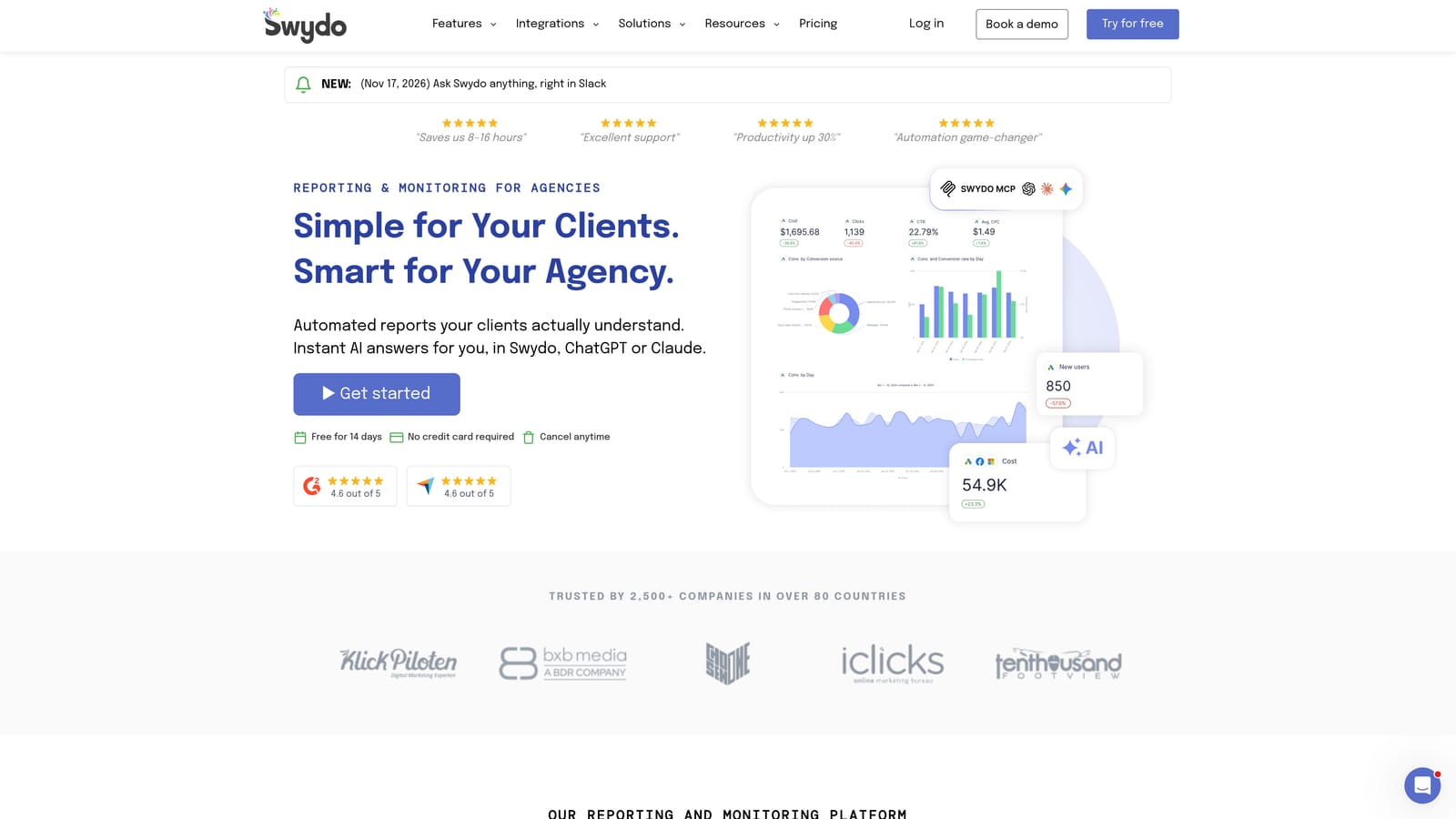
The advantage over generic dashboards is that it is built around the agency reporting routine: branded, client-ready, and sent on a schedule.
- White-label reports that carry your agency's branding instead of the vendor's.
- Multi-platform data, so a client sees Google Ads next to their other channels.
- Dashboards for a live view of performance between reports.
- Scheduled report delivery so recurring reports go out without manual effort.
It connects to Google Ads, Google Analytics, Meta Ads, and, per our notes, Microsoft Ads (verify). Setup involves connecting each client's accounts and building or reusing a template, and an account manager usually owns it.
It reports only. It does not edit campaigns or clean search terms, so it is a companion to an optimization tool, not a replacement. Pricing is plan-based, so check the website for current plans and how they scale.
Best for: Agencies and freelancers sending recurring client reports.
9. Looker Studio
Looker Studio is Google's free dashboarding tool, with a native Google Ads connector for building custom performance reports.
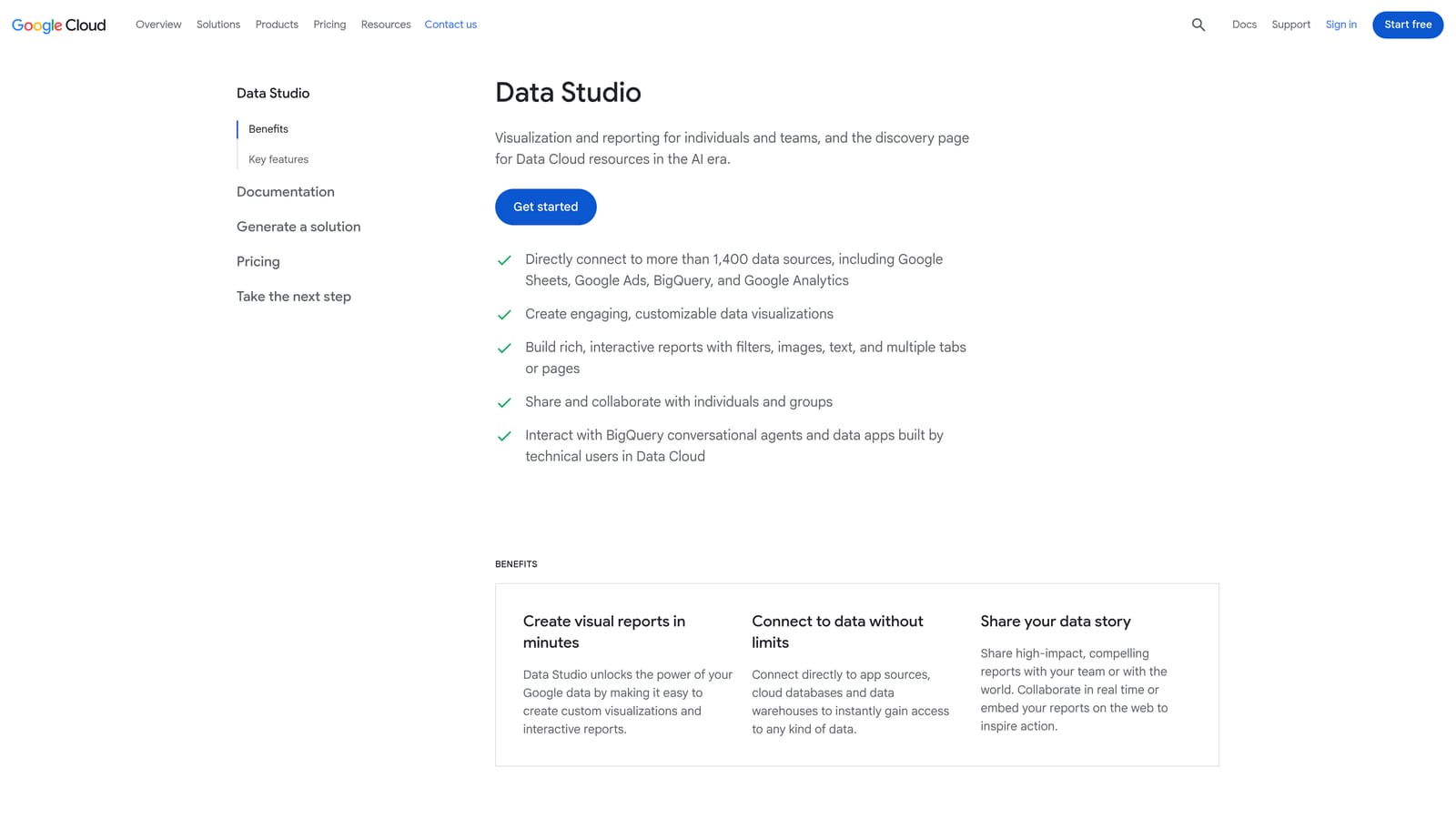
Its edge is the combination of zero cost and total flexibility. You decide which metrics appear and how they look, and you can blend Google Ads data with other sources.
- A native Google Ads connector that pulls campaign data in without exports.
- Customizable dashboards shaped around the metrics your clients or bosses care about.
- Shareable reports so stakeholders can view results through a link.
- Blending of multiple data sources, such as Google Analytics, Google Sheets, or BigQuery, in a single view.
It integrates with Google Ads, Google Analytics, Google Sheets, and BigQuery. Setup takes time, because you build the reports yourself, and whoever handles reporting usually runs it.
It does not edit campaigns or optimize anything, and the design work is on you. The tool is free, though some third-party connectors are paid, so check before relying on one.
Best for: Budget-conscious advertisers who want custom reporting.
Matching Tools to Your Situation
None of these covers everything, so think in terms of a stack built around your biggest time sink. Start with the job that eats your week, then add tools only as other bottlenecks appear.
- Solo advertiser: Keywordme for search term review plus Google Ads Editor for bulk changes keeps costs low and covers the daily work.
- Freelancer: Keywordme for optimization and Swydo or Looker Studio for client reporting.
- Agency: Optmyzr or Adalysis for audits and automation across accounts, Keywordme for fast search term work, and Swydo for white-label reports.
- In-house team: Adalysis for ongoing health checks, with Looker Studio for internal dashboards, or Google Ads Scripts if you have technical help.
Whichever you pick, trial it on a single account first and see whether it saves real time before rolling it out. Buying a large platform when your actual bottleneck is weekly search term review is a common and costly mistake.
Optimize Google Ads Campaigns 10X Faster. Without Leaving Your Account. Keywordme lets you remove junk search terms, build high-intent keyword lists, and apply match types instantly, right inside Google Ads. No spreadsheets, no switching tabs, just quick, seamless optimization. Start your free 7-day trial (then just $12/month) and take your Google Ads game to the next level.
