
9 Best Google Ads Bulk Editing Tools in 2026
Discover the 9 best Google Ads bulk editing tools of 2026, evaluated for speed, ease of use, and real PPC workflows. Whether you're a freelancer or agency managing large-scale campaigns, this guide helps you find the right solution to transform hours of manual campaign edits—across keywords, ad groups, and match types—into minutes of efficient work.


TL;DR: Managing Google Ads at scale means making dozens of changes across campaigns, ad groups, and keyword lists every single week. Doing that one edit at a time is a fast track to burnout. The right bulk editing tool can turn hours of manual work into minutes. Whether you're a freelancer managing a handful of client accounts or an agency running enterprise-level spend, there's a tool in this list built for your workflow. We evaluated nine of the best Google Ads bulk editing tools available in 2026 based on speed, ease of use, feature depth, pricing, and how well they fit into real PPC workflows.
Here's what made the cut.
1. Keywordme
Best for: In-interface bulk editing of search terms, negative keywords, and match types without leaving Google Ads.
Keywordme is a Chrome extension that plugs directly into your Google Ads Search Terms Report, letting you make bulk edits without ever opening a spreadsheet or switching to a separate dashboard.

Where This Tool Shines
Most bulk editing tools pull you out of Google Ads and into a separate interface. Keywordme does the opposite. It lives inside your existing workflow, which means zero context-switching. You're already reviewing search terms in your account, and Keywordme lets you act on what you see immediately: add negatives in bulk, apply match types, cluster keywords, and build new keyword groups with a few clicks.
In most accounts I audit, the Search Terms Report is where the real optimization work happens. Keywordme turns that report from a read-only view into an action center. For agencies managing multiple clients, the multi-account and team support features make it easy to standardize workflows across the whole team without adding complexity.
Key Features
One-Click Negative Keyword Additions: Bulk-add junk search terms as negatives directly from the Search Terms Report without exporting to a spreadsheet.
Instant Match Type Application: Apply broad, phrase, or exact match types across entire keyword lists in seconds.
Keyword Clustering: Group related search terms into organized keyword clusters to build tighter ad groups faster.
Bulk Keyword Building: Build high-intent keyword lists quickly from search term data, ready to push into campaigns.
Multi-Account and Team Support: Designed for agencies, with support for managing multiple accounts and collaborating across team members.
Best For
Keywordme is ideal for freelancers and agency teams who spend meaningful time in the Search Terms Report every week. If negative keyword management and match type optimization are core parts of your workflow, this tool removes the friction that usually comes with those tasks. It's especially useful for anyone who hates toggling between Google Ads and external tools.
Pricing
$12/month per user with a 7-day free trial. One of the most accessible price points in this category, especially for solo advertisers and small agency teams.
2. Google Ads Editor
Best for: Free, offline bulk editing of entire Google Ads accounts with deep access to every campaign setting.
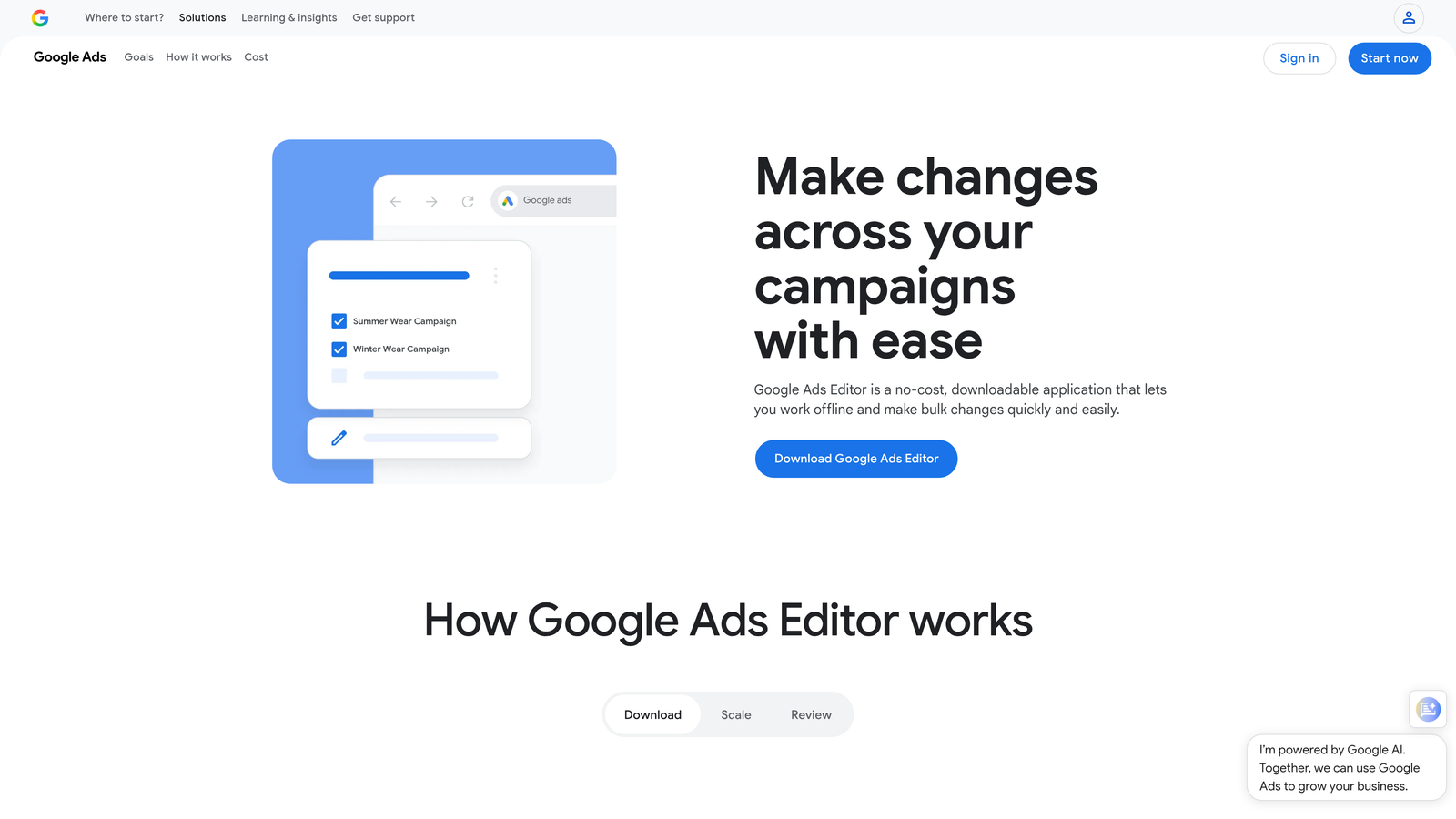
Google Ads Editor is Google's own free desktop application for downloading, editing, and uploading bulk changes to your campaigns.
Where This Tool Shines
Google Ads Editor is the standard that everything else gets compared to. It lets you download your entire account, make sweeping changes offline, and upload them in batch. For large accounts with hundreds of campaigns and thousands of keywords, this is often the fastest way to make structural changes at scale.
The find-and-replace feature alone saves hours when you need to update ad copy across dozens of ads. You can copy and paste items between campaigns and ad groups, which is genuinely useful when building out new campaign structures based on existing ones.
Key Features
Offline Account Editing: Download entire accounts and make changes without an internet connection, then upload in batch.
Find and Replace: Update ad copy, URLs, or keyword text across entire campaigns in seconds.
Copy/Paste Between Campaigns: Duplicate ad groups, keywords, and ads across campaigns without rebuilding from scratch.
CSV Import/Export: Import bulk changes via spreadsheet for teams that prefer working in Excel or Google Sheets.
Full Campaign Coverage: Edit bids, keywords, ads, extensions, targeting, and virtually every other campaign element.
Best For
Google Ads Editor is the right choice for anyone who needs deep, structural control over their account at no cost. It's particularly powerful for large-scale account builds, major restructures, and teams comfortable working with CSV imports. The learning curve is real, but the payoff is worth it.
Pricing
Free. No subscription, no usage limits. Just download and use it.
3. Optmyzr
Best for: Rule-based automation and one-click bulk optimizations for mid-market and agency PPC teams.
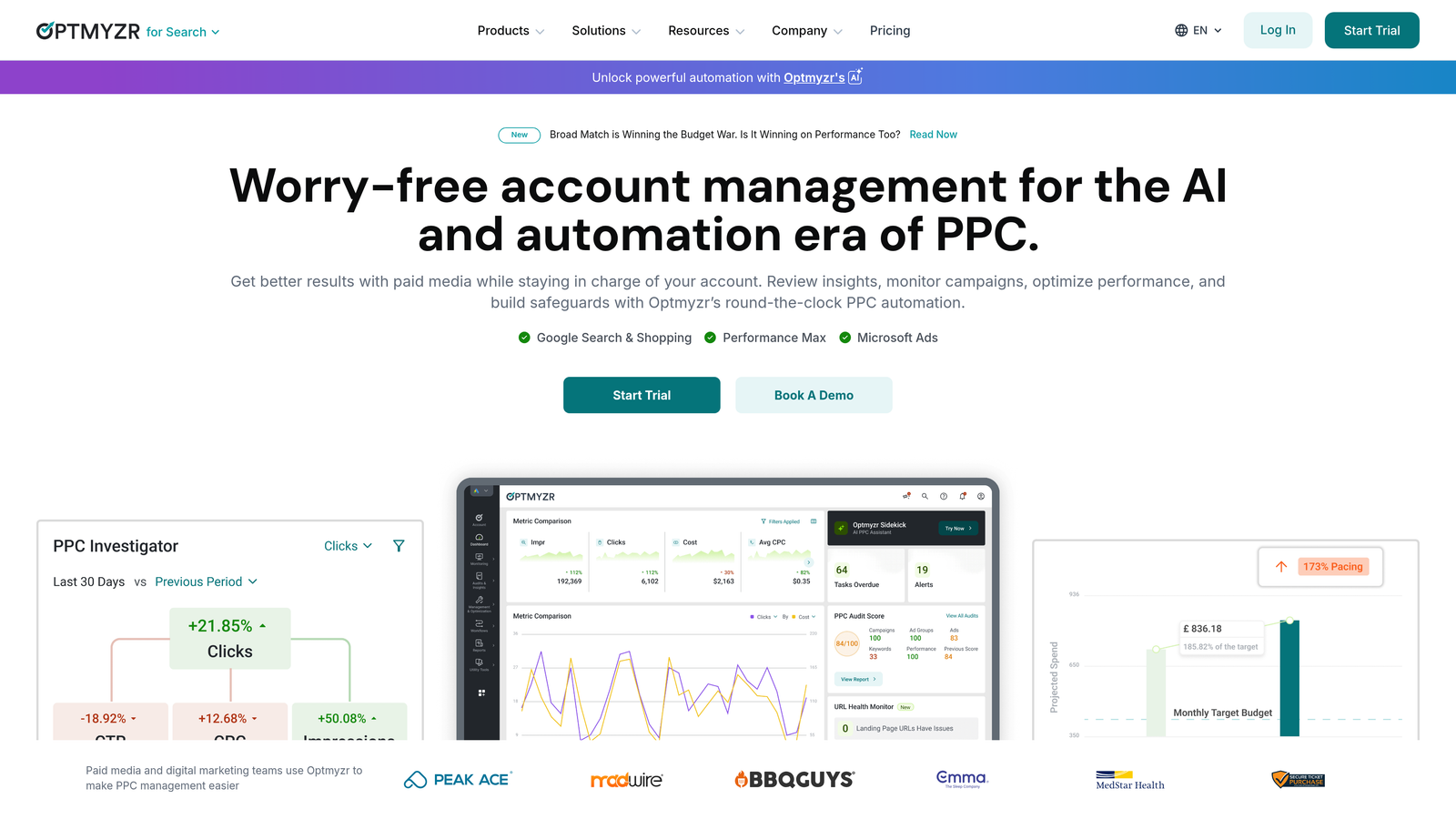
Optmyzr is a full PPC management platform that layers automation, bulk editing, and optimization recommendations on top of Google Ads and Microsoft Ads.
Where This Tool Shines
What usually happens with Optmyzr is that teams start using it for bulk bid adjustments and end up relying on it for a much wider slice of their workflow. The Rule Engine is genuinely powerful: you can build custom automated bulk changes based on performance data, time of day, device, or any combination of conditions you define.
The one-click optimization features surface actionable recommendations and let you implement them without digging through reports. For agencies managing multiple client accounts, the multi-account dashboard makes it easier to stay on top of everything without jumping between individual accounts constantly.
Key Features
One-Click Optimizations: Implement bid, budget, and keyword recommendations instantly from a centralized dashboard.
Rule Engine: Build custom automated bulk changes triggered by performance thresholds or schedule-based rules.
Campaign Builder: Create bulk campaigns from data feeds, useful for e-commerce and lead gen at scale.
Shopping and Performance Max Support: Dedicated optimization tools for Google Shopping and PMax campaigns.
Multi-Account Dashboard: Manage and monitor multiple client accounts from a single view.
Best For
Optmyzr is built for agencies and in-house teams managing significant ad spend who want automation depth beyond what Google Ads Editor offers. It's particularly strong for teams that want to systematize their optimization workflows with rules and automations rather than doing everything manually.
Pricing
Starts around $249/month, with pricing that varies based on the volume of ad spend managed. Best suited for teams where the time savings justify the investment.
4. WordStream (LocaliQ)
Best for: Guided PPC optimization with bulk editing for advertisers who want recommendations alongside their management workflow.
WordStream, now part of the LocaliQ suite, combines PPC management, bulk editing, and guided optimization recommendations in one platform.

Where This Tool Shines
WordStream's signature feature is the 20-Minute Work Week: a guided workflow that surfaces the most impactful changes you can make across your accounts and lets you action them in bulk. For advertisers who aren't sure where to focus, this kind of guided approach removes a lot of the guesswork.
The cross-platform management is a genuine differentiator. If you're running campaigns across Google, Microsoft, and Meta, WordStream lets you manage bulk changes across all three from one place, which cuts down on the tool-switching that fragments most PPC workflows.
Key Features
20-Minute Work Week: Guided optimization workflow that prioritizes your most impactful actions and lets you implement them in bulk.
Cross-Platform Management: Manage Google Ads, Microsoft Ads, and Meta campaigns from a single interface.
Bulk Keyword and Negative Keyword Management: Add, edit, and organize keywords and negatives across campaigns at scale.
Performance Dashboards: Consolidated reporting across platforms with smart budget allocation suggestions.
Smart Budget Allocation: Recommendations for redistributing budget across campaigns based on performance data.
Best For
WordStream is a solid fit for small to mid-sized businesses and agencies that want a more guided PPC management experience. It's particularly useful for teams running multi-platform campaigns who want to consolidate their workflow.
Pricing
Custom pricing based on your needs. Some free tools are available for limited use. Contact their team for a quote.
5. Adalysis
Best for: Automated ad testing, quality score monitoring, and bulk negative keyword management.
Adalysis is a PPC optimization platform that specializes in ad testing automation, quality score tracking, and bulk management of ads and keywords.

Where This Tool Shines
The mistake most agencies make with ad testing is running it manually without statistical rigor. Adalysis automates the testing process with proper statistical significance tracking, so you're not pausing ads based on gut feel or insufficient data. This alone makes it worth considering for accounts with meaningful ad volume.
The negative keyword conflict detection is genuinely useful. It flags situations where your negative keywords are accidentally blocking your own ads, which is a surprisingly common issue in accounts that have been managed by multiple people over time.
Key Features
Automated Ad Testing: Run statistically significant ad tests automatically, with alerts when a winner is ready to declare.
Bulk Ad Creation and Management: Create, edit, and manage ads across campaigns in bulk without manual repetition.
Quality Score Monitoring: Track quality score changes over time with optimization alerts when scores drop.
Negative Keyword Conflict Detection: Automatically identify when negatives are blocking your own keywords from serving.
Search Query Analysis: Bulk negative keyword additions from search query data with organized workflow.
Best For
Adalysis is a strong choice for PPC managers who take ad testing seriously and want automated quality score monitoring alongside bulk editing capabilities. It's particularly well-suited for accounts with large ad inventories where manual testing management isn't practical.
Pricing
Starts around $99/month, with pricing that scales based on ad spend managed.
6. Opteo
Best for: Continuous optimization suggestions with one-click implementation, designed for speed and simplicity.
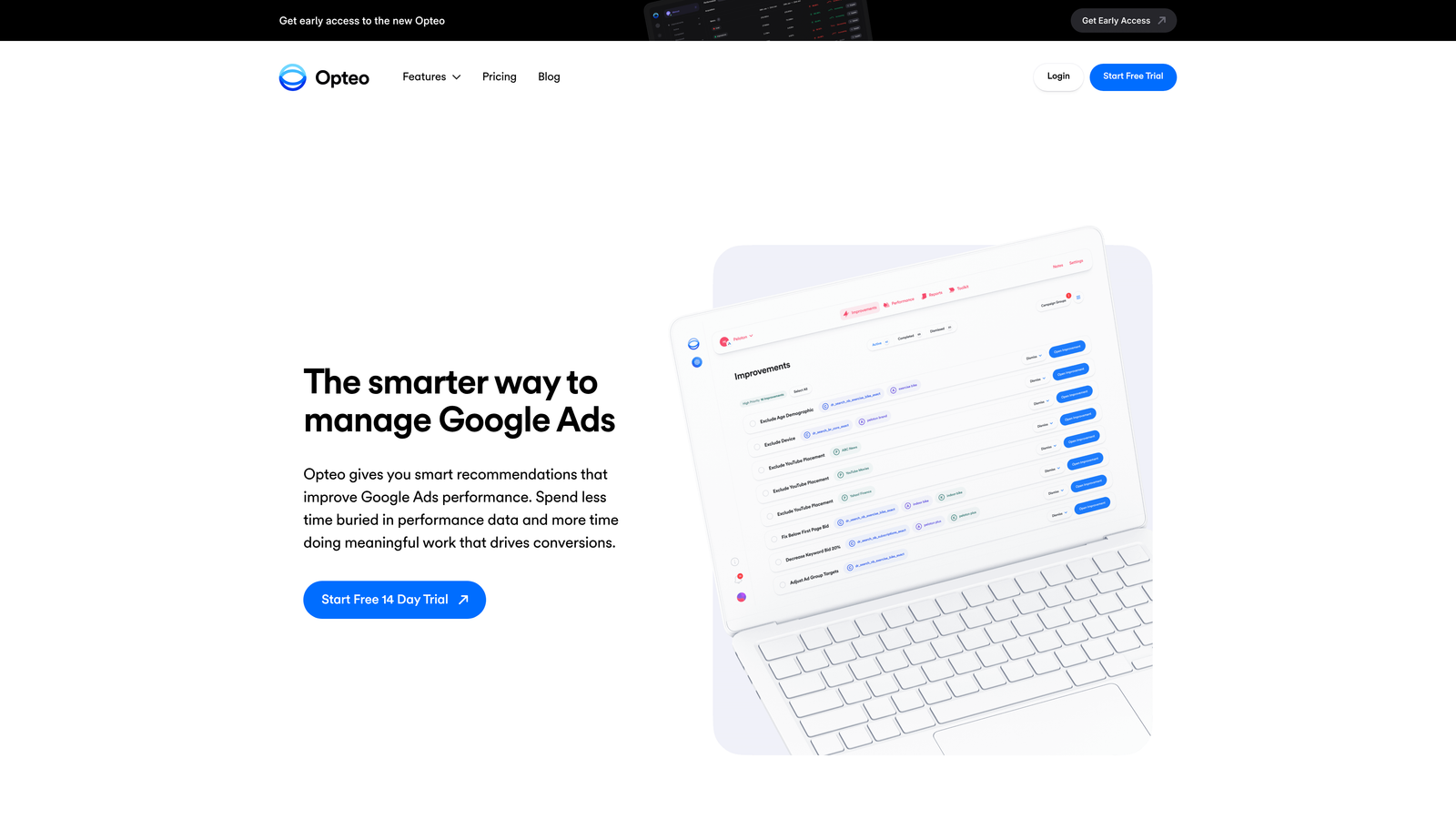
Opteo is a Google Ads optimization tool that surfaces a continuous stream of prioritized improvement suggestions and lets you push changes with a single click.
Where This Tool Shines
Opteo's interface is genuinely clean. If you've ever felt overwhelmed by the density of most PPC platforms, Opteo is a breath of fresh air. It strips away the noise and shows you exactly what to fix next, with enough context to make a confident decision and a single button to implement it.
The automated negative keyword suggestions from search terms are well-implemented. Opteo surfaces patterns in your search query data and recommends negatives with enough context that you're not just blindly approving suggestions. The anomaly detection is also useful for catching unexpected performance drops before they become expensive problems.
Key Features
Prioritized Optimization Feed: A continuous stream of ranked improvement suggestions across bids, keywords, and ads.
One-Click Implementation: Push bid changes, keyword additions, and negative keyword updates directly to Google Ads with a single click.
Automated Negative Keyword Suggestions: Search term analysis with contextual negative keyword recommendations.
Performance Monitoring: Continuous account monitoring with anomaly detection and performance alerts.
Minimal, Fast Interface: Designed for speed with a clean UI that reduces cognitive load during optimization sessions.
Best For
Opteo is ideal for freelancers and small agency teams who want smart optimization suggestions without the complexity of enterprise-level platforms. It's especially good for managers who want to move quickly through their optimization workflow without a steep learning curve.
Pricing
Starts at $129/month, with plans scaling based on ad spend managed.
7. SEMrush PPC Toolkit
Best for: Bulk keyword research, competitive PPC analysis, and organized keyword exports formatted for Google Ads.
SEMrush's PPC Toolkit is part of the broader SEMrush marketing suite, combining keyword research, competitive ad analysis, and bulk keyword management for Google Ads campaigns.

Where This Tool Shines
SEMrush's strength in the PPC space is on the research and planning side. The PPC Keyword Tool lets you group and organize large keyword lists in bulk, cross-reference your PPC data with organic SEO performance, and export everything in a format that's ready to import directly into Google Ads.
The competitive ad research is genuinely useful for accounts in competitive verticals. Being able to see what ad copy competitors are running and how their keyword strategies are structured gives you a real advantage when building out new campaigns or refreshing existing ones.
Key Features
PPC Keyword Tool: Bulk keyword grouping, deduplication, and organization for large keyword lists.
Competitive Ad Research: Analyze competitor ad copy and keyword strategies to inform your own campaigns.
Google Ads-Ready Exports: Bulk keyword exports formatted for direct import into Google Ads.
SEO and PPC Cross-Reference: Identify keywords where you're paying for traffic you could also capture organically.
Ad Builder: Bulk ad creation tool for generating multiple ad variations from keyword and product data.
Best For
SEMrush PPC Toolkit makes most sense for teams that are already using SEMrush for SEO and want to extend that investment into their paid search workflow. It's also a strong choice for agencies that prioritize competitive research as part of their campaign planning process.
Pricing
Starts at $139.95/month for the Pro plan, which includes access to the PPC tools. Higher-tier plans unlock additional features and data limits.
8. Google Ads Scripts
Best for: Fully customizable bulk automations for technical PPC managers comfortable with JavaScript.
Google Ads Scripts is a free, built-in automation layer inside Google Ads that lets you write JavaScript to make bulk changes, generate reports, and automate repetitive management tasks.
Where This Tool Shines
Scripts are the most powerful free option in this list, full stop. If you can write JavaScript (or find a script in the community library), you can automate virtually anything in your account: bulk bid adjustments based on weather data, automatic pausing of underperforming keywords, custom reporting delivered to your inbox on a schedule. The flexibility is unmatched.
The community script library is worth mentioning specifically. Sites like PPC Hero, Brainlabs, and Google's own developer resources have published hundreds of ready-to-use scripts covering common bulk editing tasks. You don't always need to write from scratch.
Key Features
Fully Customizable Automations: Write JavaScript to bulk-edit bids, budgets, keywords, and ad status based on any logic you define.
Scheduled Execution: Run scripts on a schedule (hourly, daily, weekly) for ongoing automated bulk management.
Custom Reporting and Alerting: Generate and deliver custom reports or performance alerts automatically.
Community Script Libraries: Access hundreds of pre-built scripts from the Google Ads developer community for common bulk tasks.
Built Into Google Ads: No third-party tool required. Access scripts directly from your Google Ads account.
Best For
Google Ads Scripts is the right choice for technical PPC managers, developers embedded in marketing teams, and agencies with engineering resources who want maximum flexibility at zero cost. It's not the right tool if you're not comfortable with code or don't have time to maintain scripts.
Pricing
Free. Requires JavaScript knowledge to use effectively, which is the real cost of entry.
9. Channable
Best for: Bulk ad creation and automated campaign management driven by product data feeds, primarily for e-commerce.
Channable is a feed management and PPC automation platform that generates and updates ads in bulk from product data, making it particularly powerful for e-commerce advertisers with large catalogs.
Where This Tool Shines
For e-commerce accounts, manually creating and updating ads as products change is genuinely unsustainable at scale. Channable solves this by connecting your product feed directly to your ad creation workflow. When a product price changes, goes out of stock, or gets a new image, your ads update automatically based on the rules you've defined.
The rule-based bulk ad generation means you can create thousands of ads from a single template, with dynamic elements pulled from your feed data. For retailers with large SKU counts, this is the kind of automation that makes Google Ads actually manageable at scale.
Key Features
Rule-Based Bulk Ad Generation: Create thousands of ads automatically from product feed data using customizable templates and rules.
Dynamic Ad Updates: Automatically update ad copy, prices, and availability when your product feed changes.
Automated Keyword and Ad Creation: Generate keyword lists and ads at scale directly from product data without manual entry.
Multi-Channel Support: Manage bulk ad creation across Google, Microsoft, Meta, and other channels from one platform.
Feed Optimization and Error Detection: Clean and optimize your product feed data before it flows into your ad campaigns.
Best For
Channable is built for e-commerce advertisers and agencies that manage retail clients with large product catalogs. If you're running Google Shopping or Performance Max campaigns at scale, the feed-driven automation is a significant operational advantage. Less relevant for lead generation or service-based accounts.
Pricing
Starts around $59/month, with pricing that scales based on the number of channels and item count in your feed.
Which Tool Is Right for Your Workflow?
The honest answer is that the best Google Ads bulk editing tool depends entirely on what kind of work you're doing and where you're doing it. Here's a quick breakdown by use case.
For freelancers and solo advertisers: Start with Keywordme for in-interface search term optimization and Google Ads Editor for structural bulk edits. Both are low-cost or free, and together they cover most of what a solo PPC manager needs. Opteo is also worth a look if you want guided recommendations without a steep learning curve.
For agencies managing multiple clients: Keywordme's team and multi-account support makes it a natural fit for agency workflows. For deeper automation and rule-based management, Optmyzr and Adalysis both deliver serious capability at the mid-market level. If your clients are in competitive verticals, adding SEMrush's PPC Toolkit for research and competitive analysis rounds out the stack nicely.
For e-commerce advertisers: Channable is in a category of its own for feed-driven bulk ad creation. Pair it with Optmyzr or Google Ads Scripts for bid and budget automation, and you have a solid foundation for managing large product catalog campaigns at scale.
For beginners or teams new to PPC: Start with Google Ads Editor (it's free and teaches you the fundamentals of bulk editing) and WordStream's guided workflow if you want recommendations alongside your management tasks. Once you're comfortable, layer in more specialized tools.
For technical teams with development resources: Google Ads Scripts gives you unlimited flexibility at zero cost. The investment is time and JavaScript knowledge, but the payoff is automation that no off-the-shelf tool can match.
Most tools on this list offer free trials, so there's no reason not to test a few before committing. Start with the one that maps most closely to the work you're already doing, and build from there.
If search term optimization and negative keyword management are a core part of your weekly workflow (and in most accounts I audit, they should be), Start your free 7-day trial of Keywordme and see how much faster that work gets when you're doing it directly inside Google Ads instead of bouncing between tabs and spreadsheets. At $12/month after the trial, it's one of the easiest ROI calculations in PPC.
.svg)