
9 Best Google Ads Bulk Editing Tools in 2026
Managing Google Ads campaigns at scale requires the right google ads bulk editing tool to save time and reduce manual work. This guide compares the 9 best options in 2026, from lightweight Chrome extensions like Keywordme to enterprise automation platforms, evaluating each on ease of use, bulk editing depth, pricing, and ideal use case to help advertisers and agencies find the best fit for their workflow.


TL;DR: Managing Google Ads campaigns at scale means you need tools that let you move fast. Whether you're handling a single account or juggling dozens of clients, making changes one keyword at a time is a workflow killer. The tools below cover the full spectrum of bulk editing options available in 2026, from lightweight Chrome extensions that live inside the native Google Ads UI to enterprise platforms with cross-channel automation. We evaluated each based on ease of use, depth of bulk editing features, pricing, and who it's actually built for.
Let's get into it.
1. Keywordme
Best for: Advertisers who want fast bulk editing without ever leaving Google Ads
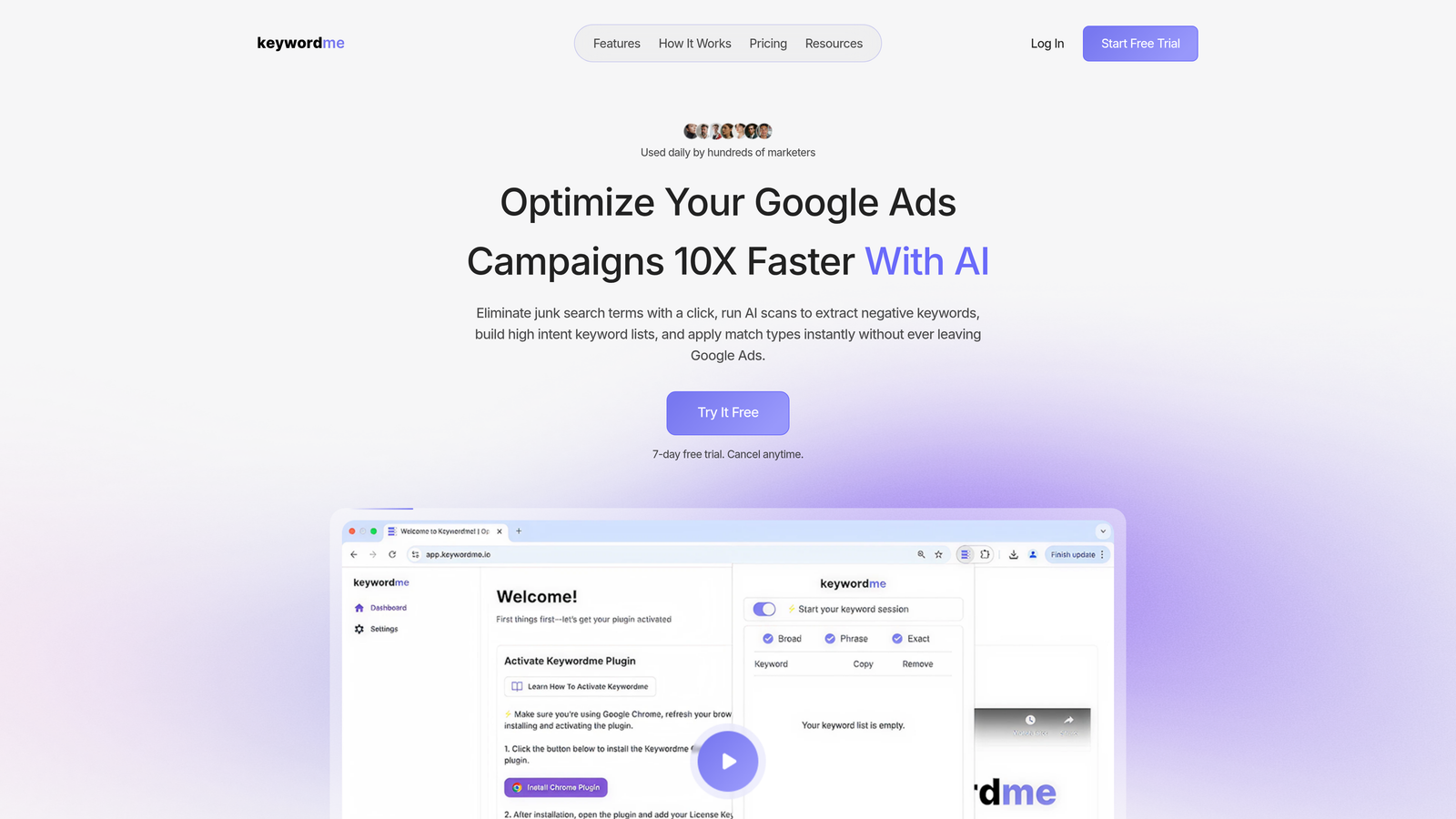
Keywordme is a Chrome extension that adds powerful bulk editing capabilities directly inside the Google Ads Search Terms Report, no external dashboards or spreadsheets required.
Where This Tool Shines
The biggest friction point in most PPC workflows is context-switching. You're inside Google Ads, you spot a problem, and suddenly you're copying data into a spreadsheet, opening a separate tool, making changes, and uploading them back. Keywordme eliminates that entire loop.
In most accounts I audit, the Search Terms Report is where the real optimization work happens: identifying junk queries, pulling out high-intent terms, and applying the right match types. Keywordme turns all of that into one-click actions right where you're already working. It's particularly strong for agencies managing multiple clients because the multi-account and team support keeps everything organized without adding more tabs to your browser.
Key Features
One-Click Negative Keyword Management: Add junk search terms as negatives directly from the Search Terms Report without leaving the Google Ads interface.
Bulk Match Type Application: Apply or change match types across multiple keywords in a single action, no manual editing required.
Keyword Clustering and Grouping: Organize high-intent terms into logical groups without exporting to a spreadsheet first.
Bulk Keyword Addition: Add multiple high-intent keywords to campaigns or ad groups in one step, directly from the report view.
Multi-Account and Team Support: Built for agency workflows where multiple users need to work across client accounts efficiently.
Best For
Keywordme is ideal for solo advertisers, freelancers, and agency teams who want to cut optimization time without learning a new platform. If your primary workflow lives inside Google Ads and you want to stay there, this is the most frictionless option on this list.
Pricing
$12/month per user with a 7-day free trial. One of the most affordable options on this list, especially given the time it saves on routine optimization tasks.
2. Google Ads Editor
Best for: Anyone who needs a free, reliable baseline for offline bulk editing
Google Ads Editor is Google's free desktop application for making bulk changes to campaigns offline and uploading them in batch.

Where This Tool Shines
Google Ads Editor is the industry baseline. Virtually every PPC manager has used it, and for good reason: it's free, it's comprehensive, and it handles bulk edits across every campaign type Google supports. The offline editing capability is genuinely useful when you're making large structural changes and want to review everything before anything goes live.
What usually happens here is that advertisers use Editor for the heavy structural work, like copying ad groups between campaigns, doing find-and-replace on ad copy, or making sweeping bid adjustments, then handle day-to-day optimization inside the native UI. The limitation is that it requires a download-and-upload workflow, which adds friction compared to tools that operate in real time.
Key Features
Bulk Bid and Keyword Editing: Modify bids, keywords, and ad copy across multiple campaigns simultaneously.
Copy and Paste Between Campaigns: Duplicate ad groups, keywords, or ads from one campaign to another with standard copy-paste actions.
Find and Replace: Update URLs, ad copy, or keyword text across the entire account in one pass.
Offline Editing with Batch Upload: Make all your changes locally, review them, then push everything live at once.
Full Campaign Type Support: Works with Search, Display, Shopping, Video, and Performance Max campaigns.
Best For
Any advertiser managing Google Ads at any scale. Google Ads Editor should be in every PPC manager's toolkit as a baseline, even if you use other tools on top of it. It's especially useful for large structural changes where you want to review everything before publishing.
Pricing
Free. No subscription, no tiers. Just download and use it.
3. Optmyzr
Best for: Agencies and advanced advertisers who want rule-based automation layered on top of bulk editing
Optmyzr is a PPC management platform that combines one-click optimizations with a powerful rule engine for automating bulk changes across Google Ads and Microsoft Ads.

Where This Tool Shines
Optmyzr sits in a different category from the other tools on this list. It's not just about making bulk edits faster; it's about building workflows where many of those edits happen automatically based on rules you define. The Rule Engine lets you set conditions like "pause any keyword with a CPA above $X and a quality score below Y" and run those rules across all your accounts on a schedule.
The mistake most agencies make is treating bulk editing as a manual task they just need to do faster. Optmyzr pushes you toward automating the repetitive stuff entirely, which is where the real time savings compound over weeks and months.
Key Features
Rule Engine: Build custom automation rules for bids, budgets, keywords, and ads without writing code.
One-Click Optimizations: Pre-built optimization suggestions you can review and apply across multiple accounts at once.
Bulk Campaign Builder: Generate campaigns from data feeds or templates, useful for agencies launching similar campaigns for multiple clients.
Multi-Account Dashboards: Manage and monitor all client accounts from a single view.
Custom Scripts Without Coding: Access and deploy automation scripts through a visual interface rather than writing JavaScript.
Best For
Mid-to-large agencies and in-house teams managing significant ad spend who want to move beyond manual bulk editing into systematic automation. Less suited for solo advertisers or freelancers on tight budgets.
Pricing
Starts around $249/month. There's a free trial available, and pricing scales with ad spend and number of accounts.
4. WordStream
Best for: Small businesses and less technical advertisers who want guided bulk optimizations
WordStream is a PPC management tool designed to simplify campaign optimization for advertisers who don't have a dedicated PPC specialist on staff.

Where This Tool Shines
WordStream's 20-Minute Work Week feature is the clearest expression of its philosophy: surface the most important optimizations, let the advertiser review them quickly, and apply them in bulk without needing deep platform knowledge. For small business owners managing their own ads, that guided approach removes a lot of the guesswork.
It also covers Google Ads, Microsoft Ads, and Meta from a single interface, which is useful if you're running campaigns across platforms but don't have the budget for a full enterprise tool.
Key Features
20-Minute Work Week: A curated list of the highest-priority bulk optimizations you can review and apply in a short session.
Cross-Platform Management: Manage Google Ads, Microsoft Ads, and Meta campaigns from one dashboard.
Automated Keyword Suggestions: Receive keyword and negative keyword recommendations based on account performance data.
Performance Grading and Benchmarking: Free Google Ads Grader tool benchmarks your account against industry standards.
Best For
Small business owners and less experienced advertisers who want structured guidance on what to optimize, rather than an open-ended bulk editing environment. Not the best fit for agencies managing many client accounts simultaneously.
Pricing
Custom pricing; you'll need to contact sales for a quote. The Google Ads Performance Grader is free to use without a subscription.
5. Adalysis
Best for: Advertisers who need systematic ad testing and bulk ad management at scale
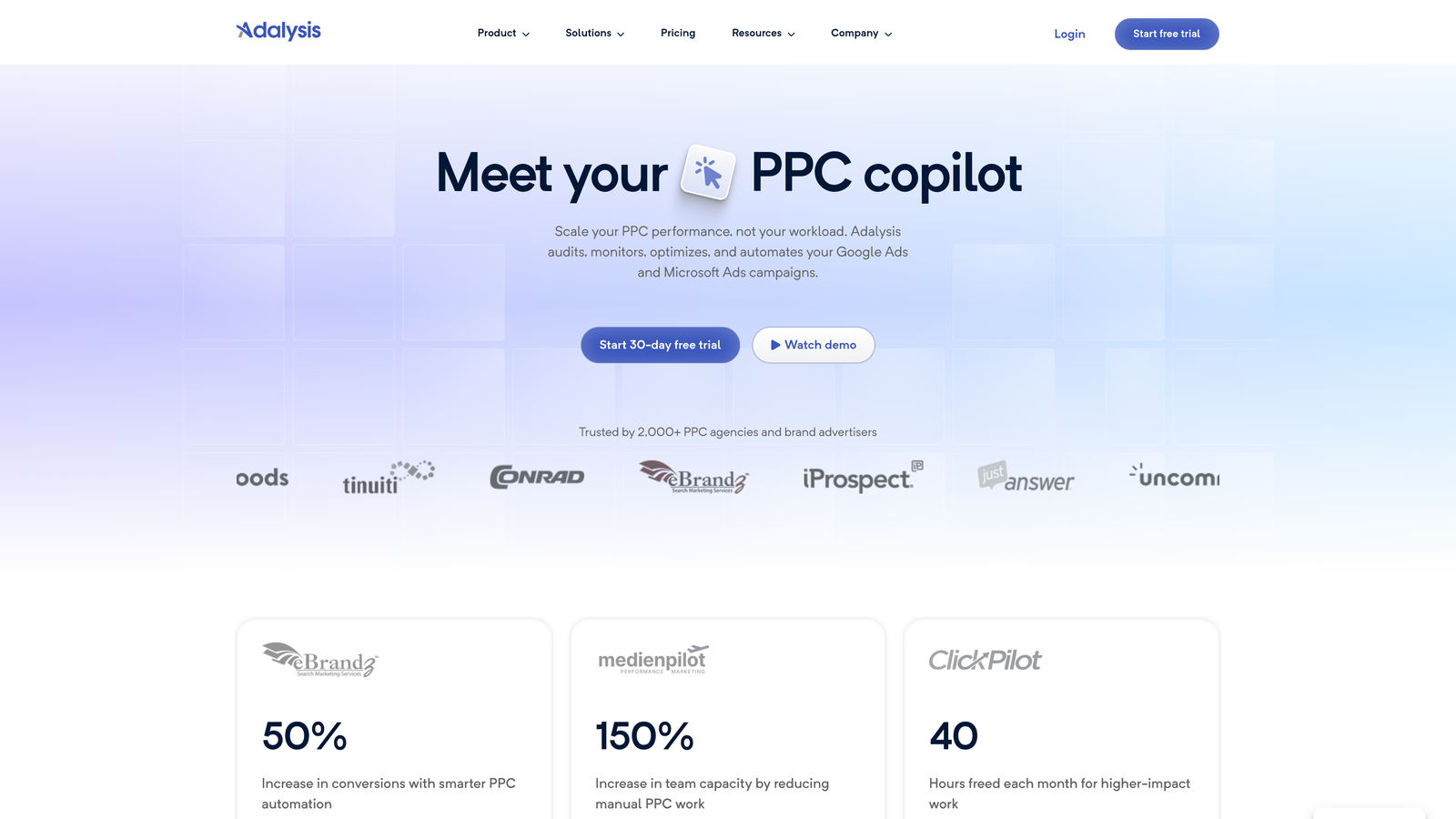
Adalysis is a PPC optimization tool built around automated ad testing, quality score monitoring, and bulk ad management across large accounts.
Where This Tool Shines
Most bulk editing tools treat all campaign elements equally. Adalysis is specifically strong on the ad side. If you're running hundreds of ad variations across many campaigns and need to know which ones are winning with statistical confidence, Adalysis handles that automatically and tells you what to pause or promote.
The negative keyword conflict detection is also genuinely useful in large accounts where overlapping negatives can accidentally block your own ads from serving. In most accounts I audit, this is a silent problem that nobody catches until they dig into it.
Key Features
Automated Ad Testing: Continuous A/B testing with statistical significance tracking across all your ad variations.
Bulk Ad Creation and Management: Create, pause, and enable ads across multiple campaigns from a single interface.
Quality Score Monitoring: Track quality score changes over time with automated alerts when scores drop.
Negative Keyword Conflict Detection: Identify negative keywords that are accidentally blocking your own ads from serving.
Bulk Pause/Enable Actions: Apply performance-based rules to pause or re-enable ads in bulk.
Best For
Advertisers with large ad inventories who need systematic testing and quality score management. Particularly useful for agencies running multi-variant ad tests across many client accounts.
Pricing
Starts around $99/month, scaling based on ad spend. A free trial is available.
6. Opteo
Best for: Advertisers who want a lightweight, suggestion-driven optimization workflow
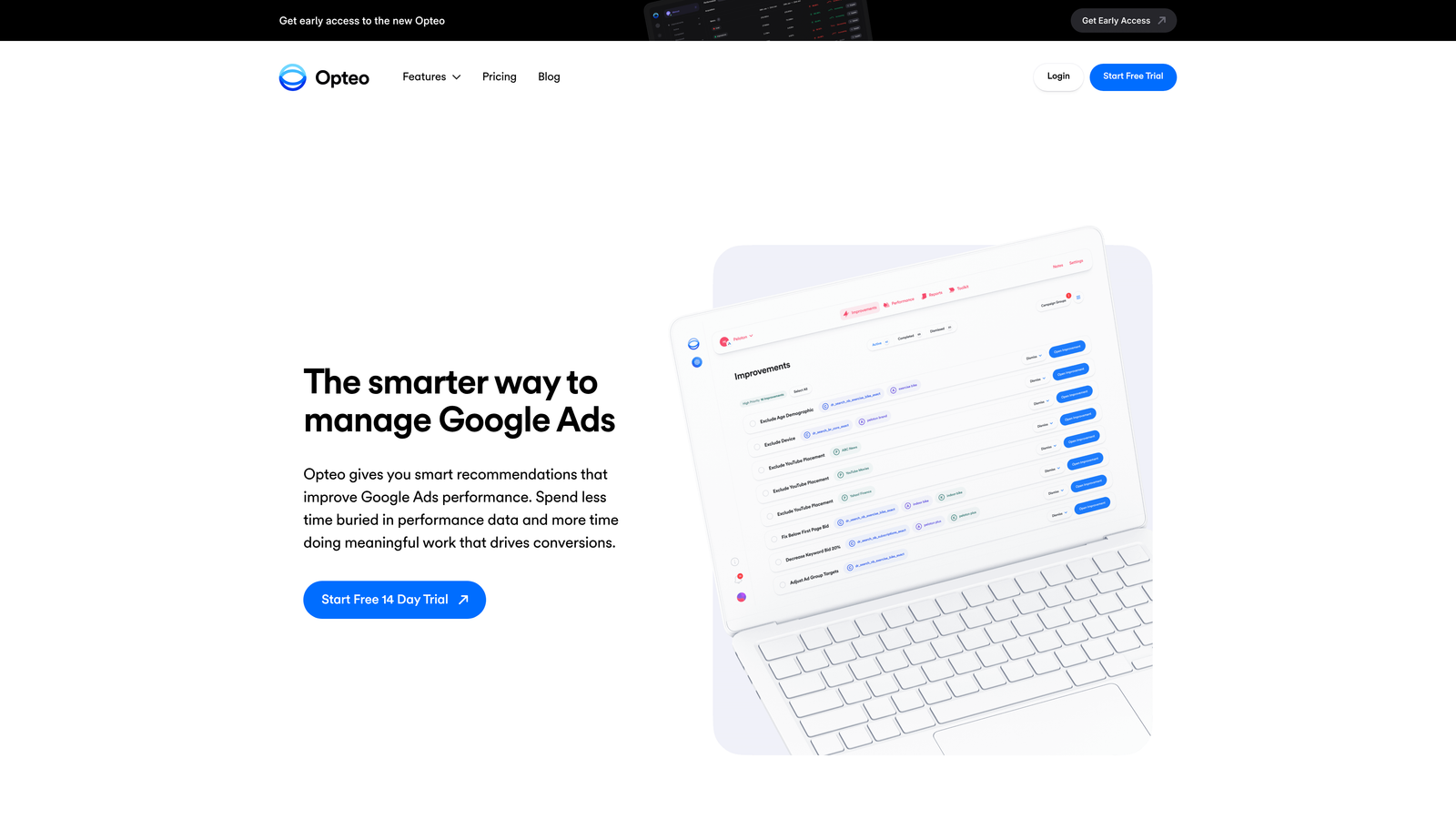
Opteo is a Google Ads optimization tool that continuously monitors your account and surfaces actionable improvement suggestions you can apply with a single click.
Where This Tool Shines
Opteo sits between a manual bulk editing tool and a full automation platform. It doesn't automate changes without your approval, but it does the analytical heavy lifting of figuring out what needs attention and presenting it in a clear, prioritized queue. You review, you click, it's done.
The anomaly detection is particularly useful for catching performance drops before they become expensive. If a campaign suddenly shifts in CPC or conversion rate, Opteo flags it and gives you context on what changed.
Key Features
Continuous Optimization Suggestions: Ongoing account monitoring with a prioritized queue of recommended changes.
One-Click Application: Apply bid adjustments, keyword changes, and ad modifications without navigating through multiple screens.
Search Term and Negative Keyword Management: Review and act on search term data with bulk negative keyword application.
Performance Segmentation and Anomaly Detection: Identify unusual shifts in account performance with automated alerts.
Best For
Solo advertisers and small agencies who want ongoing optimization support without building complex automation rules. Good for those who prefer a guided workflow over an open-ended editing environment.
Pricing
Starts at $129/month. Pricing scales with ad spend, and a free trial is available.
7. SEMrush PPC Toolkit
Best for: Advertisers who want to combine competitive research with bulk keyword management
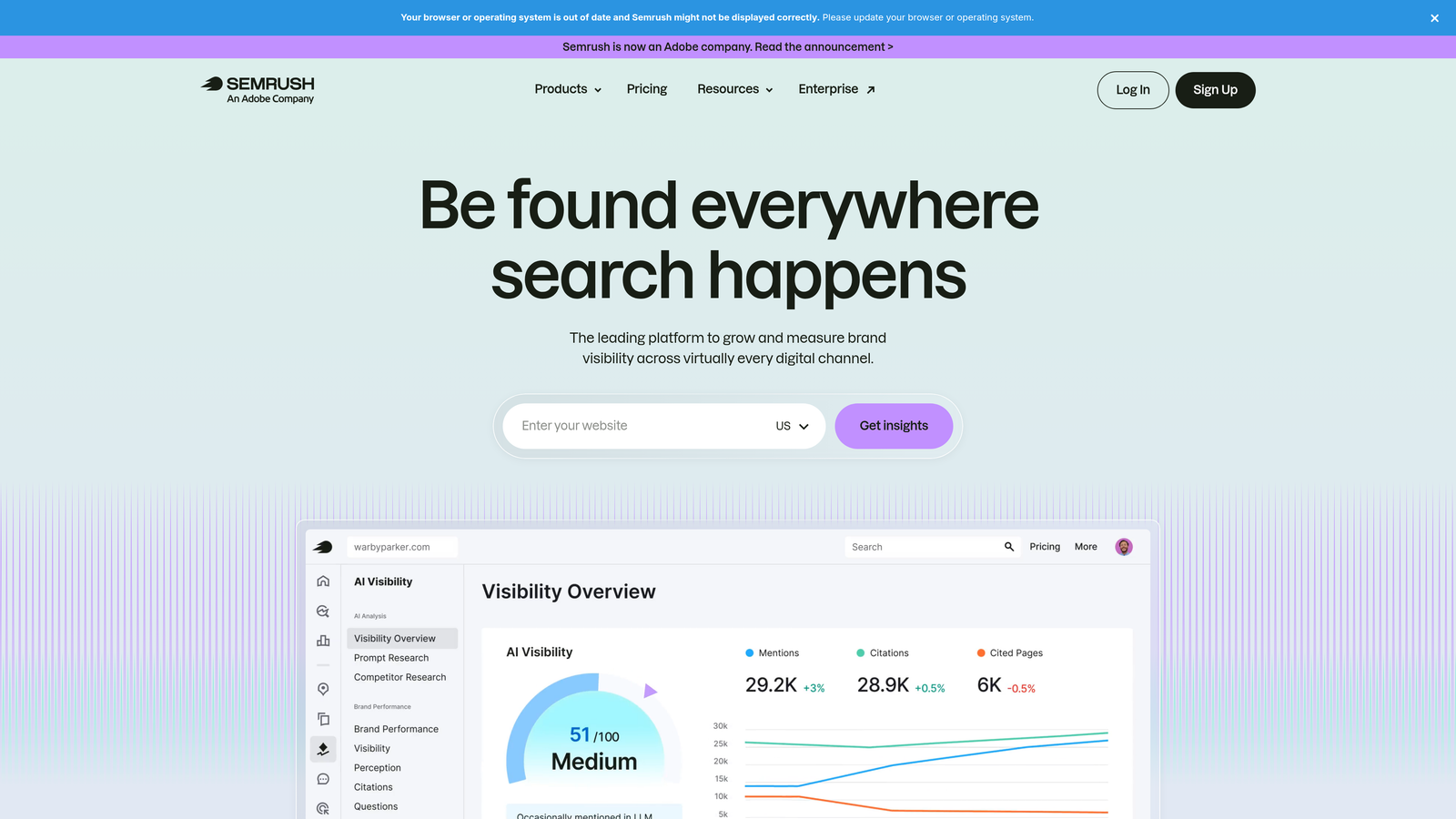
SEMrush is an all-in-one marketing platform whose PPC toolkit connects competitive keyword intelligence with bulk keyword list building and campaign management.
Where This Tool Shines
SEMrush isn't primarily a bulk editing tool, but its PPC Keyword Tool is genuinely strong for building and organizing keyword lists at scale before they go into Google Ads. If you're launching new campaigns and want to do competitive gap analysis alongside keyword grouping and negative keyword list building, SEMrush handles that workflow well.
The ability to export keyword lists directly into Google Ads saves time during campaign setup, even if the ongoing in-account bulk editing is better handled by a dedicated tool.
Key Features
PPC Keyword Tool: Build, group, and manage large keyword lists with deduplication and negative keyword assignment built in.
Competitive Ad Research: Analyze competitor ad copy and keyword strategies to identify gaps and opportunities.
Bulk Export to Google Ads: Push keyword lists directly into Google Ads campaigns from within the SEMrush interface.
Cross-Channel Campaign Tracking: Monitor performance across multiple channels from a unified reporting dashboard.
Best For
Advertisers and agencies who already use SEMrush for SEO and want to extend it into PPC keyword research and campaign planning. Less suited as a standalone bulk editing solution for ongoing campaign management.
Pricing
Starts at $139.95/month for the Pro plan, which includes PPC toolkit access. Higher tiers unlock more data and user seats.
8. Marin Software
Best for: Enterprise advertisers running large budgets across multiple ad platforms
Marin Software is an enterprise-grade cross-channel ad management platform with bulk editing, automated bidding, and unified reporting across Google, Meta, Amazon, and other channels.
Where This Tool Shines
Marin is built for a different scale than most tools on this list. If you're managing millions in ad spend across multiple channels and need a single platform to handle bulk editing, automated bidding, and cross-channel attribution, Marin is designed for that environment.
The cross-channel bulk editing capability is the standout feature. Making coordinated changes across Google, Meta, and Amazon campaigns from one interface is something very few tools offer at this level of sophistication.
Key Features
Cross-Channel Bulk Editing: Apply changes across Google, Meta, Amazon, and other platforms from a single interface.
Automated Bid Management: Machine learning-based bidding that adjusts in response to performance signals across channels.
Bulk Campaign Creation and Duplication: Build and replicate campaign structures across accounts at scale.
Unified Reporting Dashboard: Consolidated performance data across all channels in one view.
Best For
Enterprise in-house teams and large agencies managing significant cross-channel ad spend. The complexity and cost make it unsuitable for smaller advertisers or those focused exclusively on Google Ads.
Pricing
Custom enterprise pricing. You'll need to contact Marin directly for a quote based on your ad spend and requirements.
9. Channable
Best for: Ecommerce advertisers who need to generate and bulk-edit campaigns from product data feeds
Channable is a feed management and PPC automation tool that generates and maintains Google Ads campaigns automatically based on your product catalog data.
Where This Tool Shines
Channable solves a specific but painful problem: keeping Google Ads campaigns in sync with a large, frequently changing product catalog. Instead of manually updating ad copy and keywords every time a product changes price, goes out of stock, or gets a new description, Channable does it automatically based on rules you configure against your feed data.
For ecommerce teams managing hundreds or thousands of SKUs, this is where the real time savings are. The bulk editing happens at the feed rule level rather than the individual campaign level, which is a fundamentally different approach from the other tools on this list.
Key Features
Automated Campaign Generation: Create Google Ads campaigns automatically from product feed data, with ad copy pulled from product attributes.
Bulk Editing of Text Ads and Shopping Campaigns: Update ad copy and campaign settings across all product-based campaigns from one interface.
Rule-Based Ad Creation: Define rules that automatically generate keywords and ad variations based on product data fields.
Dynamic Feed-Driven Updates: When product data changes (price, availability, description), campaign elements update automatically.
Best For
Ecommerce advertisers and agencies managing product-based Google Ads campaigns at scale. Not the right fit for service businesses or advertisers without a structured product feed.
Pricing
Starts around $59/month, with pricing scaling based on the number of items in your feed and channels connected.
Which Tool Is Right for You
The right Google Ads bulk editing tool depends almost entirely on your workflow, account size, and how much you want to pay.
If you're a solo advertiser or freelancer who lives inside Google Ads and wants the fastest possible optimization workflow without switching tabs, start with Keywordme. At $12/month, it's the lowest-friction option on this list and it keeps you in the native interface where you're already working. Pair it with Google Ads Editor for structural changes and you've got a solid, affordable stack.
If you're an agency managing multiple client accounts, Keywordme handles the in-platform speed layer, while Optmyzr or Adalysis adds the automation and testing depth that larger account volumes require. Opteo is a good middle ground if you want suggestion-driven optimization without building complex rule sets from scratch.
For ecommerce teams with large product catalogs, Channable is the only tool on this list that solves the feed-driven campaign management problem natively. It's a different category from the others.
For enterprise teams running cross-channel campaigns at scale, Marin Software is built for that environment, though the cost and complexity reflect it.
Before committing to any paid tool, use the free trials. Most of these platforms offer 7-14 day trials, and the best way to evaluate a bulk editing tool is to run it against a real account with real data.
If you want to start fast and stay inside Google Ads, start your free 7-day trial of Keywordme and see how much time you save in your first optimization session. Then it's just $12/month to keep the speed gains going.
.svg)