
8 Best Google Ads Bulk Editing Extensions and Tools for Faster Account Management in 2026
This guide compares eight tools for faster Google Ads account management, from the one true Google Ads bulk editing extension to Google Ads Editor, scripts, native features and platforms. It helps freelancers, in-house marketers and agency owners choose by bulk-edit capability, spreadsheet time saved and team workflow fit, with 2026 pricing noted.


This list is for freelancers, in-house marketers, and agency owners who spend too much of their week on repetitive Google Ads edits. Only one entry here is a true browser extension, so the list also covers the desktop app, scripts, native features, and platforms people use for the same job. "Bulk editing" means different things across them: cleaning up search terms and negatives, rewriting ads, changing bids, or restructuring campaigns. We picked tools for how well they handle bulk changes, how much spreadsheet work they remove, and how they fit solo and team workflows. Pricing is as of 2026 and can change, so confirm it on each vendor's site.
Quick Comparison of Every Tool
- Keywordme: freelancers and agencies cleaning up search terms; $12/month per user; works inside the Search Terms Report with no exports.
- Google Ads Editor: large structural edits across many campaigns; free; offline, multi-account editing with change review before posting.
- Google Ads Scripts: technical advertisers who want custom automation; free; fully customizable, scheduled JavaScript.
- Google Ads Bulk Actions and Uploads: small, quick changes; free; nothing to install.
- Optmyzr: agencies managing many accounts; see the vendor's site for pricing; a broad automation and optimization suite.
- Adalysis: teams who want audits alongside bulk fixes; see the vendor's site for pricing; audit and ad-testing insights that feed into changes.
- Google Sheets Add-ons and Spreadsheet Workflows: spreadsheet-heavy analysts; varies by add-on; maximum flexibility through custom formulas.
1. Keywordme
Keywordme is a Chrome extension that adds one-click actions to the Search Terms Report inside Google Ads. It's our own product, so here is the honest version: it does one job, search term and keyword list work, and it aims to do that job quickly. Keywordme describes itself as helping you optimize up to 10x faster, which is the company's own claim, not an independent benchmark.
The distinction that matters is search terms versus keywords. Search terms are what people actually typed; keywords are what you bid on. Keywordme sits at the point where you decide which search terms become negative keywords (to block) and which become positive keywords (to target), and it applies the match type you choose.
- Add negative keywords straight from the Search Terms Report, so junk queries get blocked without exporting anything.
- Add high-intent search terms as keywords with the match type you choose, so new targeting matches your intent.
- Cluster keywords and edit them in bulk, which helps you build tighter lists and groups.
- Multi-account and team support lets agencies run the same workflow across client accounts.
Setup is installing the extension in Chrome and signing in, and the person doing the weekly search term review usually runs it. It works in Google Ads through Chrome, so there's no separate dashboard to learn.
Where it stops
Keywordme is not for bulk ad copy, bid, or budget edits, and it needs Chrome. If your pain is restructuring campaigns or rewriting hundreds of ads, look at the tools below. Pricing is $12/month per user with a 7-day free trial (verify on the website), so cost scales with seats, not ad spend or account count.
Best for: Freelancers and agencies cleaning up search terms fast.
2. Google Ads Editor
Google Ads Editor is Google's free desktop application for managing campaigns in bulk. You download one or more accounts, make changes offline, review them, and post them back. It's the tool to reach for when an edit touches the structure of an account rather than a handful of rows.
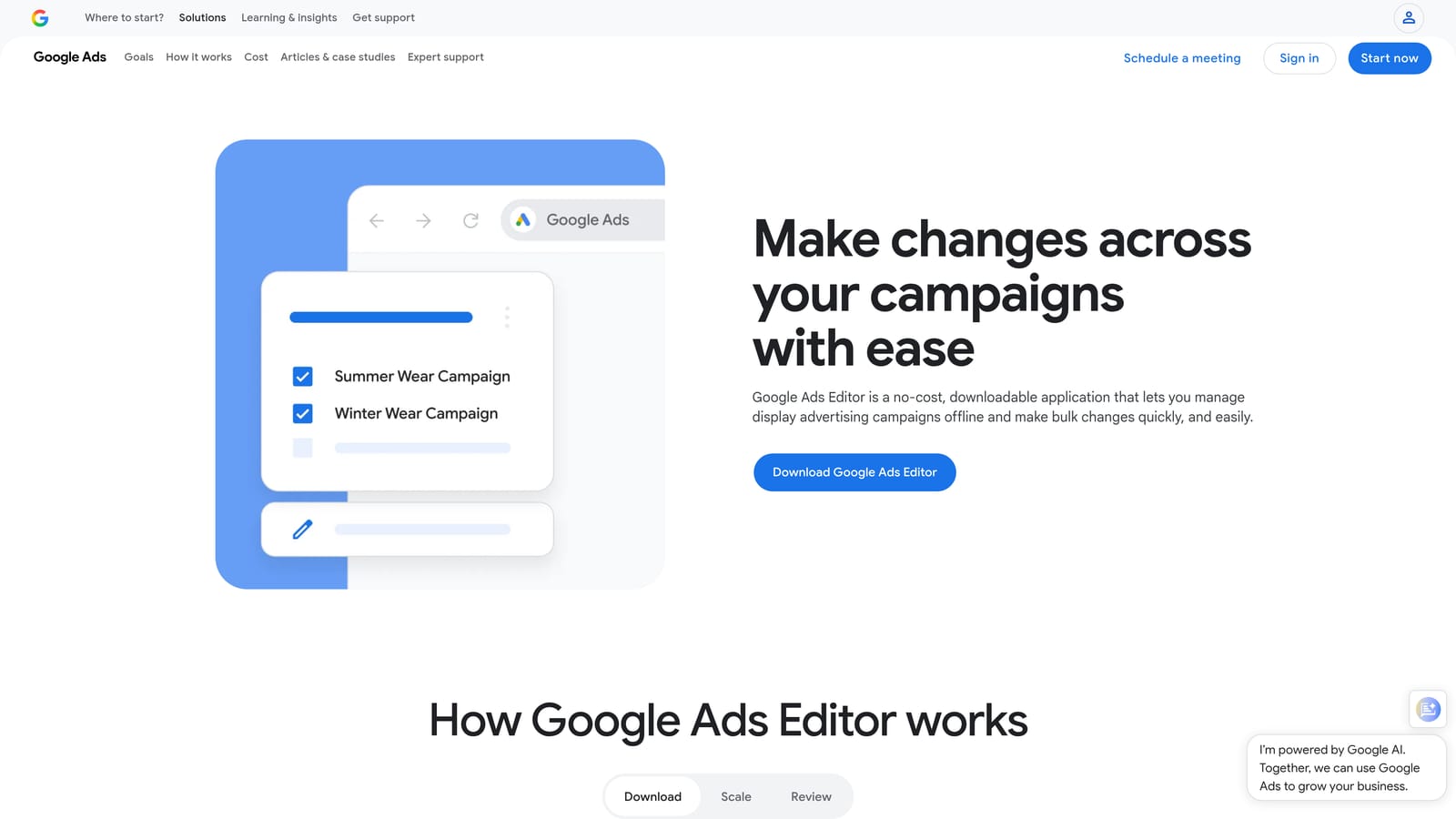
Its edge over everything else here is scope. It's official, free, and covers the full account structure across multiple accounts, which no extension does.
- Download and edit multiple accounts in one window, so cross-account changes don't need repeated logins.
- Bulk find-and-replace and copy/paste let you update ad text or move campaign elements in one pass.
- A change review step shows what you're about to post, which catches mistakes before they go live.
- CSV import and export bridges to spreadsheets when you want to prepare edits there.
Setup means installing the app and downloading account data, and it's usually run by whoever owns account structure. Expect a learning curve: the interface is dense, and it's a separate program, not a browser extension. It's also a poor fit for a quick search term review, since you'd be working from downloaded data rather than inside the live report. There's no price: it's free.
Best for: Large structural edits across many campaigns.
3. Google Ads Scripts
Limitations first: Google Ads Scripts needs someone who can write and debug JavaScript, and a sloppy script can change a lot of your account quickly. If nobody on your team codes, skip this one.
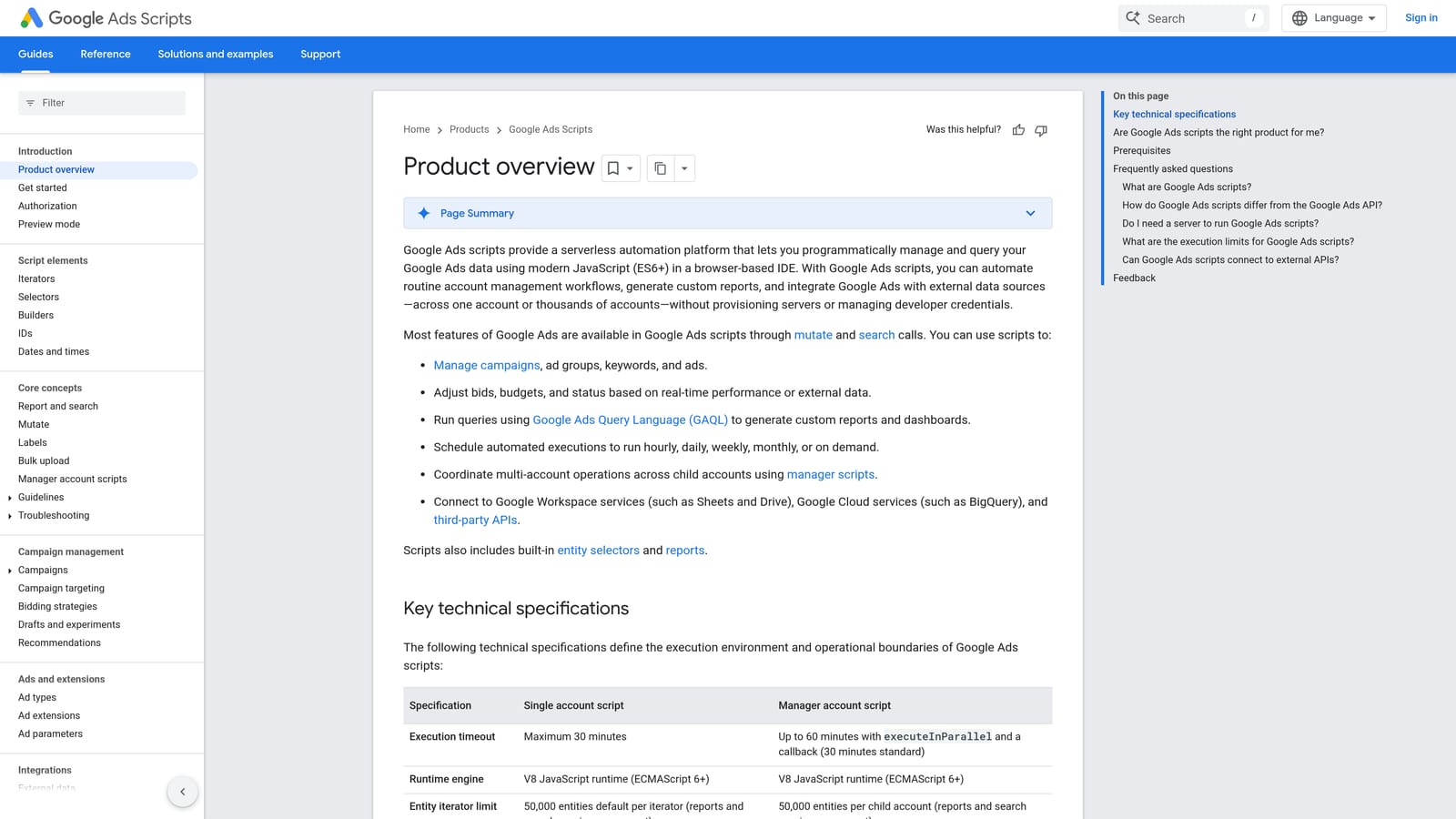
For those who do, scripts are Google's built-in way to automate account changes and reporting. Nothing else on this list is as customizable, and scripts can run on a schedule so a task you'd repeat weekly happens without you.
- Custom JavaScript lets you encode your own logic, such as pausing keywords that meet your criteria.
- Scheduled runs turn recurring maintenance into something that happens on its own.
- Preview mode shows what a script would change before it applies anything, which is essential for testing.
- Reporting and alerts can flag problems, like a sudden spend spike, as well as make changes.
Scripts connect to Google Ads and to Google Sheets, which makes Sheets a handy place for inputs and output logs. Setup is as heavy as your script: simple ones take an afternoon, complex ones need real testing and maintenance. It's typically run by a technical PPC specialist or developer. The tool is free, so the real cost is the time to build and maintain scripts.
Best for: Technical advertisers who want custom automation.
4. Google Ads Bulk Actions and Uploads
Google Ads' native bulk features need no installation, which is their whole appeal. Inside the account you can select multiple rows in a table and edit them together, set up automated rules, and upload changes in bulk from a spreadsheet.
This is the right first stop when you need to pause a dozen keywords or adjust a few campaigns and don't want to open anything else.
- Multi-select table edits let you change status or settings on many rows at once.
- Automated rules apply changes on a schedule or when conditions are met, covering simple recurring tasks.
- Bulk uploads via spreadsheet let you prepare larger changes offline and push them in.
It works with Google Ads and Google Sheets, and anyone with account access can use it. The trade-off is scale and safeguards. Compared with Google Ads Editor, you get less room for large changes and fewer ways to review them before they post, so a mistake in a big upload is easier to make. It also won't speed up search term triage the way a dedicated workflow does, because you're still working through the standard interface one decision at a time.
It's free and included with your account.
Best for: Small quick changes without extra software.
5. Optmyzr
Optmyzr is a PPC management platform built around automation, optimization, and bulk editing, and it's aimed at agencies running many accounts. It's a different category from an extension: you work in its own interface, not inside Google Ads.
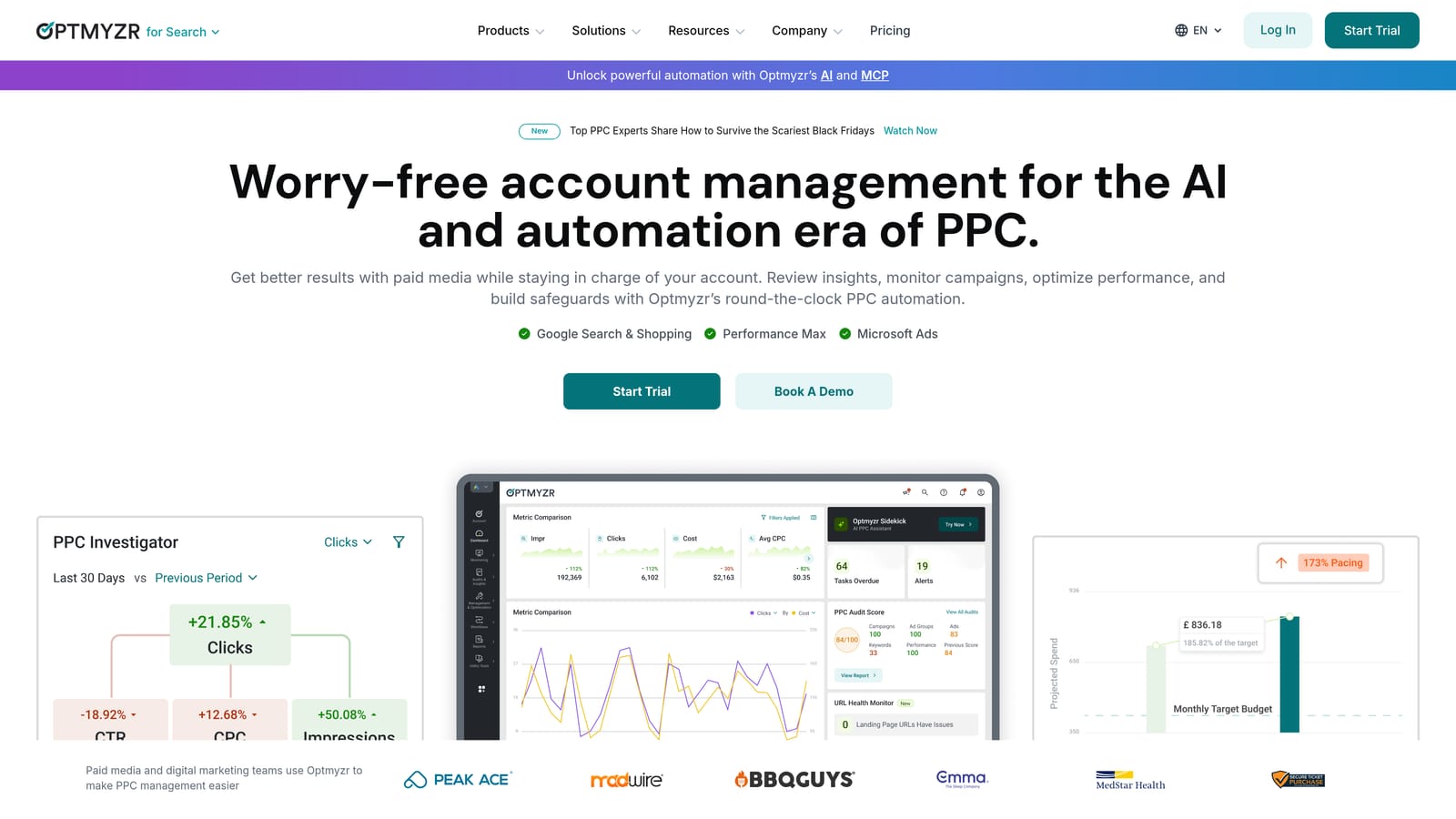
What it does that the others don't is breadth. Rule-based automation, bulk editing, optimization recommendations, and reporting live in one product, so an agency can standardize how it handles every client instead of stitching tools together.
- Rule-based automation applies your logic across accounts, which cuts repeated manual checks.
- Bulk editing tools handle changes at a scale that in-account editing struggles with.
- Optimization recommendations point to where changes are worth making, so you spend time on higher-value edits.
- Reporting helps agencies show clients what changed and why.
It integrates with Google Ads, Microsoft Advertising, and Google Analytics. Setup means connecting accounts and configuring rules, and it's typically run by a PPC lead or account team, not a solo occasional user.
The limitations are cost and complexity. It's a bigger commitment than a $12 extension, and a one-person shop may never use most of it. Pricing wasn't verified for this article, so check the vendor's site, and ask what drives the price (such as number of accounts or ad spend) before you commit.
Best for: Agencies managing many accounts.
6. Adalysis
Adalysis is an auditing and optimization platform for Google Ads (and Microsoft Advertising). Its strength is telling you what to fix, then helping you fix it in bulk. If you don't know where an account is leaking performance, it starts there.
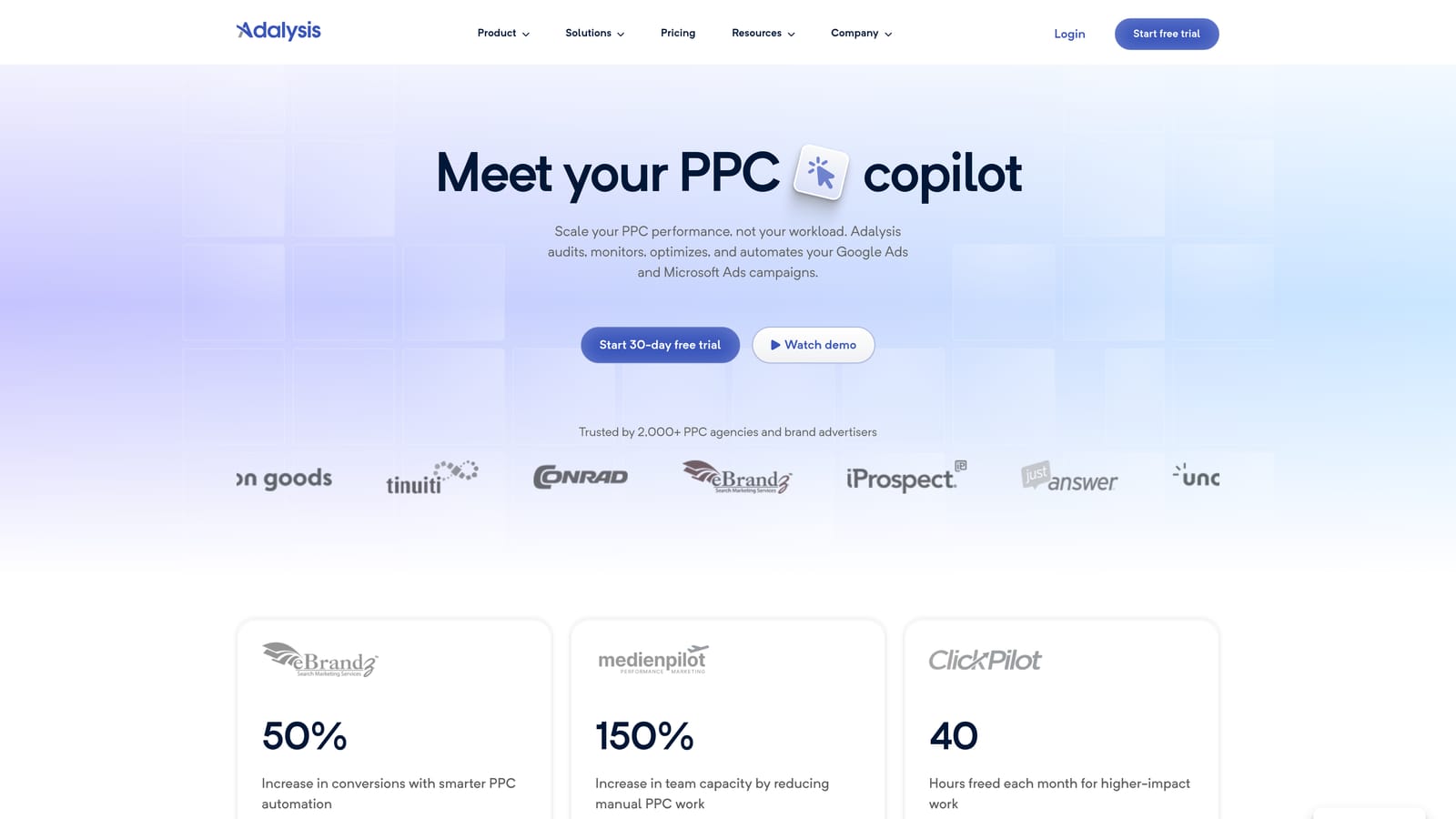
That's the difference from a pure editing tool: the audit and ad-testing insights come first, and the bulk changes follow from them.
- Account audits surface issues so you aren't hunting for problems by hand.
- Ad testing shows which creative is winning, which tells you which ads to keep or replace.
- Alerts flag changes and anomalies so you catch problems between reviews.
- Bulk-fix workflows let you act on findings across many items at once.
It connects to Google Ads and Microsoft Advertising. Setup means linking accounts and letting it analyze them, and it usually sits with a PPC manager or analyst who reviews its findings regularly.
It is a full subscription platform, not a lightweight extension, so it's overkill if all you need is faster search term cleanup. Pricing wasn't verified for this article, so confirm plans and what scales the cost on the vendor's site. It's most useful when ad testing and audits are a regular part of how your team works.
Best for: Teams who want audits alongside bulk fixes.
7. Google Sheets Add-ons and Spreadsheet Workflows
The spreadsheet route is the slowest option here, and also the most flexible. Using Google Sheets with add-ons from the Google Workspace Marketplace, you pull data from Google Ads, manipulate it with formulas and filters, and prepare bulk uploads.
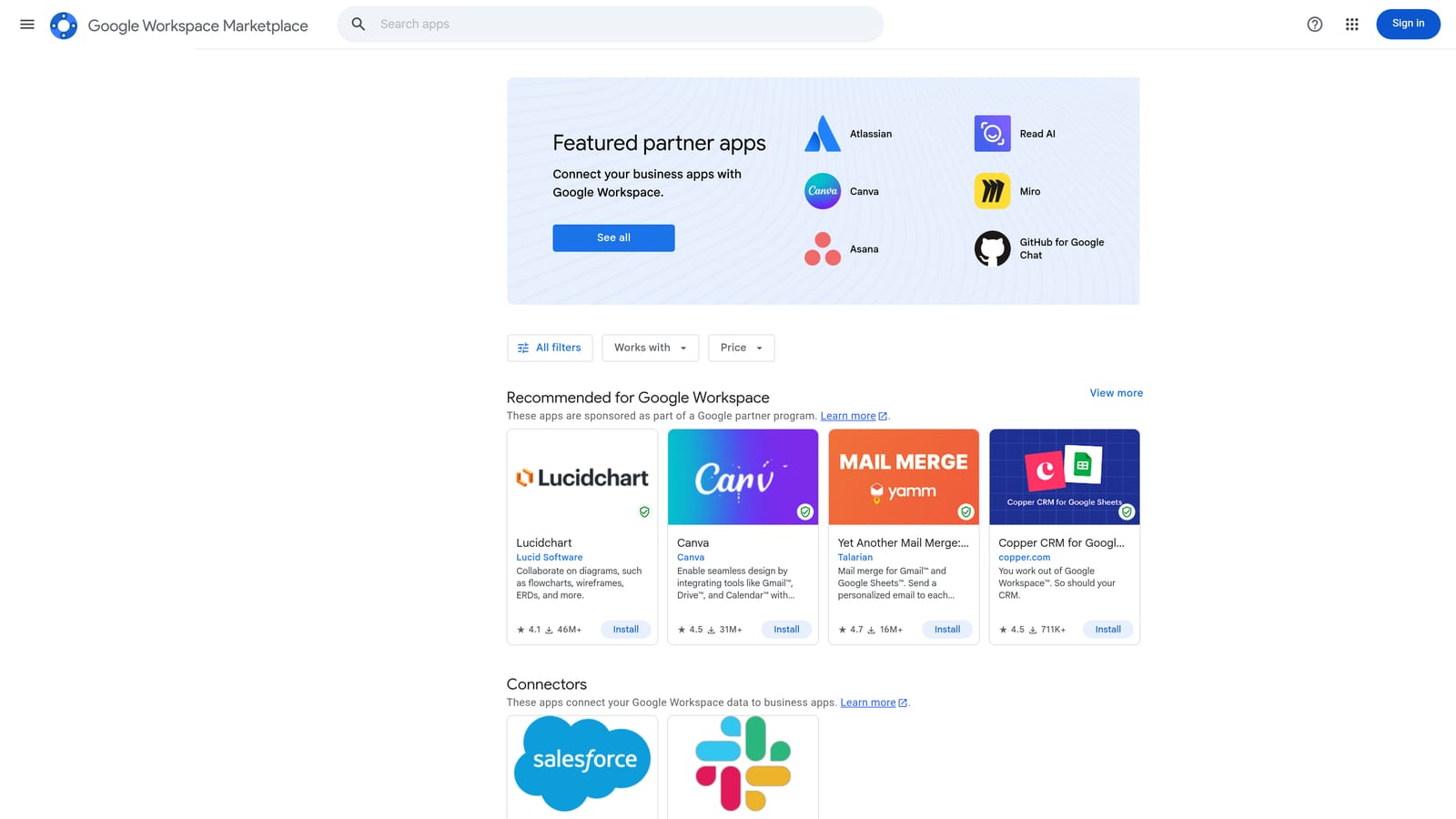
If your edits involve unusual logic, such as building keyword lists from product feeds or combining Google Ads data with other sources, nothing beats a formula you wrote yourself.
- Formulas and filters let you sort, dedupe, and transform very large lists in ways fixed tools can't.
- Data pulls from Google Ads bring performance numbers into the sheet so decisions sit next to the data.
- Bulk upload prep formats your edits so you can push them back to the account in one go.
It works with Google Sheets and Google Ads. Setup depends on which add-on you choose, and the person running it is usually an analyst comfortable in spreadsheets.
The limitations are real. The process is manual and error-prone, since a bad formula or a mismatched column can push wrong changes into an account. It's also slow compared with in-interface tools for routine jobs like search term review. Pricing varies by add-on: Sheets itself is part of Google's free tools, but some add-ons are paid, so check each listing.
Best for: Spreadsheet-heavy analysts with custom needs.
Matching the Tool to the Job
No single tool covers every kind of bulk edit, so the practical answer is to pick by task. Three picks stand out.
- Keywordme for search term cleanup inside the Google Ads interface. If your weekly routine is reviewing queries, blocking junk, and adding winners with the right match type, it removes the exports and tab switching.
- Google Ads Editor for large structural edits. When you're changing many campaigns, ad groups, or accounts at once, a free, official, offline editor with a review step is hard to beat.
- Google Ads Scripts for automation, if you have the coding skill to build and test them.
Agencies that need audits, rules, and reporting across a large client roster should look at Optmyzr or Adalysis. Many freelancers end up pairing Keywordme for daily search term work with Google Ads Editor for the occasional big restructure.
Optimize Google Ads Campaigns 10X Faster. Without Leaving Your Account. Keywordme lets you remove junk search terms, build high-intent keyword lists, and apply match types instantly, right inside Google Ads. No spreadsheets, no switching tabs, just quick, seamless optimization. Start your free 7-day trial (then just $12/month) and take your Google Ads game to the next level.
