
9 Best Google Ads Bulk Action Tools for Faster Account Management in 2026
A practical guide to google ads bulk action tools.


If you edit keywords, negatives, ads, or whole accounts for a living, you already know the pain of making the same change a few hundred times. This list is for marketers, freelancers, and agency owners who want to cut that manual work. The tools were chosen on four things: how well they handle bulk edits, how well they fit a freelancer or agency workflow, how clear the pricing is, and what limits you should know about before you commit. They are grouped by the kind of bulk work they handle, not ranked toward a single winner.
Quick Comparison of the Tools
- Keywordme: freelancers and agencies cleaning search terms; $12/month per user (as of this writing); works inside the native Search Terms Report with no export.
- Google Ads Editor: large structural edits and campaign builds; free; official offline drafting with review before posting.
- Google Ads Scripts: technical advertisers automating repeat tasks; free; fully custom code-based automation.
- Optmyzr: agencies managing many accounts; see website for pricing; broad optimization toolkit with a rule engine.
- Adalysis: teams running ad tests at scale; see website for pricing; automated ad-copy testing and monitoring.
- Opteo: small teams wanting guided optimization; see website for pricing; a prioritized, easy-to-read to-do list of improvements.
- Google Ads Bulk Uploads and Google Sheets: occasional bulk builds on a budget; free; zero-install bulk creation from spreadsheets.
- Channable: e-commerce teams optimizing product data; see website for pricing; rule-based bulk edits to product feeds.
- Semrush: research-first keyword list building; subscription, see website; large-scale keyword research and grouping.
1. Keywordme
Keywordme is our own product, so weigh this section with that in mind. It's a Chrome extension that adds one-click actions to the Search Terms Report inside Google Ads. It's built for freelancers and agency teams who spend a big chunk of their week sorting search terms (what people actually typed) into keep, add, or block.
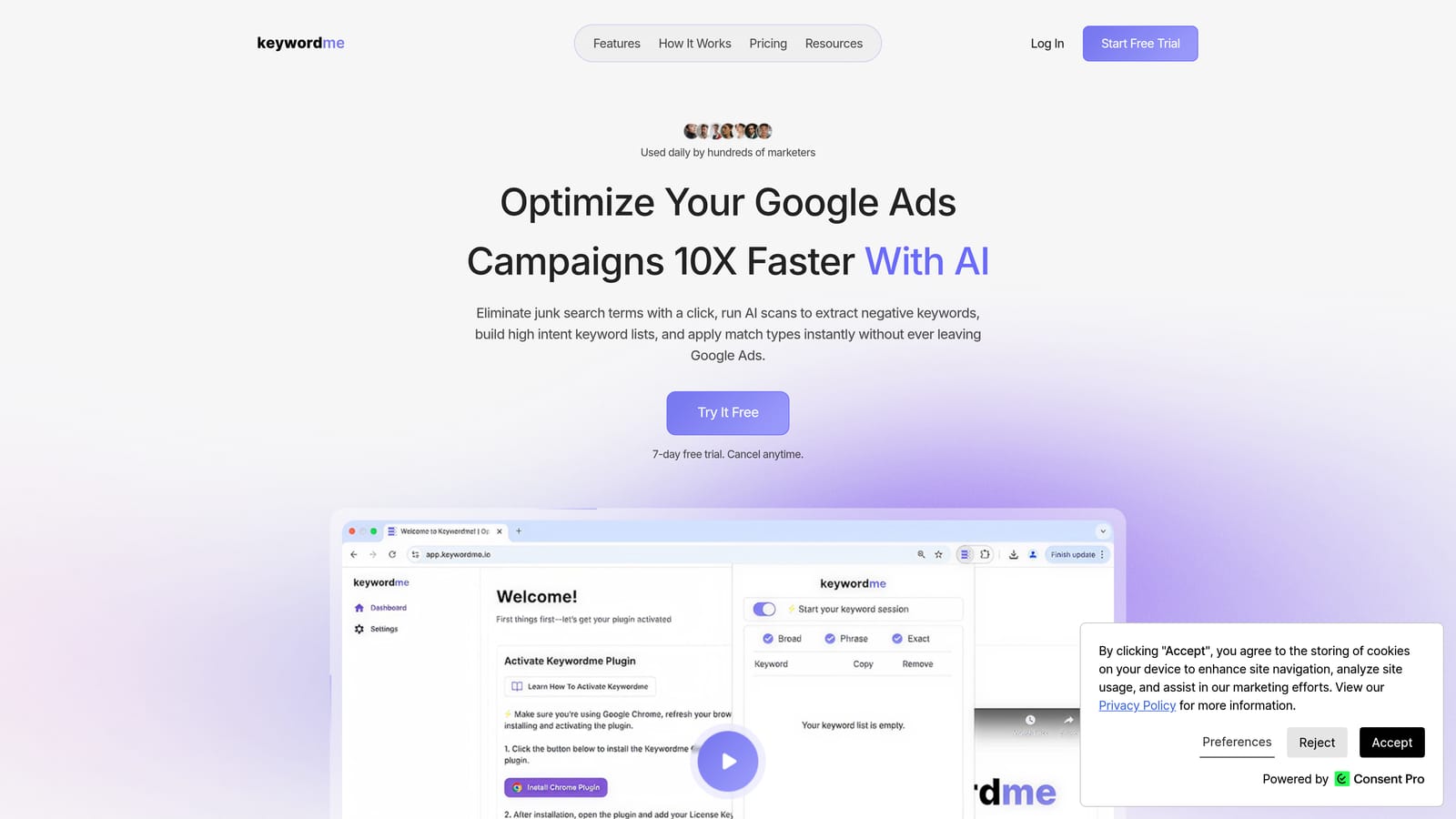
Its standout trait on this list is that it works in the native Search Terms Report. There's no export, no spreadsheet, and no second dashboard to open. You review terms where you already look at them and act on them right there.
- One-click negative keywords from search terms, so junk queries get blocked as you spot them.
- Add keywords with match types directly in the interface, which saves the copy, paste, and reformat loop.
- Keyword clustering, which helps you group related terms when building new keyword lists.
- Bulk editing, so one action can cover many selected items.
- Multi-account and team support, useful when several people work across client accounts.
Setup is light: it installs as a Chrome extension and works with Google Ads. Whoever does the search term review day to day runs it, so there's no admin layer to configure.
The limits are real. Keywordme is focused on search term and keyword workflows. It is not a full reporting or automation suite, so it won't build ads, run scheduled rules, or manage feeds. It also needs Chrome. And speed cuts both ways: you still decide what's junk, and you should check match types and negative keyword levels before applying, since a broad match negative blocks far more than an exact one.
Pricing is a flat $12/month per user as of this writing, with a 7-day free trial. Cost scales with the number of users, not ad spend or accounts.
Best for: Freelancers and agencies cleaning search terms quickly.
2. Google Ads Editor
Google Ads Editor is Google's free desktop app for making changes in bulk, offline, and then posting them to your accounts. It suits anyone doing big structural work: building out campaigns, restructuring ad groups, or rewriting lots of ads at once.
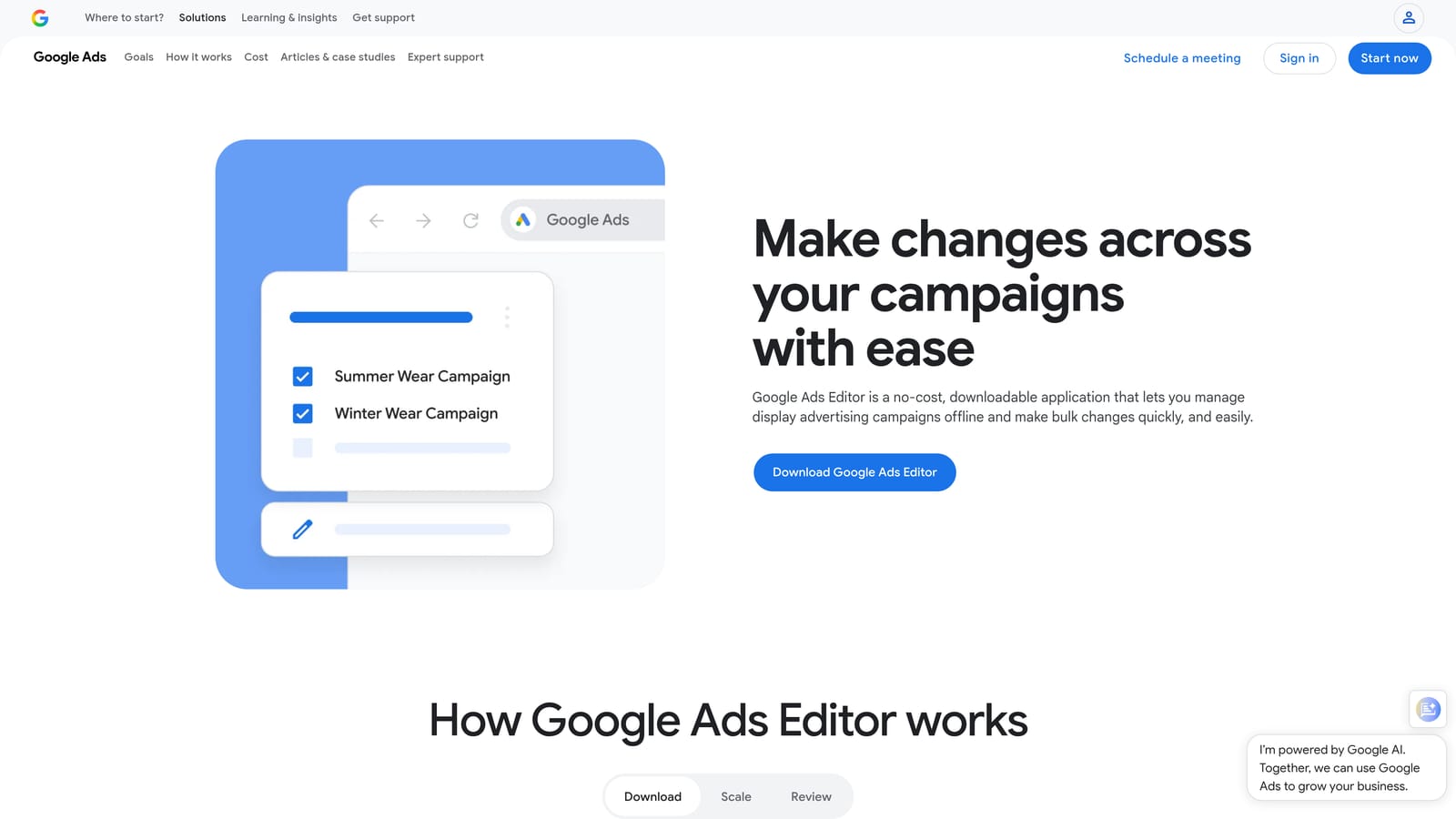
What sets it apart here is the official draft-and-review model. You download account data, make edits offline, check them, and only then post. That safety net matters when a mistake would otherwise multiply across hundreds of items.
- Multi-select bulk edits let you change many keywords, ads, or bids in a single pass.
- Copy and paste across campaigns and ad groups speeds up duplicating a proven structure.
- CSV import and export lets you work with spreadsheets when that's easier.
- Offline drafts with review before posting let you inspect every change before it goes live.
- Change history gives you a record of what was edited.
It connects only to Google Ads, and you install it on a desktop. Expect a learning curve if you've only used the web interface. Whoever owns account structure usually runs it.
The main limitation is search term triage. Reviewing queries and blocking junk is less fluid here than in a tool that sits on the report itself, so many people use Editor for structure and something else for query cleanup. It's also a download-edit-post workflow, which is slower for quick daily tweaks.
It's free.
Best for: Large structural edits and campaign builds.
3. Google Ads Scripts
Google Ads Scripts lets you automate tasks with JavaScript that runs inside Google Ads. It's meant for technical advertisers who'd rather write a script once than repeat a task every week.
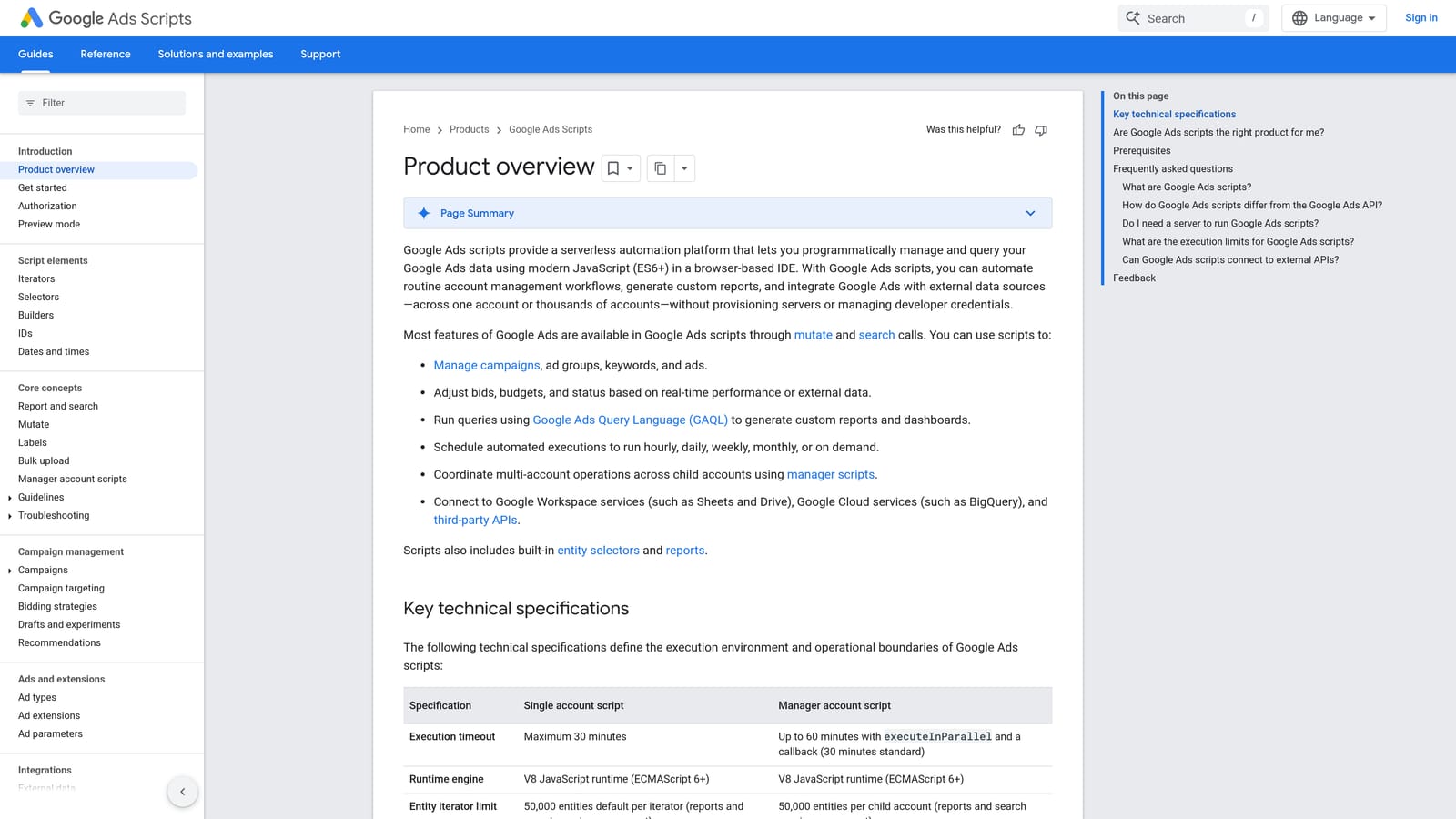
Nothing else on this list offers fully custom, code-based automation at no cost. If you can describe a task precisely, a script can usually do it on a schedule across many items.
- Scheduled automation runs your logic hourly, daily, or weekly without you touching it.
- Preview mode shows what a script would change before it makes real edits.
- Manager account scripts let you run one script across multiple client accounts under an MCC (manager account).
- Custom reporting to Sheets pipes the data you want into a spreadsheet.
It works with Google Ads and Google Sheets. Setup means writing or adapting code and authorizing it, and the person running it needs to be comfortable debugging.
The catch is skill and risk. A script with a logic error can make the same wrong change at scale, so test in preview mode and start with small scopes. If nobody on your team codes, this isn't the place to start, and a pre-built interface will serve you better.
It's free.
Best for: Technical advertisers automating repeat tasks.
4. Optmyzr
Optmyzr is a PPC management platform with rule-based automation and optimization tools that work across accounts. It's aimed at agencies and in-house teams who run many accounts and want repeatable processes.
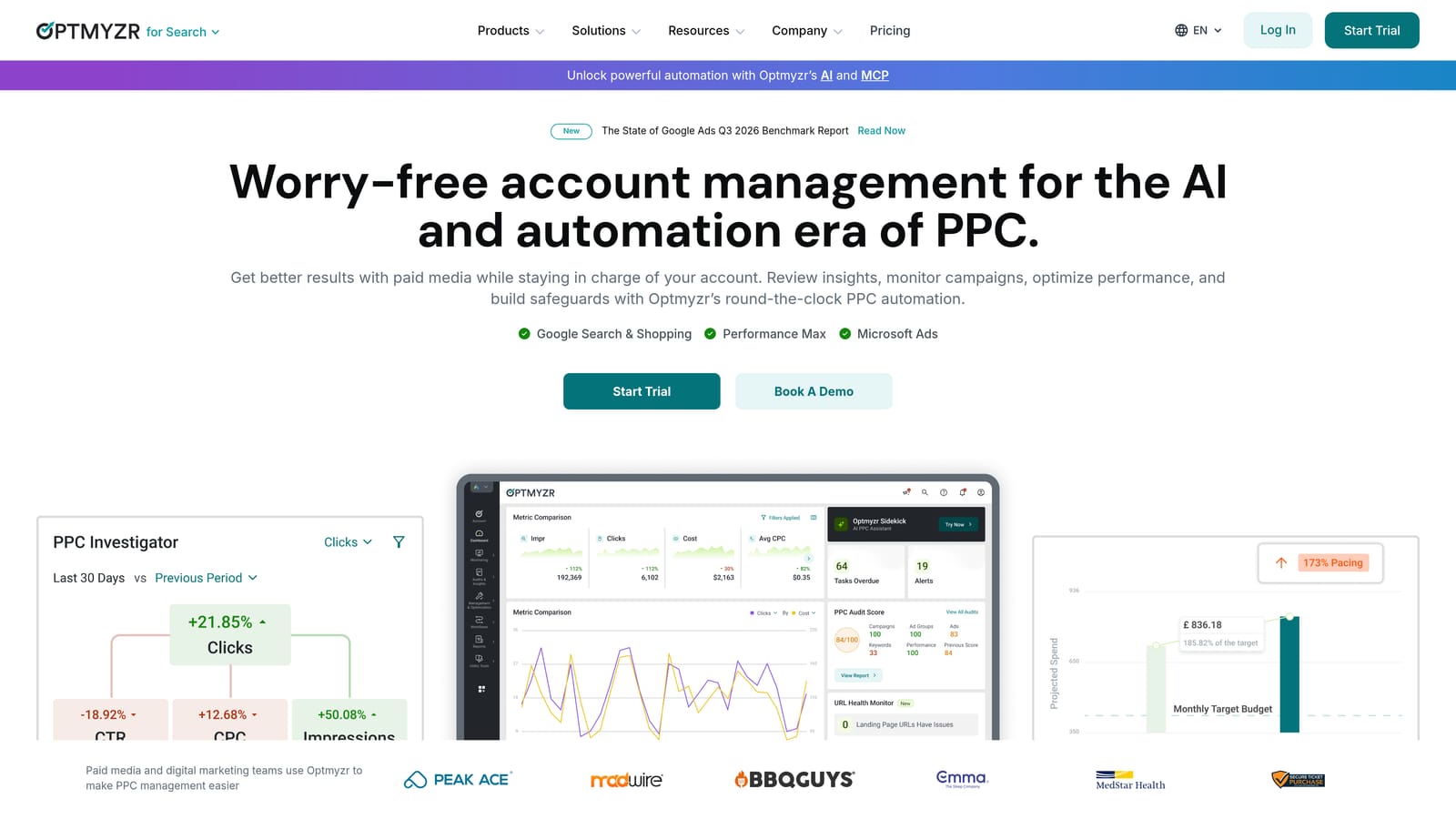
Its edge over most of this list is breadth: a rule engine plus audits, optimizations, and reporting in one place. You set conditions, and the platform surfaces or carries out the matching changes.
- Rule-based automations let you define conditions once and apply them across accounts.
- One-click optimizations turn suggested fixes into quick actions.
- Audits highlight issues so you know where to look first.
- Reporting helps you package results for clients or stakeholders.
It integrates with Google Ads and Microsoft Ads. Expect more setup than a browser extension, since rules need thought and testing. Someone with PPC experience should own it.
The limitations: it's priced for professional teams, so a solo advertiser with a single small account may not use enough of it to justify the cost. Verify current plans, since features and tiers change. Pricing details aren't something we can confirm here, so check the vendor's site and see what moves the price for your account count and spend.
Best for: Agencies managing many accounts.
5. Adalysis
Adalysis is a testing and alerting platform that flags account issues and helps you fix them at scale. Its home turf is ad copy: running tests, watching results, and catching problems before they eat budget.
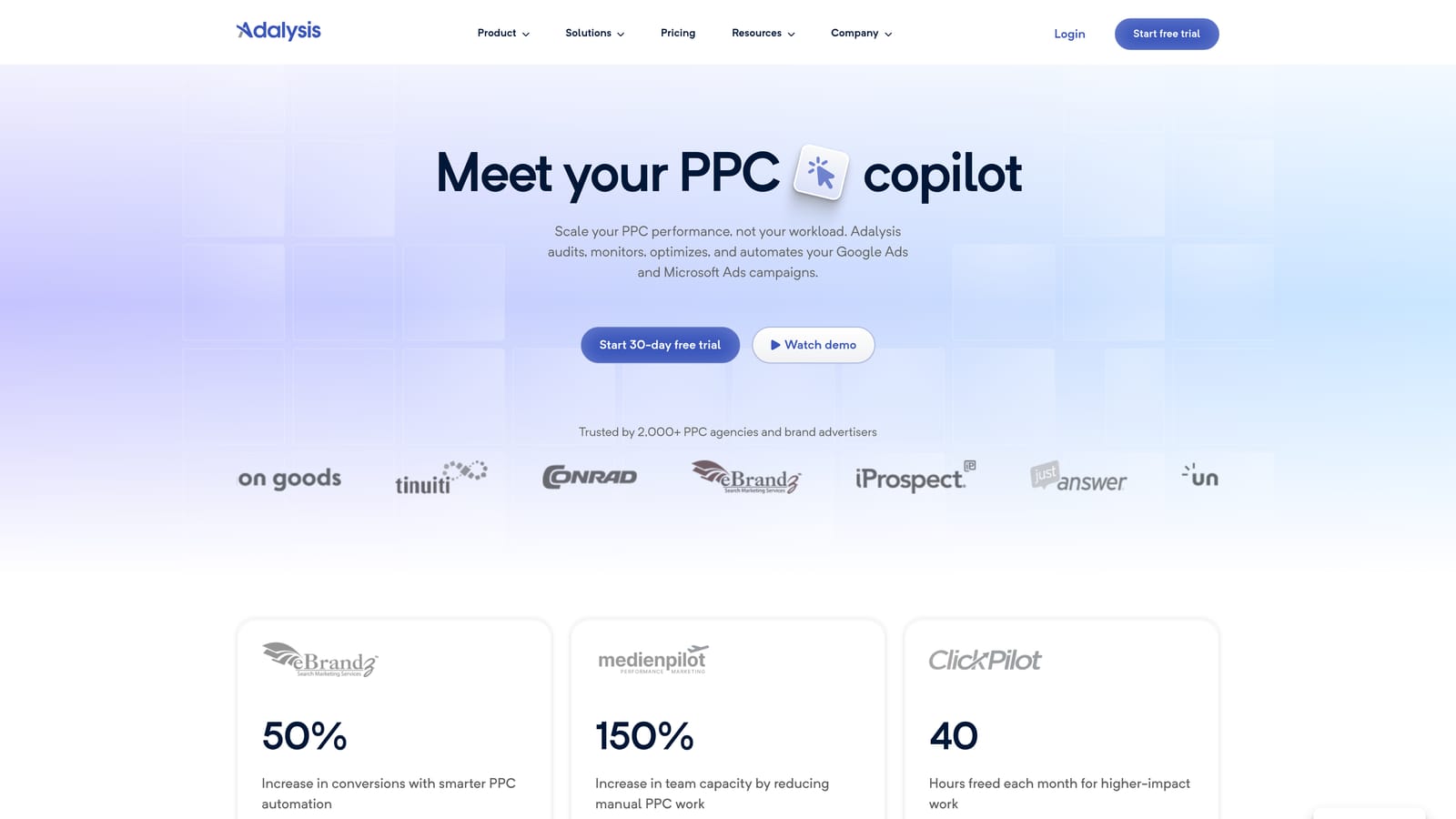
Compared with the others here, it leans hardest into automated ad testing and monitoring across many accounts. That's useful if your bulk work is less about editing keywords and more about knowing which ads to pause or replace.
- Ad testing helps you compare creative variations and spot winners.
- Account alerts flag changes and problems so you don't have to hunt for them.
- Keyword and quality issue detection points to weak spots in your structure.
- Reporting gives you something to share with clients or teammates.
It integrates with Google Ads and Microsoft Ads. Setup means connecting accounts and tuning alerts, and it works best when someone reviews its findings regularly.
The limitation is that it's more analysis than quick in-interface editing. If your main chore is blocking junk queries or restructuring keywords, it won't replace a tool built for that. Pricing isn't something we can state here, so see the vendor website for current plans and what drives cost.
Best for: Teams running ad tests at scale.
6. Opteo
Opteo is a Google Ads tool that suggests improvements and lets you apply them after review. It's designed for small teams and in-house marketers who want guidance on what to fix next without building rules from scratch.
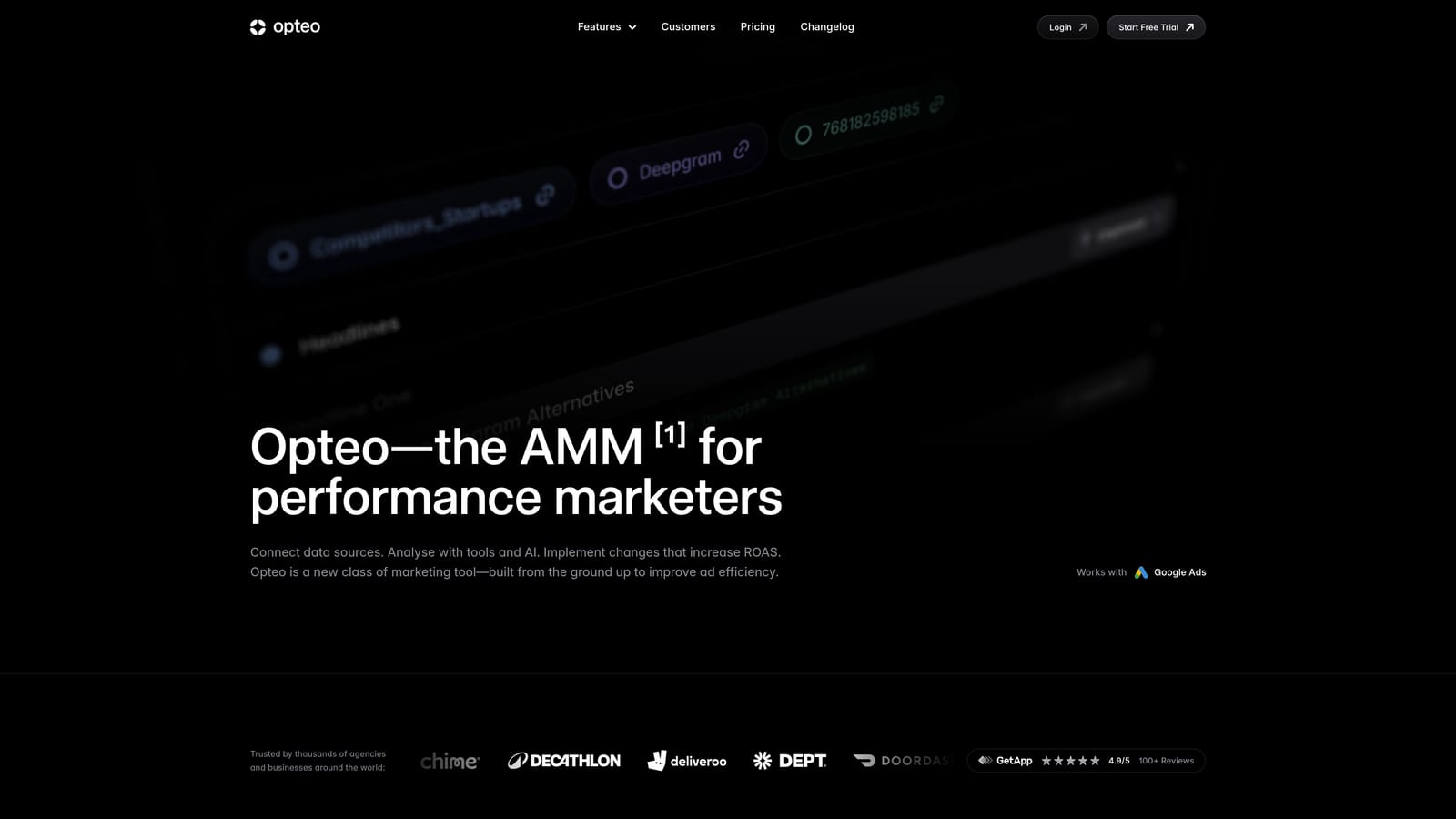
Its distinctive strength is the prioritized, easy-to-read to-do list. Instead of giving you a toolbox, it tells you what to look at and lets you act.
- Prioritized improvement suggestions show where your attention is likely best spent.
- Review before applying keeps you in control of each change.
- A clean interface lowers the learning curve for non-specialists.
- Reporting covers the basics of sharing performance.
It integrates with Google Ads. Setup is simple, and the person managing the account can run it without technical help.
The tradeoff is automation depth. It's lighter than a rule-engine platform, so agencies wanting custom logic across dozens of accounts may outgrow it. Suggestions are also starting points, not verdicts, so check them against your goals. Pricing depends on the plan, so see the vendor site for current figures.
Best for: Small teams wanting guided optimization.
7. Google Ads Bulk Uploads and Google Sheets
Google Ads bulk uploads let you create or change campaigns, ad groups, and keywords by uploading a spreadsheet file, and many people pair that with Google Sheets templates. It's for people who want bulk capability without installing anything.
The appeal is zero setup. If you can work in a spreadsheet, you can build a large set of keywords or ad groups quickly and upload them in one go.
- Bulk upload of campaigns, ad groups, and keywords saves entering items one at a time.
- Spreadsheet templates give you a structure to follow.
- No install needed means it works on any machine with account access.
It uses Google Ads and, commonly, Google Sheets. Whoever builds the sheet runs it, so there's no ongoing admin.
The weakness is manual formatting and error risk. One wrong column or misapplied match type can spread across hundreds of rows, so review the file before uploading. It also doesn't help with search term review, since you're working from a file, not the live report. Check Google's help page for current upload requirements.
It's free.
Best for: Occasional bulk builds on a budget.
8. Channable
Channable is a feed-management platform that applies bulk rules to product data used in Shopping campaigns. It's for e-commerce teams whose bulk work is about product titles and attributes, not keywords.
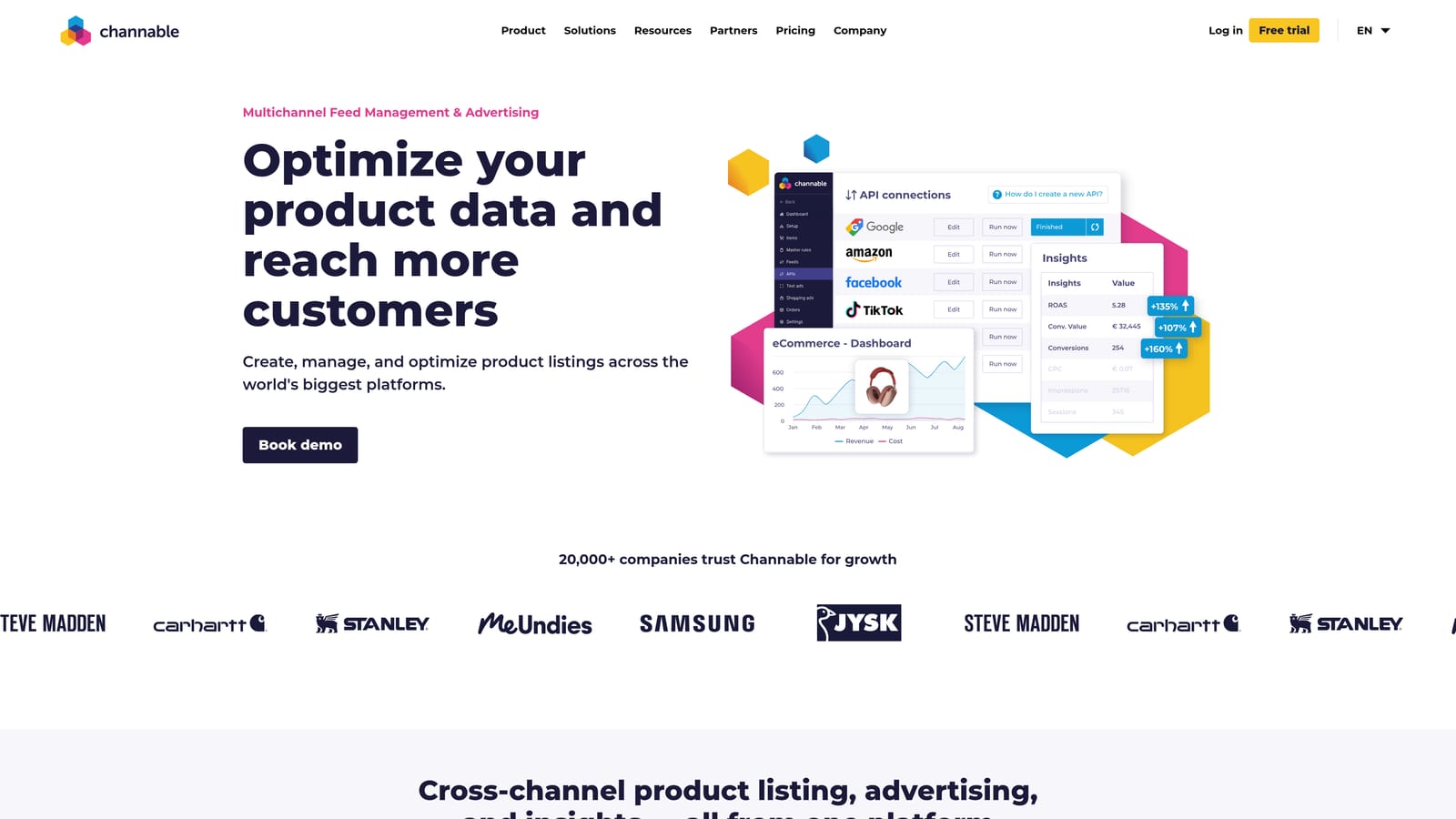
What it does that nothing else here does is rule-based bulk editing of product feeds. You set a rule once, such as how titles are structured, and it applies across the whole catalog.
- Product feed rules let you transform data consistently across thousands of items.
- Bulk title and attribute edits improve how products are described without editing them one by one.
- Multi-channel export sends cleaned data to several destinations from one source.
It connects with Google Merchant Center and e-commerce platforms. Setup involves connecting your store and building rules, and a merchandiser or e-commerce manager typically owns it.
It's not for keyword or search term work, so a lead-gen advertiser running search campaigns has little reason to look at it. Pricing isn't stated here; see the vendor website for plans and what moves the price, which commonly relates to catalog size and channels.
Best for: E-commerce teams optimizing product data.
9. Semrush
Semrush is an SEO and PPC suite whose Keyword Manager and PPC keyword tools help you build large keyword lists. It's for people who start with research and want a big, organized set of keywords before touching an account.
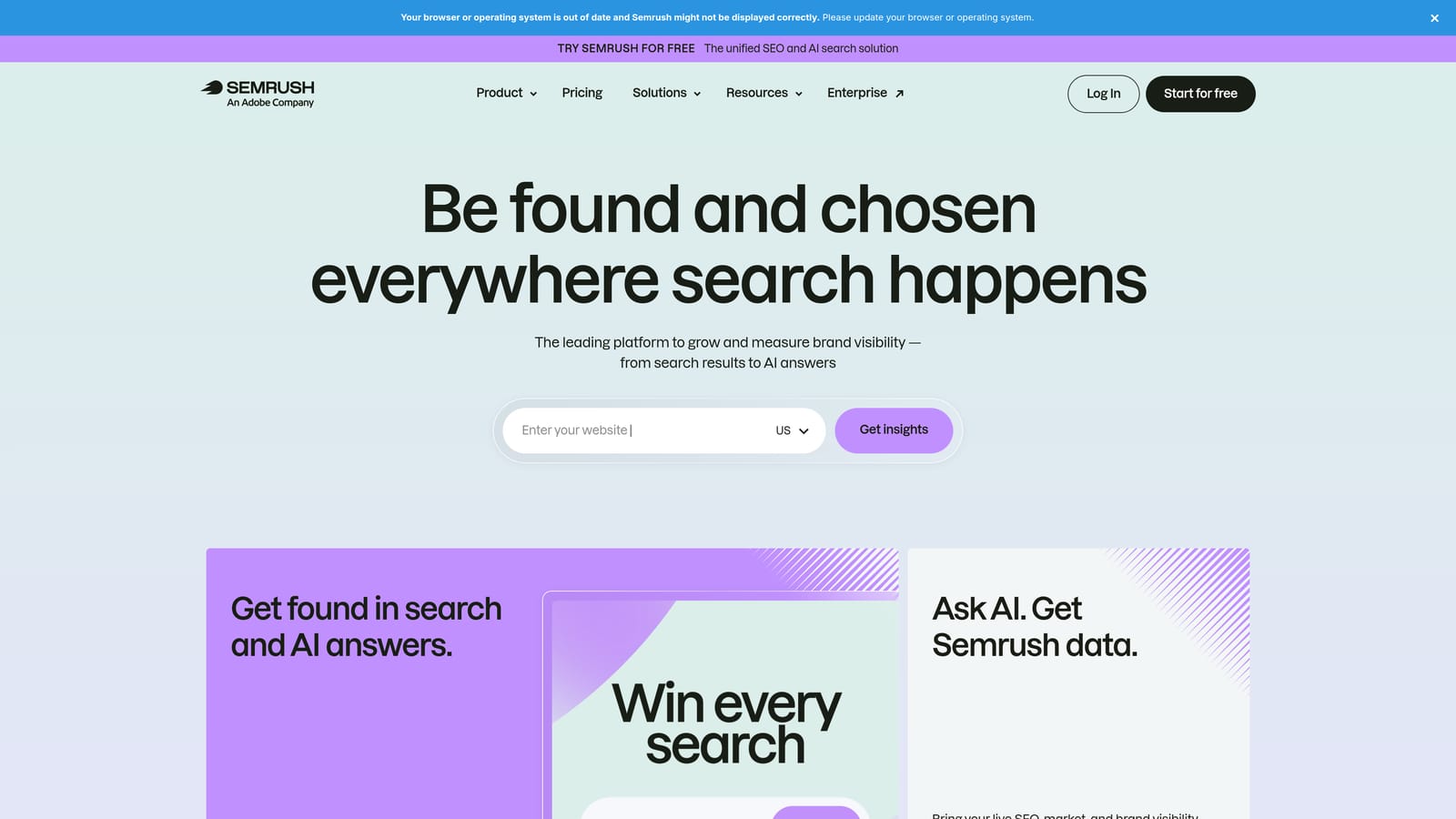
Its standout trait is scale of research and list building, including competitor insight, which the in-account tools on this list don't offer.
- Keyword Manager lets you keep and organize large lists in one place.
- PPC Keyword Tool helps you build lists with paid search in mind.
- Keyword grouping organizes terms into sets you can map to ad groups.
- Competitor research shows what others in your market are targeting.
It works outside Google Ads, so you export lists as files and upload them. That adds a step, and the formatting risks described under bulk uploads apply here too. Marketers or strategists usually run it, not the person doing daily account edits.
It's a subscription, and as it's a broad suite, you may be paying for features you won't use if keyword lists are all you need. See the vendor site for current plans.
Best for: Research-first keyword list building.
Which Bulk Action Tool Fits Which Job
Bulk tools save time only when you review what you're about to apply. A fast mistake is still a mistake, and a broad match negative keyword does not behave like an exact one. Match the tool to the job:
- Search term cleanup: Keywordme, because it works directly in the Search Terms Report.
- Offline bulk edits: Google Ads Editor, with its draft and review flow, or bulk uploads for occasional builds.
- Automation: Google Ads Scripts if you code, Optmyzr if you'd rather configure rules.
- Agency-scale management: Optmyzr for rules across accounts, with Adalysis for ad testing.
- E-commerce feeds: Channable.
- Keyword research: Semrush, then upload the results.
Plenty of people combine two: Editor for structure, plus a search term tool for the daily grind. Check vendor sites for current pricing before you buy, as plans change.
Optimize Google Ads Campaigns 10X Faster. Without Leaving Your Account. Keywordme lets you remove junk search terms, build high-intent keyword lists, and apply match types instantly, right inside Google Ads. No spreadsheets, no switching tabs, just quick, seamless optimization. Start your free 7-day trial (then just $12/month) and take your Google Ads game to the next level.
