
9 Best Google Ads Automation Tools for Agencies in 2026
A practical guide to google ads automation tools for agencies.


Running Google Ads for a stack of clients means the same chores come back every week: search term reviews, budget checks, bulk edits, reports. This list is for agency owners and PPC leads who want to cut that repetitive work without handing the keys to a black box. Tools were chosen for multi-account handling, how much control stays with the strategist, pricing transparency, and the specific agency task each one takes off your plate. Most of them automate one slice of the job, so read them as building blocks.
Quick Comparison of the Tools
- Keywordme: agencies and freelancers who spend hours on search term reviews; $12/month per user; one-click negatives and keyword adds inside the native Search Terms Report.
- Google Ads Scripts: agencies with a script-savvy strategist; free; fully custom logic, including at manager account level.
- Google Ads Automated Rules and Bid Strategies: agencies wanting simple, low-risk automation; free, included with Google Ads; zero setup and no extra vendor.
- Optmyzr: mid-size agencies running many accounts; see website for pricing; a large library of prebuilt optimization checks and rule templates.
- Adalysis: agencies that want systematic ad testing and QA; see website for pricing; automated ad-copy testing and issue detection.
- Google Ads Editor: agencies building or restructuring many campaigns; free; bulk editing with a review-before-post step.
- Looker Studio and Supermetrics: agencies automating recurring client reports; Looker Studio is free, Supermetrics see website; automated multi-channel reporting.
- Zapier: lead-gen agencies needing fast lead handoff; free plan, paid tiers on the website; automates lead routing and notifications around campaigns.
- WordStream Advisor: small agencies and newer PPC teams; see website for pricing; guided recommendations that lower the learning curve.
1. Keywordme
Keywordme is a Chrome extension that adds one-click actions to the Google Ads Search Terms Report. It's built for the person who sits in that report every week deciding which search terms deserve to become keywords and which should be blocked. Since it's our own product, we'll be straight about what it is and isn't: a faster way to act on your decisions, not an autopilot.
What sets it apart on this list is where it works. The extension sits inside the native report, so search term cleanup needs no exports, no spreadsheets, and no tab-switching. You read a search term, make the call, and click. Nothing changes unless you click, so the strategist stays in control.
- Add negative keywords straight from the Search Terms Report with one click, so junk queries stop costing you money sooner.
- Add search terms as positive keywords and pick the match type at the same moment, so there's no second pass to fix it.
- Cluster related keywords so you can spot themes and build tighter groups faster.
- Edit in bulk when the same change applies to many terms.
- Share work across accounts and team members, which matters once several people touch several clients.
Setup is installing the extension in Chrome and opening Google Ads. It works with Google Ads in the interface itself, and day-to-day use belongs to whoever reviews search terms, usually an account manager or specialist.
The limits are real. Keywordme speeds up manual decisions rather than running rules, bidding, or reporting, so it won't replace a rules engine or a dashboard. It also only runs in Chrome. If your team lives in another browser, that's a dealbreaker.
Pricing is a flat $12/month per user, with a 7-day free trial. The price moves with the number of seats, not ad spend or account count. Check current plans on the site, since pricing can change.
Best for: Agencies and freelancers who spend hours on search term reviews.
2. Google Ads Scripts
Google Ads Scripts is Google's built-in JavaScript automation for custom checks, alerts, and account changes. It can run at the manager account (MCC) level, so one script can look across many client accounts. It's designed for agencies with someone comfortable writing code.

Its edge over everything else here is freedom. If you can describe the logic, you can usually build it, and there's no license fee. Think of a script that emails you when any client's spend pace runs off, or one that logs anomalies to a Google Sheet.
- Write custom JavaScript so your checks match how your agency actually works, not a vendor's template.
- Schedule runs so monitoring happens without anyone remembering to do it.
- Run scripts from the manager account to cover many clients with one piece of code.
- Send email alerts so problems reach you before the client notices.
- Use preview mode to see what a script would change before it changes anything.
It connects to Google Sheets, Gmail, and Google Ads, which covers most agency alerting and logging needs. Setup effort depends entirely on the script. Someone has to write it, test it, and fix it when something breaks or Google changes things.
That maintenance burden is the main limitation. Without a developer or a script-savvy strategist, scripts turn into abandoned code nobody trusts. A script with a bug can also make bad changes at scale, so use preview mode and keep early scripts read-only.
Pricing: free. The real cost is the time of whoever builds and maintains it.
Best for: Agencies with a developer or script-savvy strategist who want bespoke alerts.
3. Google Ads Automated Rules and Bid Strategies
Google Ads automated rules and bid strategies are the native automation inside the platform. Two different things share this entry, and it helps to separate them. Automated rules are rules you define: pause this, change that bid, email me when something crosses a threshold. Smart Bidding strategies like Target CPA and Target ROAS are Google's machine learning setting bids for you.

The standout is zero setup and no extra vendor. There's nothing to buy, approve, or connect, which makes it the lowest-risk place to start.
- Automated rules pause, adjust bids, or change budgets on a schedule, so routine housekeeping stops eating time.
- Email notifications flag the things a rule detects, so you can review before acting.
- Target CPA and Target ROAS bidding hand bid-setting to Google's system against a goal you choose.
- Scheduling controls when rules run, so changes land at predictable times.
It all lives in Google Ads, so there are no integrations to manage, and account managers can set it up themselves in minutes.
The limitations matter for agencies. Rules are basic and built per account, so there's no cross-client logic. Smart Bidding is also opaque: you set the goal and Google decides how to hit it, with limited visibility into why. That's a poor fit when a client demands to know exactly what changed and why. Keep in mind too that this is Google's own AI automation, which is different from tools you control. Native automation doesn't replace third-party tools; it covers the basics.
Pricing: included with Google Ads, with no extra fee.
Best for: Agencies wanting simple, low-risk automation without new tools.
4. Optmyzr
Optmyzr is a PPC management platform built with agencies in mind, combining a rule engine, optimization checks, bulk tools, and client reporting in one place. It's the closest thing on this list to a full management suite, aimed at teams juggling many accounts across channels.

Its distinctive strength is the library. Prebuilt optimization checks and rule templates mean you're not starting from a blank page, which beats scripts for teams without a developer and beats native rules for anything cross-account.
- Build or adopt rules in the rule engine so recurring optimizations run on your terms.
- Run prebuilt optimization checks to surface issues across accounts without hand-auditing each one.
- Edit in bulk across campaigns when a change applies broadly.
- Produce client reporting from the same platform, cutting one more separate tool.
- Manage many accounts from a single login instead of hopping between them.
It connects to Google Ads, Microsoft Advertising, and Meta Ads, which suits agencies running more than one channel. Expect real onboarding time: connecting accounts, choosing which checks to switch on, and training the team. Someone senior should own the configuration.
The trade-off is cost and complexity. For a small agency or freelancer with a handful of accounts, the price and learning curve may outweigh the benefit, and you'll likely use a fraction of the features.
Pricing is subscription-based. As of 2026, check the website for current tiers, since what you pay typically depends on the plan and the scale of what you manage.
Best for: Mid-size agencies running many accounts who want a full management suite.
5. Adalysis
Adalysis is an auditing and testing platform. It watches client accounts for problems and automates the unglamorous work of testing ad copy. It's for agencies that want consistent quality control across many accounts.
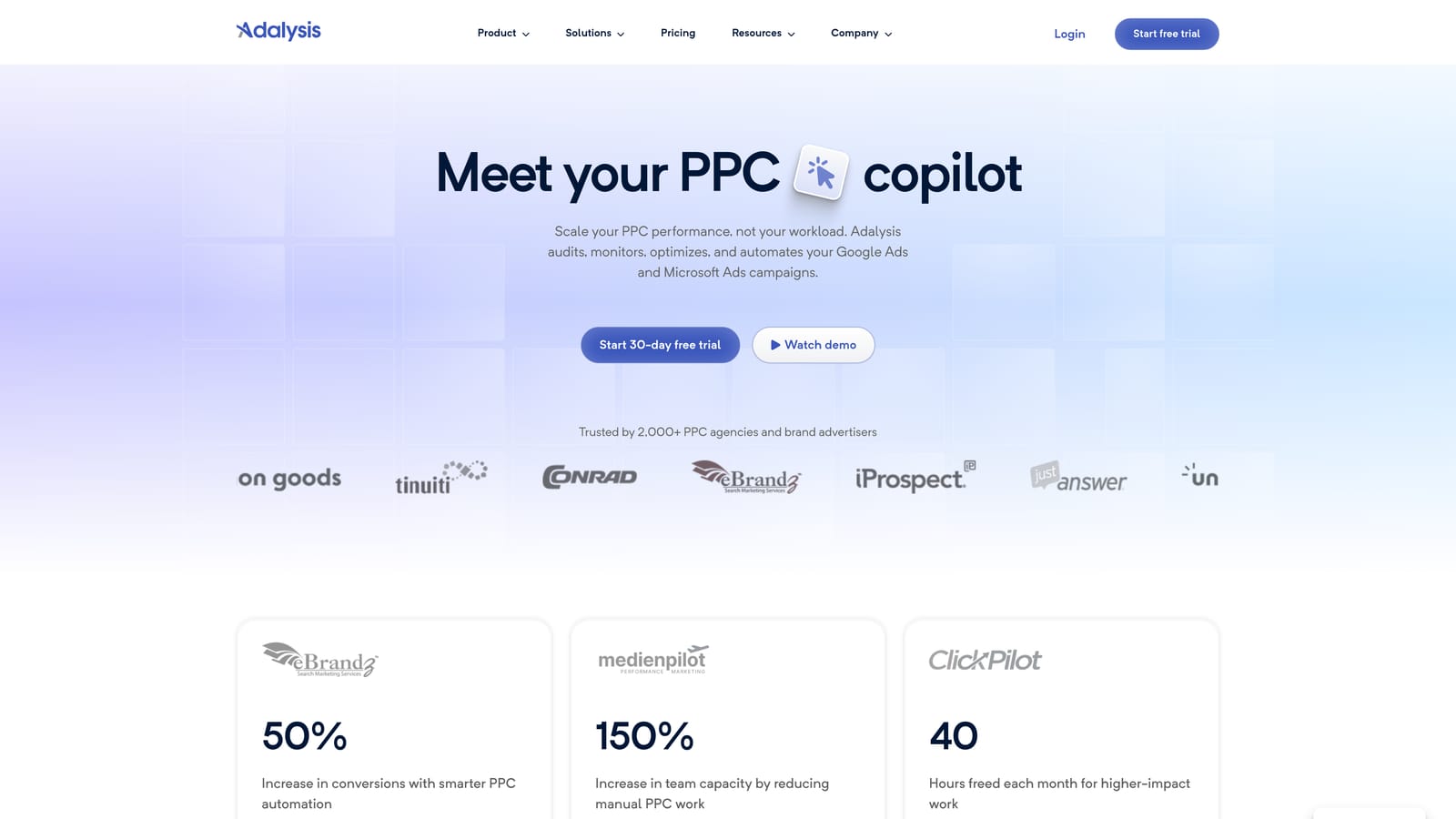
The standout is ad testing. Instead of someone manually comparing ad variations in each account, it runs the tests and flags winners and issues, which is where it differs from rule engines focused on bids and budgets.
What it checks and reports
- Automated ad testing compares ad variations so copy decisions rest on results, not hunches.
- Account alerts flag issues so someone looks at them before they become client complaints.
- Scheduled reports keep stakeholders informed without manual pulls.
- Audits give you a systematic review of an account's health, handy when onboarding a new client.
Setup, limits, and cost
It works with Google Ads and Microsoft Advertising. You connect accounts, and then a QA lead or senior account manager typically reviews the alerts and decides what to act on.
It's focused on analysis and alerts rather than bidding or budget automation, so it won't pace spend or adjust bids for you. Pair it with something that acts, or with your own team's judgment.
Pricing: see the website. As of 2026, verify current plans directly, since details aren't something to guess at.
Best for: Agencies that want systematic ad testing and QA across accounts.
6. Google Ads Editor
Google Ads Editor is Google's free desktop app for bulk editing and building campaigns. You download account data, make changes locally, review them, and then post. It isn't automation in the rules-and-alerts sense; it automates scale in manual work.

Its edge is safety. The review-before-post workflow lets you see every pending change across an account before it goes live, which is valuable when you're restructuring dozens of campaigns and one wrong paste could be expensive.
- Make bulk edits across campaigns, ad groups, keywords, and ads so wide changes take minutes.
- Edit offline and post when ready, so you can prepare work without touching the live account.
- Review changes before posting to catch mistakes before they cost money.
- Copy campaigns across accounts, which speeds up launching similar structures for different clients.
- Import and export CSV files for spreadsheet-driven builds.
It's a desktop app tied to Google Ads, and anyone building campaigns can use it. Setup is a download and an account sign-in.
The limitation is that it's entirely manual. There are no alerts, rules, or reporting, so it solves build speed, not monitoring. Note too that it works on a downloaded copy of the account, so make sure you're current before editing.
Pricing: free.
Best for: Agencies building or restructuring many campaigns at once.
7. Looker Studio and Supermetrics
Looker Studio paired with Supermetrics is a reporting stack. Looker Studio builds the dashboards; Supermetrics pulls data from many ad platforms into Looker Studio or spreadsheets. Together they replace the weekly ritual of exporting numbers and pasting them into slides.

The distinct value is automated multi-channel reporting. If a client runs Google Ads, Meta, and other channels, one dashboard can show the lot and refresh itself.
- Use the Google Ads connector to feed live account data into your reports.
- Build custom dashboards so each client sees the metrics they care about.
- Schedule report delivery so clients get updates without anyone hitting send.
- Add multi-channel data through Supermetrics connectors when a report needs more than Google Ads.
It integrates with Google Ads, Google Analytics, Google Sheets, and Meta Ads. Building the first template takes effort, but cloning it per client is quick. A reporting specialist or account manager usually owns it.
This stack is reporting only. It changes nothing in your accounts, and it won't tell you what to do about the numbers. Dashboards also need upkeep when connectors or metrics change.
Pricing: Looker Studio is free. Supermetrics is subscription-based; see its website, and expect cost to depend on the plan and the data sources you connect.
Best for: Agencies automating recurring client reports.
8. Zapier
Zapier is a no-code automation platform. It doesn't optimize campaigns; it automates what happens around them, especially what happens to a lead after someone submits a form.
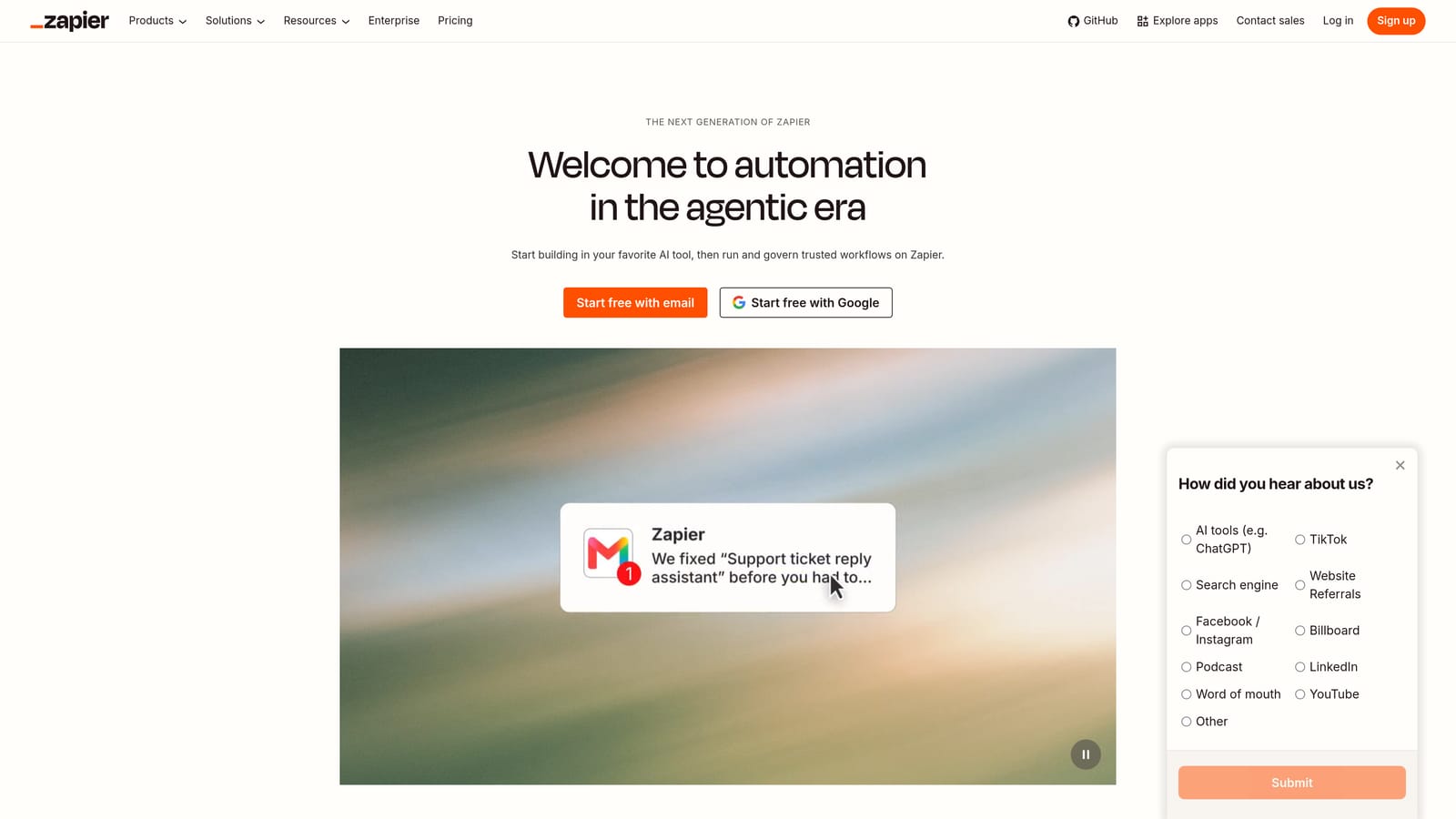
That's its niche here. For lead-gen clients, speed to follow-up matters, and Zapier can route a Google Ads lead form submission to a CRM, a Slack channel, or a spreadsheet the moment it arrives.
- Build no-code workflows so non-developers can set up automations themselves.
- Trigger on Google Ads lead form submissions to start a handoff the moment a lead comes in.
- Connect to CRMs and Slack so clients and sales teams hear about leads immediately.
- Chain multi-step automations, for example logging a lead, notifying a team, and sending an email in one flow.
Common connections include Slack, Google Sheets, HubSpot, and Gmail. Setup is quick for simple flows, though multi-step ones need testing, and each client's CRM setup adds work. An account manager or ops person typically runs it.
It doesn't touch bids, keywords, or budgets, so it's no substitute for an optimization tool. It also isn't relevant for agencies working mostly with ecommerce or non-lead-gen clients.
Pricing: there's a free plan plus paid tiers. As of 2026, verify current plans on the website; cost generally scales with usage.
Best for: Lead-gen agencies that need fast lead handoff to clients.
9. WordStream Advisor
WordStream Advisor is a Google Ads management platform with account grading, optimization recommendations, and reporting. It's aimed at teams who want guidance on what to fix next.
What it does best compared with the rest of this list is lower the learning curve. Recommendations tell a newer team member where to look, which makes it more of a coach than a rules engine.
- Account grading gives a quick read on account health, useful for audits and client conversations.
- Optimization recommendations point to specific improvements so juniors know where to start.
- Reporting packages results for clients without a separate tool.
- Multi-account views let you scan several clients in one place.
It connects to Google Ads, Meta Ads, and Microsoft Advertising. Setup is mostly linking accounts, and a PPC lead or junior specialist can work from the recommendations. Treat suggestions as input and review them rather than accepting them blindly.
It's less suited to complex, high-spend account structures, where experienced strategists will want finer control than guided suggestions give.
Pricing: see the website. As of 2026, confirm current plans and tiers there.
Best for: Small agencies and newer PPC teams that want guidance.
Matching Tools to Agency Tasks, and Why to Layer Them
No single tool here covers an agency's whole workload, and "automated" shouldn't mean hands-off. Pick by task, then stack two or three.
- Search term cleanup: Keywordme, for fast negatives and keyword adds in the native report.
- Custom alerts: Google Ads Scripts, if you have the coding skill.
- Bulk builds: Google Ads Editor.
- Reporting: Looker Studio with Supermetrics.
- All-in-one suites: Optmyzr for larger teams, WordStream Advisor for smaller ones.
A sensible low-cost stack is Keywordme for search terms, Google Ads Editor for builds, and Looker Studio for reporting. Add Optmyzr or Adalysis once account volume justifies the spend.
Optimize Google Ads Campaigns 10X Faster. Without Leaving Your Account. Keywordme lets you remove junk search terms, build high-intent keyword lists, and apply match types instantly, right inside Google Ads. No spreadsheets, no switching tabs, just quick, seamless optimization. Start your free 7-day trial (then just $12/month) and take your Google Ads game to the next level.
.svg)