
9 Best Google Ads Automation Tools Compared for 2026
This Google Ads automation tools comparison reviews nine tools, from free options like Google Ads Scripts and Automated Rules to paid platforms like Keywordme and Optmyzr. Each entry explains what type of automation it offers, how much control you keep, and how pricing fits freelancers, small agencies, and larger teams.


If you run Google Ads for yourself, clients, or an agency, you already know where the week goes: search term reviews, negative keywords, bid checks, reporting, and bulk edits. This list is for you. The tools were picked by which task they automate, how much control you keep, how well they fit the Google Ads workflow you already use, and whether the pricing is clear enough for a freelancer or small agency to weigh. They are not all the same kind of tool, so each entry says what type of automation it is.
Quick Comparison of Google Ads Automation Tools
- Keywordme: freelancers and agency teams that clean search terms often; $12/month per user; runs search term actions directly inside the native Google Ads interface.
- Google Ads Scripts: technical advertisers who want bespoke checks; free; fully custom automation at no cost.
- Google Ads Automated Rules and Recommendations: advertisers who want simple scheduled changes; free; no-setup automation built into the account.
- Optmyzr: agencies managing many accounts; see website for pricing; prebuilt, customizable optimization checks across accounts.
- Adalysis: teams running ongoing ad tests and audits; see website for pricing; automated analysis of ad copy tests.
- Google Ads Editor: advertisers doing large structural edits; free; reviewable bulk changes made offline.
- Google Ads Smart Bidding: accounts with reliable conversion tracking; free (you pay ad spend); auction-time bidding using Google's signals.
- Performance Max and AI Max for Search: advertisers prioritizing reach and goals over granular control; free (you pay ad spend); automated targeting and creative assembly across Google channels.
- Zapier: teams moving lead and performance data between apps; free tier, paid plans see website; cross-app workflows beyond the ad platform.
1. Keywordme
Keywordme is a Chrome extension that adds one-click actions to the Search Terms Report inside Google Ads. A quick distinction matters here: search terms are the actual queries people typed, while keywords are what you bid on. Keywordme helps you turn the first into decisions about the second, either by blocking junk queries as negative keywords or by adding good ones as positive keywords.
Its standout trait on this list is where it works. You do not export to a spreadsheet or open a separate dashboard. You review search terms in the native interface, and the extension sits on top of it. It is built for people who do that review every week and want it to take minutes, not hours.
- Add negative keywords straight from the Search Terms Report with one click, so junk queries stop costing you money.
- Add search terms as keywords and apply match types in the interface, which removes the copy-paste step.
- Keyword clustering groups related terms so you can act on themes rather than single queries.
- Bulk editing lets you apply an action to many terms at once.
- Multi-account and team support suits agencies where several people work across client accounts.
Setup is light: it is a Chrome extension for Google Ads, so there is no API project or data pipeline to build. The person doing search term reviews runs it day to day.
The limitation is scope. Keywordme speeds up manual review; you still decide what to add or exclude. It does not run autonomous bidding, scheduled rules, or reporting, so most teams pair it with other tools on this list. It also only works in Chrome. The company's marketing says it can make optimization up to 10x faster, which is a vendor claim, so test it against your own workflow in the trial.
Pricing is $12/month per user, so cost scales with the number of seats. A 7-day free trial is offered; confirm current terms on the website as of October 2026.
Best for: Freelancers and agency teams that clean search terms often.
2. Google Ads Scripts
Google Ads Scripts lets you write JavaScript that runs inside your Google Ads account on a schedule. If you can describe a check or change precisely, a script can probably do it: pause ads that hit a spend threshold, flag a broken landing page, or email you when cost per conversion spikes.

What sets it apart here is freedom at zero cost. Every other tool on this list has a fixed idea of what it automates. Scripts has none. The price of that freedom is that you build and own everything.
What you get
- Custom JavaScript automation, so your logic can be as specific as your account needs.
- Scheduled runs, which turn a one-off check into something that happens hourly, daily, or weekly.
- Alerts and reporting to email or Google Sheets, useful for anomaly warnings and lightweight dashboards.
- MCC-level scripts that loop across the client accounts in a manager account.
- Free script libraries, so you can start from existing examples instead of a blank file.
What it costs you in effort
It connects to Google Sheets, Gmail, and your Google Ads manager (MCC) account. Setup means writing or adapting code, authorizing it, and testing it. Someone with JavaScript skills has to maintain it, because Google Ads changes and a broken script can fail quietly or, worse, make a wrong change. Preview runs help, but review what a script does before letting it edit anything live.
It does not suit marketers who do not code and have no developer to lean on. Pricing: free.
Best for: Technical advertisers who want bespoke checks and alerts.
3. Google Ads Automated Rules and Recommendations
Automated rules and Recommendations are the two native tools in Google Ads that need no installation. Rules do what you tell them, on a schedule. Recommendations are Google's own suggestions for your account, which is a different thing entirely.
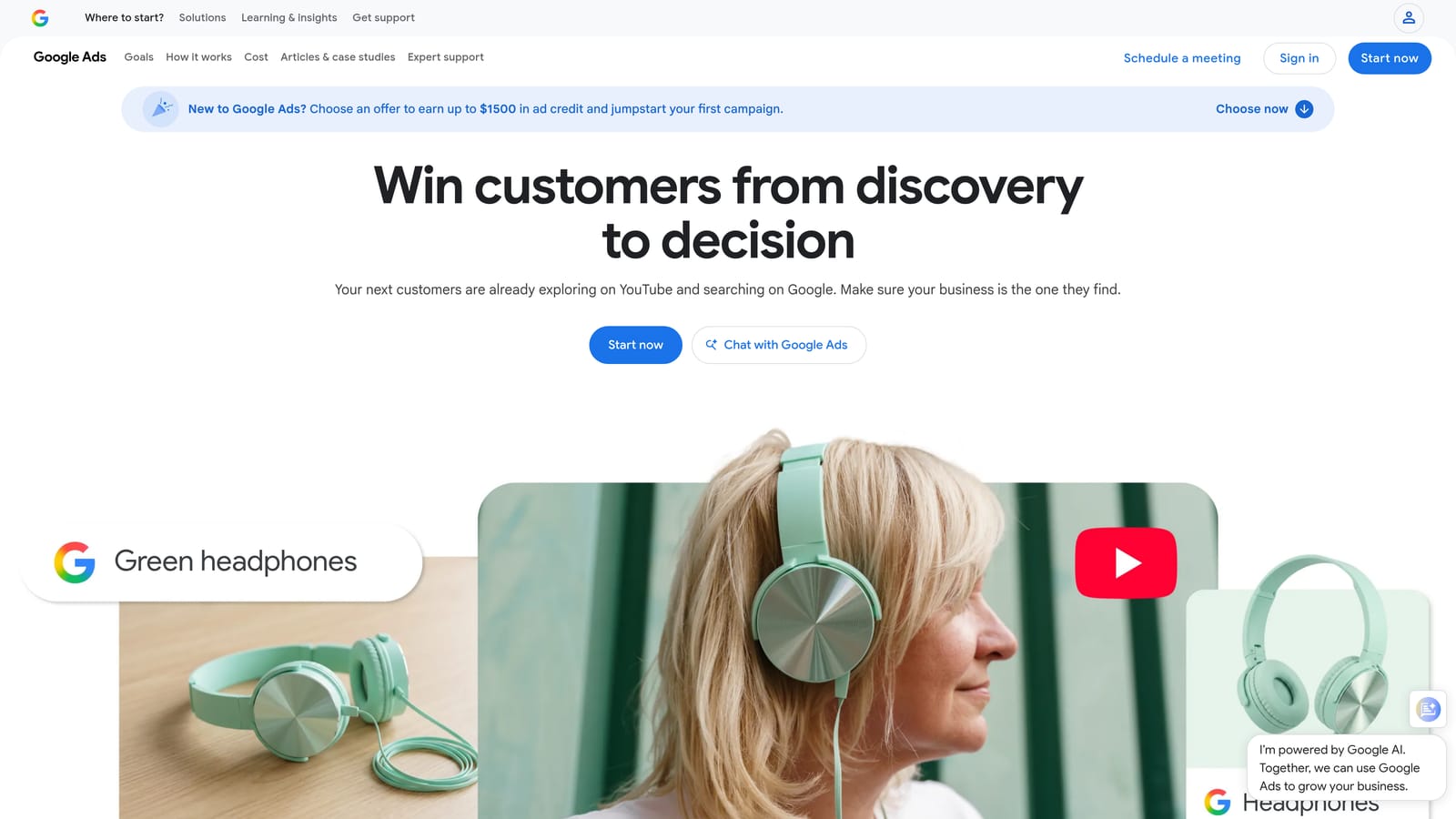
Their edge is zero friction. If you want to pause a campaign when a condition is met, or send yourself a note, you can set it up in the account in minutes.
- Scheduled automated rules run checks at the times you choose, so routine actions happen without you.
- Condition-based changes can pause items or adjust bids and budgets when your criteria are met.
- The Recommendations tab surfaces suggestions to review, which is a quick source of ideas.
- Optional auto-apply settings can implement certain suggestion types for you, so check what is switched on in each account.
- Email notifications tell you when a rule has run.
Everything is native, so there are no integrations to configure, and whoever manages the account sets it up.
The limits are real. Rule logic is basic compared with Scripts or Optmyzr. And Recommendations are not neutral advice: Google has an interest in more spend and broader targeting, so evaluate each one against your goals before accepting it, and be careful with auto-apply. Neither feature helps with search term cleanup. Pricing: free.
Best for: Advertisers who want simple scheduled changes with no extra tools.
4. Optmyzr
Optmyzr is a PPC management platform that bundles rules, optimization suggestions, bulk tools, and client reporting. It is aimed at agencies and in-house teams that manage a lot of accounts and want a repeatable process across all of them.

What it does best compared with the rest of this list is prebuilt checks you can customize. With Scripts you write the logic yourself, and with native rules you get basic conditions. Optmyzr sits between: ready-made optimization workflows you adjust to your standards, applied across accounts.
- The Rule Engine lets you build conditional automations with more flexibility than native rules.
- Optimization suggestions point to changes worth reviewing, so you spend time deciding instead of hunting.
- Bulk management tools handle changes that would be tedious one account at a time.
- Client reporting reduces the monthly report scramble for agencies.
- Multi-account management keeps many clients in one place.
It connects to Google Ads, Microsoft Advertising, and Google Analytics. Expect more onboarding than a browser extension: you connect accounts, learn the modules, and decide which checks to trust. A PPC manager or account lead usually owns it.
The trade-off is breadth and cost. A solo advertiser who mostly needs search term cleanup may pay for a lot they never open. Pricing is tiered; check the website for current plans as of October 2026, since I have not listed figures here.
Best for: Agencies managing many accounts that want deep optimization tooling.
5. Adalysis
Adalysis is an auditing, alerting, and ad testing platform. Its job is to watch your accounts for problems and to tell you which ad variations are actually winning, rather than leaving you to eyeball click-through rates.
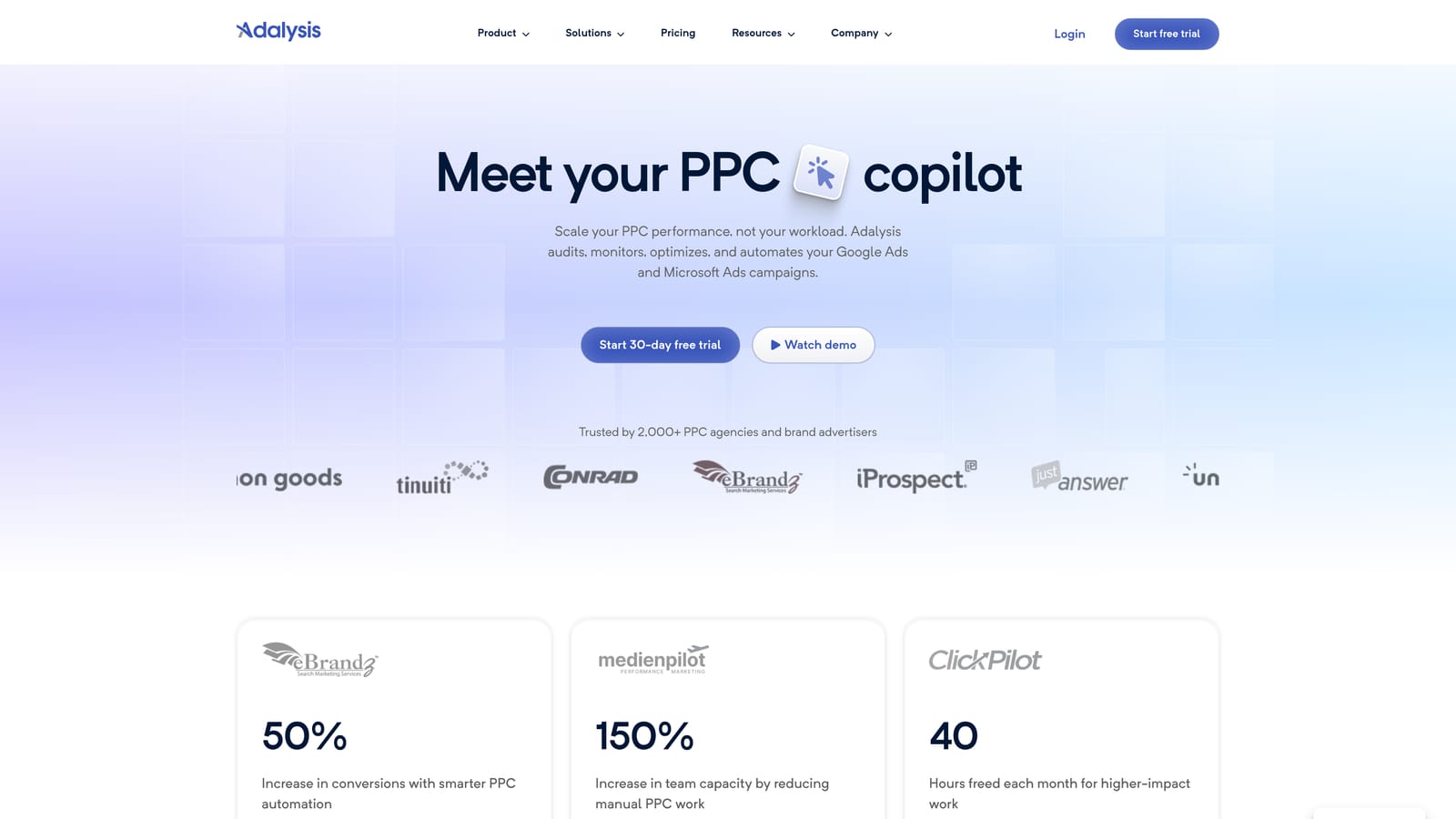
Its distinct strength is the ad copy testing analysis. Many teams run responsive search ads and rarely check the results properly. Adalysis automates that review and flags when a difference looks statistically meaningful.
- Automated account audits catch common issues without a manual checklist.
- Ad testing with significance flags shows when you have enough data to call a winner.
- Alerts notify you about changes or problems so you are not finding them at month-end.
- Scheduled reports send recurring summaries to you or clients.
It integrates with Google Ads and Microsoft Advertising. Setup is account connection plus tuning which alerts matter, and it is typically run by whoever owns ad creative and QA.
It is not a search term workflow tool. You will not clean queries or build negative keyword lists here, so teams who need that pair it with something else. It also suits you less if you rarely test ads. Pricing: see the website for current plans as of October 2026.
Best for: Teams that run ongoing ad tests and routine audits.
6. Google Ads Editor
Google Ads Editor is a free desktop application for making bulk changes to your accounts. You download account data, edit it locally, review the changes, and then post them to Google Ads.
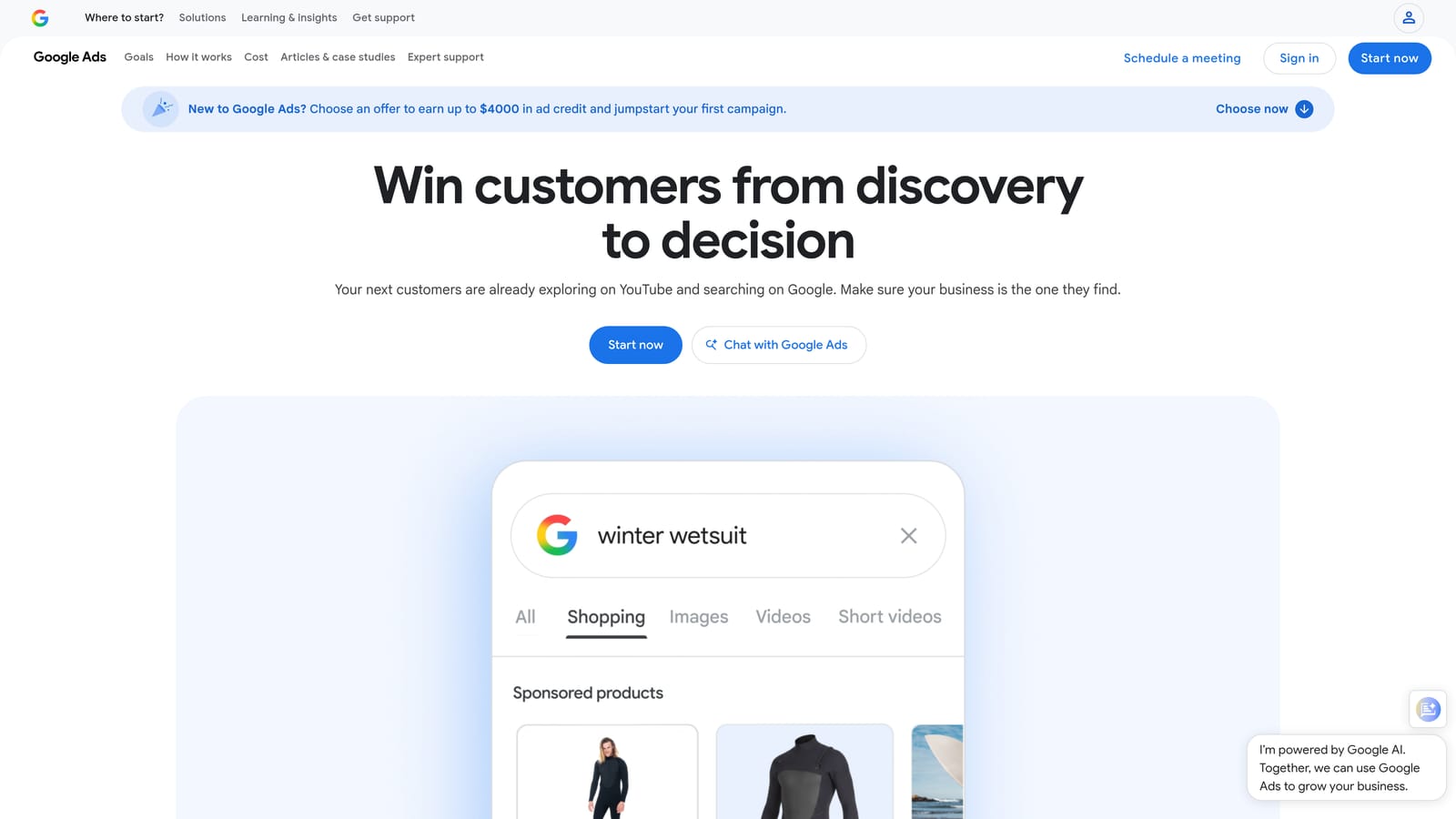
Its distinguishing feature is the review step. You can see what will change before it goes live, which makes it the safest way on this list to make large structural edits. It is not automation in the scheduled sense; it makes manual work faster.
- Bulk edits across campaigns let you change many items at once instead of clicking through the web interface.
- Offline drafting means you can build or restructure without touching live campaigns.
- Change review before posting lets you catch mistakes before they cost money.
- CSV import and export helps with account builds from spreadsheets.
- Multi-account support lets you work across several accounts in one app.
It connects to Google Ads and needs only a download and sign-in. Whoever builds and restructures accounts uses it.
The limits: nothing runs on a schedule, and it is not designed for a live search term workflow, since you are working from downloaded data. Pricing: free.
Best for: Advertisers doing large structural edits and account builds.
7. Google Ads Smart Bidding
Smart Bidding is the set of automated bidding strategies in Google Ads. Instead of setting bids yourself, you give Google a goal and it sets bids at auction time based on its signals.
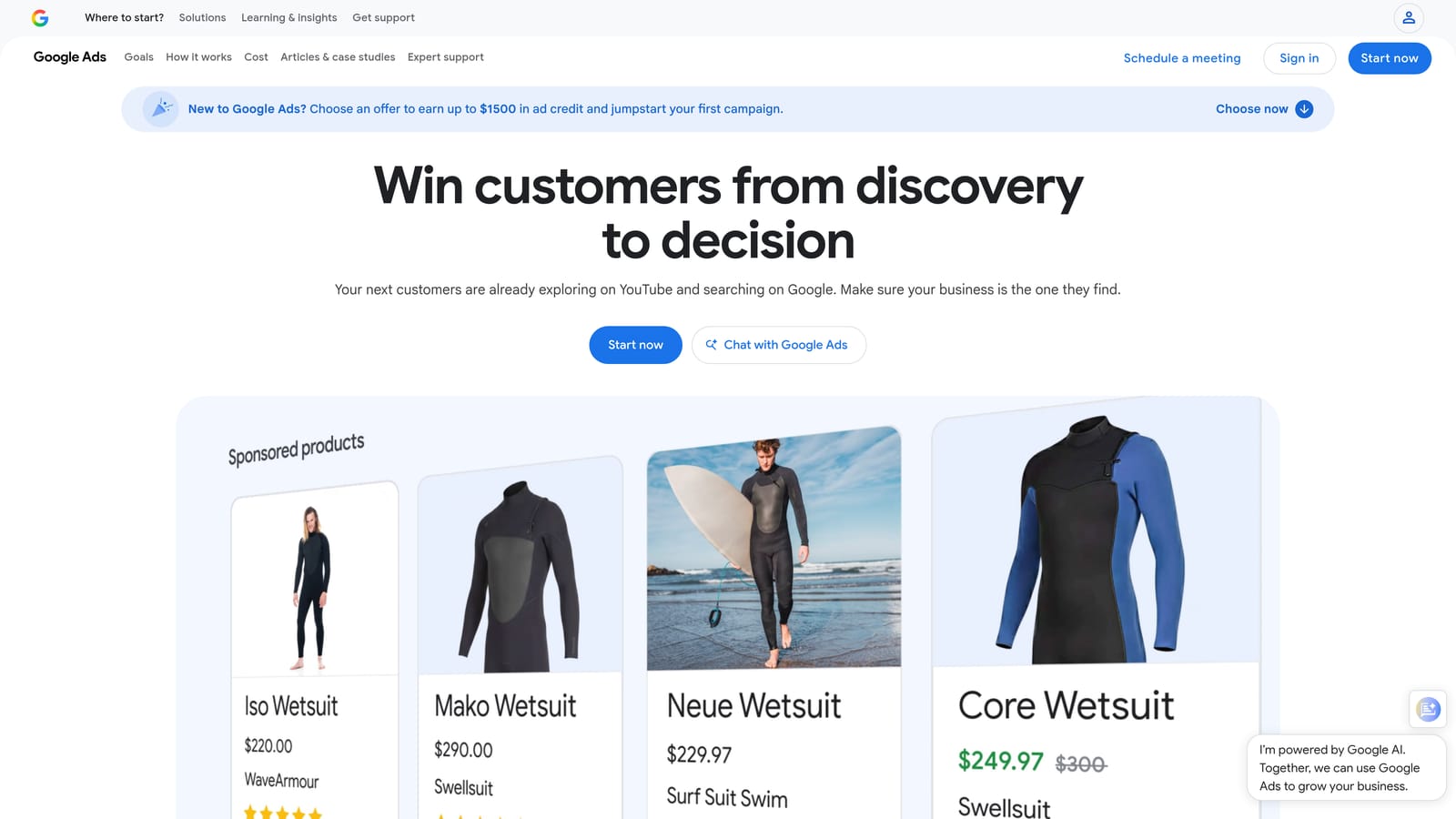
Nothing else here does auction-time bidding. Manual rules and scripts can only react after the fact, while Smart Bidding adjusts for each auction using signals you cannot see or replicate.
- Target CPA aims to get conversions at a cost you set.
- Target ROAS aims for a return on ad spend you set, using conversion value.
- Maximize conversions spends your budget to get as many conversions as possible.
- Maximize conversion value focuses on total value rather than count.
- Auction-time bid adjustments handle the moment-to-moment changes for you.
It depends on Google Ads conversion tracking and can use Google Analytics data. Setup is choosing a strategy per campaign, and the real work is making sure conversion tracking is accurate.
Two cautions. It needs solid conversion data and sufficient volume to work well. And it does not fix poor search term quality: if your campaign matches irrelevant queries, bidding smarter on them can still waste money, so you keep reviewing search terms and adding negative keywords. Transparency into why it bids as it does is limited. Pricing: free, beyond your ad spend.
Best for: Accounts with reliable conversion tracking and enough volume.
8. Performance Max and AI Max for Search
Performance Max and AI Max for Search are Google's AI-driven campaign automation. Performance Max runs a goal-based campaign across Google channels, assembling ads from assets you supply. AI Max for Search is a newer set of AI features for Search campaigns; details and availability have changed, so check Google Ads Help for current specifics before relying on it.
The distinctive part is how much it automates: targeting and creative assembly across channels from a single campaign. That makes it the most hands-off option here, and the one that asks for the most trust.
- Automated targeting across channels finds placements and audiences without manual setup.
- Asset-based creative assembly builds ad combinations from your headlines, descriptions, and images.
- Goal-based optimization steers toward the conversion goals you define.
- Brand and negative exclusion options exist to some degree, but verify what is currently available in your account.
It uses Google Merchant Center for retail feeds and runs inside Google Ads. Setup effort lies in assets, feeds, and conversion goals, and ongoing work is monitoring, not tweaking.
The main limitation is control. You get less visibility and fewer levers over search terms and placements, which can frustrate advertisers who rely on tight query management. Pricing: free, beyond ad spend.
Best for: Advertisers prioritizing reach and conversion goals over granular control.
9. Zapier
Zapier is a no-code automation platform that connects apps. It does not optimize campaigns. What it does is move data and trigger actions between Google Ads and the rest of your stack.
That makes it the odd one out, and also the only tool here built around cross-app workflows. If your pain is lead handling or reporting logistics rather than campaign tuning, this is the relevant category.
- Multi-step workflows chain several actions after one trigger, so a single event can update multiple systems.
- Google Ads lead and data triggers can start a workflow; check the current list of supported triggers and actions.
- CRM and Slack connections send leads to your sales tool or alert your team.
- Sheets updates log performance or lead data without manual exports.
It integrates with Google Sheets, Slack, HubSpot, Salesforce, and many other apps. Setup is point-and-click, and a marketer or ops person can usually build it without a developer.
Do not expect it to find wasted spend or change bids. Pricing: there is a free tier, and paid plans are based on task volume, so costs rise as your workflows run more often. Verify current plans on the website as of October 2026.
Best for: Teams moving lead and performance data between apps.
Which Google Ads Automation Tool Fits Your Situation
No single tool covers everything here, and most accounts end up with a small stack. A few pairings by use case:
- Solo advertiser: Keywordme for search term cleanup, plus native rules for simple scheduled changes. Both are cheap or free.
- Agency managing many accounts: Optmyzr for standardized checks and reporting, with Keywordme for fast, hands-on search term work across clients.
- Audit-heavy teams: Adalysis for ad testing and recurring audits.
- Developers: Google Ads Scripts for custom checks, with Google Ads Editor for large account builds.
- Hands-off bidding: Smart Bidding, or Performance Max if you accept less control. Keep reviewing search terms either way.
Whatever you choose, automation is not set-and-forget. Review automated changes, check what auto-apply settings are on, and keep looking at the search terms your campaigns actually match.
If search term review is where your hours go, Keywordme is the quickest place to start. Optimize Google Ads Campaigns 10X Faster. Without Leaving Your Account. Keywordme lets you remove junk search terms, build high-intent keyword lists, and apply match types instantly, right inside Google Ads. No spreadsheets, no switching tabs, just quick, seamless optimization. Start your free 7-day trial (then just $12/month) and take your Google Ads game to the next level.
.svg)