
8 Best Google Ads Automation Extensions in 2026
This guide reviews eight of the best Google Ads automation extensions and browser-based tools in 2026, covering keyword optimization, negative keyword management, bid automation, and reporting. Each tool is evaluated for direct Google Ads integration, active development, and real workflow impact for solo advertisers and agencies alike.


If you're still manually combing through search terms reports, copying data into spreadsheets, and applying match types one by one, you're leaving time and money on the table. Google Ads automation extensions and browser-based tools have changed how marketers, freelancers, and agency owners manage campaigns. Instead of bouncing between tabs and tools, the best options let you act on data right where you find it.
This list covers eight tools that genuinely speed up Google Ads work, from keyword optimization and negative keyword management to bid automation and reporting. Each entry notes its format (Chrome extension, desktop app, or web platform) so you can match it to your actual workflow. Selection criteria include direct Google Ads integration, active development in 2025–2026, and real workflow impact for both solo advertisers and agencies.
1. Keywordme
Best for: Marketers and agencies who want to optimize search terms directly inside Google Ads
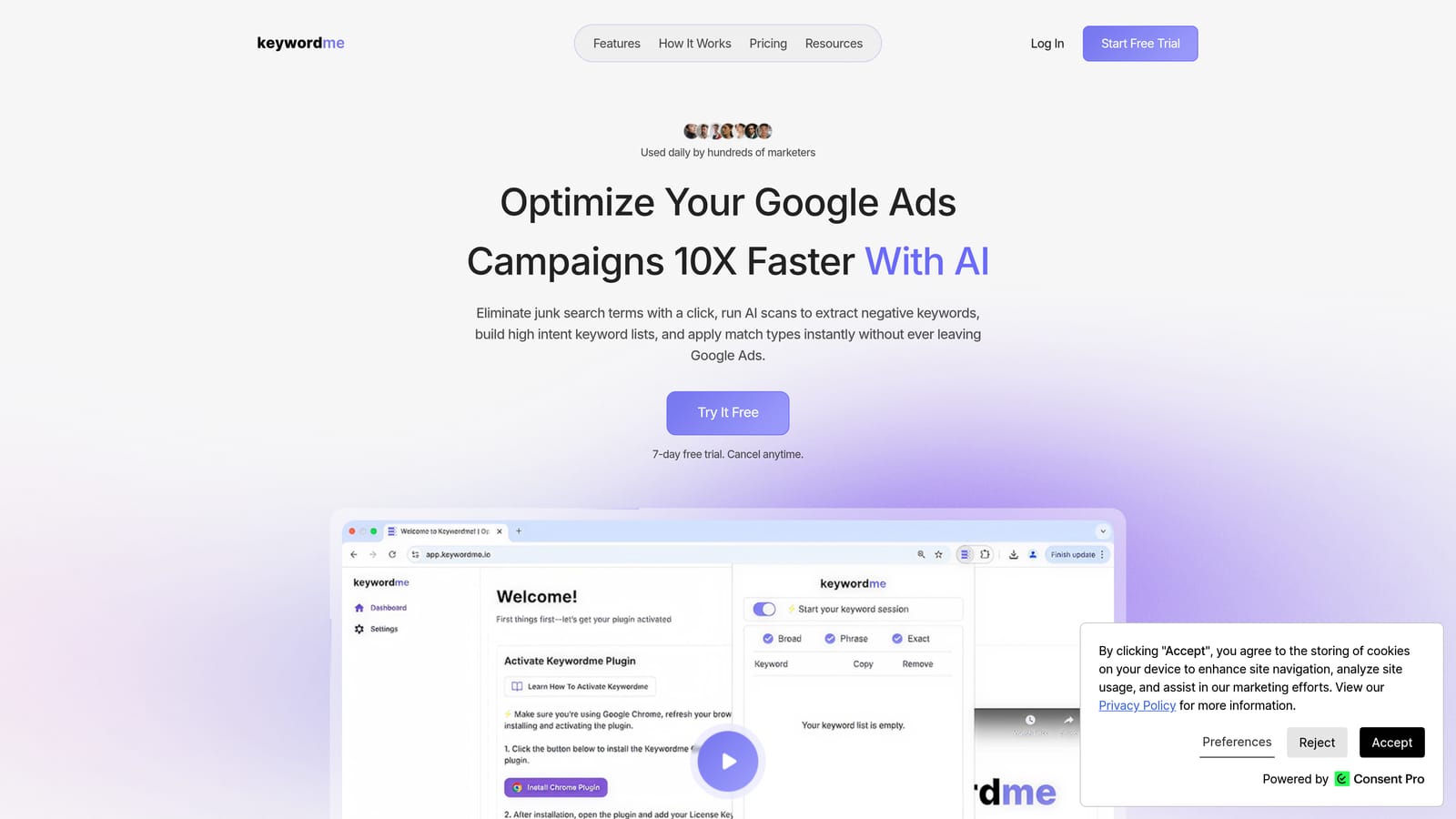
Keywordme is a Chrome extension that plugs directly into Google Ads' Search Terms Report, letting you take action on search term data without ever leaving the interface.
Where This Tool Shines
Most Google Ads workflows involve a painful loop: export search terms to a spreadsheet, sort and filter, decide what to exclude, then go back into Google Ads to apply changes. Keywordme cuts that loop entirely. You work inside the Search Terms Report itself, clicking to add keywords, exclude irrelevant search terms, or apply match types in real time.
For agencies managing multiple client accounts, the multi-account and team support means everyone works from the same workflow without needing to share spreadsheets or sync offline. The keyword clustering feature is particularly useful when you're building out new ad groups from high-performing search terms.
Key Features
One-click search term actions: Add search terms as keywords, exclude them as negatives, or apply match types directly inside the Google Ads Search Terms Report.
Keyword clustering: Groups related search terms together so you can build tightly themed ad groups faster.
Negative keyword list building: Build and manage negative keyword lists without exporting to a spreadsheet or switching tools.
Bulk editing: Apply changes across multiple search terms at once instead of handling them individually.
Multi-account and team support: Designed for agencies running several client accounts, with shared access and consistent workflows.
Best For
Solo advertisers who want to move faster through their Search Terms Report, and agency teams managing multiple Google Ads accounts. It's especially useful for anyone whose current process involves exporting data to spreadsheets before making optimization decisions.
Pricing
Flat rate of $12/month per user. A 7-day free trial is available with no commitment required.
2. Optmyzr
Best for: Agencies managing multiple Google Ads accounts who need rule-based automation and client reporting
Optmyzr is a PPC management platform that combines rule-based campaign automation, one-click optimization recommendations, and automated reporting into a single dashboard.

Where This Tool Shines
Optmyzr's "One-Click Optimizations" surface actionable recommendations — bid adjustments, keyword changes, budget reallocation — and let you apply them with a single click after reviewing. This keeps human judgment in the loop while removing the manual legwork of identifying what needs attention.
The platform also includes a Google Ads Scripts library, which is useful for teams that want to automate repetitive tasks but don't have the time or resources to write custom scripts from scratch.
Key Features
Rule-based campaign automation: Set conditions and automated actions that run on a schedule without manual intervention.
One-click optimization recommendations: Surfaces prioritized changes across bids, keywords, and budgets that you can approve and apply quickly.
Google Ads Scripts library: Pre-built scripts for common automation tasks, accessible without writing code from scratch.
Automated client reporting: Scheduled reports delivered to clients or internal stakeholders on a recurring basis.
Multi-account management dashboard: View and manage multiple Google Ads accounts from a single interface.
Best For
PPC agencies and in-house teams managing large or complex Google Ads accounts. The platform is built for practitioners who need to move quickly across multiple accounts and want automation that still allows for human review before changes go live.
Pricing
Multiple pricing tiers are available. Verify current pricing at optmyzr.com before purchasing, as plans are updated periodically.
3. Google Ads Editor
Best for: Advertisers making large-scale structural changes to campaigns offline before pushing live
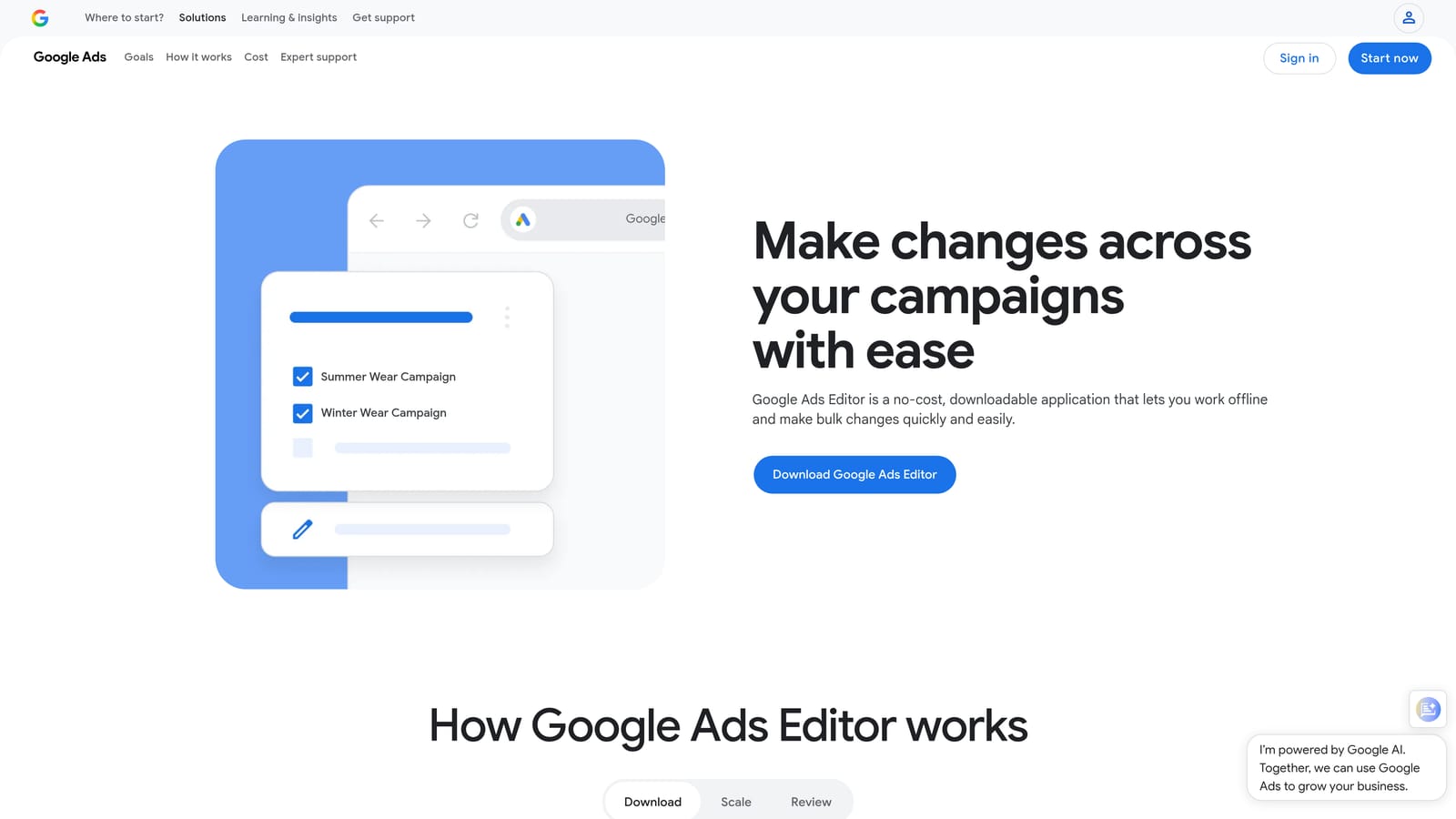
Google Ads Editor is a free desktop application from Google — not a Chrome extension — that lets you download your account, make bulk edits offline, and then push all changes live at once.
Where This Tool Shines
When you need to restructure a large account, duplicate campaigns, or make find-and-replace changes across hundreds of keywords, doing that inside the Google Ads web interface is slow and error-prone. Ads Editor lets you work offline at speed, review everything before it goes live, and push changes in a single upload.
It's also a reliable safety net. Because you're working on a downloaded copy of your account, you can experiment with structural changes without any risk of accidentally affecting live campaigns until you're ready to upload.
Key Features
Bulk offline editing: Edit campaigns, ad groups, keywords, and ads in bulk without an active internet connection.
Find-and-replace: Update ad copy, URLs, or keyword text across large account structures in seconds.
Campaign copying and duplication: Duplicate entire campaigns or ad groups as a starting point for new structures.
CSV import and export: Import changes from a spreadsheet or export account data for external review.
Free from Google: No subscription or license required.
Best For
Any Google Ads advertiser who regularly makes bulk changes to account structure, keywords, or ad copy. Particularly useful for agencies onboarding new clients or advertisers running seasonal campaigns that require significant restructuring.
Pricing
Free. Available directly from Google.
4. Supermetrics
Best for: Teams that need automated, scheduled Google Ads data pulls into reporting destinations
Supermetrics is a data connector and reporting automation tool — not a campaign management extension — that pulls Google Ads data into Google Sheets, Looker Studio, Excel, BigQuery, and other destinations on a scheduled basis.
Where This Tool Shines
Manual reporting is one of the biggest time drains in agency work. Supermetrics replaces the weekly ritual of exporting Google Ads data and pasting it into dashboards by automating that data flow entirely. Once you configure a connection, your reports refresh automatically without anyone touching them.
The multi-account aggregation is particularly valuable for agencies: you can pull data from all client accounts into a single Google Sheet or Looker Studio dashboard, giving you a unified view without logging into each account individually.
Key Features
Automated scheduled data pulls: Google Ads data flows into your reporting destination on a schedule you define — daily, weekly, or custom.
Multiple connectors: Supports Google Sheets, Looker Studio, Excel, BigQuery, and other popular destinations.
Multi-account data aggregation: Pull data from multiple Google Ads accounts into a single report.
Custom report templates: Build and reuse reporting templates for consistent client deliverables.
No manual exports: Eliminates the need to download and paste data files into dashboards.
Best For
Agencies and in-house teams that produce regular performance reports and want to eliminate manual data handling. Also useful for analysts who need Google Ads data inside BigQuery or Excel for deeper analysis.
Pricing
Multiple plans are available depending on connectors and data volume. Verify current pricing at supermetrics.com.
5. Adalysis
Best for: Advertisers who want automated account auditing, ad testing, and performance monitoring
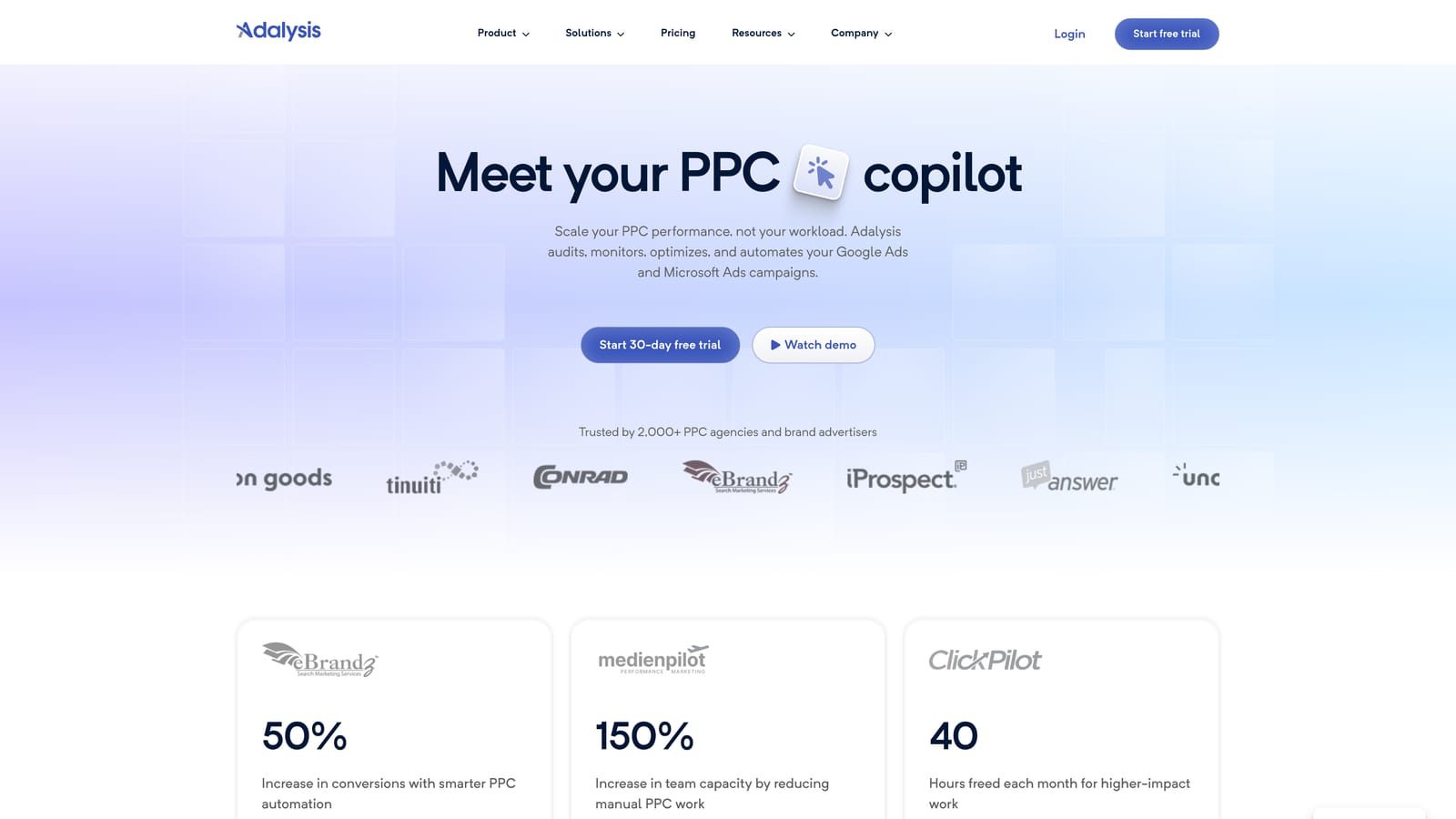
Adalysis is a Google Ads management platform that automates account health checks, ad A/B testing, quality score monitoring, and performance anomaly detection.
Where This Tool Shines
Staying on top of account health across dozens of campaigns is difficult when you're relying on manual checks. Adalysis runs automated audits in the background and surfaces issues — underperforming ads, quality score drops, budget anomalies — before they compound into bigger problems.
The ad testing automation is a standout feature. Rather than manually tracking which ad variant is winning, Adalysis detects statistical significance and flags the winner automatically, so you can pause the loser and move on without spending time on analysis.
Key Features
Automated account audits: Regular health checks that surface structural issues, policy violations, and missed optimization opportunities.
Ad A/B testing with automated winner detection: Tracks ad variant performance and identifies winners based on statistical thresholds.
Quality score tracking: Monitors quality scores at keyword level and alerts you to significant changes.
Performance anomaly detection: Flags unexpected changes in clicks, conversions, or spend before they escalate.
Optimization opportunity surfacing: Surfaces prioritized recommendations based on account data rather than requiring manual analysis.
Best For
Google Ads managers who run accounts with a large number of ads and need automated testing and monitoring to stay efficient. Also useful for agencies that want to demonstrate proactive account management to clients.
Pricing
Verify current pricing at adalysis.com, as plans vary by account size and features.
6. Google Tag Assistant
Best for: Verifying that Google Ads conversion tracking tags are implemented and firing correctly
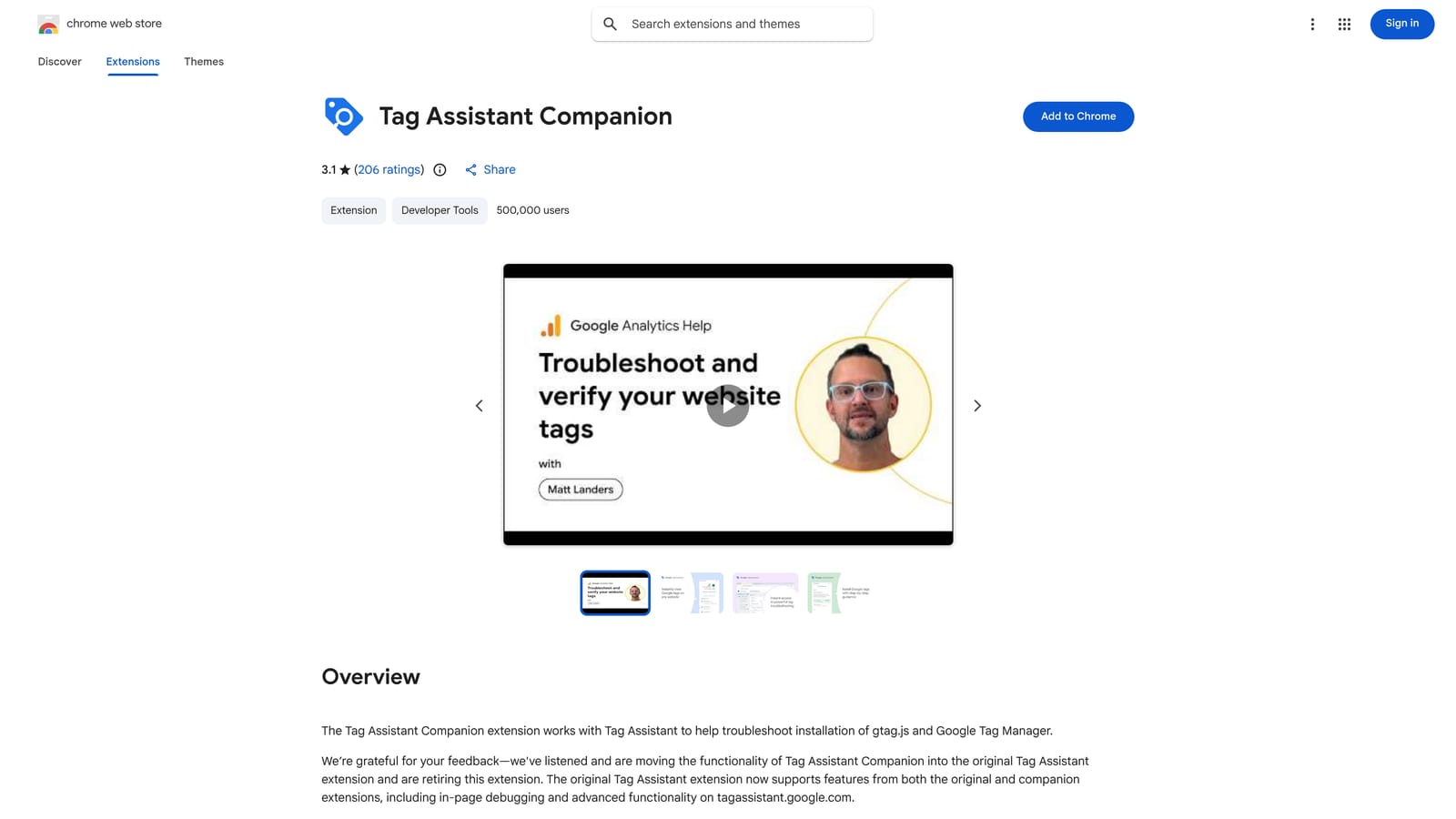
Google Tag Assistant is a free Chrome extension from Google that validates whether Google tags — including Google Ads conversion tracking tags — are correctly implemented and firing on your web pages.
Where This Tool Shines
This is a supporting utility rather than a campaign optimization tool, but broken conversion tracking is one of the most costly and easily overlooked problems in Google Ads. Tag Assistant lets you confirm your tags are working in real time, directly in the browser, before you rely on that data for bidding decisions.
It's particularly useful when launching new campaigns, updating a website, or debugging a conversion tracking discrepancy. Catching a misconfigured tag early prevents weeks of bad data from flowing into your campaigns.
Key Features
Real-time tag validation: Checks whether Google tags are present and firing correctly as you browse a page.
Conversion tag debugging: Identifies misconfigured or missing Google Ads conversion tracking tags specifically.
Google Tag Manager compatibility: Works alongside GTM deployments to validate container tags.
Pre-launch debugging: Lets you verify tags in a staging environment before going live.
Free Chrome extension from Google: No account or subscription required for basic use.
Best For
Any Google Ads advertiser who manages their own conversion tracking setup, as well as agencies responsible for tracking implementation across client sites. Especially useful when troubleshooting discrepancies between Google Ads reported conversions and actual business outcomes.
Pricing
Free. Available in the Chrome Web Store from Google.
7. PPC Samurai
Best for: Agencies handling high search volume accounts that need systematic search term mining and negative keyword management at scale
PPC Samurai is a dedicated search term analysis and negative keyword management platform built specifically for agencies running Google Ads accounts with large volumes of search term data.

Where This Tool Shines
At high search volumes, manually reviewing search terms and building negative keyword lists becomes impractical. PPC Samurai automates the mining process, categorizing search terms and identifying negative keyword candidates at a scale that would take hours to do manually.
The agency-focused workflow means it's designed for teams managing multiple client accounts simultaneously, with bulk negative keyword application across campaigns and account structures rather than one-at-a-time exclusions.
Key Features
Automated search term mining: Analyzes large volumes of search term data to surface negative keyword candidates systematically.
Search term categorization and filtering: Organizes search terms by theme, intent, or relevance to speed up review.
Bulk negative keyword application: Apply negatives across multiple campaigns or ad groups at once.
Negative keyword list building at scale: Build comprehensive negative lists from high-volume data without manual sorting.
Multi-account agency workflow: Designed for teams managing several client accounts with high search term volume.
Best For
PPC agencies managing high-spend, high-volume Google Ads accounts where manual search term review is no longer practical. Less suited to solo advertisers with modest search volume who don't need enterprise-scale negative keyword management.
Pricing
Verify current pricing at ppcsamurai.com.
8. Karooya Negative Keywords Tool
Best for: Solo advertisers who want free negative keyword recommendations without a paid subscription
Karooya offers a free negative keyword recommendation tool that analyzes your Google Ads search term data and suggests negatives to add — a practical starting point for advertisers managing tighter budgets.
Where This Tool Shines
Not every advertiser needs a full PPC platform. For solo advertisers or small businesses running a single Google Ads account, Karooya's negative keyword tool provides a lightweight way to identify wasted spend without committing to a monthly subscription.
The tool analyzes your existing search term report data and surfaces patterns in irrelevant traffic, giving you a prioritized list of negative keyword candidates. It's straightforward to use and doesn't require a steep learning curve.
Key Features
Free negative keyword recommendations: Generates a list of suggested negative keywords based on your search term data at no cost.
Search term report analysis: Reviews your existing data rather than requiring manual sorting to find irrelevant terms.
Irrelevant traffic pattern identification: Surfaces recurring patterns in low-quality search terms to help you build systematic exclusions.
Simple interface: Low friction to get started — no complex setup or onboarding required.
Free tier access: Basic functionality is available without creating an account.
Best For
Solo advertisers, small business owners, or anyone new to Google Ads negative keyword management who wants a free, accessible tool to reduce wasted spend before investing in a paid platform.
Pricing
A free tier is available. Verify current plan details at karooya.com.
Which Tool Fits Your Workflow?
The right tool depends on what's actually slowing you down. Here's a quick way to think through the options.
Solo advertiser on a budget: Start with Karooya for free negative keyword recommendations and Google Ads Editor for bulk structural edits. If you want to move faster through your Search Terms Report without paying for a full platform, Keywordme at $12/month is a practical upgrade that pays for itself quickly in time saved.
Agency managing multiple accounts: Optmyzr or Adalysis for account-wide automation and reporting, combined with Keywordme for in-interface search term work. PPC Samurai is worth evaluating if your accounts generate very high search term volume and negative keyword management has become a bottleneck.
Advertiser focused on reducing wasted spend: Keywordme is the most direct tool for this — it lets you identify and exclude irrelevant search terms without leaving the Google Ads interface. Karooya is a free alternative if you're not ready for a paid tool.
Team needing automated reporting: Supermetrics handles this well, connecting Google Ads data to Google Sheets, Looker Studio, or BigQuery on a schedule so your dashboards stay current without manual exports.
For most Google Ads practitioners, the biggest time sink is the Search Terms Report. Reviewing search terms, deciding what to exclude, and applying those changes manually is repetitive work that adds up across every campaign and every client. Keywordme is built specifically to fix that. You stay inside Google Ads, act on data with a click, and move on.
Start your free 7-day trial and see how much faster your Search Terms Report workflow can be. After the trial, it's $12/month per user — no spreadsheets, no tab switching, just cleaner campaigns.
.svg)