
8 Best Google Ads Agency Management Software Tools
This guide reviews the 8 best Google Ads agency management software tools of 2026, comparing options for search term optimization, account auditing, and client reporting so agencies can pick the right combination for their workflow.


Running one Google Ads account well is a full-time job. Running twenty or two hundred of them for clients means the native Google Ads interface stops being enough on its own. Agencies need ways to clean up search terms faster, catch account problems before they burn budget, and turn raw performance data into reports clients actually want to open. The tools below were chosen with those three jobs in mind: optimization, auditing, and client-facing reporting, since most agencies end up combining at least two of them rather than finding one tool that does it all.
Quick Comparison
- Keywordme: best for freelancers and small agency teams doing in-platform search term cleanup; starting at $12/month per user; the only tool here that works directly inside the native Google Ads Search Terms Report.
- Optmyzr: best for agencies wanting rule-based automation across many accounts; quote-based pricing; applies optimization rules portfolio-wide instead of account by account.
- AgencyAnalytics: best for agencies focused on polished client reporting; quote-based pricing; deepest white-label dashboard customization with 80+ integrations.
- NinjaCat: best for larger agencies or in-house teams at scale; quote-based enterprise pricing; built for high-volume, cross-platform data pipelines.
- Swydo: best for small-to-mid agencies wanting affordable automated reporting; quote-based pricing; fast, template-driven setup.
- Adalysis: best for ongoing account-quality checks across many clients; pricing tied to ad spend under management; continuous automated audits flag issues before they waste spend.
- Whatagraph: best for agencies juggling mixed channels needing quick client-facing visuals; quote-based pricing; fast setup for branded cross-channel reports.
- Supermetrics: best for agencies with an existing BI or spreadsheet workflow; quote-based pricing; flexible raw data connectors instead of a fixed dashboard.
1. Keywordme
Keywordme is a Chrome extension that lives inside the Google Ads Search Terms Report itself, rather than pulling you into a separate dashboard. It's built for the repetitive part of PPC management: sorting through search terms to find the junk queries wasting spend, adding negative keywords, and adjusting match types on the keywords worth keeping. That's a task every agency does, often weekly, across every account they manage.
What sets it apart on this list is that it never asks you to leave Google Ads. Every other tool here either replaces the interface with its own dashboard or supplements it with a reporting layer. Keywordme instead adds one-click actions directly where you're already working, which means no data export, no spreadsheet formulas, and no context-switching between tabs.
- Removes junk search terms from the Search Terms Report with a single click instead of manual review and copy-paste into a negative list.
- Builds negative keyword lists quickly from flagged terms, so unwanted traffic gets filtered out across campaigns faster.
- Applies match types instantly on qualifying search terms, cutting down the back-and-forth between reviewing and editing.
- Groups related search terms through keyword clustering, helping you spot new keyword opportunities without manually sorting a spreadsheet.
- Supports multi-account and team use, which matters for agencies with several people touching the same set of client accounts.
Setup is minimal: install the extension, connect it to your Google Ads account, and the one-click actions appear inside the Search Terms Report. It's designed for whoever is doing the hands-on account work, not a separate admin. The tradeoff is scope: Keywordme handles search term and keyword optimization only. It doesn't do client reporting, billing, or cross-channel management, so most agencies pair it with a reporting tool like the ones further down this list. It's also Google Ads-specific, not a cross-platform tool for Meta or Microsoft Ads.
Pricing is a flat $12 per month per user, with a 7-day free trial to test it against your own accounts before committing.
Best for: Freelancers and small agency teams who want faster, in-platform search term cleanup without adopting a whole new dashboard.
2. Optmyzr
Optmyzr is built for agencies managing a large portfolio of PPC accounts who need automation to keep up. Instead of manually adjusting bids and budgets account by account, you set rules that apply optimization logic across your entire client base at once, which is the main thing separating it from single-purpose tools on this list.
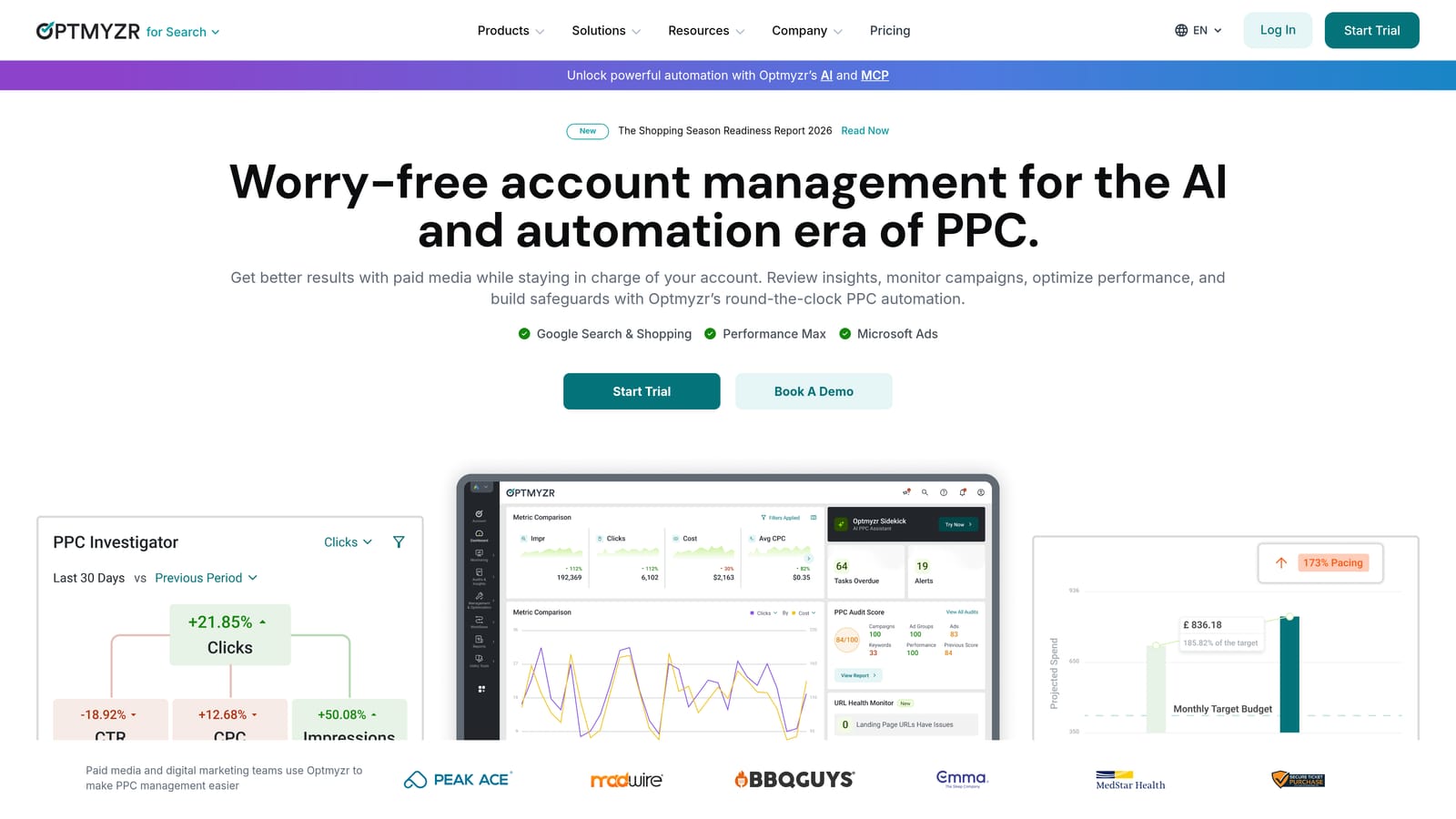
It combines bid and budget automation with account auditing and cross-account reporting, so it functions as both an optimization engine and a lightweight reporting layer.
- Rule-based bid and budget automation lets you set logic once and apply it consistently across many accounts.
- Account audits surface structural and performance issues an analyst might otherwise catch only during a manual review.
- Cross-account reporting gives a portfolio-level view instead of forcing you to check each account individually.
- Bulk actions let you make the same change across multiple campaigns or accounts in one step.
Optmyzr connects with Google Ads, Microsoft Ads, and Meta Ads, which helps agencies running cross-platform campaigns for the same client. It's typically run by a PPC manager or account lead rather than a junior team member, since configuring rules correctly requires understanding what "good" looks like for each account. That's also its main drawback: initial setup takes real time, and getting the automation rules right isn't a five-minute job the way a single-purpose extension is.
Pricing is quote-based; check the website for current agency tiers, since plans typically scale with the number of accounts under management.
Best for: Agencies managing many PPC accounts who want automation and reporting combined in one platform.
3. AgencyAnalytics
AgencyAnalytics is a white-label reporting platform, not an optimization tool. Its job is pulling data from Google Ads and other marketing channels into dashboards that look like they came from your agency, not a third-party vendor.
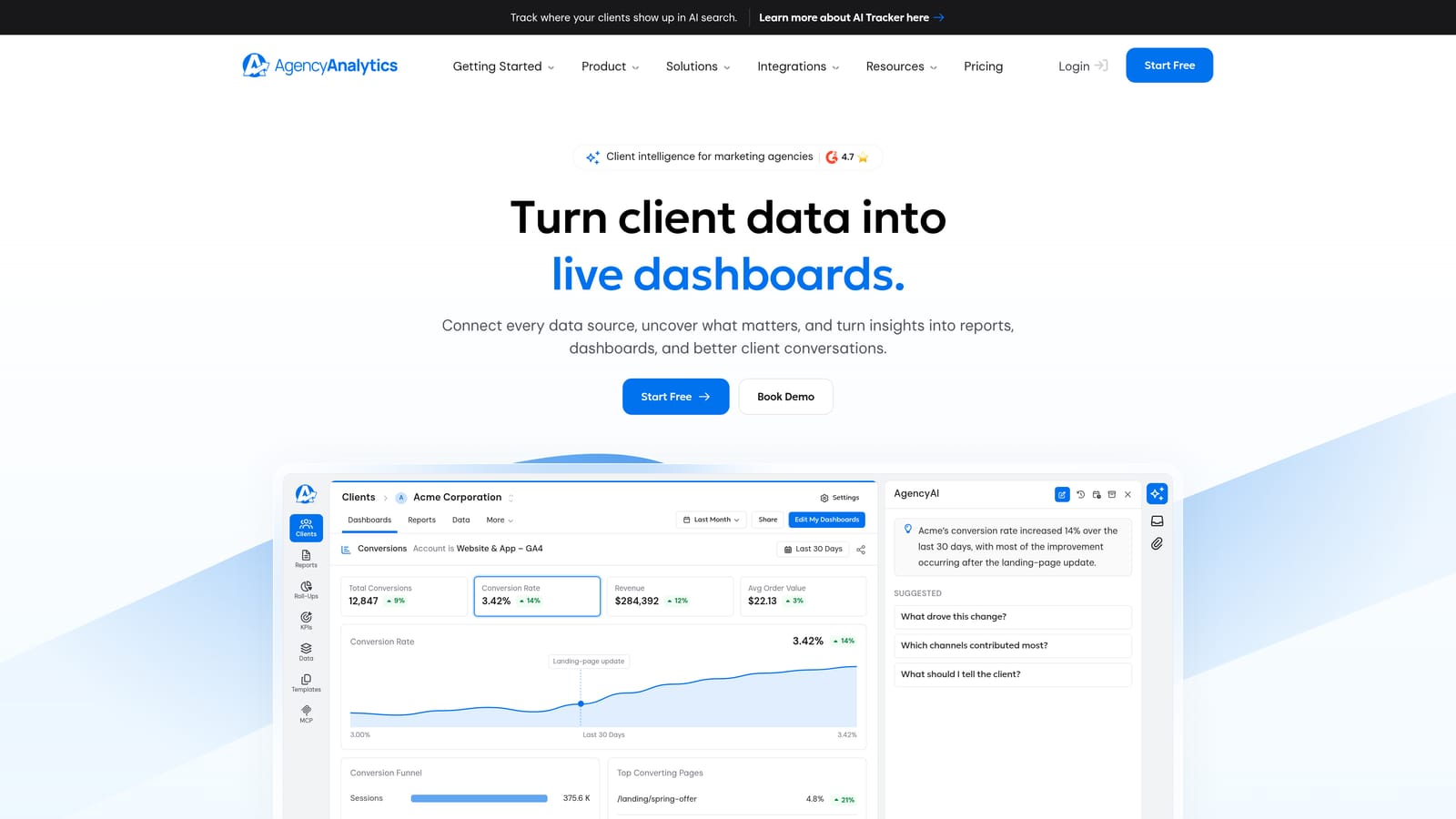
The depth of customization is what stands out here. With 80+ integrations covering PPC, analytics, social, and SEO tools, agencies can build a single client dashboard that reflects everything they're doing for that account, not just Google Ads performance in isolation.
- White-label dashboards let clients log in and see branded reporting instead of a generic third-party interface.
- The wide integration library means one dashboard can cover PPC, SEO, and social without stitching together multiple tools manually.
- Automated report scheduling removes the monthly scramble to build and send client reports by hand.
- Custom branding on report deliverables keeps the agency's identity front and center in every client touchpoint.
Setup involves connecting each client's ad and analytics accounts, which an account manager or ops person typically handles rather than a PPC specialist. It suits agencies where client communication and perceived professionalism matter as much as the underlying campaign work. The limitation is straightforward: it doesn't touch campaign optimization at all. If your bottleneck is wasted spend inside the account rather than the reporting layer, this tool won't fix that on its own.
Pricing is tiered by number of client accounts; check the site for current rates, as plans and limits are updated periodically.
Best for: Agencies whose main pain point is building professional client-facing reports across multiple channels.
4. NinjaCat
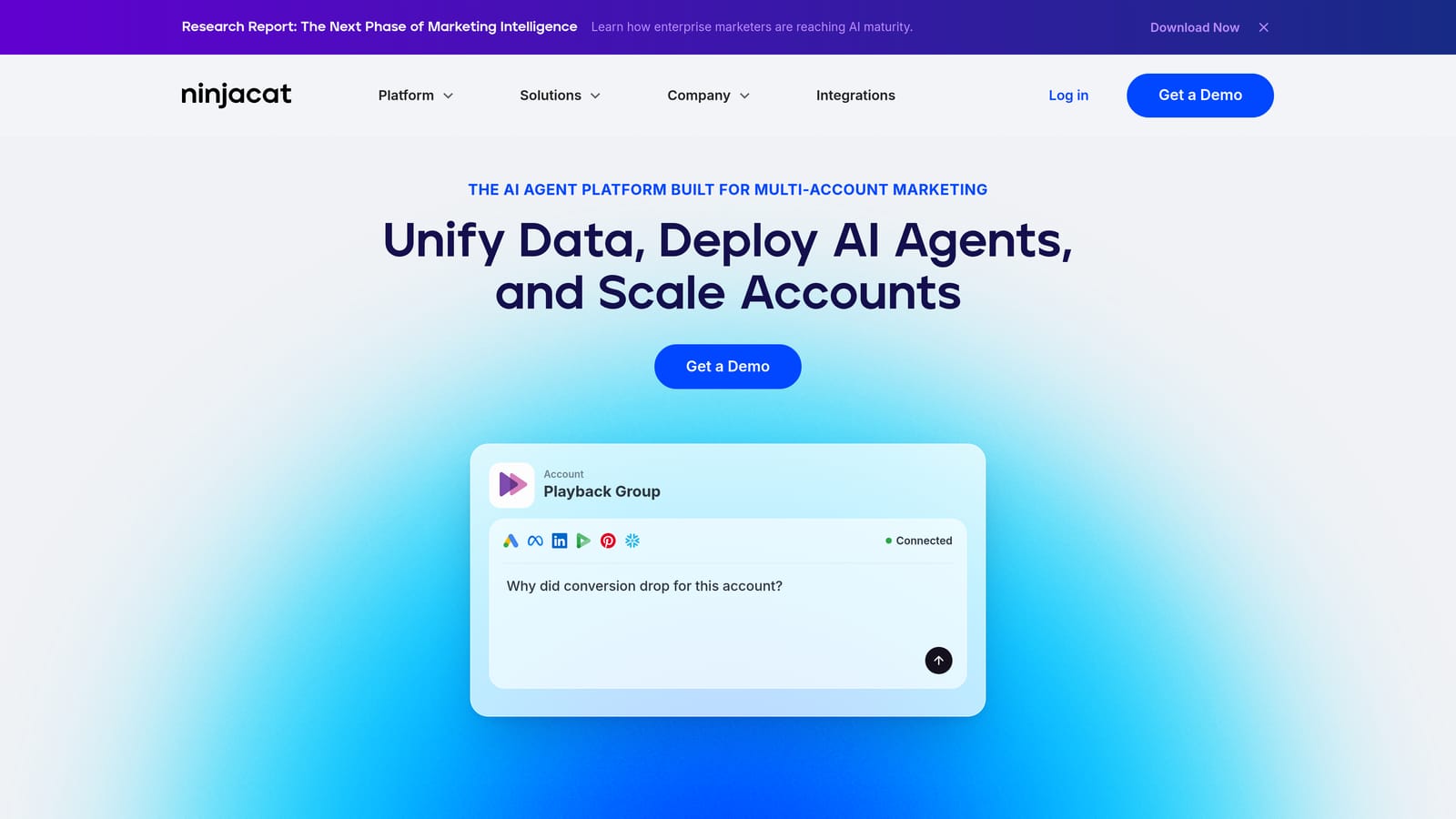
Scale is the whole story with NinjaCat. It's built for agencies or in-house teams handling a high volume of accounts and channels where a lightweight reporting tool starts to strain under the data load.
Where it fits
NinjaCat's data pipelines are built for reliability at volume, pulling from Google Ads, Microsoft Ads, Meta Ads, and CRM platforms into dashboards and automated reports. That enterprise-grade infrastructure is the standout feature: it's designed to keep working smoothly when you're managing hundreds of accounts, not just a handful.
- Cross-platform data pipelines consolidate performance data from multiple ad platforms and CRMs into one place.
- Customizable dashboards and alerts flag issues or performance shifts without someone checking manually.
- Automated report generation handles recurring client deliverables at scale.
- Multi-user, multi-client account structure supports larger teams working across many accounts simultaneously.
Who runs it, and who should skip it
NinjaCat is generally managed by an operations or reporting team rather than individual account managers, given the complexity of onboarding and configuring data sources for a large agency. That complexity is also its downside: pricing and setup make it overkill for solo freelancers or small agencies with a handful of clients. If you're managing five accounts, you don't need this level of infrastructure.
Pricing is quote-based and custom to each agency's scale, reflecting the enterprise positioning.
Best for: Larger agencies or in-house teams needing scalable, cross-platform reporting infrastructure.
5. Swydo
Swydo automates recurring client reports across PPC, social, and SEO campaigns without the enterprise price tag or setup time of tools like NinjaCat. It's a reasonable middle ground for agencies that need automated reporting but don't have hundreds of accounts to manage.
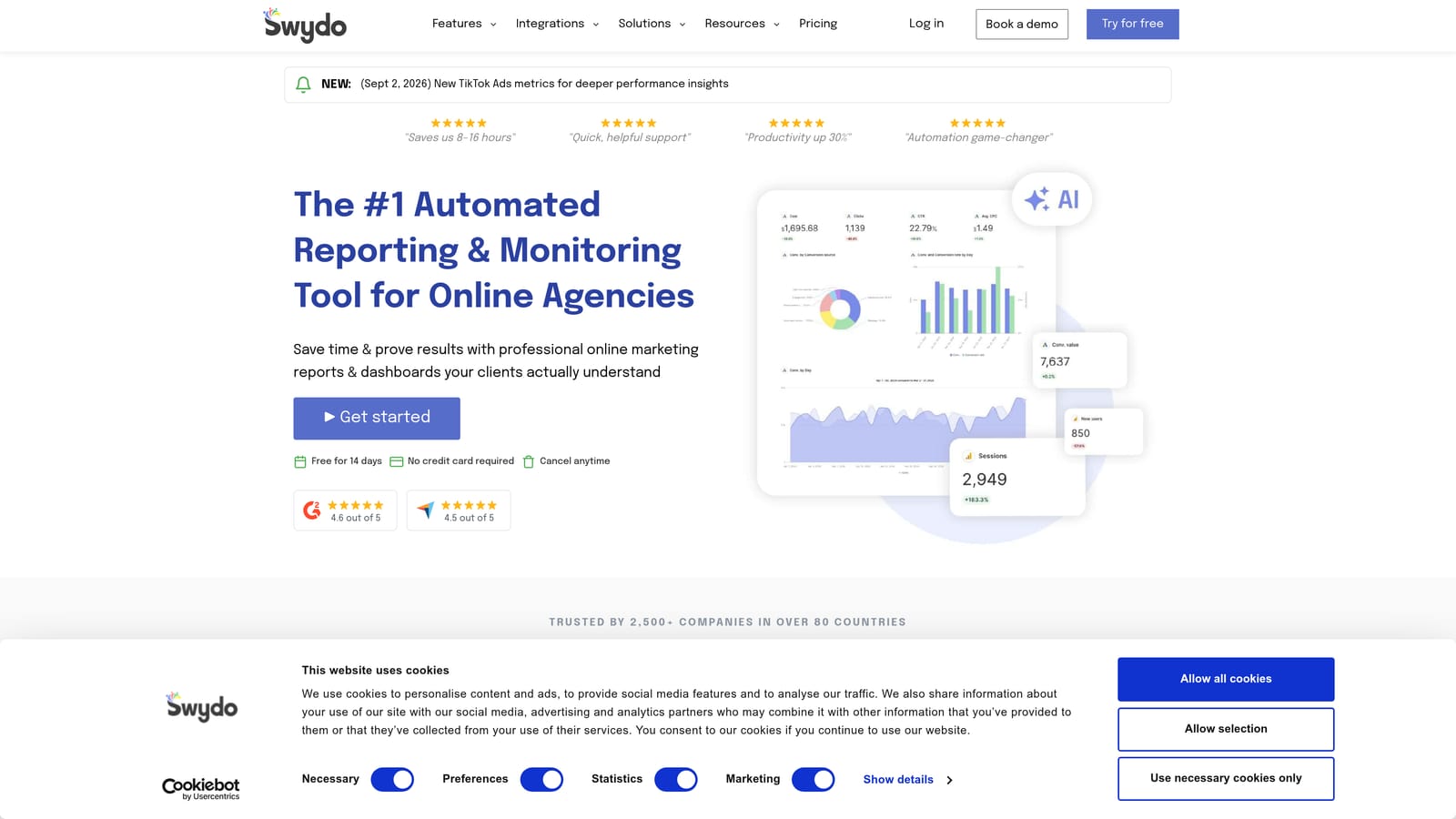
Its template-based report builder is the main draw: you set up a report structure once and reuse it across clients, which cuts down the time spent formatting deliverables every reporting cycle.
- Template-based reports save time by reusing a structure across multiple clients instead of building each one from scratch.
- Automated scheduled delivery sends reports to clients on a set cadence without manual follow-up.
- Multi-channel data support covers PPC, social, and SEO in one report rather than requiring separate tools per channel.
- Client dashboard access gives clients a way to check performance between scheduled reports.
It connects with Google Ads, Google Analytics, Meta Ads, and common SEO tools. Setup is straightforward enough that a single marketer or account manager can configure it without dedicated technical support, which fits agencies that don't have a separate ops or reporting specialist on staff. The tradeoff is that Swydo is reporting-only. It won't help you find wasted spend or fix account structure issues; it simply shows what already happened.
Pricing is tiered by number of connected accounts; current rates are on the website, since plans shift periodically.
Best for: Small-to-mid agencies wanting affordable, automated client reporting without enterprise pricing.
6. Adalysis
Adalysis takes a different angle than the reporting tools above: it's built to audit Google Ads accounts continuously, catching structural issues, wasted spend, and ad copy problems before they compound. For agencies managing many clients, that means fewer surprises during a manual quarterly review.
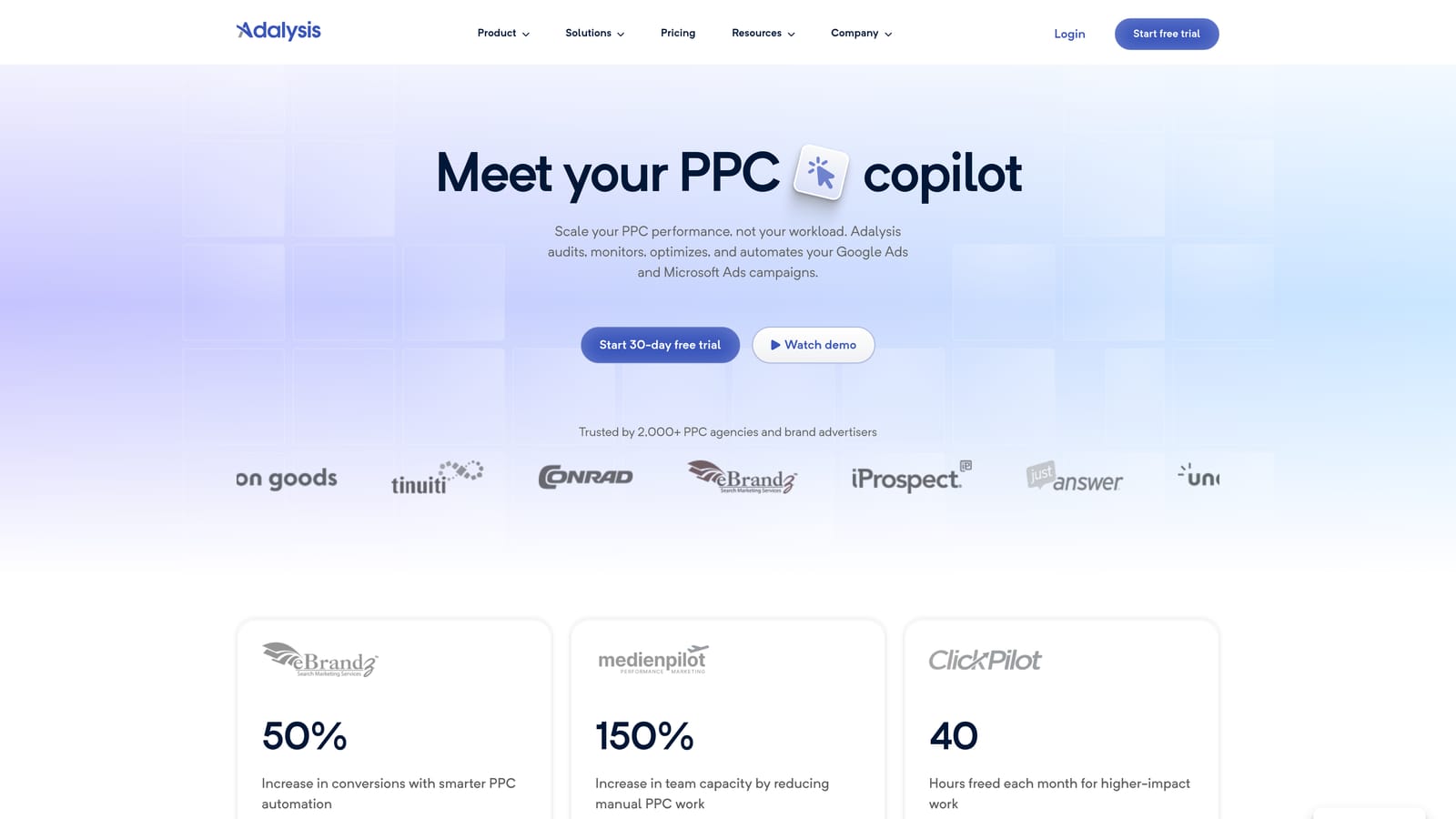
The standout feature is the continuous nature of its audits. Rather than running a one-time account check, Adalysis keeps monitoring for account-quality issues and flags them as they appear, which matters when you're not able to manually review every client account every week.
- Automated account audits catch structural and setup issues that might otherwise go unnoticed between manual reviews.
- Ad copy and A/B test tracking helps you see which ad variations are actually performing without building your own tracking spreadsheet.
- Alerts for account-quality issues surface problems as they happen rather than at the end of a reporting cycle.
- Bulk account management tools let agencies apply checks and changes across multiple client accounts at once.
It connects with Google Ads and Microsoft Ads and is typically run by the PPC specialist or account manager doing the hands-on optimization work, since interpreting audit flags requires some campaign management background. The interface is data-dense and built for practitioners, not clients, so it's not something you'd hand a client direct access to. It also doesn't replace a dedicated reporting tool if client-facing dashboards are what you need.
Pricing is based on ad spend under management, so costs scale with the size of the accounts you're auditing rather than seat count.
Best for: Agencies that want ongoing account-quality checks across many client accounts between manual reviews.
7. Whatagraph
Client meetings are where Whatagraph earns its keep. It builds visual, branded reports that combine Google Ads performance with social media and SEO data, aimed at agencies who need something polished to show clients quickly, not just accurate numbers in a spreadsheet.
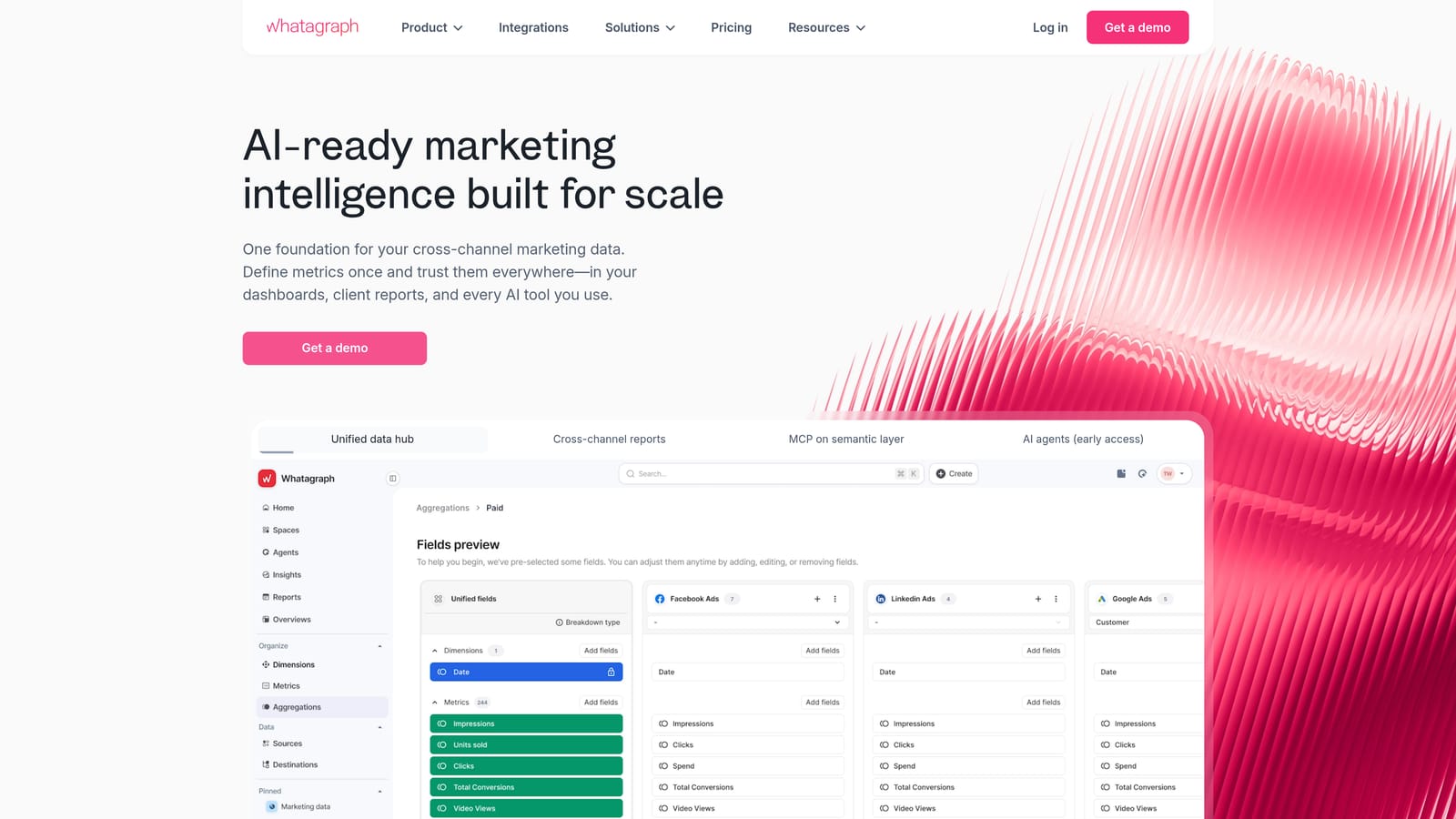
Its strength relative to the other reporting tools on this list is speed of setup paired with visual quality. Where AgencyAnalytics leans into depth of customization and integration breadth, Whatagraph focuses on getting a good-looking, cross-channel report in front of a client fast.
- Visual, branded report templates make client presentations look professional without a design team.
- Cross-channel data combination pulls PPC, social, and SEO performance into one narrative instead of separate reports per channel.
- Automated report scheduling handles recurring deliverables without manual rebuilding each month.
- Client-facing shareable links let clients view reports directly without needing a login to a full dashboard.
It integrates with Google Ads, Meta Ads, and various SEO and social platforms. An account manager or client-facing team member usually owns this tool day to day, since its main value is communication rather than technical analysis. The limitation: it doesn't go deep on granular PPC optimization the way Optmyzr or Adalysis do. If you need to diagnose why a campaign's Quality Score is dragging down performance, this isn't the tool for that.
Pricing is tiered by plan; check the site for current rates and account limits.
Best for: Agencies juggling mixed channels who want quick, visually strong client reports without heavy setup.
8. Supermetrics
Supermetrics isn't a dashboard or an optimization tool. It's a data connector that pipes Google Ads data, along with data from many other marketing sources, into spreadsheets, Looker Studio, or whatever BI tool your agency already relies on.
That flexibility is what separates it from everything else on this list. Instead of adopting a fixed dashboard format, agencies with existing reporting workflows in Google Sheets or a BI platform can plug Supermetrics in as the data layer and keep their own custom report structures.
- Direct Google Ads data connectors pull campaign, ad group, and search term data without manual exports.
- Integration with spreadsheets and BI tools means the data lands wherever your team already builds reports.
- Scheduled automatic data refreshes keep numbers current without someone re-running a pull each week.
- Support for many other marketing data sources lets you combine Google Ads with other channels in one custom report.
Because it feeds into tools you already use, setup requires more technical familiarity than a plug-and-play dashboard, usually handled by whoever built the agency's existing reporting templates. It's not a ready-made solution: you still need to design the report structure yourself, and it does nothing for actual campaign optimization. Agencies without an existing BI or spreadsheet workflow may find it adds a step rather than saving one.
Pricing is tiered based on data sources and destinations connected; details are on the website.
Best for: Agencies with an existing BI or spreadsheet reporting workflow who need reliable raw data access.
Matching the Tool to the Job
Most agencies land on a combination rather than a single tool. If the daily grind is sorting through search terms and cleaning up wasted spend, Keywordme handles that inside the Google Ads interface itself, no dashboard switching required. If you need deeper automation or continuous account audits across a large client roster, Optmyzr and Adalysis cover that ground from different angles: one automates bid and budget decisions, the other flags quality issues before they cost you money.
On the reporting side, the right pick depends on scale and what you're already using. AgencyAnalytics and NinjaCat suit agencies that need deep integrations or enterprise-grade infrastructure, Swydo and Whatagraph fit smaller teams wanting fast, affordable, polished reports, and Supermetrics makes sense if you've already built your reporting workflow around spreadsheets or a BI tool.
If search term cleanup and keyword management are eating hours every week, that's the easiest place to start. Optimize Google Ads campaigns 10x faster without leaving your account: Keywordme lets you remove junk search terms, build high-intent keyword lists, and apply match types instantly, right inside Google Ads. No spreadsheets, no switching tabs, just quick, seamless optimization. Start your free 7-day trial and then continue for just $12 a month.
.svg)