
9 Best Google Ads Account Optimization Tools for Marketers and Agencies in 2026
This guide compares nine Google Ads account optimization tools for marketers, freelancers, and agencies, covering search term cleanup, bulk editing, monitoring, automation, reporting, and competitor research. Each pick is judged on hands-on time saved, fit for solo and agency workflows, and pricing clarity, so you can match the right tool to each job.


Google Ads account optimization is several jobs stacked together: cleaning up search terms, editing in bulk, catching problems early, automating routine checks, reporting, and researching what competitors bid on. This list is for marketers, freelancers, and agency owners who want to cover those jobs without guessing which tool does what. Tools were picked for how much hands-on work they save, how well they suit solo and agency workflows, and how clear their pricing is.
Quick Comparison of the Tools
- Keywordme: freelancers and agencies doing heavy search term cleanup; $12/month per user; works inside the native Google Ads Search Terms Report with no spreadsheet exports.
- Google Ads Editor: anyone making large structural changes; free; offline drafts with review before posting.
- Optmyzr: agencies running many accounts; see website for pricing; rule-based optimizations plus client reporting in one suite.
- Adalysis: teams that monitor audits and ad tests; see website for pricing; automated ad testing that flags winners and losers.
- Google Ads Scripts: technical marketers; free; fully customizable automation with no software cost.
- Google Ads Recommendations: beginners who want a starting checklist; free; zero-setup suggestions built from your own account data.
- Looker Studio: freelancers and agencies building client reports; free; dashboards that blend Google Ads with other data sources.
- WordStream: small business owners running their own accounts; see website for pricing; beginner-friendly performance grading.
- Semrush: marketers expanding keyword lists with competitor data; see website for pricing; competitive ad and keyword intelligence.
1. Keywordme
Keywordme is a Chrome extension that adds one-click actions to the Search Terms Report inside Google Ads. It is built for people who review search terms (the actual queries people typed before clicking your ad) every week and are tired of exporting them to a spreadsheet. We make it, so weigh this entry with that in mind.

What sets it apart on this list is where it works. You stay in the native Google Ads interface, so there is no export, no pasting between tabs, and no separate dashboard to learn. Every other tool here either lives outside Google Ads or handles a different job.
- Add negative keywords straight from the Search Terms Report, so junk queries stop costing you with a click instead of a copy-and-paste routine.
- Add search terms as keywords with match types applied instantly, which speeds up building out high-intent keyword lists.
- Keyword clustering groups related terms, making it easier to see themes and structure new ad groups.
- Bulk editing lets you apply changes to many terms at once instead of one row at a time.
- Multi-account and team support suits agencies where several people touch several client accounts.
Setup is light: install the extension, connect it to your Google Ads access, and work from the report you already use. Whoever does search term reviews day to day runs it, which usually means a freelancer or a PPC specialist rather than an engineer.
The limitation is scope. Keywordme focuses on search term and keyword workflows. It has no bid automation, no reporting dashboards, and no ad creative tools, so you will pair it with something else for those jobs. It also works through Chrome, so it assumes you work in that browser.
Pricing is $12/month per user, with a 7-day free trial, so cost scales with the number of people on your team (verify current terms on the website).
Best for: Freelancers and agencies who spend lots of time on search term cleanup.
2. Google Ads Editor
Google Ads Editor is Google's free desktop app for managing campaigns in bulk and offline. It is designed for advertisers who need to change a lot of things at once: restructuring accounts, updating hundreds of ads, or rolling out a campaign build across clients.

Its big advantage is the draft-and-review model. You download account data, make changes locally, review them, and only then post them to the live account. That safety net matters when one wrong bulk edit could pause the wrong campaigns.
- Bulk edits across campaigns and accounts replace hours of clicking through the web interface.
- Offline editing with review before posting lets you check a large change set before it goes live.
- Copy and paste of campaigns and ad groups makes it fast to reuse a proven structure for a new client or region.
- Multi-account management lets agencies handle several accounts from one app.
It integrates only with Google Ads, and setup is a download and sign-in. The learning curve is steeper than the web interface, and new users often stumble on the sync and post workflow.
The real limitation: it gives you no search term insights and no recommendations. It is an editing tool, not an analysis tool, so it tells you nothing about what to change. Pairing it with a search term workflow tool covers that gap.
Pricing: free.
Best for: Large structural changes and bulk edits across many campaigns.
3. Optmyzr
Optmyzr is a PPC management suite that combines account audits, rule-based optimizations, and client reporting. It targets agencies and in-house teams running many accounts that want one system for checks, fixes, and reports.

Its distinctive piece is the combination: a rule engine you can configure to flag or act on conditions, plus reporting you can hand to clients. Most other tools here do one or the other.
What it does for you
- One-click optimizations that you review before applying, so you keep control over changes.
- Account audits that surface issues across campaigns without manual digging.
- A rule engine and automation layer for recurring checks, such as flagging overspending or underperformers.
- Client reporting so account managers can produce updates without building dashboards from scratch.
Setup, integrations, and limits
It connects to Google Ads, Microsoft Advertising, and Meta Ads, which helps agencies managing multiple channels. Expect real setup time: rules and templates take effort to configure well, and someone on the team needs to own them.
It is broader and costlier than single-purpose tools, which is a poor trade if you only need search term cleanup or a few audits. Solo advertisers with one or two accounts often will not use enough of it.
Pricing: see the website. As of this writing, plans are generally tied to the scale of ad spend or accounts managed, so confirm current tiers directly before budgeting.
Best for: Agencies managing many accounts that want a full management suite.
4. Adalysis
Adalysis is an auditing and ad testing platform for Google Ads. It is aimed at teams that want continuous monitoring: something watching ad tests, Quality Score, and account health so nobody has to check manually each week.
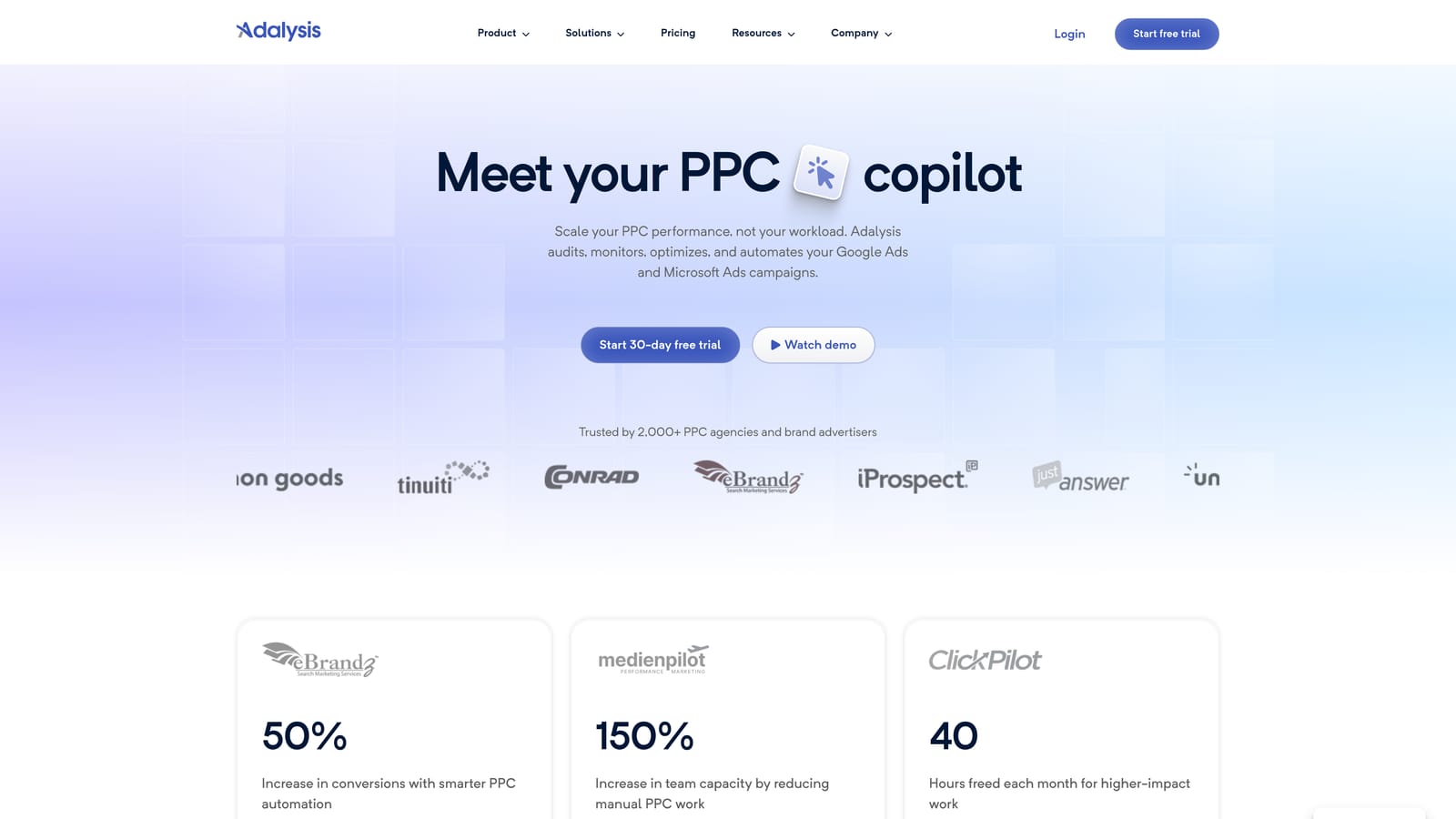
The standout is automated ad testing. It tracks your ad variations and flags which ones are winning and which are losing, which saves the spreadsheet work of comparing ad performance by hand.
- Automated audits and alerts point out problems as they appear rather than at your next scheduled review.
- Ad copy testing highlights winning and losing ads so you know what to pause and what to write next.
- Quality Score tracking shows movement over time instead of a single snapshot.
- Search term analysis helps you spot wasted queries and opportunities.
It integrates with Google Ads and Microsoft Advertising. Setup is mostly connecting accounts, and a PPC manager or account lead typically reviews the alerts.
The limitation is that it surfaces issues but you implement the fixes. It tells you what is wrong; you still do the work, possibly in the Search Terms Report or Editor. It can also be overkill for small accounts with a handful of ads where manual review is quick.
Pricing: see the website. Confirm current plans and what drives cost, which commonly relates to account size or spend.
Best for: Teams that need ongoing audits and ad test monitoring.
5. Google Ads Scripts
Google Ads Scripts is JavaScript automation built into Google Ads. You write (or adapt) code that runs inside your account to automate checks, pull reports, or make changes on a schedule.
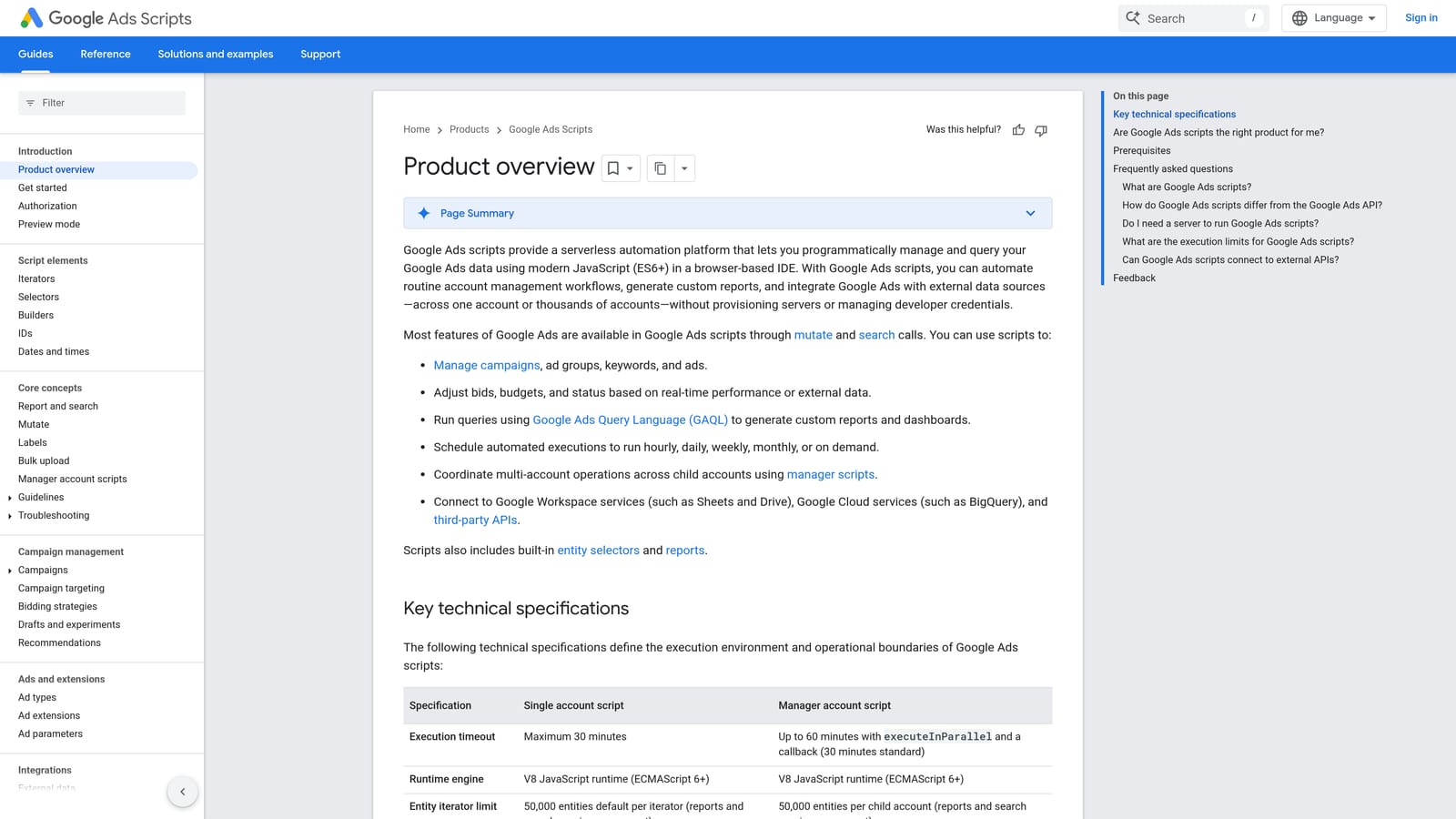
No other entry here is as flexible or as cheap. If you can describe a task precisely, a script can probably do it, and there is no software license.
- Custom automation in JavaScript lets you build checks that no packaged tool offers.
- Budget and anomaly alerts can warn you when spend or performance moves abnormally.
- Reporting to Google Sheets pushes account data into sheets for your own analysis.
- Scheduled runs mean the work happens without you remembering to do it.
It integrates with Google Ads and Google Sheets. Setup effort depends on your coding comfort: you can adapt published example scripts, but writing your own takes real skill, and someone has to maintain scripts when things change.
The limitation is risk. Scripts can change live accounts, so an untested script that edits bids or pauses campaigns can do real damage. Test in preview mode where available, and start with read-only scripts that only report or alert. It does not suit marketers without coding help.
Pricing: free.
Best for: Technical marketers who want custom automation.
6. Google Ads Recommendations
Google Ads Recommendations is the built-in Recommendations page and optimization score inside your account. It generates suggestions from your own data with nothing to install, which makes it the easiest starting point for a newer advertiser.
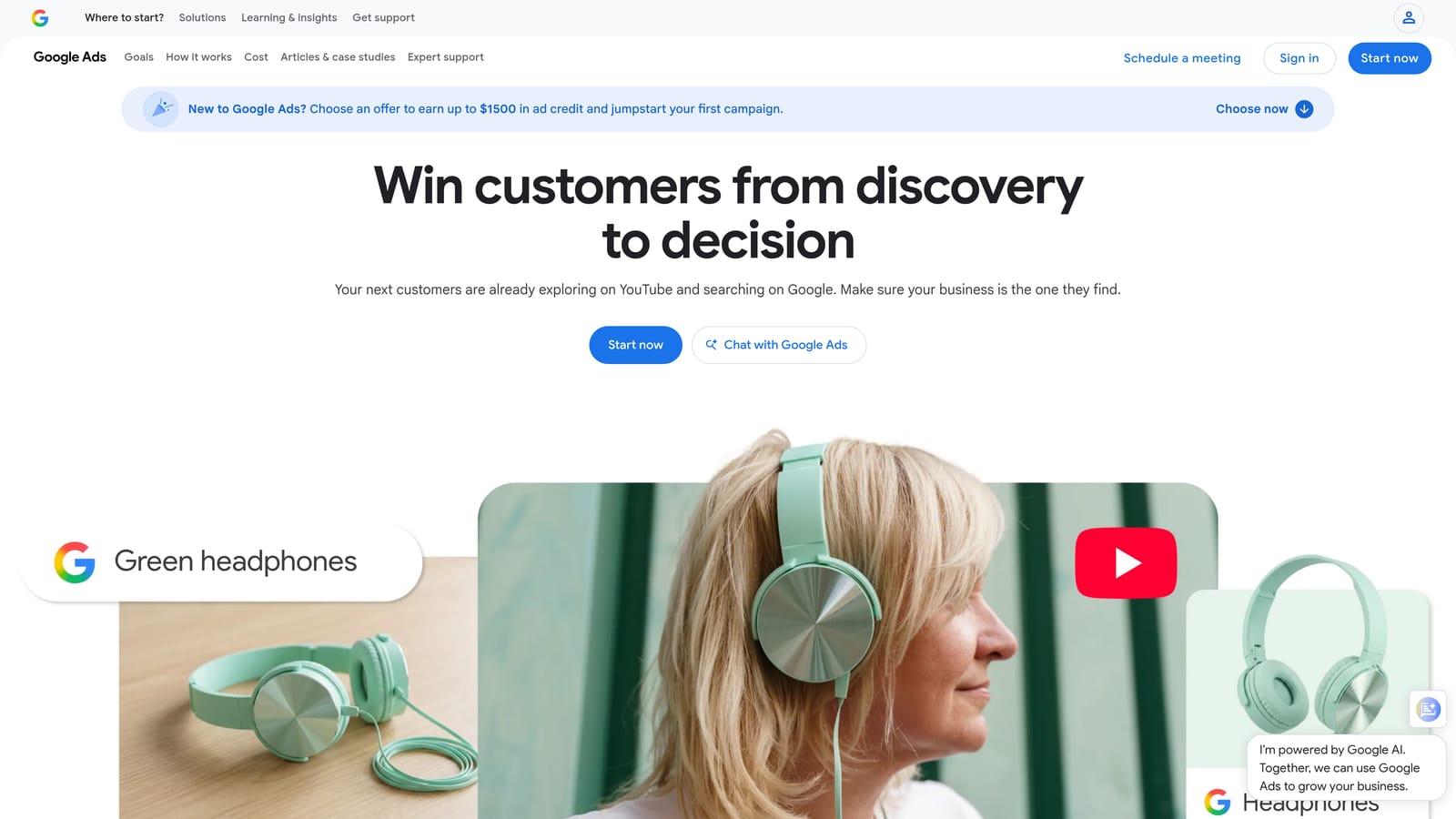
A common misconception is that a high optimization score means a healthy account. It does not. The score reflects how many suggestions you have applied, not whether your campaigns are profitable.
- Optimization score gives a quick read on how many open suggestions remain.
- The Recommendations page lists specific changes, such as keyword, bidding, or ad suggestions.
- You can apply or dismiss individual suggestions, which keeps decisions in your hands.
- Optional auto-apply settings can implement certain types automatically, which is the setting to approach with caution.
It works only in Google Ads, needs no setup, and is run by whoever manages the account.
The limitation: suggestions can skew toward more spend, and applying them without review is a classic mistake. Read each one against your goals, budget, and conversion data. Treat it as a checklist of ideas, not instructions. Be especially careful with auto-apply.
Pricing: free.
Best for: Beginners who want a starting checklist.
7. Looker Studio
Looker Studio is Google's free reporting tool with a native Google Ads connector. It does one job: turning account data into dashboards and scheduled reports, which is where many freelancers and agencies lose hours each month.
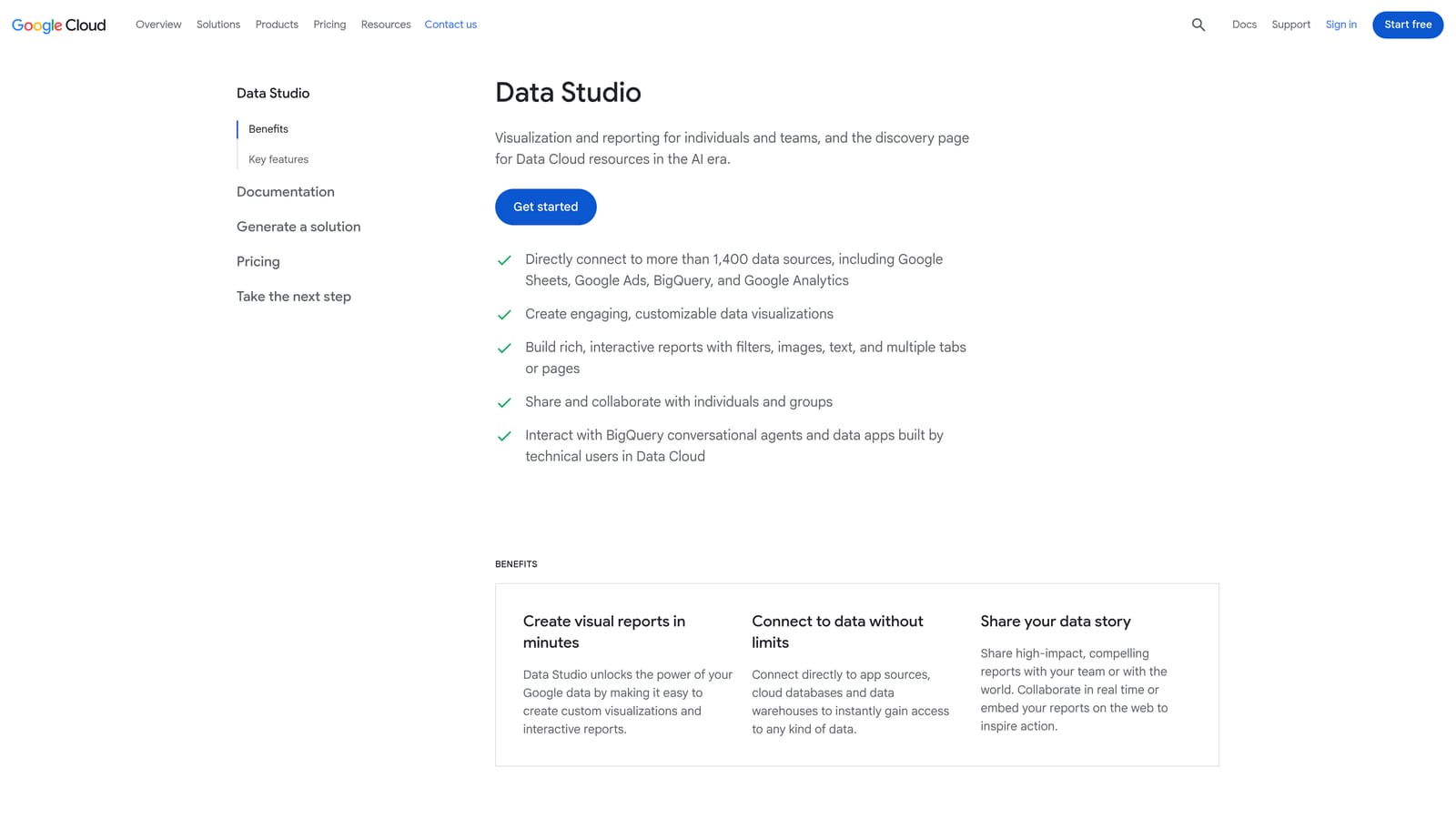
Its strength is blending. You can combine Google Ads data with GA4, Google Sheets, and BigQuery in a single view, which helps when a client wants ad spend alongside site behavior or CRM results.
- The native Google Ads connector pulls campaign data in without manual exports.
- Custom dashboards let you show clients exactly the metrics they care about.
- Scheduled report delivery sends updates by email so you are not rebuilding reports monthly.
- Data blending joins sources, such as ads and analytics, for fuller reporting.
Setup means building or copying a template and connecting data sources. Expect to spend time on the first dashboard, then reuse it across clients. The person who owns reporting usually runs it.
The limitation is that it is reporting only. It cannot change account settings, add negatives, or fix anything. It also shows data without telling you what to do with it.
Pricing: free, with a paid Pro tier available (verify current details on the website).
Best for: Freelancers and agencies building client reports.
8. WordStream
WordStream offers advertising tools aimed at small businesses, including account grading and optimization recommendations. It is built for owners who run their own ads and want plain guidance rather than agency-grade controls.
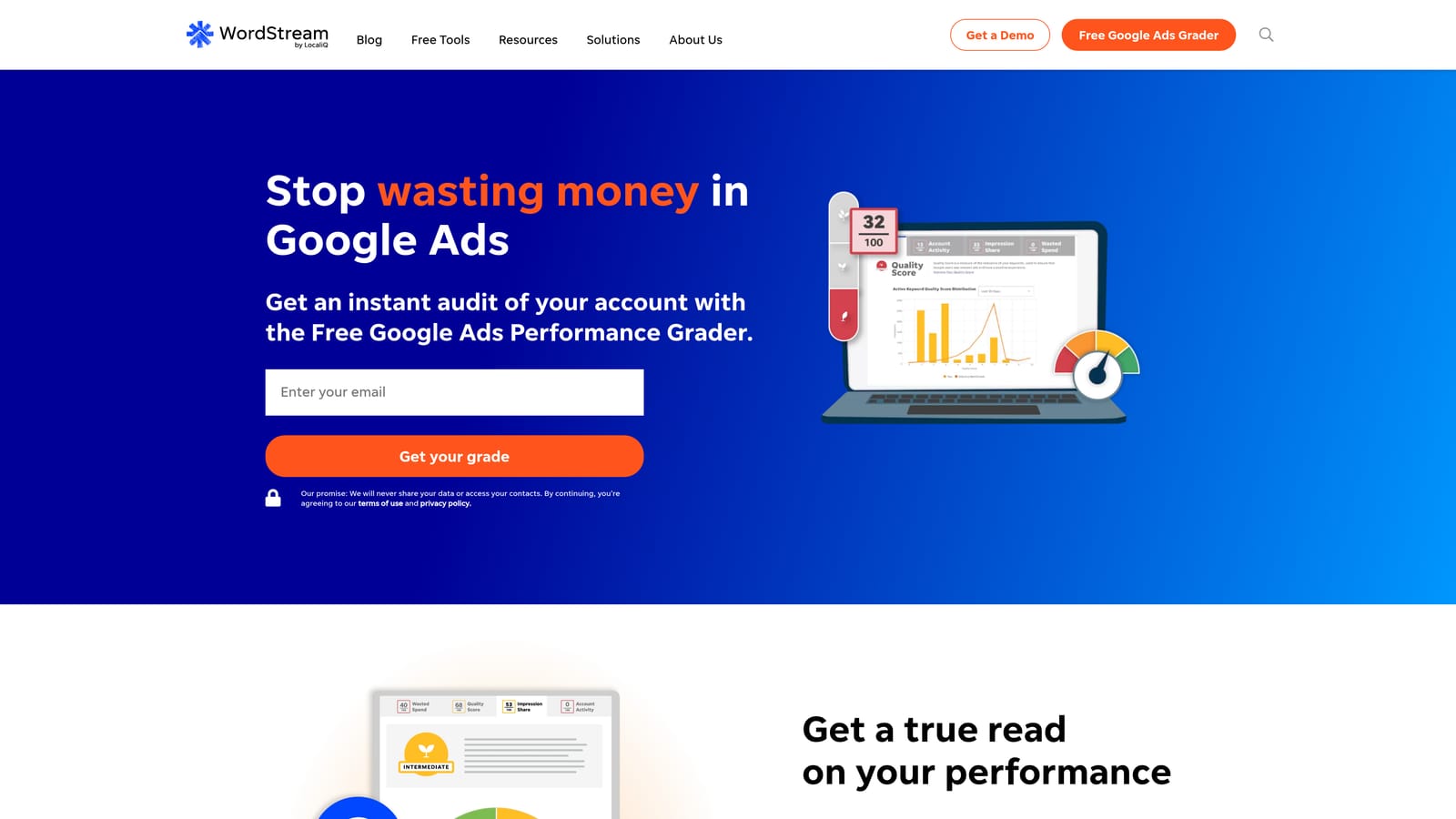
Its distinct value on this list is beginner-friendly grading. You get a read on how an account is performing and what to improve, without learning a complex platform.
- The account performance grader gives a quick snapshot of strengths and weak spots.
- Optimization recommendations suggest next steps in approachable terms.
- Campaign management support helps owners who would rather not handle every setting themselves.
It connects with Google Ads, Microsoft Advertising, and Meta Ads. Setup is simple, and the account owner or a small marketing team typically runs it.
The limitations: it gives less granular control than agency-grade platforms, so agencies with many clients may outgrow it. WordStream's product lineup has also changed over time, so verify what is currently offered before you commit.
Pricing: see the website. Confirm current plans and what drives the price, since offerings have shifted.
Best for: Small business owners who run their own accounts.
9. Semrush
Semrush is a broad marketing suite with a strong PPC research side. It does not optimize your account directly. It tells you what competitors bid on and what ads they run, so you can feed better ideas into your own campaigns.
That competitive intelligence is its standout. Nothing else here shows competitor ad history or keyword gaps.
- PPC keyword research suggests terms worth considering for new ad groups.
- Competitor ad history shows how rivals' ad copy has changed over time.
- Keyword gap analysis reveals terms competitors target that you do not.
- The advertising toolkit gathers these research tools in one place.
It works with Google Ads, Google Analytics, and Google Search Console. Setup is light for research, but the platform is large, so expect a learning period to find the PPC tools among the many others.
The limitation is clear: research only. It does not edit Google Ads accounts, so you carry ideas into Google Ads yourself. The subscription is also broad, so you pay for an entire suite even if you only want the PPC research. Remember that new keyword ideas still need your judgment on intent, match type, and negatives.
Pricing: see the website. Plans are subscription-based and tiered, so check current tiers as of purchase.
Best for: Marketers expanding keyword lists using competitor data.
Which Tools to Combine for Your Situation
Most accounts need two or three of these, not one. The jobs barely overlap: cleanup, editing, monitoring, reporting, and research each call for a different tool.
- Solo advertiser: Keywordme for weekly search term cleanup, plus Google Ads Editor for bigger edits. Both are cheap or free.
- Agency: Optmyzr for audits and reporting at scale, with Keywordme handling day-to-day search term work and Looker Studio for client dashboards.
- Technical team: Google Ads Scripts for custom alerts and automation, with Adalysis if you want ongoing ad test monitoring.
- Beginner: Google Ads Recommendations as a checklist, reviewed carefully, or WordStream if you want guided grading.
- Reporting-heavy: Looker Studio, with Semrush if clients also want competitive context.
If wasted spend from irrelevant queries is your biggest leak, start with search terms. Keywordme lets you remove junk search terms, build high-intent keyword lists, and apply match types right inside Google Ads, with no spreadsheets and no switching tabs. Start your free 7-day trial (then just $12/month) and take your Google Ads game to the next level.
