
9 Best Google Ads Account Optimization Tools in 2026
This guide reviews the 9 best Google Ads account optimization services and tools available in 2026, selected for hands-on practitioners who want to reduce wasted spend, tighten keyword management, and run more efficient campaigns—whether they're managing one account or dozens.


If you're managing Google Ads campaigns—whether for one client or twenty—you already know how fast wasted spend adds up when your account isn't properly optimized. Junk search terms, mismatched match types, bloated keyword lists, and low-quality traffic are all symptoms of an under-optimized account. The good news: there are tools built specifically to fix these problems faster than doing it manually in spreadsheets.
This list covers the best Google Ads account optimization tools available right now, chosen for hands-on practitioners who want to do the work themselves more efficiently. Whether you're a solo freelancer tightening up one account or an agency owner managing dozens, there's a tool here that fits your workflow. Selection criteria include in-platform usability, keyword and search term management features, time savings, pricing transparency, and fit for different user types.
1. Keywordme
Best for: In-platform search term management and negative keyword workflows without leaving Google Ads
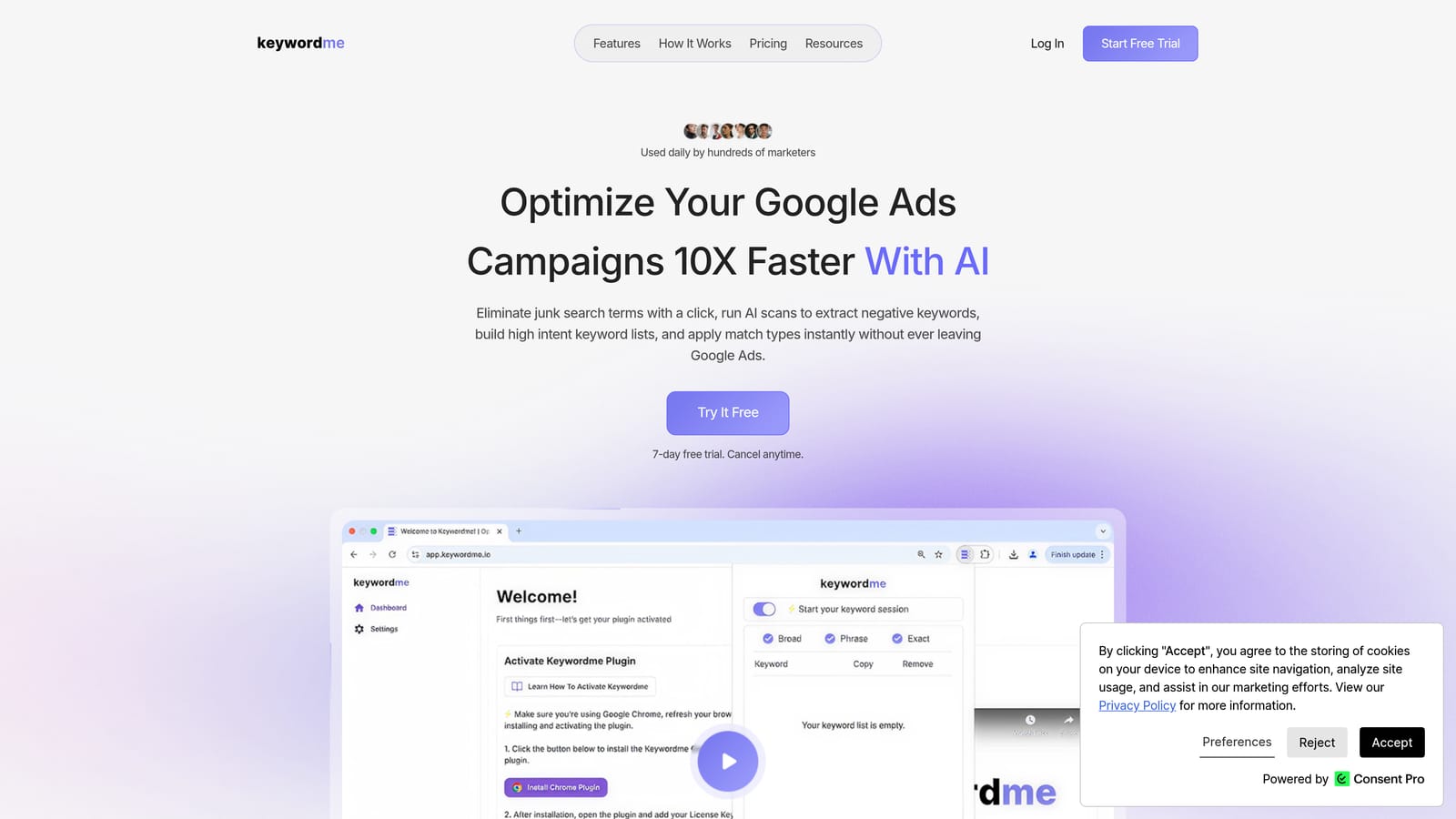
Keywordme is a Chrome extension that works directly inside the Google Ads Search Terms Report, letting you take action on search terms without exporting to a spreadsheet or switching tabs.
Where This Tool Shines
Most PPC practitioners have a familiar ritual: export the search terms report, paste it into a spreadsheet, flag junk terms, copy negatives back into Google Ads, and hope nothing gets lost in the process. Keywordme cuts that entire loop by putting the controls directly inside the native Google Ads interface. You see a search term, you click to exclude it or add it as a keyword—done.
The keyword clustering feature is especially useful when you're building out new ad groups or trying to impose structure on a messy account. Instead of manually sorting through hundreds of search terms, Keywordme groups related terms together so you can make decisions at scale. For agency teams, multi-account and team support means everyone works from the same workflow without duplicating effort.
Key Features
One-Click Negative Keyword Addition: Exclude junk search terms directly from the Search Terms Report with a single click, no export required.
Instant Match Type Application: Apply broad, phrase, or exact match types to keywords without leaving the Google Ads interface.
Keyword Clustering: Group related search terms together to speed up ad group structuring and account organization.
Bulk Editing: Act on multiple search terms simultaneously instead of processing them one by one.
Multi-Account and Team Support: Manage multiple client accounts and collaborate with team members from a shared workflow.
Best For
Keywordme is a strong fit for freelance PPC managers and agency teams who spend significant time in the Search Terms Report each week. It's particularly useful if your biggest bottleneck is the export-edit-reimport cycle, and you want to stay inside Google Ads rather than bouncing between tools.
Pricing
$12/month per user. A 7-day free trial is available with no commitment required.
2. Google Ads Optimization Score
Best for: Getting a quick account health snapshot with prioritized recommendations inside Google Ads
Google Ads Optimization Score is a native feature built directly into the Google Ads platform that scores your account from 0 to 100% and surfaces prioritized recommendations to improve performance.
Where This Tool Shines
Because it's built into Google Ads, there's no setup, no integration, and no additional cost. The score gives you an at-a-glance sense of where your account stands, and the recommendations are ranked by estimated impact so you know where to focus first. It covers bid strategies, responsive search ad assets, keywords, and campaign settings.
That said, it's worth approaching the recommendations critically rather than applying them all automatically. Some suggestions, like switching to broad match or enabling Smart Bidding, may not be appropriate for every account or campaign type. Use the score as a starting point for your own review, not a checklist to complete blindly.
Key Features
0–100% Account Score: A single score that reflects your account's current optimization status against Google's benchmarks.
Prioritized Recommendations: Suggestions ranked by estimated impact, so you can triage quickly.
Coverage Across Account Settings: Recommendations span bids, keywords, ads, and campaign configuration.
No Third-Party Access Needed: Entirely within the native Google Ads interface—no data sharing with external tools.
Best For
Any Google Ads user who wants a free, fast account review. Particularly useful as a starting point before diving into deeper optimization work with other tools on this list.
Pricing
Free. Included with every Google Ads account.
3. Google Ads Editor
Best for: Bulk offline editing of campaigns, keywords, and negative keyword lists at scale
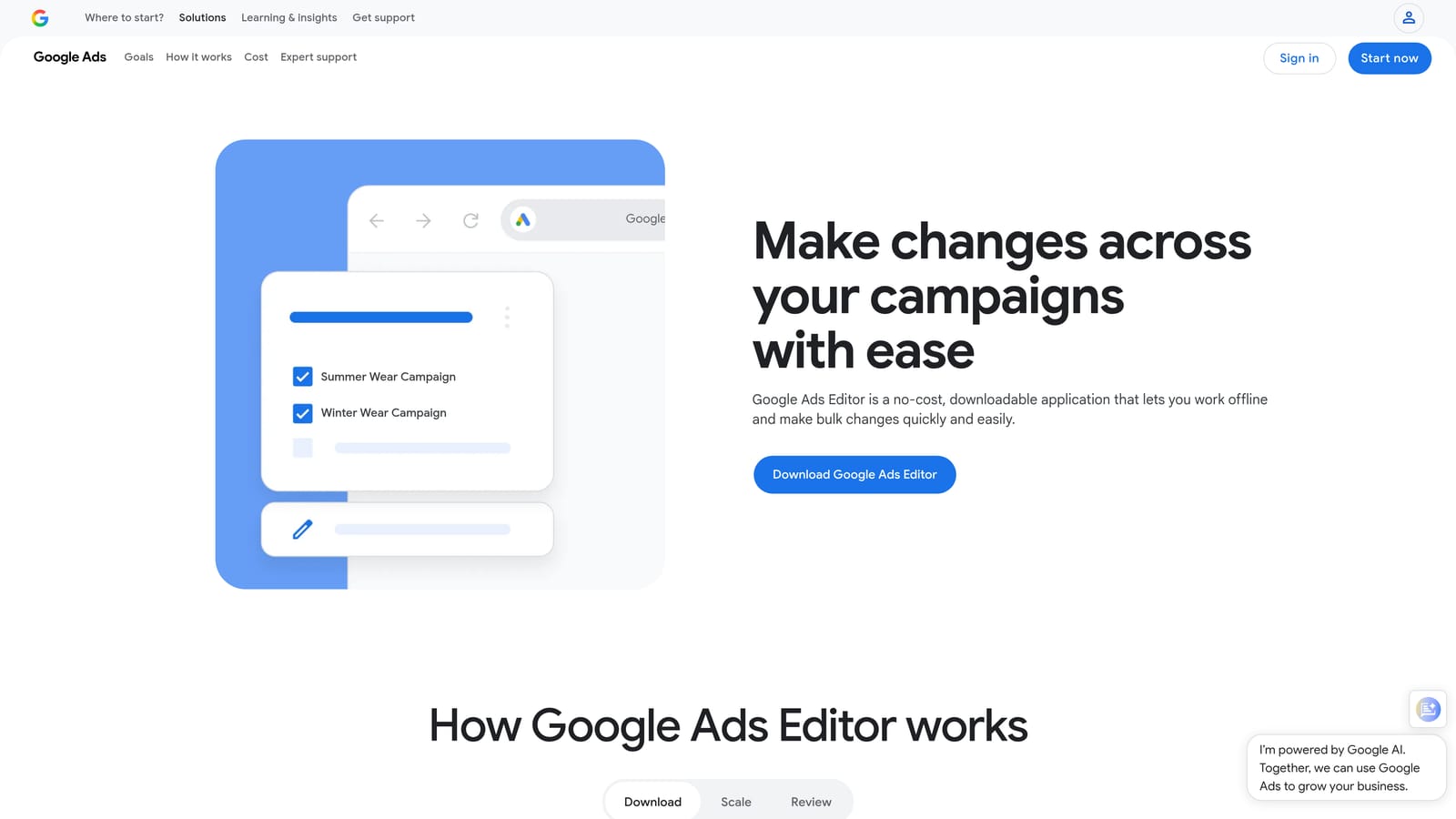
Google Ads Editor is a free desktop application from Google that lets you download your account, make bulk changes offline, and push everything back up when you're ready.
Where This Tool Shines
When you need to make the same change across dozens of campaigns or ad groups, doing it inside the Google Ads web interface is tedious. Ads Editor solves this with find-and-replace, bulk uploads, and the ability to work without an internet connection. It's especially powerful for negative keyword management across large accounts, where you might need to apply a shared negative list to many campaigns at once.
The multi-account management capability is also worth noting. You can switch between accounts without logging in and out, which is a genuine time saver for anyone managing more than a handful of clients.
Key Features
Bulk Offline Editing: Download your account, make changes locally, and upload when ready—no live connection required.
Find and Replace: Update ad copy, URLs, or keyword text across campaigns and ad groups in seconds.
Bulk Keyword and Negative Keyword Uploads: Add or remove large keyword lists without manual entry.
Multi-Account Management: Access and edit multiple accounts from a single desktop interface.
Best For
Account managers handling large-scale structural changes, keyword list overhauls, or negative keyword additions across many campaigns. Also useful for anyone who prefers working offline or in low-connectivity environments.
Pricing
Free. Available as a direct download from Google.
4. Optmyzr
Best for: Rule-based automation and one-click optimizations for agencies managing significant ad spend
Optmyzr is a PPC management platform that combines automation rules, one-click optimizations, custom scripts, and cross-channel reporting for Google Ads, Microsoft Ads, and Amazon Ads.

Where This Tool Shines
Optmyzr is built for practitioners who want to automate repetitive optimization tasks without writing code from scratch. Its "One-Click Optimizations" feature surfaces account changes based on performance data, so you can review and apply them quickly rather than hunting for issues manually. The rule-based automation engine lets you set conditions—like pausing keywords that exceed a target CPA—and let the platform handle execution.
For agencies, the reporting and dashboard tools help present performance data to clients without building custom reports from scratch each time. It's a platform that rewards users who invest time in configuring it properly.
Key Features
One-Click Optimizations: Surfaced account recommendations you can review and apply in a single action.
Rule-Based Automation: Create conditional rules that trigger account changes automatically, no coding required.
Custom PPC Scripts: For advanced users who want to build more complex automation logic.
Multi-Channel Support: Manage Google Ads, Microsoft Ads, and Amazon Ads from one platform.
Agency Reporting Tools: Dashboard and reporting features designed for client-facing workflows.
Best For
Mid-size to large agencies managing substantial ad spend across multiple channels who want to automate repetitive optimization tasks and reduce manual review time.
Pricing
Tiered pricing based on managed ad spend. Check optmyzr.com for current rates.
5. SEMrush PPC Toolkit
Best for: Competitive keyword research and ad copy analysis before and during campaign planning
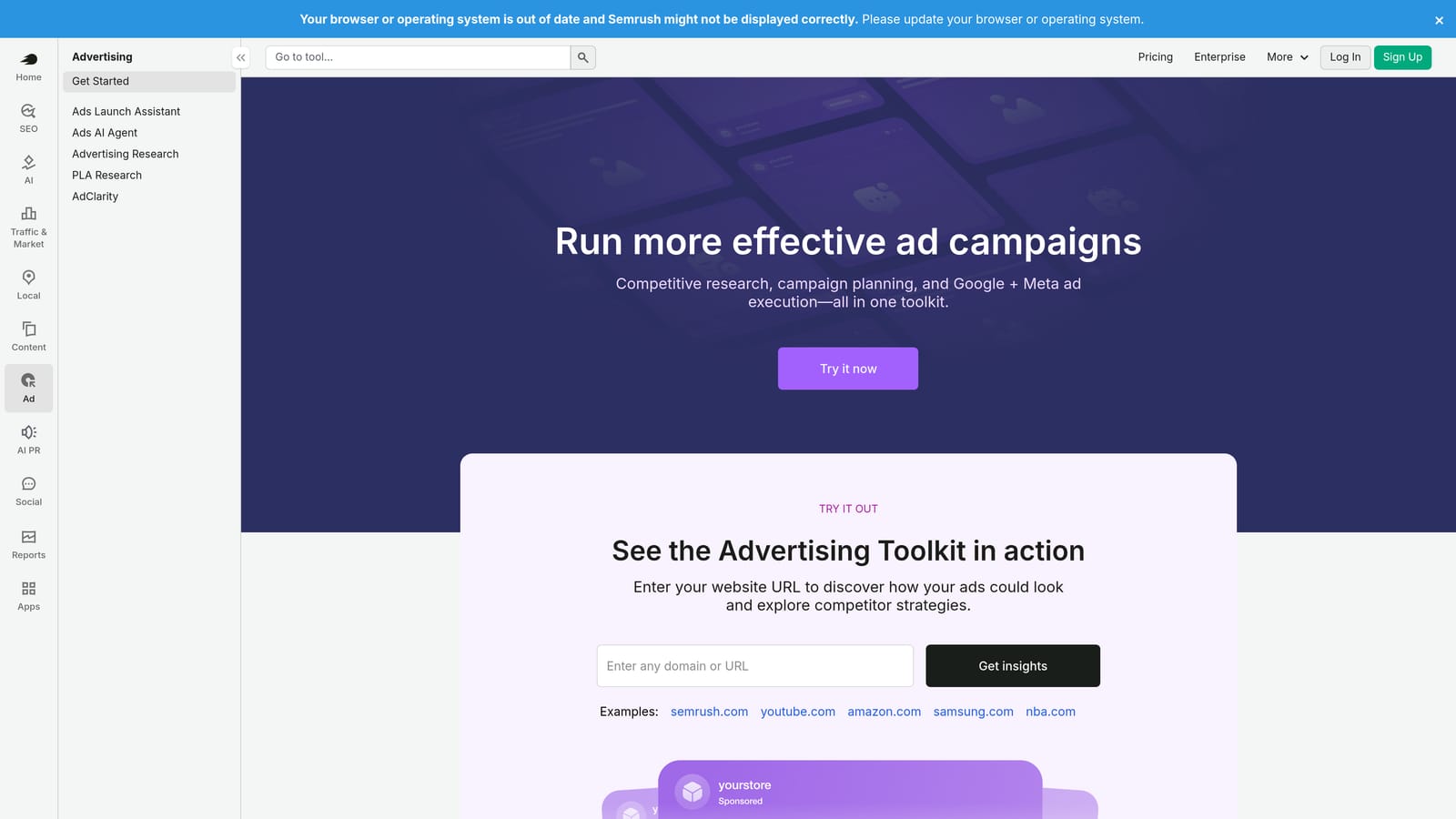
SEMrush's PPC Toolkit is part of the broader SEMrush platform and provides keyword research, competitor ad analysis, CPC data, and ad copy research for Google Ads campaign planning and optimization.
Where This Tool Shines
SEMrush is strongest at the research and planning stage of optimization. If you're building out a new campaign or trying to identify keywords your competitors are bidding on that you're missing, the PPC Toolkit gives you a competitive view that Google's own tools don't provide. The keyword gap analysis is particularly useful for finding opportunities your current keyword list doesn't cover.
Because it's bundled with the broader SEMrush suite, users also get access to SEO, content, and backlink tools in the same subscription. That makes it a strong choice if your team works across both paid and organic channels.
Key Features
Competitor Keyword and Ad Copy Analysis: See what search terms and ad messages competitors are running.
Keyword Gap Analysis: Identify keywords your competitors target that aren't in your current campaigns.
CPC and Volume Data: Estimate traffic potential and costs before adding keywords to your account.
Ad History Research: Review historical ad copy from competitors for benchmarking and inspiration.
Integrated Platform: Access PPC data alongside SEO, content, and competitive intelligence tools.
Best For
Marketers and agencies who want competitive intelligence to inform their Google Ads keyword strategy, especially those already using SEMrush for SEO work.
Pricing
Bundled with SEMrush subscriptions. Check semrush.com for current plan pricing.
6. Adalysis
Best for: Automated ad testing analysis and account health monitoring with performance alerts
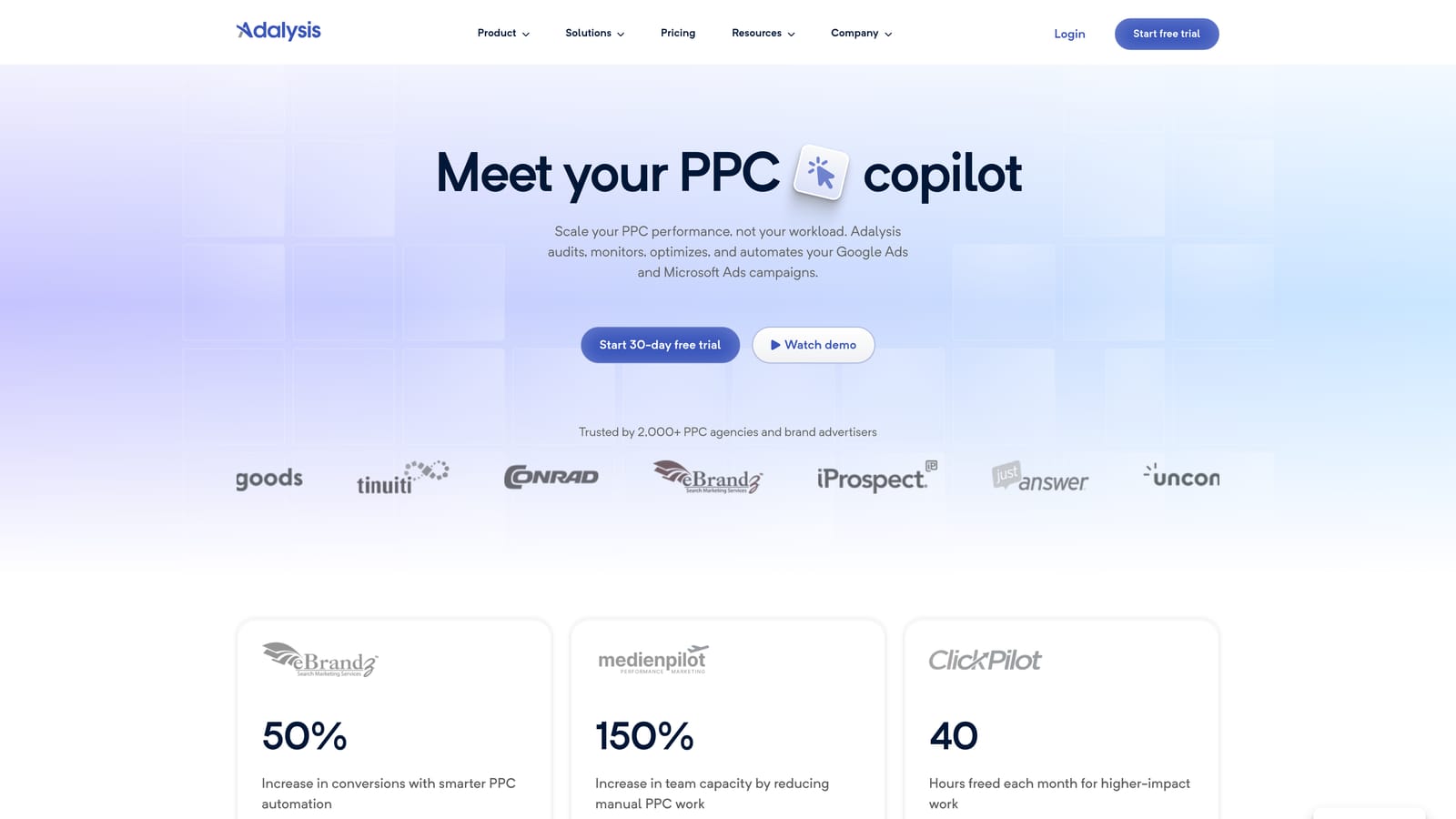
Adalysis is a Google Ads and Microsoft Ads management tool focused on automated ad testing, account auditing, and performance monitoring.
Where This Tool Shines
Ad testing is one of those optimization tasks that's easy to deprioritize when you're busy managing bids and search terms. Adalysis keeps it on your radar by automating the analysis of A/B tests and alerting you when results reach statistical significance. Instead of manually checking whether one ad variant is outperforming another, the platform flags it for you.
The account health diagnostics give you a structured audit view of your account, highlighting issues like missing ad extensions, low Quality Scores, or disapproved ads. For agencies managing many accounts, the performance alert system helps catch problems early rather than discovering them during a client review.
Key Features
Automated A/B Ad Testing Analysis: Tracks ad variants and alerts you when a clear winner emerges.
Account Health Diagnostics: Structured auditing that surfaces common account issues across campaigns.
Quality Score Tracking: Monitors Quality Score changes over time at the keyword level.
Performance Alerts: Notifications when key metrics change significantly, so you can respond quickly.
Ad Approval Monitoring: Flags disapproved ads so they don't quietly stop running without your knowledge.
Best For
Agencies and in-house teams who run ongoing ad testing programs and need automated monitoring to catch performance issues across multiple accounts without constant manual checking.
Pricing
Tiered by number of accounts and ad spend. Check adalysis.com for current rates.
7. Tenscores
Best for: Diagnosing Quality Score issues at the keyword level to reduce CPCs
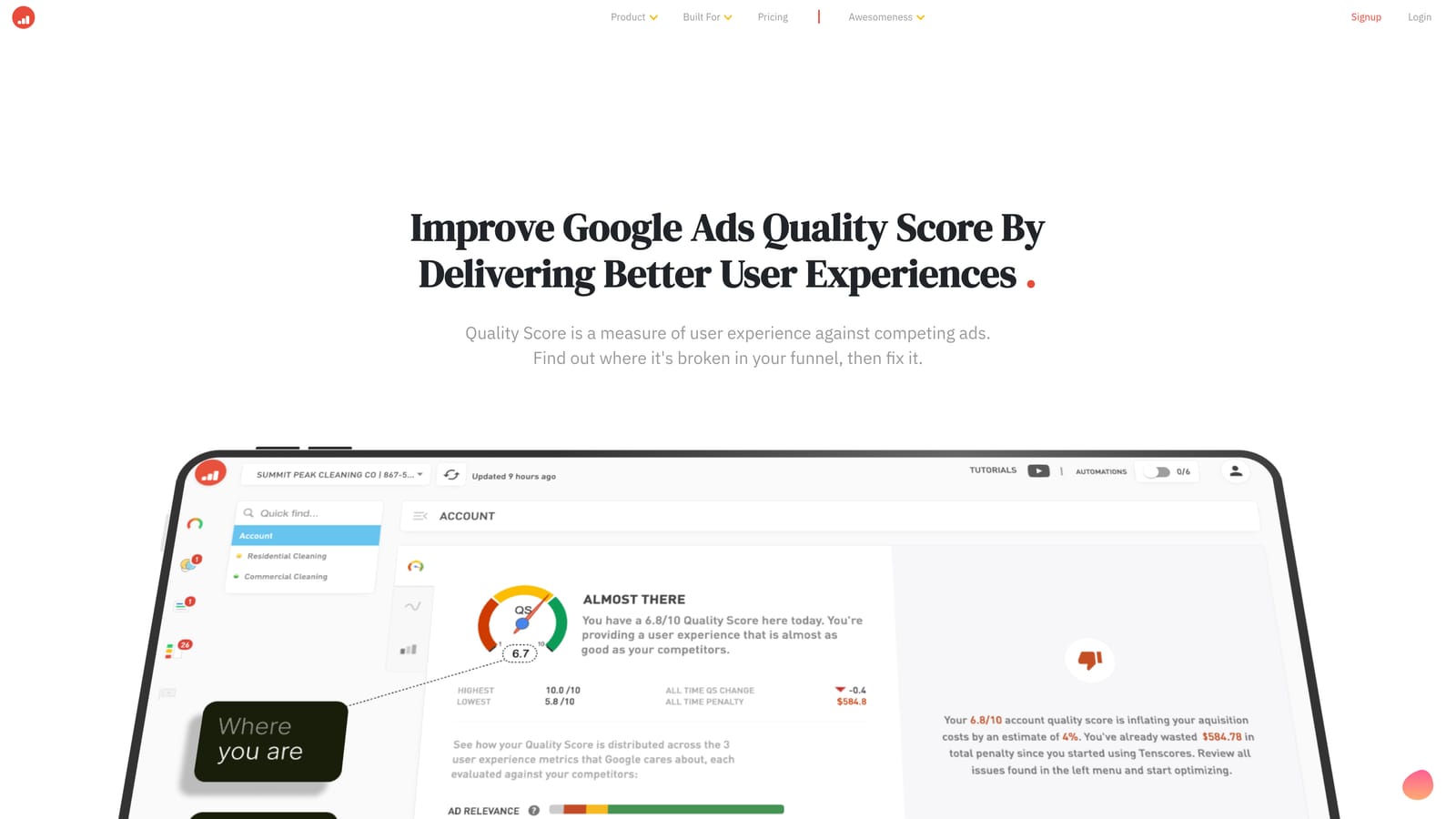
Tenscores is a specialized Google Ads tool focused on Quality Score analysis, helping advertisers identify and fix keyword-to-ad-to-landing-page relevance problems that drive up cost-per-click.
Where This Tool Shines
Quality Score is one of those account metrics that has an outsized impact on what you pay per click, but it can be frustratingly opaque inside Google Ads. Tenscores breaks it down into its three components—expected click-through rate, ad relevance, and landing page experience—at the keyword level, so you can see exactly where the relevance gap is and what to fix first.
The historical Quality Score tracking is useful for measuring whether your optimizations are actually moving the needle over time. It's a narrower tool than most on this list, but if Quality Score is a known problem in your account, it's worth the focused attention.
Key Features
Quality Score Diagnostics: Keyword-level breakdown of the three Quality Score components.
Component Analysis: Separate views for expected CTR, ad relevance, and landing page experience.
Historical Tracking: Monitor Quality Score changes over time to measure improvement.
Ad Group Structure Recommendations: Suggestions for tightening keyword-to-ad relevance at the ad group level.
Account-Level Overview: A summary view of Quality Score health across the entire account.
Best For
Advertisers who have identified high CPCs as a problem and want to trace the issue back to Quality Score components rather than just adjusting bids. Useful for both in-house teams and agencies doing account audits.
Pricing
Check tenscores.com for current pricing.
8. SpyFu
Best for: Researching competitor keyword history and ad spend to inform your own bidding strategy
SpyFu is a competitor research tool with deep PPC data including competitor keyword history, ad copy examples, and keyword overlap analysis to help you build smarter Google Ads campaigns.
Where This Tool Shines
SpyFu's core strength is historical depth. You can look up a competitor's domain and see which keywords they've been bidding on over time, what their ad copy has looked like, and roughly how their paid strategy has evolved. That kind of visibility is useful when you're entering a new market, building out a keyword list from scratch, or trying to understand why a competitor is outperforming you on certain terms.
The keyword overlap and gap analysis helps you find terms your competitors are targeting that you're not, as well as terms you're both targeting where you might want to differentiate your ad messaging. It's primarily a research and planning tool rather than an in-account optimization tool.
Key Features
Competitor Keyword History: See which keywords a competitor has bid on and for how long.
Ad Copy Research: Review historical and current ad copy from competitors in your space.
Keyword Overlap and Gap Analysis: Identify shared and missing keywords between your account and competitors.
SERP Analysis: View paid and organic results side by side for target keywords.
Exportable Keyword Lists: Download competitor keyword data to build or expand your own campaigns.
Best For
Freelancers and agency strategists who need competitive intelligence during campaign planning, account audits, or new client onboarding. Works well alongside in-account tools for a complete optimization picture.
Pricing
Subscription-based. Check spyfu.com for current plan pricing.
9. PPC Samurai
Best for: Agencies processing large search term report volumes with structured negative keyword workflows
PPC Samurai is a purpose-built search term analysis and negative keyword management tool with visual campaign mapping, designed for agencies handling large search term report volumes across multiple accounts.
Where This Tool Shines
When you're managing accounts with thousands of search terms every month, a structured workflow matters. PPC Samurai provides a systematic approach to reviewing search term data, categorizing terms, and building negative keyword lists—without the chaos of doing it all in a spreadsheet. The visual campaign mapping feature gives you a clearer picture of how your account structure relates to the search terms flowing through it.
It's a tool built specifically for the search term review and negative keyword management workflow, which means it goes deeper on that specific task than broader platforms that treat it as one feature among many. Agencies with high search term volume and multiple client accounts are the clearest fit.
Key Features
Structured Search Term Analysis: A defined workflow for reviewing and categorizing search terms systematically.
Negative Keyword List Building: Build and organize negative keyword lists directly from search term data.
Visual Campaign Mapping: A visual representation of account structure to support informed negative keyword decisions.
Bulk Negative Keyword Management: Apply negative keywords across multiple campaigns at once.
Multi-Account Support: Manage search term workflows across multiple client accounts from one interface.
Best For
Agencies managing multiple Google Ads accounts with high search term volume who need a repeatable, structured process for negative keyword management rather than a general-purpose PPC platform.
Pricing
Check ppcsamurai.com for current pricing.
Picking the Right Tool for Your Workflow
No single tool does everything, and the best setup usually combines a few that serve different purposes. Here's a quick breakdown by use case to help you decide where to start.
If your biggest time sink is reviewing search terms and managing negatives inside Google Ads, Keywordme directly addresses that problem without adding tools or tabs to your workflow. It's the most focused solution for in-platform search term management on this list.
For bulk structural changes across large accounts, Google Ads Editor remains the go-to free option. Pair it with Google Ads Optimization Score for a free account health check that costs nothing extra to run.
If you're managing significant ad spend across multiple clients and want to automate repetitive tasks, Optmyzr is worth evaluating. For agencies that need competitive intelligence during onboarding or campaign planning, SEMrush or SpyFu fill that gap well—they serve different purposes but both give you visibility into what competitors are doing in paid search.
Struggling with high CPCs and not sure why? Tenscores focuses specifically on Quality Score diagnostics and is worth a look before you start adjusting bids. And if ad testing tends to fall through the cracks in your workflow, Adalysis keeps it on track with automated analysis and alerts. For agencies dealing with large search term volumes that need a structured process, PPC Samurai was built for exactly that scenario.
The fastest way to see whether any of these tools fits your actual workflow is to try one on a real account. If search term management is where you're losing the most time, start your free 7-day trial of Keywordme and see how much faster you can work through your Search Terms Report—right inside Google Ads, no spreadsheets needed. After the trial, it's $12/month per user.
.svg)