
9 Best Google Ads Account Management Tools for Agencies and Freelancers in 2026
This guide compares nine Google Ads account management tools for freelancers, in-house marketers, and agencies, sorted by the job each one does, from search term reviews and reporting to bulk edits and audits. Each pick is judged on day-to-day coverage, freelancer versus agency fit, pricing transparency, and how much it changes the native Google Ads workflow.


If you run Google Ads for yourself, a handful of clients, or a few dozen accounts, you know where the week goes: search term reviews, reporting, bid and budget checks, and the odd script. This list is for freelancers, in-house marketers, and agency owners, and it sorts tools by the job they actually do. They were picked for coverage of day-to-day account management, fit for freelancers versus agencies, pricing transparency, and how much they change the native Google Ads workflow. Keywordme is our own product, so it sits first, and we flag where it falls short.
Quick Comparison of Google Ads Account Management Tools
- Keywordme: freelancers and agencies that review search terms often; $12/month per user; works inside the native Search Terms Report with no export.
- Google Ads Editor: anyone doing large structural changes or account builds; free; offline bulk editing across multiple accounts.
- Optmyzr: agencies wanting a full PPC management suite; pricing on its website; the broadest rule-based optimization toolkit here.
- Adalysis: teams that want ongoing audits and ad test insights; pricing on its website; deep automated ad testing analysis.
- Google Ads Scripts: technical marketers who want custom alerts and automation; free; fully customizable automation with no software cost.
- Looker Studio: custom client dashboards on a budget; free; fully customizable dashboards at no cost.
- Swydo: agencies sending recurring client reports; pricing on its website; template-driven white-label reports for many accounts.
- Google Ads Manager Account (MCC): anyone managing more than one client account; free; official single-login access and permission control.
- Supermetrics: cross-channel reporting across many ad platforms; pricing on its website; pulls data from many ad platforms into one destination.
1. Keywordme
Keywordme is a Chrome extension that adds one-click actions to the Search Terms Report inside Google Ads. It is built for people who review search terms constantly and are tired of exporting them to a spreadsheet to decide what to block or add.
Its edge over everything else here is location. You work in the native report, so there is no export, no import, and no separate dashboard. Note the difference between the two things you are handling: a search term is what someone actually typed, while a keyword is what you bid on. Keywordme helps you move between the two quickly, turning good search terms into keywords and bad ones into negative keywords, which stop your ads from showing for matching searches.
- One-click negative keywords straight from search terms, so junk queries stop costing you money.
- Add search terms as keywords with the match type applied instantly, with no retyping or bracket fiddling.
- Keyword clustering to group related terms and build tighter keyword lists faster.
- Bulk editing for handling many terms at once instead of one at a time.
- Multi-account and team support, so agencies can use it across client accounts.
Setup is installing the extension and opening Google Ads; there is nothing to connect or configure. Whoever does the search term reviews runs it day to day, and you still choose each action. Keywordme's own marketing says it can make optimization up to 10x faster, which is its claim and will vary with how you work.
Be clear about the limits. It focuses on search term and keyword work. It has no reporting, no bid automation, and no audits, and it only runs in Chrome. If you need those jobs covered, pair it with other tools on this list.
Pricing, as of this writing: $12/month per user, with a 7-day free trial. Cost scales with the number of users.
Best for: Freelancers and agencies that review search terms often.
2. Google Ads Editor
Google Ads Editor is Google's free desktop app for bulk editing and offline campaign management. It suits anyone building accounts or making sweeping changes, such as rewriting hundreds of ads, restructuring ad groups, or copying a campaign setup across clients.

What it does better than the rest of this list is large structural editing across multiple accounts, offline, at no cost. You download accounts, make changes at your own pace, review them, and then post them live in one go.
- Bulk edits across campaigns and accounts, which saves hours on repetitive changes.
- Offline drafting and review, so you can check everything before it touches live spend.
- CSV import and export for building or auditing in a spreadsheet when that suits you.
- Multi-account management, so you can work across clients in one app.
- Change history and undo, which makes mistakes cheaper to reverse.
You install it on a desktop and sign in with your Google Ads access. The person who builds and restructures accounts usually runs it. Because you work on a downloaded copy, remember to download recent changes before editing and to review carefully before posting.
The limits: it has no automation and no reporting, and newcomers face a learning curve. It is a different job from search term triage, since it is better at building than at the daily review loop.
Pricing: free.
Best for: Large structural changes and account builds.
3. Optmyzr
Optmyzr is a PPC management suite that combines optimization tools, audits, and reporting. It is aimed at agencies and in-house teams that want one platform covering much of the routine work across many accounts.

Its distinctive strength is breadth: a rule-based optimization toolkit built for agency-scale workflows. Where Keywordme and Editor each handle a specific job, Optmyzr tries to cover many of them.
- Rule-based optimization that applies your logic to routine checks and adjustments.
- Bulk change tools for making edits across many campaigns without manual repetition.
- Account audits that surface issues you might otherwise miss.
- Client reporting so you can show results without building decks by hand.
- Multi-account management for agencies running many clients.
It connects to Google Ads and Microsoft Advertising. Expect real setup time, because rules and reports need configuring to fit your accounts, and someone on the team should own that. If you let rules change live accounts, review what they do rather than assuming they are right.
The trade-off is weight and cost. It is heavier and pricier than lightweight tools, so a solo freelancer with a few accounts may not use enough of it. Pricing is listed on its website, so check current plans there; as of now, we have not confirmed figures, and cost typically depends on the plan and the ad spend or accounts you manage.
Best for: Agencies that want a full PPC management suite.
4. Adalysis
Adalysis is an automated PPC auditing and ad testing platform. It watches your accounts and tells you what needs attention, which makes it a fit for teams that would rather be pointed at problems than hunt for them.
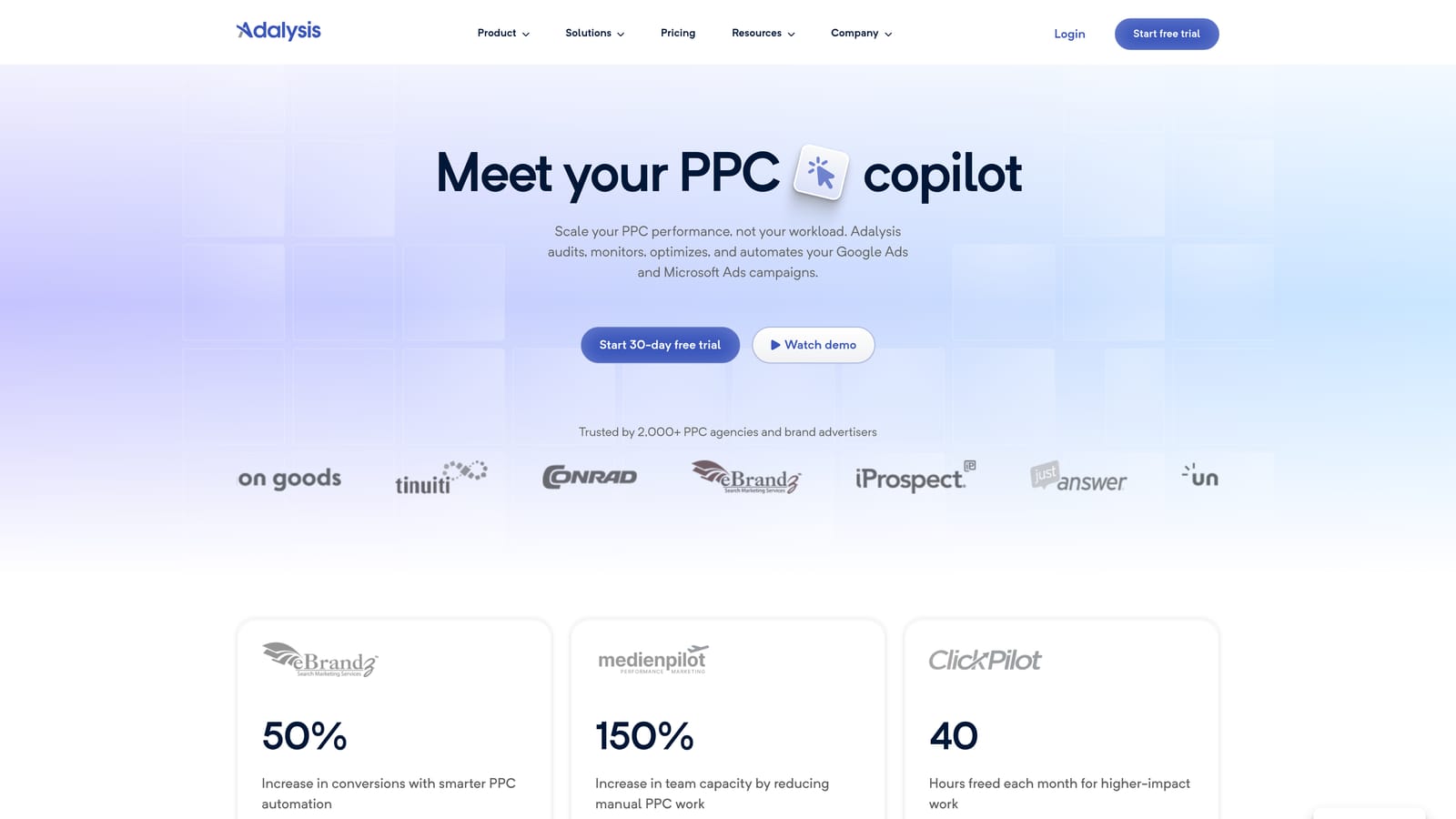
Its standout is depth in ad testing analysis and audit alerts. If your accounts run lots of responsive search ads and you want to know which variations are working, this is the strongest specialist on the list.
- Automated account audits that flag issues across campaigns without manual checking.
- Ad testing analysis that helps you decide which ads to keep, pause, or rewrite.
- Alerts for issues and disapprovals, so a broken ad does not sit unnoticed.
- Scheduled reports for sharing status with clients or colleagues.
- Multi-account dashboards for seeing many accounts in one place.
It integrates with Google Ads and Microsoft Advertising. Setup is mostly connecting accounts and tuning alerts, and a PPC lead or account manager typically checks it regularly.
The limit is that it is diagnostics-heavy. It tells you what to look at, but it is less suited to quick hands-on edits, so most people pair it with an editing tool. Pricing is on its website; confirm current plans there, as cost commonly varies with account count or spend.
Best for: Teams that want ongoing audits and ad test insights.
5. Google Ads Scripts
Google Ads Scripts lets you automate tasks with JavaScript running inside your Google Ads account. It is free and built in, and it is the most flexible option here if you can code.
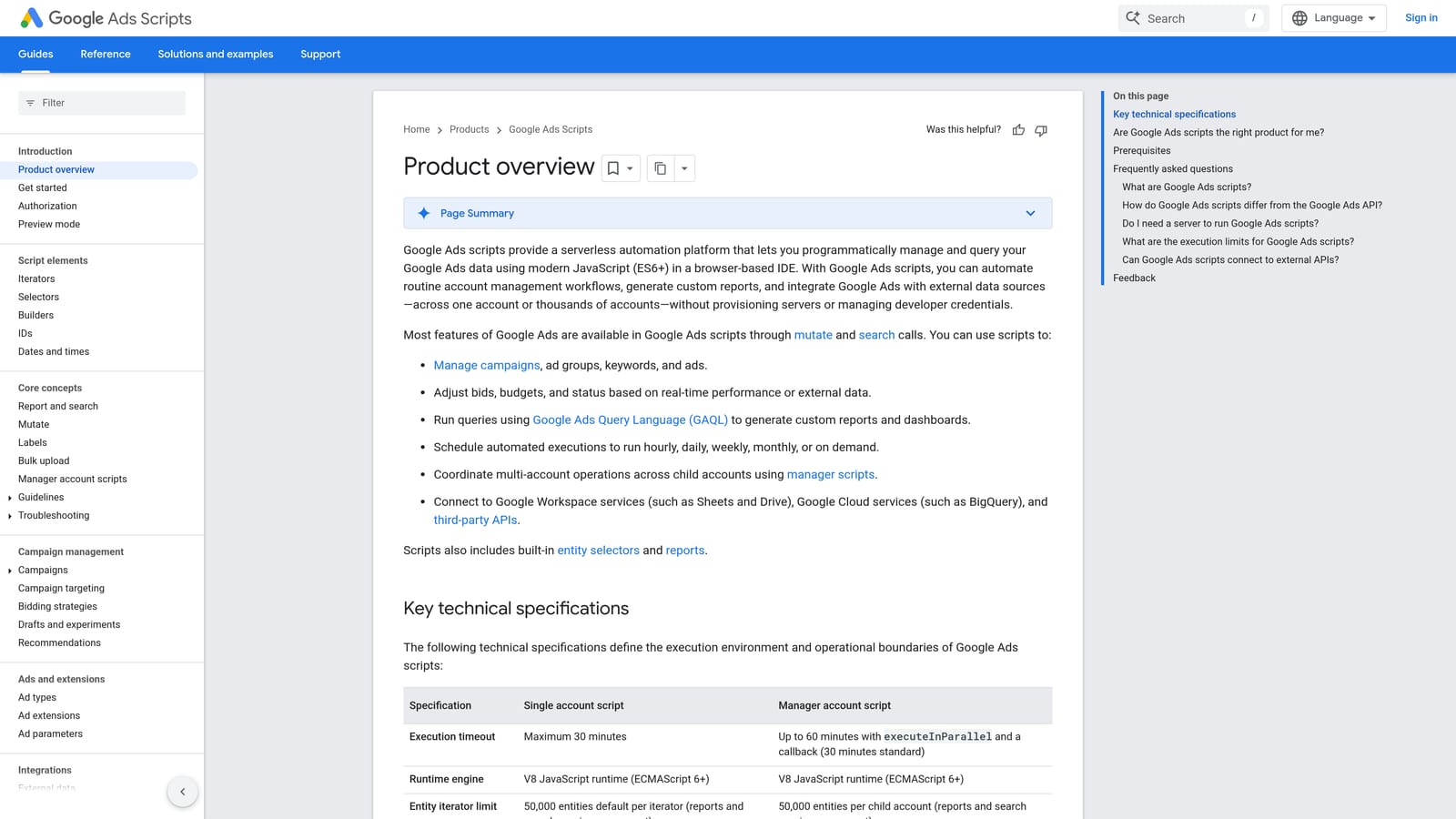
Its advantage is total customization at zero software cost. If a paid tool does not do exactly what you need, a script often can.
- Custom automation in JavaScript, so you define precisely what happens.
- Scheduled runs that handle recurring checks without you remembering.
- Custom alerts, for example when spend or performance moves outside your thresholds.
- Spreadsheet-based reporting by writing data into Google Sheets.
- Bulk actions via code for changes that would be tedious by hand.
It works with Google Ads and Google Sheets. Setup means writing or adapting scripts, then authorizing and scheduling them, so a technically capable person has to own it. Test on a small scope or in preview first, because a faulty script that changes live settings can do damage quickly.
That is the main limitation: it needs coding skill and careful testing, and there is no support desk or interface to lean on. It is not for marketers who want a point-and-click experience.
Pricing: free.
Best for: Technical marketers who want custom alerts and automation.
6. Looker Studio
Looker Studio is Google's free dashboard and reporting tool, and it includes a native Google Ads connector. It is where many freelancers and small agencies build client-facing reporting without paying for a platform.
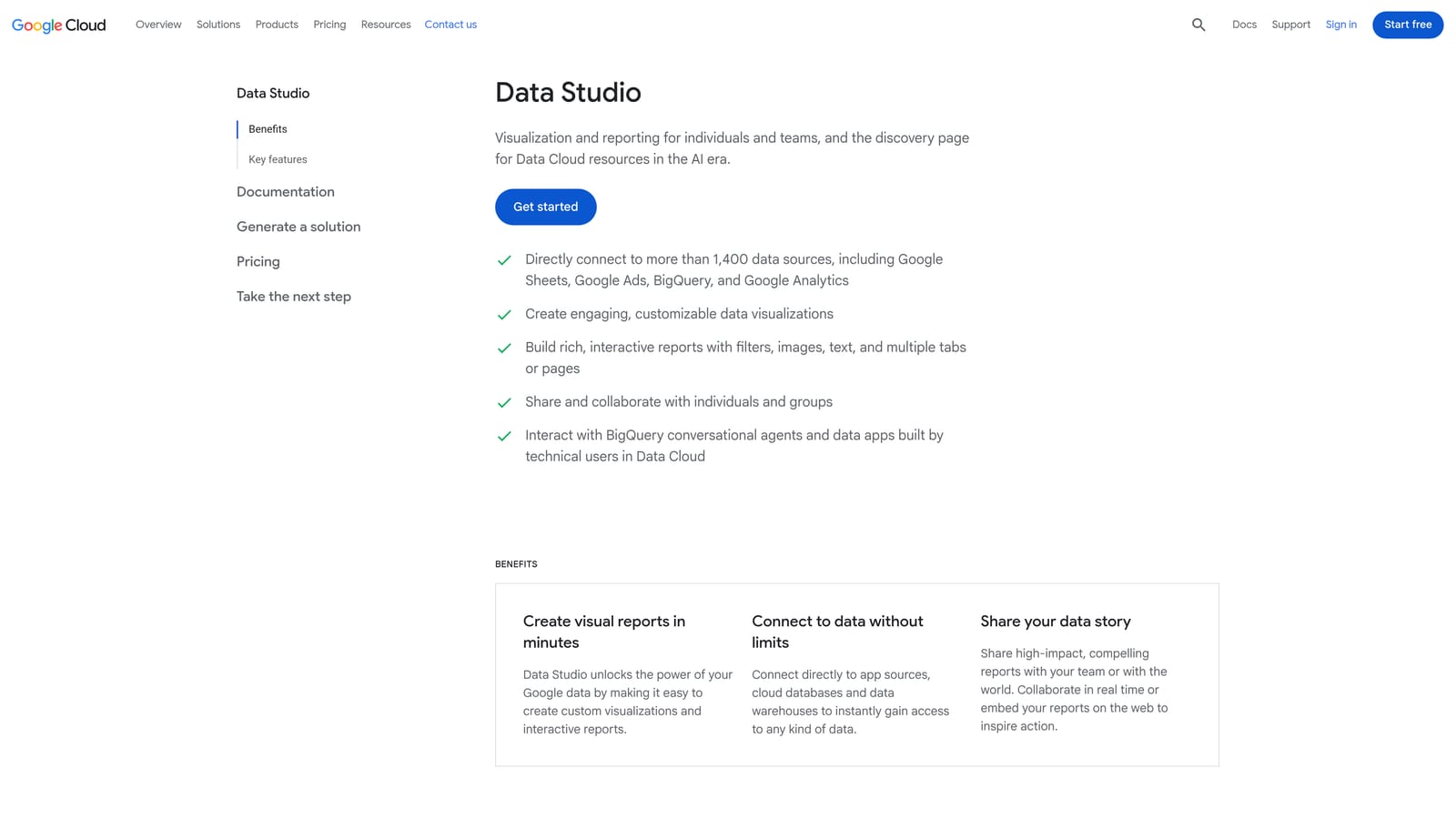
Its strength is free, fully customizable dashboards. You decide the layout, metrics, and branding, and you can combine Google Ads with other sources.
- A native Google Ads connector that pulls your account data in without extra tooling.
- Custom dashboards, so reports match what each client cares about.
- Shareable reports that clients can open through a link.
- Scheduled email delivery to send reports on a regular cadence.
- Data blending to combine sources, such as ads and analytics, in one view.
It works with Google Ads, Google Analytics, Google Sheets, and BigQuery. Simple dashboards take little time, but complex ones with blended data take real setup effort, and someone must maintain them as needs change.
It is reporting only. It will not edit campaigns, flag waste, or automate anything, so it complements the optimization tools above rather than replacing them.
Pricing: free; Looker Studio Pro is a paid tier.
Best for: Custom client dashboards on a budget.
7. Swydo
Swydo is an automated reporting and monitoring platform designed for agencies. Rather than building dashboards from scratch, you work from templates and send recurring reports.
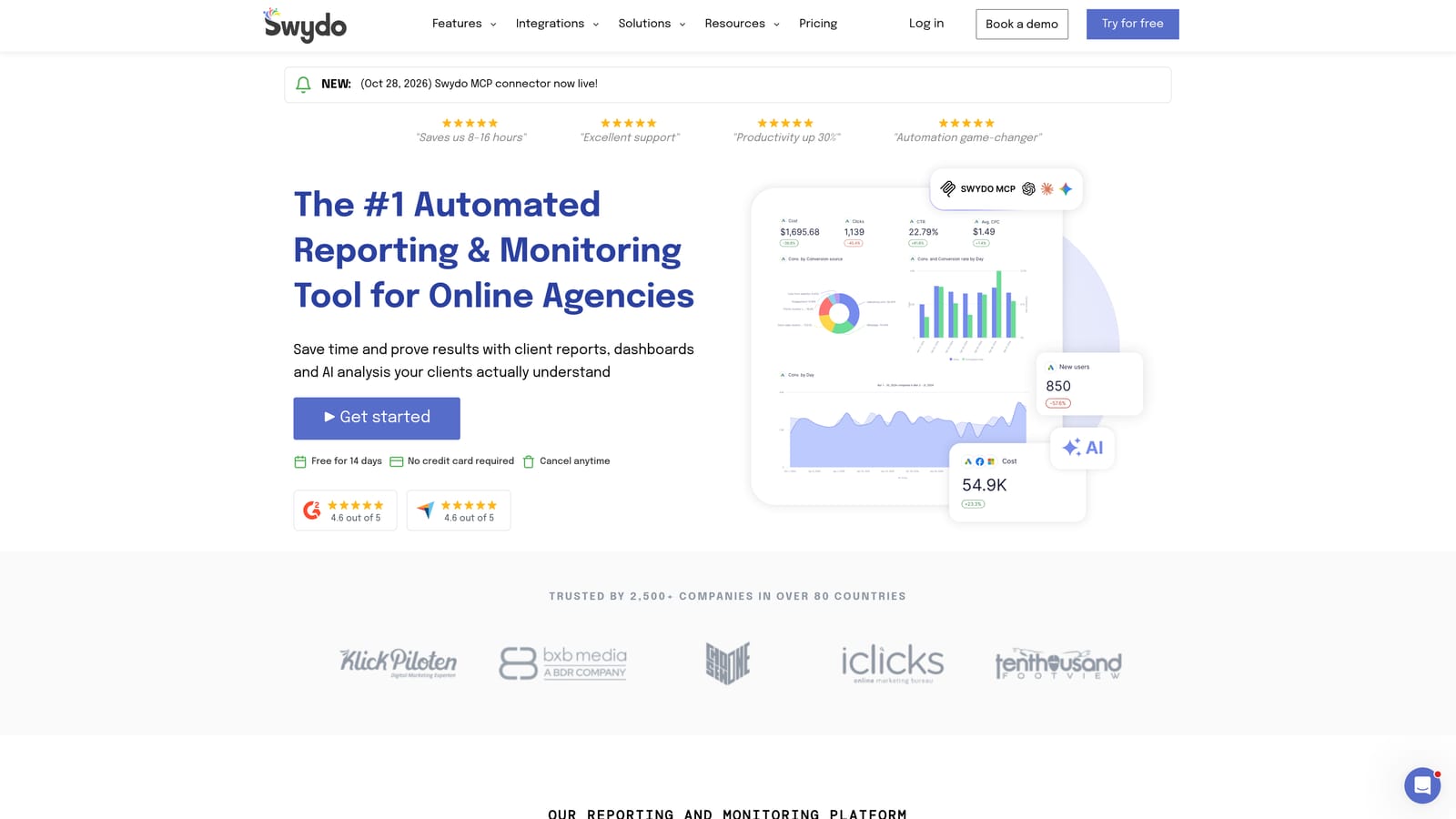
What sets it apart here is template-driven, white-label client reporting for many accounts. If you send the same style of report to twenty clients every month, this saves the repeated assembly.
- Report templates so new clients are set up quickly and reports look consistent.
- White-labeling to present reports under your agency brand.
- Multi-channel data, so one report can cover more than Google Ads.
- Scheduled report delivery to clients without manual sending.
- Performance monitoring to keep an eye on results between reports.
It connects with Google Ads, Meta Ads, and Google Analytics. Setup involves linking each client's accounts and choosing a template, and an account manager or operations person usually runs it.
It is reporting-first. It does not optimize accounts, so you still need other tools for the actual work. A freelancer with a couple of clients may find Looker Studio enough. Pricing is on its website; check current plans, since it commonly depends on the number of accounts or reports.
Best for: Agencies sending recurring client reports.
8. Google Ads Manager Account (MCC)
A Google Ads manager account (often called an MCC, short for My Client Center) lets you manage multiple Google Ads accounts under one login. It is less a tool than the foundation the other tools sit on.
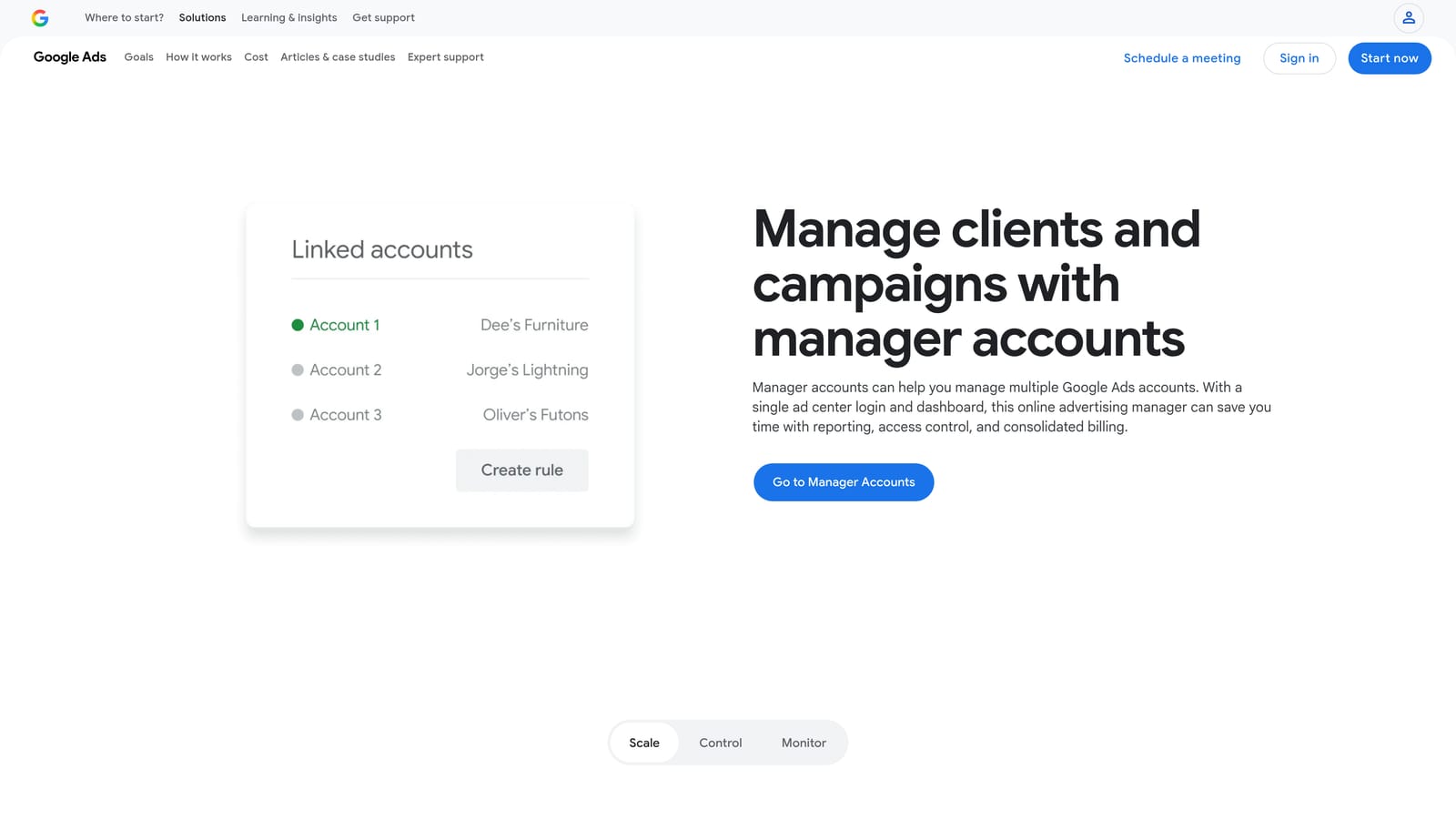
Its standout is official single-login access and permission control for client accounts. Without it, you juggle separate logins or rely on people sharing credentials.
- A single login for multiple client accounts, which removes constant account switching.
- User access and permissions, so you control who can see or change what.
- Account linking to connect client accounts to your manager account.
- Consolidated account views for scanning many accounts at once.
It works with Google Ads itself, and many third-party tools expect you to connect through one. Setup is creating the manager account and sending or accepting link requests from clients. Whoever administers access, often an agency owner or operations lead, runs it.
It is an access structure, not an optimization tool. It will not clean up search terms, edit in bulk, or produce reports on its own.
Pricing: free.
Best for: Anyone managing more than one client account.
9. Supermetrics
Supermetrics is a marketing data connector that moves Google Ads data, and data from many other platforms, into the places you report from. It is plumbing for reporting rather than a tool you manage campaigns in.
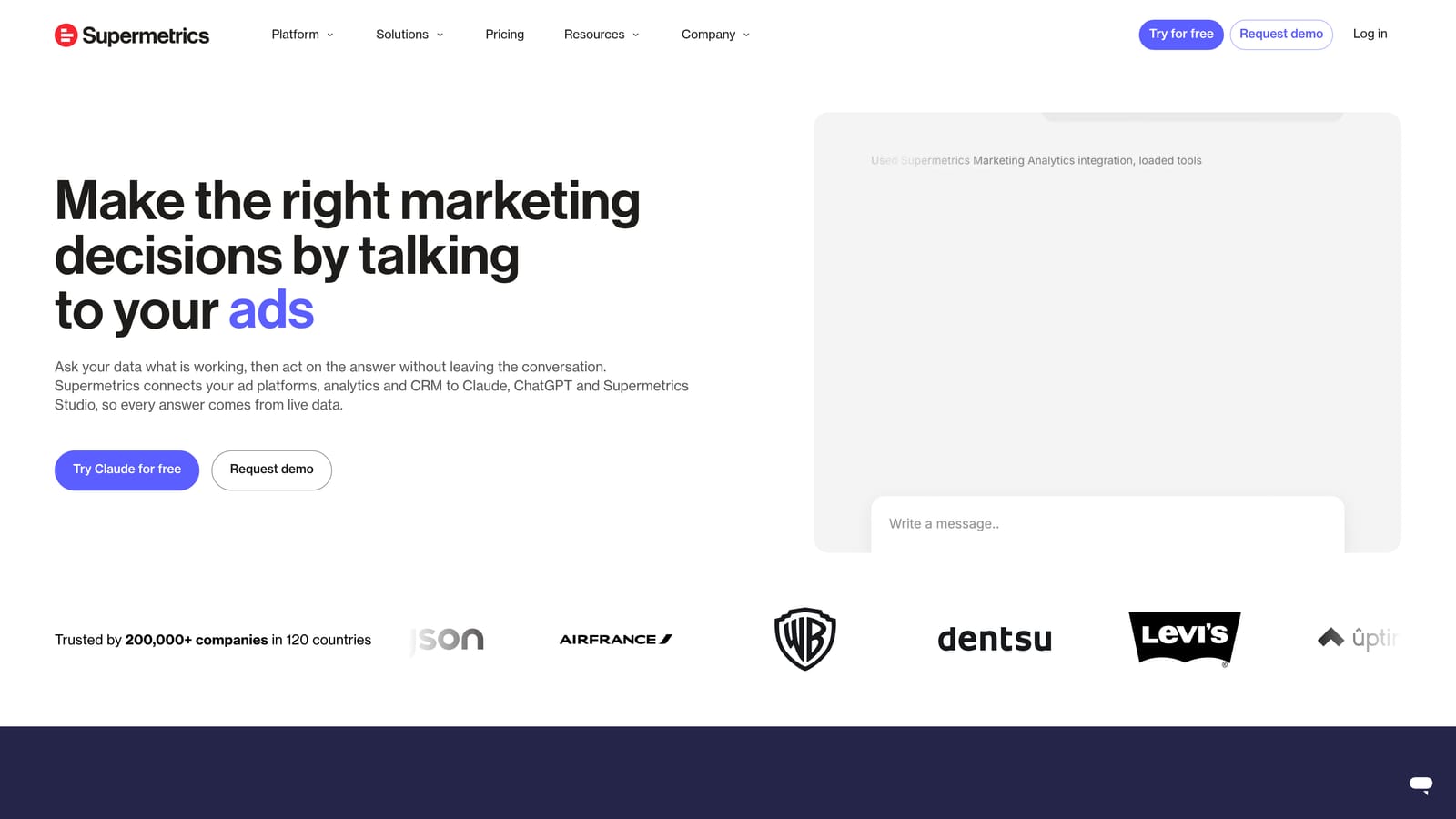
Its distinct strength is pulling data from many ad platforms into one reporting destination. If clients run Google, Meta, LinkedIn, and others, this brings the numbers together.
- A Google Ads data connector that feeds account data into your reporting setup.
- Exports to Sheets, Looker Studio, and Excel, so you keep the tools you already use.
- Cross-channel data pulls for side-by-side performance across platforms.
- Scheduled refreshes, so reports stay current without manual exports.
It supports destinations including Google Sheets, Looker Studio, Excel, and BigQuery. Setup means authorizing each data source and building the report in your chosen destination, usually handled by an analyst or reporting lead.
Costs scale with the number of sources and destinations, and it has no optimization features. If you only report on Google Ads, a free route such as Looker Studio's native connector may be enough. Pricing is on its website, so confirm current plans there.
Best for: Cross-channel reporting across many ad platforms.
Matching Tools to Your Situation
No single tool here covers everything, and expecting one to is the most common mistake. The jobs differ: search term triage, bulk building, auditing, automation, reporting, and access. Pick by the job that eats your time, and review any automated change before it touches a live account.
- Solo freelancer: a manager account for access, Keywordme for search term work, and Looker Studio for reporting covers a lot for little money. Add Google Ads Editor when you build or restructure.
- Agency running many accounts: start with a manager account and Keywordme for daily search term hygiene, then consider Optmyzr if you want a full suite, or Adalysis if audits and ad testing are the gap.
- Reporting-heavy teams: Swydo for templated white-label reports, Looker Studio for custom dashboards, and Supermetrics when the data spans several ad platforms.
- Technical teams: Google Ads Scripts for custom alerts and automation, paired with Editor for bulk changes.
Most teams end up combining two or three of these. Since Keywordme is our product, weigh our view accordingly: it does one job, search term and keyword work, and it does it inside the report you already use. Start your free 7-day trial (then just $12/month) to optimize Google Ads campaigns 10X faster without leaving your account. Keywordme lets you remove junk search terms, build high-intent keyword lists, and apply match types instantly, right inside Google Ads. No spreadsheets, no switching tabs, just quick, seamless optimization.
