
9 Best Tools to Get Started with Google Ads in 2026
Getting started with Google Ads is much easier with the right toolkit at your disposal. This comprehensive guide highlights 9 essential tools across optimization, keyword research, analytics, and automation that help beginners and agencies alike launch effective campaigns without wasting budget. From browser extensions that streamline search term management to platforms that uncover high-converting keywords, these tools eliminate guesswork and accelerate your path from setup to profitable Google Ads campaigns.


Getting started with Google Ads doesn't mean you have to figure everything out alone. The right tools can help you research keywords, optimize campaigns, track conversions, and avoid wasting budget on irrelevant clicks—all while you're still learning the ropes. This guide covers 9 essential tools that make launching and managing Google Ads campaigns easier, whether you're a freelancer running your first campaign or an agency onboarding new clients. We've organized these by function: optimization, keyword research, analytics, and automation. Let's dive into the tools that'll help you hit the ground running.
1. Keywordme
Best for: Fast search term optimization without leaving Google Ads
Keywordme is a Chrome extension that lets you optimize campaigns directly inside the Google Ads search terms report—no spreadsheets required.

Where This Tool Shines
Most beginners waste hours copying search terms into spreadsheets, manually categorizing them, then uploading negative keyword lists. Keywordme eliminates that entire workflow by letting you click junk terms and instantly add them as negatives, apply match types, or build new keyword groups—right where you're already working.
This is especially useful when you're learning which search queries actually trigger your ads. Instead of exporting data and losing context, you can make optimization decisions on the spot while reviewing performance metrics.
Key Features
One-Click Negative Keywords: Select irrelevant search terms and add them as negatives instantly without leaving the interface.
Bulk Match Type Application: Apply exact, phrase, or broad match modifiers to multiple keywords at once with a single click.
Keyword Clustering: Automatically group related search terms to identify patterns and build targeted ad groups faster.
In-Interface Workflow: No tab switching or external dashboards—everything happens inside Google Ads where your data lives.
Multi-Account Support: Agencies can manage multiple client accounts with team collaboration features built in.
Best For
Freelancers and agencies who want to cut optimization time dramatically. If you're spending more than 30 minutes per week cleaning up search terms, this tool will pay for itself immediately by turning that into a 5-minute task.
Pricing
$12/month per user with a 7-day free trial. No complex tiers—just flat-rate pricing that scales with your team.
2. Google Ads Editor
Best for: Bulk campaign editing and offline management
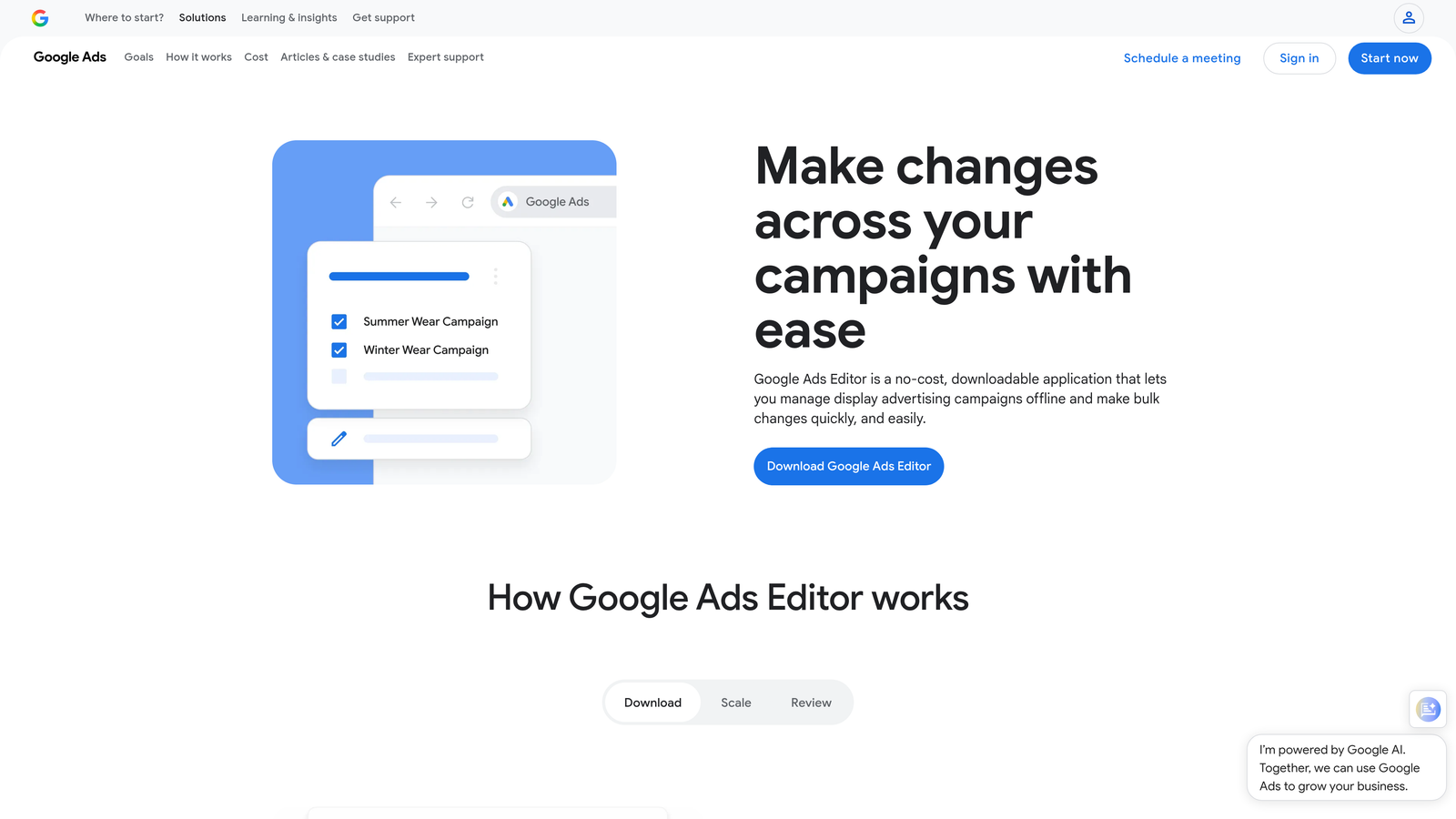
Google Ads Editor is a free desktop application that lets you download campaigns, make bulk changes offline, and push updates back to your account.
Where This Tool Shines
When you're launching multiple campaigns or duplicating ad groups across accounts, doing it manually in the web interface becomes tedious fast. Ads Editor lets you copy entire campaign structures, find and replace text across hundreds of ads, and review changes before publishing them live.
The offline functionality is clutch if you're working on a plane or need to make edits without worrying about accidentally publishing half-finished work. You can draft everything, review it carefully, then push changes when you're ready.
Key Features
Bulk Editing: Change bids, budgets, or ad copy across thousands of items simultaneously using spreadsheet-style editing.
Offline Mode: Download your account, make changes without an internet connection, then sync when you're back online.
Copy/Paste Between Accounts: Duplicate successful campaign structures across multiple client accounts in seconds.
Find and Replace: Update URLs, phone numbers, or product names across all ads with a single search-and-replace action.
Draft Mode: Review all pending changes in a staging environment before pushing anything live to your account.
Best For
Anyone managing more than one campaign or working with repetitive account structures. Agencies especially benefit from the ability to template campaigns and replicate them across clients.
Pricing
Completely free. Google provides this as a native tool for all advertisers.
3. Google Keyword Planner
Best for: Free keyword research and search volume estimates
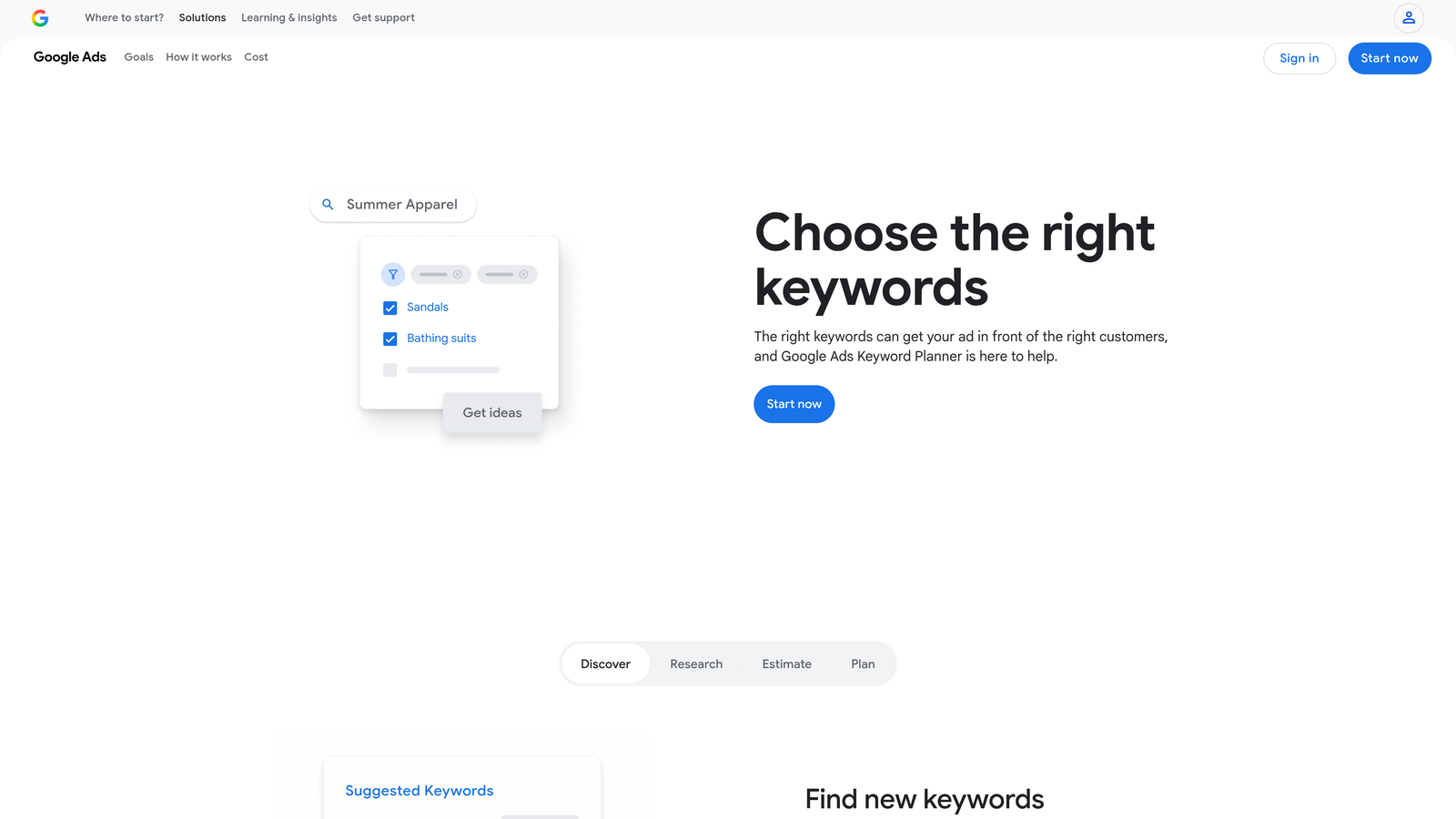
Google Keyword Planner is the native research tool inside Google Ads that shows search volume, competition levels, and bid estimates for keywords.
Where This Tool Shines
When you're starting from scratch and need to build your first keyword list, Keyword Planner gives you actual Google data—not third-party estimates. You can enter a seed keyword or your landing page URL, and it'll generate hundreds of related terms with monthly search volume ranges and suggested bids.
The competition indicators help you understand how saturated a keyword is, which matters when you're trying to find opportunities that won't drain your budget immediately. It's not perfect for exact volume numbers unless you're actively spending, but it's accurate enough to prioritize your initial keyword targets.
Key Features
Search Volume Estimates: See monthly search ranges for any keyword to gauge demand before launching campaigns.
Keyword Suggestions: Enter a seed term or URL and get hundreds of related keyword ideas automatically.
Competition Levels: Understand whether a keyword has low, medium, or high advertiser competition.
Bid Range Estimates: Get suggested bid ranges to help you set realistic budgets for new campaigns.
Historical Trends: View search volume patterns over time to identify seasonal keywords or declining interest.
Best For
Beginners who need a starting point for keyword research without paying for third-party tools. It's especially useful when you're validating whether there's enough search volume to justify a campaign.
Pricing
Free with any Google Ads account. You'll see more detailed volume data once you start spending on campaigns.
4. SEMrush
Best for: Competitive intelligence and PPC keyword gap analysis
SEMrush is a comprehensive marketing platform with deep PPC research features that show you what competitors are bidding on and how their ads perform.
Where This Tool Shines
Before you launch campaigns, SEMrush lets you reverse-engineer what's already working in your market. You can enter a competitor's domain and see every keyword they're bidding on, read their ad copy variations, and identify gaps in their strategy that you can exploit.
The PPC Keyword Gap tool is particularly useful—it compares your domain against up to four competitors and shows you keywords they're targeting that you're not. This helps you avoid reinventing the wheel and focus on proven opportunities from day one.
Key Features
Competitor Ad Copy Analysis: View all active and historical ad variations from any competitor to understand messaging that converts.
PPC Keyword Gap: Compare your keyword strategy against competitors and discover high-value terms you're missing.
Ad History Tracking: See how long competitors have been running specific ads—if they've run the same ad for months, it's probably profitable.
CPC and Competition Metrics: Get detailed cost-per-click estimates and competitive density data for thousands of keywords.
Position Tracking: Monitor your ad positions over time and compare them against competitor placements.
Best For
Advertisers who want to shortcut the learning curve by studying what's already working in their niche. If you're entering a competitive market, this tool helps you avoid expensive trial-and-error.
Pricing
Starts at $139.95/month for the Pro plan. Higher tiers unlock more competitor domains and historical data.
5. SpyFu
Best for: Historical PPC data and competitor keyword profitability insights
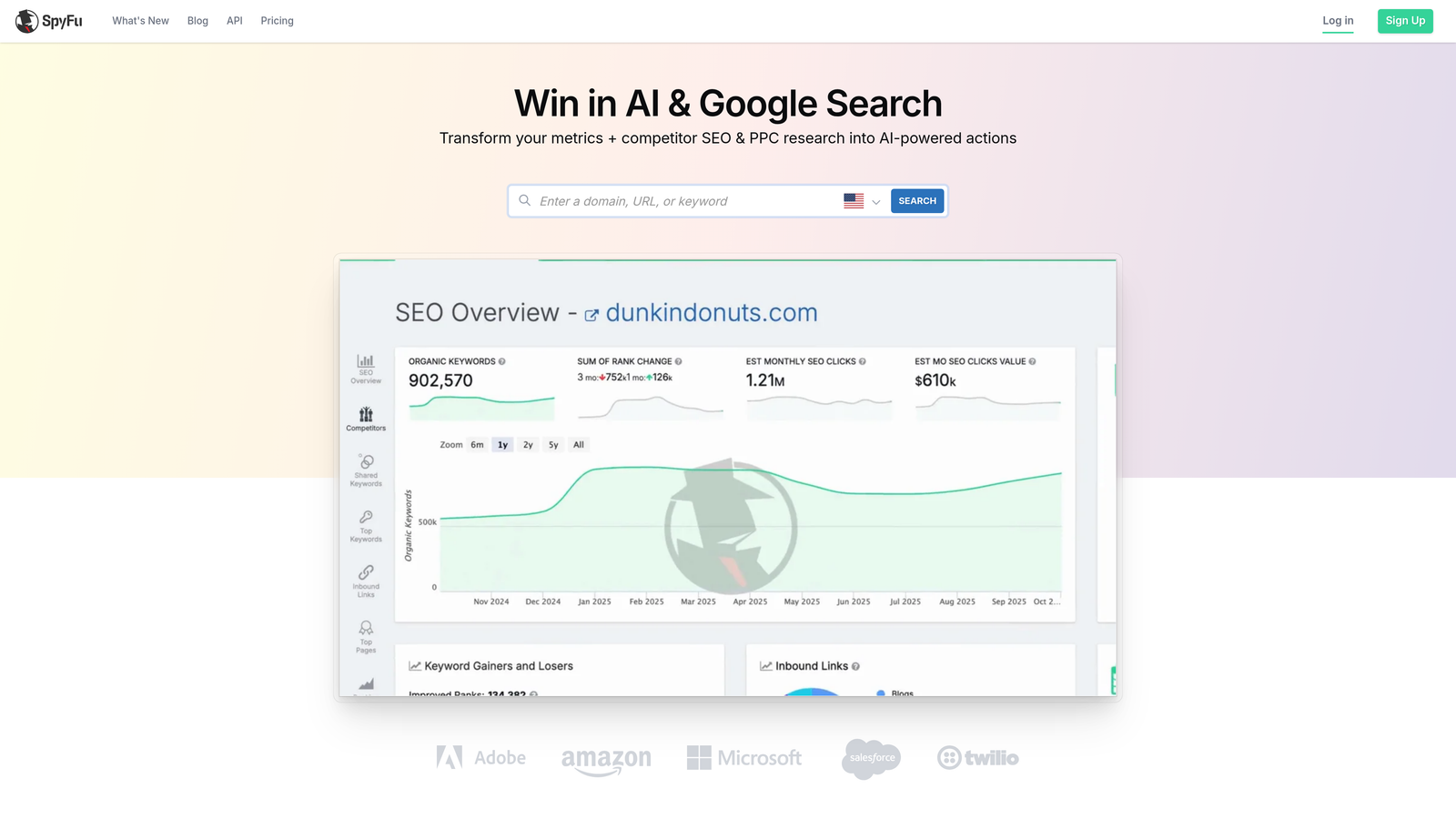
SpyFu specializes in showing you years of competitor ad history, including which keywords they've consistently bid on and how their strategies have evolved.
Where This Tool Shines
SpyFu's strength is its historical depth. You can see which keywords a competitor has been bidding on for years—those are almost certainly profitable for them. The "Most Profitable Keywords" feature ranks terms by estimated value, helping you prioritize where to focus your budget.
The ad variation insights show you how competitors have tested different headlines and descriptions over time. If you notice they keep returning to certain messaging patterns, that's a signal those angles are converting well.
Key Features
Years of Ad History: Access historical PPC data going back over a decade to identify long-term profitable keywords.
Most Profitable Keywords: See which keywords competitors spend the most on consistently, indicating high ROI.
Ad Variation Testing: Review how competitors have tested different ad copy over time to find winning messaging patterns.
Shared Keyword Analysis: Identify keywords that multiple competitors are bidding on—these are often high-intent terms worth targeting.
Google Ads Templates: Download pre-built campaign templates based on competitor strategies to speed up campaign creation.
Best For
Advertisers who want to understand long-term keyword profitability before committing budget. The historical data helps you avoid wasting money on keywords that look good on paper but don't convert.
Pricing
Starts at $39/month for the Basic plan. Professional and Team plans unlock more competitor tracking and historical data.
6. Optmyzr
Best for: Rule-based automations and one-click optimization suggestions
Optmyzr is a PPC management platform that uses rules and algorithms to suggest optimizations across your Google Ads account.

Where This Tool Shines
Once you're past the initial setup phase and running multiple campaigns, Optmyzr helps you maintain performance without manually auditing everything daily. It flags underperforming keywords, suggests bid adjustments, and alerts you to budget pacing issues before they blow your monthly spend.
The one-click optimizations are particularly useful when you're managing multiple accounts. Instead of digging through reports, Optmyzr surfaces actionable recommendations you can approve or reject in seconds.
Key Features
One-Click Optimizations: Review AI-generated suggestions for bid changes, keyword additions, and budget adjustments with single-click approval.
Custom Rule Builder: Create automated rules that trigger actions based on performance thresholds you define.
Budget Pacing Alerts: Get notifications when campaigns are spending too fast or too slow relative to monthly budgets.
Quality Score Tracking: Monitor Quality Score changes over time and identify keywords dragging down account performance.
Multi-Account Dashboards: Manage multiple Google Ads accounts from a single interface with consolidated reporting.
Best For
Agencies and in-house teams managing multiple accounts who need automation to scale their optimization efforts. It's overkill for a single small campaign but essential once you're juggling several clients.
Pricing
Starts at $249/month based on monthly ad spend. Pricing scales with account size and number of features needed.
7. Google Analytics 4
Best for: Tracking user behavior and conversions after ad clicks
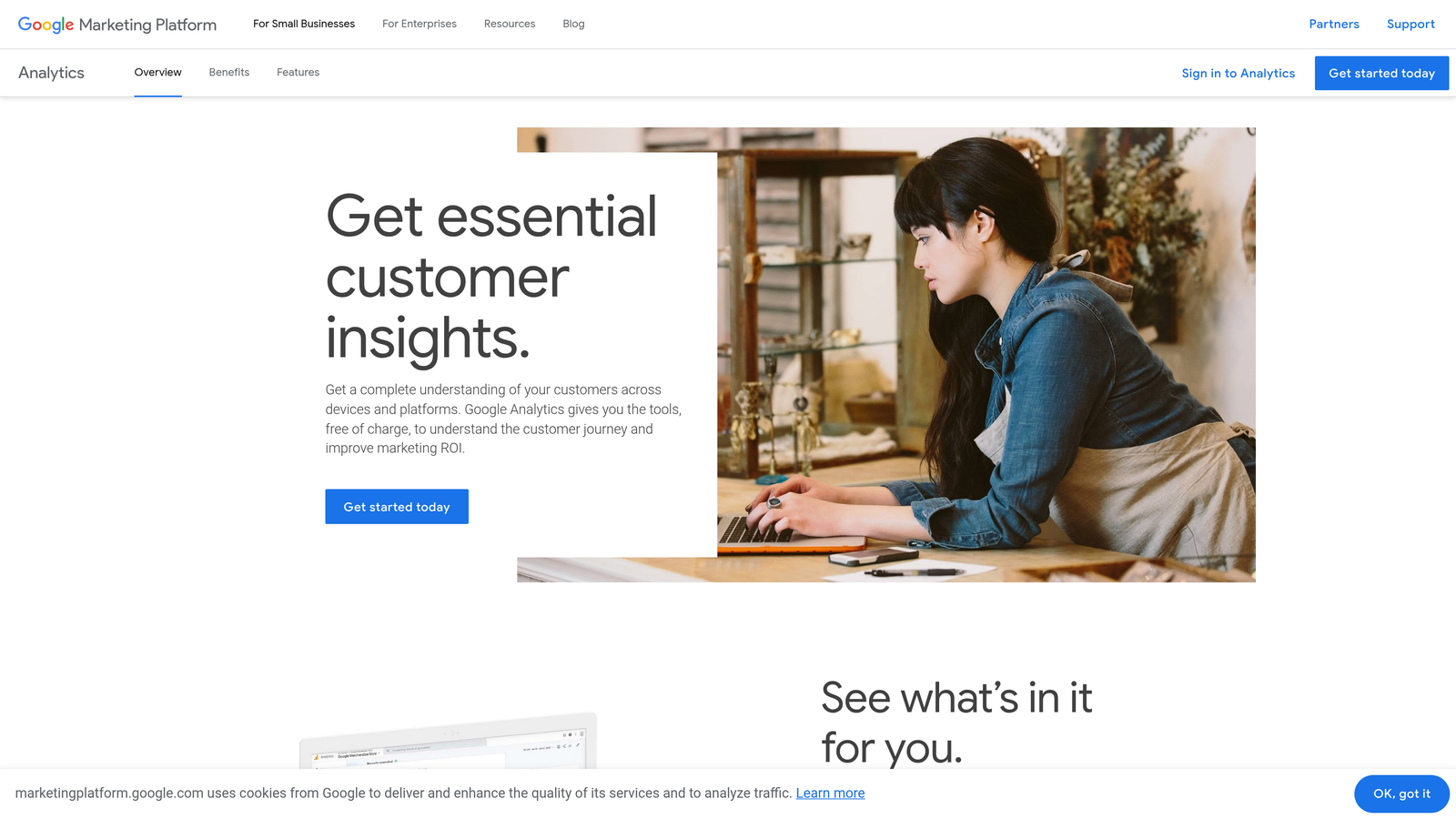
Google Analytics 4 is the free analytics platform that shows you what happens after someone clicks your ad—whether they convert, bounce, or browse multiple pages.
Where This Tool Shines
Google Ads tells you which keywords get clicks, but GA4 tells you which keywords get conversions and what users do on your site. The conversion path analysis shows you whether people convert on the first visit or need multiple touchpoints, which changes how you structure your campaigns.
The Google Ads integration lets you import GA4 goals as conversions, giving you more accurate attribution than relying solely on Google Ads conversion tracking. You can also build remarketing audiences based on specific user behaviors to re-engage people who didn't convert initially.
Key Features
Event-Based Tracking: Track specific user actions like form submissions, video plays, or PDF downloads without complex code.
Google Ads Integration: Import GA4 conversions into Google Ads for better bidding optimization and attribution accuracy.
Conversion Path Analysis: See the full journey from first ad click to final conversion, including all touchpoints in between.
Audience Building: Create remarketing lists based on user behavior to re-target engaged visitors with tailored campaigns.
Cross-Device Tracking: Understand how users interact with your site across mobile, desktop, and tablet after clicking ads.
Best For
Anyone running Google Ads who wants to understand post-click behavior and optimize for actual business outcomes, not just clicks and impressions.
Pricing
Free for most businesses. Enterprise-level tracking requires Google Analytics 360, which is significantly more expensive.
8. Unbounce
Best for: Building high-converting landing pages for paid traffic
Unbounce is a landing page builder designed specifically for maximizing conversion rates from paid advertising campaigns.
Where This Tool Shines
Sending Google Ads traffic to your homepage is a conversion killer. Unbounce lets you create dedicated landing pages that match your ad messaging exactly, which improves Quality Score and conversion rates simultaneously. The drag-and-drop builder means you don't need a developer to test new page variations.
The built-in A/B testing is crucial for beginners who aren't sure which headlines, images, or CTAs will convert best. You can test multiple versions of a page and let Unbounce automatically send more traffic to the winner using their Smart Traffic AI feature.
Key Features
Drag-and-Drop Builder: Create custom landing pages without coding using an intuitive visual editor and pre-built templates.
A/B Testing Built-In: Test multiple page variations simultaneously to identify the highest-converting design and copy.
Smart Traffic AI: Automatically route visitors to the page variant most likely to convert them based on behavioral data.
Pop-Ups and Sticky Bars: Add exit-intent pop-ups or persistent notification bars to capture leads before visitors leave.
Template Library: Access hundreds of conversion-optimized templates designed for different industries and campaign types.
Best For
Advertisers who want to improve conversion rates without relying on web developers. If you're testing multiple offers or targeting different audience segments, dedicated landing pages become essential.
Pricing
Starts at $99/month for the Build plan with unlimited landing pages and pop-ups. Higher tiers add more traffic capacity and advanced features.
9. Zapier
Best for: Automating workflows between Google Ads and other business tools
Zapier connects Google Ads to thousands of other apps, letting you automate lead notifications, CRM updates, and performance alerts without coding.
Where This Tool Shines
When someone fills out a lead form from your Google Ads campaign, Zapier can instantly send that data to your CRM, notify your sales team on Slack, and log the conversion in a Google Sheet—all automatically. This eliminates manual data entry and ensures leads get followed up on immediately.
The Google Ads integration also lets you trigger actions based on campaign performance. You can set up alerts when your daily budget hits 80%, when a campaign's cost-per-conversion exceeds a threshold, or when specific keywords start underperforming.
Key Features
Google Ads Triggers and Actions: Automate workflows based on new leads, conversions, or campaign performance changes.
Lead Notification Automations: Instantly alert your sales team via email, SMS, or Slack when someone converts from an ad.
CRM Sync for Conversions: Automatically add new leads to Salesforce, HubSpot, or other CRMs without manual data entry.
Spreadsheet Logging: Send conversion data to Google Sheets or Airtable for custom reporting and analysis.
Slack/Email Alerts: Get notified when campaigns hit budget limits, conversions spike, or performance drops below targets.
Best For
Businesses that need to connect Google Ads data to other tools in their stack. If you're managing leads across multiple platforms or need real-time performance alerts, Zapier eliminates the manual work.
Pricing
Free tier available with limited tasks per month. Paid plans start at $19.99/month and scale based on the number of automated tasks you need.
Making the Right Choice
Here's how to match these tools to your specific needs:
If you're just launching your first campaign: Start with Google Keyword Planner for research, Google Ads Editor for building campaign structure, and Google Analytics 4 for tracking results. All three are free and cover the essentials.
If you're wasting time on search term cleanup: Keywordme eliminates the spreadsheet workflow and lets you optimize directly inside Google Ads. The time savings alone justify the $12/month, especially if you're managing multiple campaigns.
If you need to understand your competition: SEMrush gives you the broadest competitive intelligence, while SpyFu specializes in historical profitability data. Both help you avoid expensive trial-and-error by showing you what's already working.
If your landing pages aren't converting: Unbounce lets you test dedicated landing pages without a developer. The built-in A/B testing and Smart Traffic features help you improve conversion rates quickly.
If you're managing multiple accounts: Optmyzr automates optimization suggestions across clients, while Zapier connects Google Ads to your CRM and notification tools. Both scale your efficiency as your workload grows.
The truth is, most successful Google Ads managers use a combination of these tools rather than relying on just one. Start with the free native tools to get campaigns running, then add specialized solutions as you identify specific bottlenecks in your workflow.
If there's one tool that delivers immediate impact for new advertisers, it's search term optimization. You can have perfect keyword research and competitive intelligence, but if you're not actively removing junk search terms and refining match types, you'll burn budget fast. Start your free 7-day trial of Keywordme and see how much faster you can optimize campaigns when you're working directly inside Google Ads—no spreadsheets, no tab switching, just quick, seamless optimization for $12/month after the trial.
.svg)