
8 Best Google Ads Optimization Tools for Faster, Smarter PPC
Discover the best Google Ads optimization tools to cut wasted spend and streamline your PPC workflow in 2026, from Chrome extensions to full-stack platforms. This guide helps marketers, freelancers, and agency teams find the right tool to replace slow manual processes and deliver faster, smarter campaign results.


TL;DR: The best Google Ads optimization tools help you cut wasted spend, build tighter keyword lists, and speed up the repetitive tasks that eat your day. This list covers tools ranging from in-interface Chrome extensions to full-stack PPC platforms, ranked by how much actual workflow value they deliver for marketers, freelancers, and agency teams.
If you're running Google Ads manually right now, exporting CSVs, copy-pasting into spreadsheets, uploading changes back, you already know how slow that gets. The right Google Ads optimization tool changes that. But "optimization tool" means different things depending on your workflow: some tools live inside Google Ads, some replace your dashboard entirely, and some are built for specific tasks like bid management or reporting.
This list covers the best options across all those categories so you can pick what actually fits how you work.
1. Keywordme
Best for: Freelancers and agency teams who want faster keyword management without leaving Google Ads.
Keywordme is a Chrome extension that plugs directly into Google Ads' Search Terms Report, letting you optimize campaigns without touching a spreadsheet.

Where This Tool Shines
The core problem Keywordme solves is context switching. Every time you export a search terms report, paste it into a spreadsheet, identify junk terms, build a negative keyword list, then upload it back into Google Ads, you're burning time on process instead of strategy. Keywordme collapses that entire workflow into one-click actions inside the native UI.
In most accounts I audit, the search terms report is where the most wasted spend hides. Keywordme makes it genuinely fast to clean that up. You can remove junk terms, add high-intent keywords, apply match types, and cluster keywords into groups without ever leaving the Google Ads interface. For agencies managing multiple clients, the multi-account and team support means everyone works from the same workflow instead of their own spreadsheet systems.
Key Features
One-Click Negative Keyword Addition: Flag and remove junk search terms directly inside the Search Terms Report without exporting anything.
Instant Match Type Application: Apply broad, phrase, or exact match to keywords in a single click without navigating away from Google Ads.
Keyword Clustering and Bulk Editing: Group and organize keywords faster with clustering tools built for high-volume list building.
Multi-Account and Team Support: Manage multiple client accounts and collaborate with team members inside the same workflow.
Zero Context Switching: Everything happens inside the native Google Ads UI, which means no dashboards to learn, no tabs to juggle.
Best For
Solo advertisers and agency teams who spend significant time in the Search Terms Report and want to cut that time dramatically. Especially useful if you're managing keyword hygiene across multiple accounts and find spreadsheet-based workflows slowing you down.
Pricing
$12/month per user. A 7-day free trial is available with no commitment required.
2. Google Ads Editor
Best for: Making large-scale structural changes across campaigns in bulk, offline.
Google Ads Editor is Google's free desktop application for staging and uploading bulk campaign edits without working live in the interface.

Where This Tool Shines
When you need to restructure campaigns, rename ad groups, swap out headlines across dozens of ads, or make sweeping keyword changes, Google Ads Editor is the right tool. You work offline, stage all your changes locally, review them, and upload everything in one go. That batch approach reduces errors and makes large projects manageable.
It's not glamorous, but it's reliable. The find-and-replace feature alone saves hours when you're updating URLs, swapping out a brand name, or standardizing naming conventions across a large account. What it lacks in automation, it makes up for in precision and control.
Key Features
Bulk Editing: Edit keywords, ads, ad groups, and campaigns at scale across your entire account structure.
Offline Editing: Stage changes without an internet connection and upload when you're ready.
Find and Replace: Update text strings across campaigns in seconds, useful for URL changes or copy updates.
CSV Import/Export: Move data in and out using structured spreadsheets for teams that prefer spreadsheet-based workflows.
Free: No subscription, no ad spend minimum, available to every Google Ads user.
Best For
Any advertiser handling large structural changes, campaign builds, or bulk keyword uploads. It pairs well with in-interface tools like Keywordme: use Editor for big structural work, use Keywordme for ongoing search term hygiene.
Pricing
Free. Available to all Google Ads accounts.
3. Optmyzr
Best for: Agencies and performance marketers who need rule-based automation across multiple accounts.
Optmyzr is a PPC optimization platform that lets you build automation rules, surface one-click optimizations, and manage reporting without writing code.

Where This Tool Shines
The mistake most agencies make is trying to manually optimize every account on a weekly basis. At scale, that's not sustainable. Optmyzr is built for that reality. Its rule-based automation lets you define conditions, say, "if CPA exceeds X, lower bid by Y percent," and let the platform handle execution across accounts. That frees your team to focus on strategy instead of routine adjustments.
The one-click optimization suggestions are genuinely useful for account managers who want a structured review process. Rather than staring at raw data, Optmyzr surfaces the highest-priority changes based on performance signals. The white-label reporting is a strong addition for agencies presenting results to clients.
Key Features
One-Click Optimization Suggestions: Surfaces prioritized recommendations based on account performance data so you know where to focus first.
Rule-Based Automation: Automate bid adjustments, budget pacing, and keyword management based on conditions you define.
White-Label Reporting: Build client-facing dashboards with your agency's branding.
Quality Score Monitoring: Track quality score trends and get recommendations for improvement at scale.
Shopping Campaign Tools: Dedicated optimization features for ecommerce advertisers running Google Shopping.
Best For
Agencies managing 5 or more accounts who need automation rules and structured reporting. Also strong for performance marketers running high-spend accounts where manual bid management becomes inefficient.
Pricing
Tiered by ad spend managed. Visit optmyzr.com for current pricing details.
4. WordStream Advisor
Best for: SMBs and time-strapped marketers who want structured weekly optimization guidance.
WordStream Advisor is a guided PPC management platform built around weekly optimization alerts that tell you exactly what to fix and in what order.

Where This Tool Shines
WordStream's "20-Minute Work Week" concept is its defining feature. Instead of an open-ended dashboard that requires you to know what to look for, it surfaces the highest-impact optimizations each week and walks you through them. For SMB owners or marketers who run Google Ads alongside a dozen other responsibilities, that structure is genuinely valuable.
It also handles Google Ads, Facebook Ads, and Bing Ads from one interface, which reduces tool sprawl for smaller teams. The Performance Grader is a free standalone tool worth using even if you never subscribe to the full platform.
Key Features
20-Minute Work Week: Weekly prioritized optimization alerts that guide you through the most impactful changes first.
Multi-Channel Management: Google Ads, Facebook Ads, and Bing Ads managed from a single interface.
Performance Grader: Free account health benchmark tool that scores your Google Ads account against best practices.
Negative Keyword Tools: Built-in keyword research and negative keyword management features.
Client-Facing Reporting: Reporting dashboards designed for presenting results to clients or stakeholders.
Best For
SMBs, local businesses, and marketers who want structured guidance rather than open-ended optimization dashboards. Less suited to power users who want granular control over automation rules.
Pricing
Contact WordStream directly for current pricing. The Google Ads Performance Grader is available free at wordstream.com.
5. SEMrush PPC Toolkit
Best for: Competitor research and keyword gap analysis before and during campaign builds.
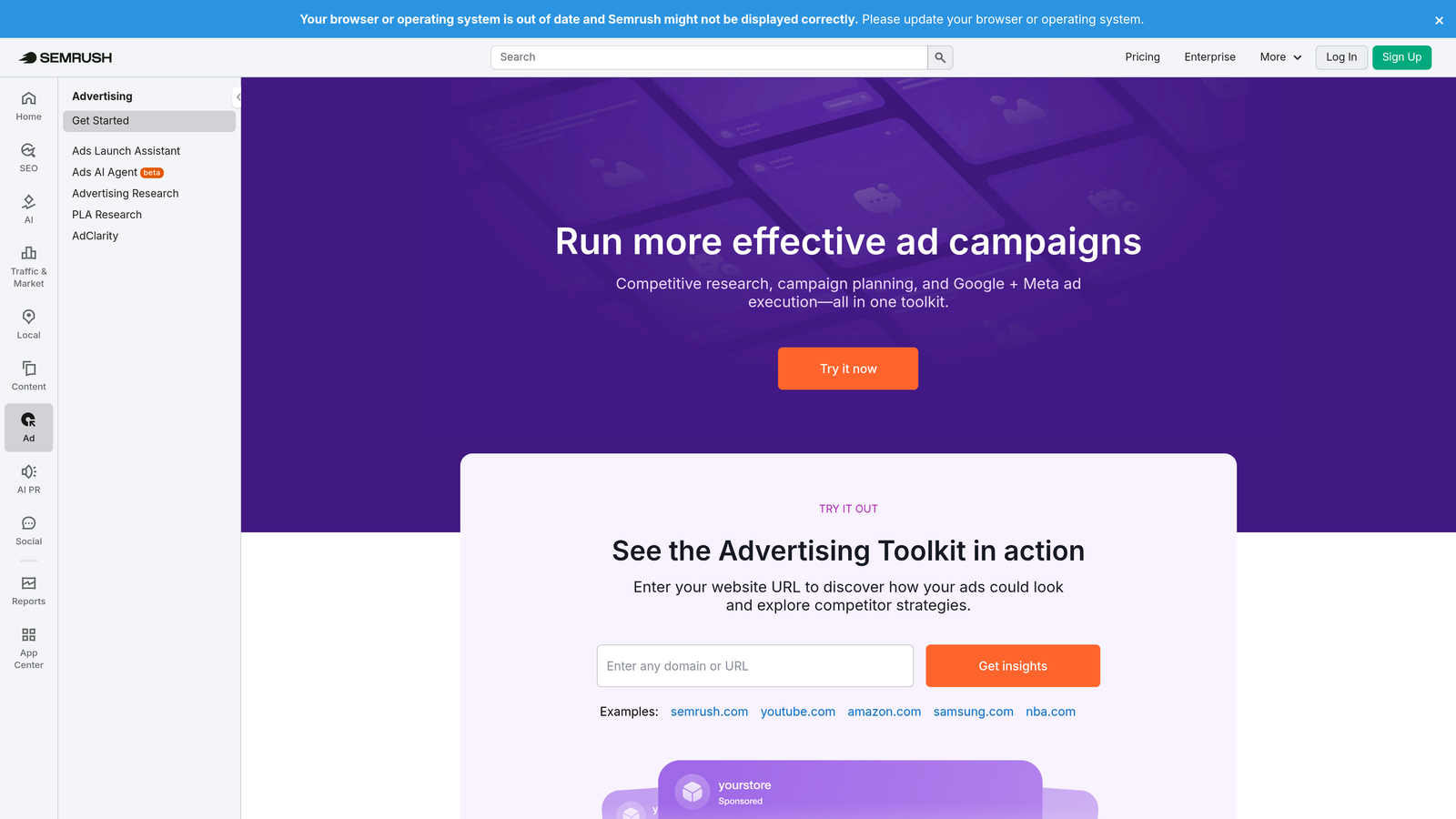
SEMrush's PPC Toolkit is a competitive intelligence layer for Google Ads, showing you what competitors bid on, what their ads say, and where your keyword coverage has gaps.
Where This Tool Shines
What usually happens here is that advertisers launch campaigns based on their own keyword brainstorming and miss a significant portion of what's actually converting in their market. SEMrush's Advertising Research tool shows you exactly which keywords competitors are running, what their ad copy looks like, and how long they've been running specific creatives. That's a significant research shortcut.
The Keyword Gap tool is particularly useful for identifying terms competitors bid on that you don't. For ecommerce advertisers, the PLA Research feature does the same for Google Shopping. Worth noting: SEMrush is a research tool, not a campaign management tool. You can't make changes to your Google Ads account from within it.
Key Features
Advertising Research: See competitor keywords, ad copy, and estimated traffic data across any domain.
Keyword Gap Analysis: Identify terms competitors bid on that your campaigns are missing.
PLA Research: Competitive intelligence for Google Shopping Product Listing Ads.
Ad History Tracking: Monitor how competitor ad creative evolves over time to spot trends.
SEO and Content Integration: PPC data connects with SEMrush's broader SEO suite for unified keyword strategy.
Best For
Advertisers in competitive markets who want data-driven campaign builds. Especially valuable during the research phase before launching new campaigns or entering new markets.
Pricing
PPC Toolkit features are included in the Guru plan and above. Visit semrush.com for current pricing.
6. Adalysis
Best for: Advertisers running large volumes of ads who need automated testing and quality score diagnostics.
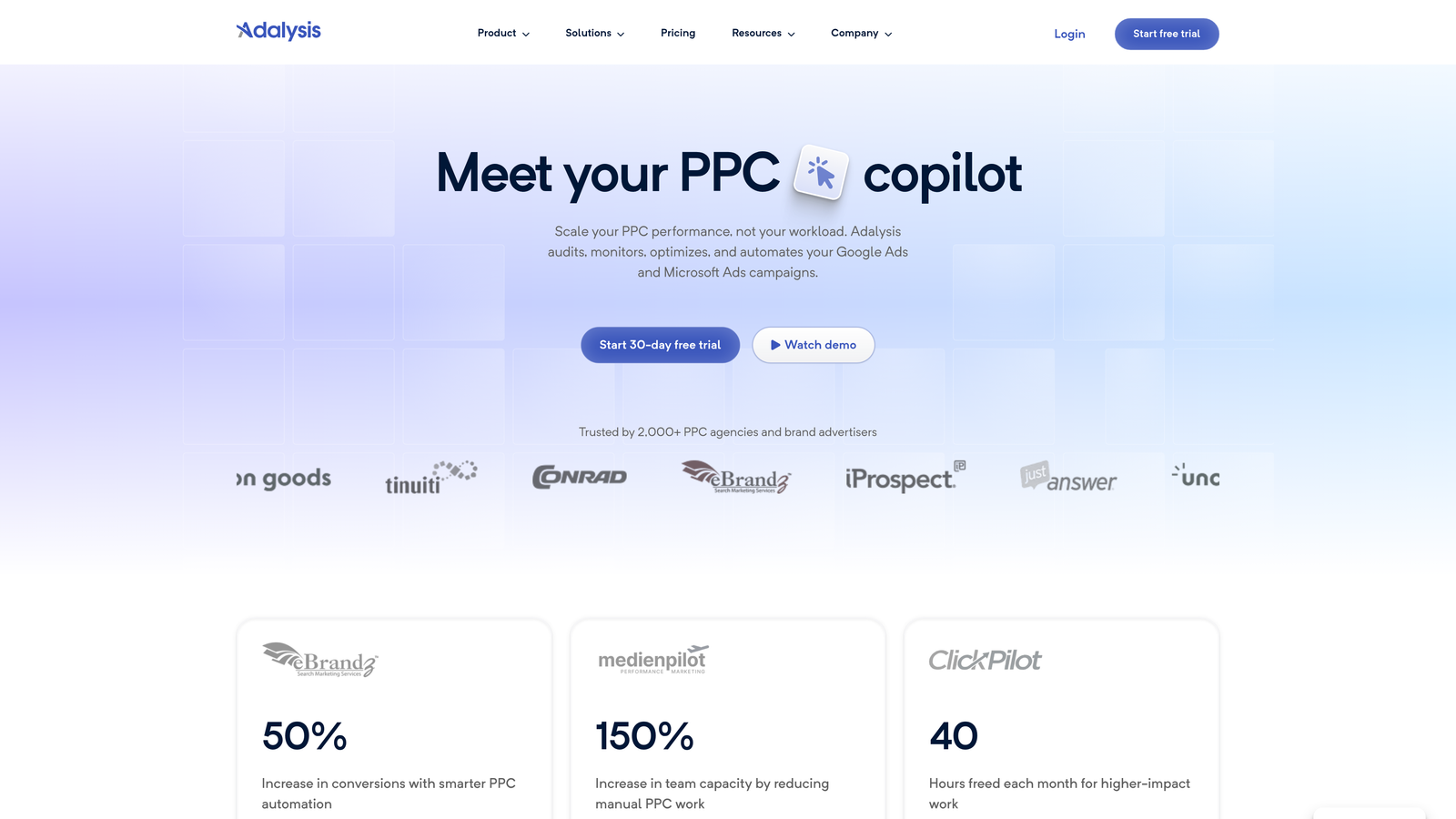
Adalysis is a Google Ads optimization tool built specifically around ad testing automation and quality score tracking at scale.
Where This Tool Shines
Ad testing is one of those things everyone knows they should do systematically and almost nobody actually does. Adalysis automates the process: it monitors statistical significance thresholds and pauses underperforming ads automatically based on rules you define. That means your testing is actually running on data, not gut feel or whoever remembered to check last week.
The quality score tracking is another strong point. Adalysis tracks quality score at keyword, ad group, and campaign level with historical data, so you can see trends over time rather than just a snapshot. For accounts with hundreds or thousands of responsive search ads, the RSA analysis and recommendations are genuinely useful for improving ad strength systematically.
Key Features
Automated A/B Ad Testing: Monitors statistical significance and pauses underperforming ads based on your defined rules.
Quality Score Tracking: Historical quality score data at keyword, ad group, and campaign level.
RSA Analysis: Responsive Search Ad performance analysis with improvement recommendations.
Account Audit Tools: Surfaces structural issues and optimization opportunities across your account.
Auto-Pause Rules: Define conditions for automatically pausing ads that aren't meeting performance thresholds.
Best For
Performance marketers and agencies running large ad volumes who want systematic, data-driven ad testing without manual monitoring. Strong fit for accounts with 50 or more active ads.
Pricing
Tiered by ad spend. Visit adalysis.com for current pricing details.
7. Google Ads Scripts
Best for: Technical teams who want fully custom automation without paying for a SaaS platform.
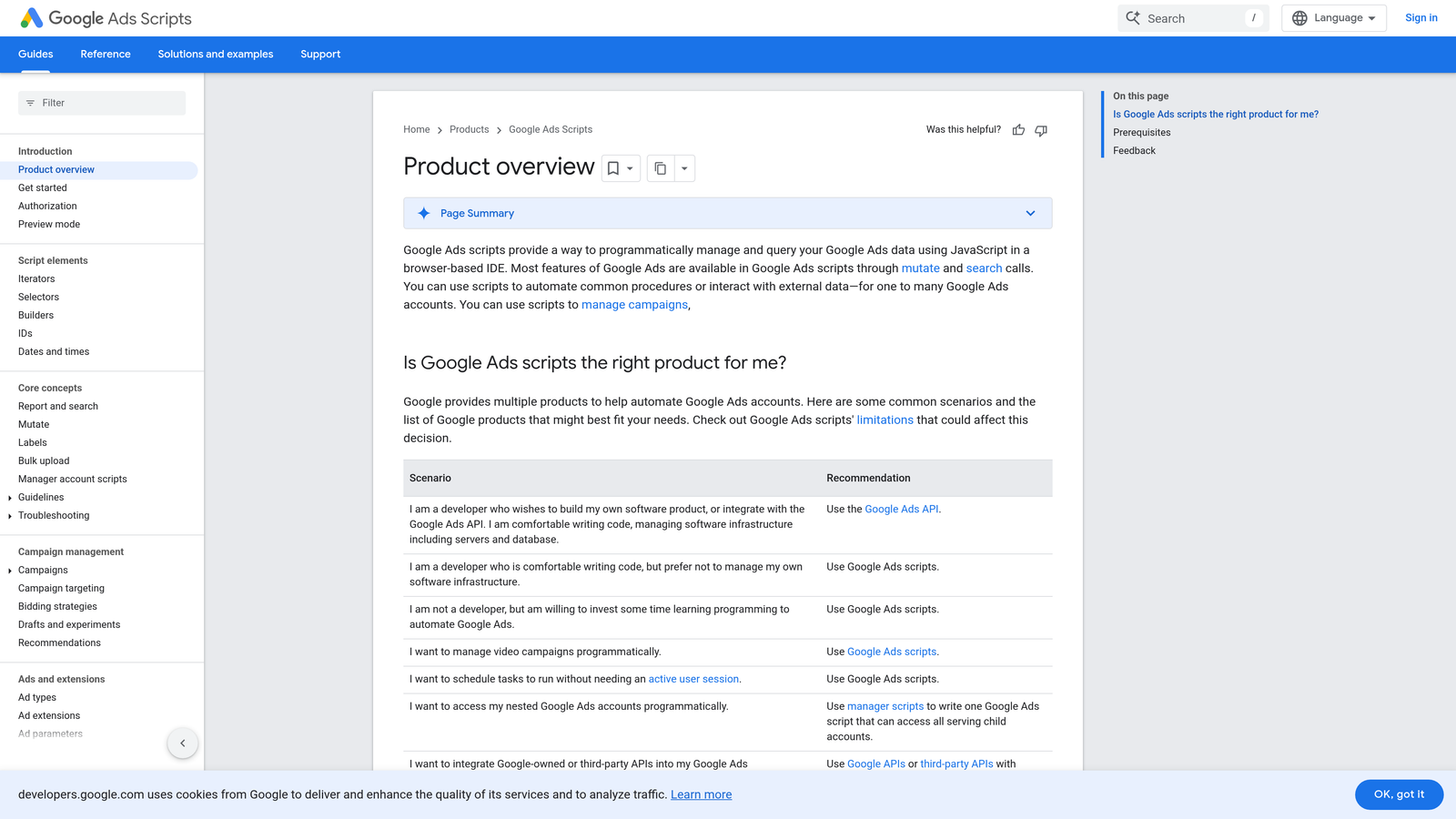
Google Ads Scripts is free JavaScript-based automation built directly into Google Ads, capable of handling almost any repetitive task you can define in code.
Where This Tool Shines
Scripts are the power user's secret weapon. If you can define a rule, you can automate it: bid adjustments based on weather data, budget pause alerts, keyword performance reports delivered to a Google Sheet, search term analysis run on a schedule. The flexibility is essentially unlimited, and the cost is zero.
The barrier is technical. You need to write or adapt JavaScript, which rules out a lot of teams. But a large library of pre-built community scripts exists, and many are well-documented. For technically capable teams, Scripts replace a surprising amount of what paid platforms charge for. MCC-level scripts mean you can run automation across every client account from a single script.
Key Features
Fully Customizable Automation: Write JavaScript to automate virtually any task inside Google Ads.
Scheduled Execution: Scripts run on a defined schedule inside Google Ads without external infrastructure.
Community Script Library: Large collection of free, pre-built scripts for common tasks available online.
MCC Support: Manager account-level scripts for running automation across multiple client accounts simultaneously.
Zero Cost: Fully free, included in every Google Ads account.
Best For
Developers, technically capable account managers, and agencies with in-house technical resources who want custom automation without SaaS subscription costs.
Pricing
Free. Available in all Google Ads accounts with no setup cost.
8. Google Auction Insights and Smart Bidding
Best for: Every Google Ads advertiser, as a baseline before adding any third-party tools.
Google's native Auction Insights and Smart Bidding tools provide competitive visibility and AI-driven bid optimization built into every Google Ads account at no cost.
Where This Tool Shines
In most accounts I audit, these native tools are being used at maybe 20 percent of their potential. Auction Insights tells you exactly how your ads perform relative to competitors in the same auctions: impression share, overlap rate, position above rate. That's competitive intelligence you don't need a third-party tool to access.
Smart Bidding uses Google's real-time auction signals, device, location, time of day, audience, and more, to adjust bids at a granularity no manual bidder can match. Target CPA and Target ROAS strategies in particular can dramatically improve efficiency for accounts with sufficient conversion data. The caveat is conversion volume: Smart Bidding needs data to work well, and lower-volume campaigns may see inconsistent results during the learning period.
Key Features
Auction Insights: Impression share, overlap rate, and position above rate versus competitors in your auctions.
Smart Bidding Strategies: Target CPA, Target ROAS, Maximize Conversions, and Enhanced CPC with real-time bid adjustments.
Auction Signal Optimization: Bids adjust automatically based on device, location, time, and audience signals in real time.
Performance Planner: Budget forecasting tool that models how spend changes affect campaign outcomes.
Zero Cost: Fully native to Google Ads, available in every account.
Best For
Every Google Ads advertiser, but especially those managing accounts with consistent conversion data. Audit your use of these tools before investing in third-party platforms: you may already have more leverage than you're using.
Pricing
Free. Native to all Google Ads accounts.
Which Tool Is Right for Your Workflow
No single tool does everything, and the right choice depends almost entirely on where your specific bottleneck is. Here's how to think about it:
If you're a freelancer or solo advertiser: If you spend too much time in the Search Terms Report, Keywordme is the fastest win. At $12/month, it pays for itself quickly if it saves you even an hour of manual work per week. Pair it with Google Ads Editor for bulk structural changes and you have a solid, low-cost stack.
If you manage 10 or more accounts: Optmyzr or Adalysis will likely pay for themselves through time saved on optimization and reporting. Both are built for agency-scale workflows in ways that spreadsheets and manual processes simply aren't.
If you're on a tight budget: Google Ads Editor, Scripts, and the native Smart Bidding and Auction Insights tools give you serious leverage for free. Scripts require technical knowledge, but the community library makes them accessible even if you're not a developer.
If you need competitor intelligence: SEMrush's PPC Toolkit is the strongest option for understanding what competitors are bidding on and how their ad creative is evolving before you even launch a campaign.
The pattern I see most often is that advertisers have one specific bottleneck, whether it's search term hygiene, ad testing, bid management, or reporting, and fixing that one thing changes their entire workflow. Start with your biggest time sink and pick the tool that addresses it directly.
If search term management is eating your week, Start your free 7-day trial of Keywordme and see how much time you reclaim just from cleaning up your search terms report. After that, it's $12/month per user, and the workflow difference is immediate.
.svg)