
9 Best Freelancer PPC Tools to Manage Campaigns Like a Pro in 2026
Managing PPC campaigns as a freelancer requires tools that deliver agency-level results without breaking the bank. This guide reviews the 9 best freelancer PPC tools for 2026, covering keyword research, campaign optimization, automated reporting, and bid management—all selected to help solo consultants maximize profitability while handling multiple client accounts efficiently.


Managing Google Ads campaigns as a freelancer means you're the strategist, the analyst, the optimizer, and the client whisperer—all at once. The right tools don't just save time; they're the difference between staying profitable and drowning in manual work. Whether you're managing one demanding client or juggling twenty accounts, smart tool choices let you deliver agency-level results without the agency overhead.
This guide covers the best freelancer PPC tools across keyword research, campaign optimization, reporting, and bid management. We've focused on solutions that balance power with affordability—because freelancers need tools that pay for themselves quickly.
1. Keywordme
Best for: Fast, in-interface Google Ads optimization without leaving your workflow
Keywordme is a Chrome extension that transforms how you optimize Google Ads by bringing powerful actions directly into the Search Terms Report interface.

Where This Tool Shines
What makes Keywordme different is how it eliminates context-switching. Instead of exporting search terms to spreadsheets, analyzing them offline, then uploading changes back to Google Ads, you handle everything in one place. Click to remove junk keywords, add negatives, apply match types, or create new keyword groups—all without leaving the native Google Ads interface.
For freelancers managing multiple client accounts, the multi-account support and bulk editing capabilities mean you can optimize faster across your entire portfolio. The keyword clustering feature automatically groups related terms, helping you spot patterns and opportunities that would take hours to identify manually.
Key Features
One-Click Junk Removal: Identify and exclude irrelevant search terms directly in the Search Terms Report with a single click.
Instant Match Type Application: Apply exact, phrase, or broad match modifiers to keywords without copying and pasting.
Keyword Clustering: Automatically groups related search terms to help you build tighter ad groups and spot expansion opportunities.
Bulk Editing: Make changes across multiple keywords simultaneously, cutting optimization time dramatically.
Multi-Account Support: Switch between client accounts seamlessly with team collaboration features built in.
Best For
Freelancers who live in Google Ads and want to optimize campaigns faster without adding another dashboard to their workflow. Especially valuable if you manage multiple client accounts and need to move quickly through search term reviews.
Pricing
$12/month per user with a 7-day free trial. Simple flat-rate pricing means no surprises as you add more clients.
2. Google Ads Editor
Best for: Bulk campaign editing and offline management across multiple accounts
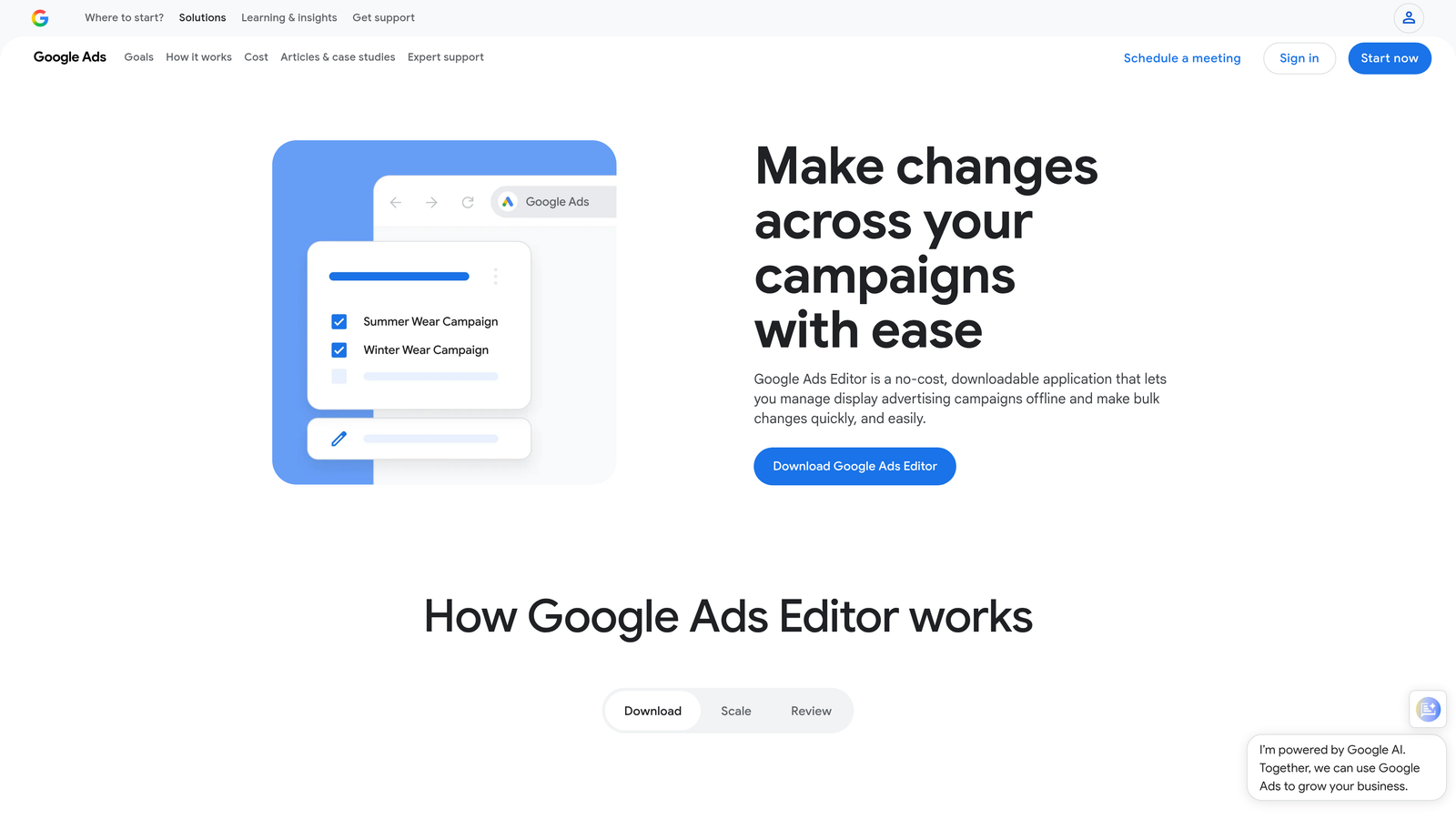
Google Ads Editor is Google's free desktop application for managing campaigns offline and making bulk changes efficiently.
Where This Tool Shines
When you need to restructure campaigns, duplicate ad groups across accounts, or make sweeping changes, Google Ads Editor is unmatched. The offline editing capability means you can work on campaigns during client calls or while traveling, then upload changes when you're ready.
The copy-and-paste functionality between accounts is a lifesaver for freelancers who manage similar campaigns for multiple clients. Build a winning campaign structure once, then adapt it across accounts in minutes instead of hours.
Key Features
Bulk Changes: Edit hundreds of keywords, ads, or bids simultaneously with spreadsheet-like functionality.
Offline Editing: Download accounts and work on campaigns without an internet connection.
Cross-Account Copying: Copy entire campaigns or ad groups between accounts with a few clicks.
Find and Replace: Update URLs, ad copy, or keywords across thousands of items instantly.
Advanced Search: Filter and find specific elements across massive accounts quickly.
Best For
Freelancers who manage large accounts or need to replicate campaign structures across multiple clients. Essential for anyone doing significant restructuring or account migrations.
Pricing
Completely free from Google.
3. SEMrush PPC Toolkit
Best for: Comprehensive keyword research and competitive intelligence for PPC campaigns
SEMrush is a full-featured digital marketing platform with robust PPC tools for keyword research, competitor analysis, and ad tracking.

Where This Tool Shines
SEMrush excels at the research phase of campaign building. The PPC Keyword Tool shows you not just search volume, but actual CPC data and competition levels based on real advertiser activity. This helps you estimate budgets accurately and avoid keywords that look good on paper but cost too much in practice.
The Advertising Research feature lets you see exactly what ads competitors are running, how long they've been running them, and which keywords they're bidding on. This competitive intelligence is gold when pitching new clients or expanding existing accounts.
Key Features
PPC Keyword Tool: Research keywords with actual CPC estimates, competition data, and trend analysis.
Advertising Research: View competitor ad history, landing pages, and keyword strategies going back months.
Ad Builder: Create and test ad variations with built-in templates and best practice suggestions.
Position Tracking: Monitor both paid and organic rankings for your keywords across locations.
Keyword Gap Analysis: Identify opportunities where competitors are bidding but you're not.
Best For
Freelancers who do significant keyword research and competitive analysis, especially when launching new campaigns or pitching clients. Best suited for those managing larger budgets where the subscription cost is justified.
Pricing
Starts at $139.95/month for the Pro plan, which includes PPC tools alongside SEO features.
4. SpyFu
Best for: Deep competitive PPC research with historical ad and keyword data
SpyFu specializes in competitive intelligence, offering years of historical data on competitor keywords and ad copy.

Where This Tool Shines
SpyFu's strength is its historical depth. You can see every ad variation a competitor has tested, how long they ran each version, and which keywords they've consistently bid on over time. This reveals what's actually working for them, not just what they're testing this week.
The PPC keyword recommendations are based on gaps between your campaigns and successful competitor strategies. Instead of generic keyword suggestions, you get specific opportunities tied to what's already proven to work in your niche.
Key Features
Competitor Keyword History: See every keyword a competitor has bid on, with estimated spend and position data.
Ad Copy Archive: Access years of competitor ad variations to understand their messaging evolution.
PPC Recommendations: Get keyword suggestions based on competitor gaps and opportunities.
Domain Comparison: Analyze multiple competitors side-by-side to identify market trends.
Kombat Feature: See shared and unique keywords across multiple domains simultaneously.
Best For
Freelancers who work in competitive niches where understanding competitor strategies is crucial. Particularly valuable for client pitches where showing competitor insights demonstrates expertise.
Pricing
Starts at $39/month for the Basic plan, making it one of the more affordable competitive intelligence tools.
5. Optmyzr
Best for: Rule-based automation and advanced optimization without coding
Optmyzr is a PPC management platform that brings sophisticated automation and optimization capabilities to freelancers who don't have development resources.

Where This Tool Shines
Optmyzr's Rule Engine lets you set up automated optimizations that run on schedules you define. Pause underperforming keywords when they hit certain thresholds, adjust bids based on performance patterns, or get alerts when campaigns drift off target—all without manual monitoring.
The one-click optimization suggestions analyze your accounts and surface opportunities you might miss manually. These aren't generic tips; they're specific recommendations based on your actual account data and performance patterns.
Key Features
Rule Engine: Create custom automation rules for bids, budgets, keywords, and ads without coding.
One-Click Optimizations: Get actionable recommendations based on account analysis that you can apply instantly.
Budget Management: Monitor pacing across campaigns and get alerts before you overspend or underspend.
Shopping Optimization: Advanced tools specifically for Google Shopping campaigns, including feed management.
Quality Score Tracker: Monitor quality score changes over time to identify issues before they impact performance.
Best For
Freelancers managing medium to large accounts who want automation capabilities but don't have the technical skills to write scripts. Best suited for those with consistent monthly retainers that justify the investment.
Pricing
Starts at $249/month, with pricing tiers based on monthly ad spend managed.
6. WordStream (LocaliQ)
Best for: Simplified PPC management with guided optimization workflows
WordStream is designed to make PPC management less overwhelming through structured workflows and automated recommendations.

Where This Tool Shines
The 20-Minute Work Week feature is WordStream's signature approach—a guided workflow that walks you through the most impactful optimizations in a structured sequence. For freelancers juggling multiple clients, this systematic approach ensures you don't miss critical optimizations when time is tight.
The performance grader provides instant account audits that are great for client check-ins or prospecting. It generates a scored report highlighting issues and opportunities, which makes client communication about account health much easier.
Key Features
20-Minute Work Week: Structured optimization workflow that prioritizes high-impact changes you can complete quickly.
Performance Grader: Automated account audits with scored reports perfect for client presentations.
Cross-Platform Management: Manage Google Ads, Microsoft Ads, and Facebook Ads from one dashboard.
Automated Alerts: Get notifications about performance drops, budget issues, or optimization opportunities.
Keyword Suggestions: Ongoing recommendations for new keywords based on account performance.
Best For
Freelancers who prefer structured guidance over complex dashboards, especially those new to PPC management or managing smaller client accounts where simplicity matters more than advanced features.
Pricing
Custom pricing based on monthly ad spend. Contact WordStream for a quote specific to your account size.
7. Adalysis
Best for: Automated ad testing and quality score optimization
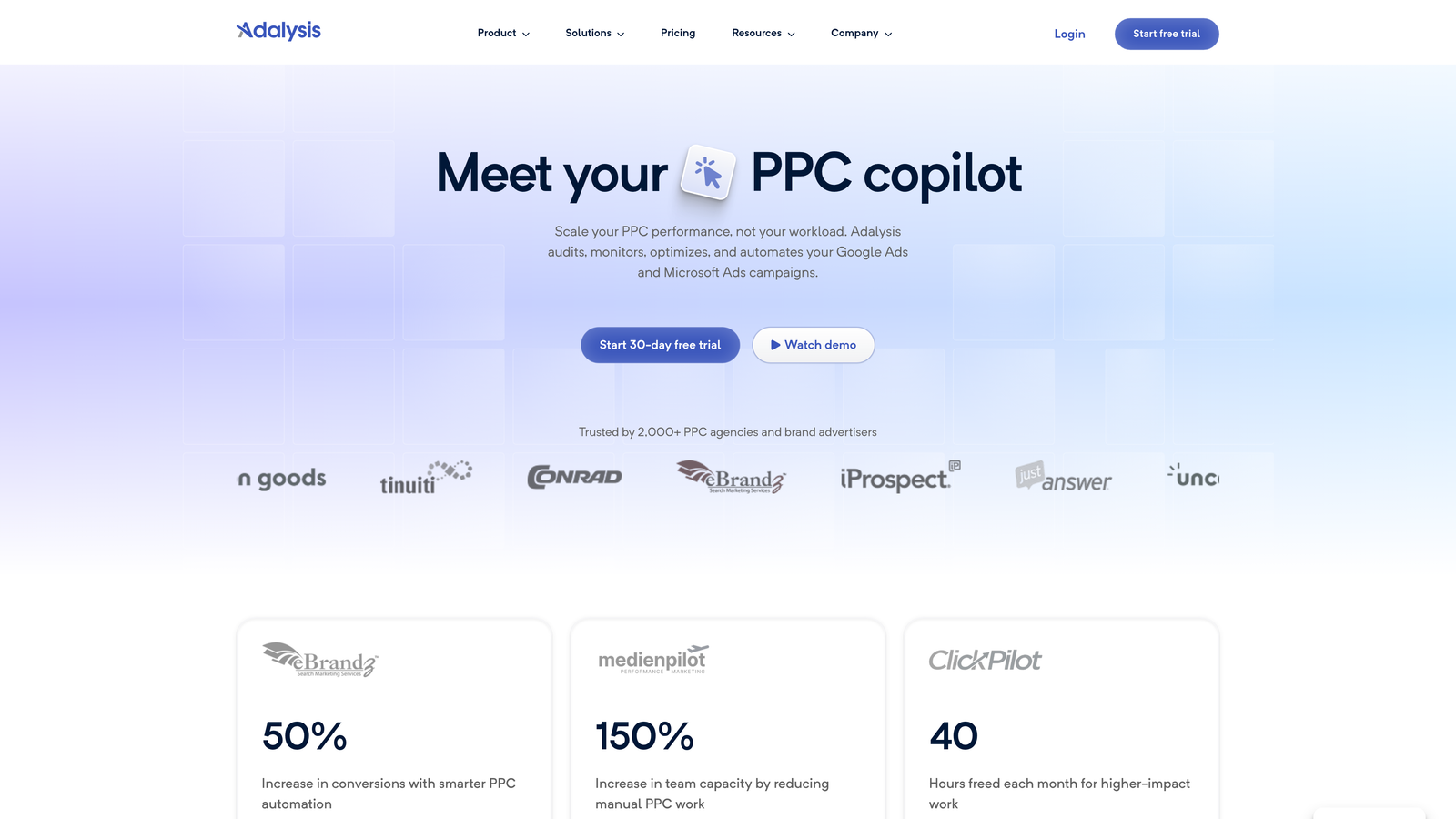
Adalysis focuses on the testing and quality aspects of PPC management that often get neglected when you're busy.
Where This Tool Shines
Ad testing is time-consuming to manage manually, but Adalysis automates the entire process. It monitors your ad variations, determines statistical significance, pauses losers, and even suggests new variations to test. This means you're always testing without the manual overhead of tracking results in spreadsheets.
The quality score tracking is particularly valuable because Google doesn't make historical quality score data easy to access. Adalysis tracks it over time and alerts you when scores drop, helping you catch issues before they significantly impact performance.
Key Features
Automated Ad Testing: Runs statistically valid ad tests and automatically pauses underperformers when significance is reached.
Quality Score Monitoring: Tracks quality score changes over time with alerts for drops.
N-Gram Analysis: Analyzes search term patterns to find common phrases and themes in your queries.
Recommendations Engine: Generates specific optimization suggestions based on account analysis.
Auction Insights: Enhanced auction insights reporting to understand competitive landscape.
Best For
Freelancers who want to run continuous ad testing without the manual work, or those managing accounts where quality score optimization is critical to profitability.
Pricing
Starts at $149/month for accounts spending up to $10,000 monthly on ads.
8. Swydo
Best for: Automated client reporting and white-label dashboards
Swydo is built specifically for agencies and freelancers who need professional client reporting without hours of manual work.

Where This Tool Shines
Client reporting can eat up days each month if you're creating custom reports manually. Swydo automates the entire process—pull data from Google Ads and other platforms, format it into professional reports, and schedule automatic delivery to clients.
The white-label capability means reports display your branding, not Swydo's. For freelancers building their own brand, this professional presentation matters. The KPI monitoring with alerts also helps you catch problems before clients do, which is crucial for maintaining trust.
Key Features
White-Label Reports: Fully customizable reports with your branding and logo.
Automated Scheduling: Set reports to generate and send automatically on your chosen schedule.
KPI Monitoring: Set thresholds and receive alerts when metrics move outside acceptable ranges.
Multi-Platform Integration: Pull data from Google Ads, Facebook, Analytics, and dozens of other platforms.
Template Library: Pre-built report templates you can customize instead of building from scratch.
Best For
Freelancers who send regular client reports and want to reclaim that time for actual optimization work. Especially valuable if you manage multiple clients who each need monthly or weekly reporting.
Pricing
Starts at $39/month for up to 10 data sources, with higher tiers for more integrations and clients.
9. Google Looker Studio
Best for: Free custom dashboards and interactive client reports
Google Looker Studio (formerly Data Studio) is Google's free data visualization platform that connects directly to Google Ads and other marketing data sources.
Where This Tool Shines
For budget-conscious freelancers, Looker Studio delivers enterprise-level reporting capabilities at zero cost. The native Google Ads integration means you can build custom dashboards that update in real-time, giving clients live access to campaign performance without you manually updating reports.
The community template library is a huge time-saver. Instead of building dashboards from scratch, you can start with proven templates and customize them to your needs. The interactive nature of reports also means clients can explore data themselves, reducing the number of ad-hoc questions you field.
Key Features
Native Google Ads Integration: Direct connection to Google Ads data with automatic updates.
Custom Dashboard Creation: Build fully customized dashboards with charts, tables, and scorecards.
Shareable Interactive Reports: Send clients a link to live dashboards they can filter and explore themselves.
Community Templates: Access hundreds of pre-built templates for common reporting needs.
Multi-Source Data Blending: Combine data from Google Ads, Analytics, Sheets, and other sources in one report.
Best For
Freelancers who need professional client reporting but can't justify paid reporting tools, or those who want to give clients self-service access to campaign data.
Pricing
Completely free from Google.
Choosing the Right Tools for Your Freelance Business
The best tool stack depends on your client mix and where you spend the most time. Here's how to think about it:
If you're speed-focused and live in Google Ads: Start with Keywordme for fast in-interface optimization, add Google Ads Editor for bulk changes, and use Looker Studio for free client reporting. This combination covers optimization, management, and reporting without breaking the bank.
If you're just starting out or budget-conscious: Google Ads Editor and Looker Studio give you solid management and reporting capabilities at zero cost. Add SpyFu at $39/month when you need competitive intelligence for pitching or expanding accounts.
If you're a full-service freelancer with established clients: Combine SEMrush for research and competitive intelligence with Optmyzr for automation. Add Keywordme for daily optimization speed. This stack handles everything from strategy to execution efficiently.
If client reporting is eating your time: Swydo automates the entire reporting process and pays for itself quickly if you're spending more than a few hours monthly on manual reports. Pair it with Keywordme for optimization to free up maximum time.
Most successful freelancers don't use every tool—they pick 2-3 that solve their biggest pain points. Start with where you spend the most unproductive time, then add tools as your client base grows.
The freelancer advantage is agility. You can test tools quickly, drop what doesn't work, and build a lean stack that maximizes your profitability per hour worked.
Start your free 7-day trial of Keywordme and see how much faster you can optimize campaigns when everything happens right inside Google Ads. At just $12/month after trial, it's one of the fastest ROI decisions you'll make for your freelance business.
.svg)