
7 Best Flat Rate PPC Tools for Google Ads Advertisers in 2026
This guide compares seven flat rate PPC tools for Google Ads advertisers, from freelancers to agencies, that offer free, fixed, or predictable subscription pricing. Each tool is matched to a specific job such as search term cleanup, bulk editing, competitor research, or reporting, and each entry states plainly where the tool falls short.


If you run Google Ads for yourself, a handful of clients, or a full agency roster, you've probably noticed that some PPC tools get more expensive the more you grow. This list is for you. Each tool here has free, fixed, or predictable subscription pricing, and each was chosen for a specific Google Ads job: search term cleanup, bulk editing, competitor research, or reporting. Every entry also says plainly where the tool falls short.
Flat Rate PPC Tools Compared at a Glance
- Keywordme: advertisers and agencies who review search terms every week; $12/month per user; adds one-click keyword and negative keyword actions inside the Google Ads interface itself.
- Google Ads Editor: anyone restructuring large accounts; free; offline bulk editing with a review step before changes post.
- Adzooma: small teams running ads on several platforms; see website for current plans; one dashboard across Google, Microsoft, and Meta.
- SpyFu: advertisers building keyword lists from competitor activity; see website; historical competitor ad and keyword data.
- Semrush: agencies that sell both SEO and PPC; see website; SEO and PPC data under one login.
- Swydo: agencies buried in monthly client reports; see website; white-label reports on a schedule.
- Looker Studio: solo advertisers willing to invest setup time; free; fully customizable dashboards with no per-account fee.
What "Flat Rate" Means Here
Three pricing models show up in PPC software. Percentage-of-spend pricing takes a cut of your ad budget, so your bill rises whenever a client raises their budget. Spend-tiered pricing sets plans by monthly ad spend, so you get bumped to a pricier tier as accounts grow. Flat-rate pricing stays fixed regardless of spend, whether that means free, a set fee per user, or a subscription with limits on projects or reports.
Flat doesn't mean identical, though. Some tools scale by seat, some by account or data source, and some are free. Each entry below states what moves the price. Well-known platforms such as Optmyzr and Adalysis were left out because they price by ad spend tiers.
These tools also don't do the same job. They split across search term cleanup, bulk editing, research, and reporting, so most teams end up combining two or three. All prices change, so treat anything here as accurate as of November 2026 and confirm on each vendor's site.
1. Keywordme
Keywordme is a Chrome extension that adds one-click actions to the Search Terms Report inside Google Ads. It's built for advertisers who go through search terms regularly and are tired of exporting them to a spreadsheet, sorting, and re-uploading. Full disclosure: it's our product, so we'll be straight about what it does and doesn't do.
Its distinct strength on this list is where it lives. Everything happens in the native Google Ads interface, so you read a search term, decide, and act without switching tabs or tools. No other tool here does that for search terms.
- Add a search term as a keyword or a negative keyword in one click, so a review pass takes minutes instead of an export-and-upload cycle.
- Apply match types instantly, so you don't retype brackets or quotes by hand.
- Build negative keyword lists as you review, so junk queries get blocked as you spot them.
- Cluster keywords and edit in bulk to group related terms and fix many at once.
- Multi-account and team support, so agencies can run the same workflow across clients and staff.
Setup is installing the extension and using Google Ads as usual. It works through Google Ads in Chrome, and the person doing the weekly search term review typically runs it day to day. You still decide which terms to add or exclude; it speeds up your clicks rather than making decisions for you.
The limits are real. It focuses on search terms and keywords, so there's no bid management, competitor research, or reporting. It also requires Chrome. If your bottleneck is something other than search term review, pair it with another tool below.
Pricing: $12/month per user, with a 7-day free trial. Cost scales with seats, not ad spend. Verify current pricing on the site.
Best for: Advertisers and agencies who review search terms every week and want to speed that up.
2. Google Ads Editor
Google Ads Editor is Google's free desktop application for managing accounts in bulk. You download account data, make edits offline, and post them back when you're ready. It suits anyone with big accounts or many accounts who needs to change a lot at once.
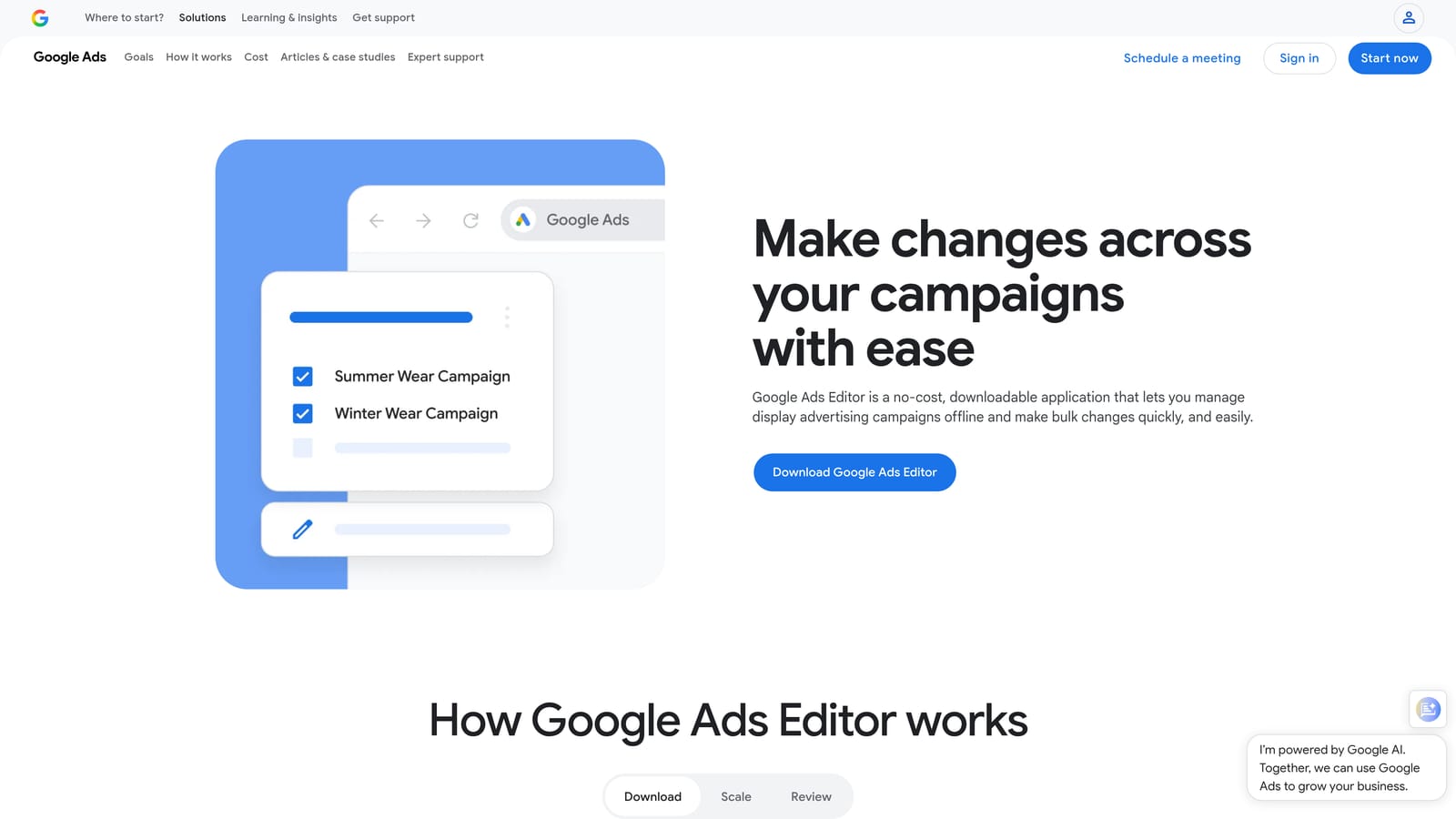
Its edge is scale at zero cost. Restructuring campaigns, updating hundreds of ads, or rolling the same change across several accounts is far faster here than in the web interface, and nothing else on this list does that for free.
What you get
- Offline bulk editing, so you can work through large changes without waiting on page loads.
- Multi-account management, so you can switch between client accounts in one app.
- Copy and paste across campaigns and ad groups, which makes rebuilding structures quick.
- CSV import and export, for spreadsheet-driven edits and backups.
- A change review step before posting, so you can catch mistakes before they go live.
Where it stops
It's a separate app from the web interface, so you sync data and post changes rather than working live. There's no guided search term workflow and no recommendations, so deciding what to change is entirely up to you. It also assumes some comfort with account structure; a beginner can make sweeping mistakes quickly.
Pricing: Free, with no seat or spend component.
Best for: Anyone restructuring or updating large accounts at no cost.
3. Adzooma
Adzooma is a multi-platform ad management dashboard that connects Google Ads, Microsoft Advertising, and Meta Ads. It's designed for small teams that want one place to monitor and manage several channels rather than logging into each separately.
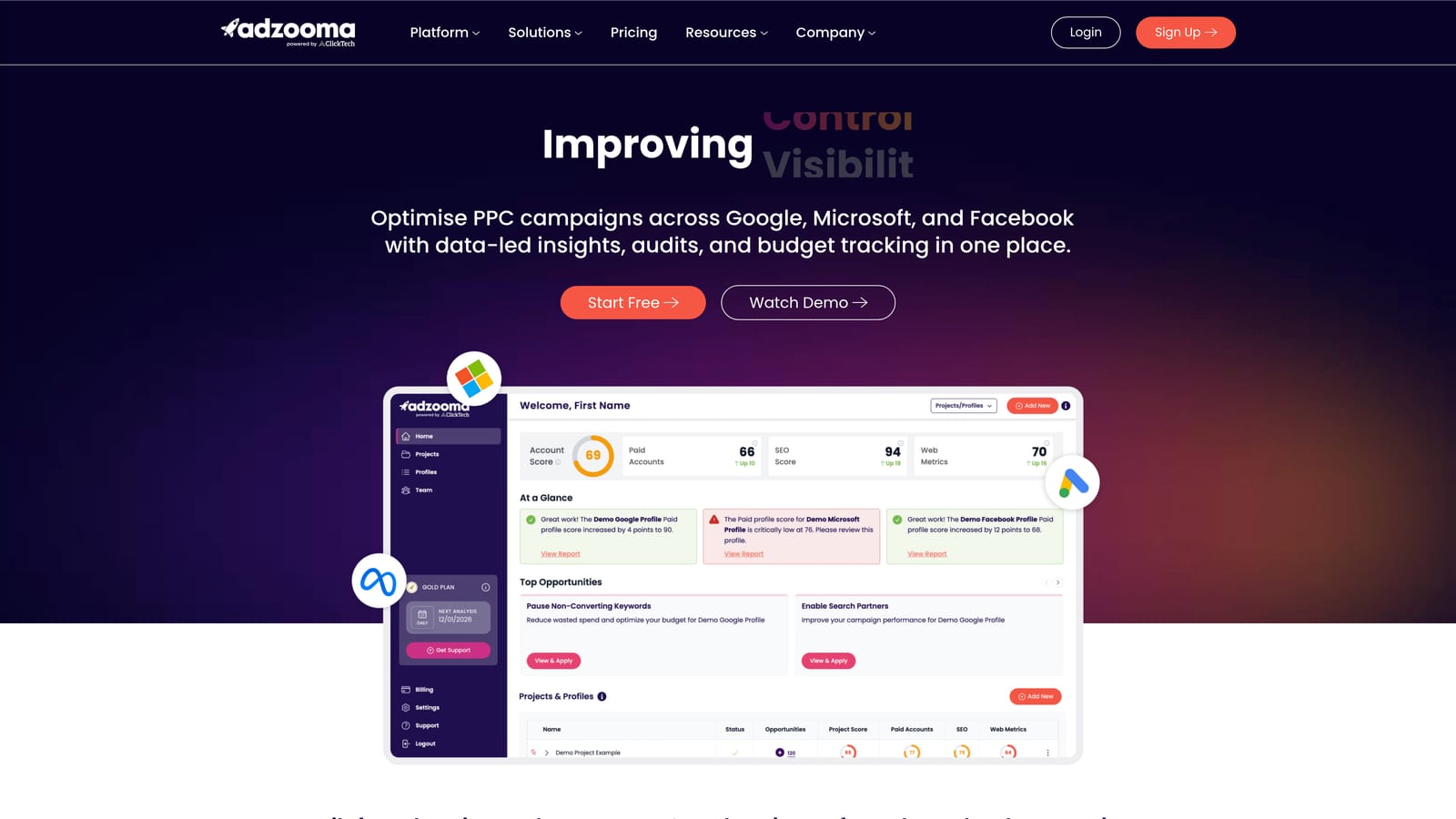
What sets it apart here is breadth. If your clients split budget across Google, Microsoft, and Meta, a single dashboard for oversight is useful, and no other entry on this list covers multiple ad platforms this way.
- Cross-platform management, so you can review Google, Microsoft, and Meta campaigns together.
- An Opportunities feature with suggested optimizations, which gives you a starting list of things to check.
- Reporting, so you can pull performance across channels without stitching it together.
- Bulk actions, for applying changes across multiple campaigns at once.
Setup means connecting your ad accounts through the platform, and a marketer or account manager will usually own it. Expect to review suggestions critically: they're broad, and they don't replace judgment about your specific accounts. Depth on Google Ads keyword work is thinner than in tools built for it, so it's not the pick if search term analysis is your main pain point.
Pricing: A free tier has historically been offered, but plans change, so check the website for current plans and what each includes. Limits and tiers are the likely price drivers.
Best for: Small teams running paid ads on several platforms.
4. SpyFu
SpyFu is a competitor research tool that shows which keywords and ads rivals have used on Google. It's built for advertisers who want to start a new campaign, or expand an existing one, with evidence of what competitors bid on instead of guessing.
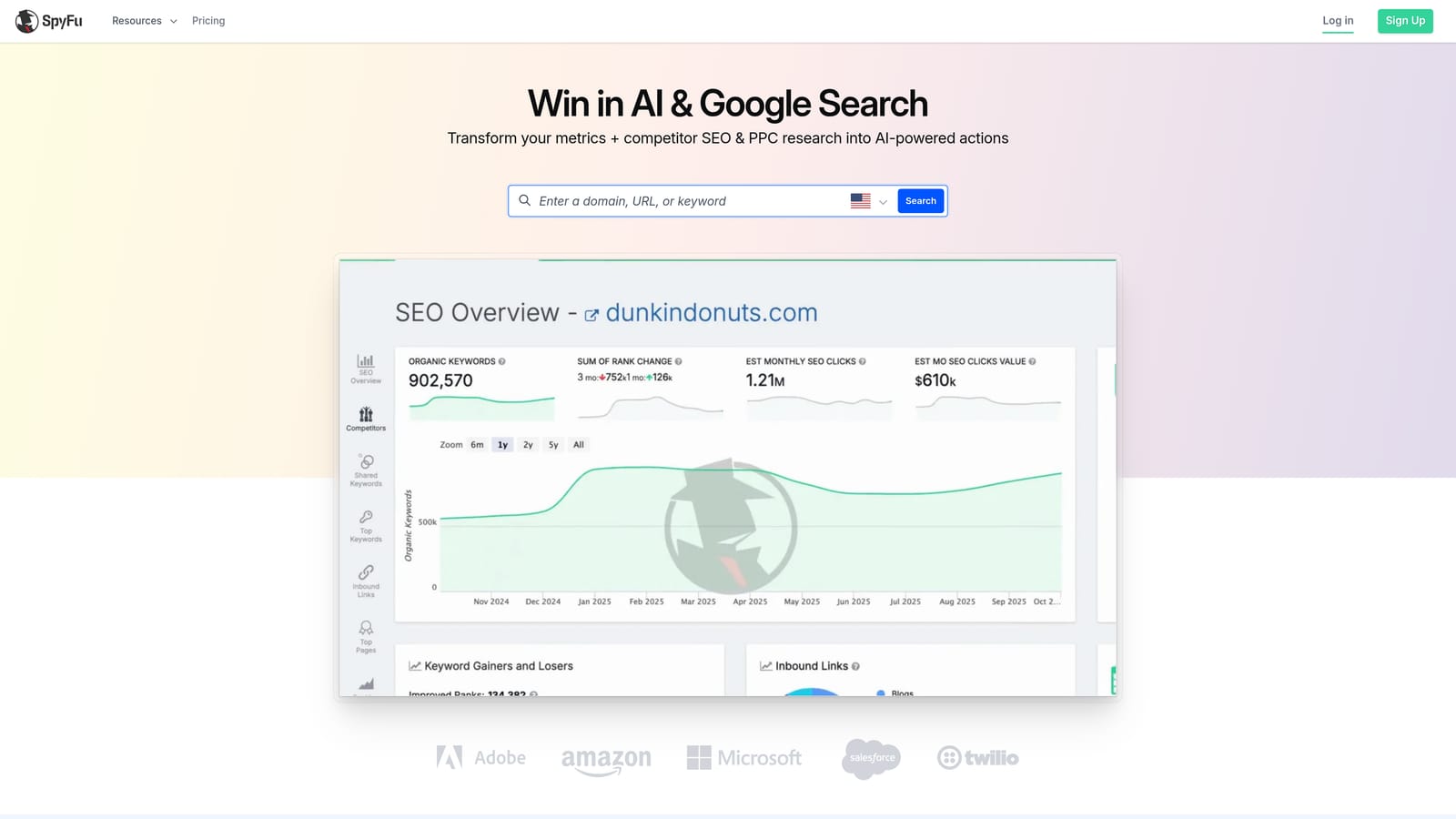
Its standout is history. You can see how competitors' ads and paid keywords have changed over time, which helps you spot what they've kept running (a hint it may be working) versus what they dropped.
- Competitor paid keyword research, so you can find terms rivals target that you haven't considered.
- Ad copy history, so you can study messaging that has stuck around.
- Keyword research, for building out lists beyond competitor data.
- Rank tracking, so you can monitor positions alongside paid research.
It's a research tool only. It can't change your Google Ads account, so every finding has to be carried over manually or with another tool. Competitor data is also estimated, not exact, so use it for direction rather than as fact. Data exports are available, but verify exact specifics before you build a workflow around them.
Anyone doing keyword and competitor research uses it, often at campaign launch rather than daily.
Pricing: Fixed monthly or annual plans; see the website for current tiers. Plan level, not your ad spend, drives cost.
Best for: Advertisers building keyword lists from competitor activity.
5. Semrush
Semrush is an all-in-one marketing suite, with PPC keyword research and advertising research sitting beside its SEO tools. It's aimed at agencies and in-house teams that handle organic and paid together.
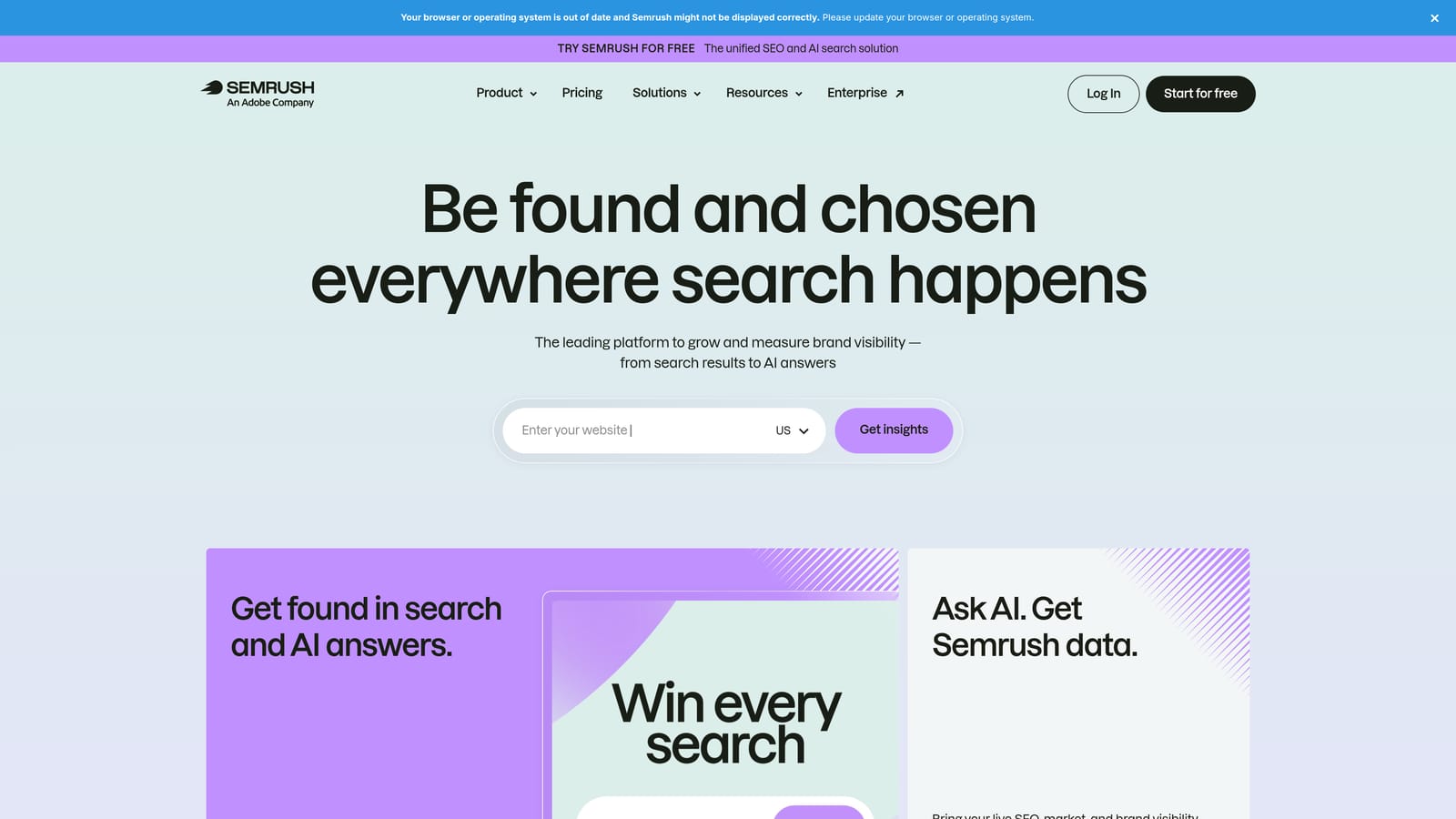
The distinctive part is breadth under one login. You can compare what a domain ranks for organically with what it bids on, then decide where paid and organic should overlap or fill gaps.
- PPC keyword research, to size up terms and see cost and competition data.
- Advertising research, to see how competitors approach paid search.
- Keyword gap analysis, which shows terms rivals use that you don't.
- Position tracking, so you can monitor rankings over time.
It integrates with Google Analytics, Google Search Console, Google Ads, and Looker Studio. Setup is heavier than for the single-purpose tools here, and there's a learning curve because the suite is large.
The trade-off is cost and complexity. If you only do PPC, you'll pay for a lot you don't use, and Semrush doesn't manage campaigns, so you still need another tool to act on findings.
Pricing: Fixed monthly tiers with limits on projects and reports. Moving up a tier raises the price, not your ad spend. Verify current prices before buying.
Best for: Agencies that sell both SEO and PPC.
6. Swydo
Swydo is an automated reporting tool built for PPC agencies. It pulls data from your ad accounts into client-ready reports and dashboards, so you stop rebuilding the same monthly deck by hand.
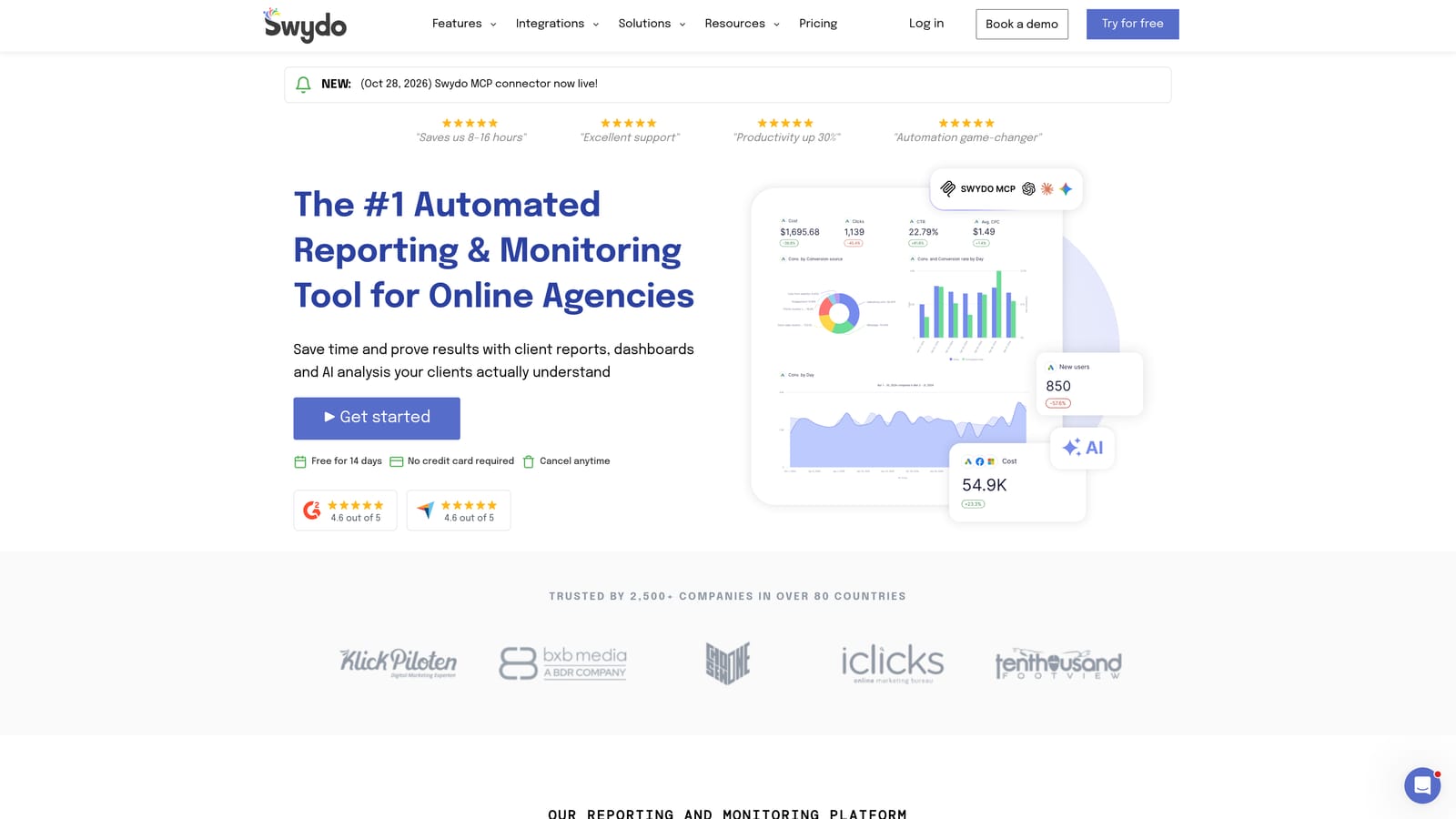
What it does best on this list is hands-off, white-label client reporting. Branded templates go out on a schedule, which is the part that eats agency hours.
- Automated scheduled reports, so clients get updates without you assembling them.
- White-label templates, so reports carry your agency's branding.
- Multiple data source connections, covering Google Ads, Meta Ads, and Google Analytics in one report.
- Client dashboards, so clients can check numbers on their own.
Setup means connecting each client's accounts and tailoring a template once, then reusing it. The account manager or ops person who owns reporting typically runs it.
It's reporting only. There are no optimization features and no search term tools, so it won't improve campaigns, only communicate their results. Solo advertisers with few clients may find a free option cheaper.
Pricing: Fixed plans based on the number of accounts or data sources; see the website for current pricing. Adding clients or sources is what raises the cost.
Best for: Agencies that spend too many hours on monthly client reports.
7. Looker Studio
Looker Studio is Google's free dashboard and reporting tool, with a native Google Ads connector. It suits advertisers who want custom reports without a subscription and don't mind building them.
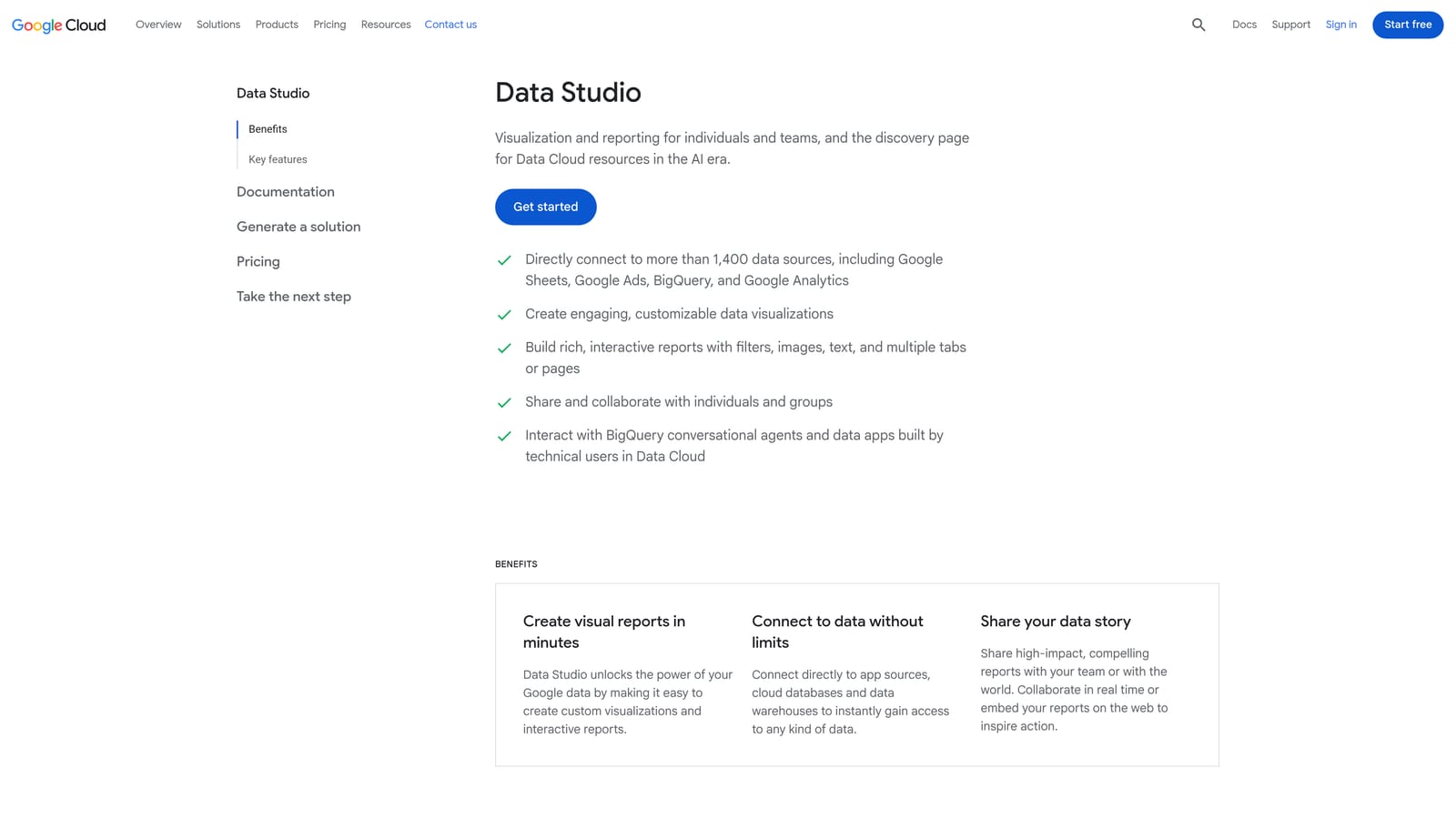
The standout is price combined with flexibility. There's no per-account fee, and you can design dashboards exactly how you want, which paid templates rarely allow.
- A native Google Ads connector, so campaign data flows in without manual exports.
- Custom dashboards, so you show the metrics a given client cares about.
- Blended data sources, so you can combine Google Ads with other data in one view.
- Shareable live reports, so clients see current numbers through a link.
It connects to Google Ads, Google Analytics, and Google Sheets, plus third-party connectors. That last category is the catch: non-Google connectors may cost extra, so check before assuming everything is free.
The bigger limitation is time. You build and maintain templates yourself, and fixing a broken report falls on you. For a busy agency, that effort can cost more than a reporting subscription.
Pricing: Free. Cost only appears if you add paid third-party connectors.
Best for: Solo advertisers who will invest setup time to avoid a reporting subscription.
Matching the Right Tool to Your Bottleneck
Start with the job that eats most of your week, then pick from there.
- Search term and keyword cleanup: Keywordme, for fast in-interface actions at a per-user price.
- Free bulk edits: Google Ads Editor, for large structural changes across campaigns and accounts.
- Research: SpyFu for competitor keywords and ad history, or Semrush if you also sell SEO.
- Reporting: Swydo if you want white-label reports on autopilot, or Looker Studio if you'd rather build your own for free.
- Multi-platform oversight: Adzooma, if your clients run across Google, Microsoft, and Meta.
Most teams will land on a pair, such as Keywordme plus Google Ads Editor, or one of those plus a reporting tool. Before you buy anything, check each vendor's current pricing and plan limits, because they change.
Optimize Google Ads Campaigns 10X Faster. Without Leaving Your Account. Keywordme lets you remove junk search terms, build high-intent keyword lists, and apply match types instantly, right inside Google Ads. No spreadsheets, no switching tabs, just quick, seamless optimization. Start your free 7-day trial (then just $12/month) and take your Google Ads game to the next level.
