
8 Best Faster Search Term Analysis Tools for Google Ads in 2026
A practical guide to faster search term analysis tools.


If you manage Google Ads for a living, the search terms report is probably where you spend more time than you'd like. This list is for marketers, freelancers, and agency owners who want to cut the gap between spotting a bad or promising search term and doing something about it. The tools were chosen by how much they shorten that gap, how well they fit a Google Ads workflow, and how clearly their pricing and limits can be checked. Feature count was not the test.
Quick Comparison of the Eight Tools
- Keywordme: freelancers and agencies who review search terms daily; $12/month per user as of 2026; acts on search terms inside the native Google Ads interface, with no exports.
- Google Ads Editor: anyone applying large negative lists across many campaigns; free; official offline bulk editing with a change review before posting.
- Google Ads Scripts: technical advertisers who want rules-based flagging; free; fully custom scheduled rules with no license cost.
- Optmyzr: agencies wanting one platform for optimization and reporting; see website for pricing; account-wide optimization well beyond search terms.
- Adalysis: teams wanting proactive alerts across many accounts; see website for pricing; continuous automated audits that surface problems for you.
- Google Sheets with a Search Terms Export: small accounts and one-off audits; free with a Google account; total flexibility in how you slice the data.
- Negator.io: advertisers whose main problem is wasted spend; see website for pricing; a single focus on negative keyword discovery.
- Google Ads Search Terms Insights and Recommendations: a starting prompt for review; free; built on Google's own data inside the account.
1. Keywordme
Keywordme is a Chrome extension that adds one-click actions directly to the Search Terms Report in Google Ads. It is built for people who open that report constantly and want to act on rows without leaving the page. Full disclosure: this is our own product, so read this section with that in mind.
The distinctive part is where it works. Search terms (what people actually typed) can be turned into negative keywords or added as keywords (what you bid on) without exporting a file, switching tabs, or uploading changes afterward. Keywordme says this makes optimization up to 10x faster. That is the company's own claim, not an independent benchmark, and your results will depend on your account and habits.
- One-click negative keywords from the Search Terms Report, so junk queries stop costing you without a spreadsheet detour.
- Adding high-intent search terms as keywords with the match type you choose (broad, phrase, or exact), so you control how tightly each one matches.
- Keyword clustering, which groups related terms so you can build keyword lists in batches rather than one at a time.
- Bulk editing for applying the same action to many rows at once.
- Multi-account and team support, which matters if several people or clients share the workload.
Setup is light: install the extension in Chrome and use Google Ads as usual. Whoever reviews search terms runs it day to day, so there is no admin layer to maintain.
The limits are straightforward. It works only in Chrome and only with Google Ads, so Microsoft Advertising accounts are out. It also speeds up manual review rather than deciding for you. You still judge which terms are junk and which are winners, which is arguably a feature, but it won't suit anyone hoping for hands-off automation.
Pricing, as of 2026, is $12/month per user with a 7-day free trial. Cost scales with the number of users, not accounts or ad spend. Confirm current terms on the website before you buy.
Best for: Freelancers and agencies who review search terms daily in Google Ads.
2. Google Ads Editor
Google Ads Editor is Google's free desktop app for editing campaigns in bulk, offline, and posting the changes once you've reviewed them. It is aimed at anyone who manages many campaigns or accounts and needs to push the same change across all of them.

Be clear about what it is not. It does not analyze search terms or flag junk for you. Its value comes after you've decided what to block: you can paste in a long list of negative keywords and apply it across a lot of campaigns in one pass, then check the pending changes before anything goes live. That review step is its strongest point compared with tools that apply changes immediately.
- Bulk edits across campaigns and accounts, so a shared negative list lands everywhere in one session.
- Offline editing, so you can build changes without being tied to the browser interface.
- A review stage before posting, which catches mistakes like a wrong match type before they cost money.
- Import and export via CSV, which connects it to spreadsheet-based workflows.
Setup means downloading and installing the app, then signing in and downloading your accounts. There is a learning curve if you've only used the web interface, and you have to sync the account before and after edits. Whoever owns account changes usually runs it.
Because it sits outside the search terms report, finding the terms still happens elsewhere. Many people pair it with a spreadsheet or another tool on this list. Pricing is free.
Best for: Applying large negative lists across many campaigns at no cost.
3. Google Ads Scripts
Google Ads Scripts lets you write JavaScript that runs inside your Google Ads account on a schedule. For search terms, that means you can define your own rules, such as flagging queries that spent past a threshold with no conversions, and have the results sent to a sheet or an email.

Its edge over everything else here is total customization at zero license cost. If your definition of a junk term is specific to your business, a script can encode it exactly. Nothing else on this list lets you write the logic yourself.
- Scheduled runs, so flagging happens without anyone remembering to do it.
- Custom reporting and alerts, shaped to your own thresholds rather than a vendor's defaults.
- Access to search term data, so the script can read the same queries you'd review by hand.
- No cost to use, which suits teams with developer time but little software budget.
It connects to Google Ads, Google Sheets, and email. Setup is the catch: you need someone who can write and debug JavaScript, and scripts need ongoing care as your account structure or Google's API changes. If the person who wrote it leaves, the logic can become a black box.
It also flags rather than fixes in many setups, so a human still has to decide what to exclude. For non-technical marketers, the time spent building can outweigh the time saved. Pricing is free.
Best for: Technical advertisers who want rules-based flagging.
4. Optmyzr
Optmyzr is a PPC management platform that bundles rule-based optimization, reporting, and multi-account management. Search term and negative keyword workflows are part of the picture, though you should confirm the exact current tooling on its site before committing, since features change.

What sets it apart on this list is breadth. Search terms are one job among many: it aims to be the place where an agency handles optimization and client reporting together. If you want one platform across your whole book of business, that is the appeal. If you only want faster search term review, it is more than you need.
- Rule-based optimization, so recurring checks can follow criteria you set.
- Search term and negative keyword workflows, to be verified against the current product.
- Reporting, which helps when clients expect regular updates.
- Multi-account management, to keep many accounts in a single view.
It works in its own dashboard and connects to Google Ads, and may also support Microsoft Advertising (check current coverage). Setup involves authorizing your accounts and configuring rules, which takes more effort than installing an extension. Expect someone senior to own the configuration, with the wider team using the outputs.
The main limitation is weight and cost. It is heavier and generally pricier than a single-purpose tool, and actions happen in the platform rather than in the Google Ads interface you already have open. Pricing is tiered; see the website for current plans, which typically vary with the scale of what you manage.
Best for: Agencies wanting one platform for optimization and reporting.
5. Adalysis
Adalysis is a PPC audit and automation platform. Its core idea is that the software watches your accounts and tells you where the problems are, so you aren't hunting for them. Check its current search term reporting details on the site, as those specifics should be verified.
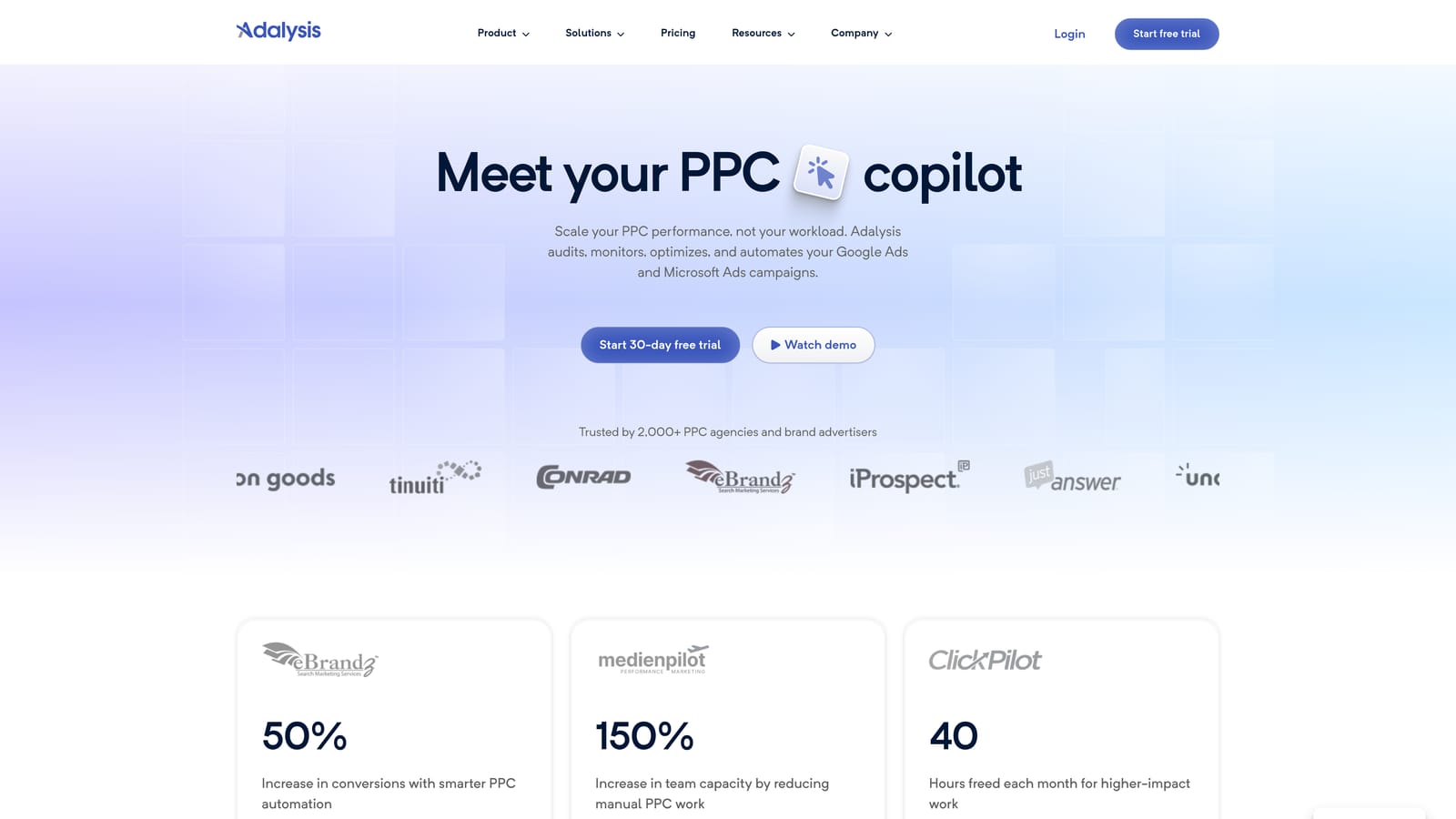
Its distinctive strength is continuous automated audits. Rather than you opening a report and scanning rows, it raises alerts when something looks off. That suits teams with many accounts where nobody has time to open every search terms report every week.
- Automated audits and alerts, so issues come to you instead of waiting to be found.
- Search term reporting, to be confirmed against the current feature set.
- Ad testing tools, which extend its value beyond search terms.
- Agency reporting, for sharing results with clients.
It connects to Google Ads and may also support Microsoft Advertising (verify current coverage). Setup is account authorization followed by configuring what you want monitored. An account manager or team lead usually triages the alerts.
The trade-off is location. It lives in an external dashboard, so acting on a finding means making the change elsewhere or following a link back, which adds a step compared with working in the report itself. It is also more than a search term tool. Pricing is tiered; see the website for current plans.
Best for: Teams that want proactive alerts across many accounts.
6. Google Sheets with a Search Terms Export
Google Sheets is the default manual method: export the search terms report as a CSV, load it, then filter, sort, and pivot to find waste and winners. It is the baseline every other tool here is trying to beat on speed.
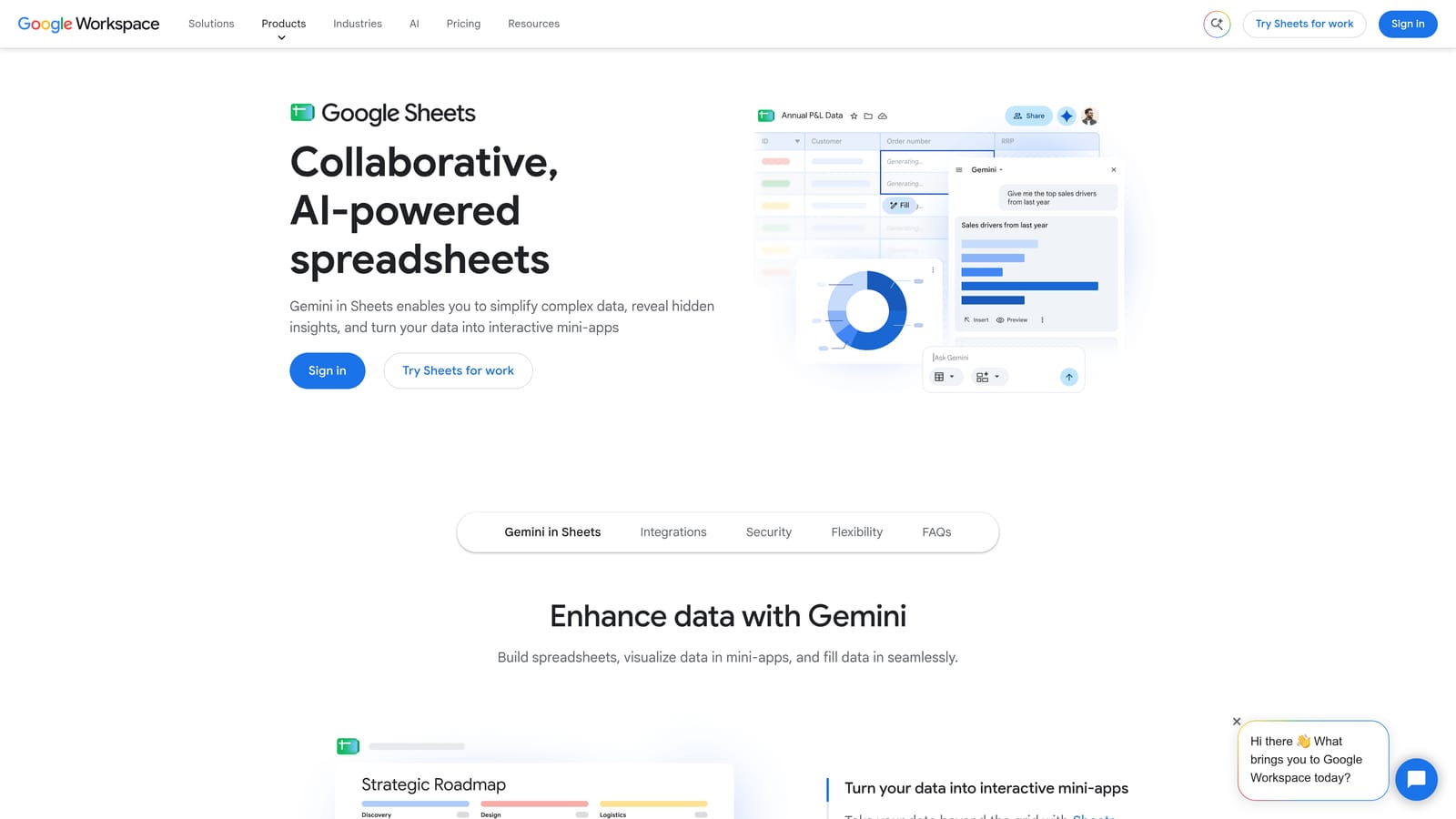
Its real strength is flexibility. You can slice the data any way you like, build custom formulas for your own cost-per-conversion cutoffs, and share a live view with a client who wants to see your reasoning. Nothing else is as open-ended, and it costs nothing with a Google account.
- Filters and pivot tables, for grouping queries by campaign, ad group, or spend.
- Custom formulas, so your own thresholds drive the flagging.
- Easy sharing with clients, who can follow along without a login to Google Ads.
- CSV export compatibility, plus Apps Script if you want light automation.
The cost is time. Each cycle means exporting, analyzing, then going back into Google Ads or Editor to apply the changes. That round trip is where hours disappear, and copy-and-paste mistakes (a wrong match type, a negative added at the wrong level) are easy to make. Exports also go stale the moment you download them.
Anyone can run it, which is both its charm and its weakness: processes tend to vary from person to person. It works well for small accounts or a one-off audit and gets painful as accounts multiply. Pricing is free with a Google account.
Best for: Small accounts and one-off audits.
7. Negator.io
Negator.io positions itself around one job: finding negative keyword opportunities in your search terms. Its current status, features, and pricing should be verified on the site before you rely on it, so treat the details below as a starting point.
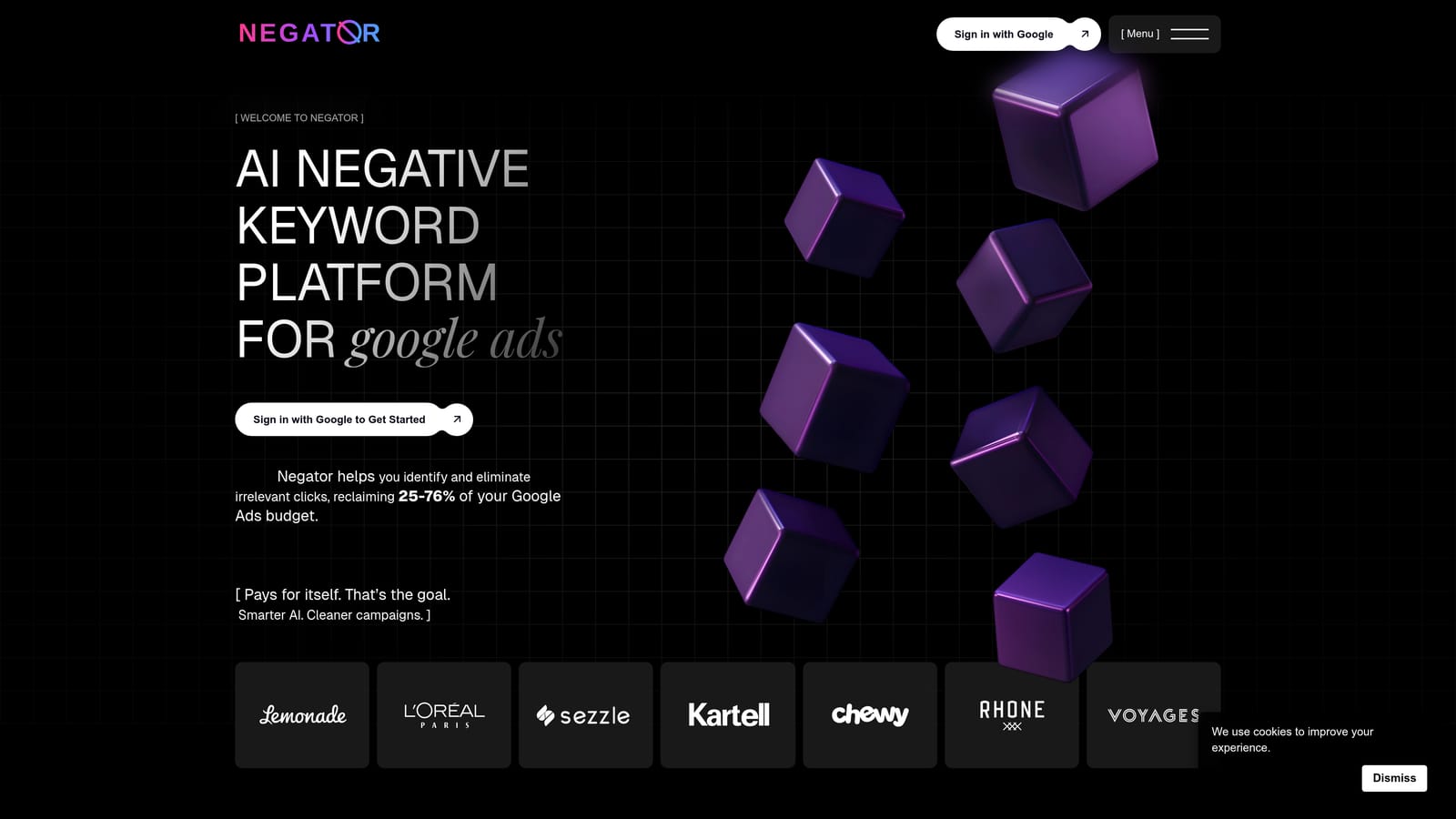
The appeal is focus. If wasted spend is your main pain and you don't need reporting suites or bid management, a tool built around negative keyword discovery keeps the decision narrow. It aims to classify search terms and suggest what to exclude, which can shorten the scan through a long report.
- Negative keyword discovery, so likely waste is surfaced for you to review.
- Search term classification, to sort queries into groups you can act on faster.
It is expected to connect to Google Ads, though confirm the integration method and permissions during setup. Whoever manages the account's negatives would run it, and you should keep a human review step, since any suggestion can be wrong for your business (a term that looks irrelevant may convert for you).
The limitation is scope. It does little to help you build positive keyword lists from the good terms, so you'd still need another route for that half of the job. Because its details need verification, check it is active and current before building a workflow on it. Pricing: see the website.
Best for: Advertisers whose main problem is wasted spend.
8. Google Ads Search Terms Insights and Recommendations
Google Ads includes its own search terms insights, a Recommendations page, and filters on the Search Terms Report. Exactly which insights appear, and where, changes over time, so check what your account currently shows.

Its advantage is that it is built on Google's own data and costs nothing. There is no install, no authorization, and no extra login. For a quick sense of which themes your queries cluster around, or where Google thinks you could add keywords or negatives, it is a reasonable first stop.
- Search terms insights, which group queries into themes (verify what's currently available in your account).
- The Recommendations page, which suggests changes you can review and apply.
- Search terms report filters, which let you narrow by spend, clicks, or conversions to find the rows worth reading.
Anyone with account access can use it, and nothing is applied until you accept it. That matters, because the suggestions do not know your margins, your brand rules, or which irrelevant-looking queries actually sell. Google also benefits when you spend more, so treat suggestions as prompts rather than instructions.
Acting on a recommendation is still manual, and working through a big report row by row remains slow. Use it to decide where to look, then use something faster to act. Pricing is free.
Best for: A starting prompt for review before acting.
Which Tool Fits Which Situation
Two principles hold across all eight: automation doesn't replace judgment, and exporting to a spreadsheet isn't your only option. What changes is where you spend your review time.
- Solo advertiser: Keywordme keeps review and action in one screen at a low per-user price, and you can pair it with Google's built-in insights for a starting point.
- Agency managing many accounts: Keywordme suits the hands-on reviewers on your team, while Optmyzr or Adalysis can cover monitoring and reporting if you want a platform on top. Check current pricing for each.
- Technical team: Google Ads Scripts gives you custom flagging at no license cost, and Google Ads Editor handles bulk application.
- Zero-budget starter: Google Sheets plus Google's own insights, then Editor when your negative lists grow.
Keywordme is one fit among several. It is strongest when a person reviews search terms daily and wants to act in place, and weaker if you need Microsoft Advertising support, a non-Chrome browser, or hands-off automation.
Optimize Google Ads Campaigns 10X Faster. Without Leaving Your Account. Keywordme lets you remove junk search terms, build high-intent keyword lists, and apply match types instantly, right inside Google Ads. No spreadsheets, no switching tabs, just quick, seamless optimization. Start your free 7-day trial (then just $12/month) and take your Google Ads game to the next level.
.svg)