
9 Best Chrome Extensions for PPC in 2026
This guide reviews the 9 best Chrome extension PPC tools for 2026, selected for their direct relevance to Google Ads workflows, ease of use, and day-to-day value for solo practitioners, in-house marketers, and agencies alike. Each extension works inside your browser to cut the friction of repetitive campaign management tasks without extra dashboards or copy-pasting.


If you manage Google Ads, you already know how much time gets eaten up by repetitive tasks: reviewing search terms, adding negatives, adjusting match types, and exporting data to spreadsheets. Chrome extensions cut that friction by working directly inside your browser, right where you're already doing the work. No switching tabs, no clunky dashboards, no copy-pasting into Excel.
This list covers the best Chrome extensions built specifically for PPC practitioners, whether you're a solo freelancer, an in-house marketer, or an agency juggling multiple client accounts. We focused on tools that are actively maintained, genuinely useful in day-to-day campaign management, and worth the install. Selection criteria: direct relevance to PPC workflows, Google Ads compatibility, ease of use, and value for the price.
1. Keywordme
Best for: Google Ads optimization directly inside the Search Terms Report
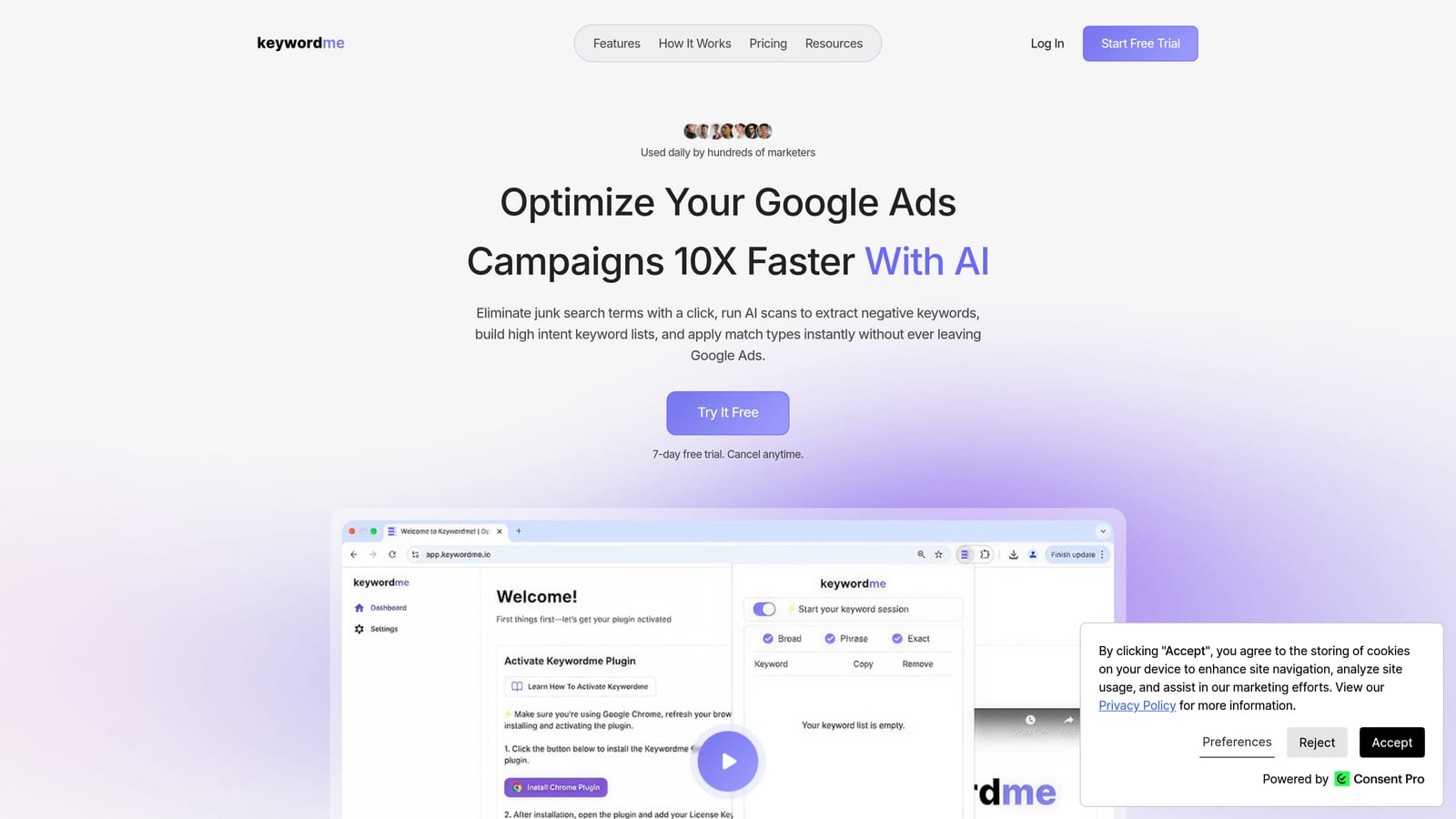
Keywordme is a Chrome extension built specifically for Google Ads campaign management, operating directly inside the Google Ads interface rather than as a separate tool alongside it.
Where This Tool Shines
Most Chrome extensions for PPC work around Google Ads—they live in your browser and help with research or auditing outside the platform. Keywordme is different: it integrates directly into the Search Terms Report, which is where a lot of the real optimization work happens. You can add negative keywords, apply match types, and cluster search terms without opening a spreadsheet or switching to another tab.
For agencies managing multiple accounts, the bulk editing and multi-account support make repetitive tasks significantly faster. Instead of working through the same manual steps across ten client accounts, you handle them with single clicks inside the native Google Ads UI.
Key Features
One-Click Negative Keyword Addition: Add negative keywords directly from the Search Terms Report without exporting or copying data elsewhere.
Match Type Application: Apply broad, phrase, or exact match types to keywords without leaving the Google Ads interface.
Keyword Clustering: Organize and group search terms quickly to build structured keyword lists from raw search data.
Bulk Editing: Make campaign-wide changes faster without processing terms one at a time.
Multi-Account and Team Support: Manage multiple client accounts and collaborate with team members from a single extension.
Best For
Keywordme suits anyone spending meaningful time inside the Google Ads Search Terms Report: solo PPC freelancers who want to move faster, in-house marketers managing active campaigns, and agencies handling multiple accounts where repetitive optimization tasks add up quickly.
Pricing
$12/month per user. A 7-day free trial is available, so you can test it against your actual workflow before committing.
2. Keywords Everywhere
Best for: Inline keyword research data while browsing Google, YouTube, and Amazon
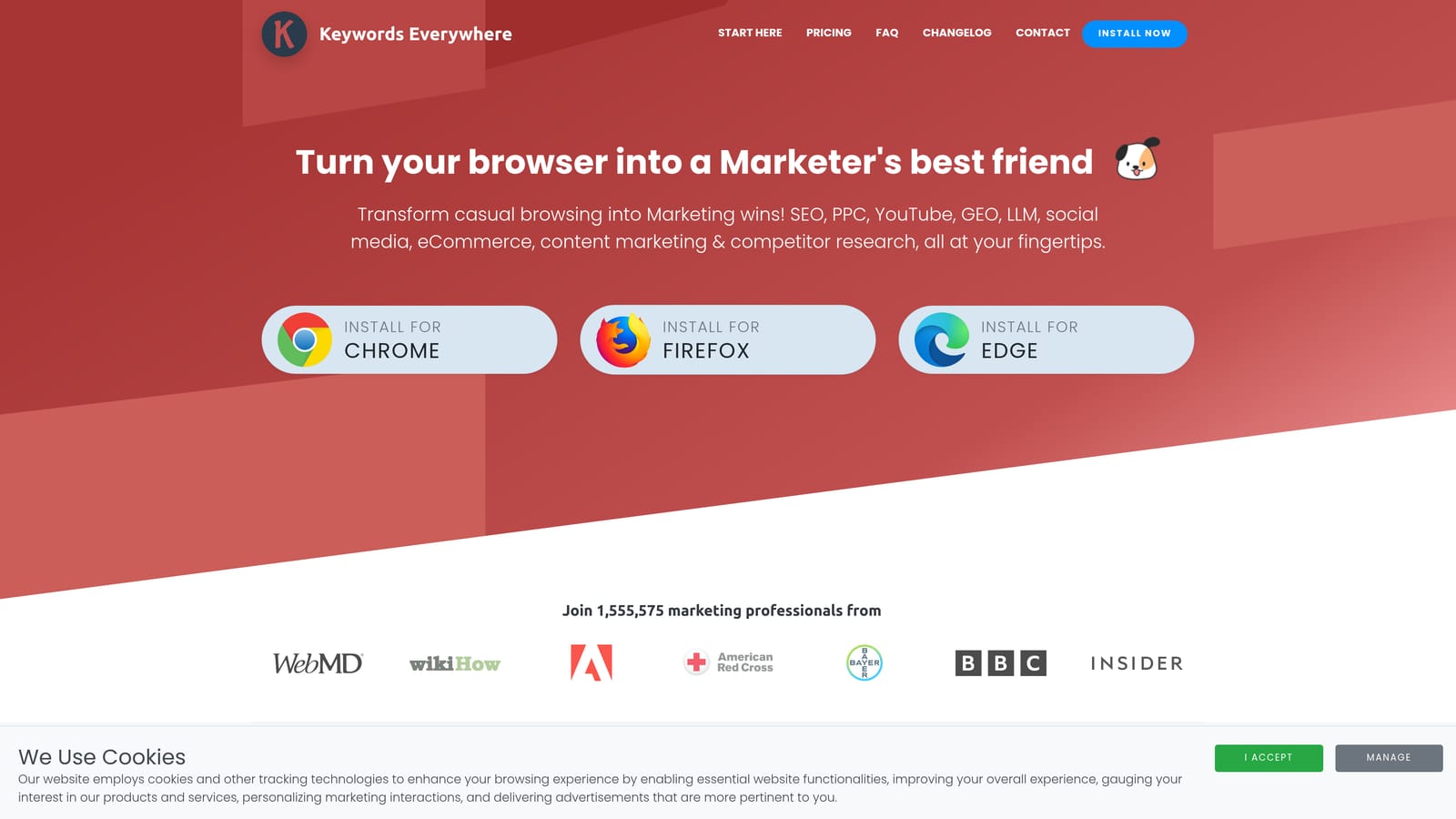
Keywords Everywhere is a browser extension that surfaces keyword metrics—search volume, CPC, and competition—directly on the pages you already browse, without requiring a separate research tool.
Where This Tool Shines
The appeal here is context. When you're browsing Google to check a competitor's ad copy or scanning YouTube for content angles, Keywords Everywhere layers search volume and CPC data into the page you're already reading. You get research-quality information without opening another tab or logging into a separate platform.
It works across a wide range of platforms beyond Google Search, including YouTube, Amazon, Etsy, and eBay. For PPC managers who work across e-commerce or run campaigns on multiple channels, that breadth is genuinely useful.
Key Features
Inline Keyword Metrics: Search volume, CPC, and competition data appear directly on Google SERPs, YouTube, Amazon, and other platforms.
Related Keywords and People Also Search For: Surfaces adjacent keyword ideas without requiring a separate tool session.
SERP-Level CPC Data: See estimated cost-per-click without leaving the search results page.
Multi-Platform Coverage: Works across more than just Google, useful for cross-channel PPC research.
Credit-Based Pricing: Pay only for the data lookups you actually use, with a free tier available for lighter usage.
Best For
PPC managers who do a lot of keyword research as part of their regular browsing, or who want to quickly sense-check search volume and CPC estimates without opening a dedicated research tool. Particularly useful if you're active across multiple ad platforms.
Pricing
Credit-based model. A free tier is available with limited data; paid credits are available at low cost per lookup, making it accessible for occasional and regular users alike.
3. Similarweb
Best for: Quick competitive traffic intelligence on any website
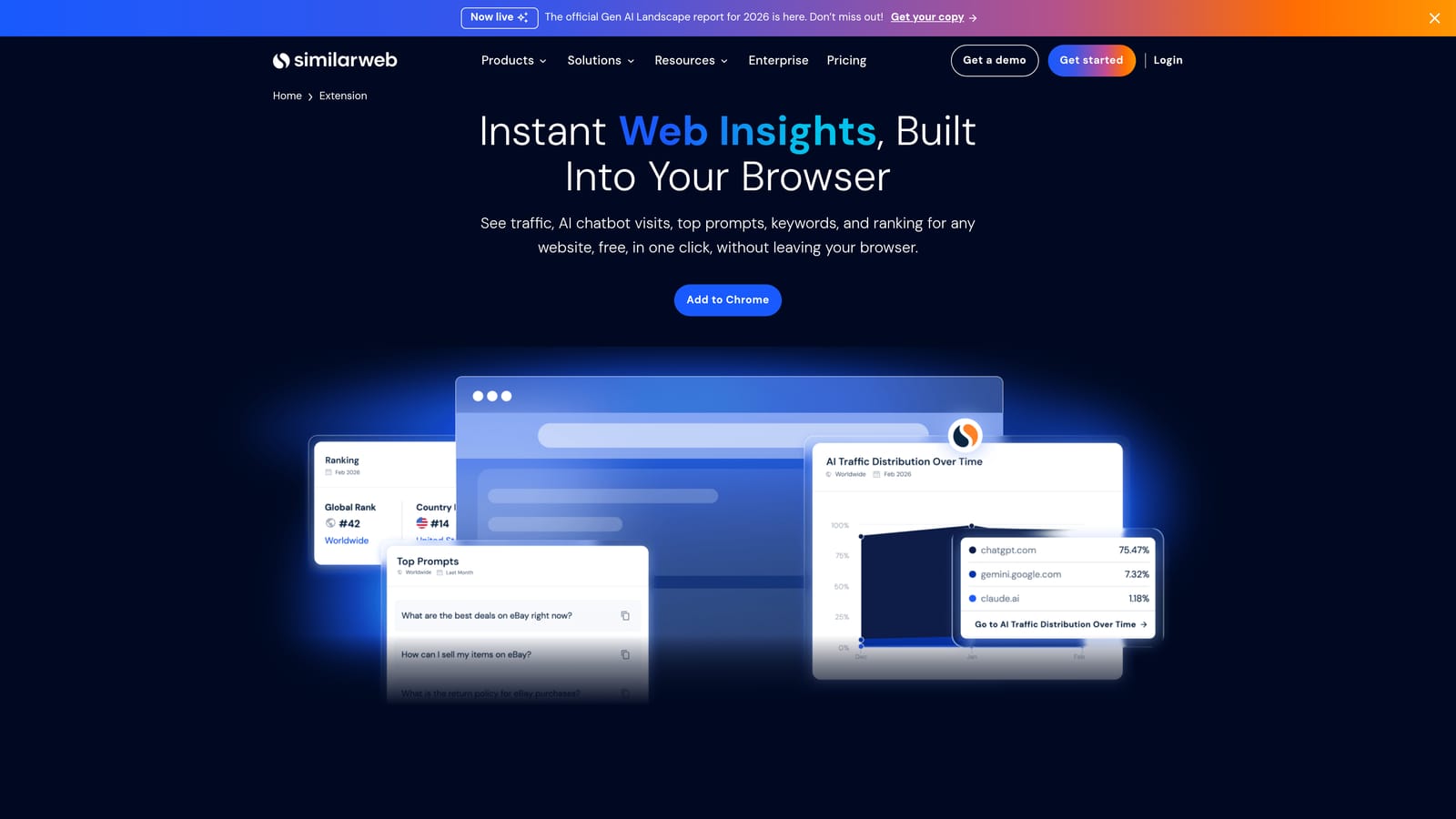
Similarweb is a competitive intelligence extension that overlays traffic estimates, source breakdowns, and audience data on any website you visit in Chrome.
Where This Tool Shines
Before you build a campaign targeting a competitor's audience or decide whether a placement is worth pursuing, it helps to know what kind of traffic a site actually gets. Similarweb surfaces that data as an overlay the moment you land on any page. Traffic volume, source breakdown, bounce rate, and visit duration are all visible without logging into a separate dashboard.
The traffic source breakdown is particularly useful for PPC work. Seeing how much of a competitor's traffic comes from paid search versus organic, direct, or social gives you a quick read on how aggressively they're advertising and where they're investing.
Key Features
Traffic Volume Estimates: See estimated monthly visits for any website you're viewing.
Traffic Source Breakdown: Understand the split between organic, paid, direct, referral, and social traffic.
Audience Engagement Metrics: Bounce rate and average visit duration give context to raw traffic numbers.
Top Referring and Destination Sites: Useful for understanding where a site's audience comes from and where it goes.
Free Core Tier: Core metrics available without a paid subscription.
Best For
PPC managers doing competitive research before launching campaigns, agencies building pitch decks with traffic benchmarks, or anyone who wants a fast read on a site's audience before making targeting or placement decisions.
Pricing
The extension is free with core data available at no cost. Paid Similarweb plans unlock deeper competitive intelligence and historical data.
4. Tag Assistant (by Google)
Best for: Verifying Google Ads conversion tracking and tag implementations
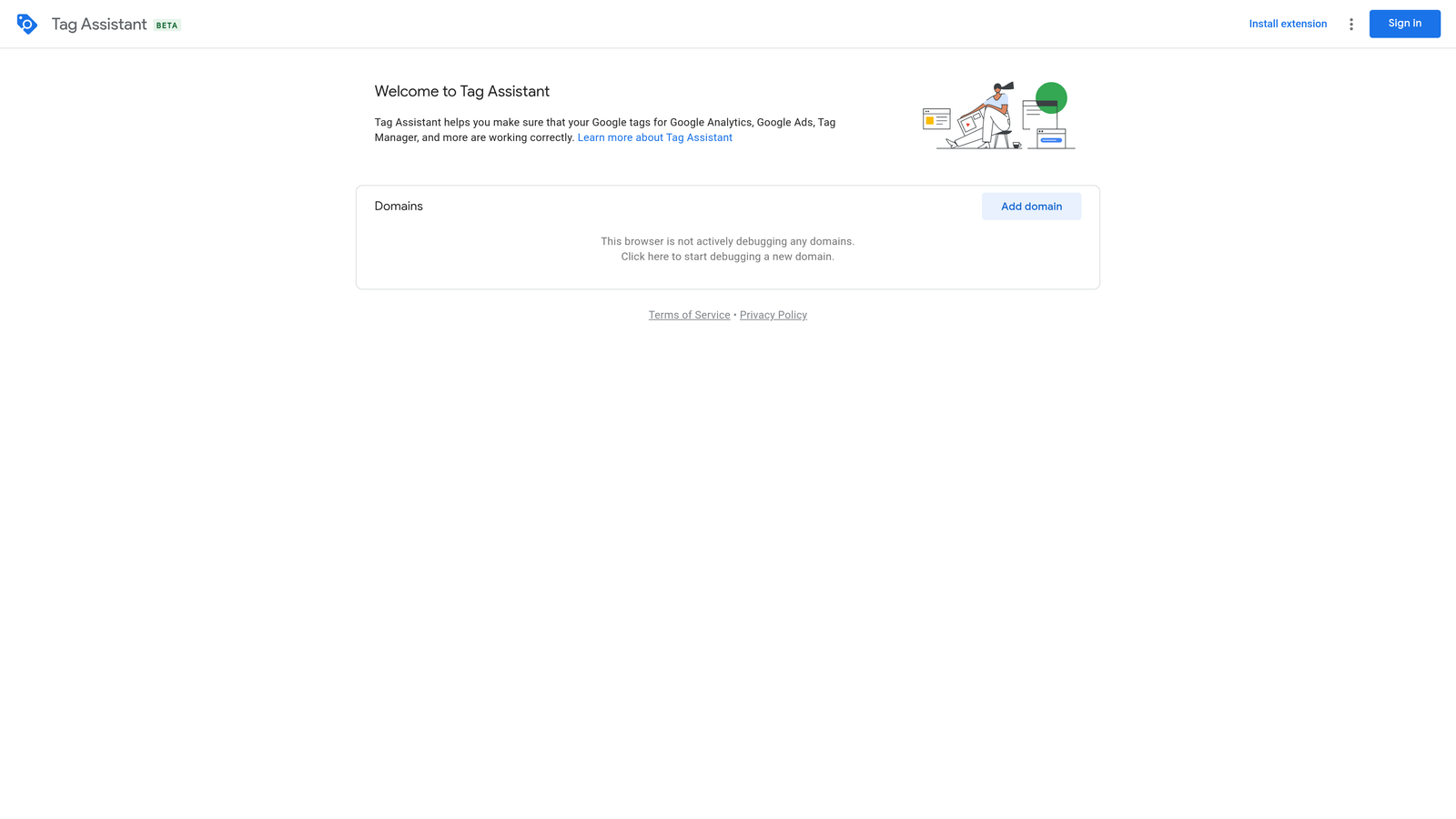
Tag Assistant is Google's official Chrome extension for validating Google tag implementations, including Google Ads conversion tracking, GA4 events, and Google Tag Manager containers.
Where This Tool Shines
Conversion tracking errors are one of the most common and costly problems in Google Ads. If your conversion tags aren't firing correctly, you're optimizing campaigns based on bad data. Tag Assistant lets you verify that tags are set up and triggering as expected, in real time, without waiting for data to show up in your account.
Because it's built and maintained by Google, it's the most reliable tool for this specific job. It handles the full Google tag ecosystem: Google Ads conversion actions, GA4 events, and GTM containers, all in one place.
Key Features
Real-Time Conversion Tag Validation: Confirms whether Google Ads conversion tags are firing correctly on the pages you're testing.
Google Tag Manager Verification: Checks that GTM containers are loading and that individual tags within them are triggering as expected.
GA4 Event Confirmation: Validates that GA4 events are firing with the correct parameters.
Debug Mode: Steps through tag triggers to help diagnose misfires or missing tags.
Free and Officially Maintained: No cost, no third-party dependencies, kept current by Google.
Best For
Any PPC manager responsible for conversion tracking setup or QA. If you're launching new campaigns, onboarding a new client, or troubleshooting conversion discrepancies, Tag Assistant should be your first stop.
Pricing
Free.
5. Ahrefs SEO Toolbar
Best for: Inline keyword and SERP data for PPC managers who also work with organic search
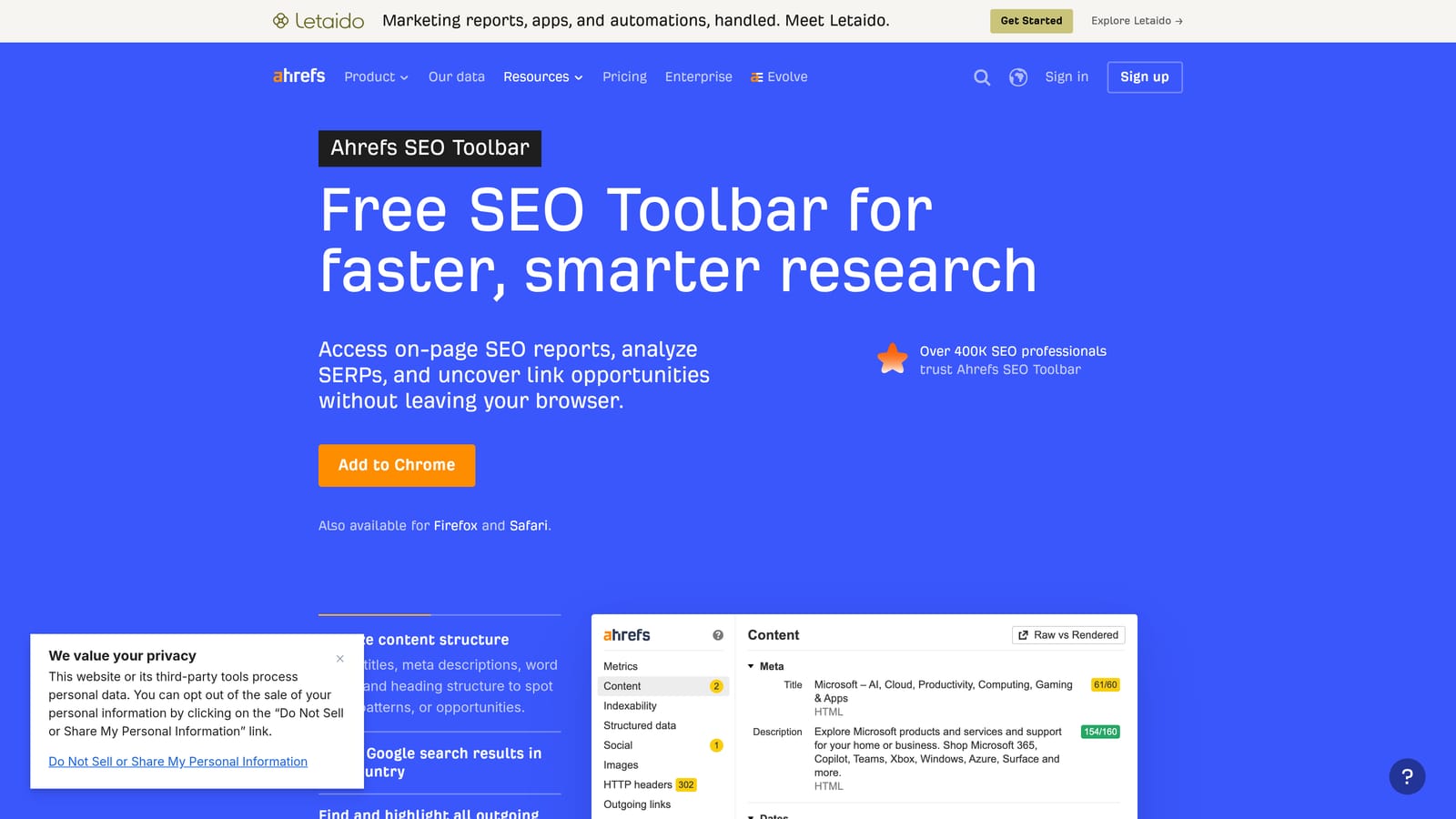
Ahrefs SEO Toolbar is a free browser extension that displays keyword metrics, SERP-level data, and page-level SEO information inline while you browse Google and other sites.
Where This Tool Shines
PPC and SEO overlap more than many practitioners admit. Understanding keyword difficulty and the organic competition on a SERP helps you make better decisions about which keywords to bid on and how competitive the landscape is. The Ahrefs toolbar surfaces that context without requiring you to log into the Ahrefs platform for every lookup.
The SERP overview is particularly useful: you can see Domain Rating and backlink counts for every ranking page, which gives you a quick sense of how established the competition is before you commit budget to a keyword.
Key Features
Inline Keyword Metrics: Keyword difficulty and search volume appear directly on Google SERPs.
SERP Overview: Domain Rating and backlink counts for every ranking page, visible without leaving the search results.
On-Page SEO Report: Analyze any URL's on-page elements quickly.
Broken Link Highlighting: Identifies broken links on any page you visit.
Partial Free Access: Some data is available without an Ahrefs subscription; full metrics require a paid plan.
Best For
PPC managers who handle or collaborate on SEO, or anyone who wants to quickly assess keyword competitiveness and SERP landscape as part of their campaign research process.
Pricing
The extension is free. Full keyword and SERP data requires an Ahrefs subscription; paid plans vary in price.
6. MozBar
Best for: Quick domain and page authority checks during competitive research
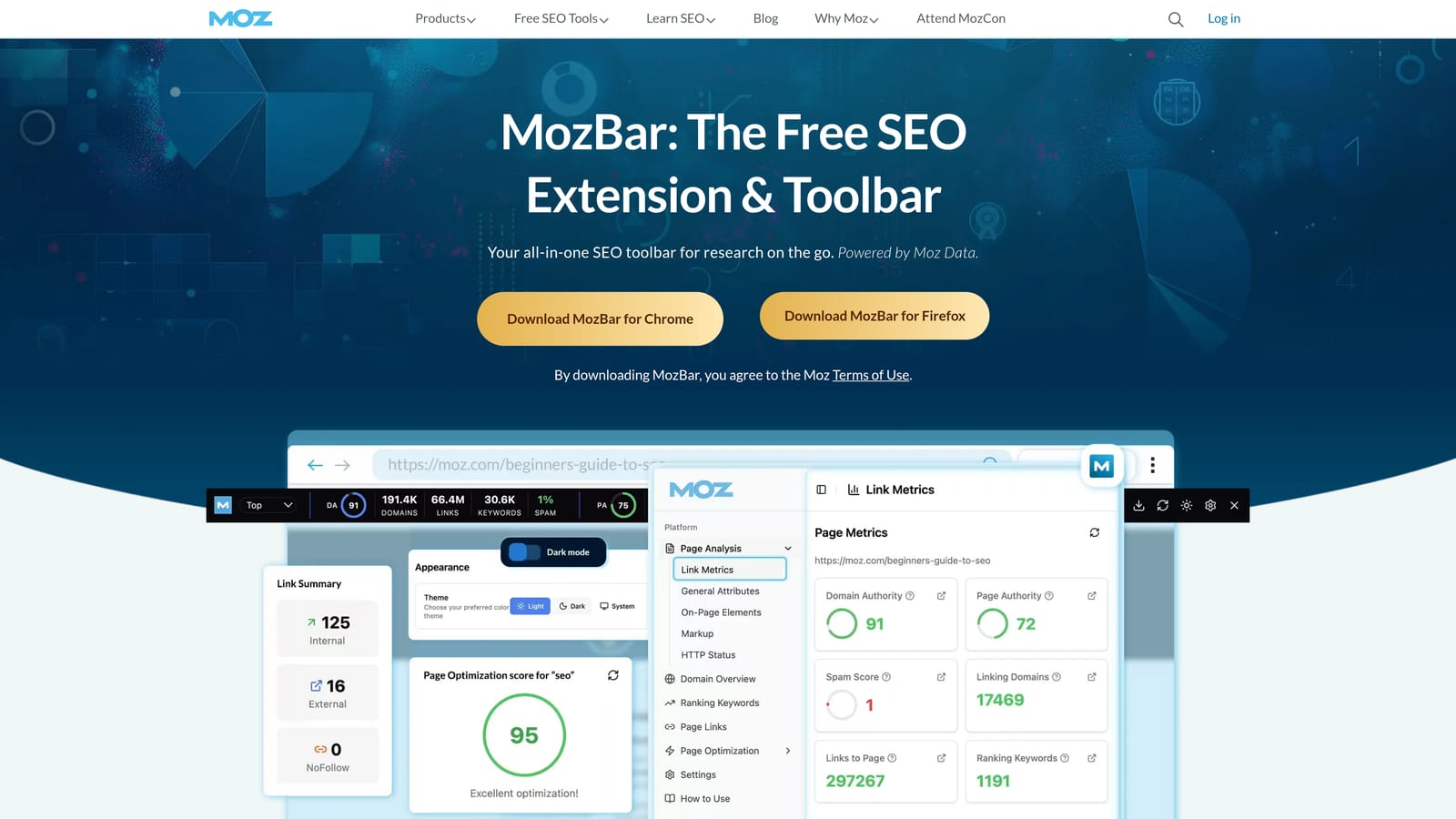
MozBar is Moz's free Chrome extension that displays Domain Authority, Page Authority, and link metrics directly on SERPs and individual pages.
Where This Tool Shines
When you're assessing the competitive landscape for a PPC campaign, knowing the authority of the sites you're competing with adds useful context. MozBar makes that information visible at a glance on any SERP, without requiring a separate tool session or Moz account login for each lookup.
It's a lighter-weight option compared to the Ahrefs toolbar, which makes it a good choice if you want authority metrics quickly without the fuller SEO feature set. The on-page element highlighting is also handy for quick landing page audits.
Key Features
Domain Authority and Page Authority: Displayed inline on SERPs and individual pages.
Link Metrics: See link data for any page you visit without opening a separate tool.
On-Page Element Highlighting: Quickly review headings, alt text, and metadata on any page.
SERP Analysis Overlay: View authority metrics across all results on a search page simultaneously.
Free Tier Available: Core metrics accessible with a free Moz account.
Best For
PPC managers who want a quick read on domain and page authority during competitor research, without needing the full feature set of a paid SEO tool. Works well as a lightweight complement to other extensions on this list.
Pricing
Free with a Moz account. A MozPro subscription unlocks additional metrics and data depth.
7. BuiltWith Technology Profiler
Best for: Identifying ad pixels, analytics tools, and tracking scripts on any website
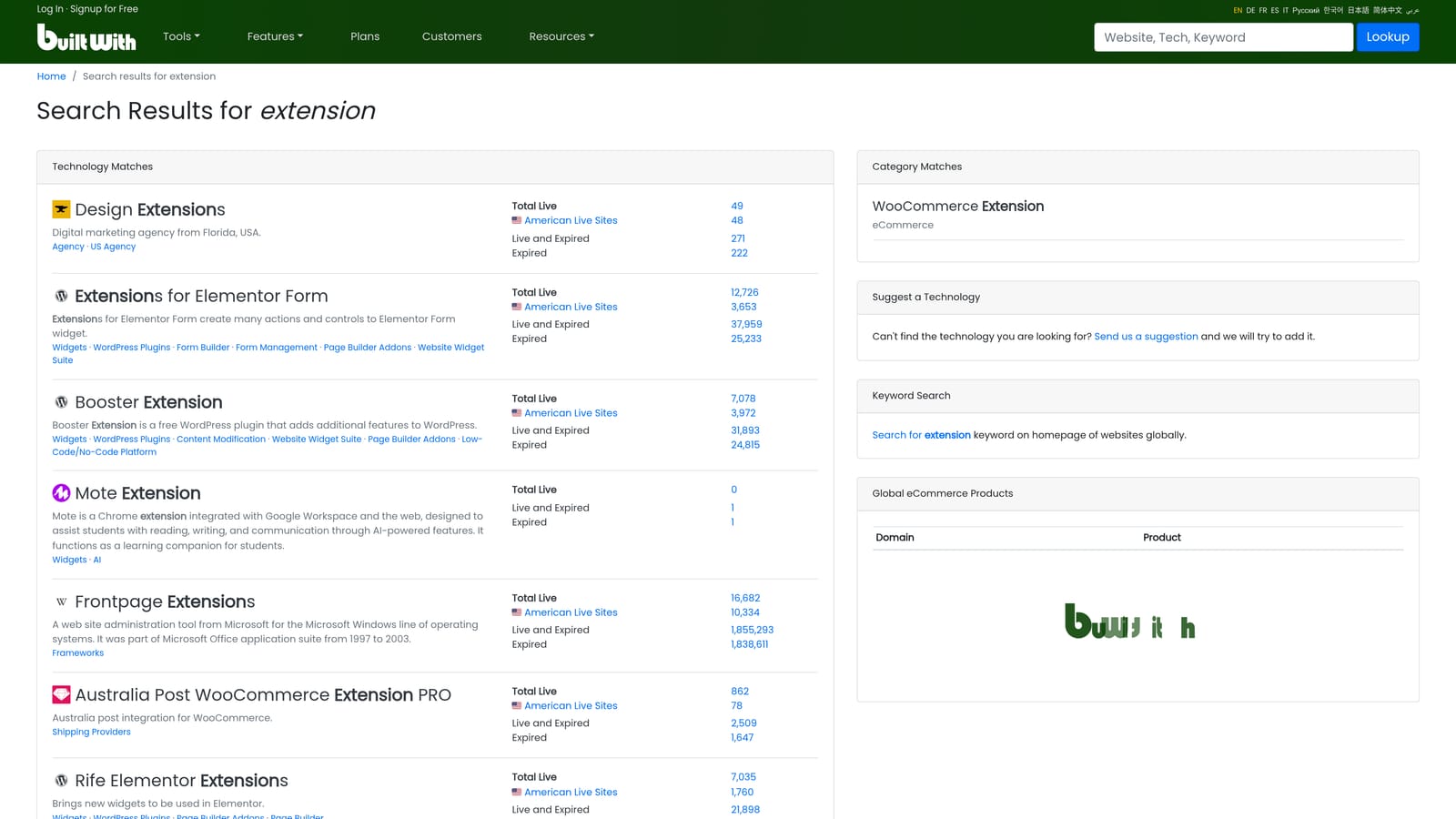
BuiltWith Technology Profiler is a free Chrome extension that reveals the full technology stack of any website, including ad pixels, analytics platforms, tag management tools, and ad networks.
Where This Tool Shines
For agency work and competitor audits, knowing what tracking and advertising infrastructure a site is running tells you a lot. BuiltWith surfaces that information instantly: which ad pixels are active, which analytics platform they're using, whether they're running Google Tag Manager, and which ad networks are present.
It's also useful for agency prospecting. When evaluating a potential client's site, seeing their current tech stack helps you understand how sophisticated their tracking setup is before you even get on a call.
Key Features
Ad Pixel Detection: Identifies active Google Ads, Meta, LinkedIn, and other ad pixels on any page.
Analytics and Tag Management Identification: Shows which analytics tools and tag managers are deployed.
Full Tech Stack Visibility: Reveals CMS, hosting, and other technology details beyond just ad tools.
Competitor and Prospecting Audits: Useful for understanding what infrastructure a competitor or potential client is running.
Free to Install and Use: No subscription required for core functionality.
Best For
Agencies auditing new client accounts, PPC managers assessing competitor tracking setups, or anyone who needs a fast read on what advertising and analytics technology a site is running.
Pricing
Free.
8. Ghostery
Best for: Auditing active trackers and ad tags on any webpage
Ghostery is a privacy-focused Chrome extension that detects and categorizes all active trackers, ad tags, and analytics scripts running on any webpage you visit.
Where This Tool Shines
Where BuiltWith shows you the technology stack, Ghostery shows you what's actively running at the moment you load a page. That distinction matters when you're auditing tracking: a pixel might be installed but not firing, or there might be tracking scripts running that aren't in the tag manager. Ghostery catches what's actually active in real time.
The ability to block trackers is also useful for testing. If you want to check how a landing page loads without any tracking overhead, or simulate a clean user session, Ghostery lets you do that without changing the page itself.
Key Features
Active Tracker Detection: Identifies and categorizes every tracker firing on the current page.
Ad Network and Analytics Script Identification: Shows which ad tags and analytics tools are actively running.
Tracker Blocking: Lets you disable specific trackers for testing or clean page load simulation.
Client Tracking Audits: Useful for quickly reviewing what tracking a client has running before diving into their account.
Free Core Functionality: Primary features available at no cost.
Best For
PPC managers who need to audit tracking setups on client or competitor sites, or anyone who wants to verify what's actually firing on a page in real time rather than just what's installed.
Pricing
Free. Ghostery Midnight is a paid tier with additional privacy features, but the core tracker detection functionality is free.
9. ColorZilla
Best for: Grabbing exact brand colors during ad creative and landing page QA
ColorZilla is a free Chrome and Firefox extension providing an eyedropper, color picker, and gradient generator—useful for PPC managers who handle ad creative or landing page quality assurance.
Where This Tool Shines
It might seem out of place on a PPC list, but many PPC managers are responsible for more than just campaign settings. If you're reviewing ad creative, checking that a landing page matches brand guidelines, or working with a designer on display ads, ColorZilla saves you from guessing at hex codes or asking the design team for values you could grab yourself in seconds.
The eyedropper works on any element of any webpage, so you can pull exact color values from a competitor's landing page, a client's existing site, or any reference you're working from.
Key Features
Eyedropper Tool: Sample the exact color of any element on any webpage.
Color Picker: Outputs hex, RGB, and HSL values for any sampled color.
Gradient Generator: Useful for CSS work on landing pages or display ad backgrounds.
Page Color Analyzer: Reviews the full color palette in use on any page.
Free to Install and Use: No cost, no account required.
Best For
PPC managers who handle ad creative production or landing page QA, and anyone who works closely with designers and needs to quickly verify or extract color values from live pages.
Pricing
Free.
Which Tool Is Right for Your Workflow
You don't need all nine of these. The right combination depends on where you actually spend your time.
If your biggest time drain is inside the Google Ads interface—reviewing search terms, adding negatives, building keyword lists—start with Keywordme. It's the only tool on this list built specifically for that workflow, operating directly inside the Search Terms Report rather than alongside it. Everything else on this list works in the browser outside of Google Ads; Keywordme works inside it.
For keyword research layered over your normal browsing, Keywords Everywhere is the practical choice. If competitive intelligence is your priority before launching or expanding campaigns, Similarweb gives you the broadest traffic picture fast. For tracking verification, Tag Assistant is non-negotiable: it's free, it's official, and it's the most reliable way to confirm your conversion tags are firing correctly.
The rest of the list rounds out a solid toolkit depending on your role. If your work crosses into SEO territory, the Ahrefs Toolbar and MozBar both add useful context to your SERP research. For competitor audits and agency prospecting, BuiltWith and Ghostery give you two complementary views of what's running on any site. And if you handle creative or landing page QA, ColorZilla earns its place.
Most of these are free or low-cost, so the barrier to trying them is minimal. Pick the two or three that match your actual daily workflow and install those first.
If you want to start with the one that directly speeds up campaign optimization inside Google Ads, Start your free 7-day trial of Keywordme and see how much faster your Search Terms Report workflow can get—then just $12/month to keep going.
.svg)