
8 Best Chrome Extensions for PPC Cost Control and Research in 2026
This guide compares eight tools that work as a Chrome extension for PPC cost, split by job: researching what clicks will cost before you bid, or cutting wasted spend in running Google Ads accounts. Each tool is judged on how much data is free, how much setup it needs, and where it falls short, so marketers, freelancers, and agency owners can pick the right fit.


"PPC cost" can mean two different jobs. One is finding out what clicks are likely to cost before you bid. The other is cutting the spend on clicks you never wanted in an account that's already running. This list is for marketers, freelancers, and agency owners who want to do either one from inside Chrome. Each tool is tagged by the job it handles, and we judged them on how much data is free, how much setup they need, and where they fall short.
Quick Comparison of the Chrome Extensions
- Keywordme: advertisers and agencies trimming wasted spend in live Google Ads campaigns; $12/month per user; acts on your own Search Terms Report inside the Google Ads interface.
- Keywords Everywhere: quick CPC checks on a pay-as-you-go basis; credit-based, see website; shows CPC and volume wherever you browse across supported sites.
- Ubersuggest: small teams weighing paid versus organic; tiered plans, see website; pairs CPC data with SEO difficulty.
- Keyword Surfer: freelancers who want free CPC ranges; free; a CPC and volume overlay with no credits to manage.
- Ahrefs SEO Toolbar: teams already on Ahrefs; toolbar is free, full data needs an Ahrefs plan; draws on a large backlink and competitive index.
- Mangools SEO Extension: freelancers and small agencies doing local keyword research; subscription, see website; strong location-specific keyword data at a lower cost.
- Similarweb Chrome Extension: benchmarking competitors; free tier available; shows how much a competitor leans on paid search traffic.
- Tag Assistant: anyone verifying conversion tracking; free; confirms the tracking behind your cost-per-conversion numbers.
1. Keywordme
Keywordme is our own product, so weigh this section with that in mind. It's a Chrome extension that adds one-click actions to the Search Terms Report in Google Ads. It's built for people who manage live campaigns and are tired of exporting search terms to a spreadsheet just to decide what to block.
A quick vocabulary note, since it matters here. A search term is what someone actually typed before seeing your ad. A keyword is what you bid on. A negative keyword tells Google not to show your ad for matching searches. Keywordme works on the gap between them: it helps you review the search terms that triggered your ads, then block the junk or promote the good ones.
What sets it apart on this list is that it acts on your own account's data, not on third-party estimates. Every other research tool here tells you what a click might cost. Keywordme helps you stop paying for the clicks that don't belong. You still make each decision yourself; it just removes the copy, paste, and upload steps.
- One-click negative keywords from the Search Terms Report, so irrelevant queries get blocked without leaving the page.
- Add high-intent search terms as keywords with the match type you choose, so converting queries become targeted keywords quickly.
- Keyword clustering, which groups related terms so you can review them in batches instead of one row at a time.
- Bulk editing, for applying the same change across many terms at once.
- Multi-account and team support, which suits agencies handling several clients.
Setup is light: install the extension and open Google Ads in Chrome. It works inside the Google Ads web interface, so whoever already runs the account day to day can use it with no new dashboard to learn.
The limits are plain. Keywordme does not estimate CPC or show competitor costs, so it won't help you forecast a budget for a campaign you haven't launched. It also only works in Chrome with the Google Ads web interface, so it's no use if your team lives in other browsers or in the Google Ads Editor app.
Pricing is a flat $12/month per user with a 7-day free trial (confirm current terms on the Keywordme site). Cost scales with the number of users, not with ad spend or number of accounts.
Best for: Advertisers and agencies who want to trim wasted spend in live Google Ads campaigns faster.
2. Keywords Everywhere
Keywords Everywhere is a browser extension that overlays search volume, CPC, and competition data on Google results and other supported sites. It's for marketers who plan keywords constantly and want numbers visible as they browse, not buried in a separate platform.
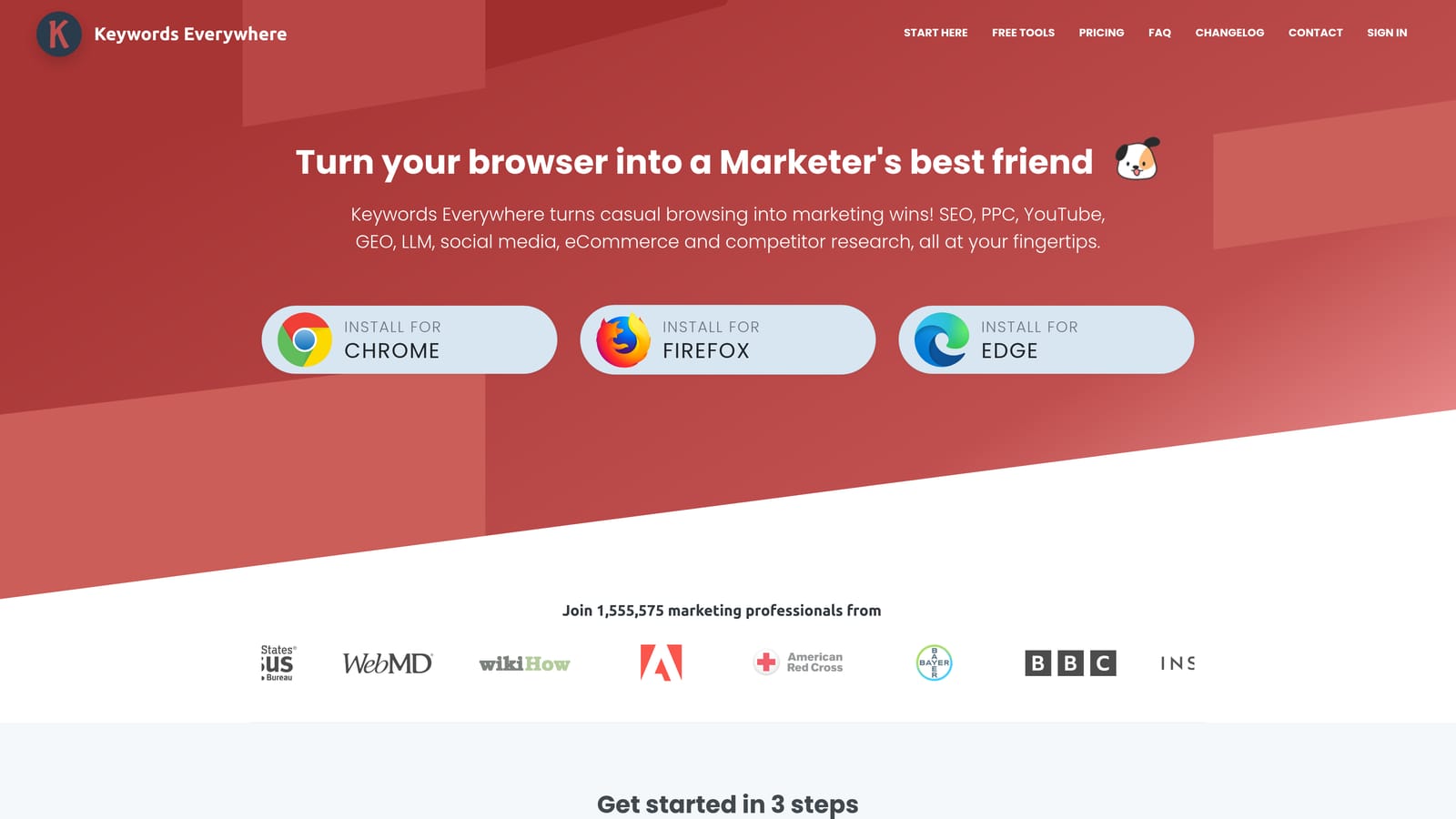
Its distinct angle is the credit model. Instead of a monthly seat, you buy credits and spend them as you pull data, which suits people who research in bursts. That can be cheaper for an occasional user and awkward for someone who looks up hundreds of terms a day.
- Search volume and CPC shown on the results page, so you can sanity-check a keyword without opening another tab.
- Competition metrics that give a rough read on how crowded paid search is for a term.
- Related and "People Also Search For" keywords, which feed your list with ideas you hadn't considered.
- Keyword list export, so you can move findings into a planning sheet.
- Credit-based data access, letting you pay for what you use.
It runs on Google Search, YouTube, Amazon, and other supported sites, and setup is an install plus an account. Anyone on the team can use it; no ad account access is needed.
The main caution: the CPC figures are third-party estimates, and there's no connection to your Google Ads account. Treat them as a ballpark, and check anything important against Google Ads Keyword Planner and your own campaign data. Pricing is credit-based, and the amount depends on how much data you pull (as of October 2026, check the website for current packages).
Best for: Quick CPC checks while planning keywords on a pay-as-you-go basis.
3. Ubersuggest
Ubersuggest is Neil Patel's keyword research tool, with a Chrome extension that displays volume, CPC, and SEO difficulty on Google results. It's aimed at small teams that handle both paid and organic and need to decide where each keyword belongs.
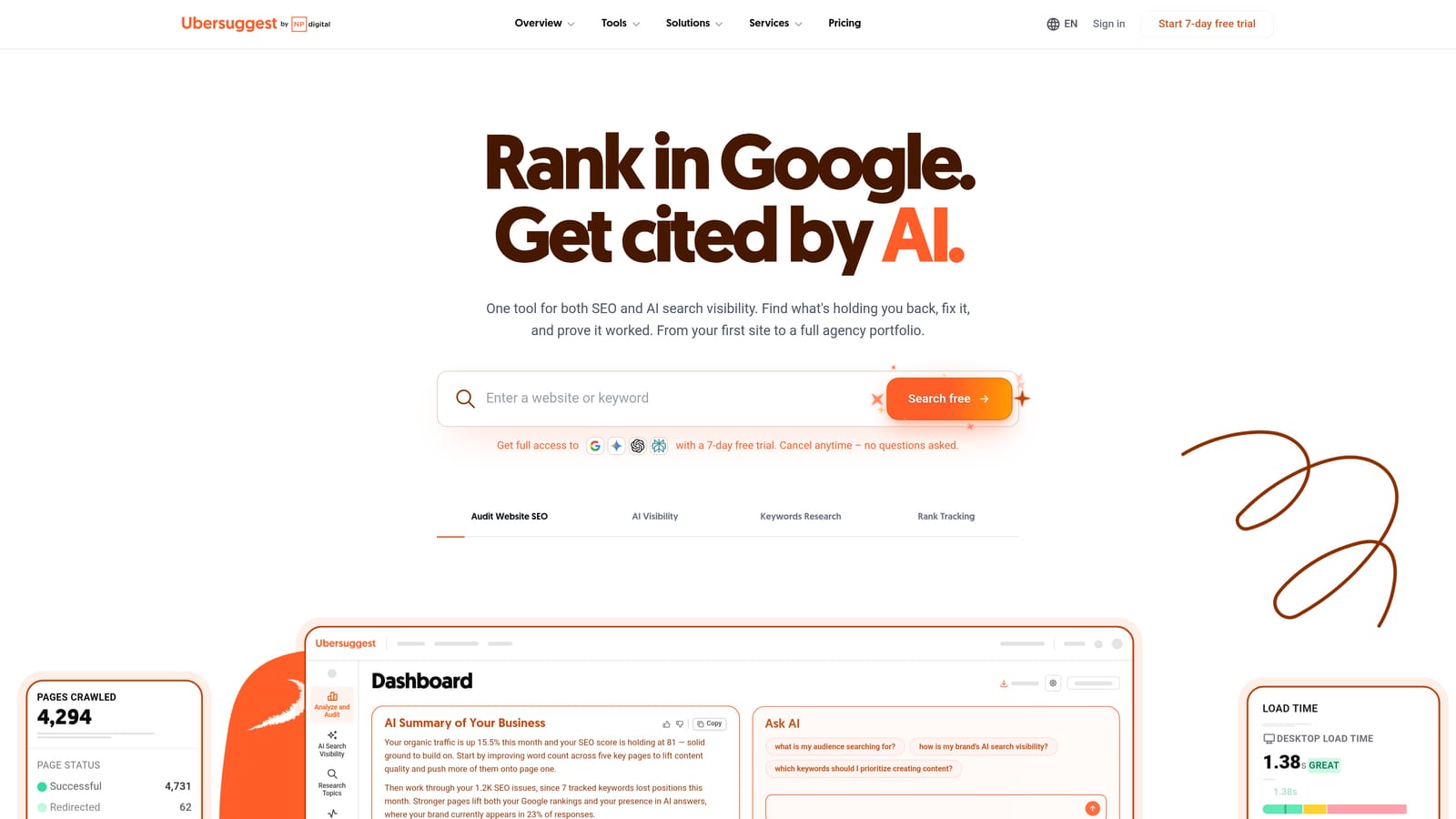
That pairing is what separates it. Seeing a high CPC beside a low SEO difficulty score is a useful nudge: maybe that term is worth ranking for instead of buying. Few other tools here put both numbers in the same glance.
What you get
- CPC and volume overlay on search results, for fast checks mid-browse.
- SEO difficulty scores, which help you judge whether organic is a realistic alternative to paying.
- Keyword ideas to widen a list beyond your first guesses.
- Content and competitor views in the dashboard, for context beyond a single query.
Where it falls short
It's SEO-first by design, so paid search is a side feature, not the core. Extension depth also depends on your plan and daily limits, which can interrupt a long research session. There's no link to your Google Ads account, and CPC numbers are estimates.
Setup is an install and a login, and the dashboard is easy for a generalist marketer to run. Plans are tiered; see the website for current pricing as of October 2026, since what you pay depends on the plan and the limits you need.
Best for: Small teams weighing paid versus organic for the same keywords.
4. Keyword Surfer
Keyword Surfer is a free extension from Surfer that shows estimated search volume and CPC next to Google results. It's a good fit for freelancers and anyone who wants a CPC range without paying or tracking credits.

The standout is simplicity. There's no credit balance to watch and no plan to choose. You install it, search, and read the numbers. For a first pass on whether a keyword looks expensive, that's often enough.
- Estimated search volume, so you can tell a real market from a trickle.
- CPC estimates for comparing which terms are likely to cost more.
- Related keyword suggestions that expand your list as you search.
- Side-panel keyword ideas, which keep research in one view.
It works on Google Search and ties into Surfer if you use that product. Setup takes a minute and needs no special permissions in your ad account.
The trade-off is depth. This is lightweight research only: no account integration, no campaign cleanup, and CPCs are estimates, not what you'll pay. If you need to export big lists or see location detail, you'll outgrow it. It's free, though Surfer can change terms, so confirm on the website.
Best for: Freelancers who want a free way to compare CPC ranges.
5. Ahrefs SEO Toolbar
The Ahrefs SEO Toolbar is a free browser toolbar that shows Ahrefs metrics on search results and pages, with deeper data for people who hold an Ahrefs account. It suits teams that already pay for Ahrefs and want its competitive context while browsing.

Its real strength is the size of Ahrefs' backlink and competitive index. If you're deciding whether to bid on a query, seeing how strong the pages ranking organically are tells you how contested the topic is. That's context other extensions here don't offer.
- SERP keyword metrics overlay, to size up a query without leaving the results page.
- Page and domain metrics, which show how authoritative competitors are.
- Link and ranking context, useful for judging whether organic could compete.
- Account-based data depth, so what you see grows with your subscription.
Setup is an install and a login. It's usually run by whoever already owns the Ahrefs seat, often the SEO lead and not the person managing ads.
Be clear-eyed about the limits. Meaningful value requires a pricier Ahrefs subscription, and this isn't a PPC management tool: it won't clean up your search terms or forecast your bids. The toolbar itself is free, while full data depends on the Ahrefs plan (check the website for current pricing as of October 2026).
Best for: Teams already using Ahrefs who want competitive context before setting budgets.
6. Mangools SEO Extension
Mangools offers a browser extension that shows keyword metrics in the SERP, connected to its KWFinder tool. It's designed for freelancers and small agencies who want a compact, lower-cost suite without the weight of the big platforms.
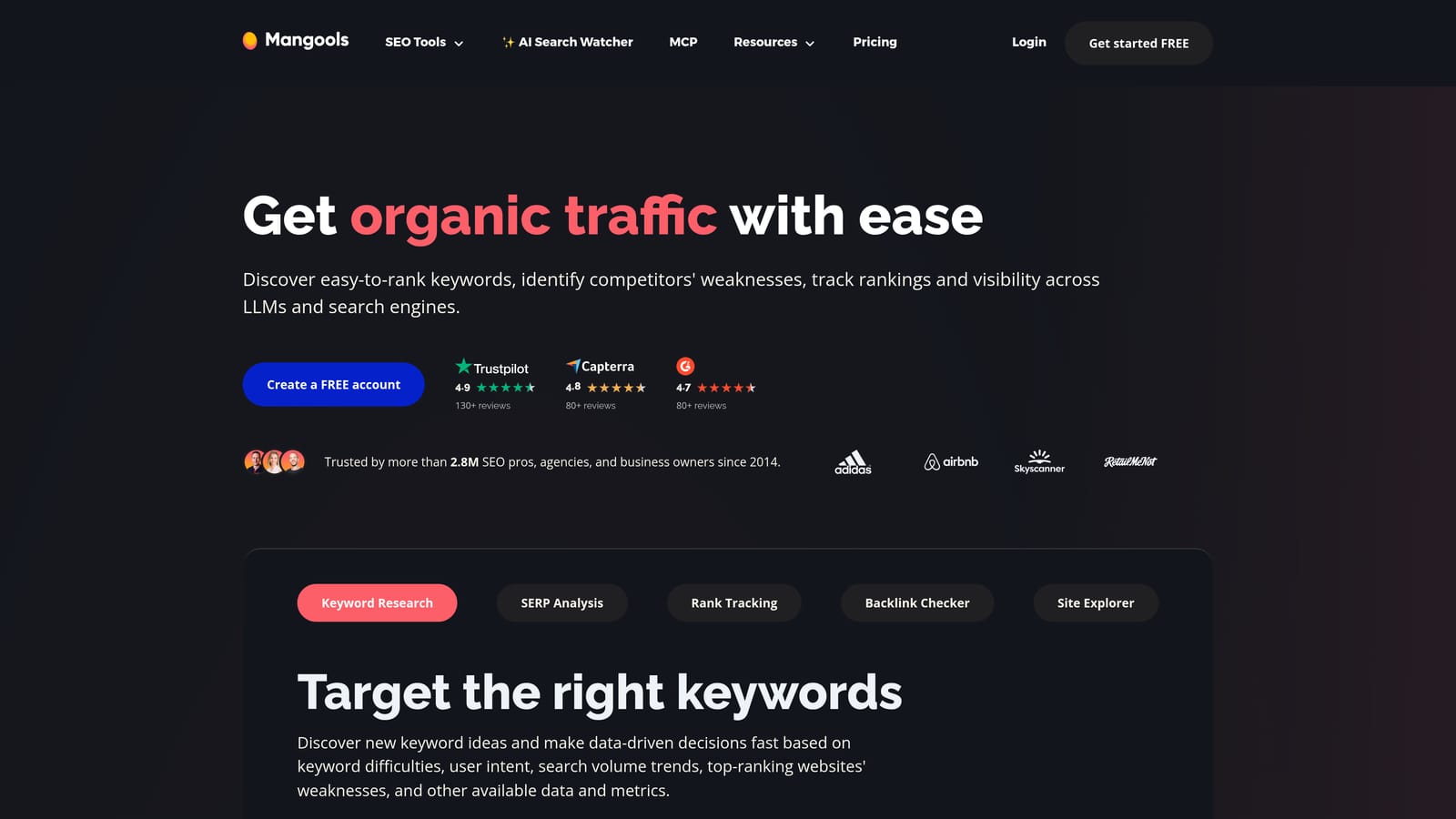
Where it stands out is location. Mangools handles location-specific keyword data well, which matters when you're pricing campaigns for a plumber in one city or a dentist in another and national averages are useless.
- Search volume and CPC in the SERP, for a quick read as you browse.
- Keyword difficulty, to see where organic competition is thin.
- Links to KWFinder lists, so promising terms move straight into deeper research.
- Location-based data, which keeps estimates relevant to the market you're targeting.
It connects to KWFinder, SERPChecker, and the wider Mangools suite. Setup is simple, and one person can run it without training.
The downside is scale. Its database is smaller and it has fewer paid-search features than larger suites, so it's not the pick for deep competitive analysis. It also has no tie to your Google Ads account. Pricing is subscription-based with tiers; see the website for current plans as of October 2026.
Best for: Freelancers and small agencies wanting affordable local keyword research.
7. Similarweb Chrome Extension
The Similarweb Chrome extension shows traffic estimates and traffic-source splits for any site you visit. It answers a different question from the keyword tools: not what a click costs, but how much a competitor depends on paid search at all.

That's its distinct value here. If a rival gets a large share of visits from paid search, you can expect them to bid hard, which helps set realistic budget expectations. If they barely use it, the auction may be calmer than you feared.
- Estimated site traffic, for sizing up a competitor's scale.
- Traffic source breakdown including paid search, showing where their visitors come from.
- Competitor site comparison, to line up several rivals side by side.
- Similar sites discovery, which surfaces competitors you didn't know to check.
It connects to the Similarweb platform, and anyone can install it. A free tier exists, with paid plans for more detail (as of October 2026, confirm current limits on the website).
Keep the caveats in mind. These are modeled estimates and tend to be less reliable for small sites. There's also no keyword-level cost data, so it can't tell you what a specific term costs or help you control spend in your account.
Best for: Benchmarking competitors when setting realistic budget expectations.
8. Tag Assistant
Google's Tag Assistant checks that Google tags and conversion tracking fire correctly on your site. It doesn't research keywords or trim spend. It earns a place because every cost-per-conversion figure you read depends on tracking that actually works.
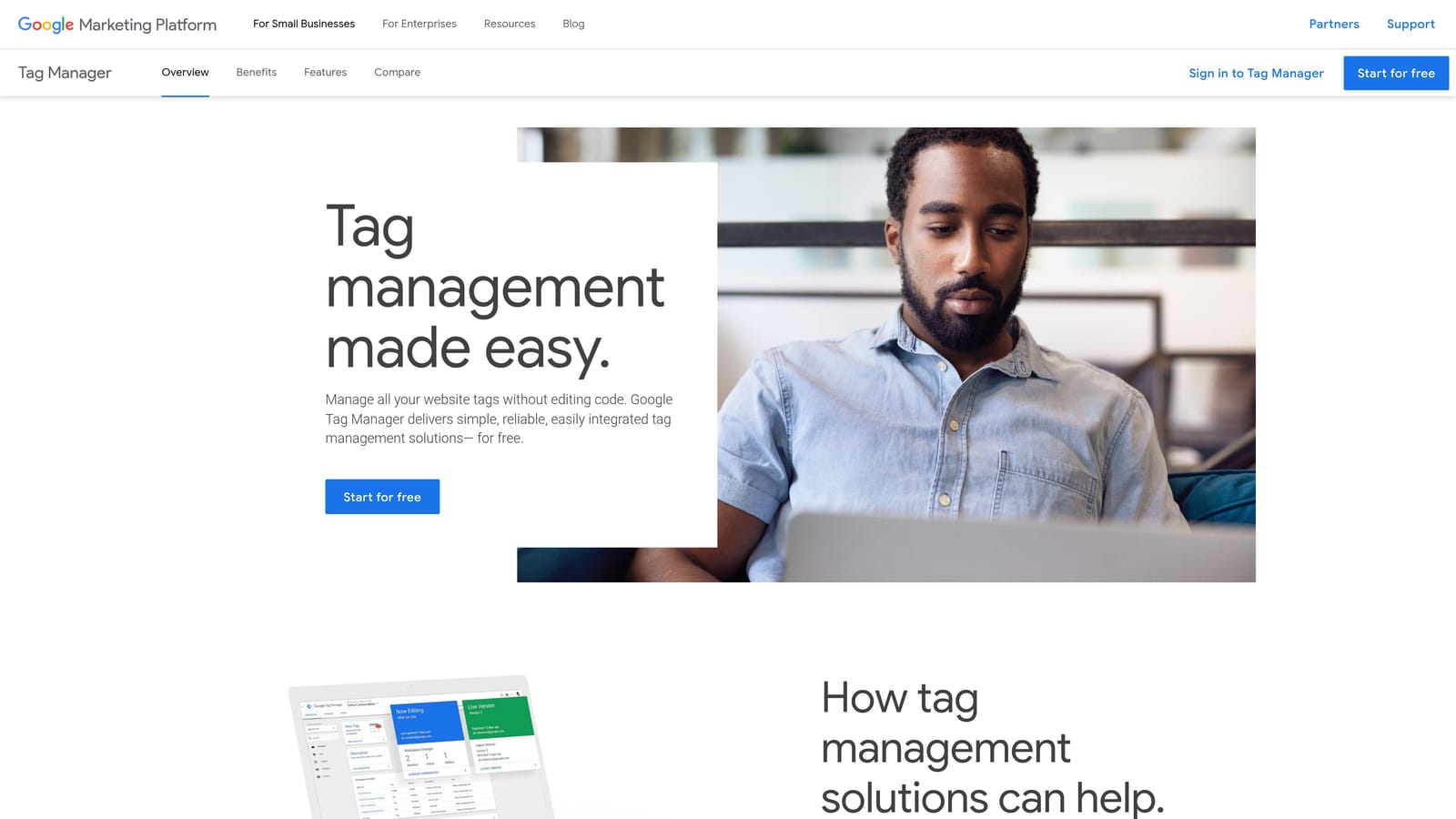
Think of it as the check you run before trusting any other number. If a conversion tag is double-firing or not firing, your cost data is wrong, and so are the decisions you make from it, like which search terms to promote or block.
- Tag debugging, which shows whether tags load and fire as expected.
- Conversion tag verification, confirming that the actions you pay for are being counted.
- Google tag and Tag Manager checks, covering the most common setups.
- Debug session recording, so you can review what happened on a page and share it with a developer.
It works with Google Tag Manager, Google Ads, and Google Analytics. Setup is light, but interpreting results can need some technical comfort, so it's often run by an analyst or developer alongside the marketer.
It diagnoses tracking only. It won't find wasted spend or suggest keywords, so it complements the other tools instead of replacing them. It's free.
Best for: Anyone who needs to verify conversion tracking before trusting cost data.
Matching the Extension to the Job You Actually Have
Start with which meaning of "PPC cost" is bugging you. If you're paying for clicks right now and suspect some are junk, Keywordme is the one built for that: it works on your own Search Terms Report and handles negatives, new keywords, and match types without spreadsheets. It won't estimate CPC, so it's not a planning tool.
For estimating CPC while planning, Keywords Everywhere, Keyword Surfer, Ubersuggest, and Mangools all do the job. Keyword Surfer is the free starting point, Keywords Everywhere suits pay-as-you-go use, Ubersuggest helps when organic is an option, and Mangools fits local work. Remember that all of these are estimates; check Google Ads Keyword Planner and your own account data before committing budget.
For competitor benchmarking, the Ahrefs toolbar and Similarweb add context on how contested a market is. For trust in your numbers, run Tag Assistant first.
Most people end up pairing one research extension with one account-cleanup tool. If cleanup is the half you're missing, Start your free 7-day trial (then just $12/month) and see how it feels in your own account. Optimize Google Ads campaigns 10X faster, without leaving your account: Keywordme lets you remove junk search terms, build high-intent keyword lists, and apply match types instantly, right inside Google Ads. No spreadsheets, no switching tabs, just quick, seamless optimization.
.svg)