
7 Cheapest Google Ads Optimization Software Tools That Actually Work in 2026
Discover the 7 cheapest Google Ads optimization software tools available in 2026, ranging from $0 to ~$100/month, ranked by price-to-value ratio to help marketers and agency owners cut wasted spend, manage keywords more efficiently, and reduce manual campaign work—without sacrificing features.


TL;DR: If you're hunting for cheap Google Ads optimization software that doesn't cut corners on features, you've got more options than you think. This list covers tools ranging from $0 to around $100/month (and a couple above that) which help marketers, freelancers, and agency owners reduce wasted spend, manage keywords smarter, and speed up campaign optimization without breaking the bank. We ranked them based on price-to-value ratio, ease of use, and how much manual work they actually eliminate. Keywordme leads the list at just $12/month because it works directly inside Google Ads—no tab-switching, no spreadsheets. But every tool here earns its spot. Whether you're managing one account or twenty, there's a budget-friendly option that fits your workflow.
The real cost of Google Ads optimization isn't just your tool subscription. It's the hours you spend exporting search terms into spreadsheets, manually tagging negatives, and switching between tabs trying to figure out what's eating your budget. A $12/month tool that saves you five hours a week is a better deal than a free tool that takes all afternoon. Keep that in mind as you read through this list.
1. Keywordme
Best for: PPC managers and agencies who want fast, in-interface optimization without spreadsheets.
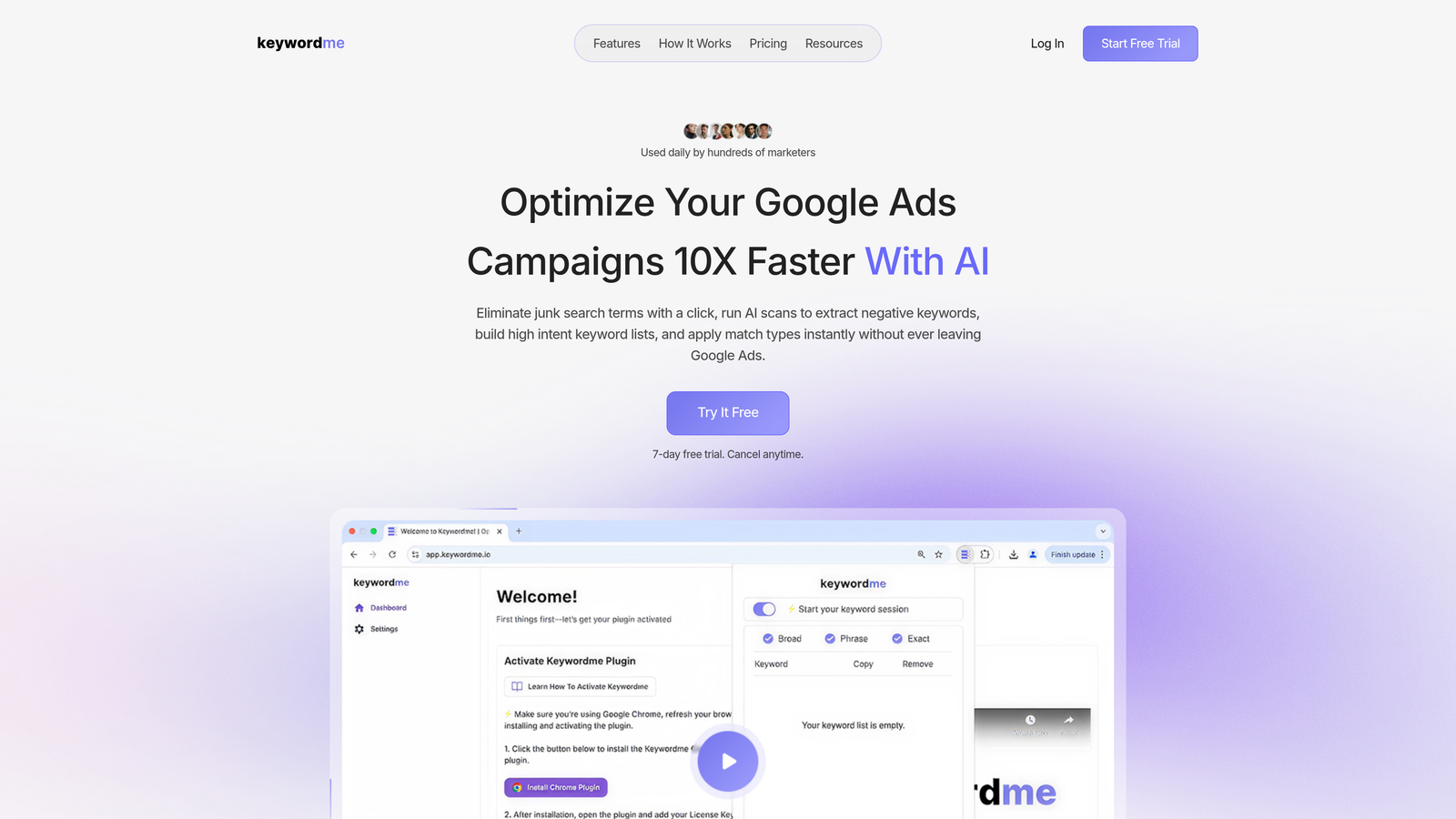
Keywordme is a Chrome extension that plugs directly into Google Ads' Search Terms Report, letting you remove junk search terms, add negatives, apply match types, and build keyword lists without ever leaving the native Google Ads interface.
Where This Tool Shines
In most accounts I audit, the biggest source of wasted spend is irrelevant search terms that have been sitting there for weeks because nobody had time to deal with them. Keywordme solves exactly that. Instead of exporting a CSV, filtering in Excel, and uploading a negative keyword list, you do it in one click—right inside the Search Terms Report where you're already working.
What usually happens with other tools is you end up with a workflow that involves three tabs and two exports. Keywordme collapses all of that into the native Google Ads UI. For agencies managing multiple client accounts, the multi-account support and bulk editing features mean you can move through optimization tasks at a pace that just isn't possible with manual methods.
Key Features
One-Click Junk Term Removal: Remove irrelevant search terms directly in Google Ads without exporting or switching tools.
Instant Negative Keyword Addition: Add negatives at campaign or ad group level in seconds, right from the Search Terms Report.
Match Type Application: Apply exact, phrase, or broad match types without leaving the native interface.
Keyword Clustering and Bulk Editing: Build and organize keyword lists faster using clustering logic and bulk actions.
Multi-Account and Team Support: Manage multiple client accounts and collaborate with team members—built with agencies in mind.
Best For
Keywordme is ideal for solo advertisers who want to move faster, and for agency teams managing ten or more accounts who need a repeatable, low-friction optimization workflow. If you're already spending time in the Search Terms Report and want to cut that time significantly, this is the most direct solution on this list.
Pricing
$12/month per user. A 7-day free trial is available with no credit card required. At this price point, it's one of the lowest-cost paid optimization tools available with a meaningful feature set.
2. Google Ads Editor
Best for: Advertisers who need bulk editing capabilities and don't want to pay for a third-party tool.
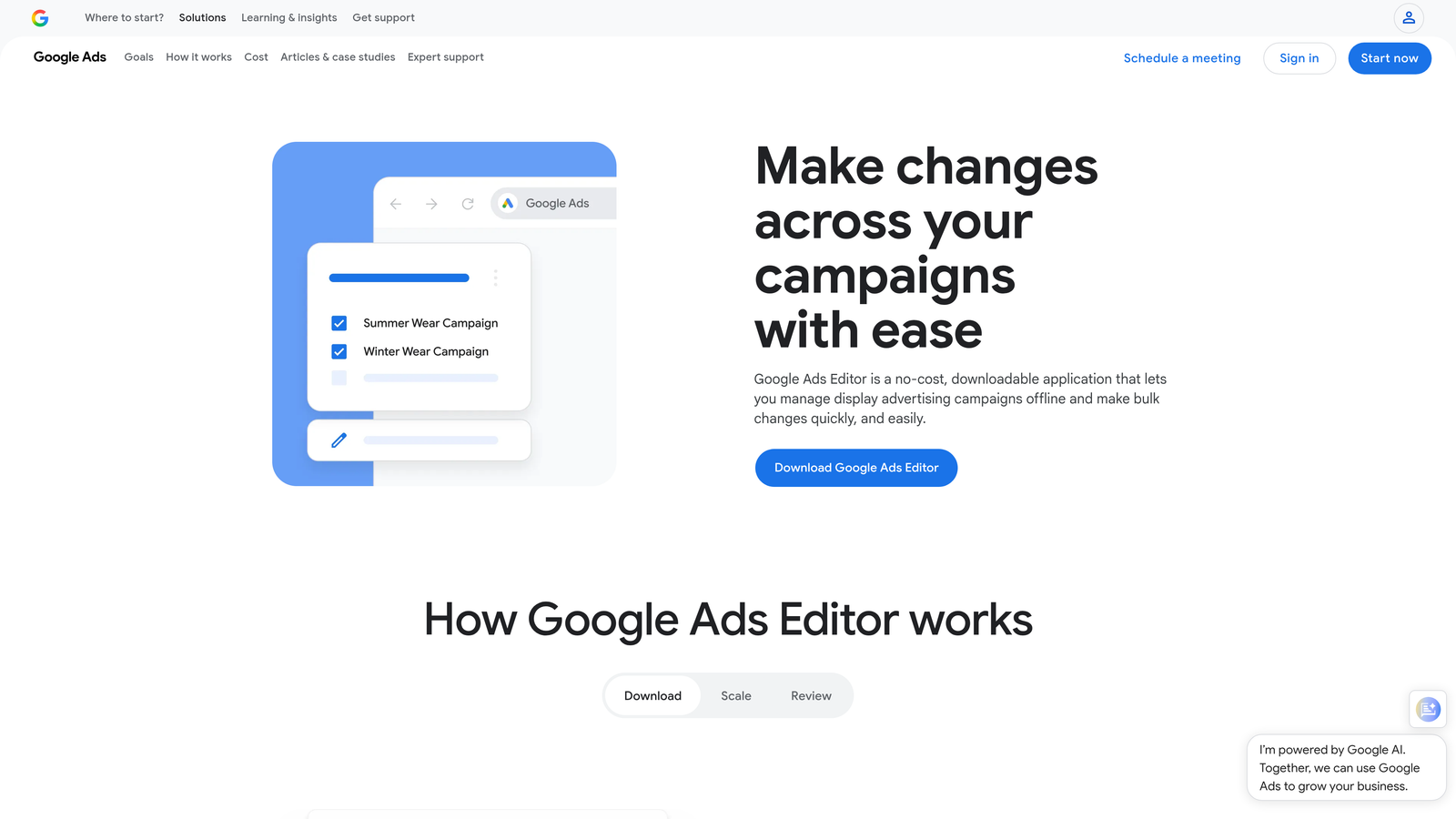
Google Ads Editor is Google's own free desktop application for managing and editing campaigns offline, with bulk changes that sync when you reconnect.
Where This Tool Shines
If you need to make large-scale changes—restructuring campaigns, duplicating ad groups, doing find-and-replace on ad copy across hundreds of ads—Ads Editor is genuinely powerful. It's the tool most experienced PPC managers already have installed, and for good reason. The offline editing capability is particularly useful when you're working in low-connectivity environments or want to review changes before pushing them live.
The limitation worth knowing upfront: Ads Editor doesn't give you optimization suggestions, automation, or AI-driven insights. It's a manual editing tool. It makes manual work faster, but it doesn't replace the thinking. That's not a criticism—it's just important to understand what you're getting.
Key Features
Completely Free: No subscription, no trial period, no cost at all—just download and connect your account.
Bulk Keyword and Bid Editing: Edit thousands of keywords, bids, ads, and settings in one session.
Offline Editing with Sync: Make changes offline and push them live when you're ready.
Campaign Copy and Paste: Duplicate entire campaigns or ad groups across accounts quickly.
Find-and-Replace: Update ad copy or URLs at scale without touching each ad individually.
Best For
Google Ads Editor is best for advertisers who are comfortable with manual campaign management and need a free tool for bulk edits. It works well as a complement to other tools on this list—particularly for one-off restructuring projects or when you need to make sweeping changes across an account.
Pricing
Free. No subscription required. Available for download directly from Google.
3. Optmyzr
Best for: Agencies and PPC specialists who want rule-based automation and structured one-click optimizations.
Optmyzr is a PPC management platform offering rule-based automation, one-click optimizations, and detailed reporting dashboards designed for teams managing multiple Google Ads accounts.

Where This Tool Shines
Optmyzr's strongest feature is its one-click optimization engine. It surfaces data-backed suggestions—bid adjustments, budget changes, keyword additions—and lets you apply them with a single click after reviewing. For agencies running structured optimization workflows, this is genuinely time-saving. The PPC audit tools are also solid for onboarding new client accounts and identifying quick wins.
The honest caveat here: Optmyzr is at the higher end of "budget" with pricing starting around $208/month. It's not cheap in absolute terms, but for agencies managing multiple accounts, the automation and reporting value can justify the cost. For solo advertisers managing one or two accounts, it may be more than you need.
Key Features
One-Click Optimization Suggestions: Data-driven recommendations you can review and apply in a single click.
Rule-Based Automation: Set automated rules for bids, budgets, and keyword management based on performance thresholds.
PPC Audit Tools: Account health checks that surface structural issues and missed opportunities.
Custom Reporting and Client Dashboards: Build branded reports for clients without manual data pulling.
Multi-Account Management: Manage and optimize across multiple Google Ads accounts from one interface.
Best For
Optmyzr is best suited for PPC agencies or in-house teams managing five or more accounts who want structured automation and professional reporting. Less ideal for freelancers or solo advertisers managing a small number of accounts where the cost-to-value ratio becomes harder to justify.
Pricing
Starts around $208/month. A free trial is available. Verify current pricing at optmyzr.com before committing, as pricing can change.
4. WordStream Advisor
Best for: Small business owners and less experienced advertisers who want guided weekly recommendations.
WordStream Advisor is a guided Google Ads optimization platform built around the concept of a structured weekly workflow that surfaces actionable recommendations without requiring deep PPC expertise.

Where This Tool Shines
WordStream's "20-minute work week" concept is genuinely useful for advertisers who don't live in their Google Ads accounts every day. It surfaces prioritized recommendations—things like adding negative keywords, testing new ad copy, or adjusting bids—and walks you through applying them step by step. For small business owners managing their own ads, that structure reduces the overwhelm of looking at a Google Ads account and not knowing where to start.
The performance grader is also worth mentioning. It benchmarks your account against industry standards and gives you a clear picture of where you're losing ground. It's a good starting point for any account audit, and it's available for free even if you don't subscribe to the full platform.
Key Features
Weekly Guided Recommendations: Prioritized optimization tasks delivered on a regular cadence to keep accounts moving forward.
Performance Grader: Free account benchmarking tool that scores your Google Ads account against best practices.
Keyword and Negative Keyword Tools: Suggestions for expanding keyword lists and filtering irrelevant traffic.
Ad Copy Recommendations: Guidance on improving ad text and testing variations.
Simplified Dashboard: Designed for non-expert advertisers who want clarity over complexity.
Best For
WordStream is best for small business owners, local advertisers, or newer PPC practitioners who want a guided approach to optimization. Experienced PPC managers may find the recommendations too basic for complex accounts.
Pricing
Pricing varies by plan and account spend. Verify current pricing at wordstream.com—it has changed over time following the platform's acquisition by LOCALiQ.
5. Semrush PPC Toolkit
Best for: Advertisers running both SEO and PPC who want competitive intelligence and keyword research in one platform.
Semrush's PPC Toolkit is part of the broader Semrush digital marketing suite, offering keyword research, competitor ad analysis, and PPC planning tools alongside full SEO functionality.
Where This Tool Shines
The mistake most agencies make with Semrush is treating it as either an SEO tool or a PPC tool. The real value is in using both together. When you can see what keywords a competitor is bidding on, what their ad copy looks like, and how their organic rankings compare to their paid activity—that's a competitive picture you can actually act on.
The Keyword Magic Tool is particularly strong for PPC keyword discovery. You can filter by CPC, competition level, and search intent, which makes it genuinely useful for building tightly themed ad groups. That said, Semrush isn't a campaign management or optimization tool in the traditional sense. It's a research and intelligence platform. You'll still need Google Ads Editor or another tool to actually implement changes.
Key Features
Keyword Magic Tool: Discover PPC keywords with volume, CPC, and competition data for smarter bidding decisions.
Advertising Research: Analyze competitor ad copy, keywords, and estimated spend to find gaps and opportunities.
PPC Keyword Tool: Build, organize, and deduplicate keyword lists before uploading to Google Ads.
CPC and Competition Data: Use real market data to set realistic budgets and prioritize high-value terms.
Cross-Channel Integration: Combine PPC and SEO data to identify where paid and organic strategies can work together.
Best For
Semrush PPC Toolkit is best for digital marketers and agencies who are already using or considering Semrush for SEO and want to extend that investment into PPC research. It's less compelling as a standalone PPC-only purchase given the price point.
Pricing
Included in Semrush Pro plans starting around $139.95/month. Verify current pricing at semrush.com, as plans and pricing are updated regularly.
6. Adalysis
Best for: PPC specialists who want systematic ad testing and quality score monitoring without enterprise-level pricing.
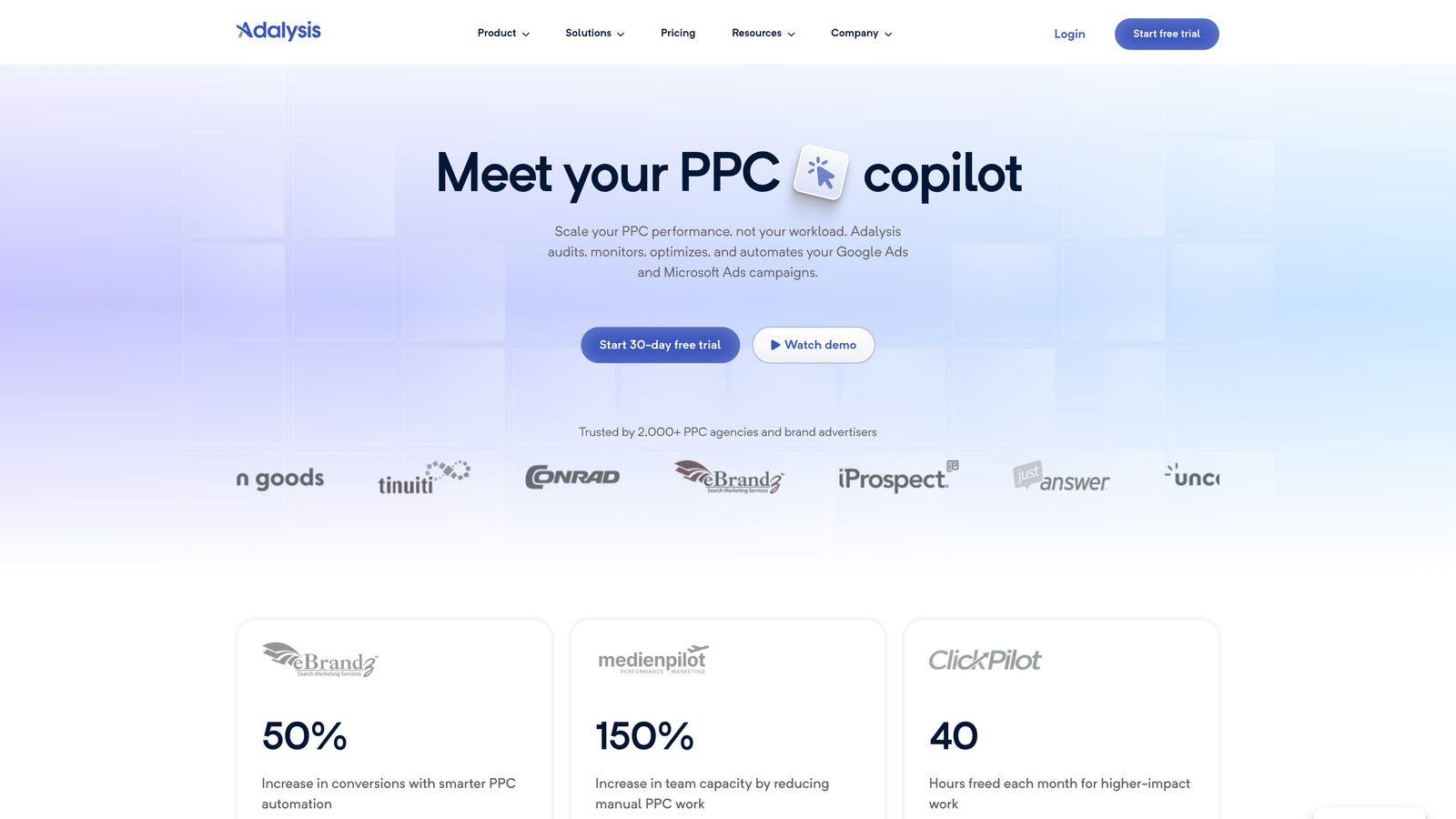
Adalysis is a Google Ads management tool focused on ad testing, quality score tracking, and account health alerts—built for advertisers who want data-driven ad optimization without a massive monthly bill.
Where This Tool Shines
Ad testing is one of those things most PPC managers know they should be doing systematically and rarely do as well as they'd like. Adalysis automates the statistical significance piece, which means you're not guessing when a test has run long enough to call a winner. It alerts you when a test reaches significance and gives you a clear recommendation. That alone removes a lot of the cognitive load from ongoing ad optimization.
The quality score monitoring is also genuinely useful for accounts where QS has been declining and nobody's sure why. Adalysis tracks QS trends over time and surfaces which keywords are dragging down account performance. In most accounts I've seen, a handful of low-QS keywords are responsible for a disproportionate amount of wasted spend.
Key Features
Automated A/B Ad Testing: Statistical significance alerts tell you when a test is ready to call, removing the guesswork.
Quality Score Monitoring: Track QS trends over time and identify which keywords are hurting account performance.
Account Health Alerts: Proactive notifications about underperforming elements before they become bigger problems.
Keyword and Ad Group Analysis: Drill into performance data at the keyword and ad group level to find optimization opportunities.
Bulk Ad Creation and Management: Build and manage ads at scale without doing it one at a time.
Best For
Adalysis is ideal for PPC specialists and in-house teams who run ongoing ad tests and want quality score visibility without paying for an enterprise platform. It's more niche than the other tools on this list—strong on ad testing, less focused on keyword management and search term optimization.
Pricing
Starts around $99/month for smaller accounts. Verify current pricing at adalysis.com, as tiers are based on account spend levels.
7. Google's Free Native Tools (Search Terms Report + Keyword Planner)
Best for: Advertisers with very limited budgets or those learning the fundamentals of Google Ads optimization.
Google's built-in tools—the Search Terms Report and Keyword Planner—provide the raw data needed for optimization at zero cost, directly inside your Google Ads account.
Where This Tool Shines
There's no cheaper starting point than free, and for advertisers just getting into PPC, Google's native tools provide everything you need to understand what's happening in your account. The Search Terms Report shows you exactly which queries triggered your ads, which is the foundation of any negative keyword strategy. Keyword Planner gives you volume and CPC estimates to inform your keyword selection before you spend a dollar.
The honest limitation: everything here is manual. Identifying irrelevant search terms, adding them as negatives, building keyword lists—it all requires time and patience. What usually happens is that advertisers start here, realize how time-consuming it is at scale, and then look for a tool that automates the repetitive parts. That's a completely reasonable progression.
Key Features
Search Terms Report: See the exact queries that triggered your ads, directly within your campaign data.
Keyword Planner: Research new keywords with search volume, CPC estimates, and competition data.
Zero Cost: Completely free with any active Google Ads account—no trial, no subscription.
Direct Account Integration: Data comes straight from your own account, so it's always accurate and up to date.
Negative Keyword Discovery: Use real search term data to build negative keyword lists from actual account performance.
Best For
Google's native tools are best for advertisers who are just starting out, have very limited budgets, or want to understand optimization fundamentals before investing in paid software. They're also a useful complement to any paid tool on this list—the data is always there, it just takes more manual effort to act on it.
Pricing
Free. Included with any Google Ads account, no additional setup required.
Which Tool Is Right for Your Situation?
Here's the honest breakdown by user type, because the right answer really does depend on where you're at.
If you're a freelancer or solo advertiser: Start with Keywordme at $12/month. It's the lowest-cost paid tool on this list and the one that eliminates the most manual work per dollar spent. If budget is truly zero, Google's native tools will get you started, but expect to invest significant time. Google Ads Editor is worth installing regardless—it's free and useful for bulk edits.
If you're an agency managing multiple accounts: Keywordme's multi-account and team support makes it a strong foundation. For agencies that also need structured reporting and rule-based automation, Optmyzr is worth evaluating despite the higher price point. The two tools serve different parts of the workflow and aren't mutually exclusive.
If you're a beginner or small business owner: WordStream's guided recommendations are genuinely helpful for building good optimization habits without needing deep PPC expertise. Google's free native tools are a good starting point to understand what you're looking at before investing in software.
If you're running SEO and PPC together: Semrush makes sense if you're already using it or planning to. The PPC Toolkit adds real value to the platform for competitive research and keyword planning.
The common thread across every tool that earns its spot on this list: it helps you find and eliminate wasted spend faster than doing it manually. Negative keyword management and search term analysis are the highest-ROI optimization tasks in most accounts. Tools that nail those deliver outsized value regardless of price.
If you want to see what faster, in-interface optimization actually looks like in practice, Start your free 7-day trial of Keywordme and run through your Search Terms Report once. No spreadsheets, no tab-switching—just the work, done faster.
.svg)