
9 Best Cheap PPC Optimization Tools for Google Ads in 2026
This guide ranks nine cheap PPC optimization tools for Google Ads, chosen for low entry cost, a free tier or trial, and one real job each. It covers search term cleanup, bulk editing, automation, reporting, landing page diagnosis, and keyword research for small budgets and agencies.


If you run Google Ads on a small budget, or juggle a handful of client accounts, you don't need an enterprise platform that costs more than the ad spend it manages. These tools were picked for a low entry cost, a free tier or trial, and one real job each that beats doing it by hand in a spreadsheet. They cover search term cleanup, bulk editing, automation, reporting, landing page diagnosis, and keyword research.
Quick Comparison of Budget PPC Tools
- Keywordme: freelancers and agencies who clean search terms weekly; $12/month per user; works inside the native Search Terms Report with no exports.
- Google Ads Editor: advertisers making large structural changes; free; official bulk editing with a review step before anything goes live.
- Optmyzr: agencies wanting automation across many accounts; see website for pricing; customizable rule engine plus a library of one-click optimizations.
- Adalysis: teams that want systematic ad testing and health checks; see website for pricing; automated ad copy testing with detailed audit alerts.
- Google Ads Scripts: technical advertisers who want custom alerts; free; fully customizable automation with no license cost.
- Looker Studio: freelancers who need client reporting; free; customizable shareable dashboards with a native Google Ads connector.
- Google Analytics 4: advertisers who need to see what happens after the click; free; post-click behavior tied back to campaigns.
- Microsoft Clarity: advertisers troubleshooting landing page conversion; free; session recordings and heatmaps that show why pages lose paid traffic.
- Ubersuggest: early-stage advertisers building seed keyword lists; see website for pricing; cheap keyword ideas and competitor lookups before launch.
1. Keywordme
Keywordme is a Chrome extension that adds one-click actions to the Search Terms Report inside Google Ads. A quick distinction helps here: a search term is what a person actually typed, while a keyword is what you bid on. Keywordme sits at the point where you turn the first into decisions about the second.
Its edge over everything else on this list is that it works in the native interface. You don't export a CSV, sort it in a spreadsheet, and upload it back. You see a junk search term, click, and it becomes a negative keyword (a keyword that stops your ads showing for matching searches). You see a good one, and you add it as a keyword with the match type you want already applied.
- One-click negative keywords straight from the Search Terms Report, so junk queries stop costing you money faster.
- Add keywords with match types (broad, phrase, or exact) applied as you add them, which removes the manual formatting step.
- Keyword clustering, so related terms can be grouped into tighter lists instead of sorted by hand.
- Bulk editing for working through many terms at once.
- Multi-account and team support, which matters when an agency has several people in several accounts.
Setup is installing the extension in Chrome and opening your Google Ads account as usual. Whoever reviews search terms day to day, whether a solo freelancer or a account manager, is the one who uses it. It integrates with Google Ads through Chrome and nothing else.
The limits are real. It focuses on search terms and keywords, so there is no bid automation, no reporting, and no support for non-Google platforms. It also requires Chrome. And it speeds up your decisions rather than making them: you still judge which terms are irrelevant.
Pricing: $12/month per user, with a 7-day free trial. Price scales with the number of users. Confirm current terms on the Keywordme site.
Best for: Freelancers and agencies who clean search terms every week.
2. Google Ads Editor
Google Ads Editor is Google's free desktop application for editing campaigns in bulk and working offline. You download account data, make changes, review them, and then post them to the live account.
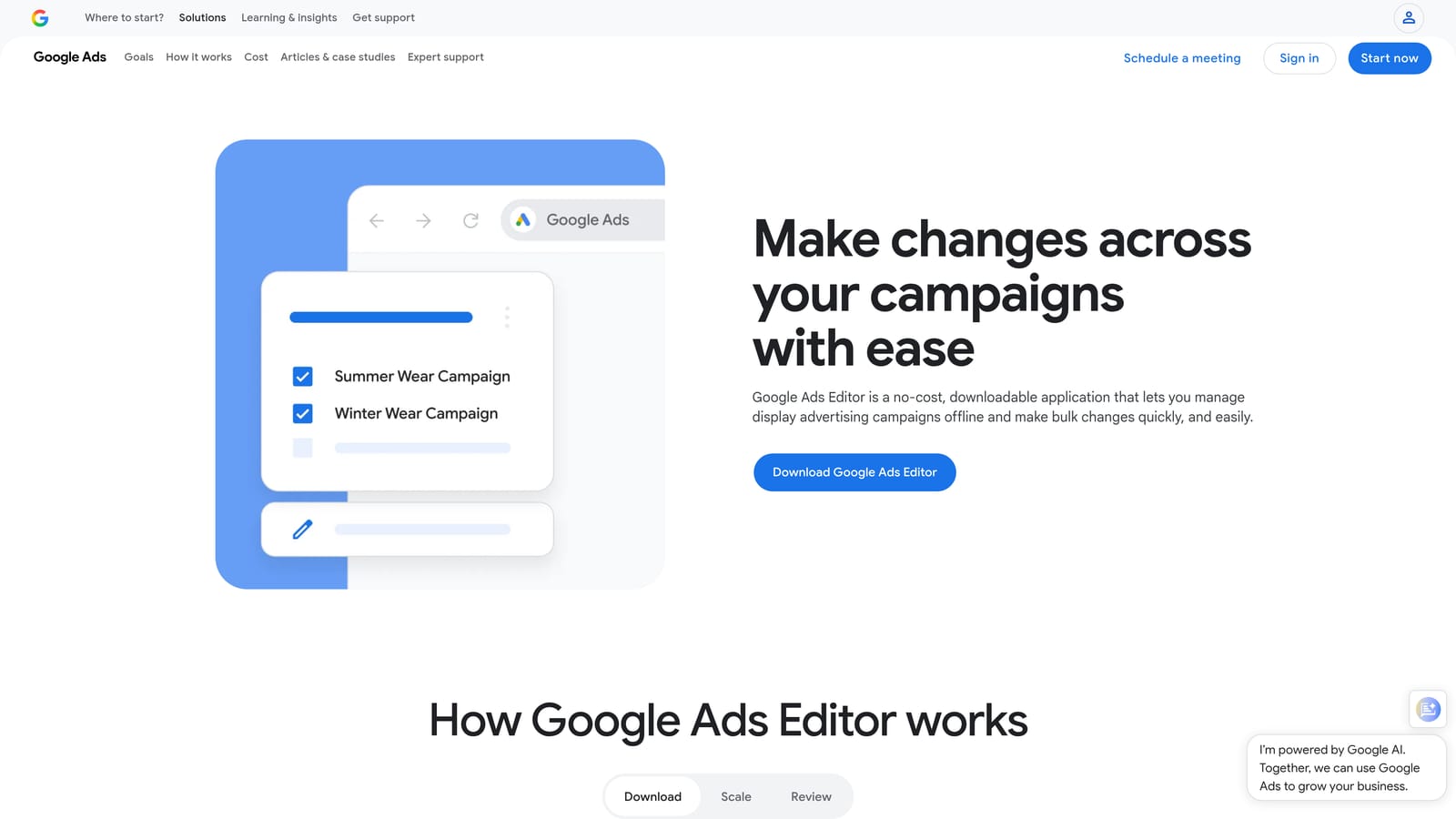
That review step is what sets it apart here. When you are renaming dozens of campaigns, restructuring ad groups, or rolling out new ads across accounts, you can see every pending change before it goes live. It is the safest way on this list to make large edits.
- Bulk edits across campaigns, ad groups, ads, and keywords, so a change that would take hours in the browser takes minutes.
- Offline drafting and review, which lets you build out work and check it before posting.
- Copy and paste across accounts, handy for agencies reusing a proven structure for a new client.
- Change history review, so you can see what was changed and track down mistakes.
It connects to Google Ads only and needs a download and sign-in. Whoever owns account structure typically runs it, and it is not something you open daily.
Be honest about the downsides. It has no search term mining or recommendation workflow, so it will not tell you what to change. The learning curve is steeper than the web interface, and a bulk mistake posted without checking can be just as big as a bulk win.
Pricing: Free.
Best for: Advertisers making large structural changes across accounts.
3. Optmyzr
Optmyzr is a PPC management suite built around optimization checks, rules, and reporting. It is the most automation-heavy tool here, designed for people managing many accounts who want repeatable checks rather than manual reviews.
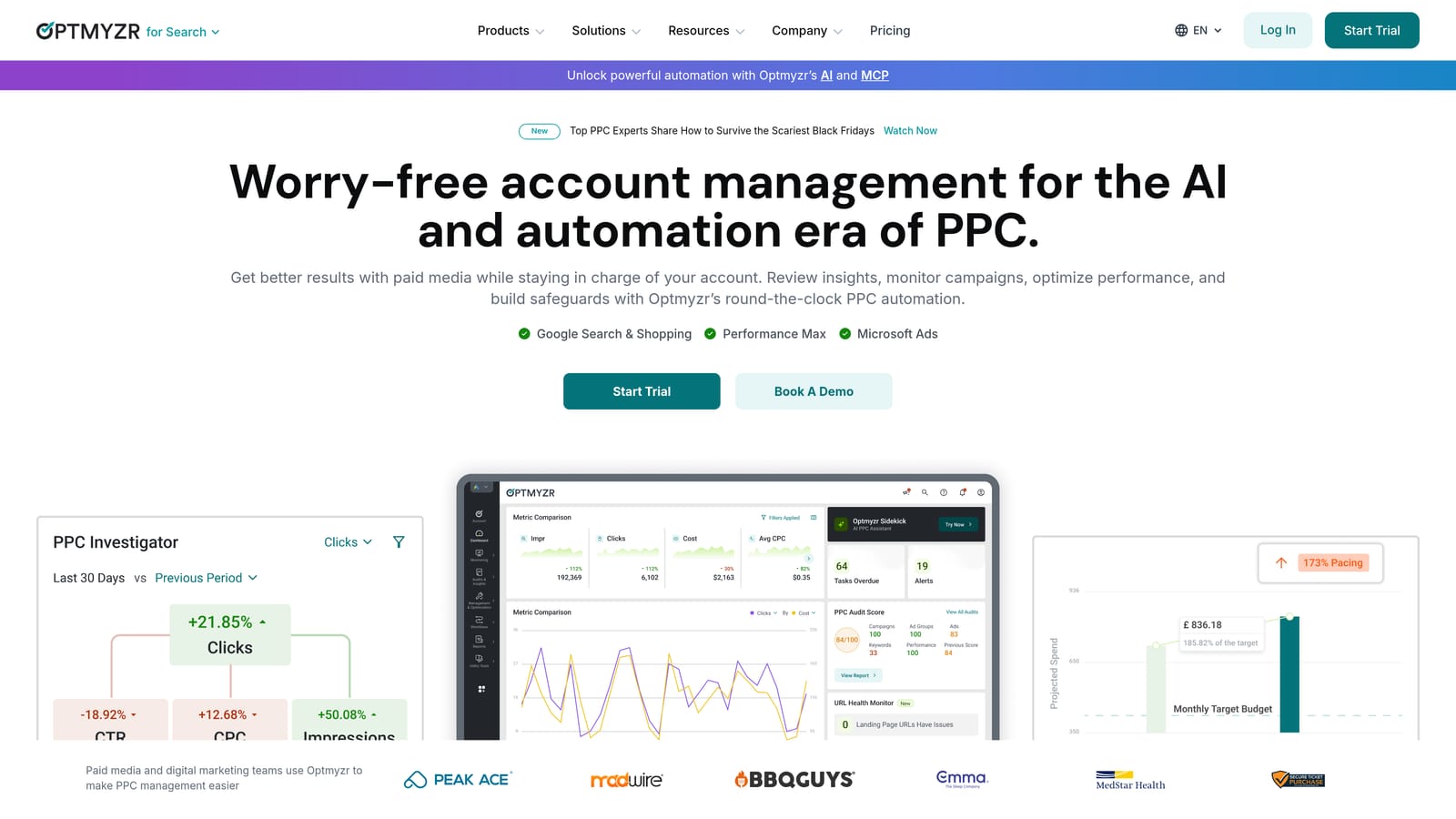
Its standout is customization. You can build your own rules and alerts, then lean on a library of one-click optimizations when you want a faster route.
- One-click optimizations that apply suggested fixes after you review them.
- A Rule Engine for alerts and bulk actions, so recurring checks run on a schedule instead of living in your head.
- Reporting, which can help agencies cut down on separate reporting tools.
- Account audits that surface issues across a portfolio.
It works with Google Ads, Microsoft Advertising, and Meta Ads, so it suits multi-platform shops. Setup takes longer than a browser extension: you connect accounts and configure rules, and someone needs to own that configuration.
Pricing is the catch for tiny budgets. Plans scale with ad spend, and a solo advertiser with one small account may be paying for far more than they use. Treat its recommendations as suggestions to review, not decisions to accept blindly.
Pricing: Tiered plans that scale with ad spend. As of November 2026, see the Optmyzr website for current prices and any trial.
Best for: Agencies wanting automation across many accounts.
4. Adalysis
Adalysis is an account auditing and ad testing platform for paid search. Where other tools help you act, Adalysis mostly helps you notice: what is underperforming, what is wasting spend, and which ad variations are winning.
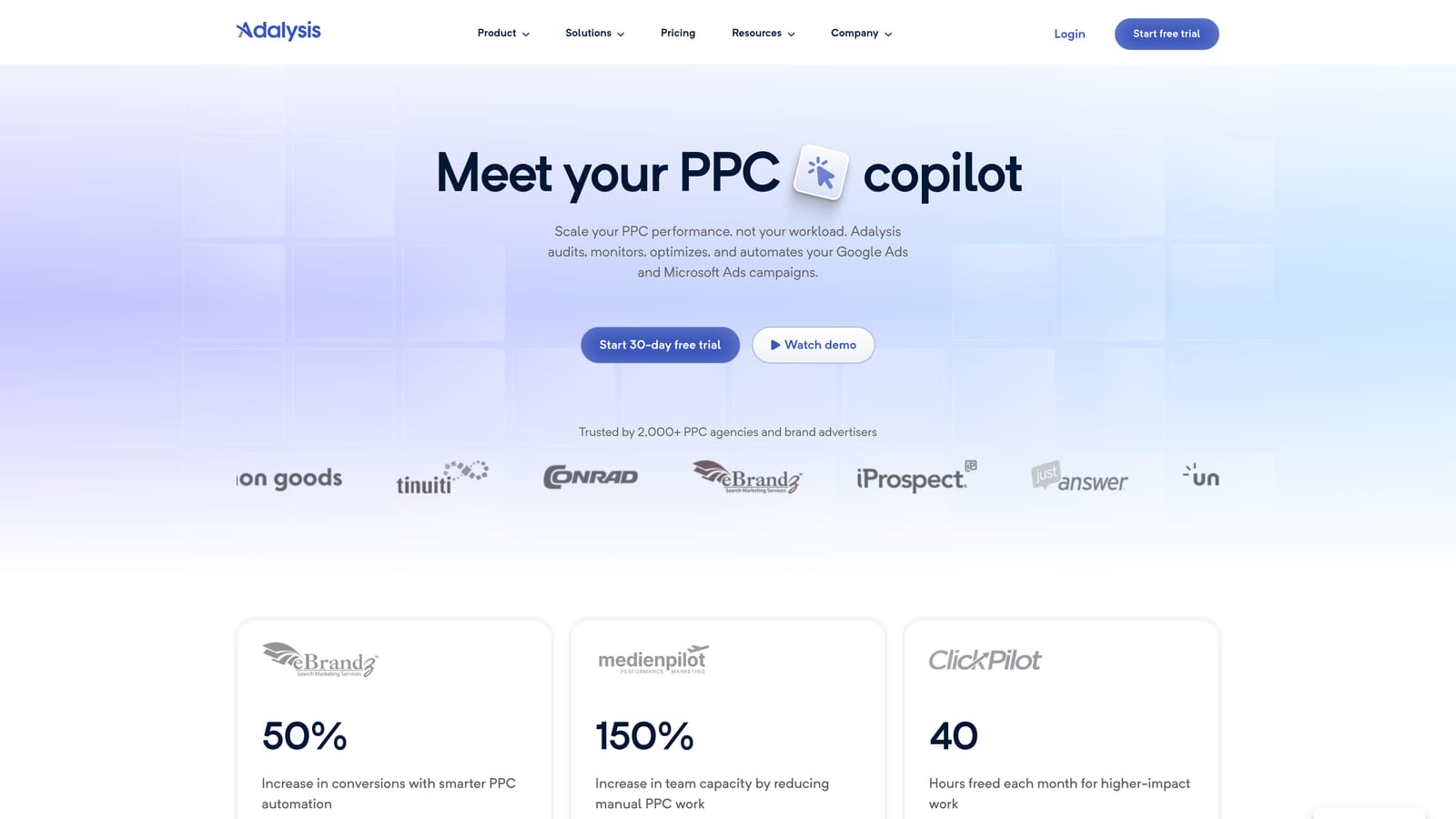
Its strongest area is automated ad copy testing. It tracks which ads are pulling ahead and flags results, backed by detailed alerts that make regular account health checks more systematic.
- Automated ad testing, so you don't compare ad variations by eyeballing a table.
- Account audits and alerts that flag problems before the monthly review.
- Quality and wasted spend flags that point to where money is leaking.
- Reporting for sharing results with clients or stakeholders.
It integrates with Google Ads and Microsoft Advertising. Connection is straightforward, but making use of the alerts takes steady attention from someone who reads them and acts.
It is audit-focused rather than a one-click fixer, so you still make the changes elsewhere. For a single small account with few ads, it may be more than you need.
Pricing: As of November 2026, check the Adalysis website for current plans and any trial. Pricing details were not confirmed for this article.
Best for: Teams that want systematic ad testing and account health checks.
5. Google Ads Scripts
Google Ads Scripts lets you write JavaScript that runs inside your Google Ads account. It is built in, and it costs nothing.
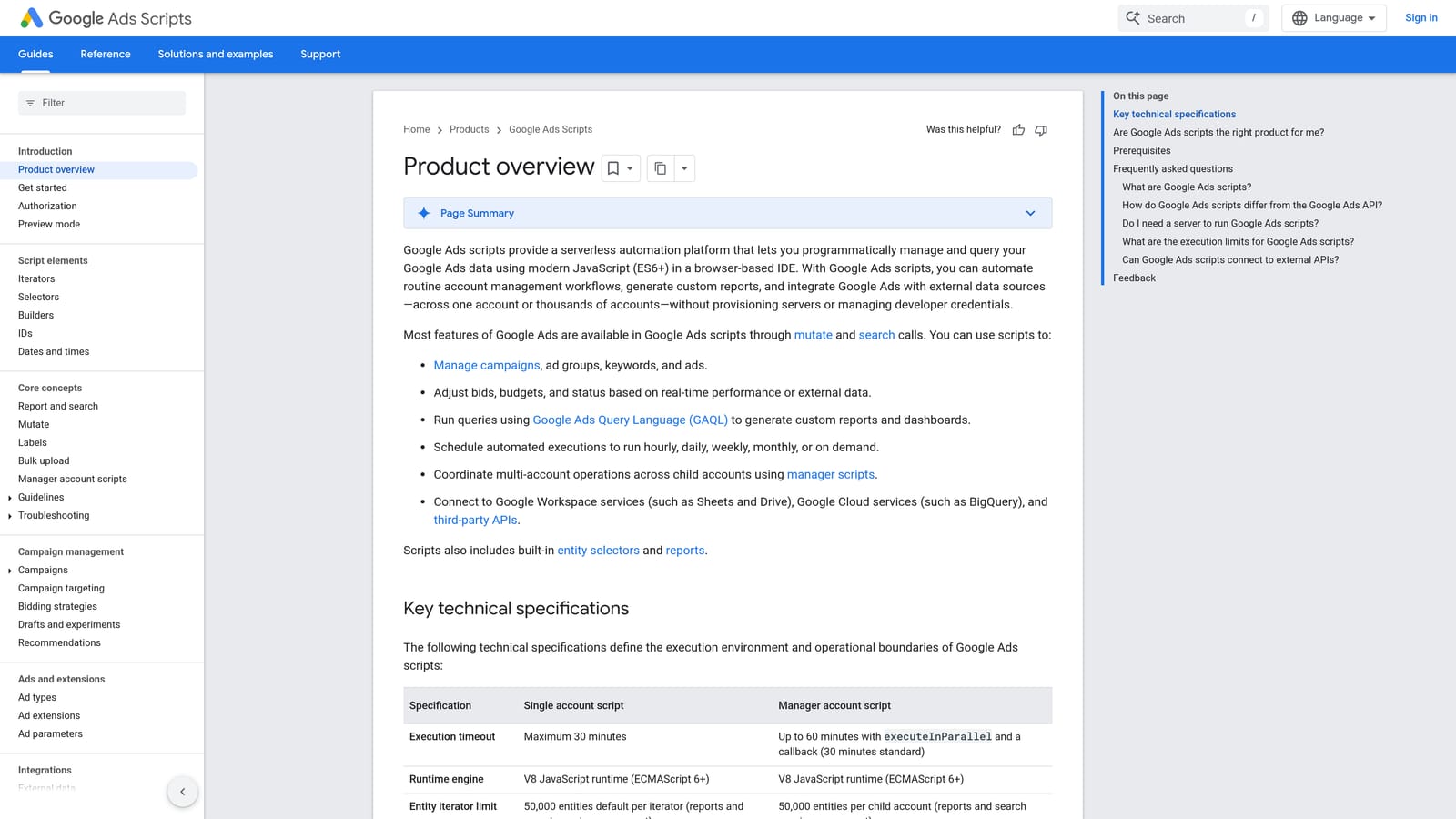
The advantage is flexibility. If you can describe a check, you can probably script it, and there is no license fee for doing so.
- Budget and anomaly alerts that email you when spend or performance moves unexpectedly.
- Broken URL checks, so ads don't keep sending people to dead pages.
- Custom reports written to the shape you want.
- Scheduled automation, so scripts run without you remembering to.
Scripts work with Google Ads and can write to Google Sheets, which is where many custom reports end up. Setup means pasting or writing code, authorizing it, and setting a schedule.
The cost is your time. You need coding comfort, and scripts need maintenance when something changes or breaks. A script that silently fails is worse than no alert at all, so test and check them. It is not for people who want a point-and-click tool.
Pricing: Free.
Best for: Technical advertisers who want custom alerts for free.
6. Looker Studio
Looker Studio is Google's free dashboard and reporting tool. With its Google Ads connector, you can pull campaign data into a dashboard and share it with a client, so reporting stops being a monthly copy-and-paste chore.
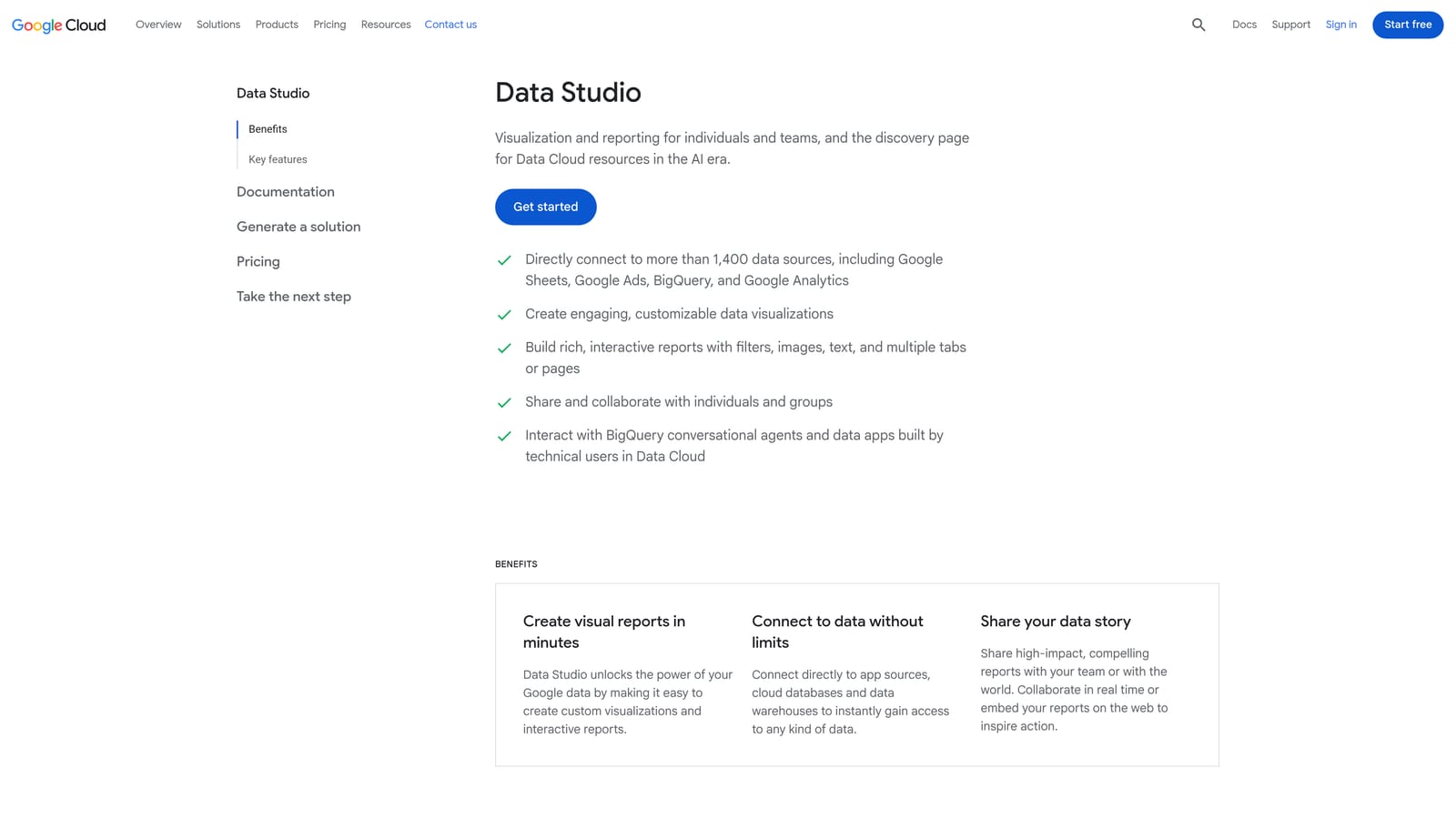
It stands out as free, customizable client reporting. You decide which metrics appear, how they look, and who sees them.
- A native Google Ads connector, which pulls data in without manual exports.
- Shareable dashboards, so clients can check results without waiting for a PDF.
- Scheduled email reports that go out on their own.
- Custom visualizations to tailor charts to what each client cares about.
It also connects to Google Analytics, Google Sheets, and BigQuery. A simple dashboard is quick; a complex multi-source one takes real time to build and tidy. Whoever owns client communication usually builds it, and templates help you reuse the work.
It only reports. It cannot change anything in your account. Some connectors from third parties carry a paid cost, so check before relying on one.
Pricing: Free, with paid options for some connectors.
Best for: Freelancers who need client reporting without paying for a suite.
7. Google Analytics 4
Google Analytics 4 (GA4) is Google's free analytics platform. Linked to Google Ads, it shows what visitors do after they click, which Google Ads alone cannot fully tell you.
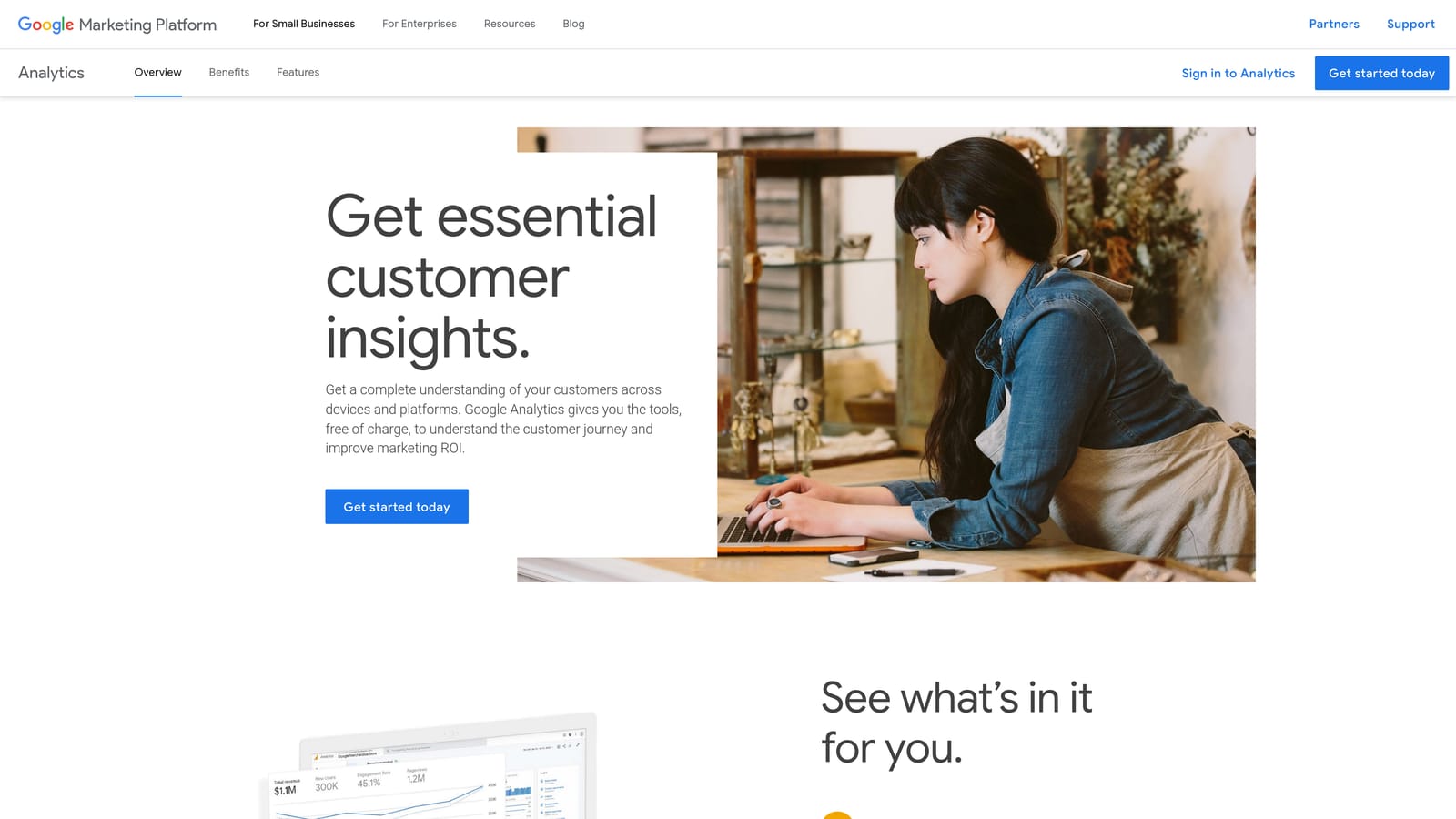
That post-click view is its contribution. A campaign may produce cheap clicks, but GA4 can show whether those visitors engage, convert, or leave straight away.
- Engagement and conversion tracking that shows which traffic does something useful.
- Audience creation, so you can build segments to use in your campaigns.
- Google Ads linking that ties ad data to on-site behavior.
- Exploration reports for digging into paths and segments beyond standard views.
It works with Google Ads, Looker Studio, and BigQuery. Setup is where trouble starts: wrong event or conversion configuration skews every number that follows, so check it carefully. Usually a marketer or developer owns the setup, then others read from it.
On its own, it isn't an optimization tool. It informs decisions rather than making them, and it has a learning curve.
Pricing: Free.
Best for: Advertisers who need to see what happens after the click.
8. Microsoft Clarity
Microsoft Clarity is a free tool for session recordings and heatmaps. It answers a question no ad-account tool can: why do people land on your page and then not convert?
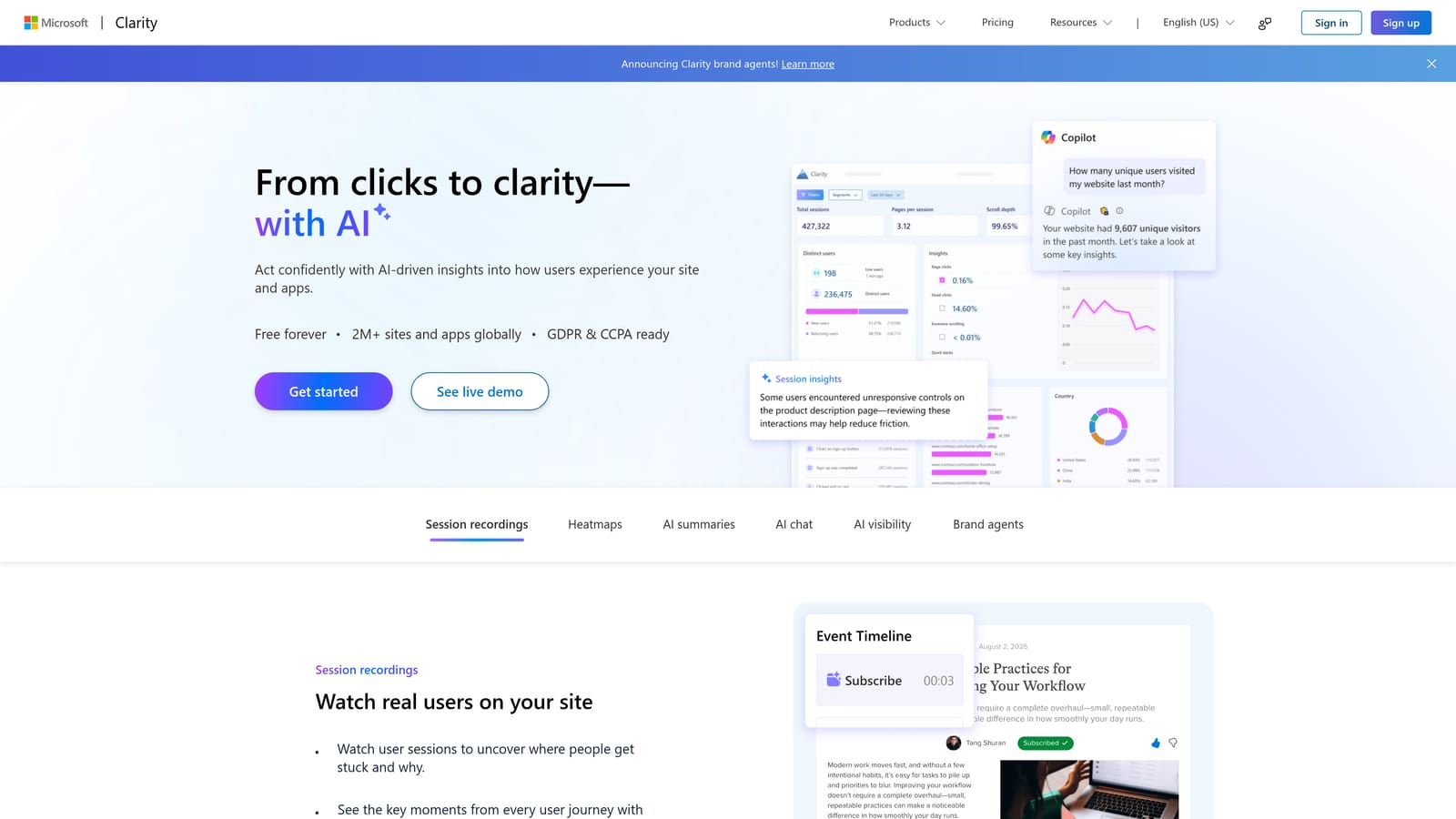
You watch real visits and see where people click, scroll, and give up. That visual diagnosis can show a broken form or a buried button in minutes.
- Session recordings that replay what visitors did on your landing page.
- Heatmaps that show where attention and clicks concentrate.
- Rage and dead click detection, which flags frustration and elements that don't respond.
- Google Analytics integration, so you can connect behavior to your wider data.
It also integrates with Microsoft Advertising. Setup is adding a tracking snippet to your site, and whoever manages the website or landing pages usually handles it.
It diagnoses pages only. It has no ad account controls, and it will not fix anything for you. You need enough traffic for patterns to mean something, and recordings can eat time if you watch without a question in mind.
Pricing: Free.
Best for: Advertisers troubleshooting landing page conversion problems.
9. Ubersuggest
Ubersuggest is a low-cost keyword research and competitor analysis tool. It helps you find ideas and see what competitors are doing before you spend on campaigns.
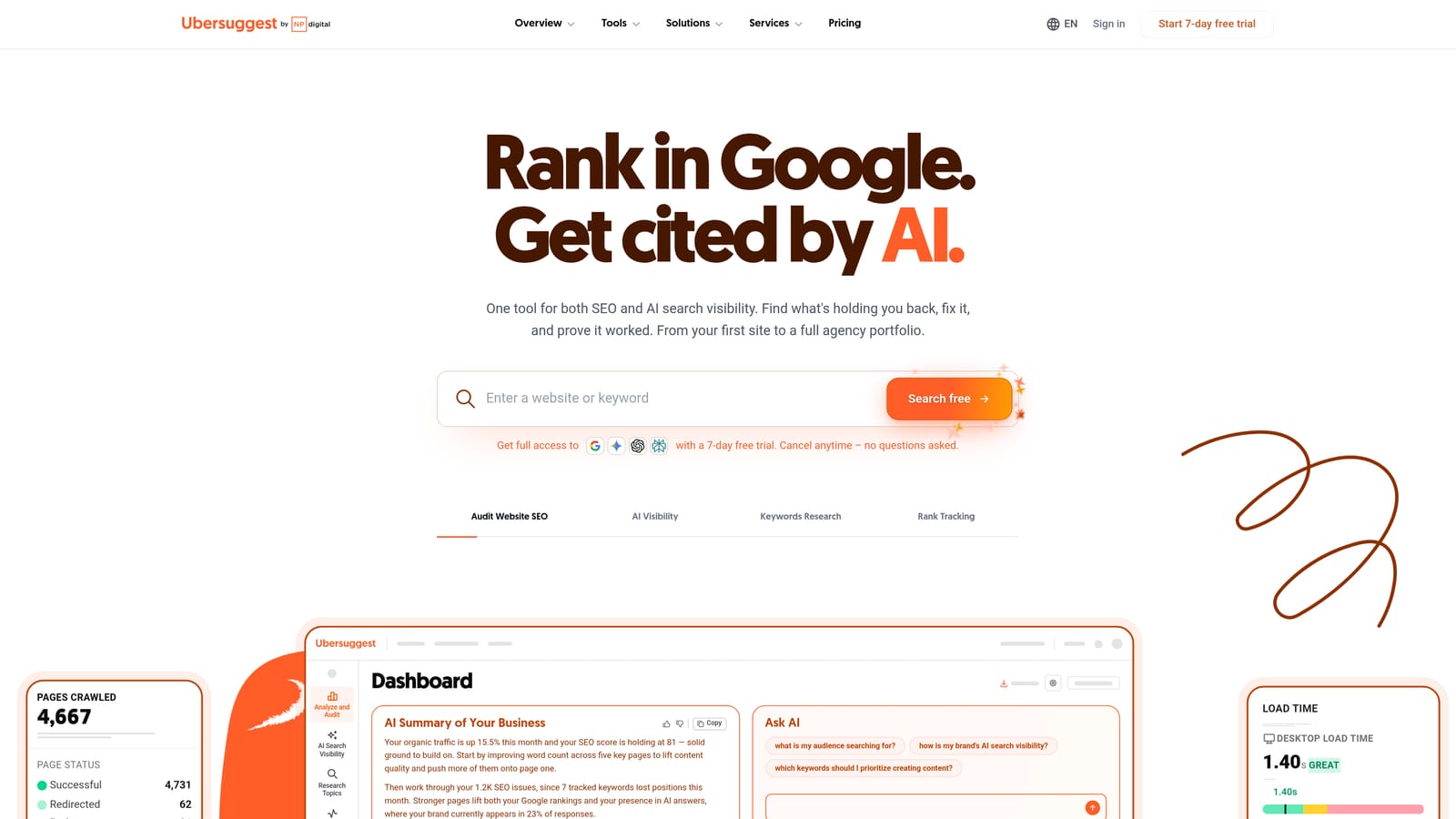
Its value on this list is cheap keyword discovery. If you are starting from nothing, it can give you a seed list to refine.
- Keyword suggestions that widen a short starting list.
- Competitor research that shows what rivals rank and compete for.
- Keyword difficulty and CPC estimates to gauge competition and cost.
- A site audit for spotting basic website issues.
It connects with Google Search Console and Google Analytics. Setup is light, and you can use it without much training.
It is SEO-oriented, and its numbers are estimates, so treat CPC figures as rough guides and not forecasts. It is not a PPC account optimization workflow, so it helps before launch more than after.
Pricing: As of November 2026, see the Ubersuggest website for current plans and any free usage. Pricing was not confirmed for this article.
Best for: Early-stage advertisers building seed keyword lists on a tight budget.
Which Budget Tool to Pick for Your Situation
Cheap tools don't replace strategy, and any automation or recommendation needs a human to review it. Within that, the best budget stack is usually one paid tool plus free Google tools, not a pile of subscriptions.
- Search term cleanup: Keywordme.
- Bulk editing: Google Ads Editor.
- Automation and audits: Optmyzr or Adalysis for teams; Google Ads Scripts if you can code.
- Reporting: Looker Studio.
- Landing page diagnosis: Microsoft Clarity, with GA4 for post-click data.
- Keyword research: Ubersuggest.
If you pick one paid tool, make it the one that removes your most repeated chore. For most freelancers and agencies, that is weekly search term review, and pairing Keywordme with Google Ads Editor, Looker Studio, and GA4 covers a lot of ground for very little money.
Optimize Google Ads Campaigns 10X Faster. Without Leaving Your Account. Keywordme lets you remove junk search terms, build high-intent keyword lists, and apply match types instantly, right inside Google Ads. No spreadsheets, no switching tabs, just quick, seamless optimization. Start your free 7-day trial (then just $12/month) and take your Google Ads game to the next level.
